You typed "Seedance" into a search bar and got twenty tabs that all contradict each other. One says it is free. Another says it costs a small fortune. A third says it is blocked in your country. The confusion is real, because Seedance is not one product. It is a family of AI video models from ByteDance, sold through different apps, APIs and platforms, each with its own credits, caps and clip lengths.
This article sorts it out. You will see what Seedance is, how the versions differ, which free routes actually work, what the pricing looks like, where the limits bite, and which prompts produce good clips.
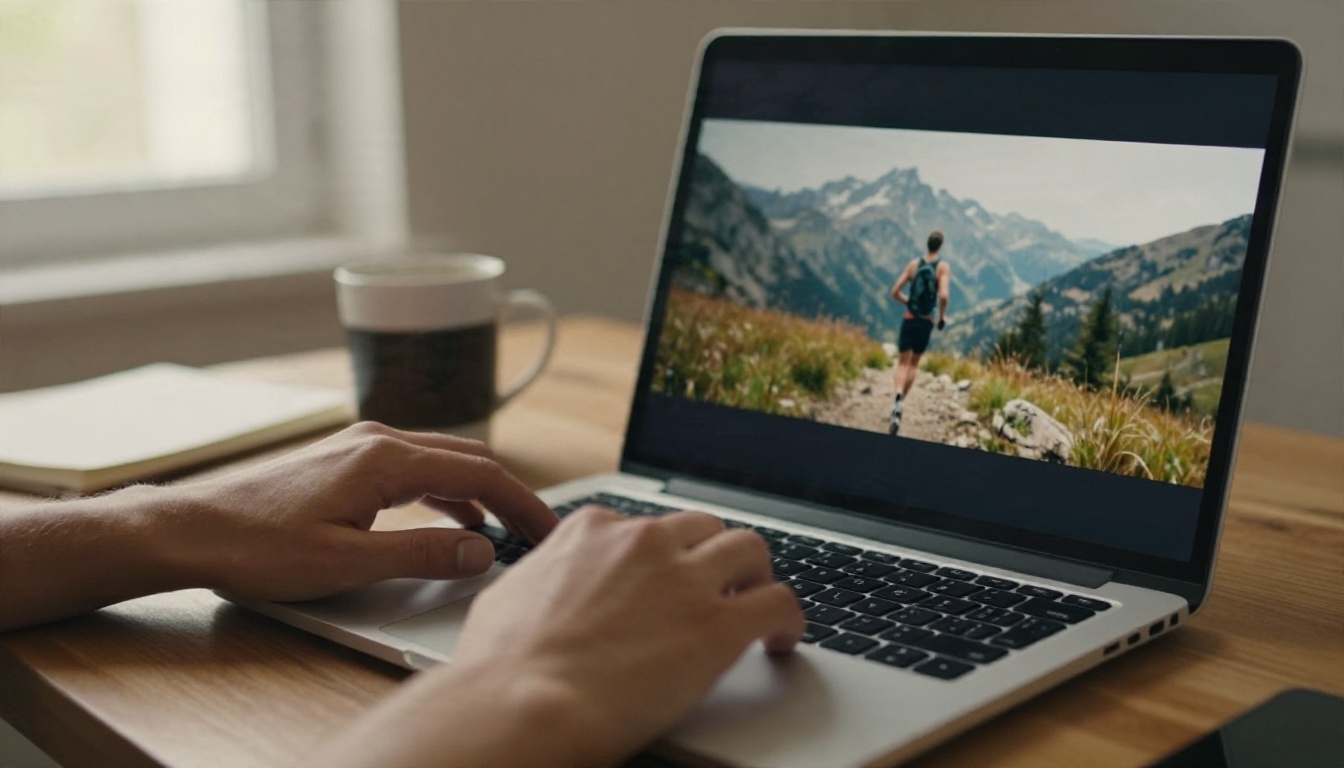
What Seedance Actually Is
A video model family from ByteDance
Seedance is ByteDance's text-to-video and image-to-video model line. You describe a scene in plain language, or upload a still image as the opening frame, and the model returns a short clip. Newer versions also generate synchronized audio, so a clip arrives with ambient sound, effects or dialogue instead of silence.
ByteDance also makes the Seedream image models, which sit next to Seedance in the same family. If you want a still image first and a moving clip second, that pairing works well. Seedream 4.5 is a solid starting frame generator.
What it does well
Seedance earned its reputation on motion that looks directed, not random. Camera moves like dollies, pans and tracking shots tend to follow the prompt. Characters keep their look from the first frame to the last more often than in older models. Multi-shot prompts, where you describe a cut from one angle to another, are a strength of the newer versions.
💡 Quick rule: Seedance rewards prompts written like a shot list. Describe what happens in order, name the camera move, and state the light. Vague prompts get generic clips.
Typical uses include:
- Short social clips for vertical feeds
- Product and food ads with slow, controlled camera moves
- Concept shots for pitches and storyboards
- Animating a still, such as a portrait, a landscape or a packshot
- B-roll that would cost real money to film
Every Seedance Version Compared
The name covers a lot of ground, so version matters. Here is the lineup, using the versions you can actually run on PicassoIA.
Seedance 2.0 itself arrived in early 2026 and drew attention for its multi-shot control and audio. The full 2.0 model is not listed on PicassoIA, so this article does not link it. The Mini edition is the 2.0 generation option you can run there, and Seedance 2.5 sits above both.
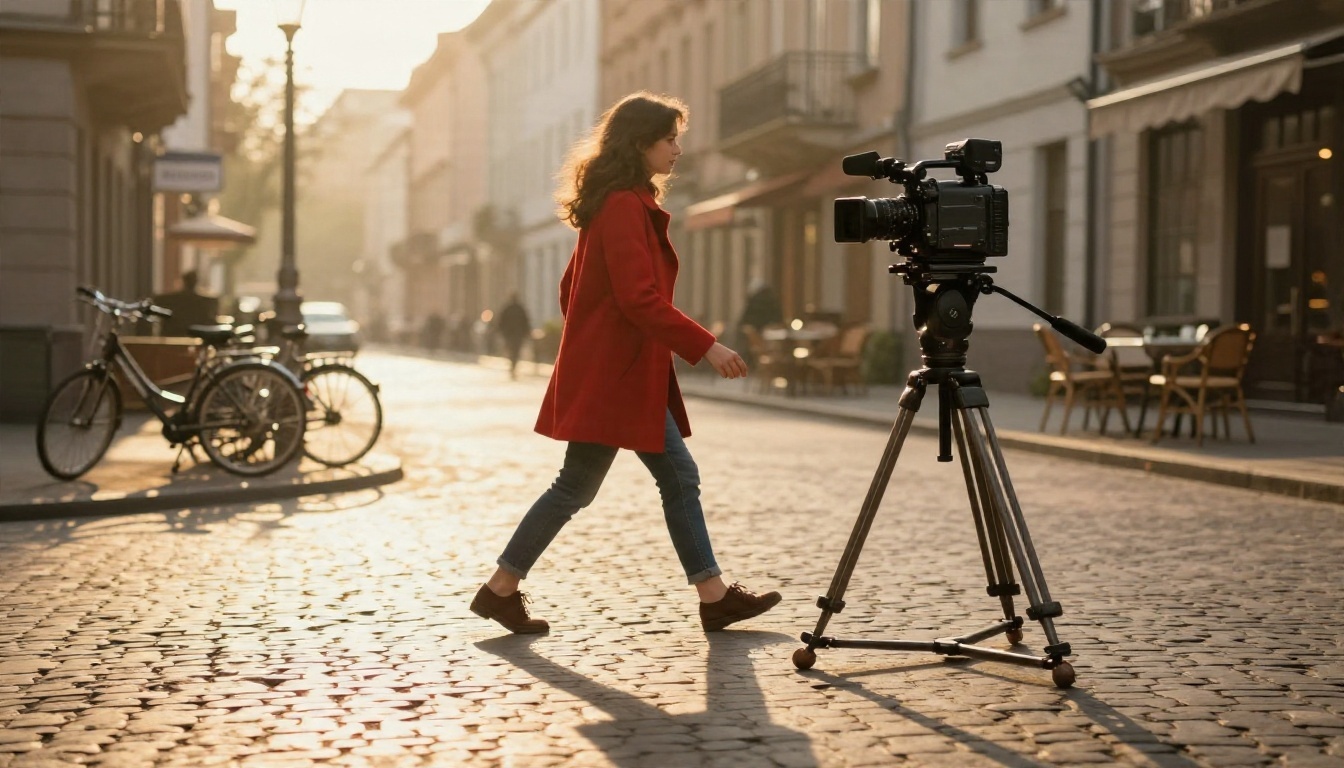
Free Access: What Really Works
Let's be straight about this: ByteDance does not sell a free, unlimited Seedance plan. What exists is a set of free entry points with daily caps, trial credits and platform promotions. The details change often, so treat any number below as a snapshot.
Daily credits on the official app
ByteDance's creative app Dreamina is the main official route. Free accounts receive a daily credit allowance with no card required. Reports on the exact amount vary, with figures from about 120 to a couple hundred credits per day shared across all of the app's tools. Credits spent on a clip depend on its length and quality, so a free day usually buys one or two short clips, not a full project.
Other things worth knowing:
- CapCut offers Seedance inside its editor, but reports say the newest model needs a paid CapCut Pro plan.
- Chinese apps from ByteDance, such as Doubao and Xiao Yunque, give free daily generations, but they are built for users in China.
- Third party platforms often hand out trial credits to new sign ups.
Always check the allowance inside your own account. Numbers on blogs go stale within weeks.

Free and unlimited on PicassoIA
If you want volume instead of a daily cap, Seedance 2.5 Lite is built for that. Elite and Infinite members run it with no per-clip cost and no daily counter. It makes clips of 5 or 10 seconds at 480p or 720p, with synchronized audio on by default.
That setup suits iteration. You can test ten prompt variations, change the seed, and rebuild a scene without watching a balance drop. When a shot is final, you can step up to Seedance 2.5 for longer output.
What to skip
- Sites promising "unlimited free Seedance 2.0" with no sign up. Many are wrappers that watermark, throttle, or collect your data.
- Unofficial downloads and "cracked" apps. There is no installable Seedance. It runs in the cloud.
- Any site asking for payment details to "verify" a free trial.
💡 Tip: A real free tier tells you its daily cap up front. If a page hides the limit, assume it is a trap.
The Real Cost of Seedance
Pricing depends on how you reach the model, not just which version you pick.
| Route | How you pay | What to expect |
|---|
| Dreamina free tier | Daily credits | A clip or two per day |
| Dreamina paid plans | Monthly subscription | Reports range from roughly $15 to $80+ per month depending on tier |
| CapCut Pro | Monthly subscription | Reported around $10 per month for access in the editor |
| Developer API | Per second or per token | Billed by usage, no free tier for the newest models |
| PicassoIA | Membership | Unlimited Lite generations for Elite and Infinite members |
Subscriptions
Subscription plans bundle credits. A bigger plan buys more seconds of video, higher resolution and priority in the queue. The plan names and credit counts shift often, and the figures published by third party blogs do not agree, so read the pricing page inside the app before you pay.
A useful way to compare plans is cost per finished clip, not cost per month. If only one in four generations is usable, your real price is four times the sticker rate per second.

API billing
Developers who build Seedance into their own product pay per second of video or per token, depending on the provider. Rates are higher for higher resolution and for audio. New accounts sometimes get a small trial balance, but the newest models do not have a standing free tier.
Budget for retries. Video generation is not like text, where the first answer is usually fine. Plan on several attempts per final shot.
Limits You Will Hit
Clip length
Each model has a ceiling. Seedance 1 era clips are short, typically 5 to 10 seconds. Seedance 2.5 Lite offers 5 or 10 seconds. Seedance 2.5 stretches to 30 seconds, which is long enough for a small scene with a beginning, middle and end.
For anything longer, the usual approach is to generate several shots and cut them together in an editor.
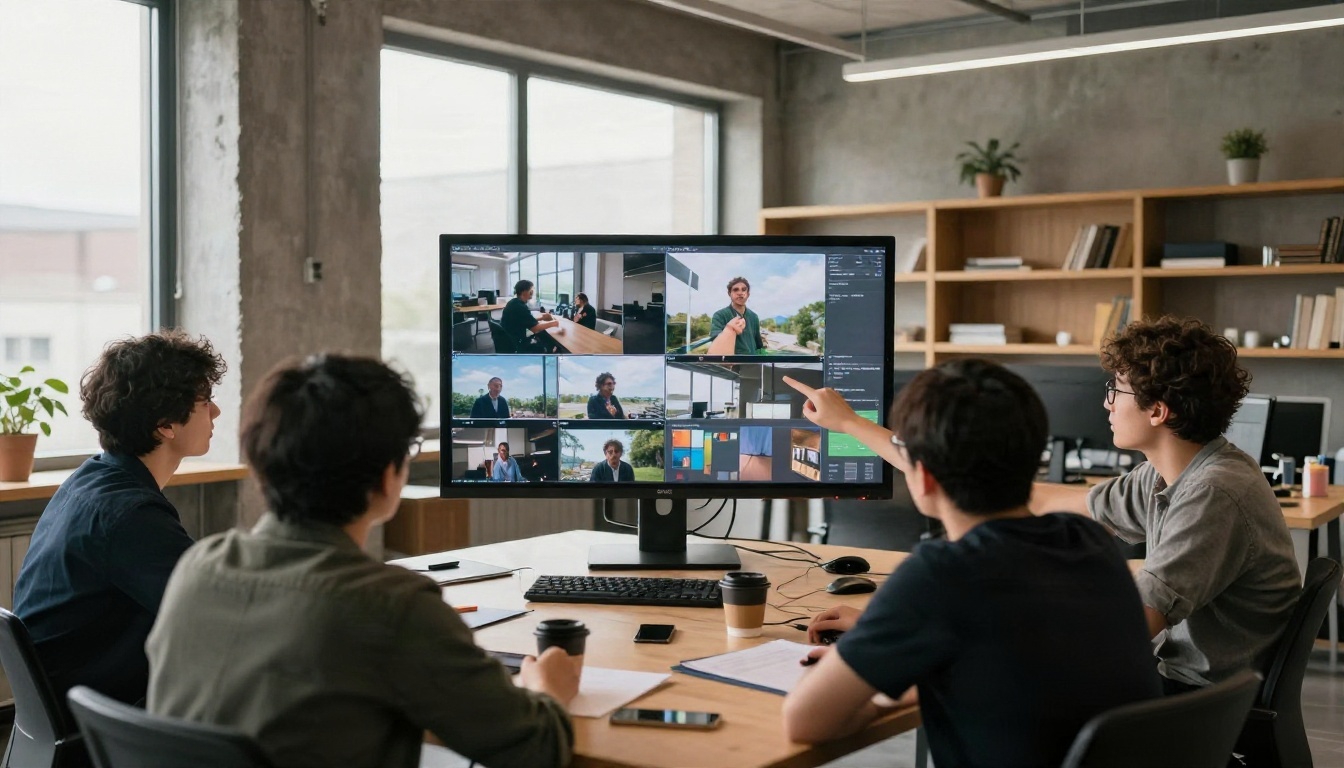
Resolution
Free and entry plans are commonly capped at 720p. Paid tiers and Pro models reach 1080p, and some reports mention higher. The Lite model on PicassoIA sticks to 480p and 720p, which is why it can run without limits.
| Resolution | Use it for |
|---|
| 480p | Fast drafts and prompt testing |
| 720p | Social posts, web, ads on small screens |
| 1080p | Final delivery, presentations, larger displays |
Region and queue
Access is not equal everywhere. Seedance 2.0 rollouts have been uneven by country, and some apps are limited to specific regions. Free users also wait longer when servers are busy, and a single render can take several minutes.
A few other limits to expect:
- Content filters reject real public figures and some brand imagery.
- Text inside video is unreliable. Short words work, long sentences usually warp.
- Hands, crowds and fast sports still break more often than slow, simple scenes.
- Consistency across separate clips needs a fixed seed or the same starting image.
Examples Worth Trying
Seedance responds best to chronological, camera aware prompts. Here are three patterns that work, with the kind of result to expect.
Landscape and travel
Aerial drone shot gliding forward over a rugged coastline at sunrise, turquoise waves rolling onto pale sand, a lone sailboat in the distance, thin mist over the water, warm golden light, ambient wave sound.
Wide scenes with slow camera movement are where the model looks its best. Water, clouds and light are rendered convincingly.

Food and product ads
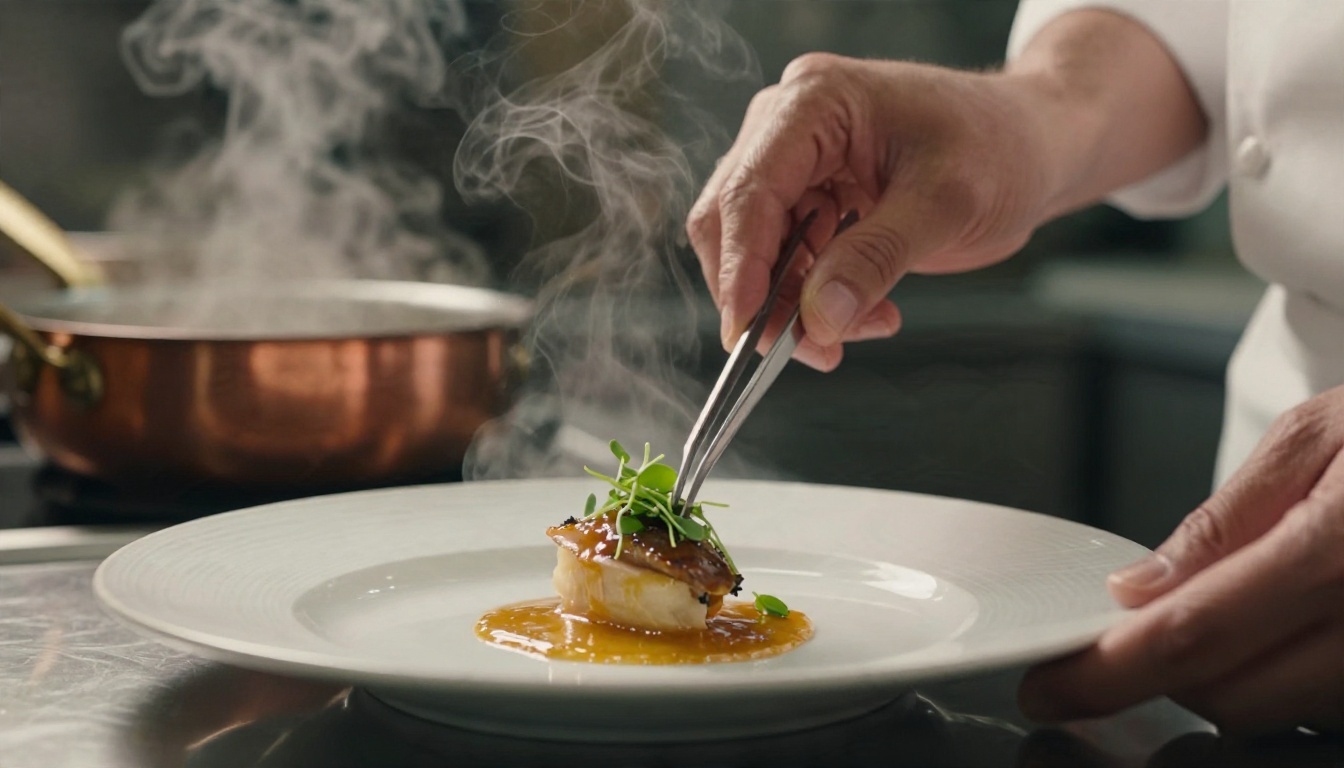
Close-up of a chef placing a microgreen on a plated dish with tweezers, steam rising from a copper pan in the background, slow push in, warm tungsten light, soft sizzling sound.
Close-ups with one clear action are easier than busy scenes. A slow push in gives the clip a polished, commercial feel.
Social and lifestyle
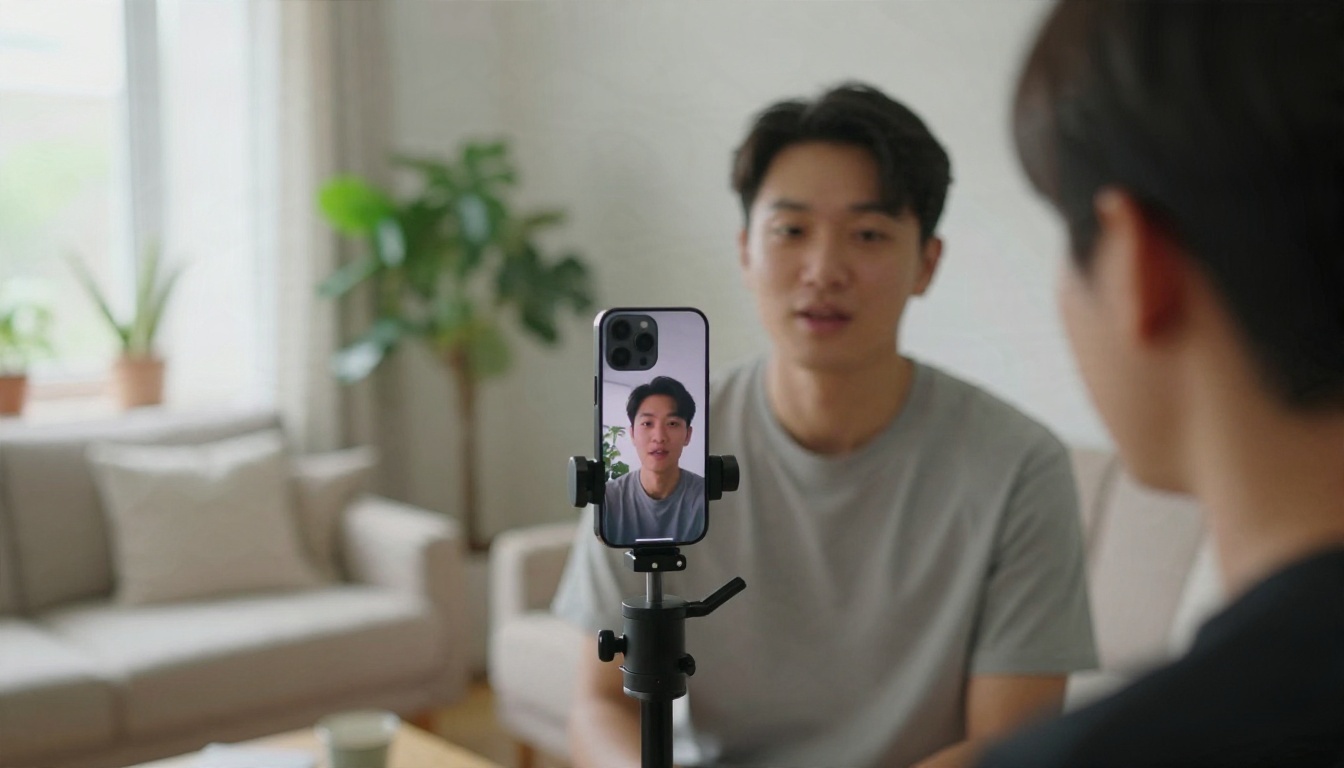
Handheld tracking shot following a creator walking through a bright apartment holding a gimbal, plants and a linen sofa in the background, soft window light, upbeat room tone.
For vertical posts, set the aspect ratio to 9:16 and keep the action in the center of the frame.
Five habits that improve results
- Lead with the subject, then the action, then the camera move.
- Name the light, such as "soft window light from the left" or "golden hour backlight".
- Keep one action per shot. Two actions in 5 seconds muddy both.
- Start from an image when you need a specific look. The opening frame locks the style.
- Write the sound in the prompt when the model supports audio.
How to Use Seedance 2.5 Lite on PicassoIA
The simplest way to start is Seedance 2.5 Lite. The steps below use the options the model actually offers.
Step by step
- Open the model page. Go to the Seedance 2.5 Lite page and sign in with an Elite or Infinite membership for unlimited runs.
- Write your prompt. Use the shot list pattern: subject, action, camera move, light, sound.
- Add an image if you have one. The Input image field uses your picture as the opening frame, and the clip inherits its aspect ratio. Leave it empty for pure text to video.
- Set the resolution. Pick 480p for fast drafts or 720p for sharper output.
- Choose the duration. Select 5 seconds for a quick beat or 10 seconds for a full action.
- Pick an aspect ratio. Options include 16:9, 9:16, 1:1, 4:3, 3:4, 3:2 and 2:3. This is ignored when you supply an input image.
- Decide on audio. Save audio is on by default. Turn it off for a silent clip.
- Lock a seed when you like a result. Reusing the seed with a small prompt change gives you controlled variations.
- Generate, review, repeat. Iterate freely, since Lite has no per-clip cost for eligible members.
Parameter tips
| Setting | Recommendation |
|---|
| Resolution | 480p while testing, 720p for the keeper |
| Duration | 5 seconds for single moves, 10 for a mini scene |
| Last frame image | Add it only with a first frame, to steer how the shot ends |
| Seed | Fix it when comparing prompt changes |
| Aspect ratio | 9:16 for vertical feeds, 16:9 for everything else |
💡 Workflow idea: Generate a still with Seedream 4.5, feed it into Seedance 2.5 Lite as the first frame, and you control the look before any motion starts. Once the shot works, rebuild it in Seedance 2.5 if you need more length.
When to Pick Something Else
Seedance is strong, not universal. Different models win at different jobs.
A sensible routine is to draft in a fast or unlimited model, then finish in a premium one. That keeps cost down and still gives you a polished final clip.
Make Your First Clip Today
Seedance is worth the attention, but the right plan depends on how you work. If you make a few clips a month, a free daily allowance in the official app may be enough. If you iterate heavily, a volume friendly route saves both money and patience.
Here is a simple plan for this afternoon:
- Pick one scene from the examples above.
- Run it in Seedance 2.5 Lite at 480p to test the idea.
- Adjust the prompt twice, then lock the seed.
- Render the winner at 720p.
- Move to Seedance 2.5 if the story needs more seconds.
You can try all of these models, plus image, audio and editing tools, at picassoia.com/en/all-models. Write a prompt, press generate, and see what your idea looks like in motion.


