Search for an "uncensored video generation API" and you will find a pile of vendor blogs that all claim to be the answer. Most of them are selling something. The honest picture is messier: there is no single winner, prices swing by a factor of twenty between providers, and the word "uncensored" means something different at every company. This article sorts out what you are really buying, what a second of generated video costs right now, which models deserve a test, and where the hidden limits bite.
I looked at the pricing and model landscape as it stands in November 2026. Figures below come from third-party roundups and reseller listings, which often disagree with each other, so treat them as ballpark numbers and confirm on the provider's own pricing page before you budget a project.
💡 Quick answer: For raw cost per second, hosted Wan models are the cheapest serious option. For motion quality, Kling v3 and Veo 3.1 lead. For adult-leaning or unfiltered creative work, the most reliable path is an image-first workflow: build the still with an unrestricted image model, then animate it.
What "Uncensored" Actually Means
Nobody ships a video model with zero rules. Every hosted API sits somewhere on a spectrum, and the label "uncensored" is marketing shorthand for "stricter than nothing, looser than the big labs." Before comparing prices, it helps to know which layer of filtering you are dealing with.
Three Layers of Filtering
Most video pipelines stack up to three separate checks:
- Prompt filters. Your text is scanned before any compute happens. Blocked words or topics return an error instantly.
- Model-level training. The model itself was trained to refuse or blur certain content, no matter how you phrase the request.
- Output filters. The finished clip is scanned and withheld if it trips a classifier. You may still be billed for the render.
A provider that skips only the first layer is not really "uncensored." A provider that skips all three usually runs open-weight models on rented GPUs, and the trade-off is a messier setup and your own responsibility for what you generate.
Why Big Labs Block So Much
Google, OpenAI and similar companies carry legal and brand risk, so their video APIs are the strictest. Veo and Sora-class products refuse a wide range of requests, including plenty of harmless ones like swimwear fashion shoots or stylised violence in a film scene. If your project touches glamour, intimacy, horror or anything an overcautious classifier dislikes, you will spend more time rewording prompts than rendering.
⚠️ Worth stating plainly: Generating real people without consent, minors, or anything illegal is off the table everywhere and should be. "Uncensored" should mean creative freedom for adults making original content, not a loophole.
The Real Cost of a Second

Video APIs bill per second of output, sometimes per clip, and in one notable case (ByteDance's own platform) per million tokens. Normalising everything to dollars per second is the only way to compare. The ranges below reflect what roundups published between August and November 2026 reported.
Budget Tier: Under $0.10 Per Second
This is where hosted open-weight and open-style models live. Wan 2.6 shows up at roughly $0.05 to $0.07 per second across several resellers, and one listing puts a no-audio 720p Flash variant at about $0.025 per second. Older Wan 2.2 deployments are cheaper still, with one provider quoting around $0.044 for a five-second 720p clip. Some roundups put the floor of the whole market near $0.02 per second.
Budget tier is ideal for volume: social clips, B-roll, product loops and anything where you will throw away most generations.
Mid-Range: $0.10 to $0.20 Per Second
Kling 3.0 generally lands between $0.07 and $0.13 per second, depending on audio and resolution. One guide puts 1080p without native audio near $0.112. Seedance 2.0 variants sold through resellers cluster around $0.09 to $0.13, while Wan 2.7 at 1080p reaches about $0.14. You pay a premium here for steadier faces, better physics and fewer wasted renders.
Premium: $0.20 and Up
Veo 3.1 at standard quality is quoted anywhere from $0.20 to $0.40 per second, with 4K around $0.60. Cheaper Fast and Lite tiers exist and are reported far lower. Sora 2 Pro tops several lists at around $0.70 per second, and its API was reported to be winding down in late September 2026, which is a reminder that depending on one vendor carries its own risk.

| Tier | Typical model | Approx. price per second | Best for |
|---|
| Budget | Wan 2.2 / 2.6 Flash | $0.02 to $0.07 | High volume, drafts, loops |
| Mid-range | Kling 3.0, Seedance 2.0, Wan 2.7 | $0.07 to $0.14 | Client work, steady quality |
| Premium | Veo 3.1 standard / 4K | $0.20 to $0.60 | Hero shots, native audio |
| Top end | Sora 2 Pro | around $0.70 | Rarely worth it for volume |
💡 Budget maths that saves you: A 30-clip project at 5 seconds each is 150 seconds. At $0.06 that is $9. At $0.40 it is $60. Now multiply by the three or four retries you will realistically need per clip. Cheap-per-second with a decent hit rate usually beats expensive-per-second.
Models Worth Testing
Model choice decides your hit rate more than the provider does. Here are the families I would put in a test batch, all of which have pages on PicassoIA so you can try them without writing a line of code.
Wan 2.6 for Budget Volume
Wan is the default answer when cost matters. Wan 2.6 T2V generates HD clips from text, Wan 2.6 I2V animates a photo, and Wan 2.6 I2V Flash trades a little polish for speed. Image-to-video is where Wan shines: it keeps the subject, outfit and lighting of your source image remarkably consistent.
Kling v3 for Motion Realism
Kling v3 Video is strong on cinematic camera moves and believable body movement. Kling v3 Omni Video pushes to 1080p, and Kling v3 Motion Control lets you drive a character with a reference movement. It is the pick when a clip has to look like it was filmed.
Seedance 2.5 for Long Clips
Most models stop at five or ten seconds. Seedance 2.5 reaches up to 30 seconds in a single generation, which cuts the stitching work for longer scenes. Seedance 2.5 Lite is a free, unlimited variant up to 10 seconds, ideal for testing prompts before you spend on heavier runs. Seedance 2.0 Mini adds native audio at a lighter weight.
Veo 3.1 and LTX Tiers
Veo 3.1 delivers 1080p with native audio, with Veo 3.1 Fast and Veo 3.1 Lite as cheaper steps down. Expect stricter moderation here than on most other models. For speed, LTX 2.5 Fast and LTX 2 Pro produce up to 4K quickly, and Hailuo 02 is a solid 1080p all-rounder.
⚠️ Moderation differs per model. Two models on the same platform can react very differently to the same prompt. Run one test prompt through each candidate before you commit a full batch.
Limits That Bite in Production

Price per second is the number everyone quotes. The limits below are what actually derail projects.
Duration, Resolution and Audio
Most models cap a single generation at 5 to 10 seconds. A handful go further, and that is exactly why long-form tools such as Seedance 2.5 matter. Resolution is another trap: a price quoted at 720p can double at 1080p and double again at 4K. Native audio, when supported, is sometimes billed as an add-on. Always check which of the three your quoted rate includes.
Queues, Rate Limits and Terms
Cheap tiers on shared infrastructure queue up at peak hours. Rate limits cap how many jobs you can submit per minute, which matters if you are batching hundreds of clips. And read the terms of service, not only the price page: some providers prohibit adult content in the contract even when the model itself would render it, and they can suspend an account without warning.
| Limit | What to check | Why it matters |
|---|
| Clip length | 5s, 10s or 30s per call | Stitching costs time and consistency |
| Resolution | 720p vs 1080p vs 4K price | Rates can double per step |
| Audio | Included or extra | Changes the true cost per second |
| Queue time | Shared vs priority | Slow turnaround on cheap tiers |
| Moderation | Prompt, model and output checks | Failed renders may still be billed |
| Terms | Adult content clauses | Account suspension risk |
An Image-First Workflow That Works
Here is the method I trust most when a text prompt keeps getting blocked or drifting off target. Instead of asking a video model to invent everything, you lock down the look with a still image, then add motion. The still is cheap, fast and easy to correct. The video step then has far less room to go wrong.
PicassoIA is a browser platform rather than a pay-per-second endpoint, so this is the no-code route. If you need to wire generation into your own product, compare provider docs and rates using the tables above.
Step One: Build the Still
Start with Seedream 4.5. It produces sharp 4K images with strong skin texture and lighting, and it handles glamour, swimwear and mature-leaning artistic themes without the constant refusals you hit elsewhere. Write the prompt like a photographer: subject, pose, location, light direction, lens. Generate four or five variations and keep the best.
💡 Prompt tip: Name the light and the lens. "Golden hour backlight, 85mm f/1.8, shallow depth of field" gives the animation step a clear sense of space to work with.
Step Two: Fix It With the Editor
Next, open PicassoIA Image Editor Pro. It offers unlimited generations, so you can fix hands, change outfits, adjust backgrounds or regenerate a face without watching a credit counter. Because the animation step will inherit every flaw, this is the cheapest place to catch problems. A stray finger in a still costs seconds to correct and dozens of dollars to re-render across a batch of clips.
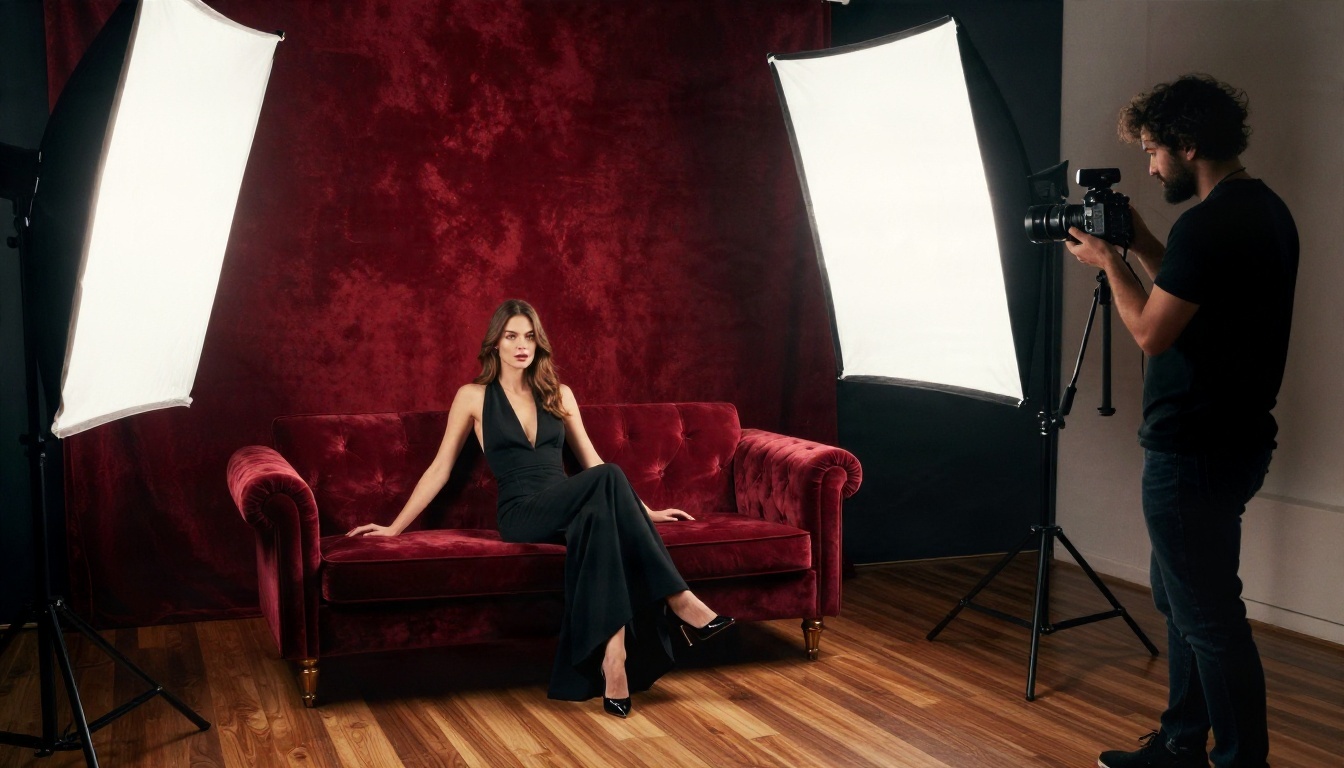
Step Three: Add Motion
Feed the finished still to Wan 2.6 I2V for budget animation, or Kling v3 Video when you want cinematic movement. Keep the motion prompt short and physical: "slow dolly-in, hair moving in a light breeze, subject turns toward the camera." Avoid asking for multiple big actions in one five-second clip. One clear movement beats three muddled ones.
Parameter tips that cut waste:
- Start at the lowest resolution that lets you judge motion, then re-render only the winners at higher quality.
- Use the free tier first. Test the idea on Seedance 2.5 Lite before spending on a premium model.
- One subject, one action. Crowded scenes and fast cuts raise the failure rate.
- Match the aspect ratio of your still to the video output to avoid cropping surprises.
Which Route Fits You
Pick based on your situation, not on the loudest marketing.
| Your situation | Best route | Why |
|---|
| Solo creator, adult-leaning art | Image-first on PicassoIA | Unrestricted stills, then animate |
| Agency with high volume | Wan-based hosted API | Lowest cost per second |
| Brand-safe commercial spots | Veo 3.1 or Kling v3 | Polished output, native audio |
| Long scenes, few cuts | Seedance 2.5 | Up to 30 seconds per generation |
| Developers building a product | Reseller API with clear terms | Programmatic access, check moderation clauses |
If you want my blunt ranking: Wan for cost, Kling for realism, Veo for audio, Seedance for length. None of them is the universal "best." The best setup combines a cheap model for drafts with a premium one for final shots.
Mistakes That Waste Money
- Judging by the price page alone. A low rate with a 40% failure rate costs more than a mid rate that works first time.
- Skipping the still. Going text-to-video straight away means paying to find out your prompt was off.
- Ignoring the terms. An account ban halfway through a project is the most expensive mistake on this list.
- Chasing 4K for everything. Most social and web delivery looks identical at 1080p.
Make Your First Clip Today
The fastest way to find your own answer is to run a small experiment. Spend an hour: generate a still in Seedream 4.5, polish it in PicassoIA Image Editor Pro, then animate the same image through two or three video models and compare the results side by side. You will learn more from that test than from any roundup, including this one.
When you are ready to go wider, browse everything on offer at picassoia.com/en/all-models. Pick a model, write a short prompt, and see what your idea looks like in motion.


