Type a perfectly normal question into a mainstream chatbot and you will sometimes get a polite refusal instead of an answer. That small moment of friction is exactly why uncensored AI has become one of the most searched topics in tech. People want tools that answer plainly, write dark fiction, generate glamour photography or discuss sensitive subjects without a lecture. But "uncensored" is also one of the most misunderstood words in the field, and a lot of the websites using it are selling you something worse than what you already have.
This article gives you the plain version: what the term means, where it comes from, which kinds of tools exist, what you can try for free, where the hard limits sit, and how to stay safe while you experiment.
What Uncensored AI Really Means
Uncensored AI is a model, chatbot or image generator whose built-in refusal behavior has been removed, reduced or never added in the first place. A standard assistant is trained to decline certain requests: explicit content, weapons instructions, harassment, medical or legal claims it cannot back up. An uncensored one answers far more of them, and in many cases answers all of them.

Censored vs Uncensored
The difference is not intelligence. It is behavior. Two models can share the same knowledge and the same writing quality, and one will say "I can't help with that" while the other simply responds. Think of it as a dial rather than a switch.
| Level | What it does | Typical example |
|---|
| Strict | Refuses anything borderline, adds warnings | Corporate assistants built for customer service |
| Balanced | Answers most adult topics, blocks clearly harmful requests | Major consumer chatbots and image tools |
| Loose | Few refusals, adult themes allowed, light moderation | Hosted services that market themselves on openness |
| Unfiltered | Almost no refusals, user carries all responsibility | Modified open-weight models run on your own computer |
💡 Reality check: Most people searching for uncensored AI do not want anything dangerous. They want fewer pointless refusals: a villain with real menace in a novel, a frank health question, a glamour portrait with a swimsuit and golden light.
How Refusals Get Removed
There are three common routes, and they explain why the quality of "uncensored" tools varies so much.
- Fine-tuning on permissive data. Developers retrain an open model on conversations where the assistant never refuses. It works, but the model can become sloppy or unfocused.
- Abliteration. Researchers found that refusal in many open chat models is driven by a single direction inside the network. Edit that direction out of the weights and the model stops declining. One May 2026 report put the work at roughly 10 minutes for Llama 3.3 and about 90 minutes for Gemma 4. Hugging Face now hosts thousands of these modified models, far more than two years ago.
- Never adding the filter. Some image models and hosted tools were simply built with light moderation, so there is nothing to remove.
Real Examples of Uncensored AI
The category breaks into three groups. None of them is magic, and each has trade-offs.
Open-Weight Chat Models
Models such as Llama, Mistral, Qwen and Gemma can be downloaded and run privately. Community members publish versions with the safety behavior stripped, usually labeled "uncensored," "abliterated" or "unfiltered." Because the weights live on your machine, nobody can change the rules after the fact and no company reads your chats.
The catch: you need decent hardware, and an abliterated model is often a little less coherent than the original. Removing refusals does not add skill.
Image Models With Looser Filters
Image generation is where the word "uncensored" gets used most. Open image models can be run locally with community add-ons, and some hosted generators apply light moderation compared with the big consumer apps. For most adult creators the goal is not shock content. It is glamour, fashion, boudoir and swimwear photography that mainstream tools often flag by mistake.
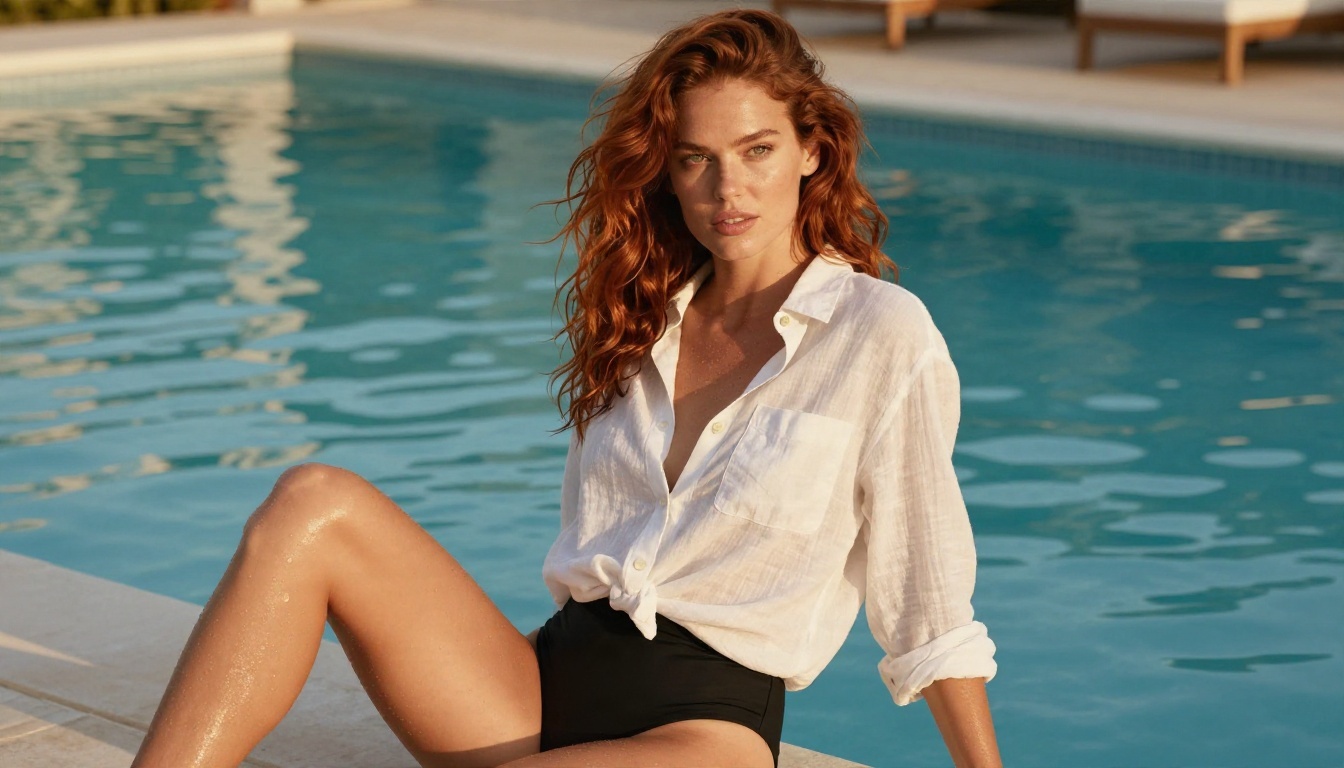
A photo like the one above, a confident portrait at golden hour with skin texture and a swimsuit, is the kind of result people expect when they say they want fewer filters. It is suggestive and attractive without being explicit.
Hosted Privacy Services
A third group runs open models on their servers and sells access, promising private chats and relaxed rules. Venice AI and the chatbot Grok are names people often mention here, though their policies differ and change often. Always read the current terms, because "uncensored" in a marketing line rarely means "no rules at all."
You do not need to pay to experiment. You need either some patience or a decent graphics card.
Run a Model Locally
Free apps like Ollama and LM Studio let you download an open-weight model and chat with it offline. The workflow is short:
- Install the app on Windows, Mac or Linux.
- Pick a model size that fits your memory: 7B to 8B models run on most modern laptops, 30B and above want a strong GPU.
- Search the model catalog for the variant you want, and read its description to see how it was modified.
- Disconnect from the internet if you want proof that nothing leaves your machine.
Best for: privacy fans, writers, tinkerers. Weak spot: setup time and hardware cost.
Free Hosted Options
Many sites offer a free daily allowance. Treat them carefully, since a free uncensored chatbot is often paid for with your data. On PicassoIA you can try the mainstream and capable language models like Deepseek V3.1, Kimi K2.6 and Granite 4.1 8B. These apply standard safety behavior, so they are not "uncensored" chatbots, but they are excellent for drafting fiction, brainstorming and research without a long list of silly refusals.
| Option | Cost | Privacy | Setup effort | Best use |
|---|
| Local app with open model | Free software, your hardware | Highest | Medium to high | Private chat, role play, drafts |
| Hosted privacy service | Free tier, then paid | Depends on policy | Low | Quick questions |
| Mainstream hosted LLM | Free or low cost | Standard | None | Writing, coding, research |
| Image generator with loose filters | Free tier common | Depends on policy | Low | Glamour and fashion images |
Uncensored Images on PicassoIA
For images, the picture changes. You get far better quality from top commercial models than from most abliterated downloads, and you avoid the setup work. For adult and glamour content that stays tasteful, the order below works well.
Seedream 4.5 First
Seedream 4.5 is the model to open first for suggestive, glamour and fashion work. It handles skin texture, fabric, hair and light with a photographic realism that few rivals match, and it follows detailed prompts closely.
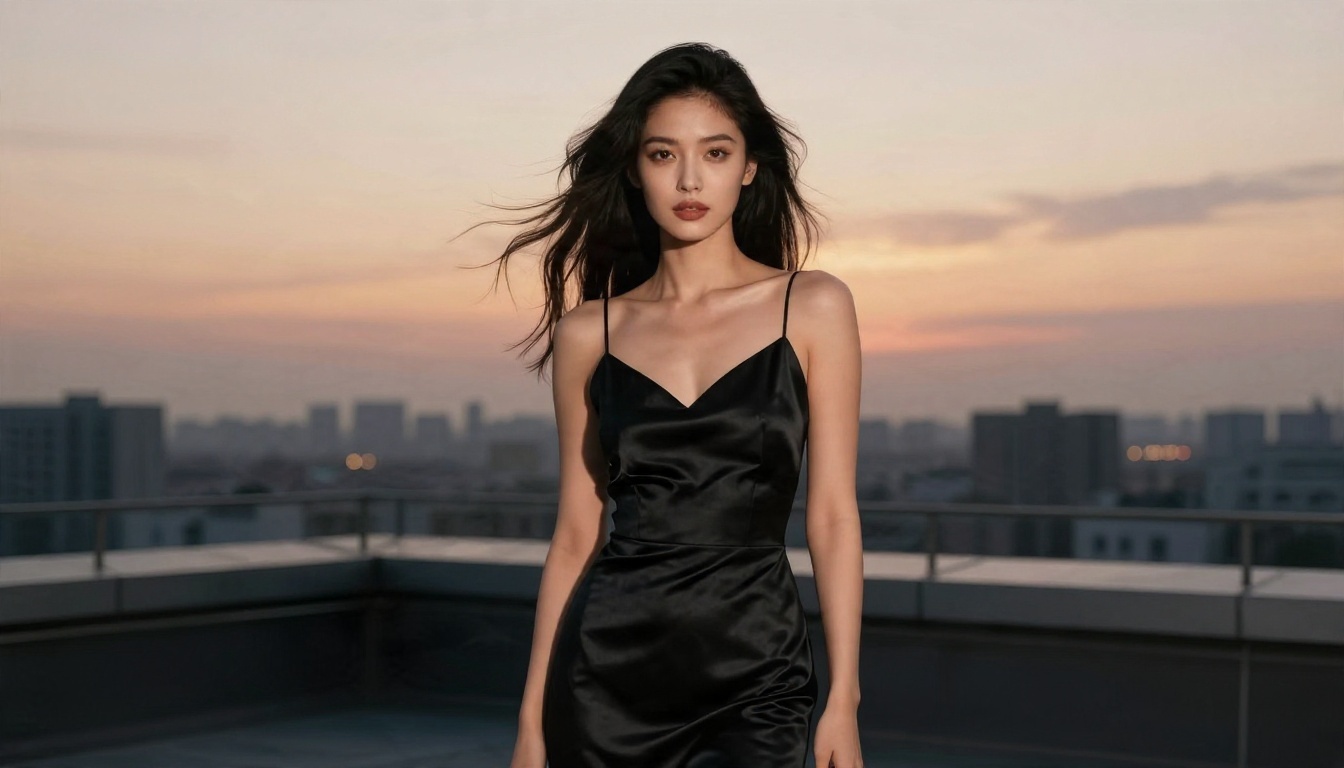
Prompt tips that work:
- Name the lens and light: 85mm f/1.8, warm low sun from camera left.
- Describe the fabric: satin sheen, linen weave, wet skin highlights.
- Keep the framing editorial: waist up, three quarter or full length with a clear setting.
- Ask for film grain and natural skin pores to avoid the plastic look.
Image Editor Pro for Edits
The PicassoIA Image Editor Pro is the fast, unlimited route for changing outfits, backgrounds, lighting and details in an existing photo. Because generations are not capped, you can iterate ten, twenty or fifty times until the shot is right, which matters far more than people expect.
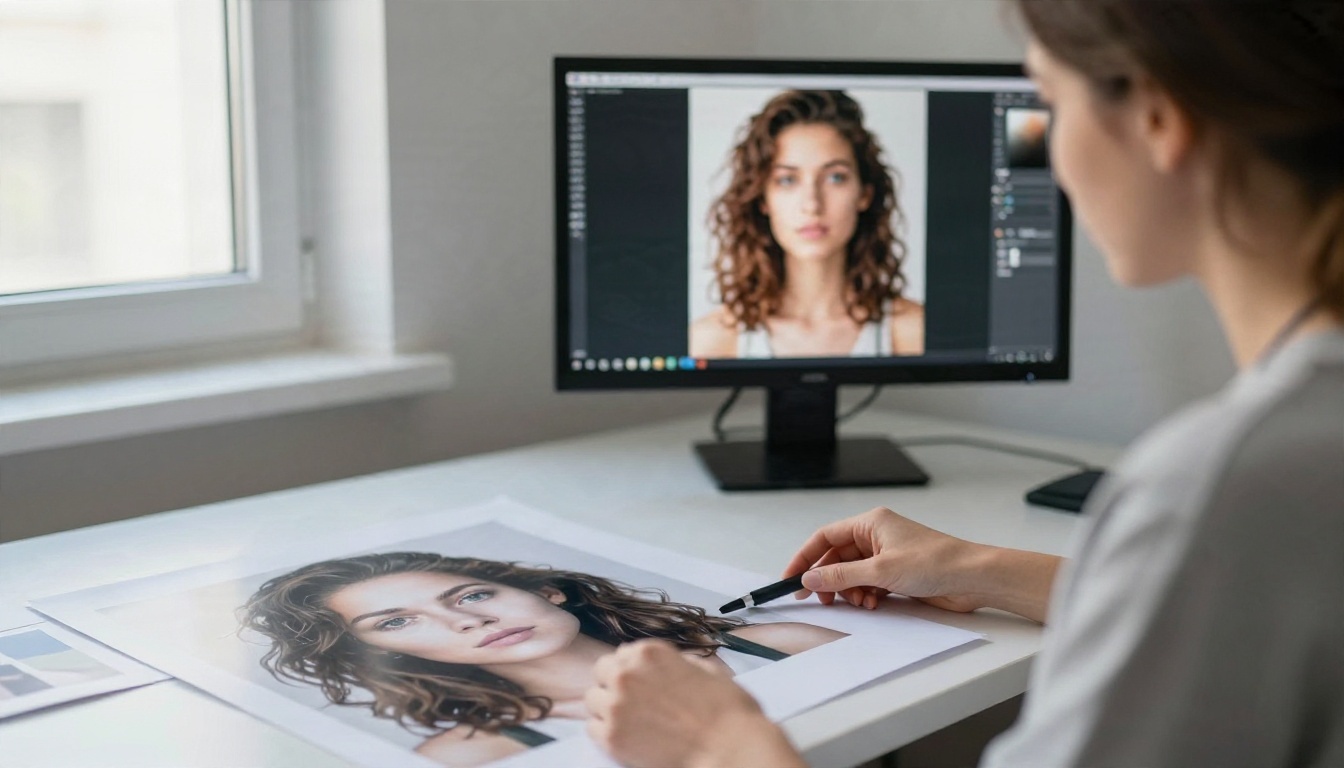
💡 Workflow: Generate the base portrait in Seedream 4.5, then bring it into Image Editor Pro to change the wardrobe, soften the background or fix the lighting.
More Models Worth Testing
Each of these has its own strengths, so a quick side by side test costs little:
You can browse everything at picassoia.com/en/all-models.
The Real Limits
Uncensored does not mean unlimited. These are the walls you still hit.
No New Knowledge
Removing refusals does not make a model smarter. An abliterated chatbot has the same knowledge, the same mistakes and the same tendency to invent facts as the original. If anything, it can sound more confident while being wrong, because nothing pushes back. Always verify medical, legal, financial and technical answers elsewhere.
Legal Lines That Stay

Running an open model on your own computer is not illegal in most countries. What you do with the output still can be. These lines hold no matter what tool you use:
- Sexual content involving minors is illegal everywhere and is never acceptable.
- Realistic images of real people without consent, especially sexual ones, can break harassment, privacy and deepfake laws, and many places now name them explicitly.
- Fraud, impersonation and scams remain crimes even when an AI wrote the text.
- Threats and targeted harassment remain punishable.
- Copyright and trademark rules still apply to commercial output.
💡 Rule of thumb: If it would be illegal or harmful when you did it by hand, an AI doing it for you does not change that.
Platform Rules Still Apply
Even loose services have terms, and they ban accounts, change filters overnight and sometimes log prompts. A tool that was "open" last month can tighten this month. That is one more reason to avoid building a workflow around a single unknown website.
Safe Use Rules
A few habits remove most of the risk.
Protect Your Data
Assume anything you type into a hosted service can be stored. Never paste passwords, ID numbers, private photos or confidential work. If privacy matters, run a local model or use a service with a clear no logging policy and an actual company behind it.
Consent Comes First
Create people who do not exist, or use your own likeness. Do not generate sexual or humiliating images of colleagues, exes, celebrities or anyone who has not agreed. It is the fastest way to cause harm and to land in legal trouble.
Beware Fake Tools
Search results for this topic are full of traps: downloads that carry malware, "uncensored" apps that harvest card details, browser extensions that read every page you open. Follow these rules:
- Download only from the official page of well known software.
- Never install an executable from a random forum post.
- Check the file hash and the community feedback for any model you download.
- Do not enter payment details on a site with no company name and no support page.
- Use a separate browser profile for experiments.
For teams who want to add guardrails on their own projects instead of removing them, Llama Guard 4 12B is a free content moderation model that screens text for unsafe categories. It is a good reminder that the same technology that strips filters can also build them.
Quick Answers
Is uncensored AI legal?
In most countries, using or running one is legal. Creating or sharing illegal content with it is not. Laws differ by country, so check your own.
Is it free?
Local models are free to download but cost hardware and time. Hosted services usually mix a free tier with paid plans.
Is uncensored AI more accurate?
No. It answers more questions, not more correctly.
Is it dangerous?
The model is a tool. The risk comes from fake download sites, careless data sharing and misuse of output.
Can it make adult images?
Some tools can. For tasteful glamour, swimwear and fashion photography, the safest and highest quality route is a strong mainstream model, with explicit content excluded.
Try It Yourself on PicassoIA
The word "uncensored" promises freedom, but the part that matters is control: control over the style, the lighting, the outfit, and what happens to your data. You get more of that from a fast, well built image model than from a risky download.
Open Seedream 4.5, write a detailed prompt with a lens, a light direction and a fabric, and see how close you get on the first try. Then take the result into the PicassoIA Image Editor Pro and refine it with unlimited generations. When you want more options, browse every model at picassoia.com/en/all-models. Start with one portrait today and keep experimenting with Picasso IA until your results look the way you imagined.


