You type a simple prompt for a swimwear shoot, a boudoir portrait or a glamour editorial, and the tool answers with a polite refusal. Or worse, it burns a credit, blurs the result and asks for a subscription. Anyone who has tried this knows the frustration. The short answer to which AI image generator allows NSFW is that a handful do, most of them limit you in ways the landing page never mentions, and the price of "free" is often a daily cap, a watermark or a queue.
This article sorts through that mess. You will see which types of tools accept adult-themed prompts, what free plans usually include, where the hidden limits sit, and what you can expect to pay. It also shows where you can generate suggestive, tasteful, photorealistic images without counting credits.
💡 Scope note: everything here refers to non-explicit adult content: bikinis, lingerie, boudoir, glamour, artistic and implied styling. Explicit or pornographic output is not what this article is about, and it is not something to chase.
Who Actually Allows NSFW Prompts
Not every image generator treats adult themes the same way. The market splits into four camps, and knowing which camp a tool belongs to saves you hours.
Mainstream assistants say no
Tools built into big consumer products, such as ChatGPT image generation, Google Gemini, Adobe Firefly and Microsoft Designer, run strict filters. A prompt that mentions lingerie, a low neckline or a "sensual" mood often gets flagged, even when the result would be harmless. Midjourney sits in a similar spot: its moderation is aggressive, and the rules apply to paid plans too.
These tools are excellent for general work. For anything suggestive, expect refusals, rewritten prompts or silently toned-down results.
Dedicated adult platforms say yes, with strings
A second group of sites exists specifically for adult image creation. SeaArt, Mage.space, OurDream AI and Promptchan are names that show up often in reviews. They accept mature prompts, usually with free daily credits and paid tiers starting somewhere around ten dollars a month, according to the roundups I checked while researching this piece.
Treat those figures as a snapshot. Plans and caps change often, and many of the sources publishing comparisons sell the products they rank. Always read the pricing page before paying.
Open-source models say yes, if you can run them
Stable Diffusion and FLUX-style models can run on your own computer with no filter at all. They are free in the sense that no subscription exists, but you pay in hardware, setup time and troubleshooting.
Model platforms with flexible rules sit in the middle
The fourth camp is a platform that hosts many models and lets you pick the one that fits the job. This is where PicassoIA lives. You choose a model with relaxed handling of suggestive photography, you get fast results in the browser, and you skip both the local install and the credit meters.
| Type of tool | Accepts suggestive prompts | Typical free access | Main drawback |
|---|
| Mainstream assistants | Rarely | Limited daily use | Constant refusals |
| Dedicated adult sites | Yes | Small daily credit pool | Credits run out fast |
| Local open-source models | Yes | Unlimited after setup | Hardware and setup time |
| Multi-model platforms | Depends on the model | Varies by platform | Picking the right model |
Free Options and What You Get
"Free" is the most abused word in this category. Here is what it normally means in practice.
Daily credits
The most common model is a small pool of credits that refills every 24 hours. You might get a few images per day, sometimes only one. Higher resolution, faster queues or extra features usually cost more credits per image, so the pool drains quicker than it looks.
Watermarks and public galleries
Some free plans place a watermark on every output. Others publish your images to a public feed unless you pay for privacy. If you are testing glamour concepts for a client or a personal project, a public gallery is a real problem.
Queue speed
Free users wait. On busy platforms, a single image can take a minute or more while paying users skip the line. For anyone iterating on a prompt ten or twenty times, that delay adds up.
💡 Quick test: before committing to any tool, run five prompts in a row with the same subject and tweak the lighting each time. If the free allowance ends before you have a usable result, the plan is a demo, not a tool.
The Limits Nobody Mentions
The sticker on the front says "unlimited" or "free". The fine print tells another story. These are the limits that surprise people most often.
Resolution caps
Free tiers frequently cap output at modest resolution. That is fine for a social post and useless for printing or a client deliverable. Upscaling later helps, but it adds a step. If you need extra sharpness afterwards, a super-resolution model on PicassoIA can handle that part.
Silent filtering
Some platforms accept the prompt but quietly soften the output: a robe becomes a coat, a bikini becomes a sports top. You never see a refusal, you just get something that does not match what you asked for. This is harder to spot than an outright block.
Style drift
Models tuned for one look struggle with others. A model trained on illustration will not produce believable skin texture or natural lighting, no matter how detailed your prompt is. For photorealistic glamour, pick a model built for photography.
Account and data rules
Many free tools require an account, an email and sometimes a card even for the trial. Few state how long they keep your prompts or whether they use them for training. If privacy matters to you, check the policy before uploading a reference photo.
| Limit | What it looks like | Why it matters |
|---|
| Credit cap | 1 to 10 images a day | Slows iteration |
| Resolution cap | Small output on free plans | Weak for print and clients |
| Silent filtering | Output differs from prompt | Wastes credits |
| Public feed | Images visible to others | Privacy risk |
| Queue delay | Long waits for free users | Breaks creative flow |
The Real Cost of Paid Plans
Paid plans look cheap until you do the math. Entry tiers on dedicated adult platforms are usually reported at around ten to fifteen dollars a month. That buys a credit allowance, not unlimited generation. Heavy users hit the ceiling and buy top-ups.
Subscription versus credits
A subscription gives you a monthly pool that resets. Pay-as-you-go credits never expire but cost more per image at small volumes. If you generate a few dozen images a week, a subscription is usually cheaper. If you generate in bursts, credits suit you better.
The cost of running it yourself
A local setup avoids monthly fees but needs a capable graphics card. A machine that runs modern image models comfortably costs far more than a year of subscriptions, and electricity, storage and your own time count too. Hosted Stable Diffusion APIs are reported at around a cent per image, which sounds tiny until you generate thousands.
💡 Rule of thumb: if you generate fewer than 200 images a month, a hosted platform beats a local rig on total cost. Above that, and only if you enjoy tinkering, local starts to make sense.
Where PicassoIA Fits In
PicassoIA gives you access to dozens of image models in one place, with no local install and no hunt for a working checkpoint. For suggestive, non-explicit photography, two options stand out, and a few more are worth keeping in your rotation.
Seedream 4.5 for photorealistic glamour
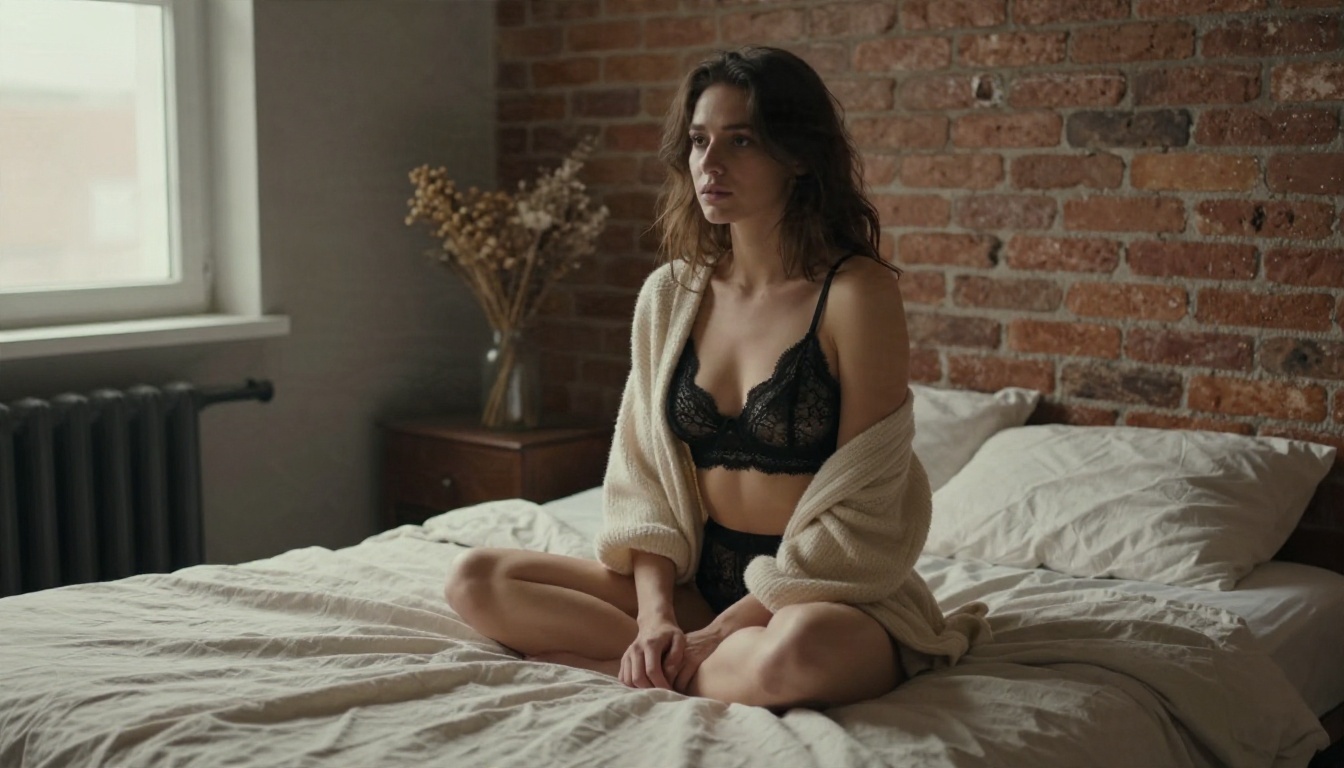
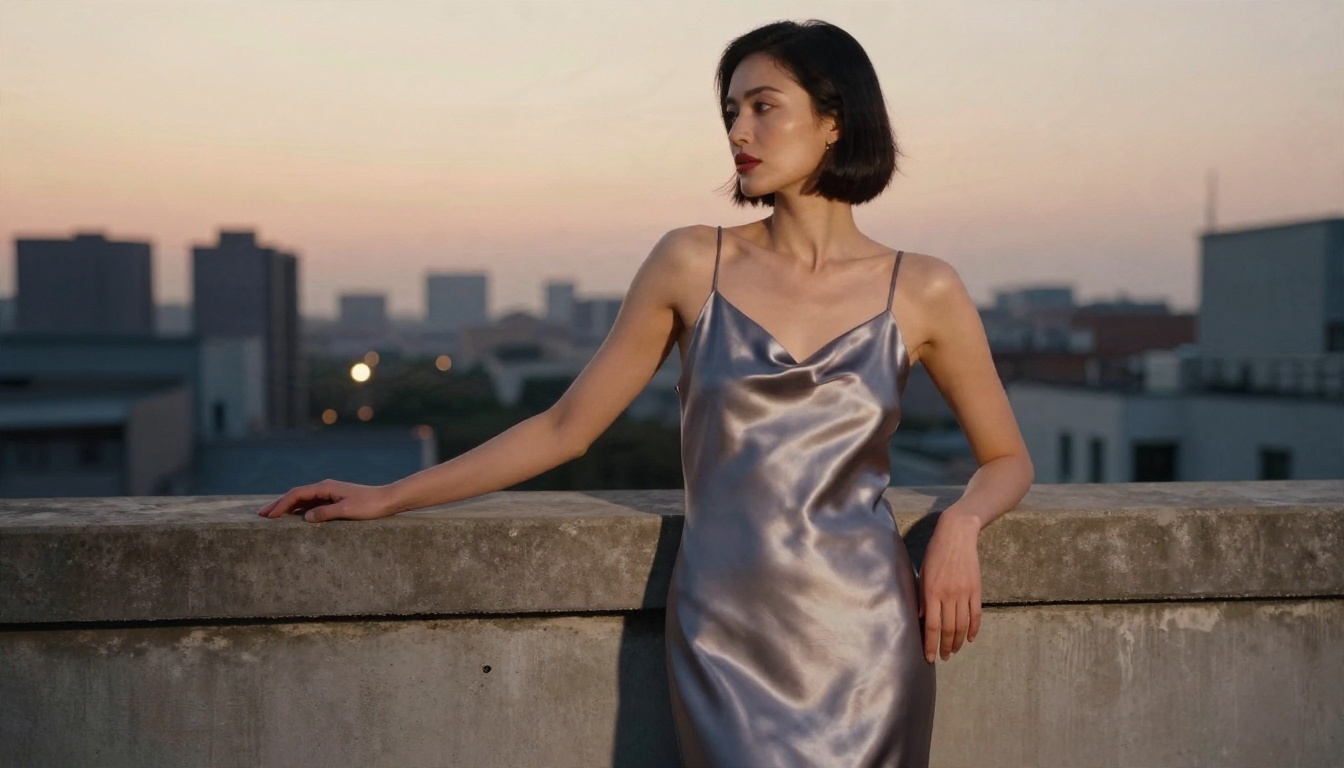
Seedream 4.5 is the first model to try. It produces sharp, high-resolution photographic images with believable skin texture, accurate fabric and convincing light. Swimwear, lingerie-style fashion, boudoir lighting and evening wear come out looking like a real shoot rather than a filtered render. It is also fast, so you can iterate on a prompt several times in a few minutes.
Use it when you want the best photographic quality for a single hero image: a campaign shot, a cover, a portfolio piece.
Image Editor Pro for unlimited generations
PicassoIA Image Editor Pro is the answer to the credit problem. It offers unlimited generations, so you can try a prompt thirty times without watching a meter. It works as both a generator and an editor: you can start from a text prompt or upload a photo and change the outfit, the background, the lighting or the pose.
Unlimited use matters more than people expect. The best image in a set is rarely the first or the fifth. It is often the twentieth, after you have adjusted the light direction, the lens and the styling. A plan that charges per image punishes exactly that process.
More models worth trying
Once you have a feel for the first two, these models add variety:
How to Use Seedream 4.5 on PicassoIA
Here is a simple workflow that gets a strong first result.
Step 1: Open the model
Go to the Seedream 4.5 page and open the generator.
Step 2: Write a photographer's prompt
Describe the shot the way a photographer would. Include the subject and pose, the setting, the light direction, the lens and the film look. For example:
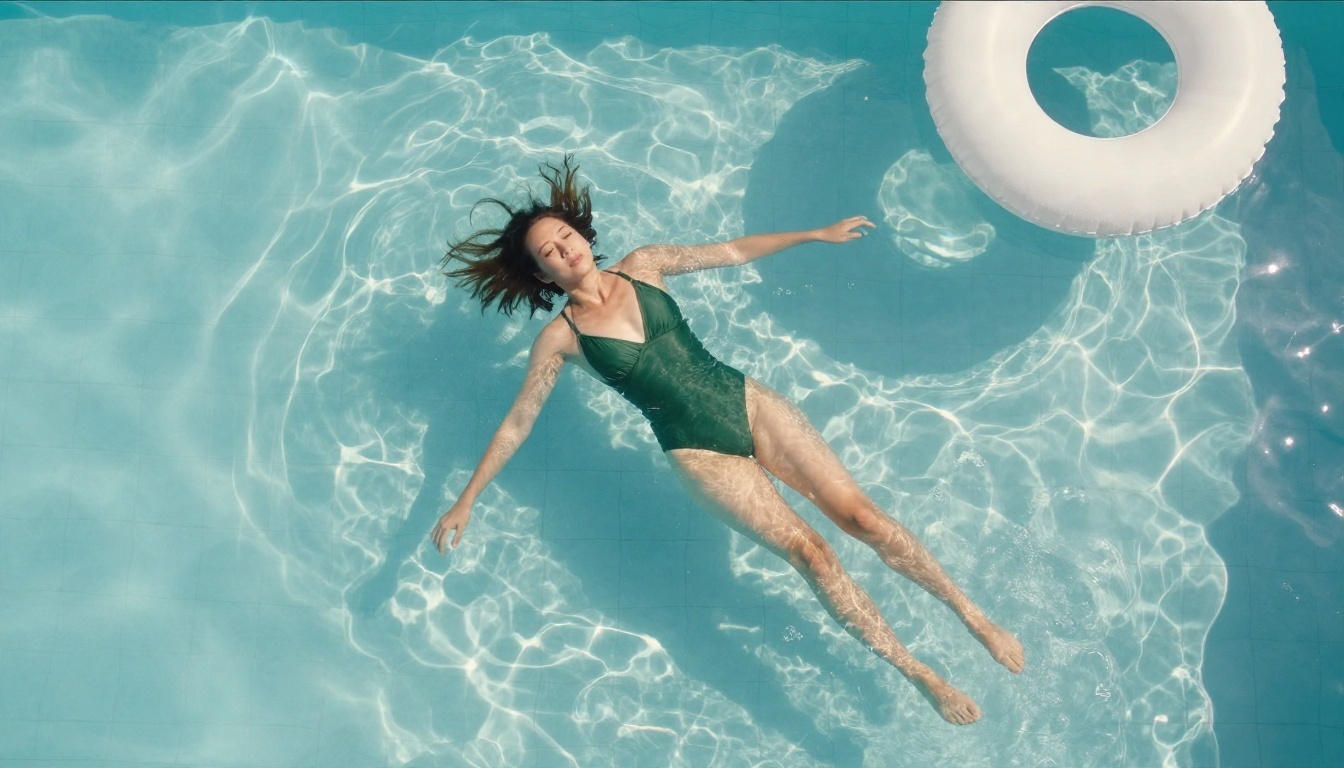
"Adult woman in a white bikini sitting on a stone terrace above the sea, golden hour sun from camera left, 85mm f/1.8, shallow depth of field, natural skin texture, Kodak Portra 400 film grain."
Step 3: Set the format
Choose a 16:9 ratio for banners and covers, or 3:4 for portraits and social posts. Pick the highest resolution the model offers when you are happy with the composition.
Step 4: Iterate on one thing at a time
Change only the lighting in one run, then only the lens, then only the outfit. Changing everything at once makes it impossible to tell what helped.
Step 5: Refine in Image Editor Pro
When the base image is close, take it into Image Editor Pro to adjust the outfit, swap the background or fix small details. Because generations are unlimited there, you can polish without pressure.
💡 Prompt tip: name the light, not the mood. "Soft window light from the right" gives the model something concrete. "Sexy atmosphere" gives it nothing to work with.
Running It Locally Instead
Some people prefer to keep everything on their own machine. It is a valid route, so here is the honest version.
What you need
A recent graphics card with plenty of video memory, a few tens of gigabytes of storage, and the patience to install a front end such as ComfyUI or Automatic1111. You also need to find model files and keep them updated.
Pros of going local
- No monthly fee after the hardware purchase.
- No external filter and no account.
- Full control over every setting.
Cons of going local
- High upfront hardware cost.
- Setup problems, driver conflicts and broken updates.
- Slower than hosted models on modest hardware.
- You carry all the responsibility for what you generate and how you store it.
For most creators who want results rather than a hobby project, a hosted platform is faster to start and cheaper in the first year.
Privacy, Safety and Common Mistakes
Adult-themed generation comes with a few practical responsibilities. These are the points that cause real trouble.
Never use real people without consent
Do not generate suggestive images of a real person from their photo unless you have their clear permission. This applies to celebrities, coworkers and ex-partners alike. Many platforms ban it, and several countries now have laws against deceptive or non-consensual synthetic imagery. Create original characters instead.
Keep it adult and non-explicit
Every subject should be clearly an adult. Stick to tasteful, implied, magazine-style content. That keeps your work usable, shareable and safe from account bans.
Three common mistakes
- Paying before testing. Run a real prompt through the free tier first.
- Ignoring the data policy. Check whether your uploads are stored or used for training.
- Blaming the prompt. If every result is softened, the problem is the platform's filter, not your wording. Switch models.
Prompts That Work Every Time
A reliable prompt follows the same structure whatever the model. Keep this template nearby.
The five-part formula
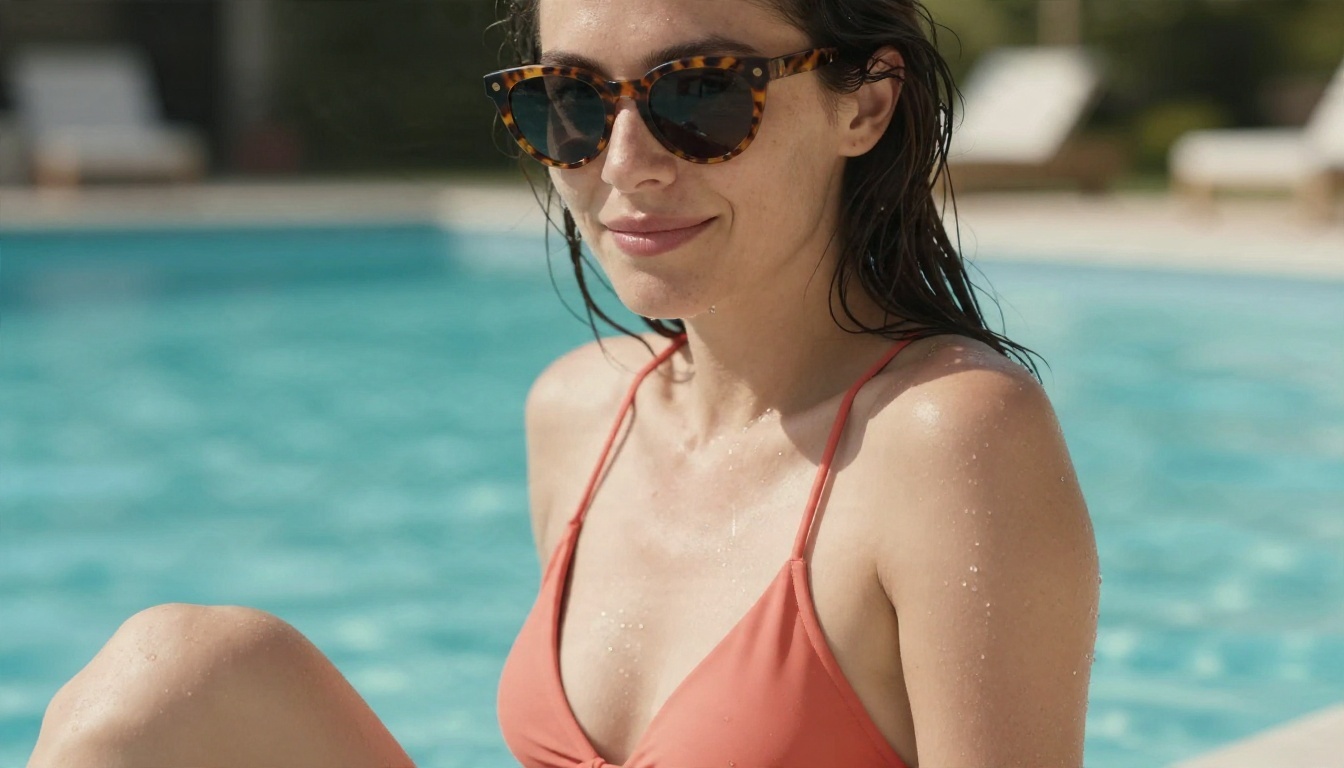
- Subject and pose: "Adult woman in a coral bikini top sitting poolside, smiling softly."
- Environment: "Turquoise pool blurred behind her, white stone deck."
- Light: "Strong sun from the upper right, crisp highlights on the skin."
- Camera: "100mm f/2 portrait lens, tight framing."
- Texture: "Visible freckles, a water drop on the shoulder, Kodak Portra 400 grain."
Words that help
- Real lens numbers such as 35mm, 50mm, 85mm.
- Light directions: left, right, backlit, overhead.
- Film references: Portra 400, natural grain.
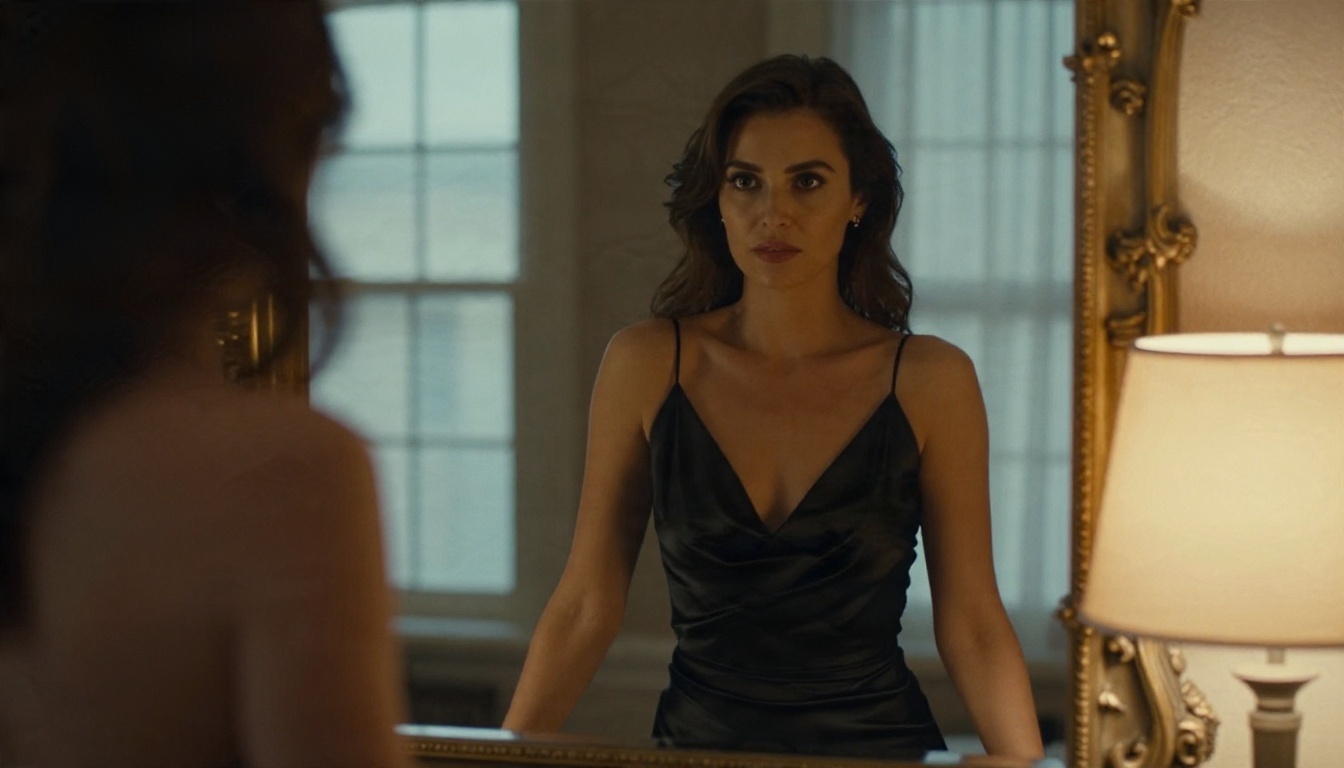
- Material words: silk, linen, lace, satin, wet skin, sun glow.
Words that hurt
- Vague mood words with no visual meaning.
- Long strings of quality tags that repeat each other.
- Conflicting styles in the same prompt, like "painting" and "photograph".
Quick Answers Before You Pick
Is there a truly free AI image generator that allows NSFW? Free tiers exist on several adult platforms, but they are capped by credits, queues or resolution. Unlimited use is the exception, which is why Image Editor Pro stands out.
Do I need to install anything? Not on a hosted platform. You open the page and type a prompt.
Which is best for realism? Seedream 4.5 for photographic quality, Realistic Vision v5.1 for natural skin tones.
Which is cheapest at high volume? Anything unlimited. Per-image pricing becomes expensive quickly when you iterate.
Can I turn images into video afterwards? Yes, PicassoIA also hosts text to video and image to video models if you want motion later.
Try It Yourself Today
The best way to settle the question is to test. Open Seedream 4.5, write a prompt using the five-part formula, and see how the result compares with whatever you used before. Then move the best image into PicassoIA Image Editor Pro and push it further with unlimited generations, changing the outfit, the light and the background until it looks exactly right.
If you want more variety, try Z Image Turbo for fast drafts and Realistic Vision v5.1 for natural skin. The full list of image models is on picassoia.com/en/all-models.
Pick a scene, write the prompt, and make your first image today. Your next favourite photo is a few prompts away.


