Look at the photos in this article and try to pick the fake. Every single one of them was made by an AI model, from the couple on the hillside to the barn dance and the close-up of a bride's hands. If you hesitated, you are exactly the reader this article is for. Which photo is AI? is now a question people ask about wedding albums, dating profiles, news images and family photos, and the honest answer is that the eye alone is no longer reliable. Below you will find what AI photos are, why weddings are the perfect test case, the visual clues that still help, and a set of free tests you can run in a few minutes.
What AI Photos Actually Are
An AI photo is an image created by a generative model instead of a camera. No light ever hit a sensor. A model trained on huge collections of pictures produces new pixels from a text description, a reference image, or both. The result can look like a lens captured it: shallow depth of field, film grain, skin pores, fabric folds, even lens imperfections.
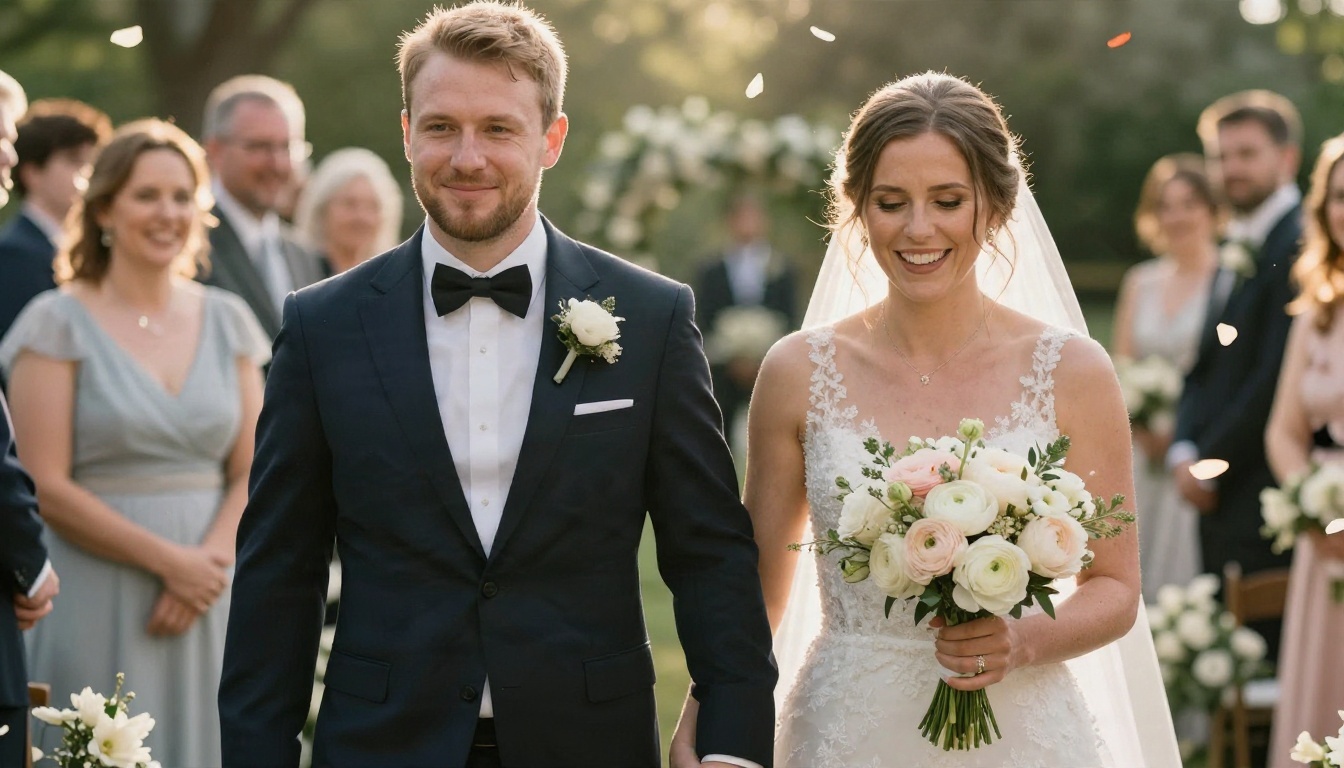
The picture above has petals in motion, backlight, a laughing couple and a blurred crowd. All of it came from a written prompt. That is what an AI photo is in practice: a believable scene that never happened.
How a Prompt Becomes a Photo
Modern text-to-image models start from random noise and remove it step by step, steering toward whatever the prompt describes. The model has no memory of a specific wedding. It has a statistical sense of what weddings look like: white dresses, bouquets, golden light, joyful faces. That is why AI wedding photos feel so familiar. They are built from the average of thousands of real ones.
A short prompt such as "bride and groom on a hillside at sunset" already gives a decent result. Add lens details, lighting direction and skin texture, and the output moves closer to a real documentary photograph.
AI Photo vs Edited Photo
These two get confused all the time, so here is a quick comparison.
| Type | Starting point | What changes | Typical example |
|---|
| Camera photo | Real scene | Nothing, or light color work | A guest snapshot |
| Retouched photo | Real photo | Skin smoothing, exposure, cropping | Studio portrait |
| AI edited photo | Real photo | Objects, backgrounds or faces replaced | Removing a stranger from a shot |
| AI generated photo | A prompt | Everything | A wedding that never took place |
💡 Tip: A photo can be partly real and partly AI. Detecting a fake is rarely a yes or no question. Ask which parts were made and which were captured.
Wedding Photos Make the Perfect Test
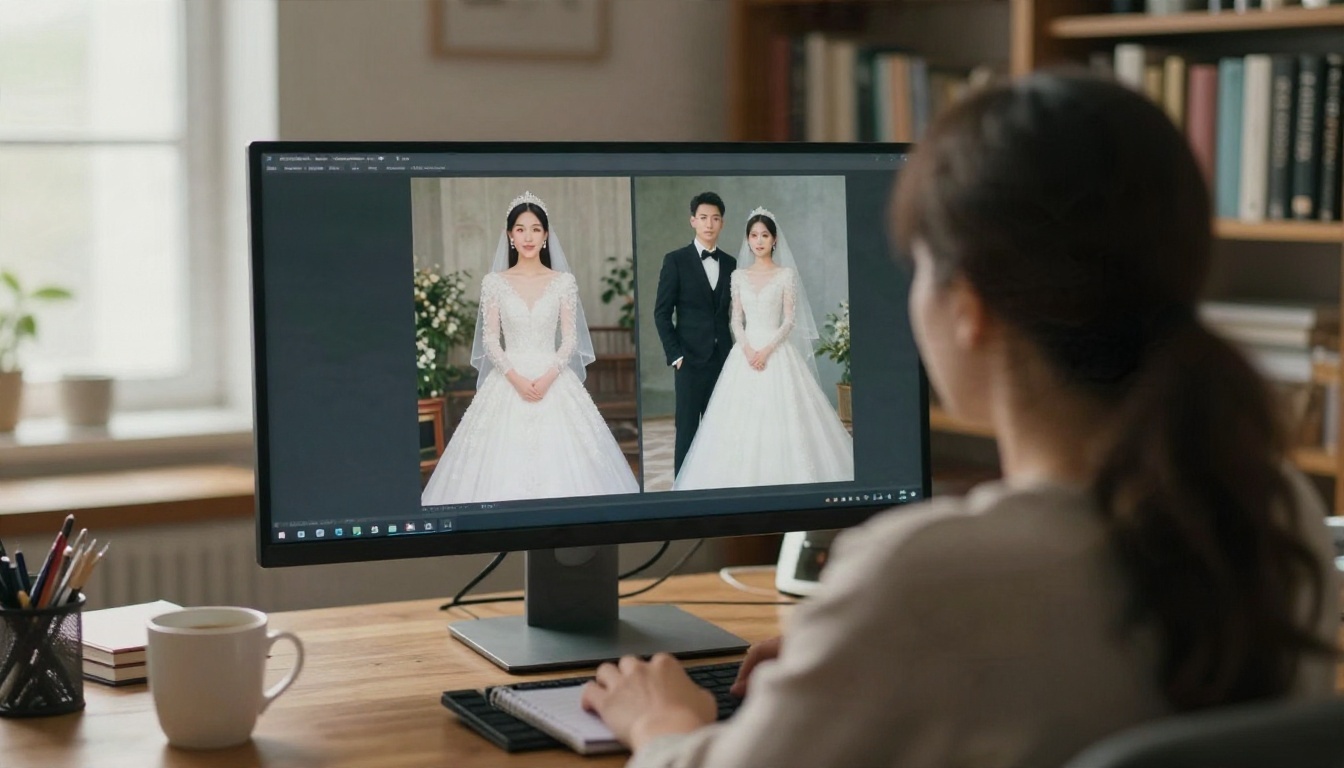
Weddings are one of the most photographed events on earth, which means models have seen an enormous number of them. That gives AI an advantage here. It also makes weddings the best training ground for your own eye.
Why Weddings Fool the Eye
Three things work in the model's favor:
- Predictable styling. White dress, dark suit, flowers. The visual formula is narrow, so errors are rare.
- Soft, flattering light. Golden hour and window light hide the harsh detail where AI tends to slip.
- Shallow depth of field. Blurred backgrounds remove exactly the busy areas, like crowds and signs, where mistakes show up.
Wedding photographers also edit heavily, so a smooth, glowing look already feels normal. A real album and an AI one can sit side by side with very little to separate them at first glance.
Five Wedding Scenes to Study
Next time you look at a suspicious wedding image, check which of these scenes it belongs to, because each one fails in a different way.
| Scene | Where AI often slips | What to zoom into |
|---|
| Couple portrait | Too-perfect skin, matching eyes | Eyelids, nostrils, hairline |
| Bouquet close-up | Extra or merged fingers | Knuckles, nails, ring |
| Reception table | Warped glasses, melted cutlery | Glass rims, forks, plate edges |
| Dance floor | Duplicated limbs in motion | Feet, hands behind backs |
| Guest crowd | Faces that blur or repeat | Background faces, hands |
Visual Clues That Give AI Away
No single clue proves anything. Real photos can have odd hands too, and newer models are fixing old mistakes quickly. Think of these clues as a checklist, and trust the picture only when several of them pass.
Hands and Fingers
Hands were the classic giveaway for years: six fingers, fused knuckles, a thumb bending the wrong way. Today's models do far better, as this close-up shows.
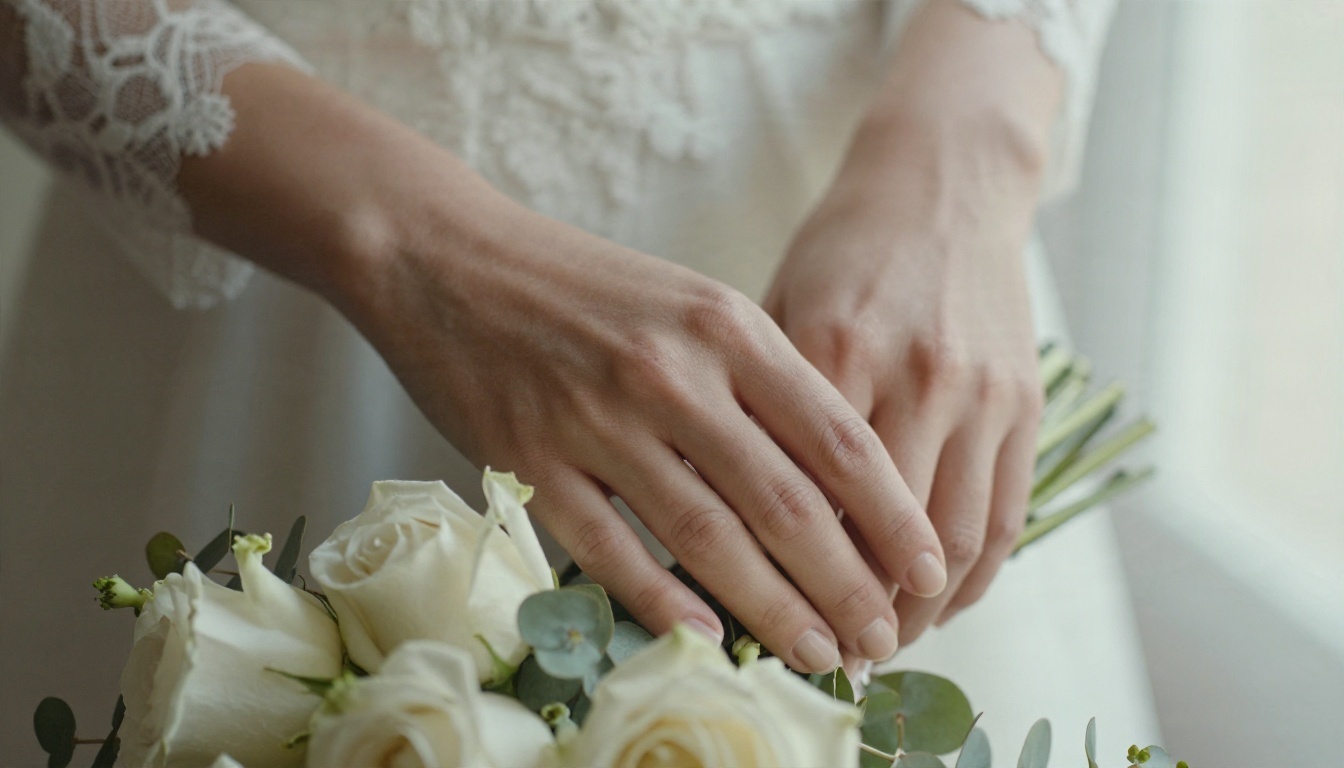
Here the fingers, nails, ring and knuckle creases all look believable. That does not mean the check is useless. Count fingers when hands overlap, look at where a hand meets a sleeve, and check whether the grip on the bouquet actually makes physical sense. Holding something is hard for a model: stems may vanish into fingers or float slightly above the skin.
Jewelry, Ears and Hair
Small, symmetrical, reflective objects are tough. Look closely at earrings, necklace clasps, rings and hairpins.
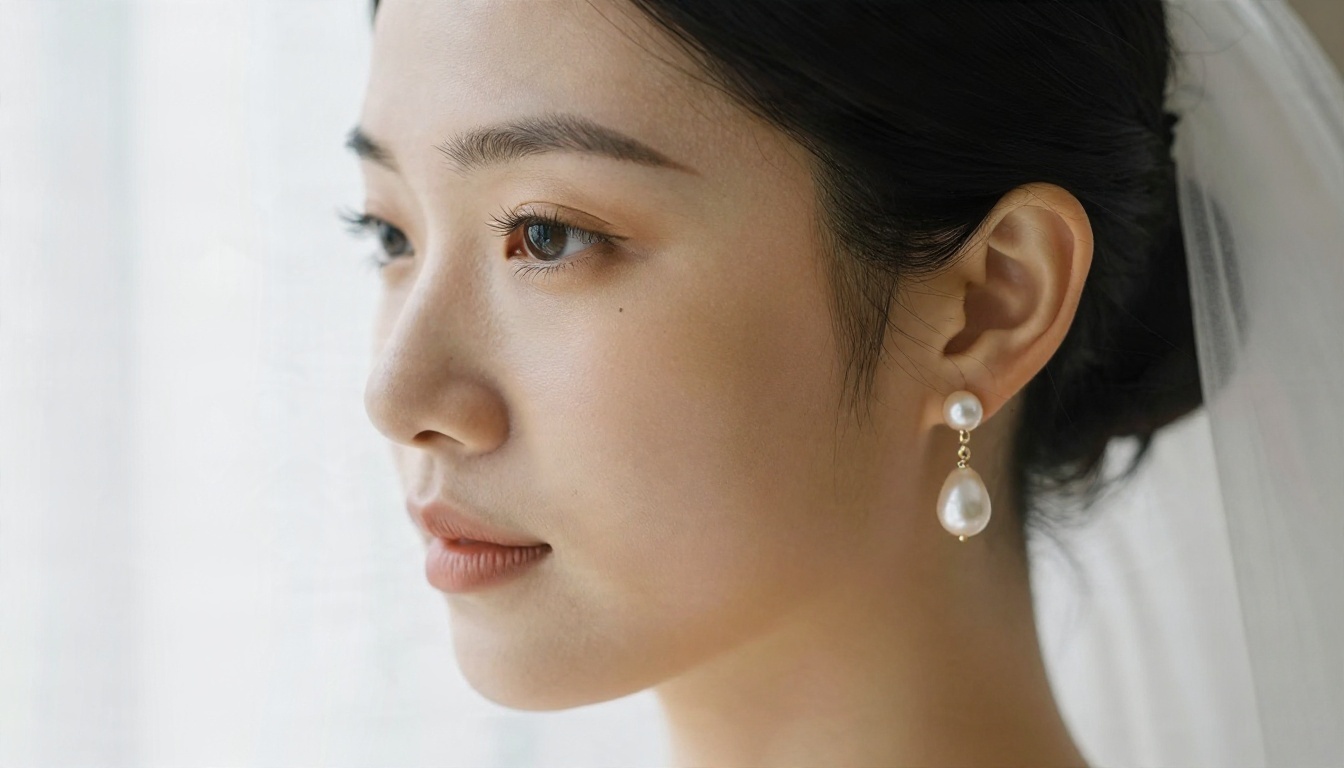
In a real photo, the pearl earring hangs from a clear post, both ears carry matching pieces unless styled otherwise, and the fine hairs at the temple follow the same direction as the rest of the hair. In AI images, earrings sometimes mismatch, a chain melts into the neck, or a hair strand grows out of a shoulder strap. Teeth are another weak point: too many, too uniform, or blending into one white strip.
Crowds and Background Faces
Models spend their effort on the main subjects. People in the background get less attention, and it shows.
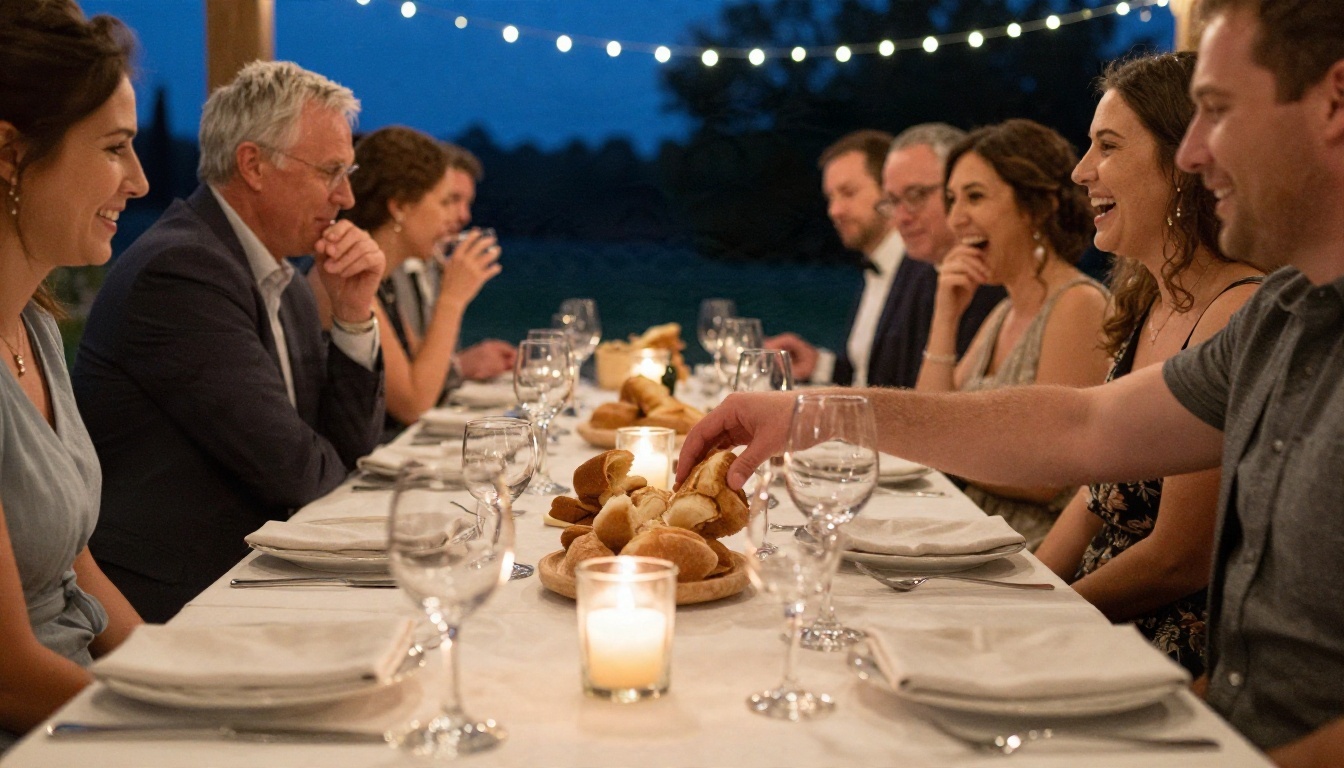
On a reception table, check wine glasses (do the rims close properly?), napkins, cutlery and the hands of guests who are not the focus. Count heads. Look for faces that repeat, bodies that merge into chairs, or plates that melt into tablecloths. A real camera records each of these objects as an independent thing. A generated image often treats them as a texture.
Light, Shadows and Reflections
Light is physics, and physics is hard to fake over a whole scene. Ask these questions:
- Do all shadows fall in the same direction?
- Does the light on the face match the light on the background?
- Are reflections in glass and metal consistent with what is in front of the object?
- Does motion blur affect moving parts only, like a swirling dress hem, while the rest stays sharp?
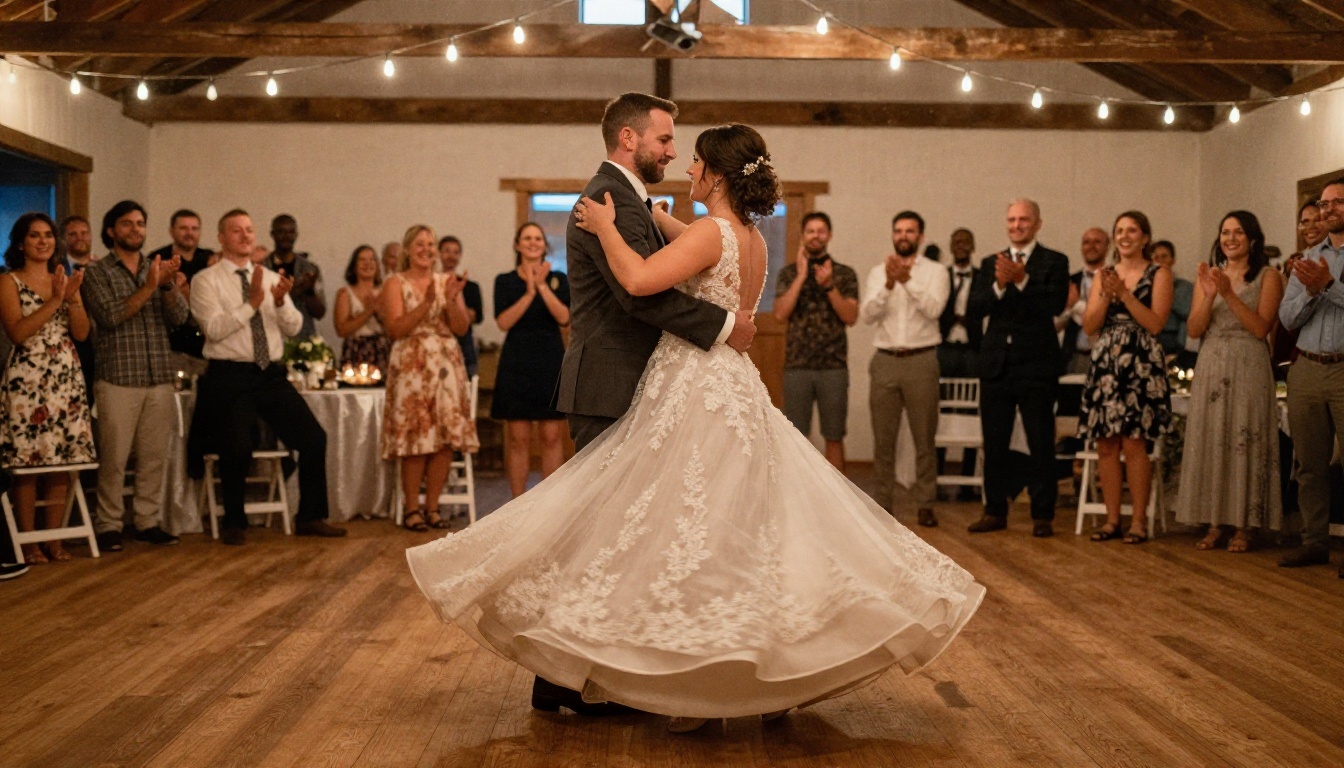
A dance scene under string lights is a good stress test. Warm bulbs should create several small light sources, each with its own falloff. When everything is lit with the same soft glow, with no clear light source, be suspicious.
💡 Tip: Flip the image horizontally in any photo editor. Odd proportions, drifting eyes and lopsided jewelry become easier to see when the picture looks unfamiliar.
Free Tests You Can Run Today
Visual checks are a good start. Add a few free tests and your confidence goes up a lot.
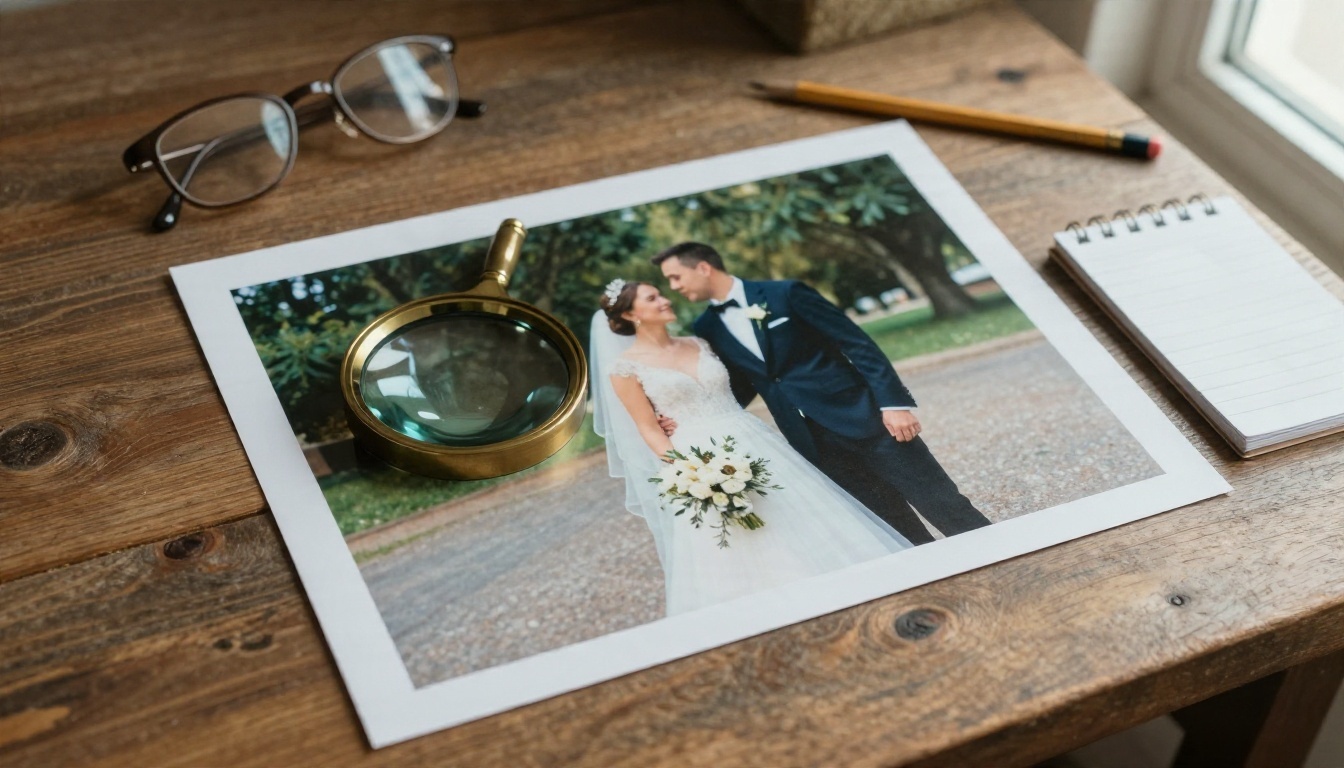
Reverse Image Search
Upload the photo to a reverse image search tool in your browser, such as Google Lens, Bing Visual Search or TinEye. A real wedding photo usually leads to a photographer's portfolio, a venue page or a social post. An AI image tends to return nothing, or only lookalikes. A lack of results proves nothing by itself, since private photos also return nothing. Still, a "stock-looking" wedding photo with no source anywhere is a useful red flag.
Metadata and Content Credentials
Real camera files often carry EXIF data: camera model, lens, aperture, shutter speed and date. Open the file properties on your computer, or use a free EXIF viewer. Missing EXIF is common, because social platforms strip it, so treat it as a weak signal. Some tools and cameras also attach Content Credentials (the C2PA standard), a signed record of how a file was created and edited. Some AI generators embed invisible watermarks as well, for instance Google's SynthID in its own models. When credentials are present they help a lot. When they are missing, the image could have been exported, screenshotted or stripped.
Zoom and Compare
Zoom to 200 or 300 percent and go region by region: eyes, teeth, fingers, jewelry, text on signs, and the edges where hair meets the background. Then compare the photo with others from the same event. Real wedding sets contain several angles of the same dress, same venue and same guests. If only one perfect shot exists and nobody else from the day shows up anywhere, ask why.
Detector Tools and Their Limits
Free online AI image detectors give a percentage score. They can help as a second opinion, but they are far from perfect. They misjudge heavily compressed real photos, flag retouched portraits as AI, and miss images from the newest models. Never rely on one score. Combine it with the visual checklist and the search and metadata tests above.
Here is a simple scoring approach you can use:
| Check | Pass | Fail |
|---|
| Hands and fingers look natural | +1 | -1 |
| Jewelry and ears are consistent | +1 | -1 |
| Background faces and objects hold up | +1 | -1 |
| Light and shadows agree | +1 | -1 |
| Reverse search finds a real source | +2 | 0 |
| Metadata or credentials present | +1 | 0 |
A high total does not guarantee a real photo, and a low total does not guarantee a fake one. It just tells you how much more digging is needed.
Why the Clues Keep Disappearing
Every few months, a new model fixes yet another giveaway. Fingers are mostly solved. Skin texture has improved. Text inside images is improving fast too. Photographers, event planners and ordinary people now use AI to make invitations, mood boards and even full imaginary albums.
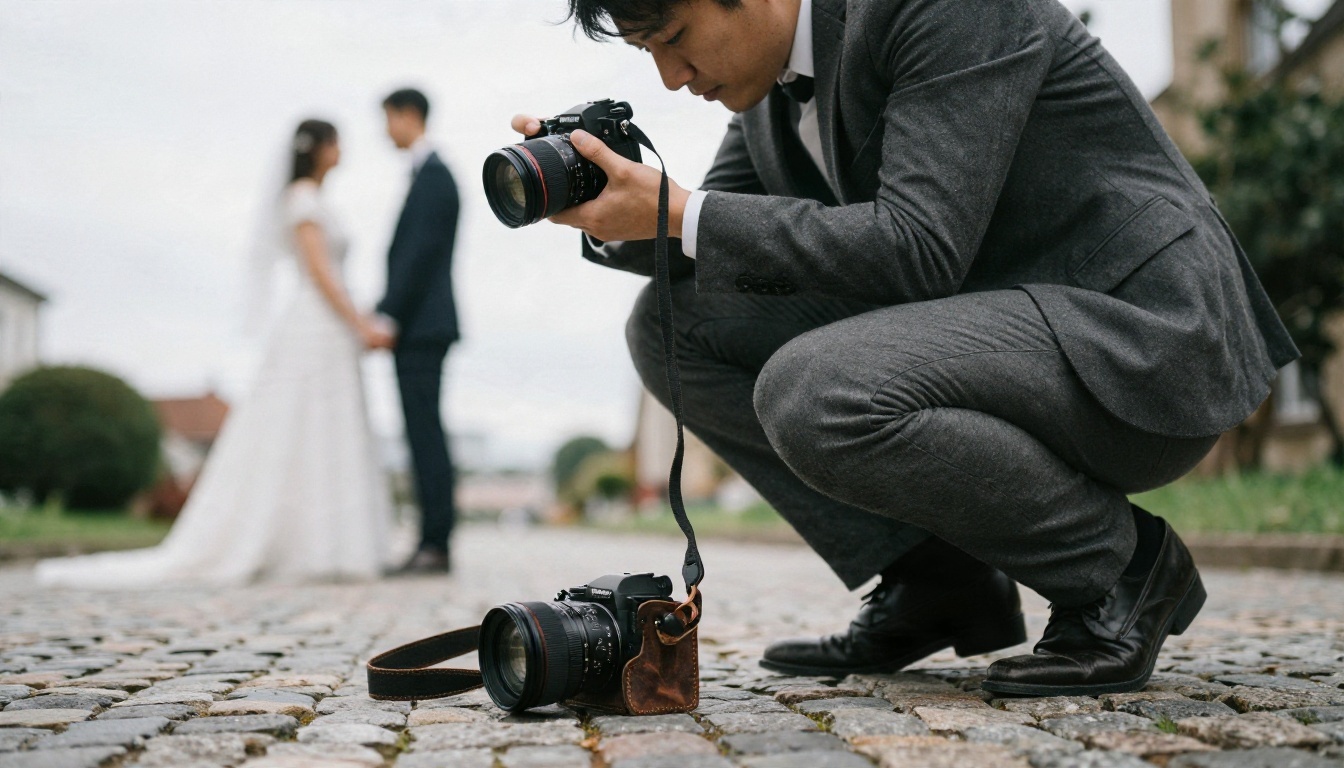
This does not make real photography less valuable. A photographer at work records a specific day, with specific people, and that proof of presence is something no generator provides. The more convincing AI becomes, the more context matters: who shot the photo, when, and where it was first published. A photo that comes with its photographer, its date and a full set of angles is stronger evidence than any pixel detail.
💡 Tip: If a photo matters (a legal case, a news story, a vendor review), ask for the original file straight from the camera. RAW files and full-resolution originals are hard to fake convincingly.
Build Your Own Spot-the-AI Quiz
The best way to sharpen your eye is to make fakes yourself and see what works. Generate a small batch of wedding images, mix them with real ones from a friend or a stock library, and ask people to pick the AI ones. You will quickly see which scenes fool everyone and which ones fail.
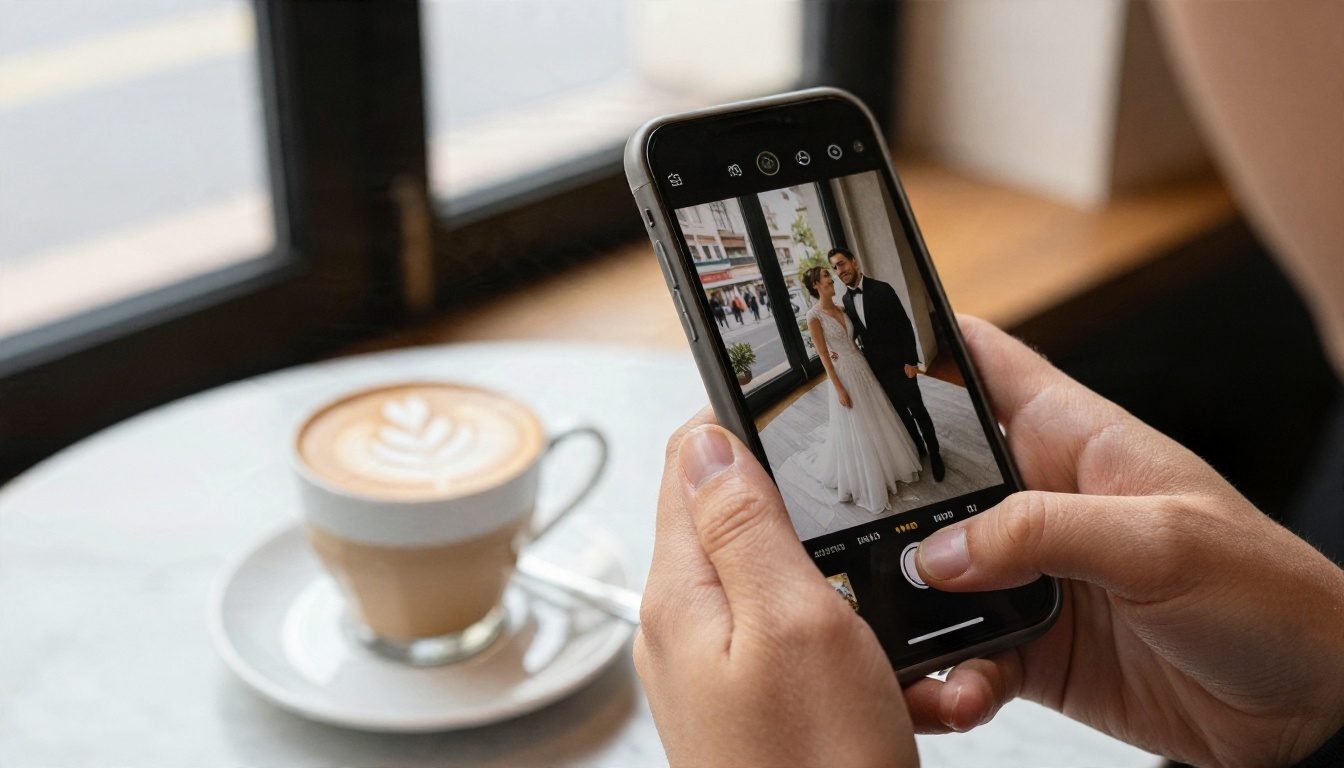
Models Worth Trying
PicassoIA gives you several photorealistic text-to-image models to build a test set, each with different strengths:
How to Write a Prompt for a Realistic Wedding Photo
Follow this order and your results will look much closer to a real camera:
- Subject and action. "Bride laughing as the groom whispers in her ear."
- Setting. "Stone courtyard, late afternoon, overcast sky."
- Light direction. "Soft window light from the left" or "low sun from behind."
- Lens and framing. "85mm f/1.8, eye level, shallow depth of field."
- Texture cues. "Visible skin pores, fabric folds, light film grain."
- Imperfections. "Slightly unposed, a stray hair, small asymmetry."
💡 Tip: Perfection is the biggest giveaway of all. Prompts that include a small imperfection, like a crooked veil or a half-closed eye, produce images that feel captured instead of constructed.
Run the same prompt in two or three models and compare the results. You will learn quickly which model gets hands right, which one handles glass and jewelry, and which one produces the most natural skin. That is exactly the knowledge that makes you a better detector.
What to Do With What You Found
When you meet a photo you suspect, run it through this short routine:
- Look at the hands, ears, jewelry and background faces.
- Check the light and the shadows.
- Run a reverse image search.
- Look at the metadata and any Content Credentials.
- Ask for the original, or look for other angles from the same event.
- Treat detector scores as a second opinion only.
If you are the one creating images, label them. A short note like "made with AI" keeps trust intact and protects you from awkward questions later, especially for anything that looks like a real event or a real person.
Make Your Own AI Photos on PicassoIA
Now you know what AI photos are, why weddings fool so many people, and how to test a suspicious image for free. The fastest way to sharpen those instincts is to create a few yourself. Open Seedream 4.5 or Nano Banana Pro on PicassoIA, paste one of the prompts above, and see how close to a real photograph you can get. Then share the results with friends and let them guess. To browse every image model on the platform, head to picassoia.com/en/all-models and start your own spot-the-AI quiz today.


