A retail buyer opens your line sheet on a Tuesday morning with forty other brands waiting in the same inbox. They give each one about ten seconds. If your photos look flat, inconsistent or three seasons old, you are out before they reach the price column. That is the problem wholesale campaign imagery AI is solving right now, and it is why small brands that never had a photo budget are suddenly sending out line sheets that look like they came from a studio with a full crew.
This article shows what wholesale campaign imagery AI looks like in practice: real example scenes, prompts you can copy, the free tools worth your time, and an honest look at pricing compared with a traditional shoot.
What Wholesale Campaign Imagery Really Is
Wholesale campaign imagery is the visual material you send to retail buyers, distributors and showroom agents, not to end customers. It has a different job than a social post. A consumer image sells a feeling. A wholesale image has to sell a feeling and prove the product will sell through on someone else's shelf.
The assets buyers expect
Most wholesale packages contain the same handful of pieces:
- Line sheet photos: clean product shots on a neutral background, one per SKU
- Lookbook scenes: styled images that show how products live together
- Shelf and display visuals: how the range looks in a shop or on a rack
- Campaign hero images: one or two moody, high-quality visuals that set the season's tone
- Trade show and showroom visuals: booth mockups, banners and invitation graphics
Why photography costs pile up
A single product day can include a photographer, a stylist, a model, a studio, retouching and usage rights. Then the season changes, a colorway is added, or a retailer asks for a lifestyle variant, and the process starts again. Small brands often shoot once a year and stretch those images for twelve months, which is exactly when buyers notice staleness.
💡 Quick reality check: AI imagery does not replace the physical sample. Buyers still want to touch fabric and weigh a mug. It replaces the gap between sample and shoot, when you need convincing visuals before the final product exists or before you have budget to photograph everything.
Wholesale Campaign Imagery AI Examples
The fastest way to judge the technology is to look at what it produces for each asset type. These scenes were generated from text prompts, using the photographic approach described later in this article: real lenses, real light, real surface texture.
Line sheet flat lays
Grid flat lays are the backbone of a line sheet. They show quantity, color range and consistent styling at a glance, and they are one of the easiest things for AI to render convincingly.
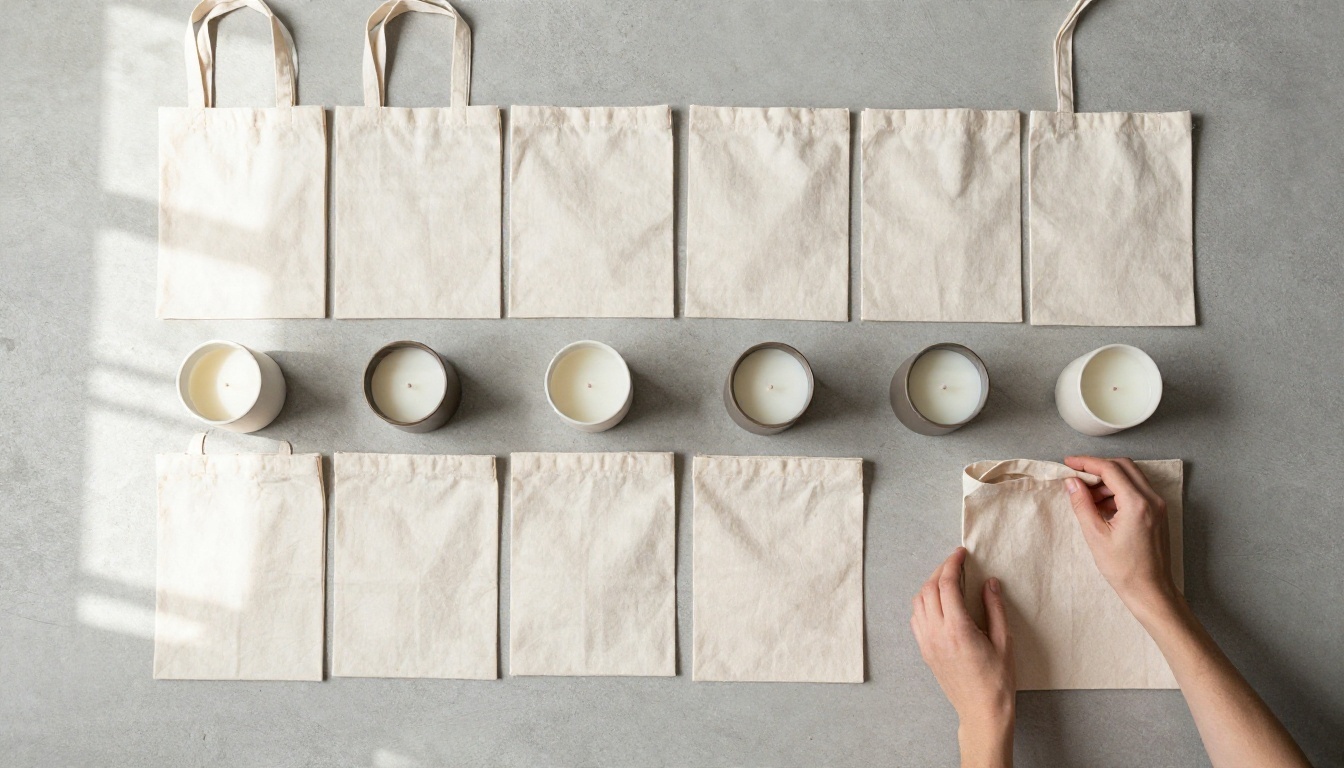
Notice the canvas weave and the soft shadow falloff. Overhead shots with diffused window light are forgiving: there are no complex reflections and no perspective distortion, so models like Seedream 4.5 handle them with very little retrying.
Lookbook scenes with people
Lookbooks need a human touch. A model in the product, in natural light, against an honest wall. This is where skin texture and fabric folds decide whether the image feels real or uncanny.
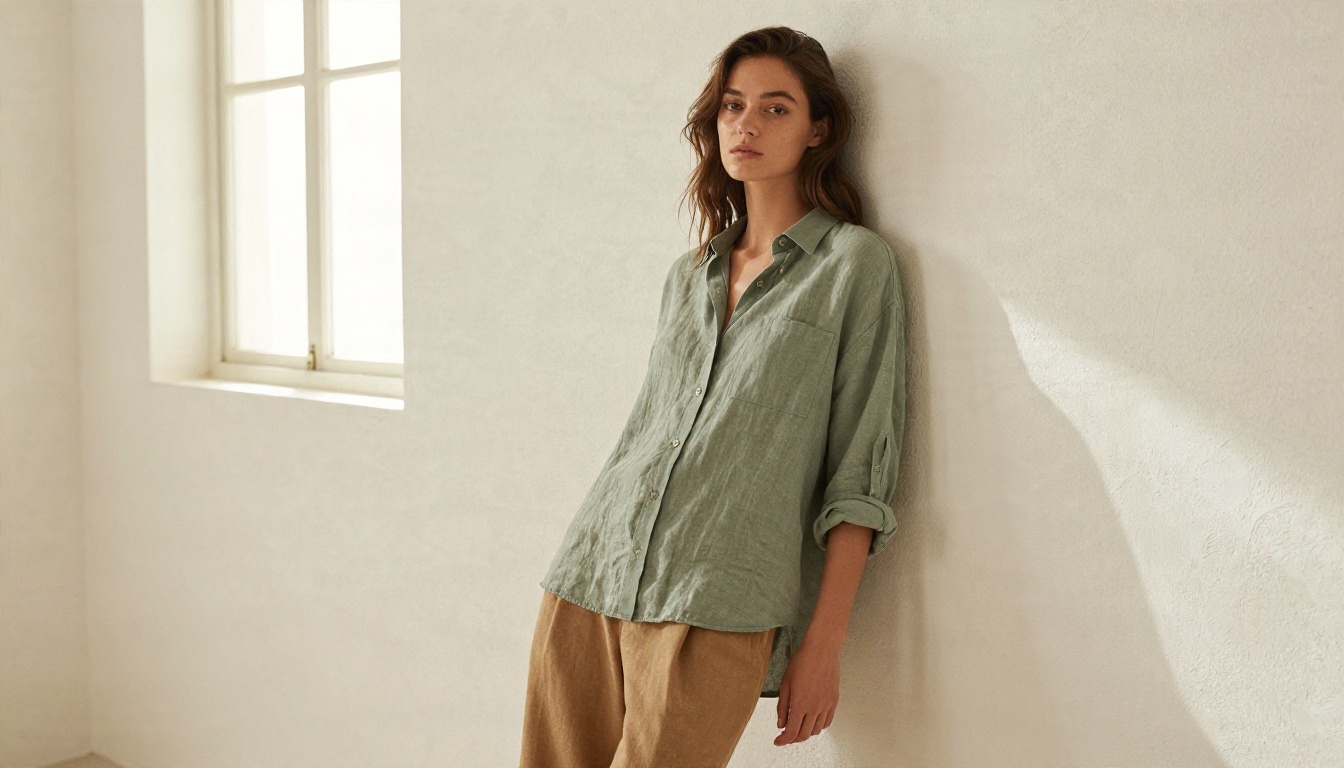
The trick is to describe a short focal length look, say 85mm at f/1.8, and name the lighting direction. The model then renders the creamy background and the slight rim light from the window.
Shelf and display visuals
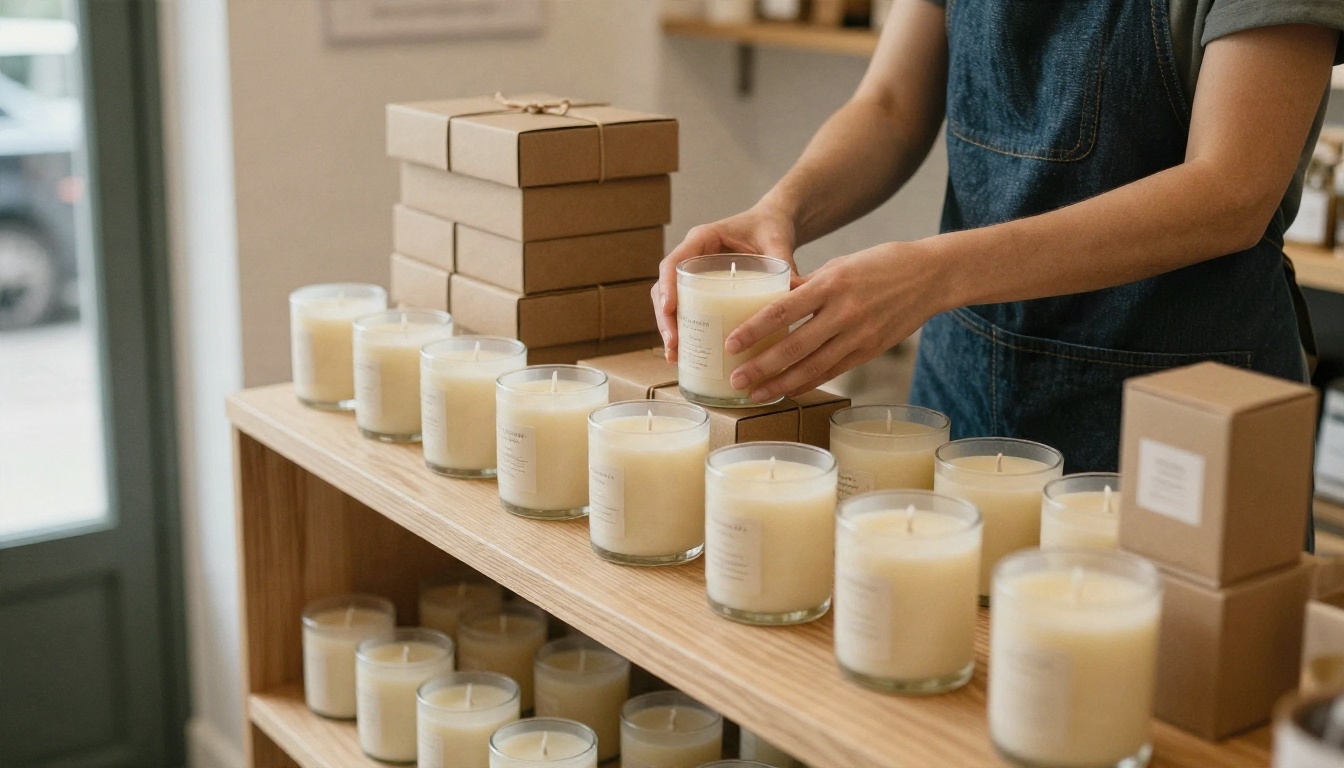
Buyers think in terms of space. Will this fit between the candles they already stock? Does it look premium next to the competition? A styled shelf scene answers that question before they ask it.
Studio-style product shots
Single-product hero images with controlled lighting are another strong use. A leather handbag on a plinth, lit from one side, with a gentle shadow gradient, is the classic catalog look.
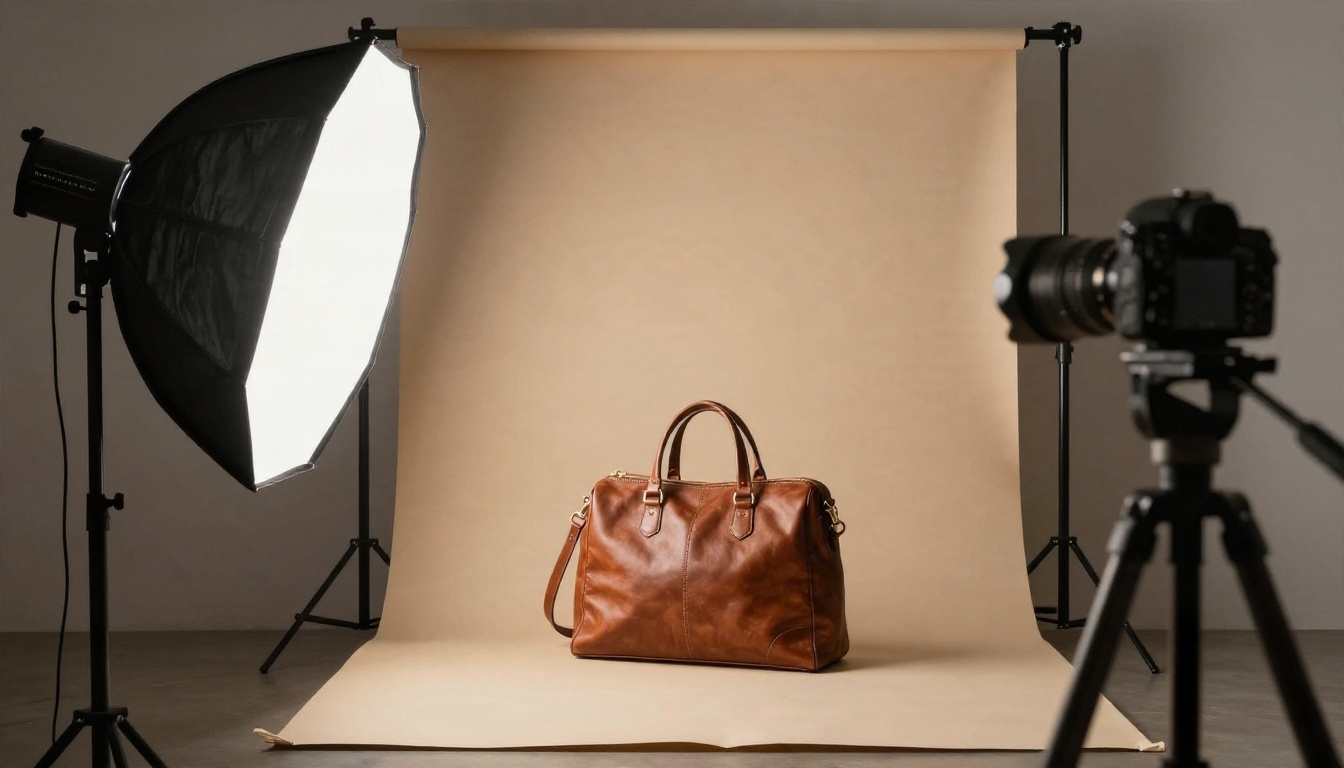
💡 Tip: When you want a studio look, describe the equipment: "softbox from the left, reflector card on the right, seamless paper backdrop". Models respond well to lighting setups because they have seen thousands of photographs that include them.
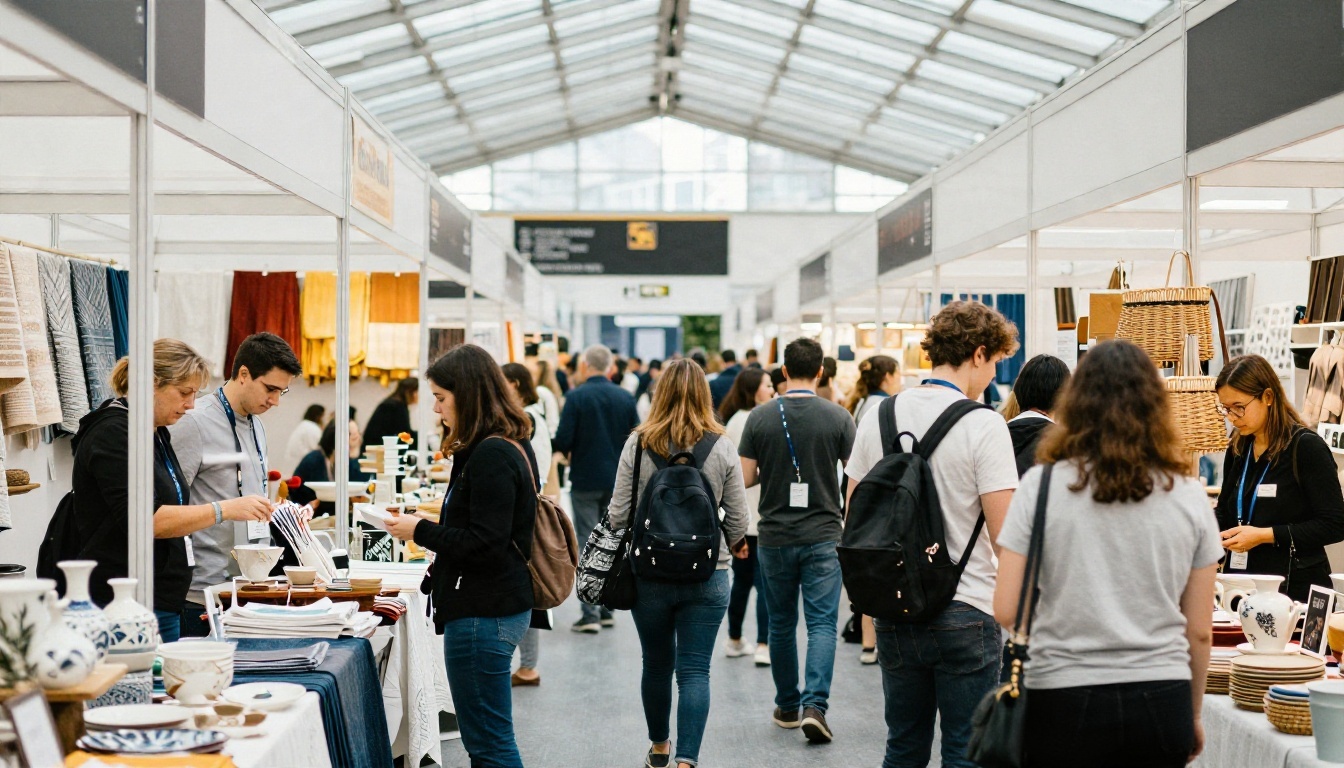
Trade show and showroom visuals
Brands without a booth budget can still produce mockups for pre-show emails, showing what the display will look like and which products will be on show.
Prompts That Actually Work
Most weak AI imagery comes from weak prompts: "nice photo of candles for a catalog". The model has to guess everything, so it guesses the average of everything, and the result looks generic.
A simple prompt formula
Use this structure, in order:
- Subject and action: who or what, doing what
- Environment: where, with two or three specific objects
- Light: direction, softness, time of day
- Camera: angle, lens length, aperture
- Texture and grade: surface details, film stock, grain
| Element | Weak version | Strong version |
|---|
| Subject | "candles" | "six soy wax jars in matte clay, one lid off" |
| Light | "good lighting" | "soft side light from a window on the left" |
| Camera | "professional photo" | "35mm lens at f/2.8, eye level" |
| Texture | "realistic" | "matte wax surface, paper grain, fine film grain" |
| Palette | "nice colors" | "oatmeal, sage and terracotta, no neon" |
Five prompts to copy
Replace the product and palette with your own.
- Flat lay: Overhead flat lay of twelve folded cotton tote bags in a precise grid on pale grey concrete, soft diffused window light from the left, 50mm lens at f/4 shot straight down, visible canvas weave, Kodak Portra 400 grain, muted earthy palette.
- Lookbook: Medium shot of a model in an oversized linen shirt leaning against a whitewashed plaster wall, natural skin texture, soft backlight from a tall window, 85mm lens at f/1.8, fabric wrinkles visible, fine film grain.
- Shelf scene: Eye-level shot of a boutique shelf styled with stacked ceramic mugs and kraft boxes on pale oak, soft side light from a storefront window, 35mm lens at f/2.8, visible glaze texture, warm natural tones.
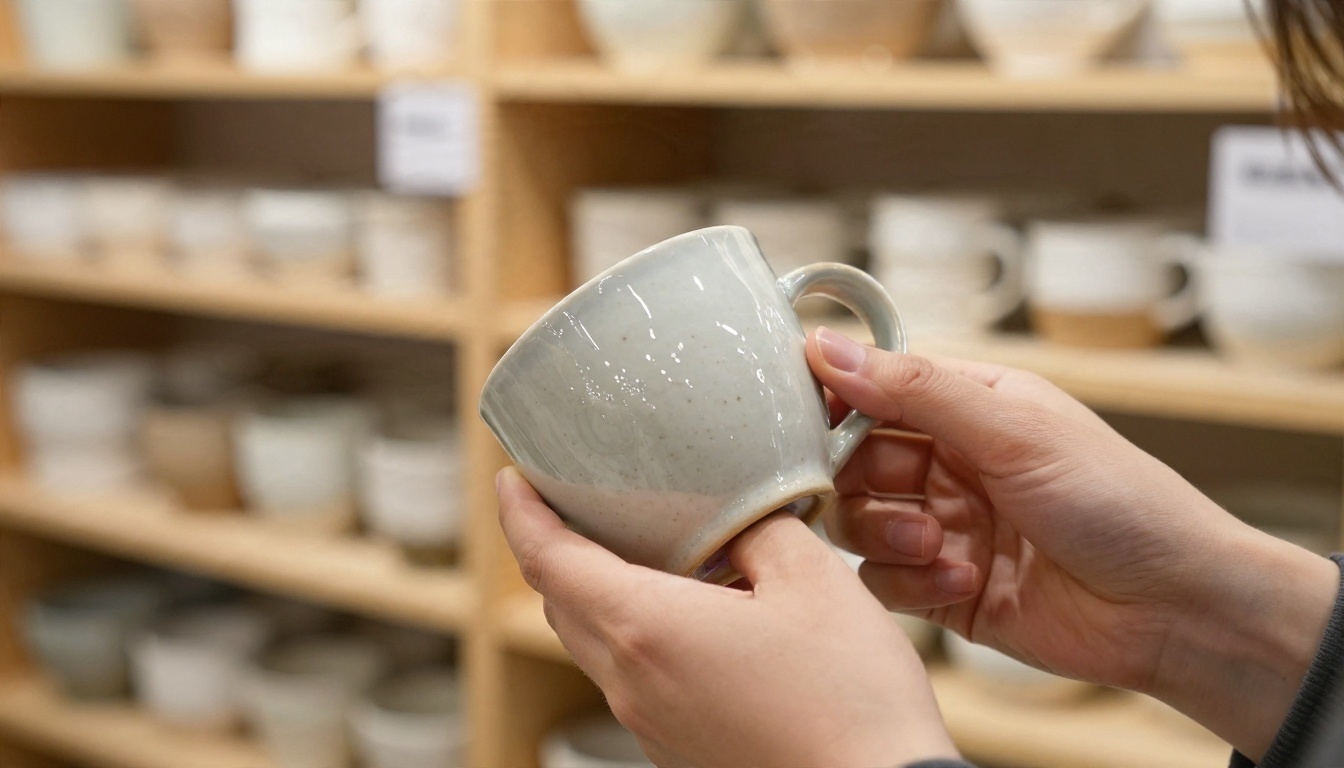
- Detail shot: Close-up of a buyer's hands turning a stoneware mug over to inspect the glaze, blurred shelves behind, warm window light from the right, 100mm macro lens at f/2.8, fingerprints on glossy surface.
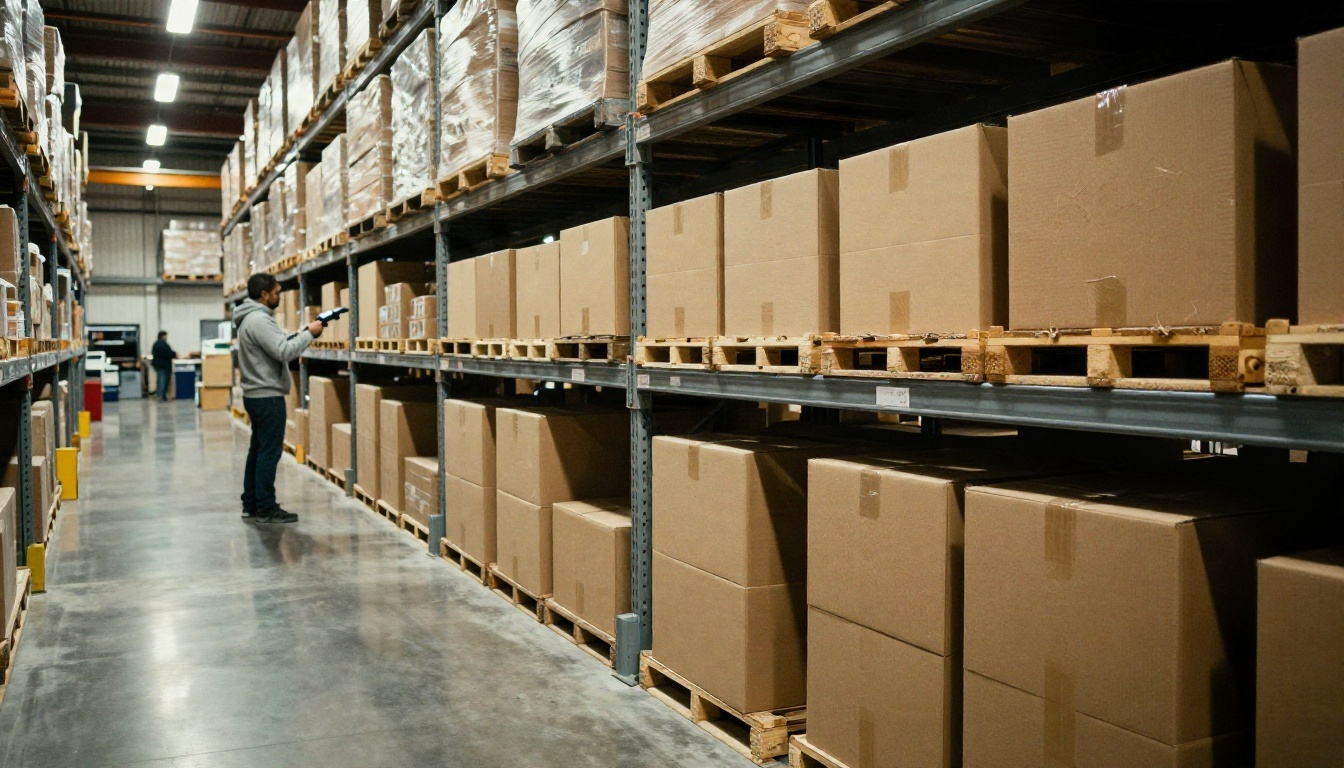
- Warehouse proof: Low-angle shot of a warehouse aisle with steel racking and cartons, a worker scanning a box, skylight reflecting on polished concrete, 24mm lens at f/5.6, visible cardboard fibers, documentary realism.
The last one surprises people. Buyers care about supply chain reliability, and a believable fulfillment image next to your catalog quietly signals that you can ship at volume.
Three common prompt mistakes
- Asking for text on the image. Models still struggle with long words. Keep any lettering to one or two short English words, or add real labels later in a layout tool.
- Stacking styles. "Photorealistic, watercolor, cinematic, anime" gives you mush. Pick one photographic look and commit.
- Forgetting imperfections. Real photos have a loose thread, a paper crease, a fingerprint. A prompt that asks for tiny imperfections produces images that feel shot, not rendered.
You do not need a subscription stack to get started on a first season of visuals. Several strong image models can be used for free or at low cost on PicassoIA, and the best choice depends on the asset.
Image models by job
| Model | Best for | Why it fits wholesale |
|---|
| Seedream 4.5 | Lookbook scenes, people, 4K output | Strong skin and fabric realism, high resolution for print line sheets |
| PicassoIA Image Editor Pro | Editing existing sample photos, unlimited generations | Lets you restyle a phone photo of a real sample without limits on tries |
| Nano Banana Pro | Consistent edits, product-in-scene work | Good at keeping the product recognizable across variations |
| Imagen 4 | Clean, photographic scenes | Reliable lighting and natural color |
| Qwen Image 3 | Detailed environments | Handles busy scenes like showrooms and shelves |
| Flux 2 Klein 4B Base | Fast drafts and style testing | Cheap iterations before you commit to a final render |
Cleanup tools you will use every time
Raw generations are rarely the final file. Two utilities earn their place in every workflow:
- Background removal: Remove Background gives you clean cutouts for line sheets, and Product Cutout is built for precise product edges.
- Upscaling: Real ESRGAN lifts a 1K draft to a 4x print-ready version for catalogs and trade show banners.
💡 Free tier strategy: Draft with a fast model, pick your three best compositions, then render only those at full resolution. You spend free generations on exploration and quality credits on finals.
The Real Cost of Each Approach
Pricing is where wholesale brands tend to get stuck, because the real comparison is not "AI versus nothing". It is AI versus what you would have actually paid.
What a traditional shoot costs
These are rough market ranges, and they vary widely by city and by photographer, so treat them as a planning baseline rather than a quote:
| Item | Typical range per shoot day |
|---|
| Commercial photographer | $800 to $3,000 |
| Model and hair or makeup | $400 to $1,500 |
| Stylist and props | $300 to $1,000 |
| Studio or location | $200 to $800 |
| Retouching per image | $15 to $60 |
| Usage rights | Often bundled, sometimes extra |
A small catalog day with a model and a stylist lands in the low thousands, often more once retouching and revisions are added. For a brand with 60 SKUs and two seasonal lookbooks per year, that can become one of the largest marketing lines in the budget.
What AI costs instead
With generation platforms, you pay either nothing (free daily or limited generations) or a small credit price per image. Even with a paid plan and heavy iteration, a full season of line sheet visuals, lookbook scenes and shelf mockups usually costs a small fraction of one shoot day. The real expense becomes your time: writing prompts, picking winners and fixing details.
Where AI is not cheaper
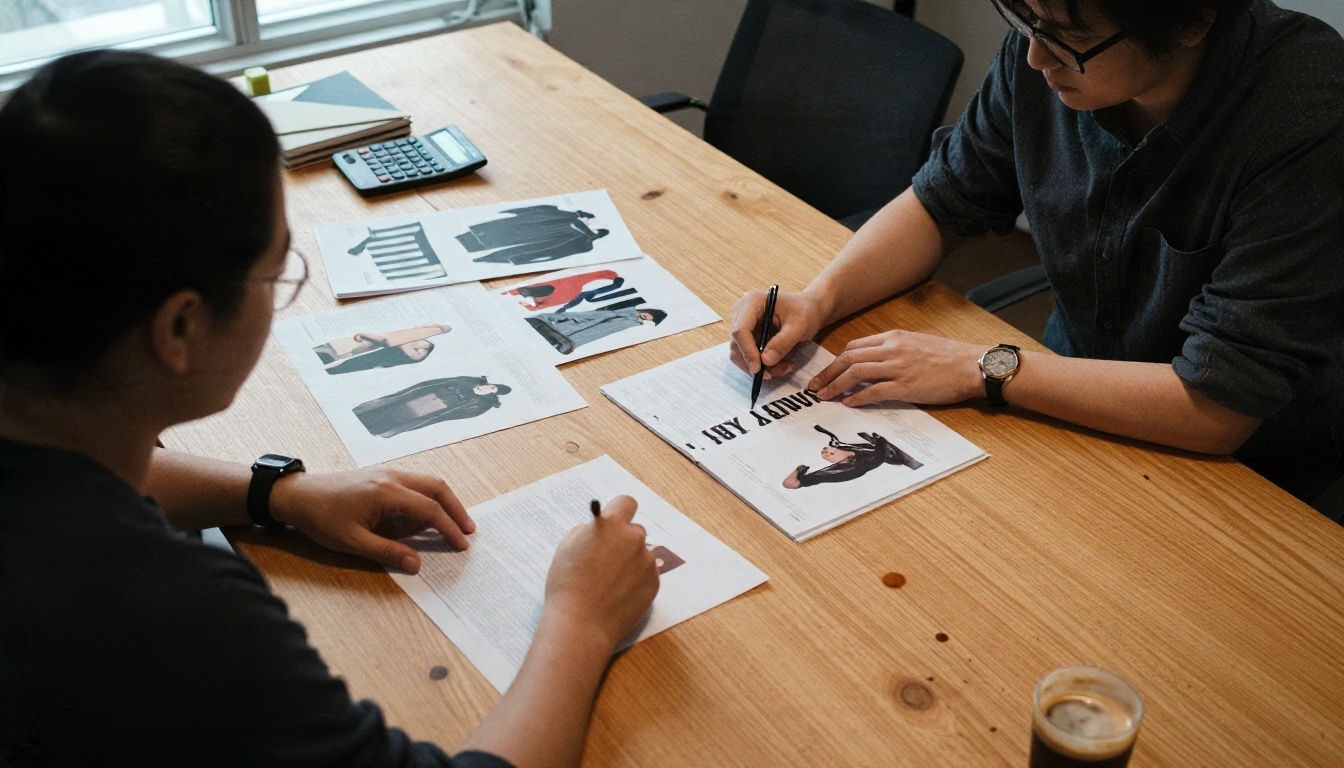
Be honest with yourself here. If a retailer requires exact product accuracy on a complex item, such as a patterned textile or a branded label, you still need real photography of the sample. A hybrid approach wins: photograph hero products once, and use AI to build the scenes, seasons and variations around them.
A Workflow for One Full Season
Here is a practical sequence that a two-person brand can run in a week.
Day 1: Define the visual brief
Write five lines: palette, light mood, setting, model look and what must not appear. Keep this brief in a document and paste its language into every prompt. Consistency across images matters more than any single picture.
Day 2 and 3: Generate and shortlist
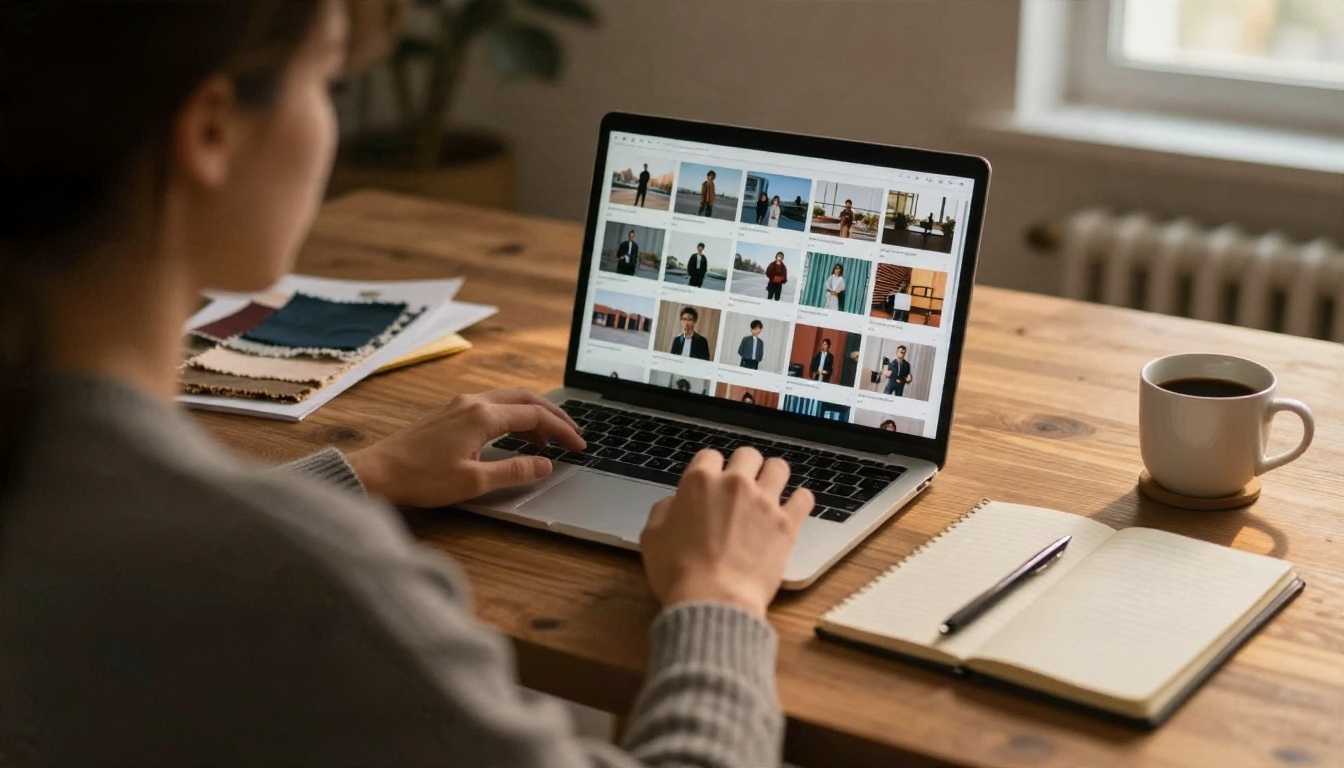
Create 10 to 20 candidates per asset type. Use a fast model for drafts, then re-render winners with Seedream 4.5 or Imagen 4. Mark anything with warped hands, wrong product proportions or garbled labels as rejected immediately.
Day 4: Edit and unify
Use PicassoIA Image Editor Pro to fix details, adjust colors and bring all images to the same grade. Remove backgrounds where a line sheet needs clean cutouts, then upscale finals with Real ESRGAN.
Day 5: Build the package
Place the images in your line sheet or PDF lookbook, add real product names, prices and minimum order quantities, then export. Test the file on a phone, since many buyers open it there first.
Rules for Honest Wholesale Imagery
Wholesale relationships run on trust. One mismatch between photo and product can lose a retailer for good, so set boundaries before you start.
Never misrepresent the product
AI scenes should show your product accurately: right color, right size, right finish. If the generated mug is glossier than the real one, regenerate or edit it. Use image-to-image editing from a real sample photo when accuracy matters.
Label what is conceptual
If an image is a mockup of a display you have not built yet, say so in your catalog notes. Buyers forgive a mockup. They do not forgive a surprise.
Check platform and retailer rules
Some marketplaces and large retailers have specific requirements for product images, such as white backgrounds and real-product photography. Read their submission rules first, and keep AI scenes for lookbooks, decks and outreach rather than product listing images.
Keep a record of your prompts
Save the prompt, the model and the date for every approved image. When a buyer asks for a variation next season, you can recreate the exact look in minutes instead of starting from zero.
Start Building Your Own Campaign Images
You do not need a studio, a model or a budget meeting to put a better first impression in front of buyers. Pick one product, copy one of the prompts above, and generate your first line sheet flat lay today. Then try a lookbook scene, a shelf mockup and a trade show visual, and compare them side by side with what you currently send.
Open Seedream 4.5 for people and scenes, use PicassoIA Image Editor Pro to refine your own sample photos with unlimited generations, and browse the full catalog at picassoia.com/en/all-models to find the model that suits your product. Your next wholesale season could look dramatically better by the end of this week, and the only thing it requires from you is a prompt.


