If you typed "xAI Spicy Mode free" into a search bar, you probably hit the same wall a lot of people hit: the toggle is right there in the Grok Imagine app, you tap it, and something asks for money, or quietly refuses, or burns one of your generations on a blurred result. So what is actually going on? Short answer: Spicy Mode is not a free feature in any way you can count on in 2026, the limits are mostly unpublished, and the rules change often enough that last quarter's tutorial may already be wrong.
This article lays out what is known, what is reported but unconfirmed, and what to do if you would rather skip the guessing game. Along the way you will see tasteful, fully photorealistic alternatives on PicassoIA that generate glamour and swimwear imagery without a subscription maze.
💡 Quick take: Free Grok accounts reportedly get little to nothing for image generation now. Spicy Mode needs a paid tier, appears to be limited to the mobile apps, and blocked attempts may still count against your allowance. If any of that is a dealbreaker, jump to the alternatives section.
What Spicy Mode Actually Is
Spicy Mode is a generation setting inside Grok Imagine, xAI's image and short video generator. Next to options like Normal and Fun, it loosens the content filter so that suggestive, more sensual output is allowed. It launched in mid 2025 and immediately became the most talked about part of the product, for better and for worse.

Normal, Fun and Spicy
Grok Imagine has historically offered a few presets that change how your prompt is interpreted. Normal stays close to your text. Fun adds stylized flair. Spicy relaxes the rules around suggestive content. Importantly, Spicy is not an "anything goes" switch. Explicit sexual content and anything involving real public figures run into filters regardless of the preset, and those filters were tightened more than once through 2026.
Image Versus Video
The mode started life on image to video clips, where you animate a still into a few seconds of motion. Later updates extended similar settings to still image generation. Which of the two you can reach depends on your plan, your platform (web versus iOS versus Android), and the current rollout state, which xAI does not document clearly.
Is xAI Spicy Mode Free?
Honest answer: almost certainly not. Guides published early in 2026 describe a free tier with daily image credits. More recent reporting says that free access was stripped back step by step, with the last remnants of free image generation reportedly removed around March 2026. By spring, free users who opened the Imagine tab saw the interface but hit a paywall the moment they tried to generate anything.
Some older or lower quality websites still claim you get free daily credits with just an X account. Treat those with suspicion. They tend to repeat each other and rarely mention a date.

What Free Accounts Get
Based on the most specific recent reports, a free account gets, at best, a thin image-only allowance with lower quality output, and in many cases nothing at all. Video, HD output and Spicy Mode sit behind a paid plan. One Spicy guide even claims free users get a handful of blurred teaser results per day, but that detail is unverified and I would not plan around it.
Which Paid Plans Unlock It
Reports point to two routes: a SuperGrok subscription, or an X Premium+ subscription. Pricing quoted across sources varies by region, billing period and date, so check the in-app price before you commit. The commonly quoted ballpark looks like this:
| Plan | Reported price | Spicy Mode access |
|---|
| Free Grok account | $0 | Reportedly none |
| SuperGrok Lite | around $10 per month | Unclear, plan dependent |
| SuperGrok | around $30 per month (cheaper on annual billing) | Reported yes, with filters |
| X Premium+ | roughly $16 to $40 per month depending on source and region | Reported yes |
| SuperGrok Heavy | around $300 per month | Reported yes, highest allowance |
💡 Sources even disagree on whether Spicy output works on SuperGrok at all in certain periods. A subscription gets you the toggle, not a guarantee of what the filter will let through that week.
The Real Limits You Will Hit
Here is where it gets fuzzy. xAI does not publish a clear usage table for Spicy Mode. What exists is a mix of launch era statements, community measurements and guesses.

Daily Generation Caps
The most quoted numbers come from statements made around launch: roughly 50 daily video renders on Premium, 100 on Premium+, and 500 for Heavy users. These predate the 2026 changes, so assume they are outdated. One guide estimates around 100 image generations per month on SuperGrok, but it states plainly that this is not an official figure.
Blocked Attempts Still Count
A recurring complaint from users is that a generation rejected by the safety filter still spends part of the allowance. This comes from user reports, not documentation, so take it as likely rather than proven. Practically, it means a vague or aggressive prompt can cost you credits and give you nothing back.
Platform Restrictions
Several sources say Spicy Mode is available only on the iOS and Android apps, not on the desktop website. If you work from a laptop, that alone can be a reason to look elsewhere.
Quality Caps
Even on paid tiers, resolution, clip length and queue speed depend on the plan. Short clips of a few seconds are the norm, and heavy users report slow queues at busy hours.
Why Spicy Generations Get Blocked
If you have paid and still get a refusal, you are not alone. The filter looks at your prompt, at the uploaded source image if there is one, and at the generated output.
Common Triggers
- Real people: uploading a photo of an actual person and asking for suggestive output is blocked far more aggressively than it used to be.
- Explicit wording: blunt anatomical or sexual terms usually produce a refusal or a heavily softened result.
- Minor-like cues: anything that suggests youth is blocked hard, and rightly so.
- Brand and celebrity names: these trigger moderation even in otherwise harmless prompts.
Prompting Without Tripping Filters
Describing a scene the way a fashion photographer would works better than describing an action. Specify the wardrobe (silk robe, bikini, satin slip dress), the light (warm window light, golden hour), the lens and the mood. Photographic language tends to read as editorial rather than explicit, so filters are less likely to fire. It is also just a better way to prompt for realism.
Alternatives That Work Today
If you want glamour, swimwear, boudoir style or sensual portraits without worrying about a subscription tier or whether a toggle still works, a handful of image models on PicassoIA are built for exactly this kind of photorealistic output. They produce non-explicit, suggestive, attractive imagery, and you control the look completely through your prompt.
Seedream 4.5 for Photoreal Glamour
Seedream 4.5 is the first model to try. It handles skin texture, fabric sheen and natural lighting well, and it follows long, detailed prompts without wandering. Swimwear on a beach, satin and silk indoors, golden hour portraits: it does all of them convincingly, and outputs come out sharp enough for large prints.

PicassoIA Image Editor Pro for Unlimited Runs
PicassoIA Image Editor Pro is the one to pick if your problem with Spicy Mode is the meter running down. It offers unlimited generations, so you can iterate on a prompt twenty times without counting credits. It also works as an editor: restyle an outfit, change a background, adjust lighting on an existing photo.
Other Models Worth Trying
If you simply want to try Grok's own models, PicassoIA lists Grok Imagine Image 2, Grok Imagine Image Quality and Grok Imagine Video 1.5. Keep in mind that Spicy Mode itself is a setting inside xAI's own Grok app. Those model pages are a separate product, so do not expect the Spicy toggle to come along with them.
For video, LTX 2.5 Fast turns a still into a short clip quickly, which is useful if the animation side of Spicy Mode is what you actually liked.

How to Get Similar Results on PicassoIA
This walkthrough uses Seedream 4.5 because it is the strongest all rounder for this style of image.
Step by Step
- Open the model page. Go to Seedream 4.5 and sign in.
- Write a photographer style prompt. Name the subject, the wardrobe, the setting, the light and the lens. Example: "A woman in a cream knit bralette and high-waisted jeans in a sunlit loft, soft window light from the left, 85mm f/2, natural skin texture, Kodak Portra 400 grain."
- Pick a wide ratio. 16:9 suits landscape scenes like beaches and terraces. Use 3:4 or 2:3 for full length portraits.
- Generate, then refine. Change one thing at a time: the light, the lens, the pose. Small edits give you more control than rewriting everything.
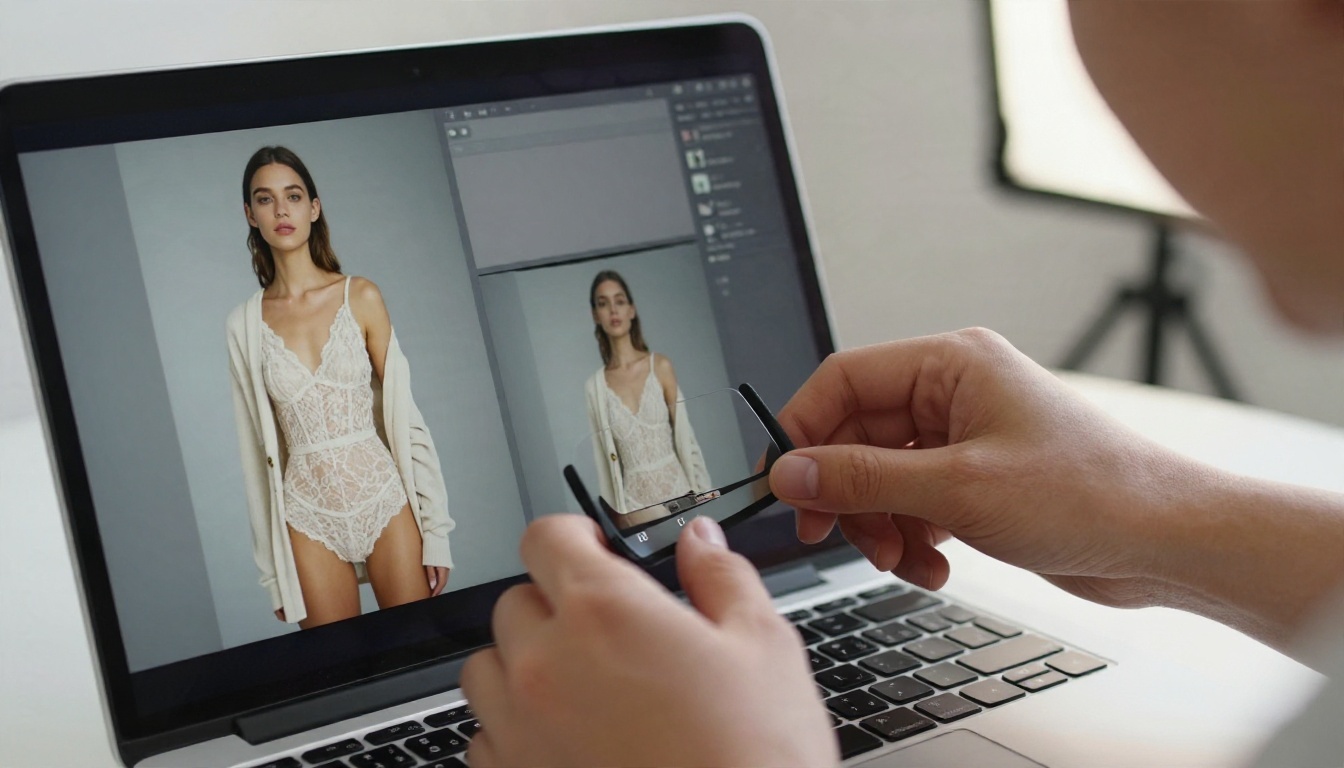
- Polish in Image Editor Pro. Move the result into PicassoIA Image Editor Pro to fix details, swap an outfit or change the background without limits on attempts.
Parameter Tips
- Be specific about light. "Warm volumetric morning light from the left" beats "good lighting" every time.
- Name the lens. 85mm for portraits, 35mm for lifestyle scenes, 24mm for wide environments.
- Add texture words. Pores, linen weave, satin sheen, wet sand reflections. They push the model toward real photography.
- Skip the buzzwords. Strings like "ultra HD masterpiece 8K trending" add noise. Describe the scene instead.
- Keep seeds when you like a result. Reuse the seed and change one variable to test a variation.
💡 Want a short motion clip afterwards? Feed your best still into a video model such as LTX 2.5 Fast and describe a slow camera move and gentle subject motion.
Prompt Ideas That Work
Here are a few starting points you can paste and adapt. Each one is written in editorial language and aims for attractive, non-explicit results.

Boudoir and Hotel Suite
"A woman in a black silk robe seated on a white linen bed, warm morning light through sheer curtains, 85mm f/1.8, soft film grain, intimate editorial mood."
Beach and Poolside
"A woman in a red bikini walking along white sand at golden hour, backlit, low angle, 35mm f/2, sea spray on skin, Kodak Portra 400."
Evening Glamour
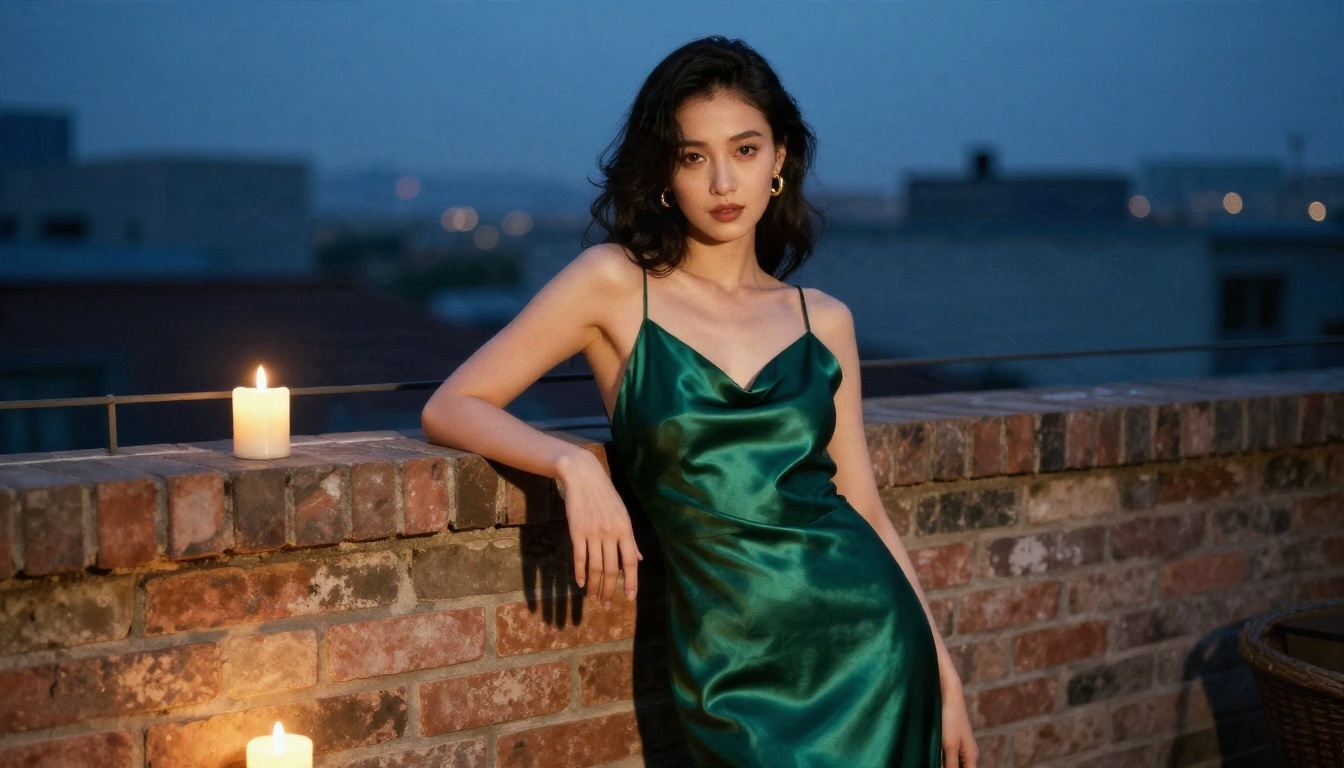
"A woman in an emerald satin slip dress leaning on a brick wall in a candlelit rooftop lounge, blue hour sky, 85mm f/1.4, creamy bokeh."
Relaxed Lifestyle
"A woman in a black halter swimsuit and sarong on a wooden pier at sunset, warm backlight, calm lake reflections, 28mm f/4."
Spicy Mode Versus Alternatives
To put the two routes side by side:
| Factor | xAI Spicy Mode | PicassoIA alternatives |
|---|
| Cost to try | Paid plan reported as required | Models available on PicassoIA, with unlimited runs in Image Editor Pro |
| Published limits | Mostly unpublished | Shown on each model page |
| Failed attempts | Reportedly count against allowance | You choose the prompt and iterate freely |
| Platform | Reported mobile only for Spicy | Browser based |
| Filter behavior | Changes often, opaque | Consistent, prompt driven |
| Output style | Short clips, stylized stills | Photoreal stills, plus video models |

Make Your Own Images Today
The Spicy Mode situation boils down to this: it is paid, the limits are vague, the filters move, and a refused prompt can still cost you. If you only wanted beautiful, suggestive, photorealistic images, you do not need that setup.
Open Picasso IA, start with Seedream 4.5, move to PicassoIA Image Editor Pro when you want unlimited iterations, and try the sample prompts above as they are. Change the light, swap the wardrobe, push the lens choice, and see how quickly your results improve. When you want even more variety, browse every available model at picassoia.com/en/all-models and keep experimenting.


