Most people type "Z Image Turbo LoRA" into a search bar for one of two reasons. Either they want a look that the base model does not give them out of the box, or they have heard that these tiny add-on files can change a render completely and they want to see it before installing anything. Both are fair goals. The catch is that LoRA workflows usually mean downloading weights, matching versions, and owning a GPU that does not choke. This article sorts out what Z Image Turbo LoRAs actually do, which free style categories are worth your time, what the results look like, and where you can get similar looks online with no setup at all.
What Z Image Turbo Actually Is
Z Image Turbo is a roughly 6 billion parameter image model from the Tongyi-MAI team at Alibaba. Its selling point is speed: it produces a finished image in about 8 sampling steps, which is a fraction of what older diffusion models need. Vendors list it under an Apache 2.0 license, which means commercial use is generally allowed, though you should always check the license attached to the exact weights you download.
You can try it directly on PicassoIA through the Z Image Turbo model page, where it runs in the browser with no installation.
Why speed matters for style work
When a render takes two seconds instead of thirty, you stop treating each generation as precious. You try ten variations of a prompt, compare them, and keep the best. That loop is exactly what style experimentation needs, and it is why Turbo-class models are popular with LoRA fans.
What makes it different from older checkpoints
Earlier open models often needed 25 to 50 steps and careful guidance settings. Turbo models are distilled, so they land on a clean result quickly and tolerate shorter prompts. The tradeoff is less raw variety per seed, which is one reason people reach for LoRAs: they push the model toward a specific, repeatable look.
How LoRAs Change a Render
LoRA stands for low rank adaptation. Instead of retraining the whole model, someone trains a small set of extra weights on a few dozen or a few hundred example images. When you load that file, the model leans toward the style, subject, or lighting those images shared.
Style LoRAs versus character LoRAs
A style LoRA teaches a look: film grain, a color grade, a type of lighting, a camera format. A character or subject LoRA teaches a specific face, product, or object. For general use, style LoRAs are the safer bet because they do not lock you into one identity.
Strength and stacking
Most hosts let you set a strength value, often between 0.5 and 1.0. Lower values give a hint of the look, while higher values can overpower your prompt and distort anatomy. Several hosted endpoints also allow up to three LoRAs at once, for example one for film color and one for a lighting style. Stacking more than two usually produces muddy results, so add them one at a time.
💡 Tip: Start at 0.7 strength and change only one thing per test. If you change the prompt, strength and seed together, you will never know which one caused the shift.
Where training happens
Community advice for training is to build the LoRA on the base Z Image model and then apply it to the Turbo version for fast output. A LoRA trained directly on Turbo can work, but it tends to be less stable, because the distilled weights have less room to move.
Free Z Image Turbo LoRA Style Categories
There is no single official free catalog. LoRAs are shared by individual creators on community repositories, and quality varies a lot. Rather than listing files that may be renamed or removed next week, here are the style categories that show up most often and why people like them.
| Style category | What it changes | Best used for | Typical strength |
|---|
| Analog film look | Grain, faded blacks, warm color cast | Portraits, lifestyle | 0.6 to 0.8 |
| Street and documentary | Candid framing, muted palette | Urban scenes | 0.6 to 0.9 |
| Golden hour glow | Warm rim light, soft haze | Beach, outdoor fashion | 0.5 to 0.8 |
| Fashion editorial | Hard light, clean backdrops | Lookbooks, campaigns | 0.7 to 1.0 |
| Product and flat lay | Even light, crisp texture | E-commerce | 0.5 to 0.7 |
| Macro and nature | Shallow focus, fine detail | Wildlife, plants | 0.5 to 0.8 |
| Architectural interior | Straight lines, natural daylight | Real estate, decor | 0.5 to 0.7 |
Analog film looks
The most downloaded style type by a wide margin. These LoRAs imitate the grain structure and color response of stocks like Kodak Portra 400. They are forgiving, because film flaws read as charm rather than errors.
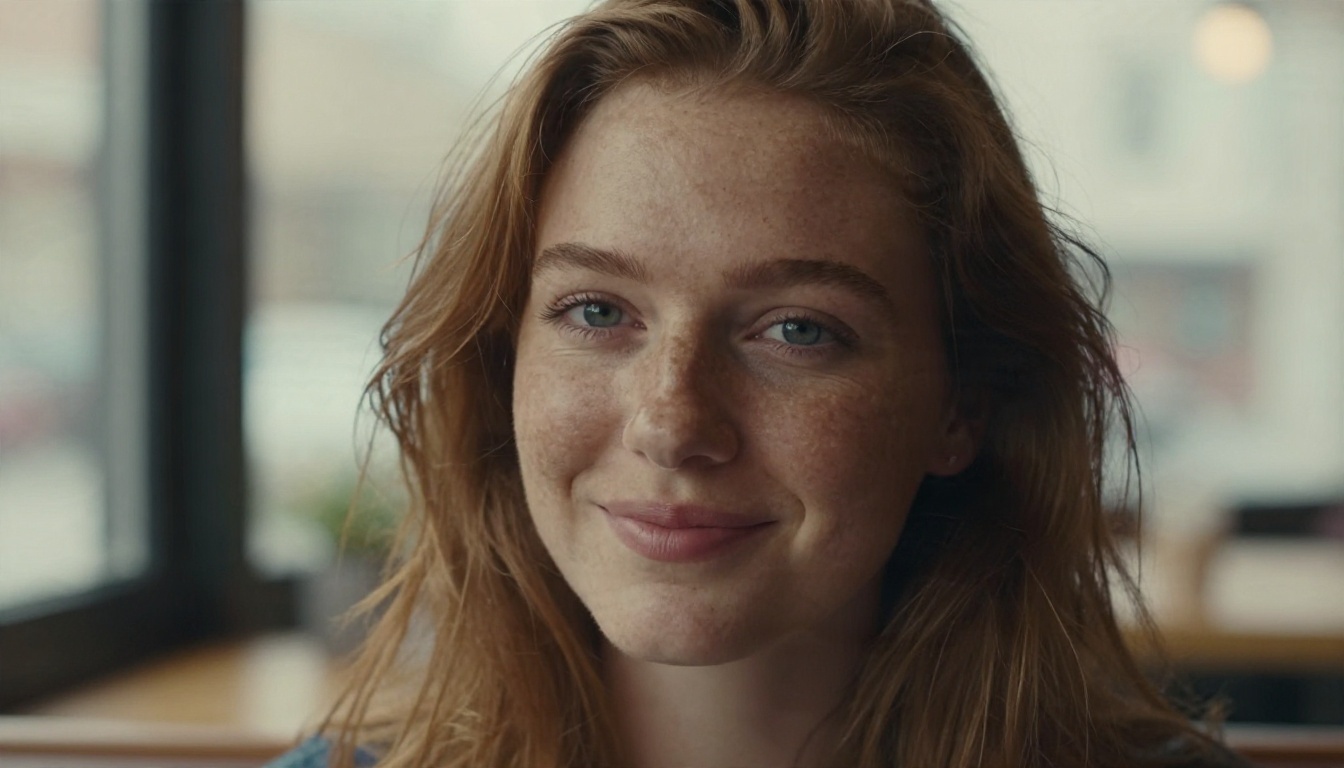
Look at the skin here: visible pores, a few stray hairs, soft window light wrapping the cheek. That is the type of result an analog film LoRA aims for, with the grain doing as much work as the lighting.
Street and documentary styles
These push toward candid framing and slightly faded color. A good one makes a generated scene feel like a frame pulled from a 35mm roll rather than a staged render.
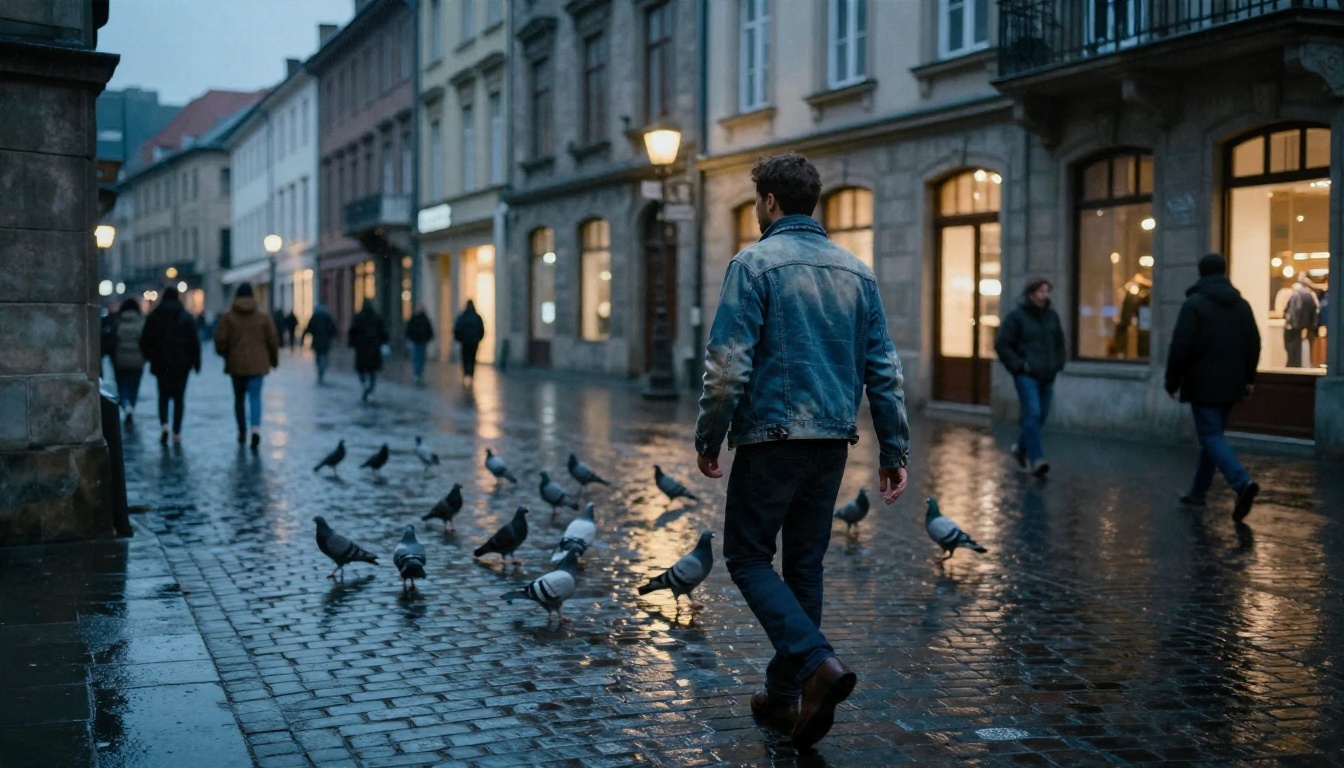
Wet stone is a good stress test. A weak LoRA flattens the reflections, while a solid one keeps the warm shop light bouncing off the cobbles.
Golden hour and glamour
Warm rim light is easy to describe in a prompt but hard to repeat consistently. Light-focused LoRAs fix that, giving you the same low sun and gentle haze across a whole batch.
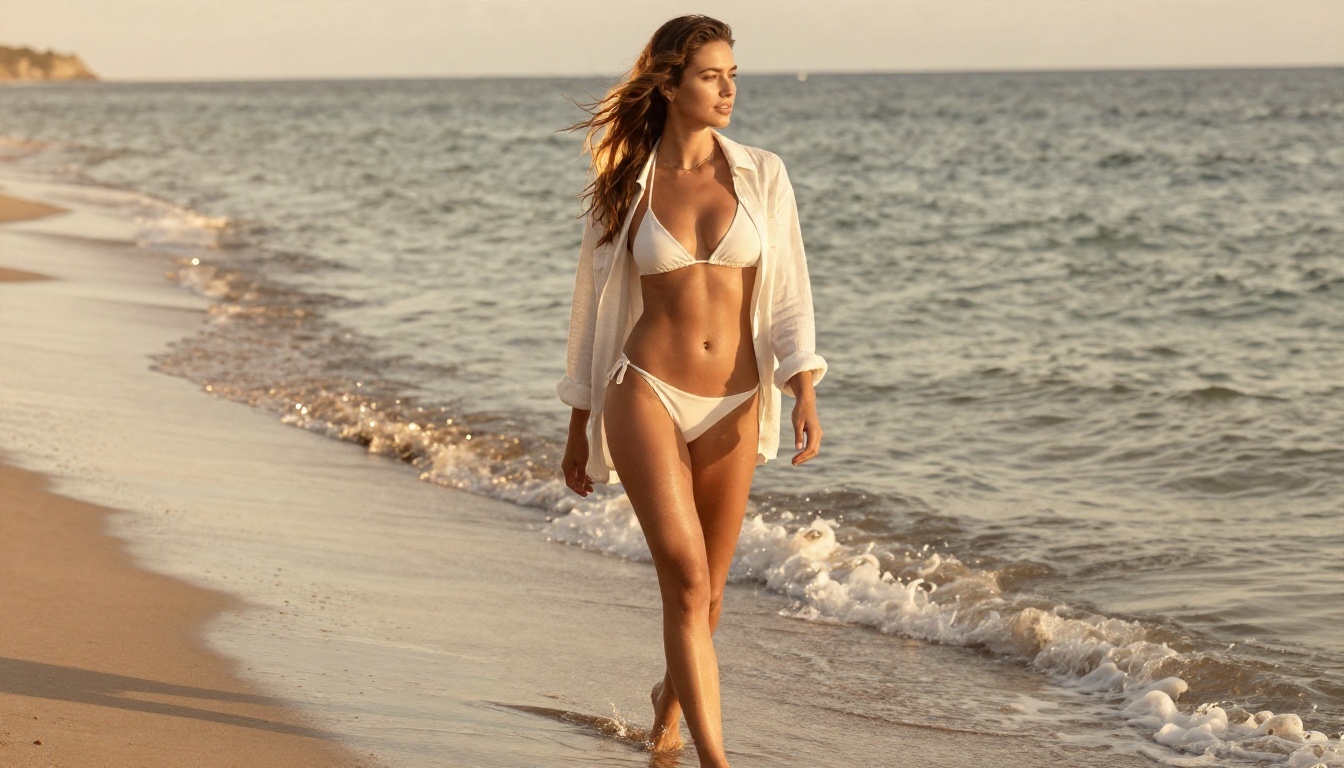
This is where a style file earns its place. Lifestyle and beach content depends on consistent warmth, and matching that by hand across fifty images is tedious.
Example Results by Use Case
Examples beat descriptions, so here are four genres where LoRA-driven styling makes a visible difference. All of the images in this article are photographic looks of the kind these style files target.
Fashion editorial
Hard directional light and clean negative space define the genre. A fashion LoRA tends to tighten the contrast and keep fabric texture crisp.
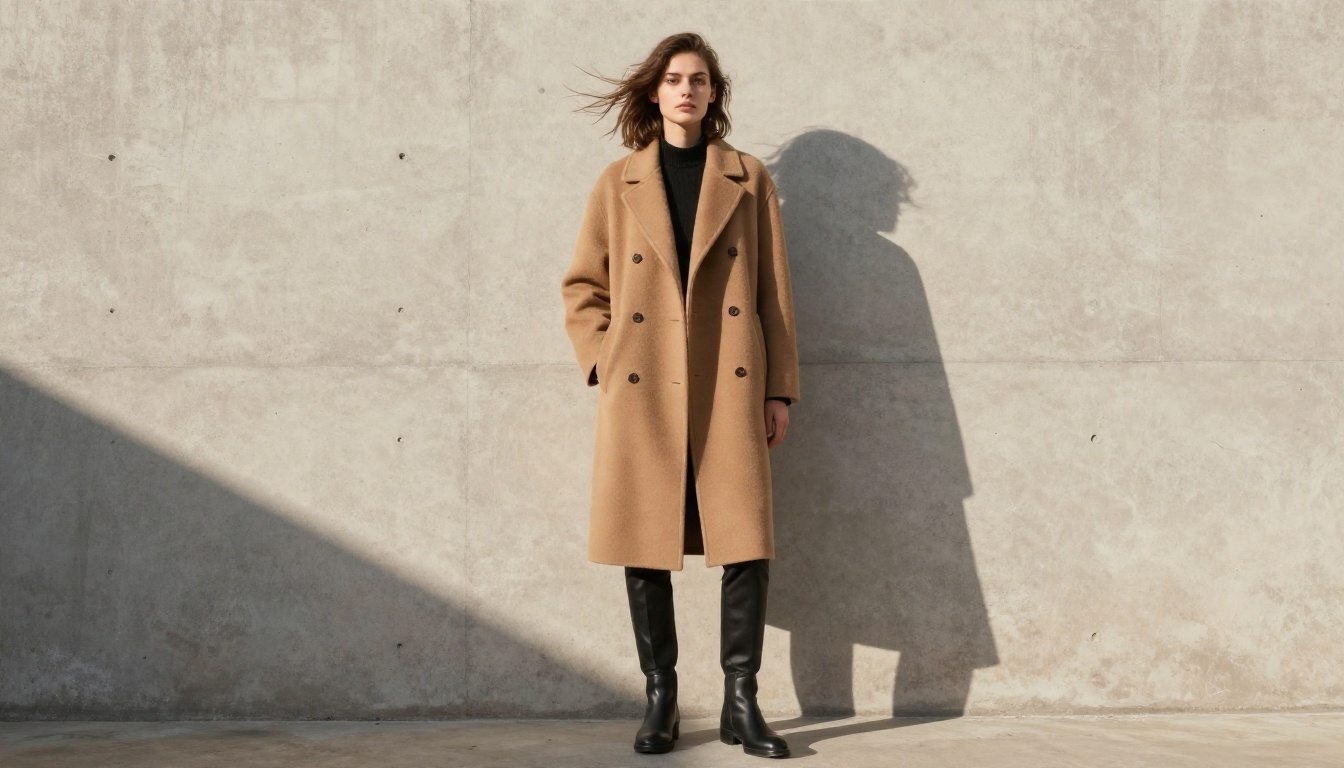
Notice the wool fibers and the sharp diagonal shadow. Those two details are what separate an editorial look from a generic portrait.
Product and flat lay
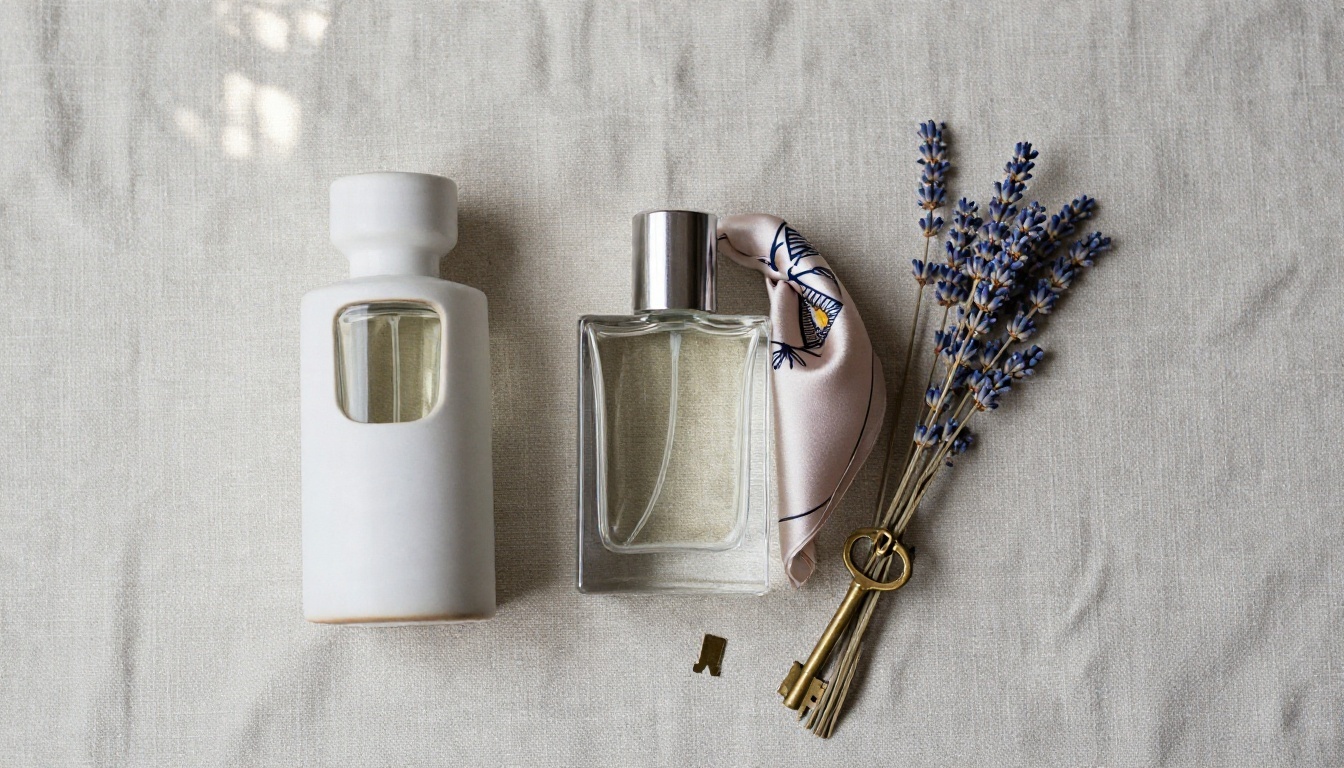
For online shops, consistency matters more than drama. A product style keeps the lighting even and the textures believable, so a whole catalog looks like it came from one shoot.
Macro and nature
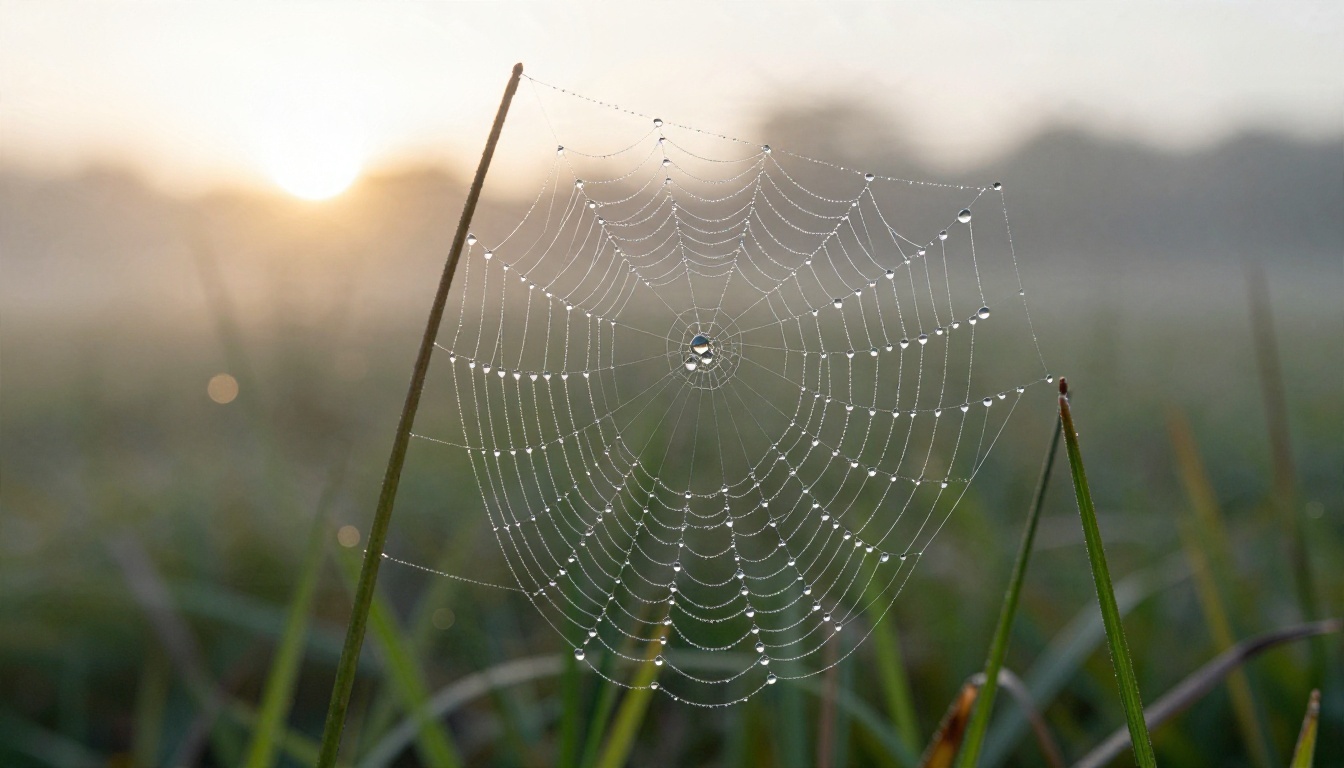
Small subjects test fine detail. Droplets on a web, the grain of a petal, or the edge of a leaf all need sharp focus on one plane and soft falloff everywhere else.
Interiors and food
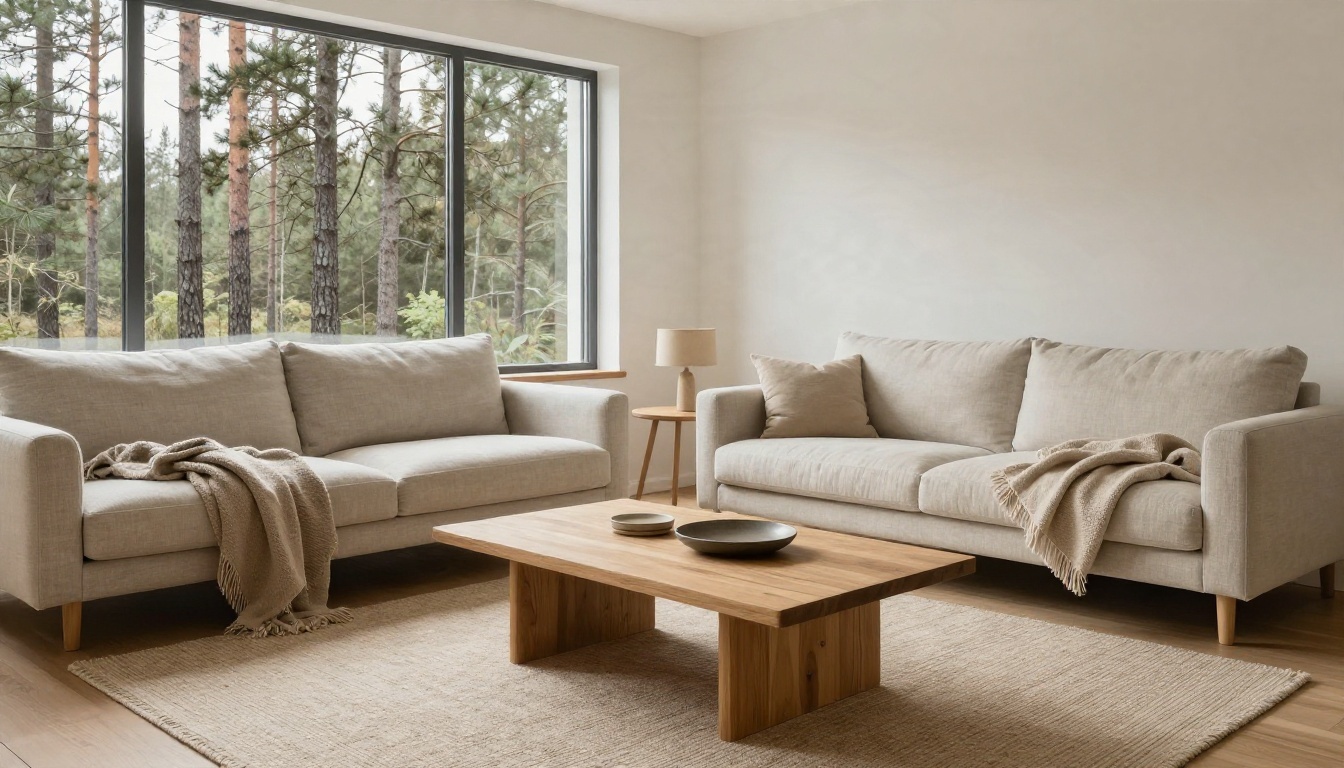
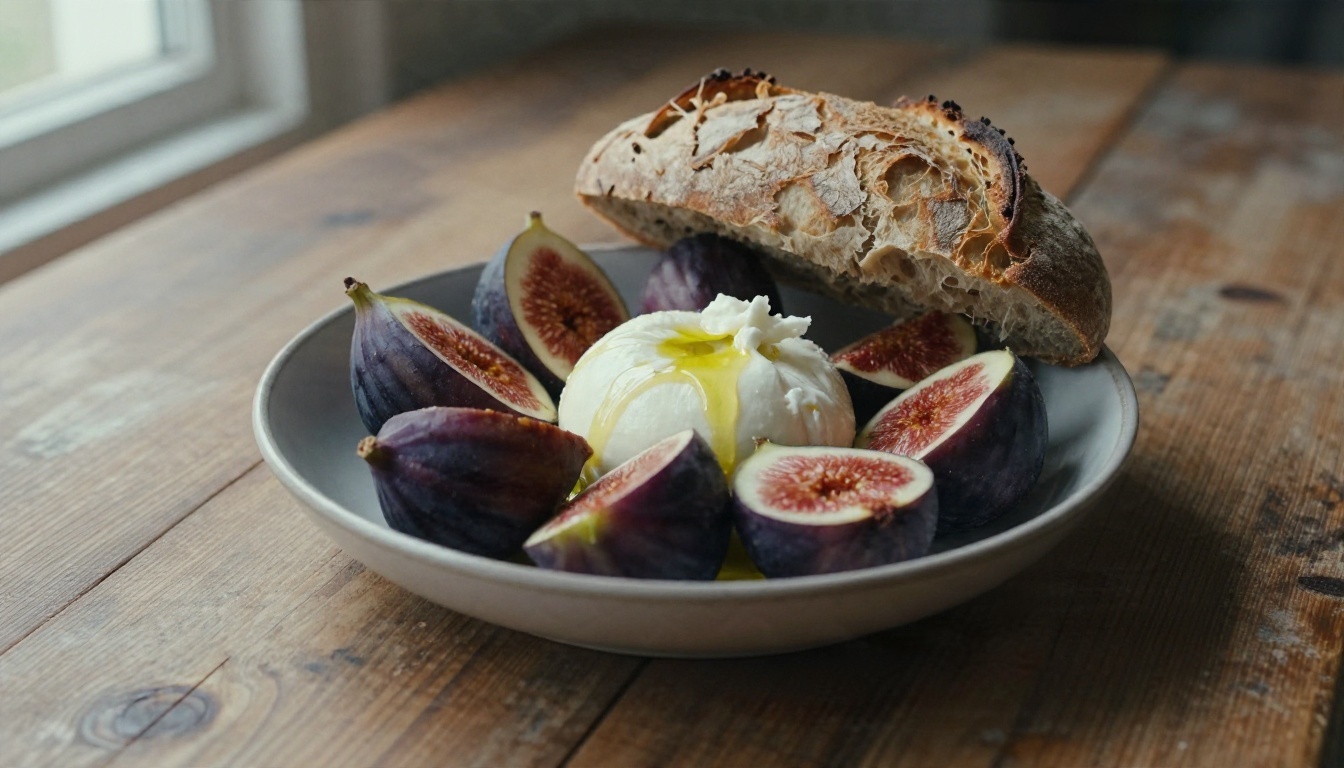
Straight lines and believable materials are the hard part of interiors, and appetizing texture is the hard part of food. Both genres benefit from natural window light, which a few LoRAs reproduce well.
The Real Cost of "Free" LoRAs
Free files are great, but running them is not always free. Here is what people tend to overlook.
Hardware and setup
Running Z Image Turbo with LoRAs locally means a capable GPU, a working Python or node-based environment, and matching model versions. A mismatched LoRA will either do nothing or produce noise. Expect an evening of troubleshooting the first time.
Hosted pricing
Hosted LoRA endpoints do exist. Typical rates I found are around a cent or less per image, for example roughly $0.0085 per megapixel on one provider and about $0.008 per image on another. That is cheap, but it is still metered, and none of the sources I checked advertised a free tier.
Licensing and quality
Community LoRAs carry their own licenses, separate from the base model. Some forbid commercial use. Some were trained on images the author did not have rights to. If you plan to sell what you make, read the file's page before you use it.
| Factor | Local LoRA setup | Hosted LoRA endpoint | Browser platform |
|---|
| Upfront cost | GPU and storage | None | None |
| Setup time | Hours | Minutes | Seconds |
| Per-image cost | Electricity | Small metered fee | Included in plan |
| Style control | Full, any file | Full, via URL | Model dependent |
| Best for | Tinkerers | Developers | Creators |
Online Alternatives That Skip the Setup
If your goal is a result rather than a hobby, a browser-based platform gets you there faster. PicassoIA hosts a long list of image models, and several give you LoRA-style control or very similar looks.
LoRA-ready models on PicassoIA
Strong models that need no LoRA
Sometimes the best style tool is simply a better model with a better prompt. These all handle photographic looks well on their own:
Finishing touches
Once you pick a favorite, an upscaler adds the final polish. Clarity Pro Upscaler and P Image Upscale both sharpen detail without making skin look waxy.
💡 Tip: Generate at a smaller size first, pick your favorite, and only then upscale. It saves time and keeps your credits for the images that matter.
How to Use Z Image Turbo on PicassoIA
You do not need to install anything. Here is a quick routine that works well for style testing.
Step by step
- Open the Z Image Turbo page.
- Write a prompt with a subject, a setting, a light source, and a lens, for example: "woman at a cafe window, soft overcast light from the left, 85mm f/1.8, Kodak Portra 400 grain".
- Choose a 16:9 or 3:2 aspect ratio for scenes, or a portrait ratio for people.
- Generate, then repeat three or four times with small prompt changes.
- Keep the best, and send it through an upscaler if you need more resolution.
Prompt habits that act like a LoRA
You can get a surprising amount of the same effect with words alone:
- Name a film stock: "Kodak Portra 400" pulls toward warm, soft color.
- Name a lens and aperture: "85mm f/1.8" gives portrait compression and background blur.
- Describe the light direction: "window light from the left" beats "good lighting" every time.
- Mention surface texture: "visible pores", "wool fibers", "cracked wood grain".
- Keep the prompt short and focused. Turbo models respond better to clear, specific descriptions than to a wall of adjectives.
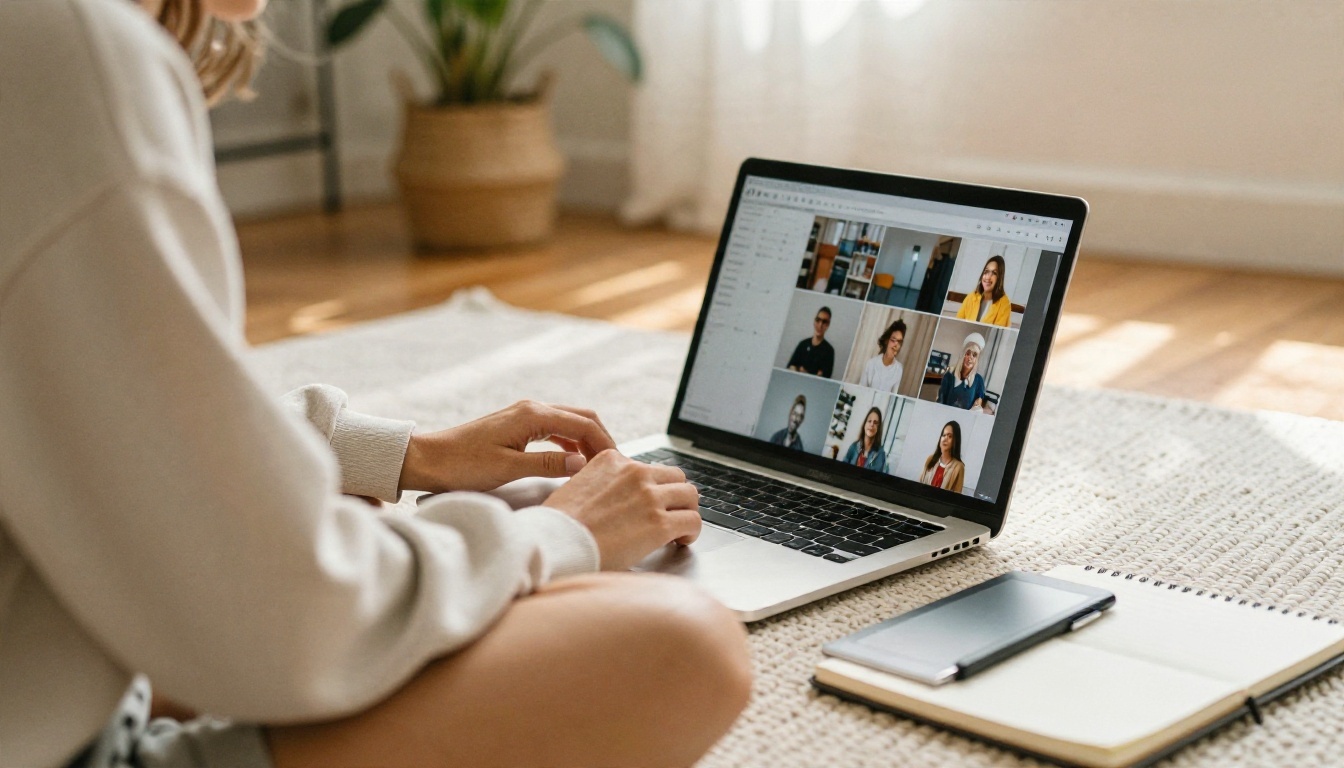
When to move to a LoRA model
If you find yourself repeating the same twelve style words in every prompt, that is your signal. A LoRA model on the platform stores that look once and applies it every time. Until then, prompts are faster to adjust.
Common Mistakes With Style LoRAs
A few errors show up again and again, and they are easy to avoid.
Pushing strength too high
At 1.0 and above, a LoRA can crush the prompt. Faces warp, hands collapse, and the style swallows the subject. Back off first before you blame the file.
Mixing incompatible files
A LoRA trained for a different base model will do little or produce artifacts. Always check which base the file targets, and whether it expects the base or the Turbo variant.
Judging on one seed
One lucky or unlucky render tells you nothing. Test at least four seeds with the same prompt before you decide a style file is good or bad.
Ignoring the prompt
A LoRA is an addition, not a replacement. If your prompt is vague, the output will be vague with a style on top.
Try Your Own Styles Today
Z Image Turbo and its LoRAs are a fun corner of open image generation, but you do not have to build a local rig to get the looks they offer. Start with the Z Image Turbo model on PicassoIA, test film, street, and golden hour prompts, and see how close you get with words alone. When you want repeatable styling, try Flux Dev LoRA or train your own with the Qwen trainer. Pick one genre from this article, run ten generations, and compare. The browse-all page at picassoia.com/en/all-models lists every model if you want to keep experimenting.


