Zapier MCP looks free on the pricing page, then drains your task counter faster than most Zaps do. The reason is one line of fine print: every successful tool call your AI assistant makes costs 2 tasks, and those tasks come out of the same monthly pool as your regular Zaps. On the Free plan, 100 tasks turn into 50 calls. On Professional, 750 tasks turn into 375 calls. If your agent likes to look something up three times before it answers, a month of quota can vanish in an afternoon.
This breakdown prices Zapier MCP the way an agent really uses it. You get the cost per call on every plan, what the free plan truly gives you, three usage scenarios with the math on the page, the spots where the bill surprises people, and the alternatives that charge per call instead of per task.
💡 Heads up: every number below comes from Zapier's public pricing page, Zapier's MCP page and third-party breakdowns at the time of writing. Zapier adjusts plans often, so confirm the figure on the pricing page before you commit to a yearly plan.
What Zapier MCP Actually Charges
Zapier MCP is a hosted Model Context Protocol server. You plug it into Claude, Cursor or any other MCP client, and the assistant can call actions across 9,000+ apps and 66,000+ triggers and actions, according to Zapier. There is no separate MCP product to buy. It ships inside every plan and spends the task allowance you already have.
Two Tasks for Every Call
The rule fits in one sentence: one successful tool call equals 2 tasks. Post a Slack message, create a Notion page, add a row to a sheet. Each of those is a call, and each costs 2 tasks. Failed calls spend nothing, which is the only forgiving part of the model.
So the number that matters is not your task quota. It is your task quota divided by two.

What Costs Nothing
According to Latenode's pricing breakdown, the setup side of MCP does not touch your quota. Connecting is free. Doing is metered.
- Free: asking the server which tools exist, authorizing apps, initial setup, and reading your call history
- 0 tasks: any call that fails
- 2 tasks: every successful action, no matter how small
A "tiny" call such as reading one cell costs exactly as much as a heavy one such as creating a full record. Zapier meters the count, not the effort.
The Free Plan, Honestly
The Free plan costs $0 and includes 100 tasks per month, with unlimited two-step Zaps. It is a fair sandbox. It is not a working setup for an agent you rely on every day.
Fifty Calls, Not One Hundred
Divide 100 tasks by 2 and you get 50 MCP calls a month. That is enough to wire up a server, test three or four actions and show a colleague a demo. It is not enough for a routine.
Picture a daily agent that reads your newest support email and posts a summary to Slack. That is two calls, so 4 tasks a day. At that pace the Free plan runs dry around day 25, and the last five days of the month are silent.

Zaps Eat the Same Pool
The 100 tasks are shared. If your existing Zaps already use 60 tasks this month, you have 20 MCP calls left, not 50. Every Zap run and every tool call draws from one counter that resets monthly, and the reset date sits in your account.
When the pool hits zero, MCP calls stop until the reset or an upgrade. Latenode notes that the Free plan has no pay-per-task option, so there is no way to buy a few more calls. Your agent just starts failing.
💡 Quick check: open your Zapier task history before you test MCP. If your Zaps already burn most of the 100 tasks, your real MCP budget is whatever is left.
Cost per Call on Paid Plans
Paid plans raise the quota and change the price per call. The table assumes you use the full quota. If you use less, the effective cost per call goes up.
| Plan | Billing | Price per month | Tasks | MCP calls | Cost per call |
|---|
| Free | n/a | $0 | 100 | 50 | $0 |
| Professional | Yearly | $19.99 | 750 | 375 | about $0.053 |
| Professional | Monthly | $29.99 | 750 | 375 | about $0.080 |
| Team | Yearly | $69 | 2,000 | 1,000 | $0.069 |
| Team | Monthly | $103.50 | 2,000 | 1,000 | about $0.104 |
Larger task tiers exist at 1,500, 5,000, 10,000 and up to 2 million tasks a month, with prices that rise as the tier grows. Enterprise is quoted by sales.
Professional Plan Math
At $19.99 a month billed yearly, Professional gives you 750 tasks, which is 375 calls at roughly 5.3 cents each. Pay monthly instead and the same plan costs $29.99, so each call rises to about 8 cents.
That 50 percent premium for monthly billing is the single easiest saving in the whole pricing model. If you know you will keep the setup running, the yearly plan saves $10 a month for the same quota, though it is billed upfront.

Team Plan Math
Team costs $69 a month billed yearly ($103.50 monthly) for 2,000 tasks, or 1,000 calls. That works out to 6.9 cents per call, which is more than Professional's 5.3 cents. Per task, Professional lands near 2.7 cents while Team sits near 3.5 cents.
💡 Team is not a bulk discount on calls. You pay the premium for shared workspaces and admin controls. If you are a solo builder, Professional gives you cheaper calls.
Overage and Pay-per-Task
When you pass your quota with pay-per-task enabled, Zapier's pricing page lists overage at 1.25 times the base rate on annual plans and 2.5 times on monthly plans. Worked out for Professional:
- Annual: a base rate of about 2.7 cents per task becomes roughly 3.3 cents, or about 6.7 cents per call
- Monthly: a base rate of about 4 cents per task becomes roughly 10 cents, or about 20 cents per call
Overage on a monthly plan costs nearly four times what a plain annual call does. An agent that overshoots on a monthly plan is the most expensive way to use Zapier MCP.

Three Usage Scenarios, Priced
Averages hide the truth, so here are three profiles with the arithmetic shown.
The Occasional Assistant
You ask Claude to add a calendar event or log a lead a couple of times a week. Call it 30 calls a month, which is 60 tasks. That fits inside the Free plan with 40 tasks (20 calls) to spare. Monthly cost: $0.
The Daily Workflow Agent
An operations lead lets an assistant handle routine updates: 15 calls per workday across 22 workdays, so 330 calls and 660 tasks. That sits inside Professional's 750-task quota. On the yearly plan the bill is $19.99, an effective 6 cents per call, with a cushion of 45 spare calls.

The Agent Loop Problem
Now an autonomous agent that handles each request with five calls: search, read, draft, update, notify. At 30 requests a day that is 150 calls daily, 4,500 calls and 9,000 tasks a month. You blow past Team's 2,000 tasks and land on a 10,000-task tier.
At Professional's per-call rate of 5.3 cents, 4,500 calls would be about $240. Zapier's bigger tiers lower the per-task rate, so your real bill will be smaller, but the shape does not change: cost scales one-to-one with calls, and agents make a lot of calls.
| Scenario | Calls per month | Tasks | Plan that fits | Approximate cost |
|---|
| Occasional assistant | 30 | 60 | Free | $0 |
| Daily workflow agent | 330 | 660 | Professional (yearly) | $19.99 |
| Agent loop | 4,500 | 9,000 | 10,000-task tier | scales with volume |
Where the Bill Surprises You
Most overspending comes from behavior, not from plan choice. Two patterns show up again and again.
Retries and Chatty Agents
A failed call is free, but a call that succeeds and returns nothing useful still costs 2 tasks. Agents often search with one query, get an empty list, then search again with a different phrase. Three exploratory lookups before one write is 4 calls, or 8 tasks, for a single user request.

There is also a structural complaint. Metorial, a competitor, argues that Zapier MCP actions run as one shared connection rather than as each user, and that per-task pricing "scales badly when an agent makes many calls per request." Treat that as a vendor's view, but the pricing point holds up on the math above.
Cutting Task Usage
You can often halve your bill without changing plans:
- Disable unused actions on the MCP server so the model stops browsing tools it will never need.
- Tell the agent to look up once and reuse the result instead of searching again.
- Batch work with actions that handle several items, instead of one call per row.
- Pick a model that plans well. A stronger model that makes 4 calls beats a weaker one that makes 9.
- Move heavy reads to a direct API or database query outside Zapier.
- Pay yearly once you are sure the setup stays.
Zapier MCP Alternatives Compared
Zapier sells convenience: 9,000+ apps and no code. The alternatives trade some of that convenience for a different billing unit, usually per call, per compute credit, or nothing at all.
Per-Call Billing With Composio
Composio is built for agent developers and bills by the tool call. Its pricing page lists a free Hobby tier, a Pro plan at $29 a month, and overage of $0.0003 per tool call, which is $0.30 per 1,000 calls. The free allowance is 20,000 calls on Composio-managed apps, and larger when you bring your own OAuth app or credentials. Premium tools such as browser automation add the provider's cost plus a 5% platform fee.
Put that next to Zapier Professional's roughly $53 per 1,000 calls and the gap is about 175 times. Composio has fewer apps (around 1,000+ integrations), but for an agent that makes thousands of calls, per-call pricing changes the economics entirely.

Pipedream, Latenode, and Make
- Pipedream prices by compute credits, has a free tier, and paid plans start around $29 a month. It suits builders who want code steps next to their tool calls.
- Latenode connects 800+ apps, is free to start, and bills premium apps from credits, plus a separate runtime charge with 10,000 free CPU seconds a month, per its own breakdown.
- Make has a free plan, and a third-party tracker lists paid plans from about $10.59 a month. It is a visual scenario builder rather than an agent-first tool.
- IFTTT connects 1,000+ services and starts around $2.99 a month, according to the same tracker, which makes it the cheapest paid entry point here.
- Metorial bills per tool call and advertises 500,000 free calls, with per-user identity and audit records, but no trigger-based workflows.
| Option | Billing unit | Free tier | Paid from | Best for |
|---|
| Zapier MCP | Tasks (2 per call) | 100 tasks, 50 calls | $19.99/month yearly | 9,000+ apps, no code |
| Composio | Tool calls | 20,000 calls on managed apps | $29/month | Agent developers |
| Pipedream | Compute credits | Yes | About $29/month | Code-friendly flows |
| Latenode | Credits | Free to start | Varies | Low-code, 800+ apps |
| Make | Operations | Yes | About $10.59/month | Visual scenarios |
| Metorial | Tool calls | 500,000 calls | Usage-based | Per-user audit trails |
| Self-hosted MCP | None | n/a | Your server cost | A few fixed integrations |
Self-Hosting for Zero Task Fees
If you only need two or three integrations, run your own MCP server. There is zero per-task cost, but you manage credentials, logging and uptime. Workflow tools such as n8n can also be self-hosted with no per-execution fee, so you pay for the machine and nothing else.
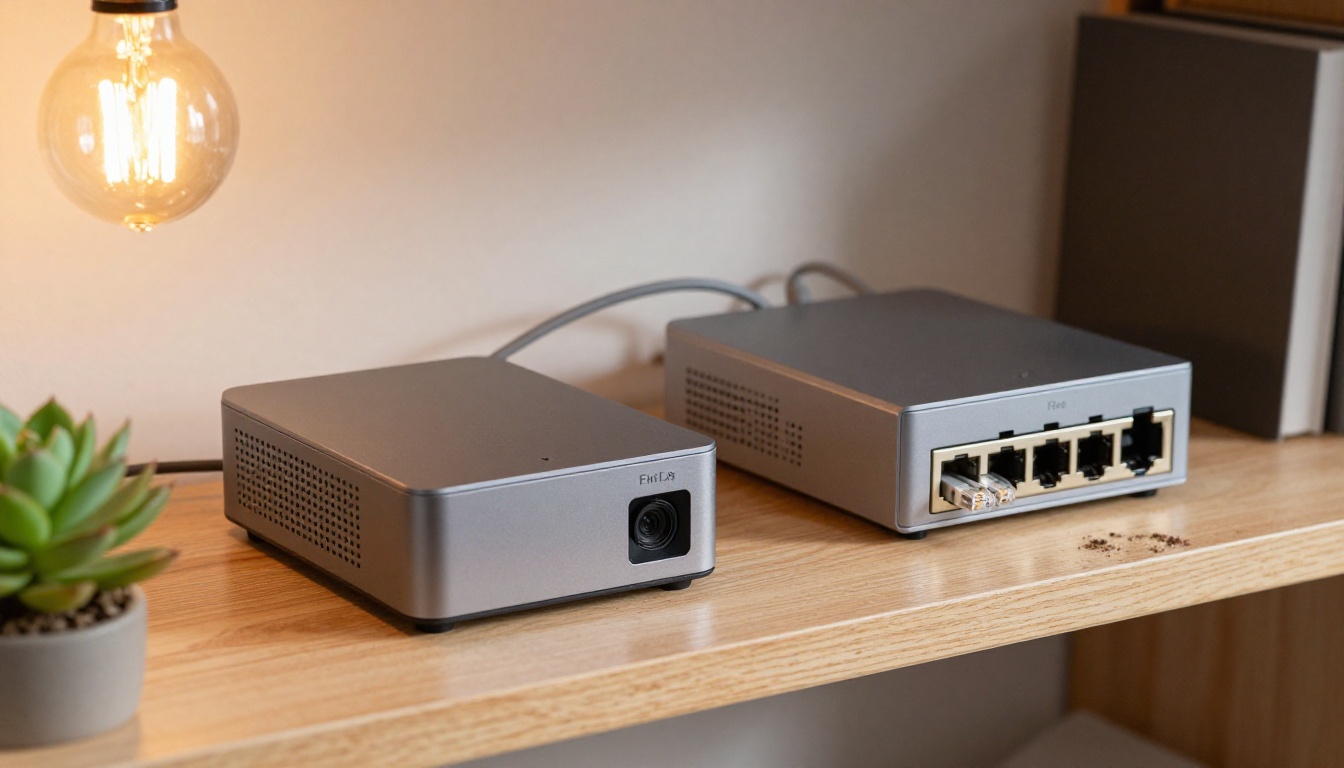
This is the cheapest option at scale and the most work at setup. A mini PC on a shelf can serve a small team for the price of its electricity, as long as someone is willing to patch it.
Picking the Right Setup
Match the plan to your real call volume:
- Under 50 calls a month: stay on Free and keep your Zaps lean.
- 50 to 375 calls: Professional on a yearly plan, about 5.3 cents per call.
- 375 to 1,000 calls: compare the next Zapier tier against a per-call service before you pay for Team.
- Thousands of calls: per-call billing or self-hosting almost always wins.
- Non-technical team, many apps: Zapier's convenience premium is the product. Pay it knowingly.
💡 Hybrid setups work. Many teams keep Zapier for scheduled automations and use a per-call gateway for agent tool access. You get the app catalog where it matters and cheap calls where the volume lives.
Try It on PicassoIA
The agents that burn through Zapier tasks are often doing creative operations: drafting copy, producing visuals, then publishing. You do not have to spend Zapier calls on the generation step. Run it on PicassoIA, and let Zapier handle only the final hand-off, a single call that costs 2 tasks.
For the planning brain, Claude Sonnet 5 suits agent-style work, and a model that plans well makes fewer redundant tool calls, while Gemini 3.5 Flash and GPT 5.6 Luna give you fast text replies for drafts. For visuals, PicassoIA Image and Seedream 4.5 turn a prompt into a hero image, and PicassoIA Video or Seedance 2.5 Lite animate it into a short clip.
Generations run against your PicassoIA plan, not your Zapier task pool, so the quota you saved stays available for the calls only Zapier can make.

Open PicassoIA, write a prompt for the hero image of your next post, and compare the result with the stock photo you were about to pay for. Try a second prompt with a different angle, then a third with different light. Within a few minutes you will have a set of original visuals, and your Zapier tasks will still be there for the work that needs them.


