Creating professional-grade content used to require a full team. A videographer, a sound designer, a graphic artist, a voice actor. Now a single person with the right AI tools can produce everything from scratch in an afternoon. The gap between what a solo creator and a studio can output has never been smaller, and it keeps shrinking.
The challenge is knowing which tools are actually worth your time. The AI space is saturated with products that generate impressive demos but break down in real workflows. What follows is a focused breakdown of 7 capabilities every serious creator should be using, with specific models, real applications, and honest notes on where each one delivers.
1. AI Image Generation

Text-to-image generation is the foundation of AI creative work. You write a prompt describing what you want, and a model produces a photorealistic or stylized image in seconds. The speed, variety, and quality available today are remarkable compared to what was possible just three years ago.
What the models actually do
A text-to-image model reads your prompt and synthesizes an image by predicting pixel distributions across billions of training examples. Output quality depends on the model architecture, training data, and how precisely you write your prompt. Modern models handle complex scenes, consistent lighting, accurate proportions, and fine material textures with impressive reliability.
The practical range is wider than most creators realize. You can produce photorealistic portraits indistinguishable from studio photography, architectural visualizations with correct perspective, product mockups matching commercial standards, and conceptual illustrations for presentations or pitches.
Why creators build workflows around it
- Thumbnails that consistently outperform stock photo alternatives
- Social media visuals generated to exact brand specifications in minutes
- Concept art for video productions, client pitches, and campaign planning
- Product mockups without expensive photography sessions
- Ad creative variations at scale, testing multiple visual approaches cheaply
On PicassoIA, over 90 text-to-image models are accessible from a single interface, covering everything from photorealistic portraiture to architectural rendering to controlled stylization. You can iterate through multiple models on the same prompt to find what fits your specific brief. Browse the full collection at picassoia.com/en/all-models.
💡 Prompt tip: Specificity multiplies quality. "A woman smiling outdoors" produces a serviceable generic result. "A woman laughing, golden hour sidelight, 85mm f/1.8, summer festival crowd in soft bokeh background, Kodak Portra 400 tones, natural skin texture" produces something usable in a professional context. The more you describe the photograph, the more the model behaves like a camera.
| Use Case | Prompt Detail Needed | Output Quality |
|---|
| Social thumbnails | Medium | Excellent |
| Product mockups | High | Excellent |
| Concept sketches | Low-Medium | Good |
| Portrait photography | High | Excellent |
| Architectural renders | Very High | Very Good |
2. AI Video Generation
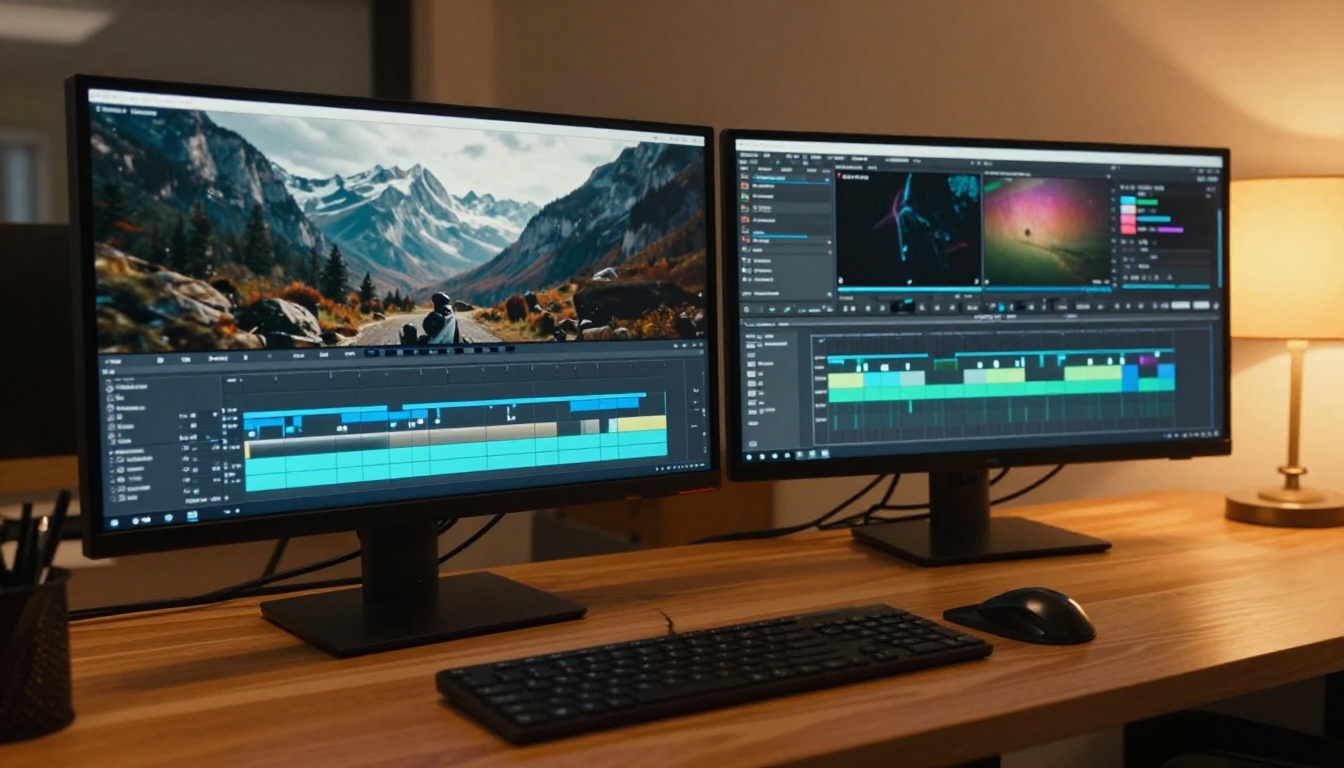
Video is the dominant content format across every platform, and AI video generation is now genuinely production-ready. We are past the era of glitchy, uncanny clips that immediately read as artificial. Models in 2027 produce smooth, cinematic output from text prompts or static images that holds up in professional contexts.
From text to finished clip
Text-to-video models extend image synthesis across time. Each frame must be temporally consistent with the previous one, which is computationally harder and explains why video model quality developed slightly behind image models. The gap has narrowed fast, and the current generation is usable for commercial work.
The models worth knowing
Seedance 2.0 from ByteDance generates video with native built-in audio. Motion and synchronized sound in one generation pass dramatically simplifies post-production for creators who need fast turnarounds on social content.
Veo 3.1 from Google produces 1080p output with strong temporal coherence. It handles camera movement prompts well, including dolly-ins, pans, and tracking shots, making it the strongest option for narrative and cinematic content.
Kling v3 produces cinematic output with strong character motion consistency. The Kling v3 Motion Control variant adds precise direction over body movement and camera paths for creators who need tight control over the action.
LTX 2.3 Pro outputs at 4K resolution, which matters for content intended for large-screen viewing or for footage that needs to be cropped and reframed in post.
Pixverse v6 handles complex motion scenes including crowd dynamics, environmental effects, and multi-character interactions, with synchronized audio output included.
💡 Workflow tip: Use image-to-video generation when you need control over the opening frame. Generate your source image first with a text-to-image model, then pass it to Wan 2.7 I2V to animate it. This hybrid approach gives you both visual precision and motion coherence.
What creators use AI video for:
- Short-form social clips for Reels, Shorts, and TikTok
- B-roll footage to cut into YouTube productions
- Product demonstration sequences
- Animated story content and narrative series
- Brand video production without a film crew
3. AI Super Resolution
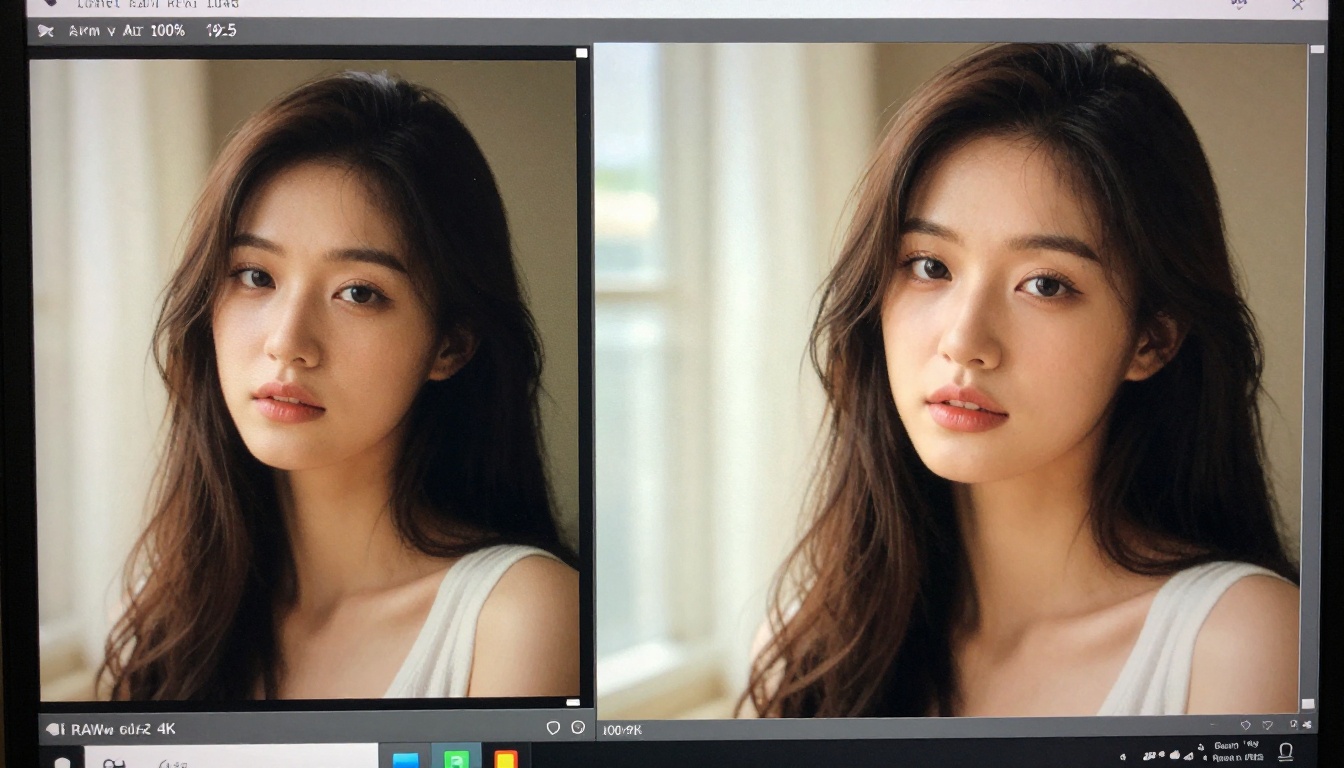
You have great source material that was shot at lower resolution, heavily compressed for web delivery, or cropped down from a larger frame. AI upscaling solves a real, frequent production problem very fast.
How upscaling actually works
Super-resolution models are trained to predict the high-frequency detail that was lost or never captured in a lower-resolution image. They do not simply stretch and interpolate pixels. They synthesize texture, sharpness, and fine detail based on statistical predictions of what should exist in that region given surrounding context. The difference in output quality compared to bicubic interpolation is significant and immediately visible.
Tools that deliver consistent results
Clarity Pro Upscaler is the current standard for photorealistic results. It adds fine texture to portraits, landscapes, and product shots without the plasticky over-smoothing that characterized older upscalers. Skin, fabric, hair, and architectural surfaces all respond well.
Real ESRGAN is a proven, reliable workhorse. It handles 4x upscaling across a wide range of content types, from photography to illustrated assets, and processes quickly enough for batch workflows where volume matters.
Image Upscale by Topaz Labs supports up to 6x magnification and performs particularly well on fine textures like fabric weave, hair strands, and architectural surfaces. For maximum detail recovery, this is the ceiling of what is currently available.
P Image Upscale from PrunaAI processes images in under a second, making it the fastest option for workflows where volume matters more than maximum quality enhancement.
| Model | Max Upscale | Best For |
|---|
| Clarity Pro Upscaler | 4x | Photorealistic detail, portraits |
| Real ESRGAN | 4x | General use, mixed content types |
| Image Upscale (Topaz) | 6x | Maximum texture recovery |
| P Image Upscale | 4x | Speed, batch processing |
4. AI Background Removal

Background removal sounds simple, and for a long time it was tedious, time-consuming manual work. Modern AI handles it instantly and accurately enough for commercial production use.
Why it matters more than expected
A clean cutout is the starting point for product photography, thumbnail composition, brand asset production, and composite image building. The quality of the cutout determines the quality of everything built on top of it. Poorly masked edges, fringing around hair, or missed sections are immediately visible in finished work and read as low-quality production.
Bria's model handles the edge cases that previously required manual masking: fine hair strands, translucent elements like glasses or thin fabric, complex natural shapes like plants and fur. It processes at commercial quality and integrates directly into the PicassoIA workflow, so you can remove a background and immediately feed the result into an image editor, compositor, or video tool without export friction.
💡 Tip: After background removal, run the result through an AI restoration pass to clean edge artifacts before compositing. The combination produces results that match professional studio cutout quality at a fraction of the time investment.
Common applications:
- E-commerce product listing images at scale
- YouTube thumbnail subject isolation
- Social media story and template creation
- Brand asset libraries and visual system production
- Composite image building for advertising and campaigns
5. AI Music Generation
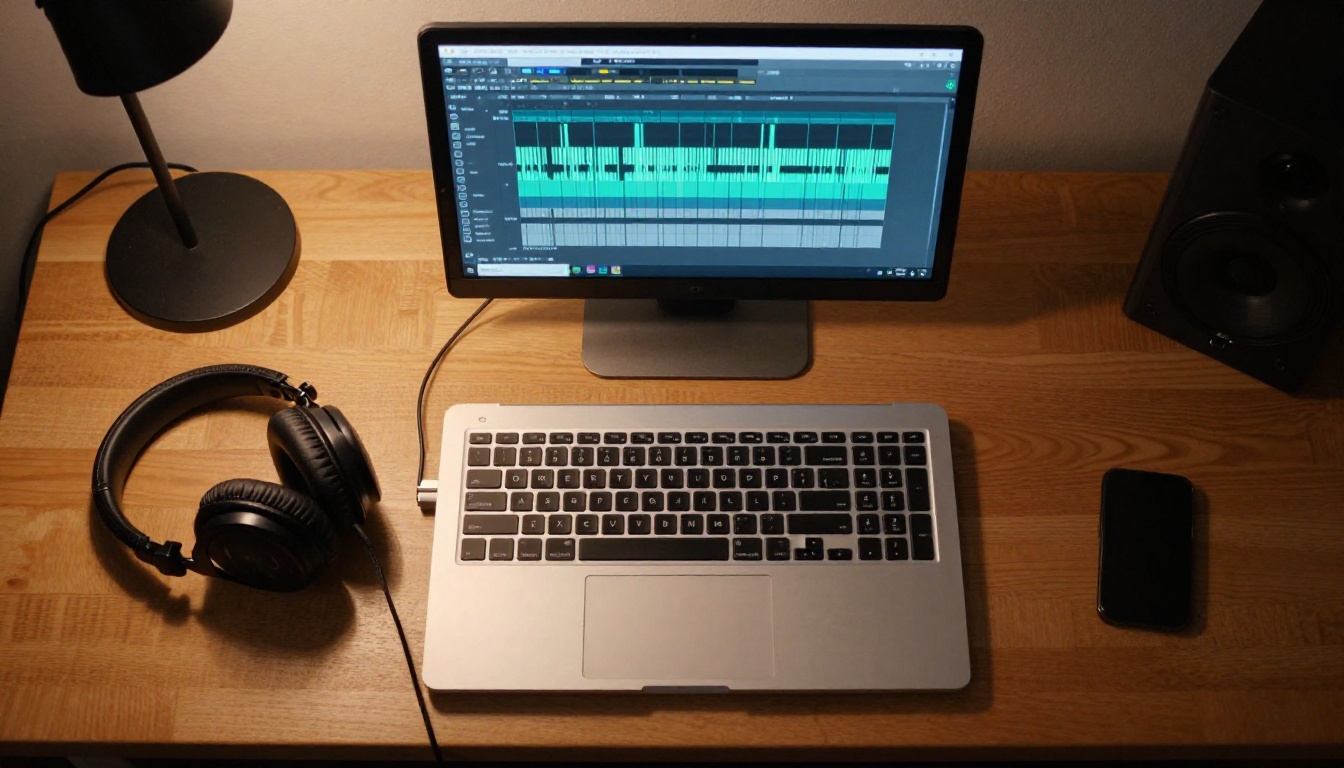
Original music for content is expensive. Licensing royalty-free libraries is cost-effective but the same tracks appear everywhere and audiences recognize them. AI music generation changes the economics entirely: you describe what you want and get original audio without licensing concerns or per-use fees.
How the quality compares to alternatives
The improvement over the past 18 months has been steep. Early AI music had a characteristic flatness and predictability, with generic progressions and interchangeable instrumentation. Current models produce tracks with real dynamic range, structural coherence across full song lengths, and instrumentation that responds meaningfully to prompt specifics.
The models doing the work
Lyria 3 Pro from Google produces full-length compositions with professional musical structure including verse, chorus, and dynamic builds. Give it a genre, mood, and tempo, and it returns a full song rather than a loop.
Music 2.6 from Minimax is fast and generates vocal tracks alongside instrumental arrangements. For content that needs a song with sung elements rather than pure background underscore, this is the most practical option currently available.
ElevenLabs Music integrates naturally if you are already using ElevenLabs for voice work. Style controls are granular enough to match a specific reference mood without producing something that sounds like a derivative copy.
Stable Audio 2.5 from Stability AI is the strongest option for atmospheric and ambient work. Long-form content, cinematic sequences, and anything where music needs to sit under dialogue without competing responds well to its output characteristics.
What creators use AI music for:
- YouTube intro, outro, and background tracks
- Podcast transition and bumper audio
- Social Reels original audio hooks
- Brand videos scored without a composer
- Course and educational content audio design
6. AI Text-to-Speech
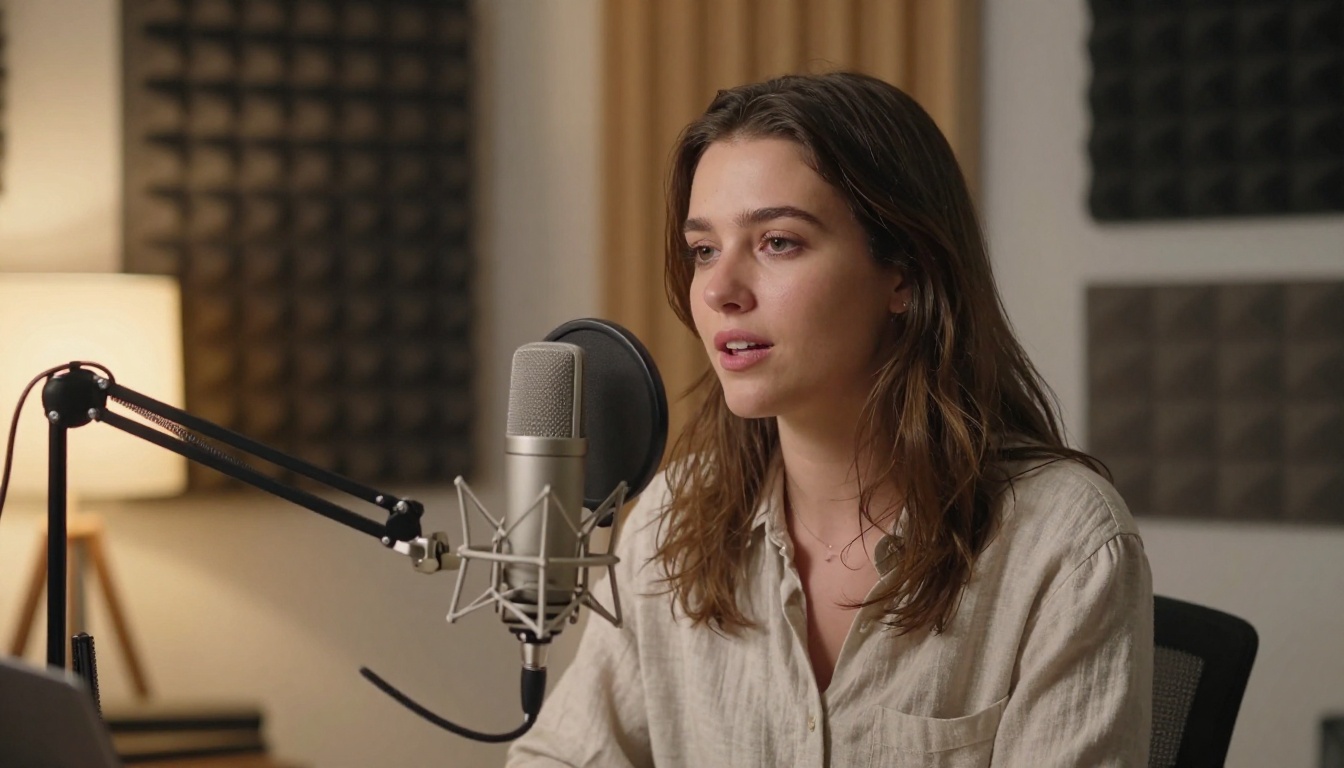
The best current text-to-speech models are genuinely difficult to distinguish from a professional human voice actor on a first listen. For creators producing large volumes of narrated content, this is one of the most significant workflow shifts available right now.
How it is actually being used
The obvious application is narration, but the practical range is wider. Dubbing translated content into other languages at scale. Creating character voices for animated or illustrated projects. Generating placeholder audio for video edits before a final voice recording session. Producing audio versions of written articles for accessibility and reach. Testing scripts and pacing before committing to a recording studio booking.
Models delivering real quality
V3 by ElevenLabs is the current benchmark for naturalness. It handles emotional range, pacing variations, and conversational inflection that earlier TTS models could not produce. Long-form narration stays tonally consistent across several minutes without the robotic drift that previously characterized synthetic voice output.
Speech 2.8 HD from Minimax produces studio-quality audio with extremely clean frequency response. It is the right choice when output will be heard through quality headphones or speakers where compression artifacts and frequency gaps become audible.
Chatterbox Pro from Resemble AI adds voice cloning to a strong base TTS model, allowing you to create a consistent custom voice from a short reference audio sample. For creators building a recognizable audio brand identity, this is worth prioritizing early.
Gemini 3.1 Flash TTS supports 30 distinct voices across more than 70 languages. For creators publishing multilingual content or serving non-English-speaking audiences, this is the most practical option currently available.
| Situation | Best Model |
|---|
| Long-form narration | V3 (ElevenLabs) |
| Multilingual content | Gemini 3.1 Flash TTS |
| Custom voice identity | Chatterbox Pro |
| High-fidelity audio output | Speech 2.8 HD |
7. AI Visual Effects and Animation
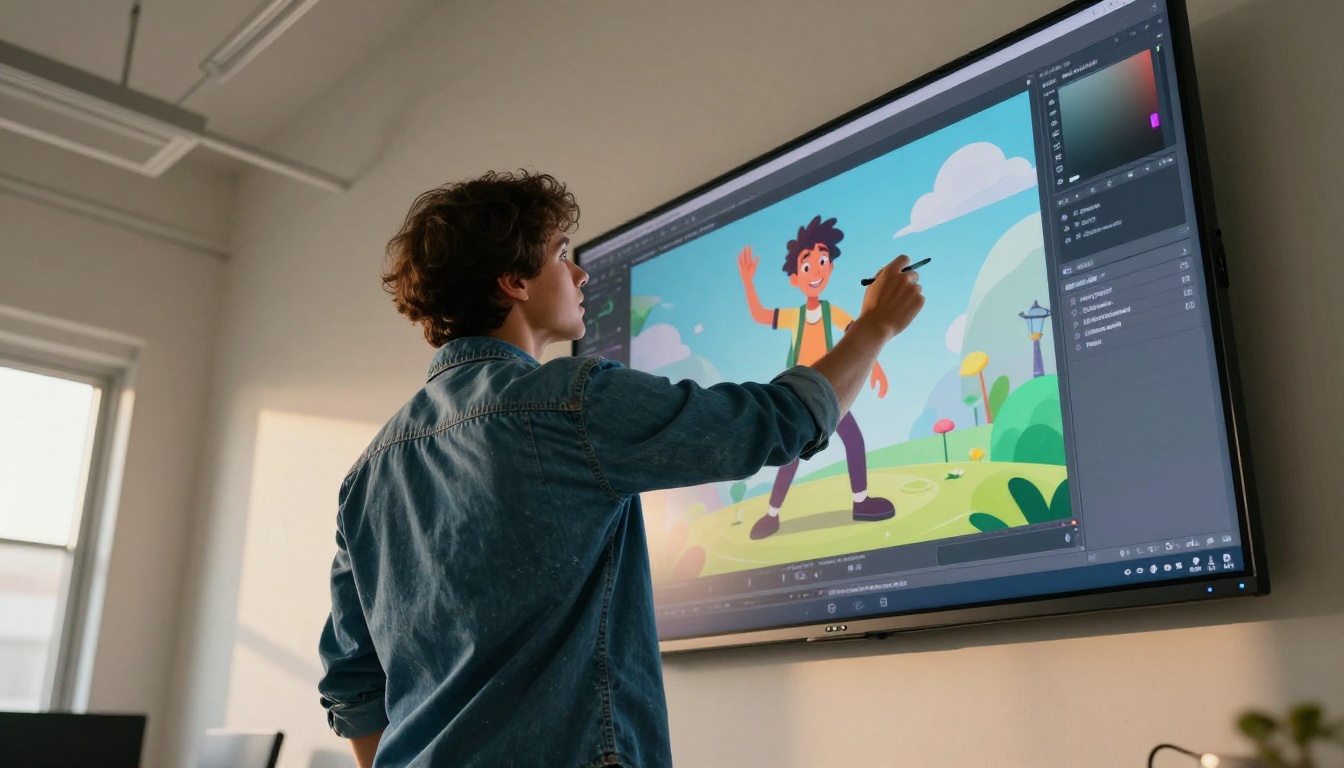
The final category covers a set of specialized tools that handle visual work previously requiring After Effects expertise or a dedicated motion graphics artist. This is where still images become moving content, where audio drives visual animation, and where existing footage gets extended or restyled.
What falls into this category
Image-to-video animation of still subjects. Video style transfer and recoloring. Character animation from reference poses. Lipsync generation that synchronizes mouth movement to any audio track. Video restoration and upscaling for archival footage. Taken together, these tools let a solo creator produce polished, motion-rich content without specialized post-production software skills or years of practice in timeline editing.
Tools doing real creative work
Wan 2.7 T2V generates 1080p video from text with strong prompt adherence. Fast enough for iterative concept testing before committing to a final direction on a larger production.
Wan 2.7 I2V takes a static image as its first frame and animates outward from it, producing motion that is consistent with the source composition. For animating your own generated or photographed images, this is the most controllable option available.
Kling Avatar v2 animates face images into video with realistic facial motion and expression. For spokesperson-style content or character animation from a reference portrait, this removes what was previously a significant technical barrier for solo creators.
Audio to Video by Lightricks takes an audio track and animates a source image to match its rhythm and energy. This is the direct solution for music video content, animated podcast thumbnails, or audio-synchronized brand videos without timeline editing skills.
💡 Stack these tools: Generate an image, upscale it to 4K with Clarity Pro Upscaler, animate it with Wan 2.7 I2V, then sync it to music generated by Lyria 3 Pro. That is a fully produced piece with no stock assets and no licensing costs.
The practical value in having all 7 of these capabilities in one place is workflow continuity. Switching between five separate AI services with different credit systems, interfaces, and file export formats creates friction that compounds across a production day. Small delays add up to real hours.
PicassoIA consolidates over 90 image models, 107 video models, upscalers, background removers, music generators, and voice tools into one interface. You generate an image, remove its background, upscale it, animate it, add a voice track, and score it with original music without switching platforms or managing multiple accounts.
For creators producing content at volume, that continuity is worth more than any single model's marginal quality advantage over a competitor.
The 7 AI tools worth building into your workflow:
- Text-to-image generation for visual assets at any scale
- Text-to-video for motion content without a camera or crew
- Super resolution for upscaling, quality recovery, and print preparation
- Background removal for clean compositions and product assets
- AI music generation for original, royalty-free audio
- Text-to-speech for scalable narration and multilingual content
- Visual effects and animation for polished motion output
You do not need to use all seven in every project. Start with the one that solves your current bottleneck. If visuals are slowing you down, start with image generation. If you are paying for music licenses, start with AI music. If voiceovers take two days, start with TTS. Use one until it is fast and reliable in your workflow, then add the next.
Every model listed here is accessible at picassoia.com/en/all-models. Pick the one that fits your next project and see how much changes in a single session.


