AI lip syncing has finally reached the quality bar that professional video production demands. What started as a parlor trick capable of producing watery, slightly-off results has matured into a set of tools that hold up on broadcast screens, social feeds, and streaming platforms. If you work with video in any capacity, this technology is worth taking seriously right now.
The gap between what used to require a full dubbing studio and what a single creator can now achieve from a laptop has closed dramatically in the past two years. This article explains what AI lip syncing actually is, where it fits into real production workflows, how to get results that look convincing, and which models on PicassoIA deliver the best output today.
What AI lip syncing actually is
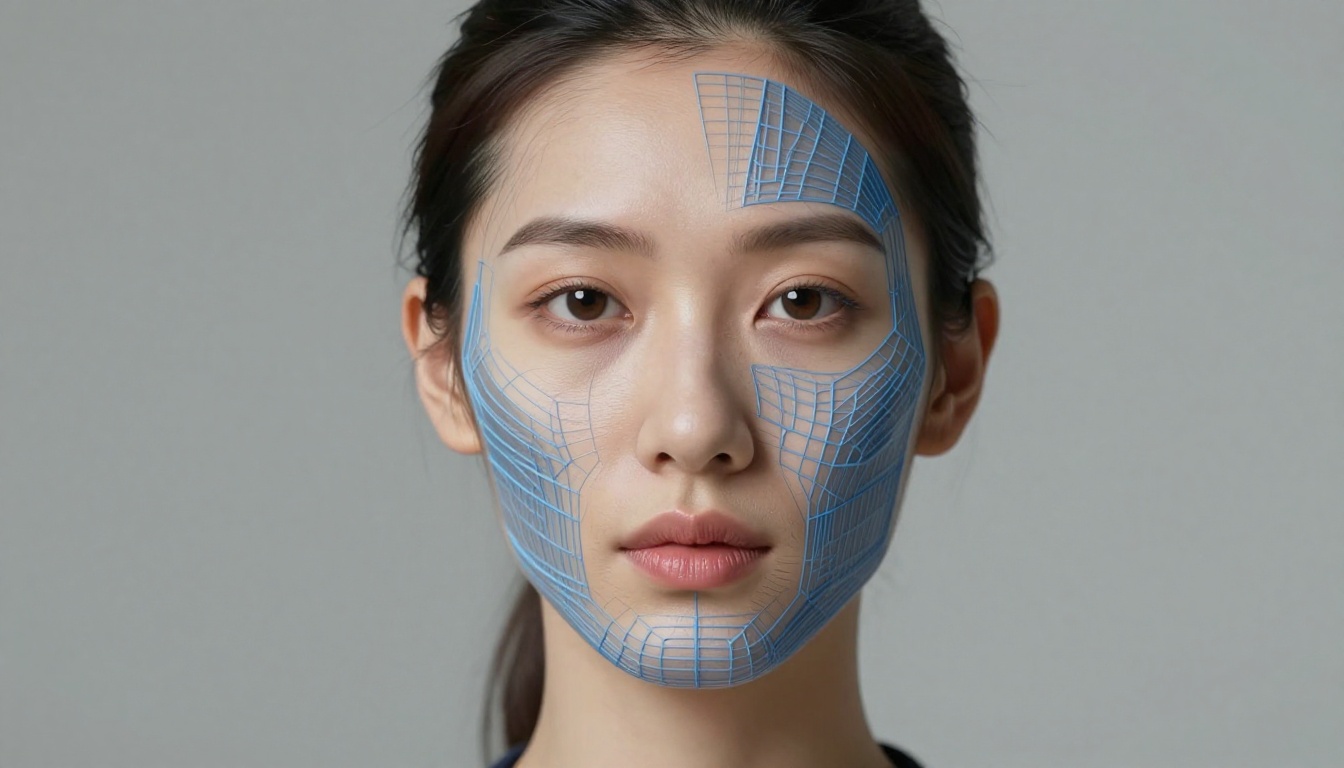
At its core, AI lip syncing is the process of using artificial intelligence to automatically synchronize a person's mouth movements to an audio track. You feed the model a video and a new audio file, and it remaps the subject's lips to match the speech in the new recording. No reshoots, no dubbing booth, no frame-by-frame rotoscoping.
The technology works by analyzing the input audio at the phoneme level, breaking speech down into its individual sound units, then using that data to predict and generate the correct lip shapes, jaw positions, and subtle facial muscle movements for each sound. Modern diffusion-based models preserve fine details like teeth, beards, freckles, and natural skin texture that older regression-based systems would smear or lose.
How it reads your audio
The model first extracts phoneme sequences from your audio, building a time-coded map of every sound in the recording. It then maps those phonemes to viseme shapes, the visual equivalents of phonemes that determine how a mouth looks while producing each sound. The most advanced models use a diffusion process to regenerate the mouth region frame by frame, ensuring the output blends seamlessly with the unchanged parts of the face and background.
What separates it from deepfakes
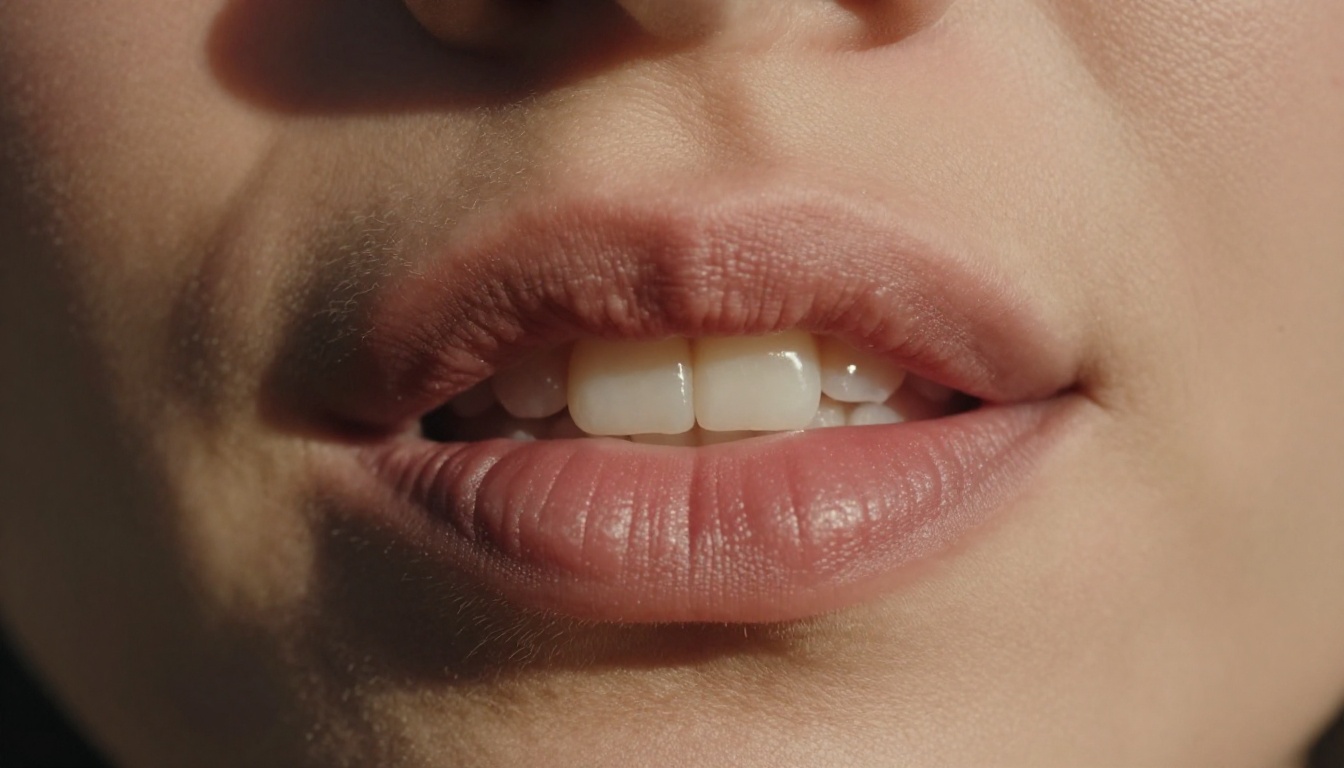
This is a common misconception worth clearing up. AI lip syncing is not face swapping or identity replacement. It works with existing footage of a real person and adjusts only the mouth region to match new audio. The subject's identity, lighting, hair, clothing, and environment remain entirely intact. The technology is a production tool, not a deception method, when used responsibly.
Where lip sync AI fits in modern workflows
The use cases for AI lip syncing have expanded well beyond the obvious. Creators are deploying it across a surprisingly wide range of production scenarios, and the results are increasingly indistinguishable from native footage.
Post-production dialogue fixes
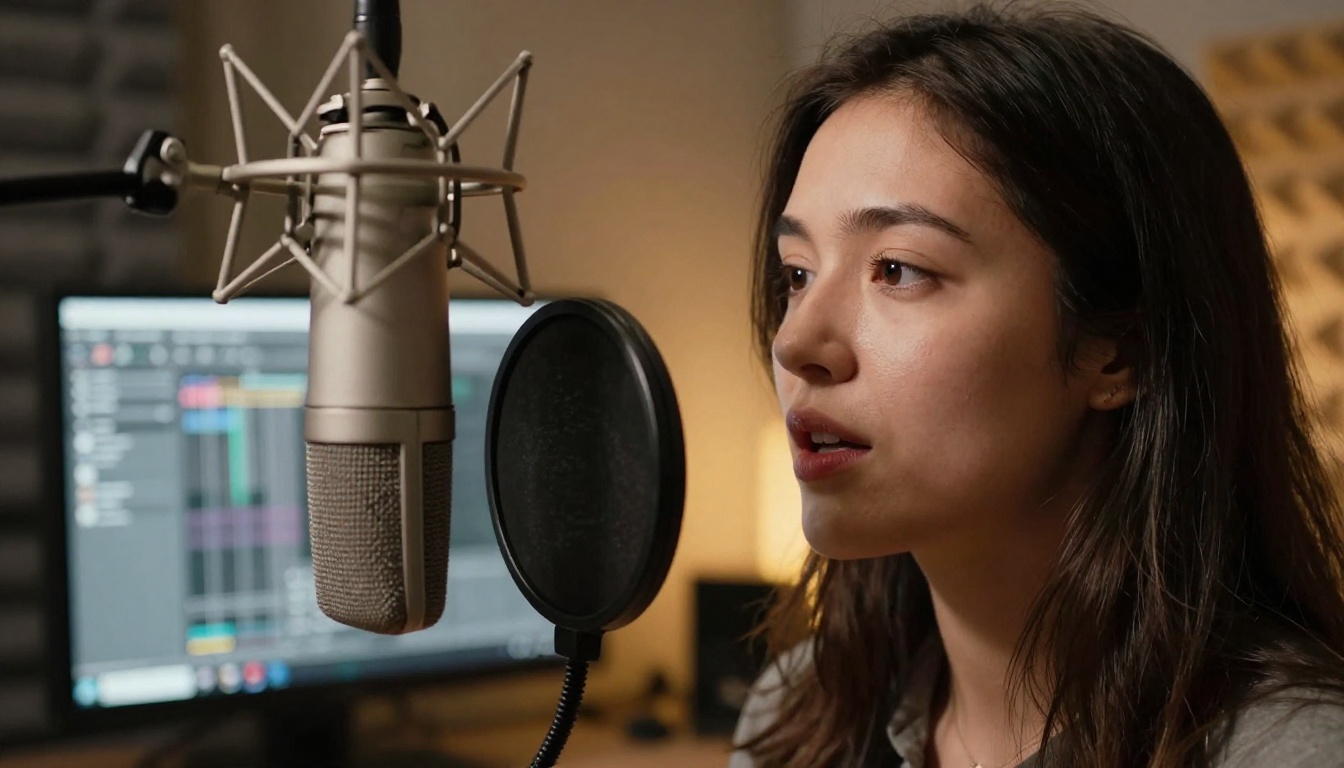
Script changes, flubbed takes, and last-minute client revisions no longer have to mean a return to set. A new audio recording plus a lipsync model turns what used to be a half-day reshoot into a 10-minute task in post.
Global video translation
This is where AI lip syncing shows its most dramatic potential. Record your video once in your native language, translate the voiceover, run it through a lipsync model, and your content now works in a new market, with mouth movements that match the translated audio. No new presenter, no new shoot, no compromise on production quality.
AI avatars and spokesperson content
Brands running at scale are building full spokesperson workflows around AI avatars. Record once, clone the voice, generate the video. HeyGen's Avatar IV has made this a production-ready pipeline that holds up in corporate and e-learning contexts without ever going back to set.
5 reasons it belongs in your workflow
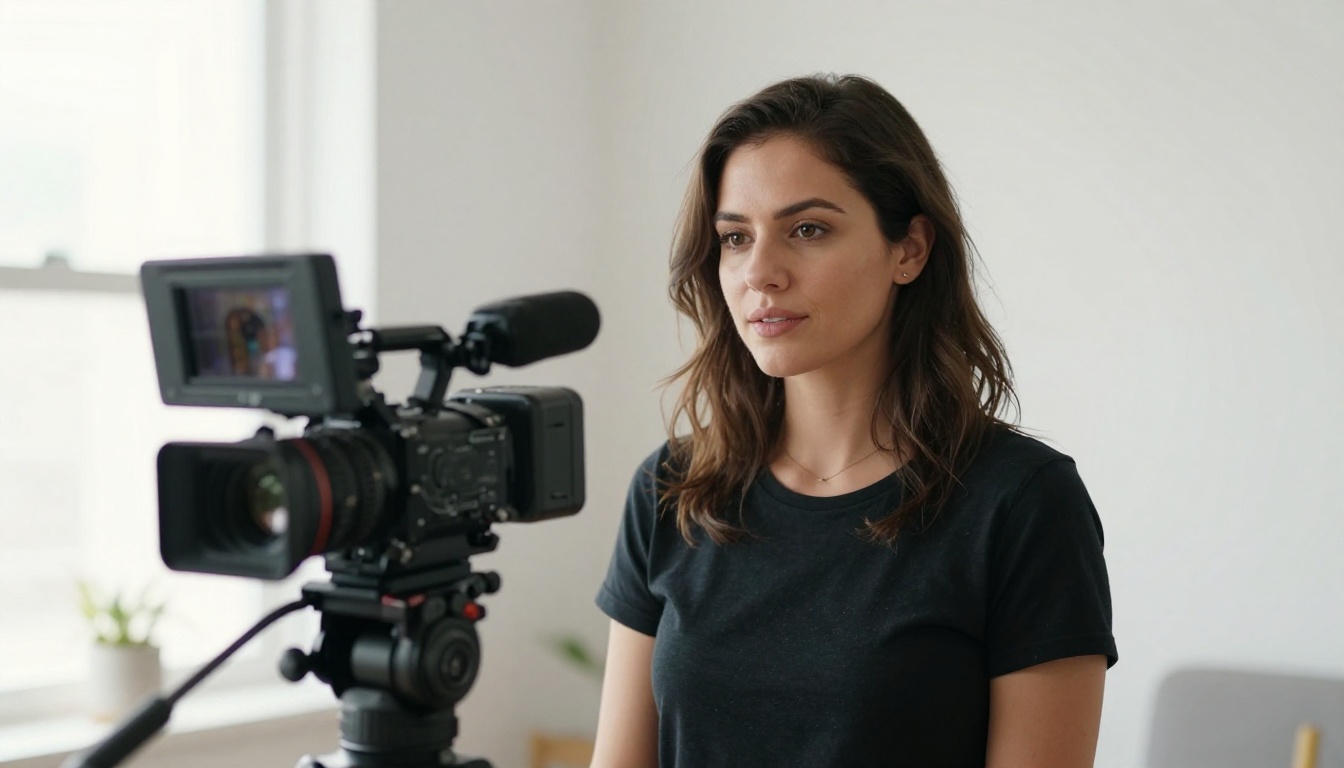
The case for AI lip syncing is not just about convenience. It changes what is actually achievable within a given budget and timeline. Here is why it belongs in any serious video production toolkit.
Faster production cycles
What once meant scheduling reshoots or booking studio time can now happen entirely in post. Script changes, retakes, and last-minute edits turn around in minutes rather than days. For agencies and freelancers managing tight deadlines, that alone changes the math on what is viable to take on.
Lower cost per video
Fewer reshoots means less spend on talent, crew, locations, and equipment. For high-volume producers churning out corporate videos, e-learning modules, or social content, those savings accumulate fast. A single platform subscription replaces multiple days of studio time over the course of a year.
More freedom in the edit
When fixing a line no longer means sending the whole crew back to set, you get to experiment further into the edit without the fear of expensive do-overs. Change a call to action, adjust a product name, fix a mispronunciation, and move on.
A/B testing without new shoots
Want to test two different hooks or calls to action? Record two audio versions and run them both through a lipsync model. You now have two complete, fully-synced video versions for split testing, produced at a fraction of the cost of two separate shoots.
Reaching new markets fast
Localization used to be a project. Now it is a post-production step. Translate your voiceover, sync the lips, publish to a new audience. With tools like HeyGen's Video Translate supporting over 150 languages, the barrier to global distribution has dropped to almost nothing.
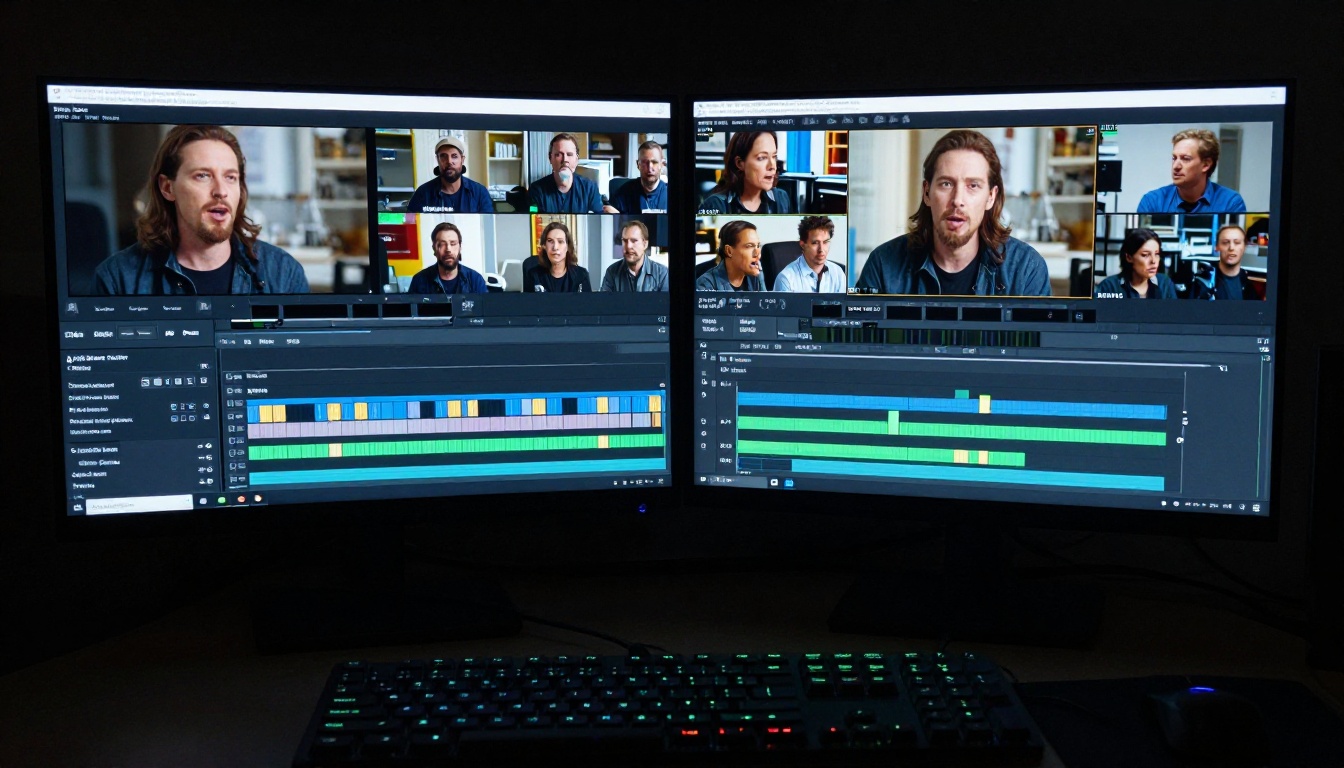
6 practices that actually improve your results
The tools have come a long way, but your output is only as good as what you put in. Follow these practices and you will get results that hold up on screen.
💡 Quick tip: The two factors that matter most for lipsync quality are audio clarity and camera angle. Get both right and most models will handle the rest.
Clean audio first
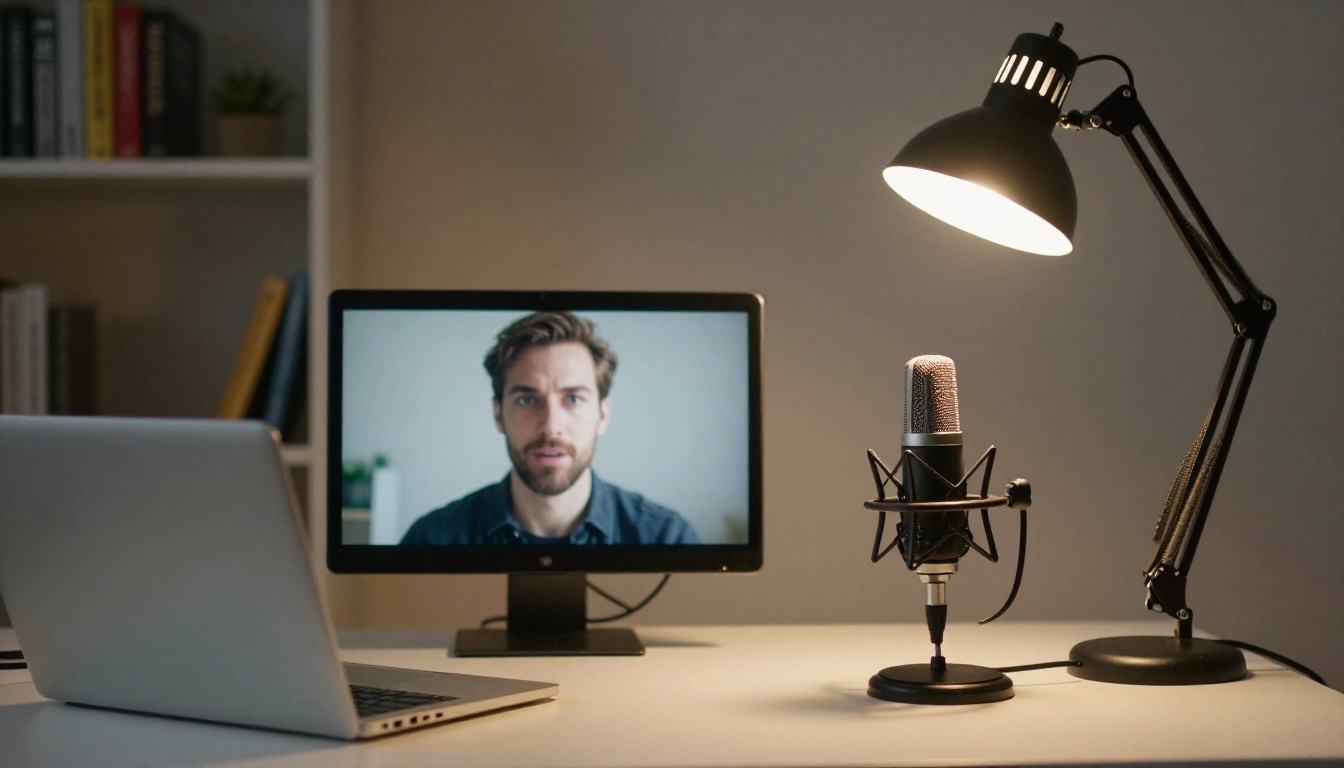
Background noise, inconsistent levels, or heavy compression will confuse the model and produce sloppy sync. Always use a well-recorded, processed audio file: ideally a dry vocal with no music or ambience baked in. A clean voice recording on a quality condenser mic is the single most impactful thing you can do to improve your results.
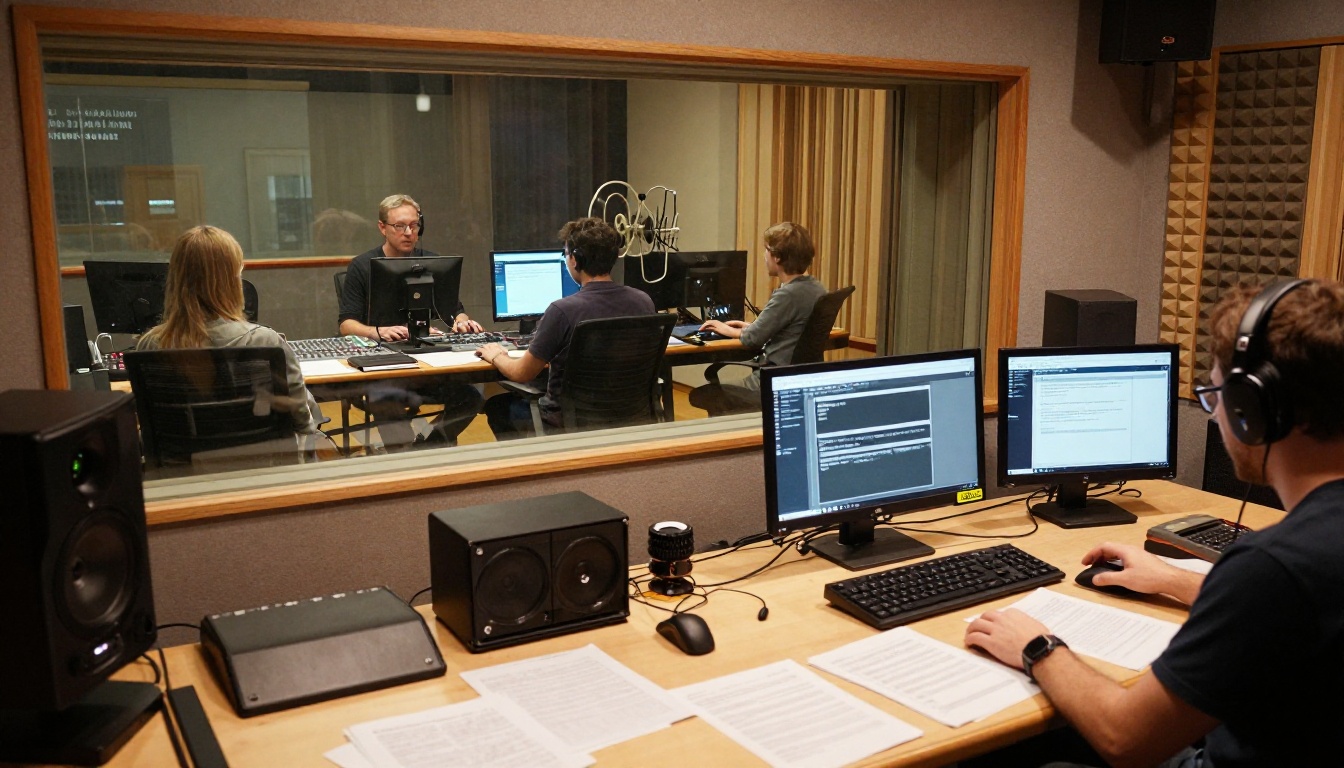
Shoot facing the camera
Straight-on or slight three-quarter angles work best. Heavy side profiles, hands covering the mouth, or faces partially out of frame will limit what the AI can do with the mouth region. If you know you will be lipsyncing in post, factor this into your shot design from the start.
Start with quality footage
Low resolution, heavy compression artifacts, or shaky footage makes it much harder for the AI to track and regenerate the face region accurately. Aim for 1080p minimum, a clean codec at a high bitrate, and a stable camera setup. Better input data produces better output, without exception.
Keep delivery natural
Both the original footage and the replacement audio should feature natural, measured delivery. Fast speech, exaggerated expressions, or heavy accents can push some models toward visible artifacts. Match the energy and pace of the replacement audio to the rhythm of the original performance for the most convincing output.
Sync won't fix a bad performance
Lipsync adjusts mouth movements. It does not fix a flat delivery, poor screen presence, or a script that is not landing. If the performance is not working, that is a different problem entirely, and no AI model will solve it in post.
Review at full resolution
Always watch your output at full resolution before signing it off. Edge cases like glasses, beards, dramatic lighting, or high-contrast makeup can produce artifacts that look fine in a small preview window but become obvious at full size. Build a full-resolution QC step into your workflow before every final export.
The best AI lip sync models on PicassoIA
The lipsync category on PicassoIA covers the full spectrum from fast consumer-grade tools to studio-quality models built for demanding professional work. Here is a breakdown of the best options available right now.

HeyGen: the localization powerhouse
HeyGen's three lipsync models cover different points on the speed-quality tradeoff:
- Lipsync Precision: the highest-quality output from HeyGen, built for work where accuracy matters above speed
- Lipsync Speed: optimized for fast turnaround, ideal for high-volume workflows where time is the constraint
- Video Translate: HeyGen's multilingual dubbing pipeline with 150+ language support, the top choice for localization at scale
If you are building a content workflow around multiple languages or producing spokesperson video at volume, HeyGen is the natural starting point.
Sync Labs: studio-grade output
Sync Labs has built a reputation for output quality that holds up under rigorous scrutiny. Their models on PicassoIA:
- Lipsync 2: the reliable standard model suited to most production scenarios
- Lipsync 2 Pro: the studio-grade option using diffusion-based super-resolution to preserve fine facial details including natural teeth, beards, freckles, and expressive faces. Supports 4K output and requires no speaker-specific training. If output quality is your top priority, this is the model.
- React 1: adds realistic lip sync to any existing video with a focus on natural, reactive movement
ByteDance: photo to talking video
ByteDance's Omni Human models open up a distinct use case, animating a still photo into a fully synced talking video:
- Omni Human: animates a portrait photo into a talking video synced to any audio track
- Omni Human 1.5: the updated version with improved realism and more stable output across a wider range of face types
These are particularly powerful for AI avatar and spokesperson workflows where no original footage exists at all.
Kling, PixVerse, Veed, and more
Several additional models round out the category with fast, accessible options:
- Kling Lip Sync: matches mouth to audio in any existing video with strong motion fidelity
- PixVerse Lipsync: syncs any video to audio instantly, fast and direct
- Fabric 1.0: Veed's model for making any photo talk, suited for social content
- P Video Avatar: creates talking avatar videos with a focus on natural expression
How to use lipsync on PicassoIA
PicassoIA makes it straightforward to run your footage through any lipsync model without writing a single line of code. Here is how to get started.
Step 1: Choose your model
Go to the lipsync collection on PicassoIA. Browse the available models and pick one based on your priority: speed, quality, or language support. For most first-time users, Lipsync 2 is a solid starting point.
Step 2: Upload your video
Upload the video file containing the person you want to sync. Make sure the face is clearly visible and the camera angle is front-facing or slight three-quarter, with no obstructions covering the mouth region.
Step 3: Upload your audio
Upload the replacement audio file: a clean, dry vocal recording with no music or background ambience mixed in. Processed, level-consistent audio will always produce better sync than raw, unedited recordings.
Step 4: Run the model
Hit generate. Depending on the model and your video length, results typically come back within one to three minutes. PicassoIA handles the compute with no local GPU required.
Step 5: Review and download
Watch the output at full resolution. Check the mouth region carefully around fast speech, hard consonants, and unusual phoneme combinations. If the result needs refinement, try a cleaner audio recording or switch to a higher-quality model like Lipsync 2 Pro.
💡 Pro tip: For localization workflows, use Video Translate to handle both the translation and the lipsync in a single step. It is significantly faster than running translation and sync as separate processes.
Make your first synced video today
AI lip syncing has moved well beyond novelty. It is now a production-ready tool that belongs in any serious video workflow, whether you are localizing content for a new market, fixing a line in post, or building a scalable AI spokesperson workflow from scratch.
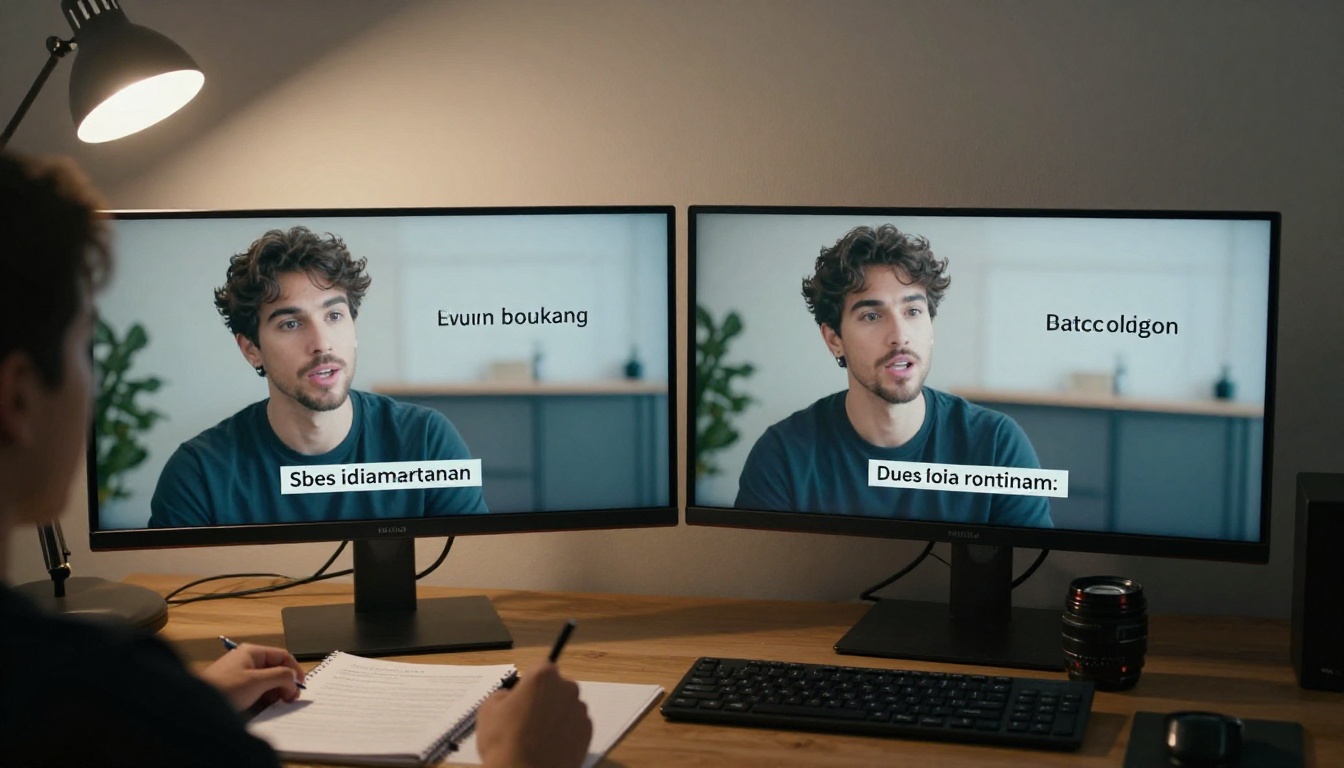
The models on PicassoIA give you access to the full range of tools: from fast consumer-grade options like Lipsync Speed to studio-quality output from Lipsync 2 Pro, all without a subscription to a dozen different platforms. Pick a short clip, get your audio clean, and try your first sync now at the PicassoIA lipsync collection.
FAQs
What is AI lip syncing?
AI lip syncing is the process of using artificial intelligence to match a person's mouth movements in a video to a new audio track. The model analyzes the audio for phonemes and uses that data to regenerate the mouth region of the video to match.
How does AI lip sync work?
The model breaks your audio into phonemes, maps them to their visual equivalents called visemes, then uses a diffusion or regression process to generate new mouth movements frame by frame that align with the audio.
What is the difference between AI lip syncing and a deepfake?
Lip syncing works with existing footage of a real person and changes only the mouth movements to match new audio. It does not replace the person's identity or generate a fake face. Deepfakes, by contrast, replace the entire face or identity of a subject.
What types of content benefit most from AI lip syncing?
Localized or dubbed content benefits most, but it is also valuable for post-production dialogue fixes, AI avatar videos, corporate spokesperson content, and e-learning modules.
What makes AI lip syncing output look bad?
The most common causes are noisy or compressed audio, side-profile or obstructed camera angles, low-resolution source footage, and fast or heavily accented speech. Clean inputs produce clean outputs.
How do I get the best results?
Start with clean, dry audio and high-quality footage shot at a front-facing or slight three-quarter angle. Choose a model suited to your use case, and always review the output at full resolution before publishing.


