Short-form video is no longer just about recording and posting. The creators pulling the biggest numbers in 2026 are the ones who figured out a specific edge: voice-synced visuals that feel real. Whether that means dubbing a clip into five languages, animating a still photo into a talking avatar, or layering a script onto existing footage with frame-perfect lip sync, the tools to do it are now sitting in your browser, ready to run.
The demand for lipsync AI has gone from niche to mainstream in under two years. TikTok creators use it to reach Spanish and Portuguese audiences without re-recording. Brands use it to animate product spokespersons from a single headshot. Educators sync voice-overs to recorded lecture clips so the professor's mouth matches the audio track exactly. The technology is real, it is fast, and the gap between a clip that looks polished and one that looks amateurish now comes down to which lipsync model you pick.
This article walks through every major model available on PicassoIA in 2027, with honest notes on what each one does best and a practical breakdown of which situation calls for which tool.
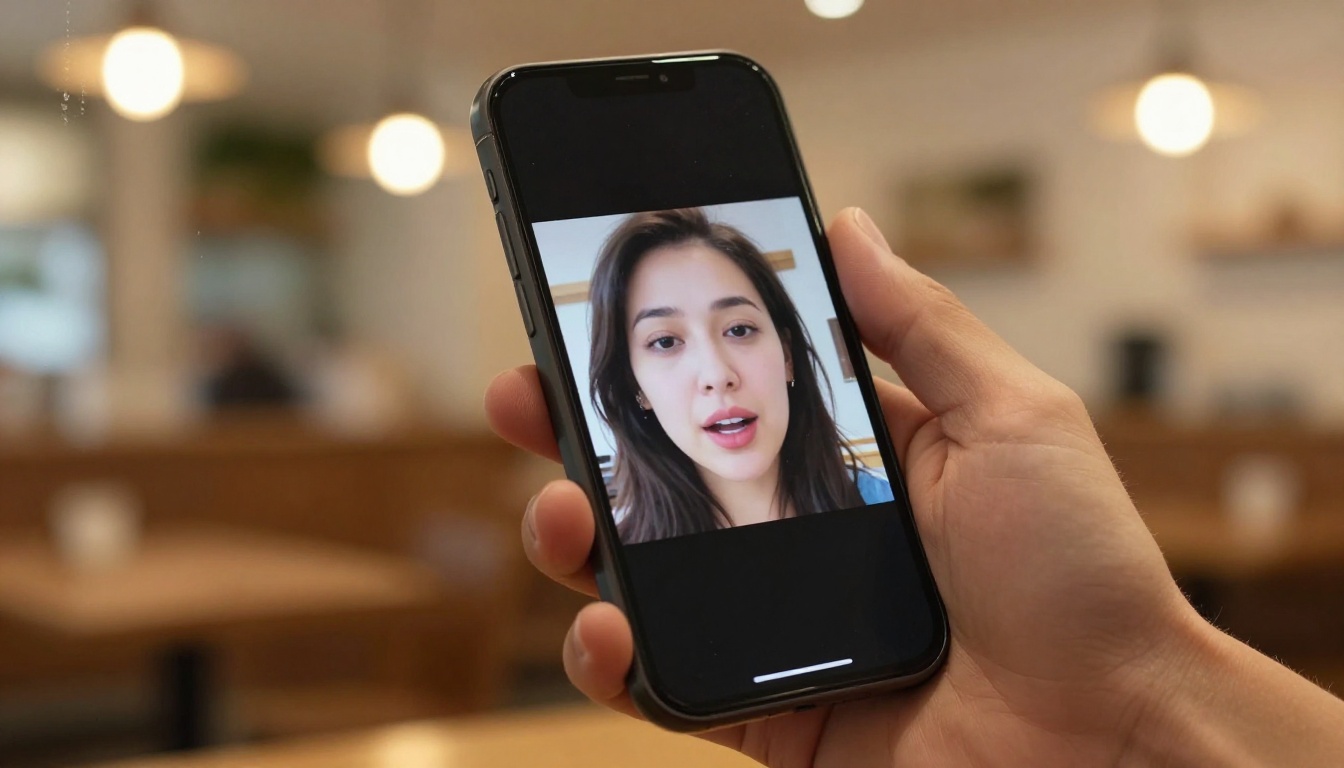
Not every lipsync tool is solving the same problem. Some are built for animation speed. Others sacrifice a little frame-rate accuracy to process longer clips without timeout errors. Before picking one, it helps to know what the evaluation criteria actually are.
Mouth Movement Accuracy
This is the hardest thing to fake. Human brains are wired to detect even a single-frame delay between audio and mouth position, and that mismatch is what makes bad lipsync look unsettling. The best models in 2027 process phoneme-level audio analysis, meaning they are not just finding mouth-open and mouth-closed states. They are mapping specific consonant and vowel shapes to specific jaw and lip positions.
Lipsync 2 Pro by Sync and React 1 by Sync are the two models on PicassoIA that consistently rank highest for phoneme accuracy in side-by-side tests. Both are built on Sync Lab's proprietary motion model and handle rapid speech, accents, and overlapping syllables without producing that "rubber lips" artifact common in older tools.
Processing Speed for Short-Form Content
For short videos specifically (under 60 seconds), processing speed matters more than it might for long-form dubbing. If you are producing 10 clips a day for social media, a tool that takes 8 minutes per clip is a bottleneck. A tool that processes a 30-second clip in under 90 seconds is a production asset.
Lipsync Speed by HeyGen is built around this exact use case. The model trades a small amount of ultra-fine accuracy for dramatically faster render times, making it the go-to option for volume workflows where you are publishing daily.
12 Lipsync Models on PicassoIA Right Now
PicassoIA has 12 dedicated lipsync models live as of 2026. Here is what each one is actually for.
Omni Human 1.5 by ByteDance
Omni Human 1.5 is one of the most requested models on the platform. Upload a single portrait photo and a voiceover audio file, and it returns a talking video with natural head micro-movements, blinking, and synchronized mouth positions. It is not just lipsync, it is a full talking avatar generator from a still image.
The 1.5 version added better handling of non-frontal faces, so photos taken at a slight angle or with a natural head tilt now produce much cleaner results than the original model did. For creators who do not want to appear on camera but still want a human face delivering their content, this is the most natural-looking option available.
Lipsync 2 Pro by Sync
Lipsync 2 Pro takes an existing video and replaces the mouth movements to match a new audio track. This is the model for dubbing: you record a video, then swap in a different language voice-over and the lips resync to match. The Pro version handles faster speech rates and longer clips without degradation in the final frames.
Kling Lip Sync by Kwaivgi
Kling Lip Sync is built on Kwaivgi's video generation architecture, which means it has unusually good temporal consistency. The subject's face does not flicker or shift slightly between frames the way it can in some open-source models. For creators shooting against a moving background or with dynamic lighting, this stability matters a lot.
HeyGen Lipsync Precision
Lipsync Precision by HeyGen focuses on accuracy over speed. It is the model you want for professional deliverables where a client will scrutinize every frame: corporate training videos, brand spokesperson content, or anything going to broadcast.
React 1 by Sync
React 1 is designed for reactive lipsync, meaning it handles spontaneous-feeling speech with natural head nods and micro-expressions rather than a locked-position head. It is particularly good for short interview-style clips where the speaker appears to be responding naturally rather than reading from a script.
More Models Worth Testing
The full 12-model lipsync library on PicassoIA includes several others worth knowing:

Talking Avatars vs. Dubbing Existing Clips
These two workflows look similar on the surface but they solve completely different problems. Choosing the wrong one wastes time.
When an Avatar Makes Sense
A talking avatar (photo to video) is the right tool when:
- You want to publish video content but do not want to appear on camera
- You are creating a brand mascot or spokesperson from a designed character image
- You have a portrait photo of a subject but no video footage of them speaking
- You need to produce multiple clips quickly by swapping audio without re-recording visuals
For this workflow, start with Omni Human 1.5 or Fabric 1.0. Both produce convincing results from a single still image and both handle audio files you upload rather than requiring you to use a specific TTS system.
When to Dub Your Own Footage
Dubbing an existing video is the right move when:
- You already have recorded footage and want to change the language
- You have re-recorded a section of dialogue and need the lips to match the new audio
- You are localizing content for a new market and need the speaker's mouth to match the translated voice
- You want to fix a section of audio without reshooting
For this use case, Lipsync 2 Pro and Lipsync Precision are the most reliable. The distinction is speed vs. accuracy: Precision wins on quality, Lipsync 2 Pro handles longer clips with more flexibility.
How to Use Omni Human 1.5 on PicassoIA
Omni Human 1.5 is the model most first-time users reach for, so here is exactly how to run it.
Step-by-Step
Step 1: Prepare your portrait image. Use a photo where the face is clearly visible, ideally front-facing or within about 30 degrees of center. Good lighting and a clean background improve output quality significantly. JPG or PNG both work.
Step 2: Prepare your audio file. Record or export your voiceover as an MP3 or WAV file. Keep it under 60 seconds for the fastest processing. Ensure the audio is clean with no background music or significant noise.
Step 3: Open the model. Go to Omni Human 1.5 on PicassoIA and click "Run".
Step 4: Upload inputs. Upload your portrait image to the image field and your audio file to the audio field. The model is designed for simplicity with no complex parameter grids.
Step 5: Generate. Click Generate. Processing typically takes 45 to 90 seconds for a 30-second audio clip.
Step 6: Review and download. Watch the output video before downloading. Check the first 2 seconds and the last 2 seconds specifically, as these are the points where timing drift is most likely to appear.
Tip: If the mouth movement feels slightly stiff, try a portrait photo with a more neutral expression rather than a wide smile. Omni Human 1.5 generates more natural motion from relaxed starting expressions.
Translating Videos for Global Audiences
Video dubbing across languages used to require hiring voice actors in every target market and then paying an editor to sync the audio manually. That workflow now takes minutes.
HeyGen Video Translate
Video Translate by HeyGen handles the full pipeline: it detects the original language, generates a translated voice-over in the target language with a voice that matches the original speaker's tone, and resyncs the mouth movements to the new audio. The model supports 150+ language pairs.
For short-form creators with a growing audience in non-English markets, this is the single highest-leverage tool in the lipsync category. A 60-second TikTok can be translated, dubbed, and lip-synced into Spanish, Portuguese, Hindi, and French in under 10 minutes total.
The accuracy of the lip sync in translation mode is slightly lower than in single-language dubbing because the phoneme patterns in different languages map to different mouth shapes, and the model has to bridge that gap. For most viewers watching on a phone screen, the result reads as natural. For high-production broadcast work, use single-language dubbing with a pre-produced translated audio track instead.
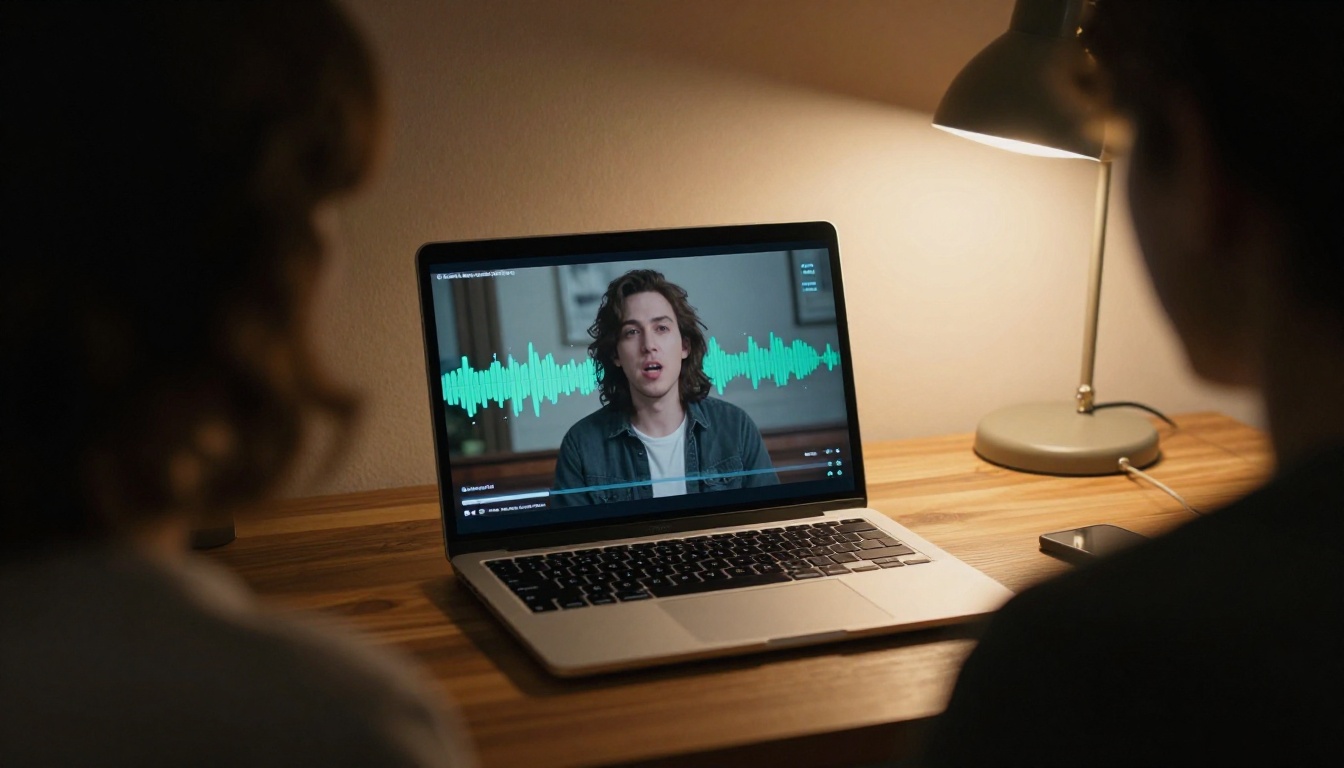
| Use Case | Best Model | Why |
|---|
| Photo to talking avatar | Omni Human 1.5 | Natural micro-expressions, handles angled photos |
| High-accuracy dubbing | Lipsync 2 Pro | Phoneme-level sync, handles fast speech |
| Volume/daily publishing | Lipsync Speed | Fastest render times in the library |
| Professional brand video | Lipsync Precision | Frame-level accuracy for client work |
| Reactive interview style | React 1 | Natural head movement, not locked position |
| Video translation | Video Translate | 150+ languages, full pipeline in one tool |
| Stable moving backgrounds | Kling Lip Sync | Best temporal consistency, no face flicker |
| Simple photo animation | Fabric 1.0 | Clean interface, natural movement style |
Common Mistakes That Ruin Lipsync Results
Even with the right model, a few consistent errors account for most failed outputs.
Audio Quality Kills Sync
The model needs clear phoneme boundaries in the audio to generate accurate mouth positions. Background music, room echo, or low-bitrate compression smears those boundaries. Always use clean, dry audio with no reverb or ambient noise when sending files to a lipsync model. If your source audio is mixed with music, extract the vocal stem first using a vocal separator before running lipsync.
Wrong Head Angle for Avatar Models
Avatar models (photo to video) perform best with near-frontal portraits. A face turned more than 45 degrees from center will produce mouth positions that feel disconnected from the face geometry. Use a frontal photo and let the model add natural movement rather than starting from a profile angle.
Expecting Perfect Results on Fast Cutters
Lipsync AI works on continuous video segments. If your clip has rapid cuts every 2 to 3 seconds, each cut resets the model's context and the first frame after every cut will have a slight sync delay as the model reorients to the new facial position. For cut-heavy content, run lipsync on each continuous segment separately before reassembling in your editor.
Tip: Run a 5-second test clip before committing to the full render. Most sync errors are visible in the first few seconds, and catching them early saves processing credits.
Each major short-form platform has different audience expectations for what counts as "good enough" when it comes to AI-synced video.
TikTok and Instagram Reels
The small screen and autoplay context means viewers are more forgiving of minor sync imperfections. Speed matters most here. Lipsync Speed is the right choice for volume TikTok workflows. The model's faster output time lets you test more content variations without waiting hours between renders.
YouTube Shorts
Shorts viewers often have a higher tolerance for slow-down and re-watch behavior than Reels viewers. This means a slightly slower model with better accuracy, like Lipsync 2 Pro, delivers better results for YouTube where a viewer might pause and replay a moment that feels off.
LinkedIn Video
Professional context means the avatar or spokesperson must look genuinely natural. Omni Human 1.5 with a clean headshot photo and a professionally recorded voice-over produces results that hold up to the scrutiny a business audience brings to video content.
What Real Creators Are Using in 2027
The patterns in how working creators are actually using lipsync tools in 2027 reveal a few consistent workflows.
The Repurposing Stack: Record one primary video in English, run it through Video Translate for Spanish and Portuguese cuts, publish all three versions on the same day. The total extra work is about 15 minutes of setup per clip and it multiplies reach across three of the largest social media markets.
The Faceless Avatar Channel: Use a designed character or an AI-generated portrait, animate it with P Video Avatar or Omni Human 1.5, and build an entire channel without ever appearing on camera. Several creators running 100,000+ follower channels in 2027 are using exactly this setup.
The Correction Workflow: Record a video, notice an error or updated information, re-record just the corrected audio section, and use Lipsync 2 Pro to sync the new audio to the original footage. No re-shoot required.
Tip: For the faceless avatar workflow, invest time in finding a portrait image with good resolution and neutral lighting. The avatar output quality scales directly with input image quality.
Build Your First Talking Video Today
Every model in this article is available directly on PicassoIA, no waitlist, no setup, no local installation. You upload your inputs, hit generate, and the output is ready to post.
The fastest way to find which model fits your specific content is to pick one use case, try three models on the same source material, and compare the outputs side by side. The differences are immediately obvious once you see them on the same clip.
All 12 lipsync models, including Omni Human 1.5, Lipsync 2 Pro, Kling Lip Sync, React 1, and Video Translate, are live at picassoia.com/en/all-models. Pick the tool that matches your most immediate workflow and run your first clip today.


