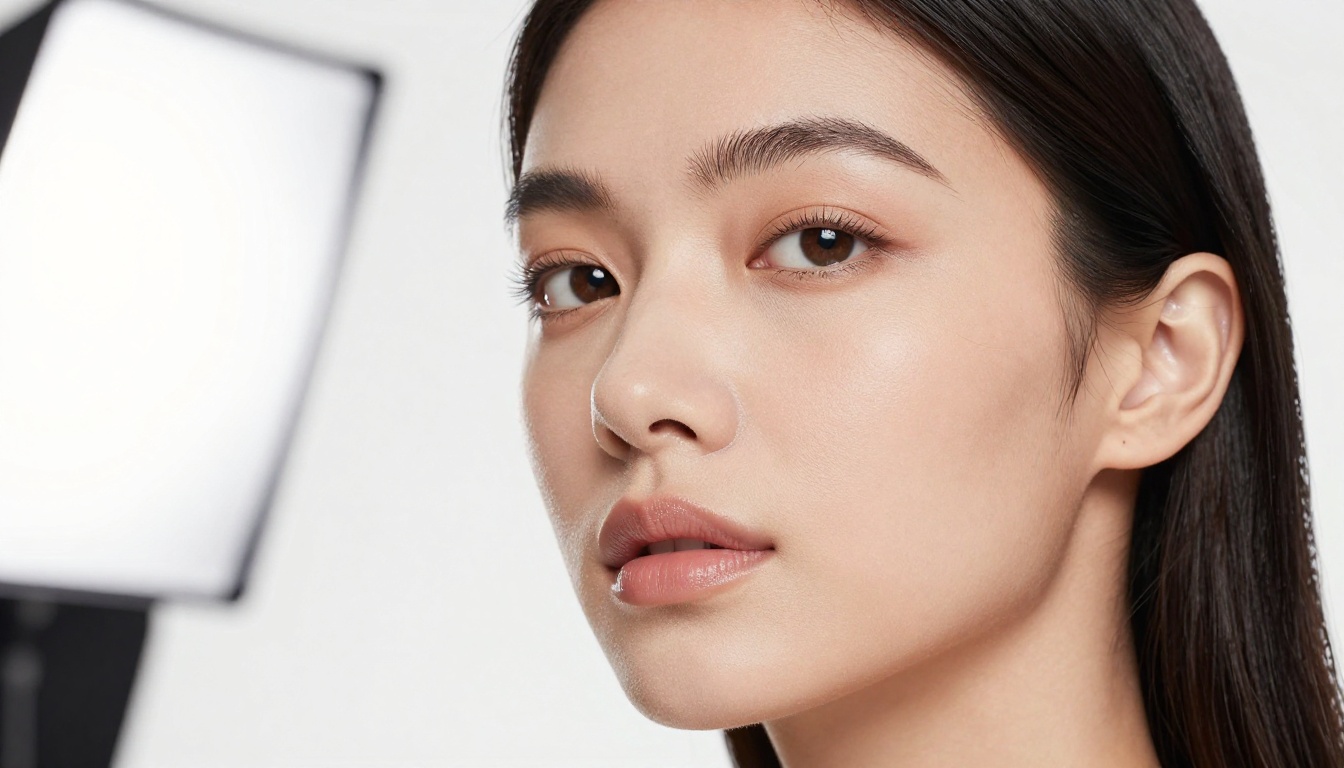
Portrait realism has become the sharpest test for any AI image model. If a model can render believable human skin, eyes that hold depth, and hair that behaves the way real hair does, it earns its place in a professional workflow. Two models are generating serious conversation right now: GPT Image 2.0 from OpenAI and Seedream 5.0 Pro from ByteDance. Both claim photorealism. Both target demanding creators. This article runs them through a rigorous portrait benchmark so you know exactly what you are paying for before committing to either workflow.
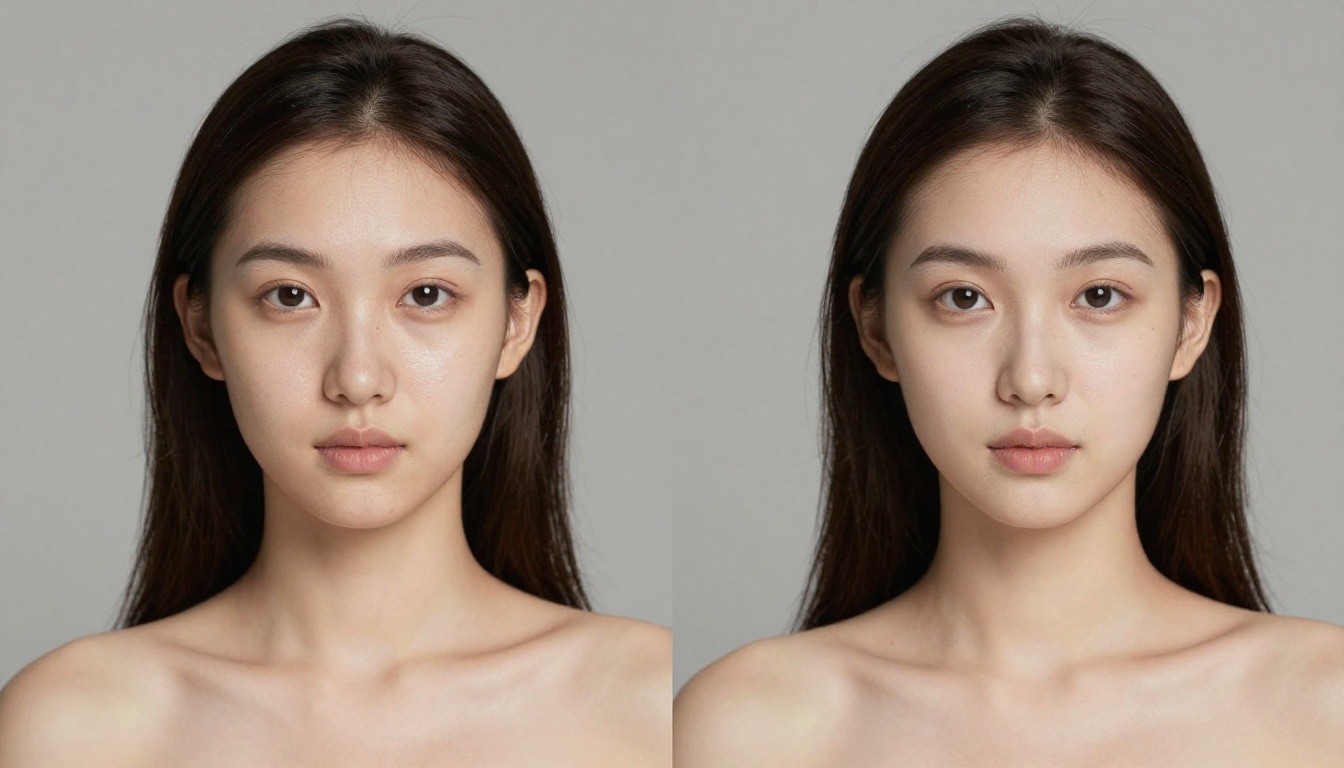
What Each Model Actually Does
Before comparing output, it is worth looking at the architecture behind each model, because the approach shapes the result in ways that raw image samples do not always reveal.
GPT Image 2.0 in Portrait Mode
GPT Image 2.0 is OpenAI's multimodal image synthesis system, deeply integrated with instruction-following capabilities. For portraits, this means the model leans heavily on semantic interpretation of human anatomy. When you ask it for "a woman with textured skin and a warm window glow," it interprets the intent of the request rather than pattern-matching to training examples. The output tends to have strong compositional coherence: faces feel balanced and naturally proportioned.
Where GPT Image 2.0 is particularly strong: instructed detail. If you specify "catch-light in the left eye at 10 o'clock position," it often delivers. The model's instruction-adherence is exceptional for art directors working with precise briefs. Portrait proportions are anatomically stable across many regenerations, which makes iteration fast and predictable.
The model also handles mixed-media instructions well. Ask for a portrait "in the style of a Hasselblad medium format editorial shot" and it correctly interprets the implied tonal range, compression characteristics, and tonal contrast that phrase implies, even without specifying each parameter explicitly.
Seedream 5.0's Portrait Approach
Seedream 5.0 Pro takes a different path. ByteDance's model is trained on a massive corpus of photographic imagery with an emphasis on output fidelity rather than instruction compliance. Portrait outputs prioritize micro-detail: individual pores, subsurface scattering, realistic specular highlights on wet lips or the bridge of a nose.
Seedream 5.0 tends to produce images that look like they came out of a camera rather than a creative brief. The downside of this approach is that very specific compositional instructions can be interpreted loosely. Exact positioning of shadows or specific prop arrangements may not land as precisely as GPT Image 2.0. But if your goal is a portrait that looks genuinely photographed, Seedream 5.0's output density is hard to beat.
💡 Both models are available for testing on PicassoIA. You can run side-by-side prompts without managing API credentials or compute infrastructure.
Skin Texture and Pore Detail
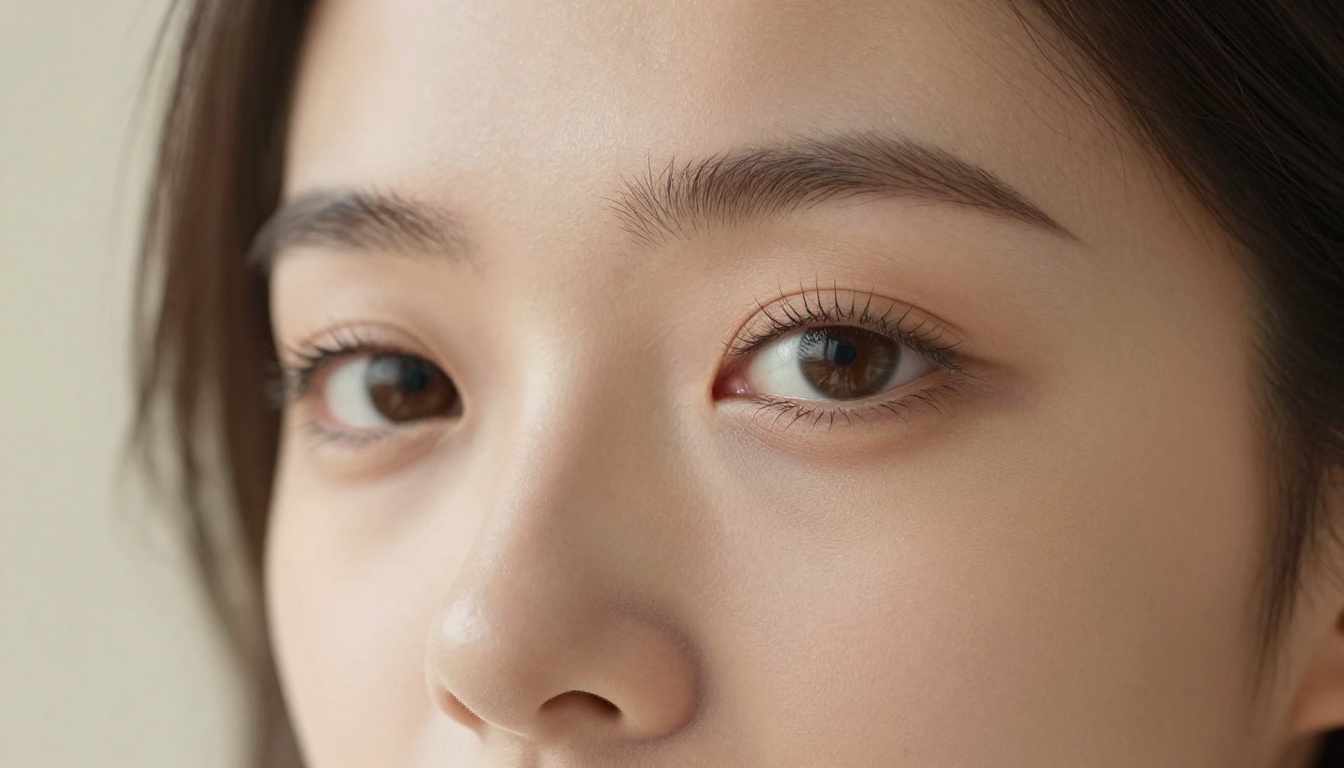
This is where portrait quality benchmarks separate from marketing copy. Real human skin is not smooth. It has pores, fine hairs, capillary redness, and uneven pigmentation distributed differently across the forehead, cheeks, nose, and chin. How each model handles these elements determines whether a portrait looks real or plastic.
GPT Image 2.0 Results
GPT Image 2.0 renders skin with remarkable consistency across the full frame. The texture feels calibrated, not excessive. Pore detail appears in well-lit zones without looking artificially amplified. The model avoids over-smoothing, which was a persistent flaw in earlier OpenAI image models and was frequently cited as the tell that gave AI portraits away.
One notable behavior: GPT Image 2.0's skin subsurface scattering is particularly well-rendered in backlit scenarios. Portraits with a rim light or window behind the subject show translucent ear lobes and soft cheek glow that reads as genuinely photographic. The thin skin areas around the eyes and on the tip of the nose catch light in a way that creates believable depth.
Where it struggles: Very close macro crops (full-frame face fills the entire image) sometimes show a subtle uniformity in skin texture that experienced retouchers would flag. The pore pattern repeats in a way natural skin does not, and the variation in pore depth that real skin exhibits across different facial zones is partially flattened.
Seedream 5.0 Results
Seedream 5.0 Pro is the stronger performer in skin realism at the micro level. Pore placement feels stochastic, meaning random in the way real skin is random. At 100% crop, you find genuine variation in pore size, depth, and density across different facial zones. The T-zone reads differently from the temples, which reads differently from the chin. This kind of zonal differentiation is rare in AI portrait generation and gives Seedream 5.0 portraits a tactile quality that GPT Image 2.0 does not quite match.
Subsurface scattering in Seedream 5.0 portraits is particularly impressive under multiple lighting conditions. Cheeks show the characteristic red-pink warmth of blood vessels near the surface. Lips have moisture and the slight textural variation of natural tissue, with the subtle line pattern of actual lip skin visible in close crops.
| Metric | GPT Image 2.0 | Seedream 5.0 Pro |
|---|
| Pore realism | Good, slightly uniform | Excellent, stochastic |
| Subsurface scattering | Strong in backlit scenes | Strong across all scenarios |
| Skin uniformity | High (slight over-consistency) | Natural zonal variation |
| Macro crop fidelity | Moderate | High |
| Thin skin areas (eyes, nose) | Well-rendered | Exceptional |
Eye Realism and Catch-Lights
Eyes carry more emotional weight in a portrait than any other element. Photographers spend significant time ensuring the catch-light position, iris color rendering, and the subtle moisture layer that makes an eye look alive. A portrait where the eyes feel flat or dead fails regardless of how accurate the skin texture is. Both models treat eyes as a priority.
Iris Detail Comparison
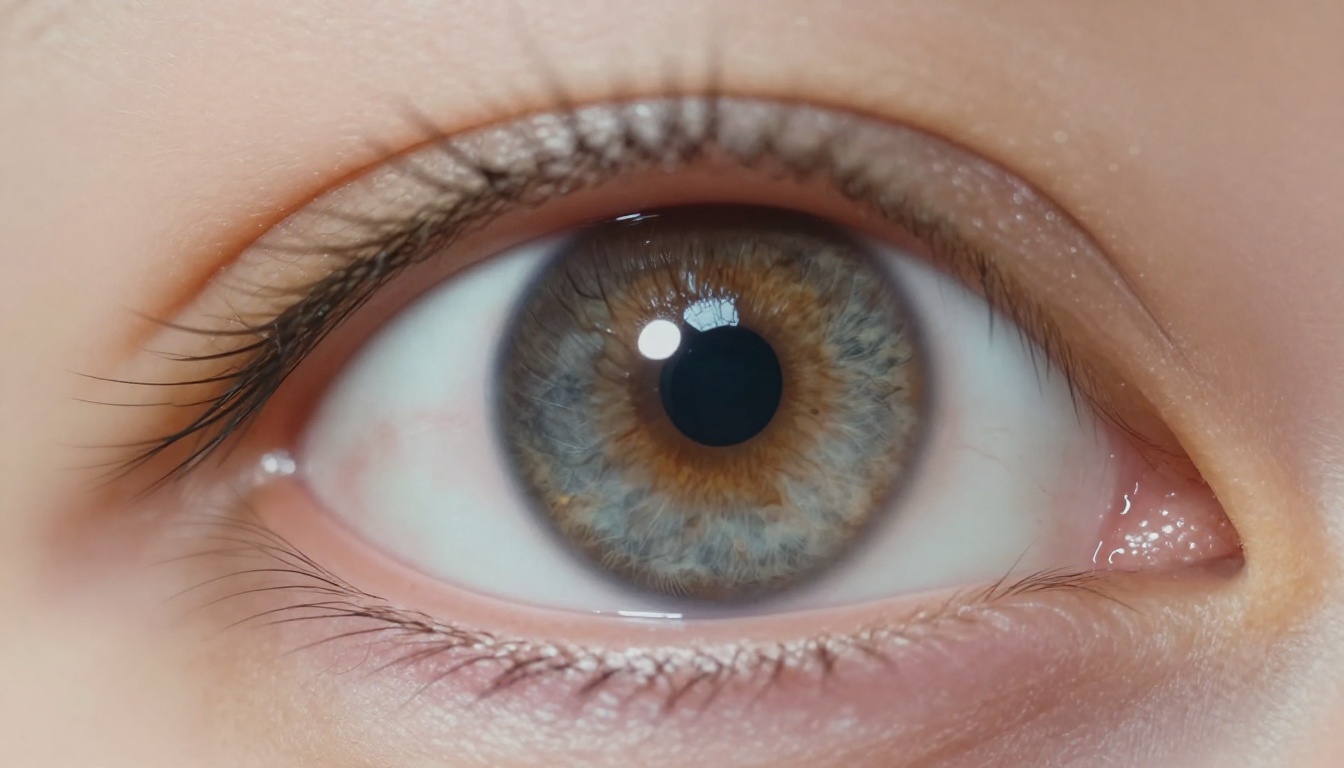
GPT Image 2.0 generates irises with defined collarette structures and radiating fiber patterns. The catch-light is placed correctly when specified in the prompt, and the sclera (white of the eye) carries realistic micro-veining in most outputs. The iris color is accurate and the pupil size scales appropriately relative to the implied lighting conditions in the prompt.
Seedream 5.0 Pro pushes further into iris anatomy. Individual fiber directions within the iris vary in a way that matches real ocular structure, with variation in the 2 o'clock and 8 o'clock radial zones that reflects how iris tissue actually grows. Limbal rings (the dark border at the outer edge of the iris) are consistently present, which is a detail many AI models miss entirely and which dramatically affects how believable an eye looks.
Moisture and Depth
Both models handle the wet film over the cornea well, though they achieve it differently. GPT Image 2.0 adds a subtle highlight specular that suggests moisture without overplaying it. The result is a polished, professional eye that works across portrait styles from casual to high-fashion.
Seedream 5.0 Pro creates a more pronounced moisture layer, which works beautifully in close-up portraits and macro eye shots but can look slightly overdone in environmental portraits where the eyes are smaller in the frame and the moisture rendering becomes more visible as a rendering artifact than a natural feature.
💡 For portraits where eyes are the main subject, Seedream 5.0 Pro on PicassoIA delivers iris detail that holds up at sizes matching medium-format camera output.
Hair Rendering Accuracy
Hair is among the most computationally demanding elements of photorealistic portraits. The challenge is not just rendering individual strands. It requires those strands to behave correctly: clumping where real hair clumps, separating where real hair separates, and creating the realistic micro-silhouette against bright backgrounds that makes hair look truly photographed.
Individual Strand Separation
GPT Image 2.0 produces hair with strong overall shape and believable volume. At standard viewing sizes, the output is excellent and convincing. At high magnification, hair strands tend to merge into broader clumps rather than separating at the individual level. This is acceptable for most use cases but becomes visible when outputting at poster scale or when cropping into the hairline specifically.
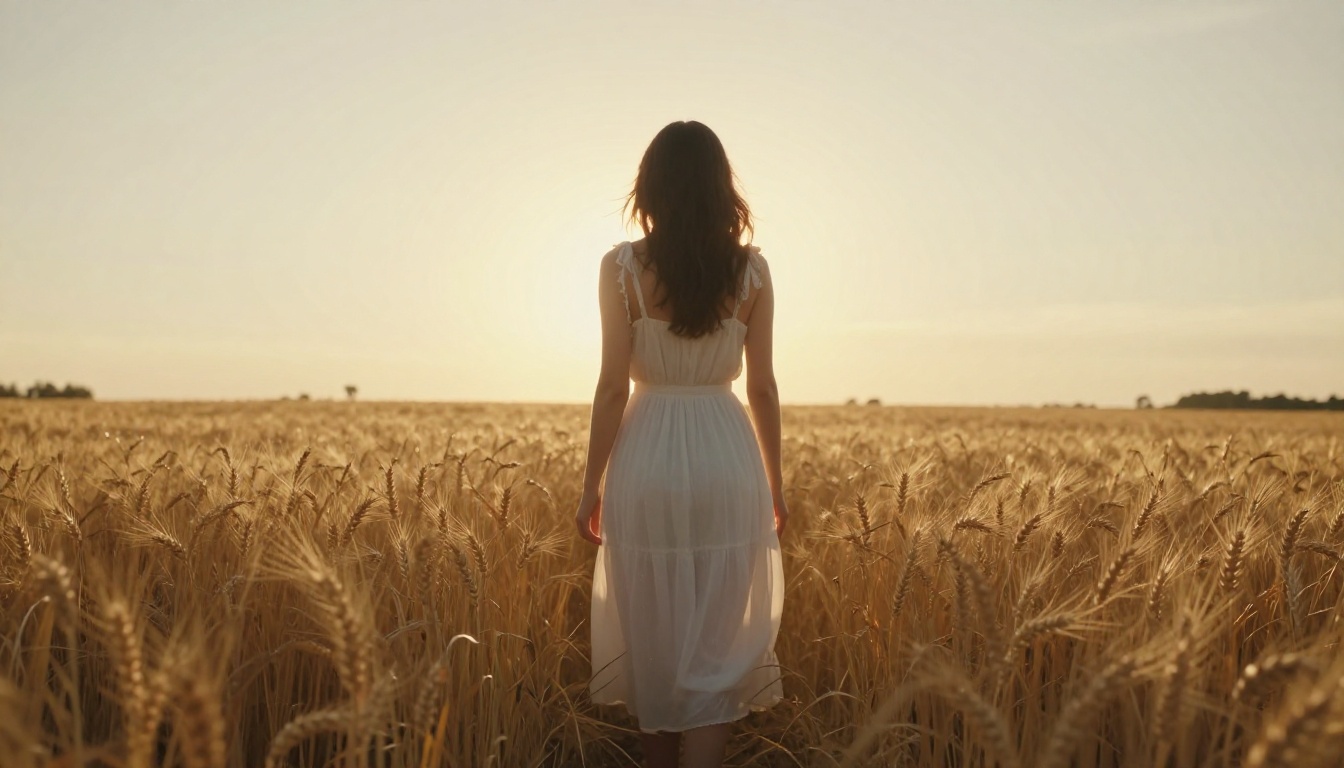
Seedream 5.0 Pro separates individual strands more convincingly across most test scenarios. The transition from sharp, defined strands at the temple to softer flyaways at the crown happens organically, following the directional patterns that real hair creates when it grows outward from the scalp. Backlit hair in Seedream 5.0 portraits shows individual strands with realistic rim-light halos rather than a single luminous outline around a hair mass.
Edge Cases: Curly and Flyaway Hair
Curly hair remains the most demanding test for any portrait AI. Both models show limitations here. GPT Image 2.0 tends to produce curls that read as stylized, with a slight corkscrew regularity that real curly hair does not have. Curl clusters at the temples and around the face tend to be too geometrically similar to each other.
Seedream 5.0 Pro performs better on curl variation but can show artifacts where tight curl clusters meet and overlap each other, producing small areas where the rendering logic cannot resolve which strand sits in front. For flyaway hair (the fine individual strands that float above the main hair mass), Seedream 5.0 Pro is clearly stronger. Its training on photographic data gives it accurate flyaway behavior in different lighting conditions, including the transparency and soft catch-light that real flyaways show against bright backgrounds.
Skin Tone Range and Diversity
One of the most telling portrait tests is how a model handles the full range of human skin tones. AI image models trained on datasets skewed toward certain demographics have historically struggled with rendering the richness and spectral complexity of darker skin tones.
Darker Complexions Under Different Lighting
GPT Image 2.0 handles darker skin tones accurately in most scenarios. The model avoids the over-lightening artifacts and loss of tonal depth that plagued earlier AI image systems. Ebony and deep brown skin tones render with appropriate depth and warmth, and the specular highlights on skin surfaces feel natural rather than overexposed.
Seedream 5.0 Pro is equally strong here and arguably produces richer results in certain lighting conditions. The pore-level detail and subsurface scattering that define the model's strength apply across all skin tones, and the warmth embedded in darker complexions renders with the correct amber and red-brown tones that make portraits feel genuine rather than processed.
Mixed Lighting Scenarios
The real test of skin tone accuracy is challenging mixed-light conditions. Warm tungsten combined with cool daylight creates color temperature differences that fall on skin differently depending on melanin concentration. Both models handle this reasonably well, with GPT Image 2.0 showing slightly more consistent results when skin tone interacts with strongly colored light sources, and Seedream 5.0 Pro producing more physically accurate tonal gradients in the transition zones.
💡 For highest fidelity across diverse skin tones, specify "natural skin tone" in your prompt and avoid adding fill lights unless you want them. Both models are capable of accurate diverse portrait generation without special prompting.
Lighting Simulation Differences
Portrait lighting is not just about making a subject visible. It is about shaping volume, revealing texture, and establishing mood. The way each model interprets and renders light is one of the most meaningful differentiators between GPT Image 2.0 and Seedream 5.0 for portrait work.
Studio Lighting Tests
In controlled studio prompt scenarios covering octabox setups, ring light configurations, and clamshell arrangements, GPT Image 2.0 is extremely consistent. The model interprets lighting terminology accurately and delivers appropriate shadow falloff and highlight placement. Light from a single defined source creates the expected shadow shape on the nose and under the jaw, and shadow depth scales correctly with implied modifier size.
Seedream 5.0 Pro produces studio lighting that feels more physically accurate in its tonal transitions. Shadow edges have the correct softness for the implied light source size. The transition from lit to shadow on curved surfaces like cheeks and foreheads follows the kind of gradation that real photography shows rather than a CG approximation of that gradation.
Natural Light Behavior
In natural light scenarios, particularly golden hour and overcast daylight, the two models show their clearest stylistic difference. GPT Image 2.0's golden hour portraits have genuine warmth and beauty but occasionally feel slightly idealized. The light is always flattering in a way that real golden hour light is not.
Seedream 5.0 Pro's natural light portraits look like they were taken by a working photographer rather than rendered to a standard. Overcast light produces the flat, detailed, shadow-free results that professional portrait photographers call "beauty light." Dappled shade creates appropriate light pattern breakup on skin. The model does not try to flatter the subject; it tries to replicate what a camera would record.
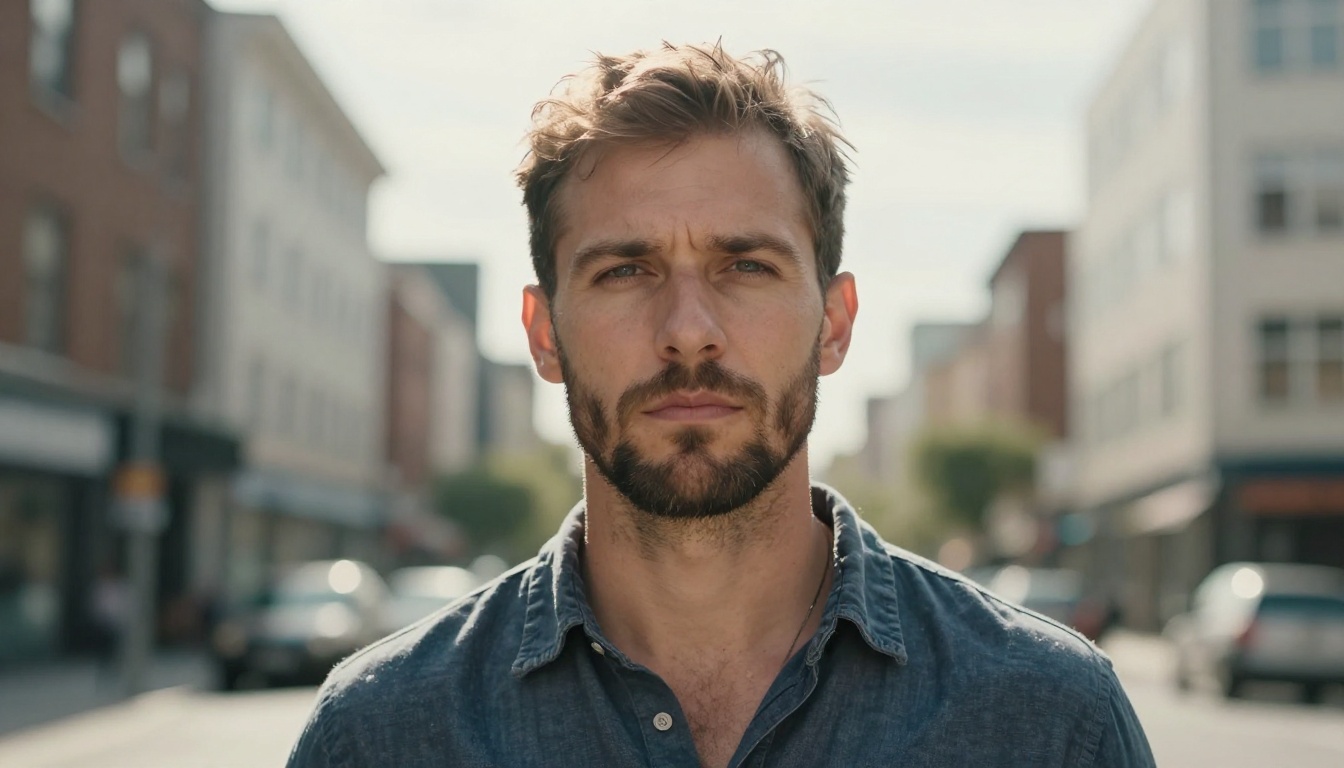
💡 Both models allow you to specify exact lighting setups in text prompts. The more precise your lighting description (direction, source size, modifier type), the better both models perform.
How to Use Seedream 5.0 on PicassoIA
Seedream 5.0 Pro is available directly on PicassoIA without any API configuration. Here is the most effective portrait workflow for extracting maximum quality from the model.
Step-by-Step Workflow
- Go to Seedream 5.0 Pro on PicassoIA and open the generation interface.
- Write a structured prompt starting with subject description, then lighting, then camera lens, then atmosphere. Example: "Close-up portrait of a woman with brown eyes, soft morning light from left, 85mm f/1.8, shallow depth of field, Kodak Portra 400 film tones, photorealistic skin texture, individual hair strands visible."
- Set aspect ratio to 4:3 or 1:1 for close-up portraits. 16:9 works for environmental portraits where background matters.
- Run at full resolution. Seedream 5.0 Pro outputs at 2K resolution natively, preserving the micro-detail that makes portraits convincing at large display sizes.
- Review the catch-lights. If they are missing or misplaced, add "catch-light in left eye" to your prompt and regenerate a single variation.
- Upscale if needed using Crystal Upscaler (built specifically for portrait upscaling to 4K) or Clarity Pro Upscaler for maximum sharpness across the full frame.
Best Settings for Portraits
| Setting | Recommended Value | Why |
|---|
| Resolution | 2K native | Preserves pore-level detail |
| Aspect ratio | 4:3 or 1:1 | Maximizes face area in frame |
| Lighting detail | Specify direction and source | Controls shadow shape precisely |
| Camera lens | 85mm or 105mm | Natural portrait compression |
| Film emulation | Kodak Portra 400 | Warm, accurate skin tones |
| Depth of field | f/1.4 to f/2.8 | Natural background separation |
Upscaling Portrait Results
Both models output images that benefit from upscaling, particularly when you need print-ready or large-format output. The portrait-specific upscalers available on PicassoIA each serve a distinct purpose in the post-generation workflow.
Best Upscalers for AI Portraits
Crystal Upscaler is built specifically for portraits. It adds facial detail coherently without over-sharpening or creating HDR-style tonal artifacts. For upscaling Seedream 5.0 Pro portraits to 4K, this is the first choice. Pore detail and hair strand separation are both preserved and sometimes improved during the upscaling pass.
Clarity Pro Upscaler handles mixed-content images better, making it ideal when your portrait includes complex backgrounds such as architecture or natural environments. It adds sharpness and detail across the full frame rather than prioritizing the face specifically.
P Image Upscale from PrunaAI processes in under one second, making it the fastest option when you are iterating quickly and need a quality check before committing to a final high-resolution render.
Image Upscale by Topaz goes up to 6x magnification, which is the right option for commercial print applications. Portrait detail holds remarkably well at maximum magnification, and the model handles fine hair strands at the edges of the face without the fringing artifacts that lower-quality upscalers introduce.
💡 Two-step workflow: Generate at native resolution in Seedream 5.0 Pro, review the composition and facial detail, then upscale to 4x using Crystal Upscaler. This produces print-quality portraits faster than generating at maximum resolution from scratch.
Portrait Use Case Breakdown
The choice between GPT Image 2.0 and Seedream 5.0 Pro is not about which model is better in absolute terms. It is about which model fits your specific creative use case and the outputs your workflow demands.
When to Choose GPT Image 2.0
- Instructed compositions: If your brief specifies exact lighting angles, emotional expressions, or specific anatomical positioning, GPT Image 2.0's instruction-following is exceptional and consistent across regenerations.
- Conceptual portraits: Art direction that blends portraiture with narrative elements (props, specific environments, defined emotional states) benefits from GPT Image 2.0's semantic coherence.
- Client brief execution: When working from detailed written specifications from art directors or clients, GPT Image 2.0 interprets and delivers those specifications more literally than Seedream 5.0, reducing the number of regeneration cycles needed to hit a brief.
- Mixed-lighting concepts: When the portrait prompt involves complex, unusual, or conceptual lighting that does not directly correspond to real-world photography setups, GPT Image 2.0's semantic processing handles the interpretation more reliably.
When to Choose Seedream 5.0 Pro
- Maximum photorealism: If the goal is an image that could pass for a photograph in most contexts, Seedream 5.0 Pro wins on texture density and micro-detail accuracy at every tested output size.
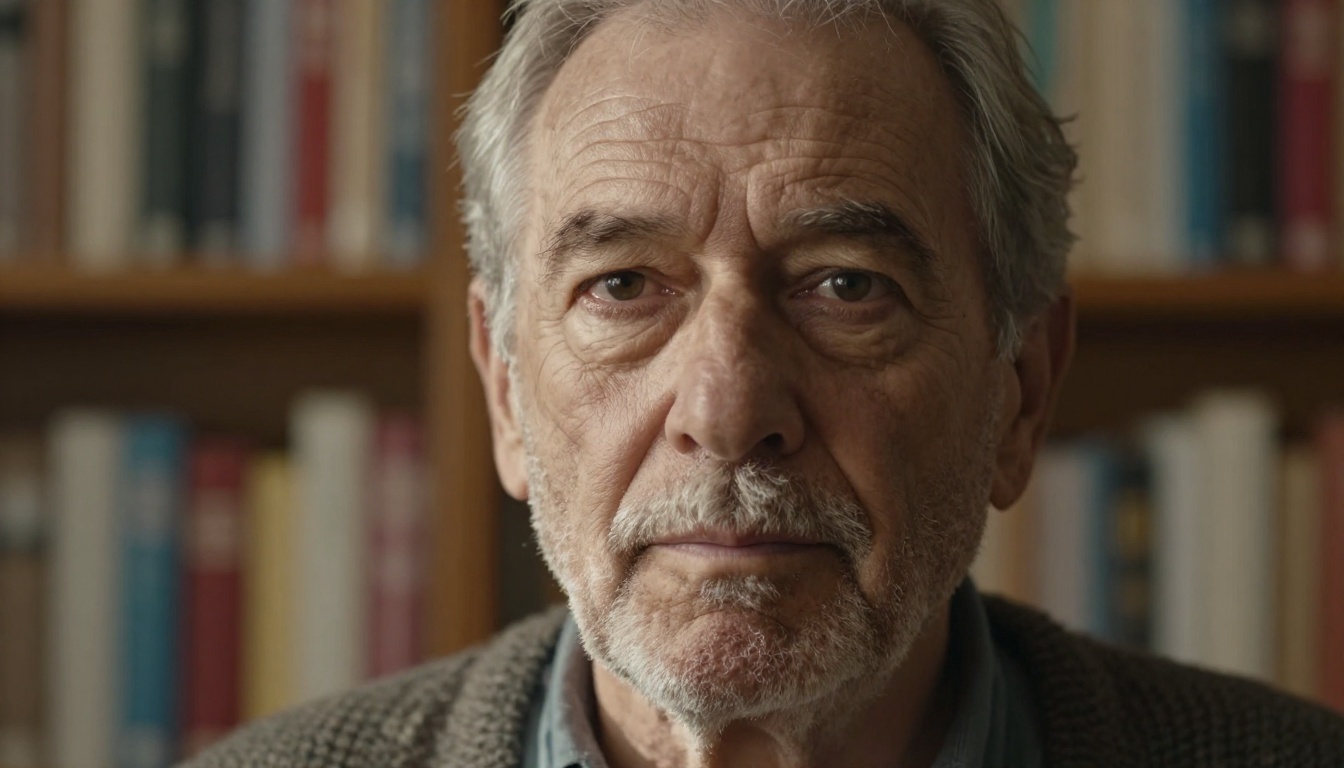
- Character studies: Portraits of older subjects with complex skin texture, deep character lines, and weathered surfaces benefit enormously from Seedream 5.0's pore-level fidelity. The model renders age with dignity rather than exaggeration.
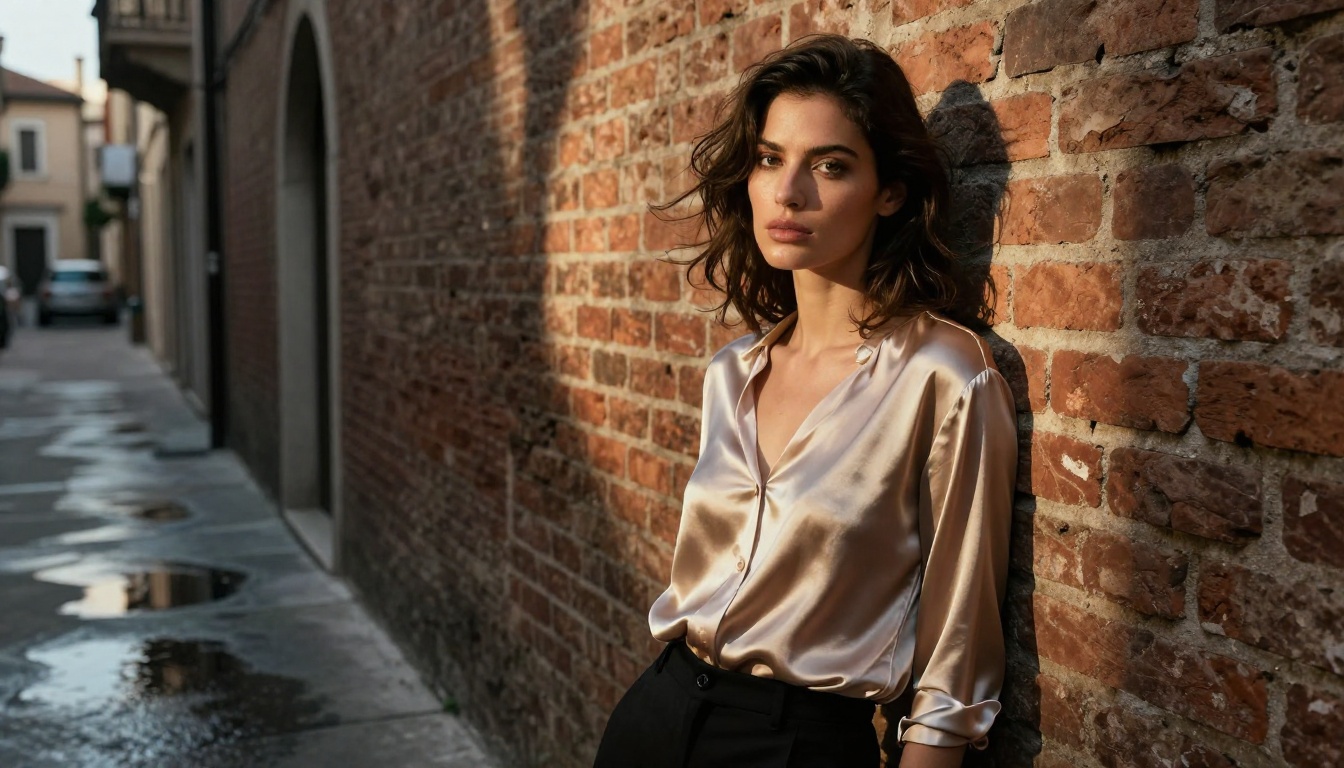
- Fashion and beauty: Skin tone accuracy, hair behavior, fabric rendering, and the specular behavior of cosmetics all favor Seedream 5.0 for commercial photography use cases.
- High-volume iteration: The model's speed and consistent output quality make it efficient for projects requiring many portrait variations across a session.
| Use Case | Recommended Model |
|---|
| Instructed compositions | GPT Image 2.0 |
| Photorealism and print | Seedream 5.0 Pro |
| Character and age portraits | Seedream 5.0 Pro |
| Conceptual and narrative | GPT Image 2.0 |
| Fashion and beauty | Seedream 5.0 Pro |
| Client brief execution | GPT Image 2.0 |
| High-volume batch generation | Seedream 5.0 Pro |
Try Your Own Portraits on PicassoIA
The fastest way to see the difference between GPT Image 2.0 and Seedream 5.0 Pro is to run the same prompt through both models and compare the outputs directly. PicassoIA gives you access to both models without API configuration or infrastructure management, so the only variable between your test runs is the model itself.
Start with a simple portrait prompt: a subject, a light source, and a lens specification. Then add parameters incrementally, noting how each model interprets each addition. You will find your natural preference within a handful of generations, and that preference will reveal something useful about which aspects of photographic realism matter most in your own creative work.
For portrait generation at production scale, pairing Seedream 5.0 Pro with Crystal Upscaler creates a two-step workflow that produces commercial-quality portrait imagery without the overhead of a full photography production. For creative direction and concept work where precise brief execution matters, GPT Image 2.0 remains one of the most accurate instruction-following image models available.
Both tools are ready to use at picassoia.com/en/all-models. Run the same prompt, compare the pixels at 100% crop, and let the portraits tell you which model belongs in your workflow.