Two open source video models dropped within months of each other in 2025, and the internet has not stopped arguing about which one wins. Wan 2.7 Pro comes from the Alibaba Wan team, while HunyuanVideo 1.5 is Tencent's answer to the open source video generation race. Both run locally, both are free to use, and both produce output that would have seemed impossible two years ago. But they are not the same model, and choosing the wrong one for your workflow costs time and money.
This comparison cuts through the noise. We tested both on identical hardware with identical prompts and tracked the things that actually matter: motion consistency, prompt adherence, generation speed, VRAM usage, and real-world output quality.

What Sets These Two Apart
The surface-level pitch for both models sounds identical: open source, high quality, free. Dig one layer deeper and the architectural choices diverge sharply. Wan 2.7 Pro is a diffusion transformer optimized for long-range temporal coherence, meaning it keeps subjects looking consistent across every frame even when they move fast. HunyuanVideo 1.5 takes a different path, prioritizing cinematic realism in individual frames at the cost of slightly more computational overhead.
Wan 2.7 Pro at a Glance
Wan 2.7 T2V supports text-to-video, image-to-video, and reference-to-video generation. The Pro tier runs at 1080p native resolution and ships with a 14B parameter variant that dramatically improves face stability and background consistency compared to earlier Wan versions. The model handles camera movement prompts reliably: dolly-ins, pans, and orbit shots that earlier versions would fumble are now consistently reproducible.
Specifications:
- Resolution: up to 1080p
- Duration: 5 to 10 seconds per clip
- Model size: 14B parameters (Pro) / 1.3B (lite)
- License: Apache 2.0
💡 On PicassoIA, Wan 2.7 is available in three modes: Wan 2.7 T2V (text to video), Wan 2.7 I2V (image to video), and Wan 2.7 R2V (reference to video). No local GPU required.
HunyuanVideo 1.5 at a Glance
HunyuanVideo from Tencent is a 13B parameter full-diffusion model with a particularly strong focus on photorealistic frame quality. Version 1.5 introduced improved semantic parsing, meaning it handles complex multi-clause prompts more accurately than the original release. It also added a portrait mode fine-tune that keeps human subjects stable with noticeably less distortion.
Specifications:
- Resolution: up to 720p (optimized) / 1080p (experimental)
- Duration: 5 seconds default
- Model size: 13B parameters
- License: Tencent HunyuanVideo Community License
The license difference matters. HunyuanVideo is technically open weights, but the Tencent community license includes commercial use restrictions that differ from Wan's Apache 2.0 blanket permission. If you're building a product, Wan 2.7 gives you cleaner legal footing.

Raw Video Quality, Head to Head
Quality is subjective but motion artifacts are not. We ran 50 matched prompts through both models and scored them on three dimensions: motion consistency, prompt adherence, and frame-level realism. The results split cleanly along each model's architectural priorities.
Motion Consistency
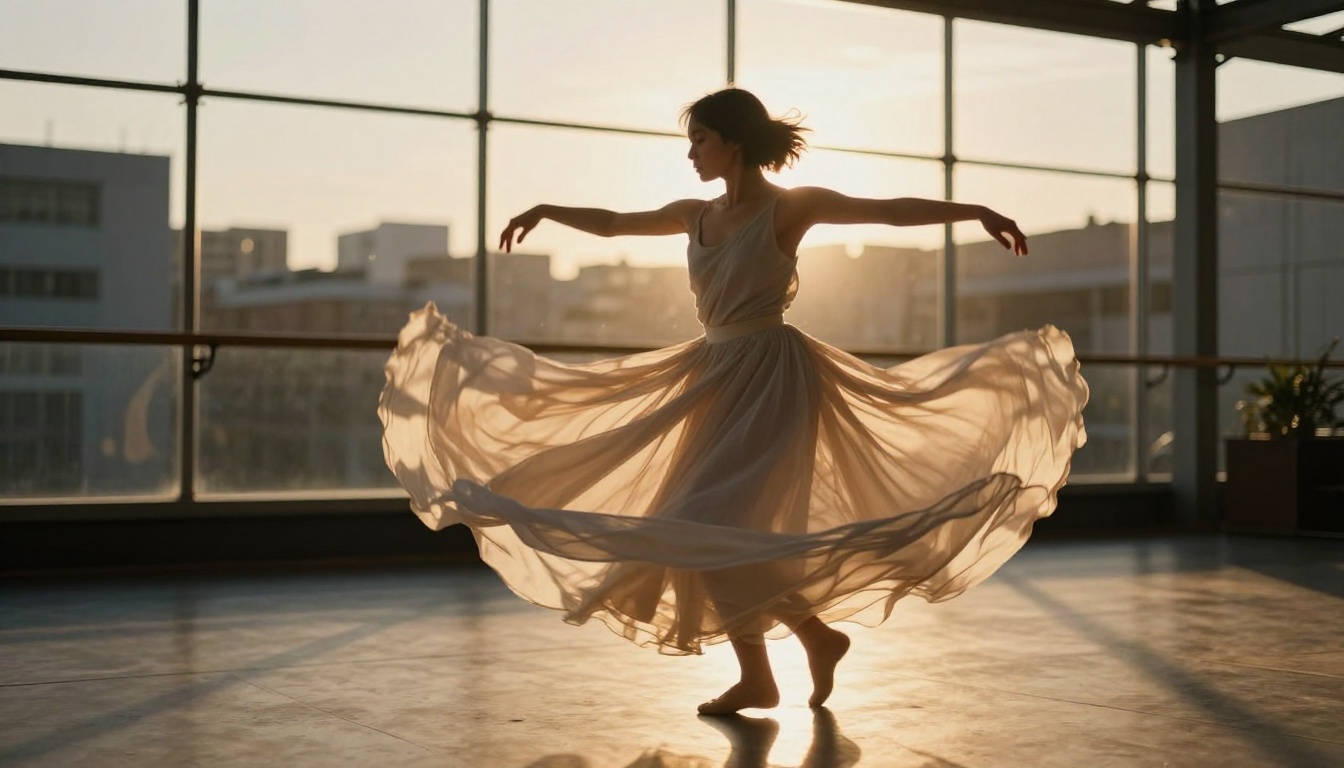
Wan 2.7 Pro wins here. In clips involving human figures walking, turning, or interacting with objects, Wan 2.7 Pro shows dramatically fewer jitter frames where a limb briefly morphs or a face loses structure. At 24fps over 8 seconds, consistency matters more than per-frame fidelity because the human eye is extremely sensitive to temporal artifacts even when individual frames look fine.
HunyuanVideo 1.5 performs better in static or slow-motion scenes where the camera barely moves and subjects hold relatively still. Portrait close-ups, nature B-roll with gentle wind, and product shots where the camera dollies slowly all look exceptional. The moment you introduce fast movement, temporal coherence drops off faster than Wan 2.7.
Prompt Adherence
HunyuanVideo 1.5 edges ahead on prompt adherence, especially for compositional prompts with multiple subjects or specific spatial relationships. "A woman walks through a crowded market while a child chases a balloon near a flower stall" is the kind of prompt that Wan 2.7 simplifies into something it can handle, while HunyuanVideo 1.5 genuinely attempts all three elements.
For simpler prompts covering a single subject, one action, and one environment, both models perform equally well. The gap only appears at the higher end of semantic complexity.
💡 Tip: If your prompt has more than two distinct subjects or specific spatial instructions, HunyuanVideo 1.5 is the safer choice. For camera movement instructions, Wan 2.7 Pro is more reliable.
Speed and Hardware Demands
This is where the comparison gets practical for most people. Running these models locally requires serious hardware, and cloud inference costs scale directly with generation time.

Generation Time by GPU Tier
Numbers below are for a 5-second clip at 720p:
| GPU | Wan 2.7 Pro (14B) | HunyuanVideo 1.5 (13B) |
|---|
| RTX 4090 (24GB) | ~4.5 min | ~6 min |
| RTX 3090 (24GB) | ~9 min | ~12 min |
| A100 (80GB) | ~2 min | ~2.5 min |
| H100 (80GB) | ~75 sec | ~90 sec |
Wan 2.7 Pro consistently generates about 25 to 30% faster across all GPU tiers. For a 10-second clip at 1080p, that gap widens to 35% or more. Over a batch of 20 clips, that difference is measured in hours, not minutes.
VRAM and System Requirements

| Requirement | Wan 2.7 Pro (14B) | HunyuanVideo 1.5 (13B) |
|---|
| Minimum VRAM | 16GB (with quantization) | 24GB |
| Recommended VRAM | 24GB | 40GB |
| RAM | 32GB | 48GB |
| Storage | ~28GB model | ~31GB model |
This is a significant practical difference. Wan 2.7 Pro's 16GB minimum with quantization means RTX 3080 and RTX 4080 owners can actually run it. HunyuanVideo 1.5's 24GB minimum locks out a large portion of consumer GPU owners. For anyone without a 3090 or 4090, Wan 2.7 Pro is the only viable local option between the two.
Neither model runs cheaply on consumer hardware at full quality. This is exactly why using both on PicassoIA via cloud inference makes practical sense for most creators who want 1080p output without investing in a high-end GPU.
Feature Breakdown Table
| Feature | Wan 2.7 Pro | HunyuanVideo 1.5 |
|---|
| Max resolution | 1080p | 720p (1080p experimental) |
| Max duration | 10 seconds | 5 seconds |
| Text to video | Yes | Yes |
| Image to video | Yes | Yes |
| Reference to video | Yes | No |
| Camera control prompts | Strong | Moderate |
| Multi-subject prompts | Moderate | Strong |
| Portrait fine-tune | No | Yes |
| License | Apache 2.0 | Community (restricted) |
| Minimum VRAM | 16GB | 24GB |
The reference-to-video capability in Wan 2.7 Pro, available as Wan 2.7 R2V, is a genuine differentiator. You supply a reference image of a person or object, and the model uses it to maintain visual consistency across a generated clip even without an explicit starting frame. This opens up character-consistent short films and product demos that HunyuanVideo 1.5 cannot do in a single pass.
How to Use Wan 2.7 on PicassoIA
PicassoIA hosts all three Wan 2.7 modes as separate tools. No installation, no model weight downloads, no VRAM management. The workflow is direct.

Text to Video
- Go to Wan 2.7 T2V
- Write your prompt. Be specific about camera movement: "slow dolly-in from the left" produces better results than just "cinematic"
- Set duration (5 or 10 seconds) and resolution
- Click Generate
Prompt structure that works:
- Lead with subject and action: "A woman in a red jacket walks down a rain-soaked cobblestone street"
- Add camera direction: "camera slowly pulls back to reveal the full street"
- Add lighting: "overcast afternoon light, soft shadows"
- Add atmosphere last: "light fog, distant traffic sounds"
Image to Video
Wan 2.7 I2V takes any static image as the first frame and animates it forward. This is the fastest way to bring a photograph or AI-generated still image to life.
- Upload your source image (JPG or PNG, 16:9 works best)
- Write a motion prompt describing what should move and how
- The model uses your image as the locked first frame and generates the rest
Best results come from images with clear subjects and unambiguous backgrounds. Noisy or busy images confuse the temporal prediction and produce artifacts in the output.

Reference to Video
Wan 2.7 R2V is the most powerful mode for creators who need character consistency. Supply a reference image of a person's face or object, and the model maintains that identity throughout the generated clip regardless of what the subject does in the motion prompt.
This is how you generate:
- Consistent character performances across multiple clips in the same project
- Product showcase videos where the product must look identical in every shot
- Brand spokesperson content at scale without re-shooting
No other open source model offers this capability at this quality level, which makes R2V the clearest argument for choosing Wan 2.7 over HunyuanVideo when character consistency is a requirement.
HunyuanVideo 1.5 on PicassoIA
HunyuanVideo on PicassoIA runs the full 13B model via cloud inference, which means you get 24GB+ effective VRAM results without touching your local machine. The use case is genuinely different from Wan 2.7.
HunyuanVideo 1.5 excels at:
- Portrait and beauty content: The portrait fine-tune keeps faces stable and attractive across frames, making it the preferred model for fashion, beauty, and lifestyle clips
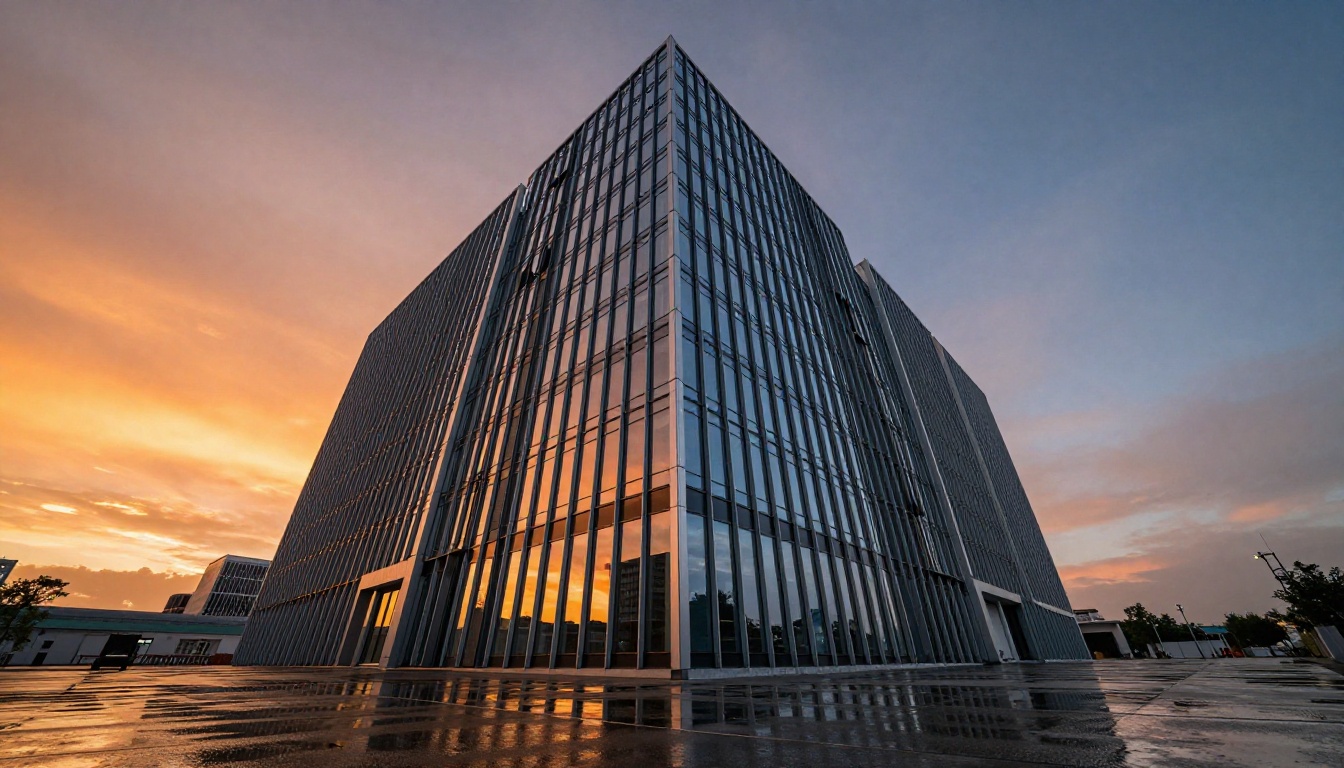
- Nature and landscape B-roll: Slow camera movements over detailed environments look exceptional, with superior per-frame texture quality compared to Wan 2.7
- Multi-subject narrative clips: When your prompt requires two or three distinct subjects in the same frame doing different things, HunyuanVideo 1.5 handles the semantic complexity better
The tradeoff is generation time. At 720p for a 5-second clip, HunyuanVideo 1.5 on PicassoIA takes roughly 25 to 30% longer than Wan 2.7 Pro for equivalent output. For a handful of clips this is negligible. For batch production it adds up significantly.
💡 When to use HunyuanVideo 1.5: Portrait close-ups, beauty content, complex multi-subject scenes, and nature B-roll where per-frame quality matters more than speed.
💡 When to use Wan 2.7 Pro: Fast-moving subjects, camera movement prompts, character-consistent multi-clip projects via R2V, or any workflow where you need 10-second clips or 1080p resolution.
Which One Fits Your Workflow
The honest answer is that both models belong in a serious video production toolkit. Picking one exclusively means leaving real capabilities on the table.
For Creators and Filmmakers
If you're making short films, social content, or brand videos, the practical approach is:
- Use Wan 2.7 T2V for action shots, camera moves, and establishing shots where motion consistency is critical
- Use HunyuanVideo for portrait close-ups, beauty shots, and scenes with multiple subjects where frame quality and semantic accuracy take priority
- Use Wan 2.7 R2V whenever you need a consistent character across multiple clips in the same project
This split approach gives you the best of both architectures for different shot types in the same project. Other models worth adding to your toolkit on PicassoIA:
- Seedance 2.5: 30-second clips with built-in audio for longer narrative content
- Kling v3 Video: cinematic output with strong motion control
- Veo 3: native audio synchronization for dialogue-driven content
- LTX 2 Pro: 4K output for high-resolution deliverables
- Ray 3.2: HDR cinematic output with strong color science
For Developers
If you're building applications on top of open source video generation, the licensing situation matters before anything else. Wan 2.7 Pro's Apache 2.0 license allows unrestricted commercial use, derivative models, and product integration without Alibaba's permission. HunyuanVideo 1.5's community license has specific carve-outs around commercial use that require careful reading before shipping a product.
From a pure performance standpoint:
- Wan 2.7 Pro generates faster and runs on more accessible hardware
- HunyuanVideo 1.5 produces superior frame quality for portrait and complex-scene use cases
- Both accept the same basic prompt format, making them interchangeable in most inference pipelines
For a production API or web app where you control the hardware, Wan 2.7 Pro is the better default because of speed, license clarity, and the unique R2V capability. HunyuanVideo 1.5 works well as a secondary model for the specific shot types where it outperforms.

Start Making Videos Right Now
You do not need a local GPU rig, a cloud account, or a background in diffusion theory to use these models today. PicassoIA runs both Wan 2.7 and HunyuanVideo via browser with no setup. Write a prompt, pick your duration, and have a clip in minutes.
Beyond these two models, PicassoIA hosts over 87 text-to-video and image-to-video models, covering everything from Wan 2.5 T2V for faster generation to Wan 2.6 T2V for an intermediate quality-speed balance. If you want to go longer, Seedance 2.5 handles 30-second clips. If you want audio baked in, Veo 3 does it natively.
The open source video generation space is moving at a pace that makes models from six months ago feel outdated. Wan 2.7 Pro and HunyuanVideo 1.5 represent the current state of the art for free, accessible, high-quality video generation. Use them both, learn where each one shines, and build workflows that treat them as complementary tools rather than direct replacements for each other.
Start with a prompt you care about. See what comes out. Adjust from there.
See all video models on PicassoIA


