Short video has eaten the internet. TikTok, YouTube Shorts, Instagram Reels: every platform rewards fast, visually compelling clips above almost everything else. The problem is that most people trying to build a consistent output hit the same wall. Production takes too long, the tools feel overwhelming, and the results look amateurish. AI changes that equation completely, but only if you follow a workflow that is actually built for speed and quality rather than endless experimentation.
This is that workflow. Forty-five minutes to ninety minutes, start to finish, for a polished short video. Let's break it down.
What the Workflow Looks Like
Before diving into individual steps, here is the full pipeline at a glance:
| Phase | What You Do | Time Required |
|---|
| Concept | Define topic, tone, and hook | 5-10 minutes |
| Shot Planning | Map out 3-5 scenes | 10-15 minutes |
| Visual Generation | Create still images or source frames | 5-20 minutes |
| Model Selection | Choose the right video AI | 2-5 minutes |
| Prompt Writing | Craft motion and scene prompts | 10-15 minutes |
| Generation | Run the AI video model | 5-15 minutes |
| Post-Production | Edit, caption, and export | 10-20 minutes |
Total: 45 to 90 minutes for a polished, platform-ready short video. That is achievable once you stop reinventing the process on every project.

Step 1: Nail Your Concept First
The biggest mistake people make with AI video is jumping straight to generation before knowing what they are actually making. Two minutes of clarity upfront saves twenty minutes of iteration later.
The 3-Question Concept Framework
Before touching any tool, answer these three questions in writing:
- What is the single core message? One sentence, no more.
- Who is watching for the first two seconds? This determines your hook shot and visual tone.
- What should they feel or do after watching? This shapes pacing, energy, and the final frame.
💡 Tip: Write your concept as a log line: "A [duration] video about [topic] for [audience] that makes them feel [emotion]." This becomes your creative brief for every downstream decision.
Choosing Your Format
Short videos fall into a few reliable formats. Pick one before you start generating anything:
- Showcase: A single hero visual with text overlays and punchy pacing
- Tutorial: Step-by-step transitions with screen or environmental cuts
- Story: A three-beat narrative arc with a hook, conflict, and resolution
- Loop: A seamless repeating visual built for passive, ambient viewing
The format you choose affects which AI models you should prioritize. A cinematic story demands a different model than a fast product showcase.
Step 2: Plan Your Shots Before You Generate
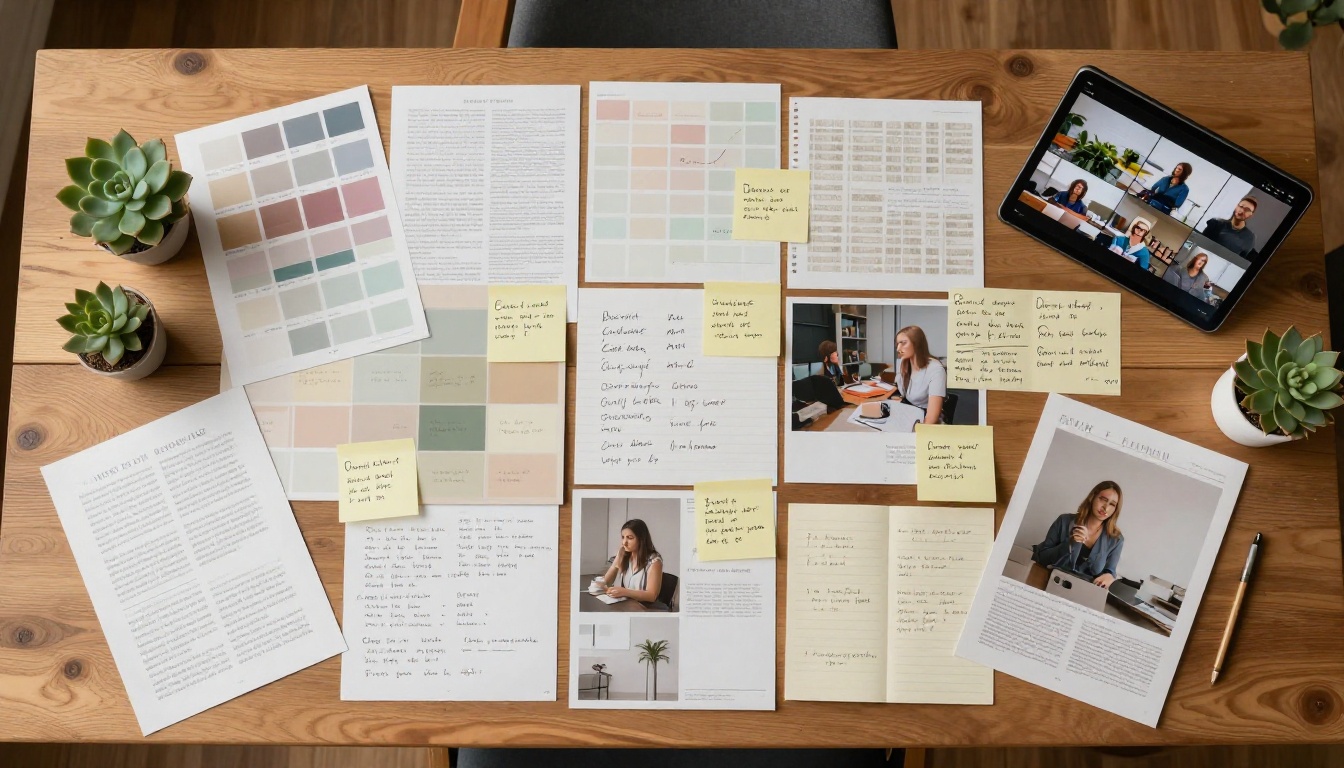
AI video works on scenes, not scripts. You are not writing dialogue. You are describing visual moments: what fills the frame, what moves, and how the camera behaves. Think in shots, not words.
The Shot List Template
For a 15 to 30 second short video, plan 3-5 shots minimum:
- Shot 1 (Hook): The most visually arresting frame. This plays in the first 1-2 seconds and determines whether anyone keeps watching.
- Shots 2-4 (Build): Supporting visuals that develop the message or story.
- Shot 5 (Close): The payoff or resolution frame. Often the most emotionally charged.
For each shot, note four things: the subject (who or what is in frame), the action (what is moving and how), the camera behavior (static, pan, dolly, zoom), and the mood (lighting quality and atmosphere).
This shot list becomes your exact prompt scaffold. Do not skip it.
Step 3: Generate Your Visuals First
Here is where AI production actually begins. The order is critical: still images before video. Always.
Why the Image-First Approach Works
Generating a still image before running a video model gives you two things. First, a concrete visual reference that sharpens your video prompt. Second, a ready-made first frame you can feed directly into image-to-video models like Wan 2.7 I2V. This two-step method consistently produces better, more coherent video output than going text-to-video cold.
For each shot in your shot list, generate a corresponding still image. Use these prompt principles every time:
- Describe the exact lighting direction: "volumetric morning light from the upper left"
- Specify a real camera lens: "85mm f/1.4 shallow depth of field"
- Anchor the atmosphere: "Kodak Portra 400 film grain, muted earth tones"
- Lock the composition: "low angle, subject in left third, horizon at mid-frame"
💡 Tip: Every image prompt should be 40-60 words minimum. Short, vague prompts produce short, vague results. Specificity is a feature.
What Your Prompts Should Include
| Include | Avoid |
|---|
| Specific lens and f-stop | Words like "beautiful" or "stunning" |
| Directional lighting description | Abstract words like "mood" or "vibe" |
| Film stock or color science reference | Generic "photorealistic" with no other detail |
| Subject action in present tense | Passive voice constructions |
| Composition guidance (rule of thirds, etc.) | Over-specifying irrelevant background details |
Step 4: Pick the Right Video Model
Not all video models are built for the same use case. Picking the wrong model for your content type is the fastest way to burn time and credits on unusable output.
Matching Models to Use Cases
Cinematic output with built-in audio:
Seedance 2.0 from ByteDance delivers synchronized audio directly in the video output, removing an entire post-production step. It is ideal for dramatic or atmospheric scenes where sound design matters. For faster iterations at the same quality level, Seedance 2.0 Fast significantly cuts generation time.
1080p output with precise motion control:
Kling v2.6 handles complex camera movements and character animation well at 1080p. When you need even more cinematic camera behavior, Kling v3 Video adds additional flexibility and sharpens motion realism.
Speed and accessibility:
Ray 2 720p from Luma generates fast, clean 720p clips that hold up well on social media. If you are prototyping concepts before committing to a full-quality render, this is the model to test ideas with first.
High-resolution text-driven scenes:
Wan 2.7 T2V pushes to 1080p from pure text prompts and handles complex scene descriptions with strong fidelity. For image-to-video workflows, Wan 2.7 I2V animates your still images with impressive temporal consistency across the clip.
Google's native audio ecosystem:
Veo 3 and its faster variant Veo 3.1 produce 1080p video with native synchronized audio from text prompts alone. The quality ceiling on both is among the highest available on any platform.
Volume production at lower cost:
Pixverse v5.6 and Hailuo 02 produce solid 1080p output at reduced credit cost per generation, making them strong choices when you are producing many clips in a single session.
4K ultra-resolution output:
LTX 2.3 Pro from Lightricks delivers 4K video from text prompts, making it the right call when you need output for large-screen viewing or premium production contexts.
💡 Quick Reference: For cinematic output with audio, use Seedance 2.0 or Veo 3. For speed and iteration, use Ray 2 720p or Seedance 2.0 Fast. For image-based animation, use Wan 2.7 I2V or Kling v2.6. For maximum resolution, use LTX 2.3 Pro.
Model Comparison at a Glance
Step 5: Write Prompts That Drive Results
Your video prompt is the single biggest variable in output quality. Everything else being equal, the prompt determines whether you get something usable on the first generation or spend credits iterating on misses.
The Anatomy of a Strong Video Prompt
A well-built video prompt has four components in sequence:
- Subject and Starting State: Who or what is in the scene, and what they are doing at second zero
- Motion Description: What changes over the clip, described chronologically
- Camera Behavior: How the virtual camera moves, or does not
- Atmosphere: Lighting, color science, and environmental texture
Example of a weak prompt:
"A woman walking in a city at sunset."
Example of a strong prompt:
"A young woman in a beige linen jacket stands still at a busy crosswalk, then slowly turns her head toward the camera as traffic blurs past in the background, camera performs a gradual slow dolly-in from wide to medium close-up, late afternoon golden light from the left casting warm shadows across her face, shallow depth of field with city bokeh behind her, Kodak Portra 400 film grain, natural photorealistic textures."
The difference is specificity. The second prompt gives the model the information it needs to make intentional decisions rather than guessing.

Describing Motion Clearly
AI video models respond well to physically grounded motion descriptions. Use concrete, specific verbs:
- "slowly rotates," "gently sways," "snaps to attention"
- "camera drifts left," "slow push in," "static wide shot"
- "light shifts from warm to cool over five seconds," "steam drifts across frame from right to left"
Avoid abstract descriptors like "dynamic," "energetic," or "emotional." These are meaningless to a generation model.
Prompt Length Sweet Spot
For most models, 80 to 150 words hits the optimal range. Shorter than that and you lose control over output details. Longer and the model may deprioritize your early instructions in favor of later ones.
Step 6: Post-Production in Under 20 Minutes
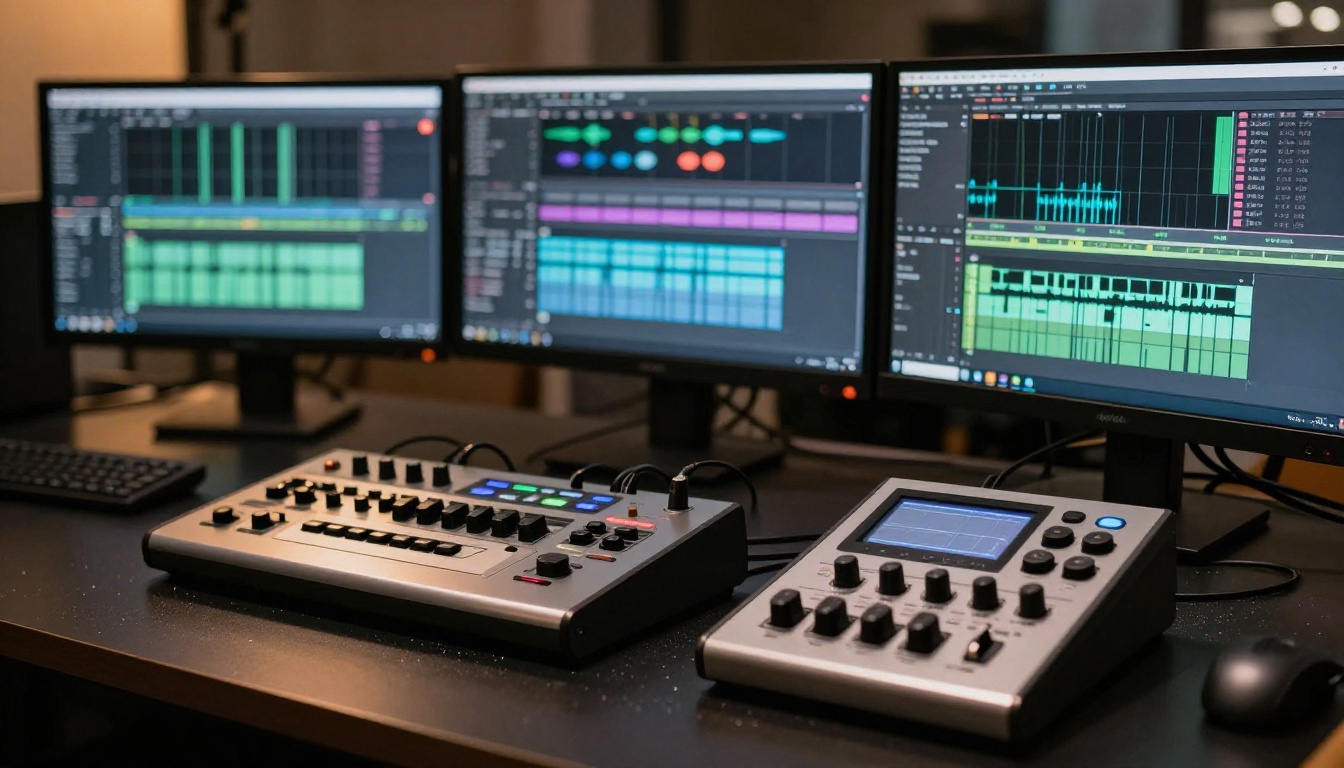
Once your clips are generated, the post-production phase moves much faster than traditional video editing. You are assembling already-polished AI output, not cutting raw footage.
The 4-Step Assembly Process
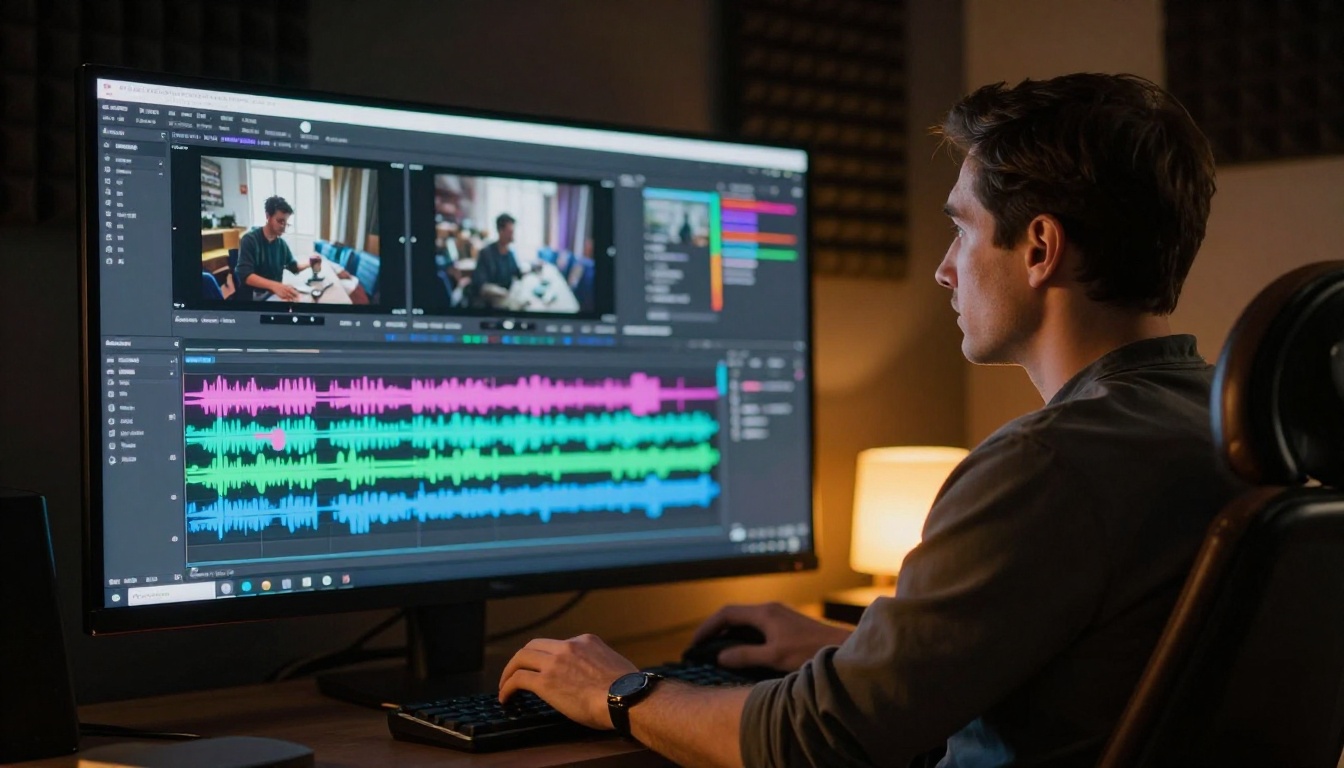
1. Trim and sequence. Import your clips into any timeline editor. Cut to the beat if you have music, or to natural pause points if it is narration-driven. Most AI-generated clips run 5-10 seconds. A 30-second video needs 4-6 of them.
2. Add audio if needed. If you used a model without native audio like Kling v2.6 or Wan 2.7 T2V, drop in a royalty-free music track or use an AI music generation tool. Match the tempo to your visual cuts.
3. Captions and text overlays. Short-form video performs significantly better with on-screen text. Keep captions tight: 3-6 words per frame maximum. High-contrast white text with a thin black stroke reads on any background.
4. Export for the platform. Each platform has its own preferred specs. Target 1080p minimum. Use 9:16 vertical for TikTok and Reels, 16:9 for YouTube, and 1:1 for LinkedIn and Facebook feed placements. Export at the highest bitrate the platform accepts.
How to Use PicassoIA for This Workflow
PicassoIA gives you access to all of the models discussed above, plus over 87 additional text-to-video models, in a single platform alongside full image generation tools.
Running This Workflow on PicassoIA: Step by Step
Step 1. Start at PicassoIA Video for free unlimited video generation, or navigate directly to any specific model from the comparison table above.
Step 2. For the image-first approach, generate your still frame using a text-to-image model on the platform first. Save the URL of the generated image.
Step 3. Switch to your chosen video model. For image-to-video workflows, open Wan 2.7 I2V and paste your generated image URL as the source frame. Write your motion prompt using the structure above.
Step 4. For audio-inclusive output, run the same prompt through Seedance 2.0 or Veo 3 and compare the outputs side by side.
Step 5. When you need 4K output for premium contexts, run LTX 2.3 Pro as a final step on your best clip.
💡 Pro Tip: Run the same prompt through two or three different models before committing to a final clip. The model that wins changes depending on subject matter, motion type, and lighting conditions. Fifteen minutes of comparison generates better output data than any written benchmark.
3 Common Mistakes in AI Short Video Production
1. Skipping the Still Image Step
Going text-to-video cold is the single biggest efficiency drain in this workflow. The image-first approach gives your video prompt a visual anchor and produces a usable source frame simultaneously. Skipping it typically doubles your iteration cycles.
2. Using the Same Model for Every Project
Seedance 2.0 is exceptional for cinematic shots with audio. Gen 4.5 from Runway handles specific motion styles differently. Sora 2 pushes realism in directions that Veo 3.1 approaches differently. Defaulting to a single model means consistently leaving quality on the table.
3. Writing Vague Prompts
"A dramatic scene" is not a prompt. It is a suggestion. The models that produce consistent professional results respond to structured, specific language. Every word you invest in your prompt is a word the model can use to make a better decision.
Start Producing Right Now
The workflow is straightforward: concept, shot list, still images, model selection, detailed prompts, generation, post-production. Forty-five to ninety minutes per video once you have internalized the steps.
What separates people who build a real short video production habit from those who try once and stop is a repeatable structure. This workflow gives you that structure. The 87+ video models at PicassoIA give you the range to match any project type.
Pick a concept today. Open Seedance 2.0 or Kling v2.6 and run your first clip. The fastest path to producing great AI short videos is to stop reading about it and start making them.


