Rain-soaked streets tell stories that dry ones can't. There's something about water on asphalt, fog swallowing a skyline, or mist rolling through trees that instantly charges an image with emotion. Film directors have known this forever, spending thousands on rain towers and fog machines just to manufacture a mood. AI VFX changes that equation completely, putting cinematic atmospheric effects within reach of any photographer, video editor, or content creator working from a laptop.
The psychology of visual weather
Human beings are hardwired to respond to weather cues. Rain signals vulnerability, intimacy, introspection. Fog creates mystery and distance. A thick marine layer rolling over a cityscape makes even a mundane building look cinematic. These aren't aesthetic accidents, they're deeply rooted in how the brain processes environmental signals.
When you add atmospheric effects to a visual, you're not just changing how it looks. You're changing how it feels. A portrait shot on a sunny day reads as cheerful and approachable. The exact same frame in rain reads as melancholic, raw, or intensely romantic. The weather is the emotion.
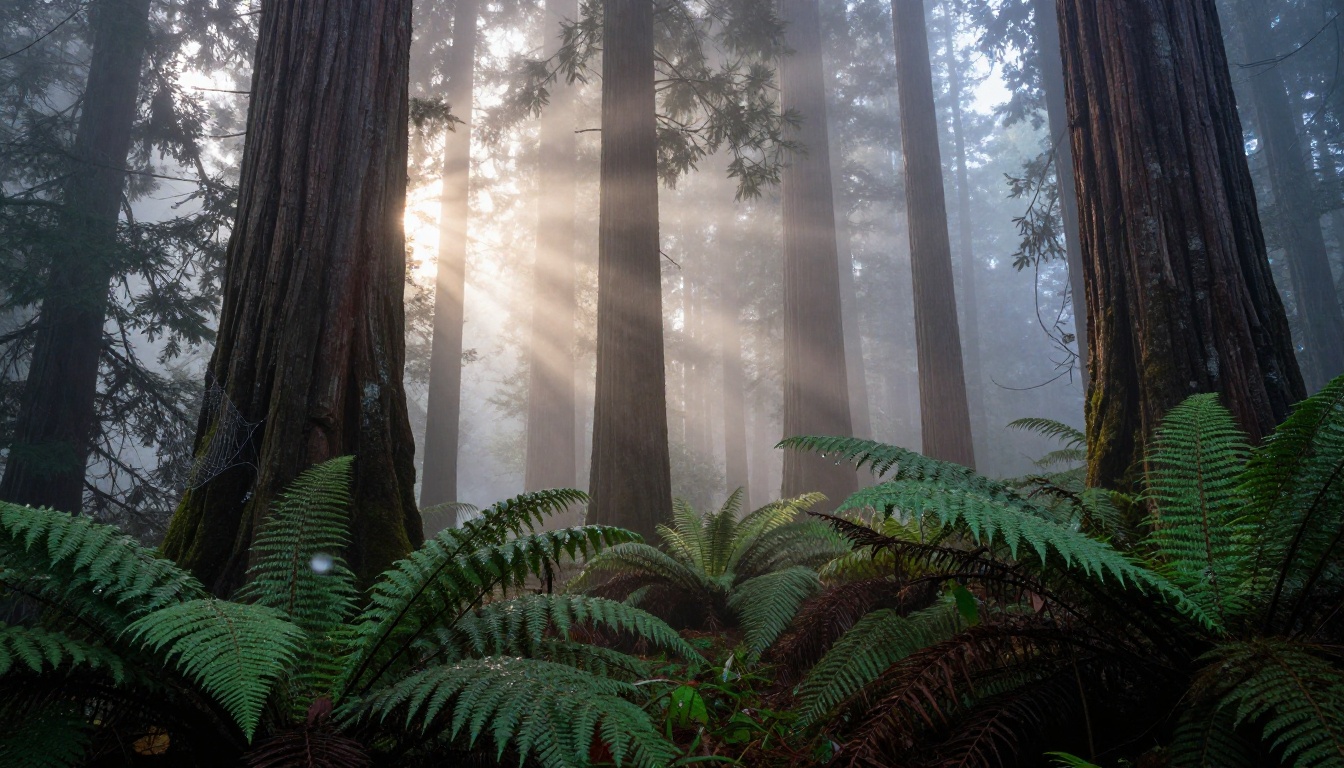
What atmosphere does to light
Rain and fog don't just add water to a scene. They fundamentally change how light behaves. Rain creates millions of tiny reflective surfaces, each one acting as a micro-mirror. A wet street doubles the visual information of a scene by reflecting everything above it: lights, signs, sky, silhouettes. Fog scatters light in all directions, eliminating hard shadows and creating that characteristic soft, diffused quality that photographers spend entire careers chasing.
That context is critical before you start adding AI VFX. You're not just adding droplets or haze. You're simulating the optical physics of light interacting with water particles. The best AI tools do exactly this, not just overlay a texture on top.
Depth and foreground texture
The most powerful thing rain does to a composition is create foreground interest. On a dry day, a street scene might have a flat, empty lower third. Add rain, and that same foreground fills with puddles, droplets bouncing off cobblestones, and rivulets running between cracks. Every surface becomes textured.
Depth is the other gift. Rain in the foreground is sharp and fast. Rain in the mid-ground is slightly blurred. Rain in the distance becomes haze. This natural layering of focus gives AI VFX something specific to replicate, and when it does it correctly, the result reads as photographically real.
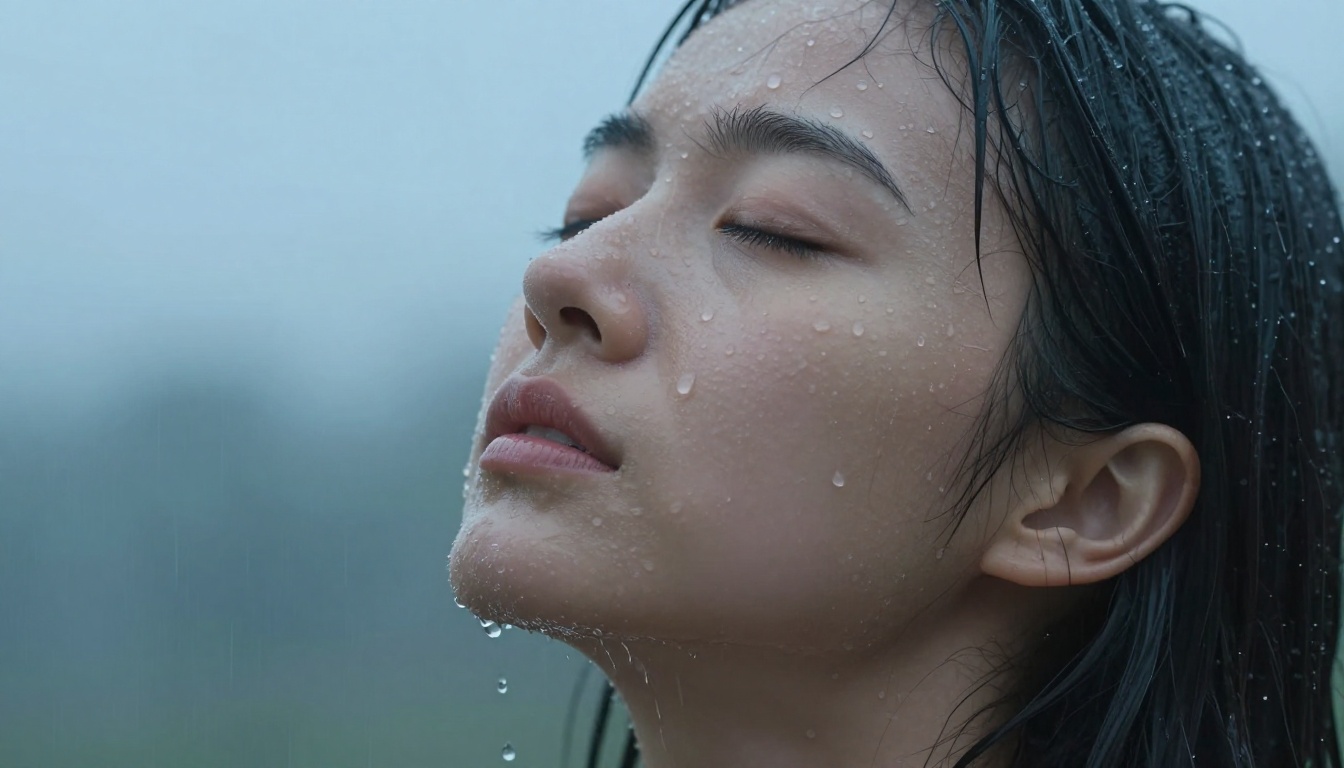
What separates real from fake
Fake rain overlays fail in three predictable ways:
- Uniform size: Real rain has droplets of many sizes. Near objects show large, distinct drops. Far objects show a misty blur.
- No interaction: Real rain hits surfaces and bounces. Fake overlays sit on top without splashing.
- Wrong direction: Rain has a wind angle. Every drop in a scene falls at the same consistent angle. Overlays often use random directions.
AI-generated weather VFX handles all three because it generates physics from scratch rather than stamping a PNG on top of your footage. When you use a text-driven video editor to add rain, it reinterprets the light, reflections, and surface interactions throughout the scene.
💡 Tip: When prompting AI tools for rain, always specify the wind direction and intensity. "Heavy horizontal rain from the left" will produce very different results than "light vertical drizzle." The more specific your description, the more physically accurate the result.
Rain on portraits: a special case
Portrait photography in rain hits different. The reason is skin. Water on human skin is immediately compelling because it carries so much information: temperature, vulnerability, rawness. It implies something happened or is happening. AI tools can add this convincingly when the prompt describes the rain's interaction with the subject specifically, rather than just the background.
Describe droplets hitting the forehead and scattering, water running from the hairline, eyelashes clinging together. That specificity is what separates a wet portrait from a truly soaked one.
Fog: More Than Just Blur
How fog builds cinematic depth
Every serious cinematographer knows the rule: fog is free depth. When you fill a scene with atmospheric haze, objects at different distances from the camera naturally separate into distinct tonal planes. The foreground is clear and high-contrast. The mid-ground softens slightly. The background dissolves into pale mist. This is called aerial perspective, and it's the oldest trick in visual storytelling.
It's why landscape painters added haze to distant mountains. It's why film DPs pump theatrical fog through every wide shot. It's why your eye accepts a foggy scene as inherently three-dimensional, even on a flat screen.
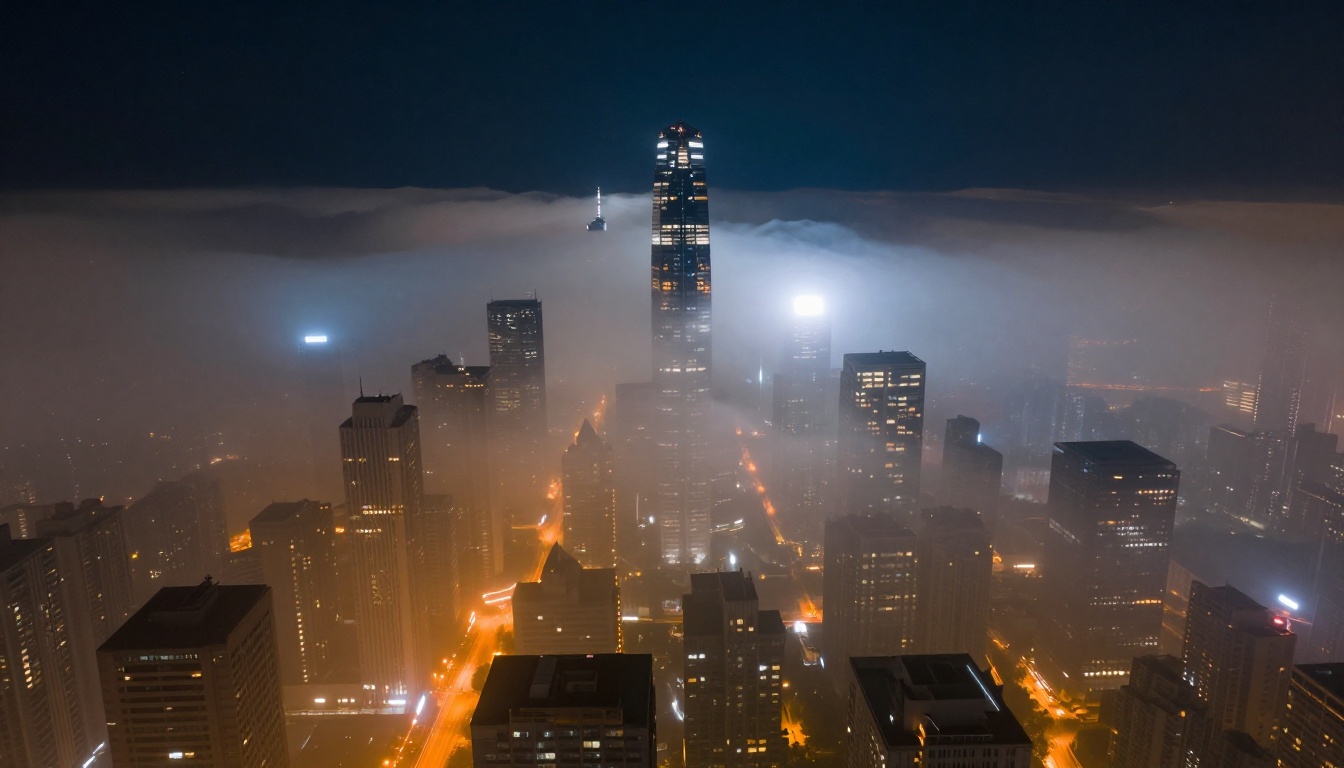
Types of fog and what they do
Not all fog is the same, and AI VFX tools can distinguish between them if you ask correctly:
| Fog Type | Behavior | Best For |
|---|
| Ground fog | Stays low, hugs terrain | Forests, fields, misty landscapes |
| Sea mist | Rolls in from water, erases horizon | Coastlines, harbors, dawn light |
| Valley fog | Fills low areas, peaks above | Mountain landscapes, aerial shots |
| Atmospheric haze | Gradual fade from foreground to back | Urban scenes, long distance shots |
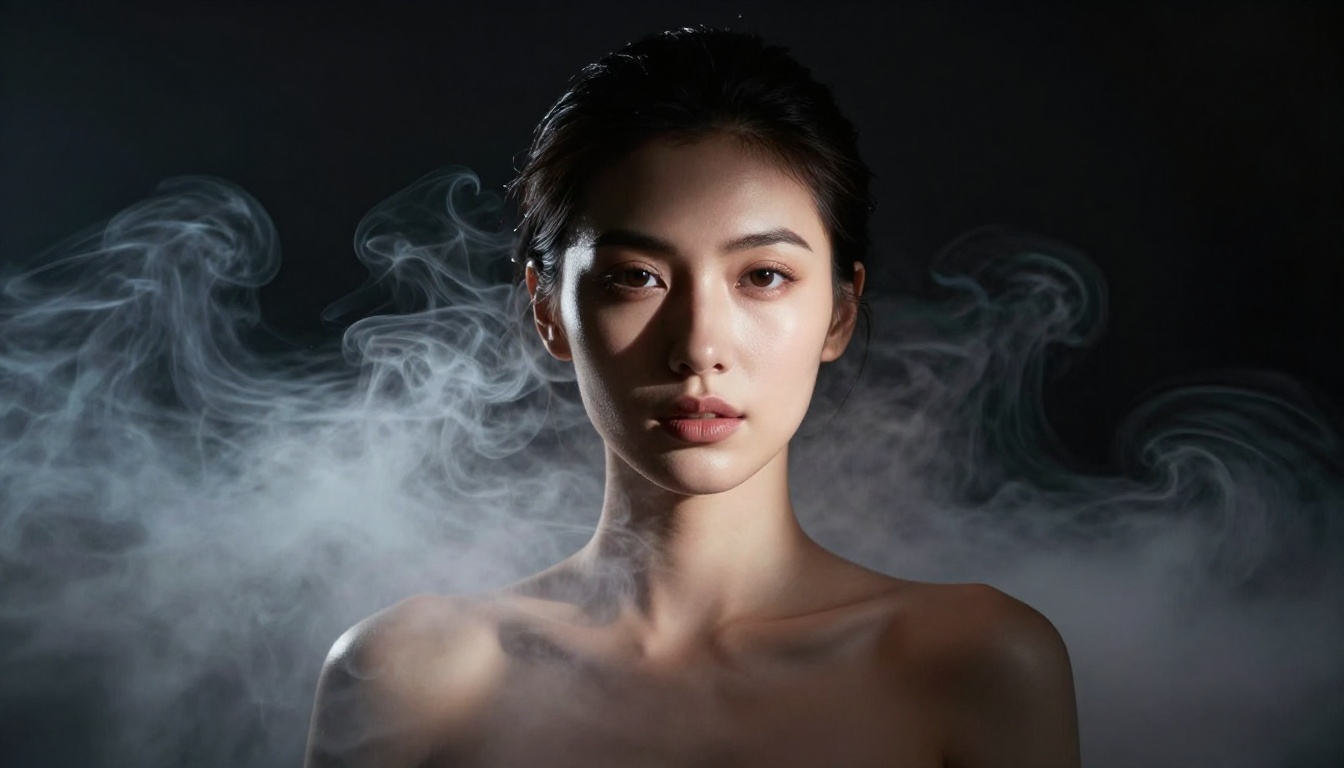
| Studio fog | Dense, swirling, controlled | Portraits, dramatic interiors |
The distinction matters because each type has a different density, movement, and color temperature. Ground fog in early morning light picks up amber tones from a low sun. Sea mist is gray-blue and cold. Dense smoke in a controlled environment is white and lit by whatever source you place near it.
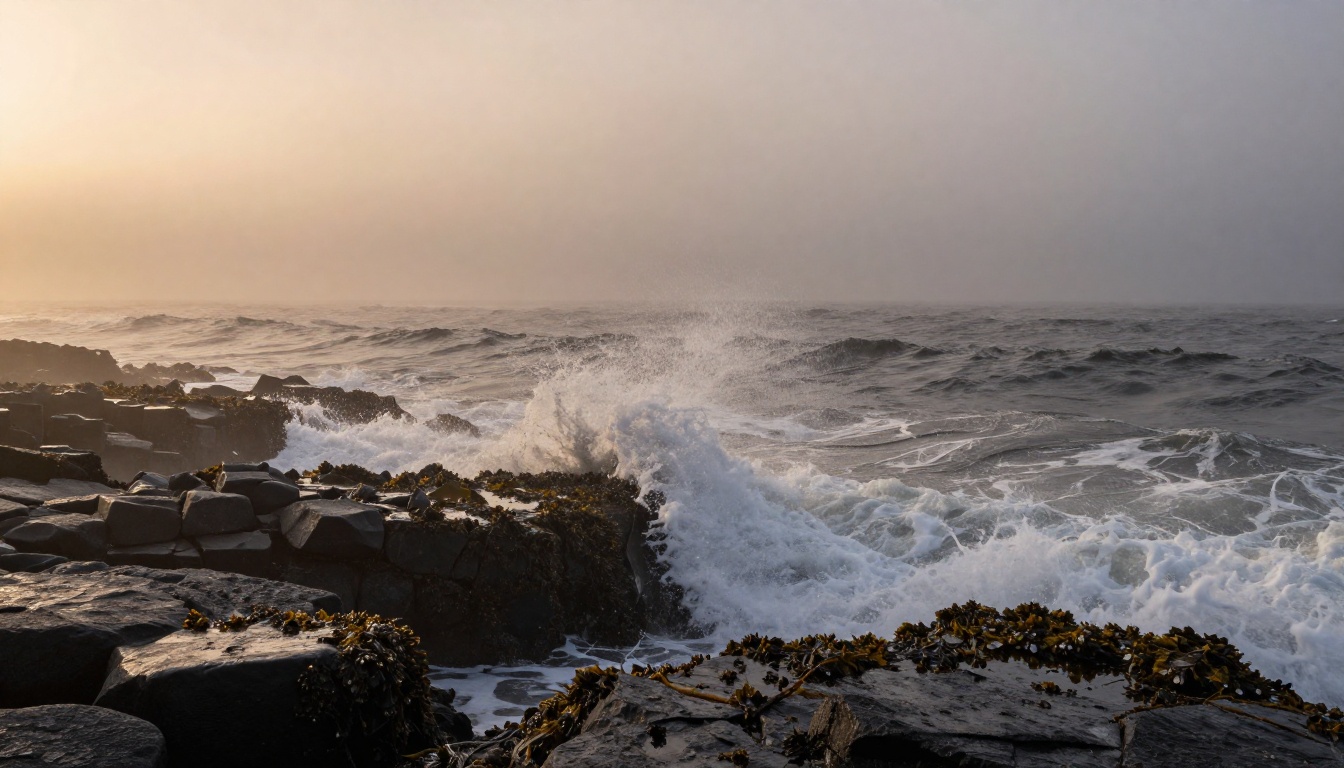
Why fog fixes weak compositions
Fog hides bad backgrounds. A cluttered, distracting background becomes a soft, mystery-laden void when you add the right amount of atmospheric haze. AI VFX doesn't just add fog, it gives you a way to redirect the viewer's attention to your actual subject.
This is especially powerful in street photography and portraiture. Add ground fog at calf height, let the background fade into mist, and suddenly your subject floats in an isolation that no background blur alone can achieve.
Mood Lighting Through Color
Color temperature is emotional language
Rain and fog scenes work best when the color grading supports the atmosphere. This is where AI VFX can either make or break a result. The wrong color temperature on a wet scene looks immediately wrong to the human eye because we've all seen thousands of rainy days and our visual memory is calibrated.
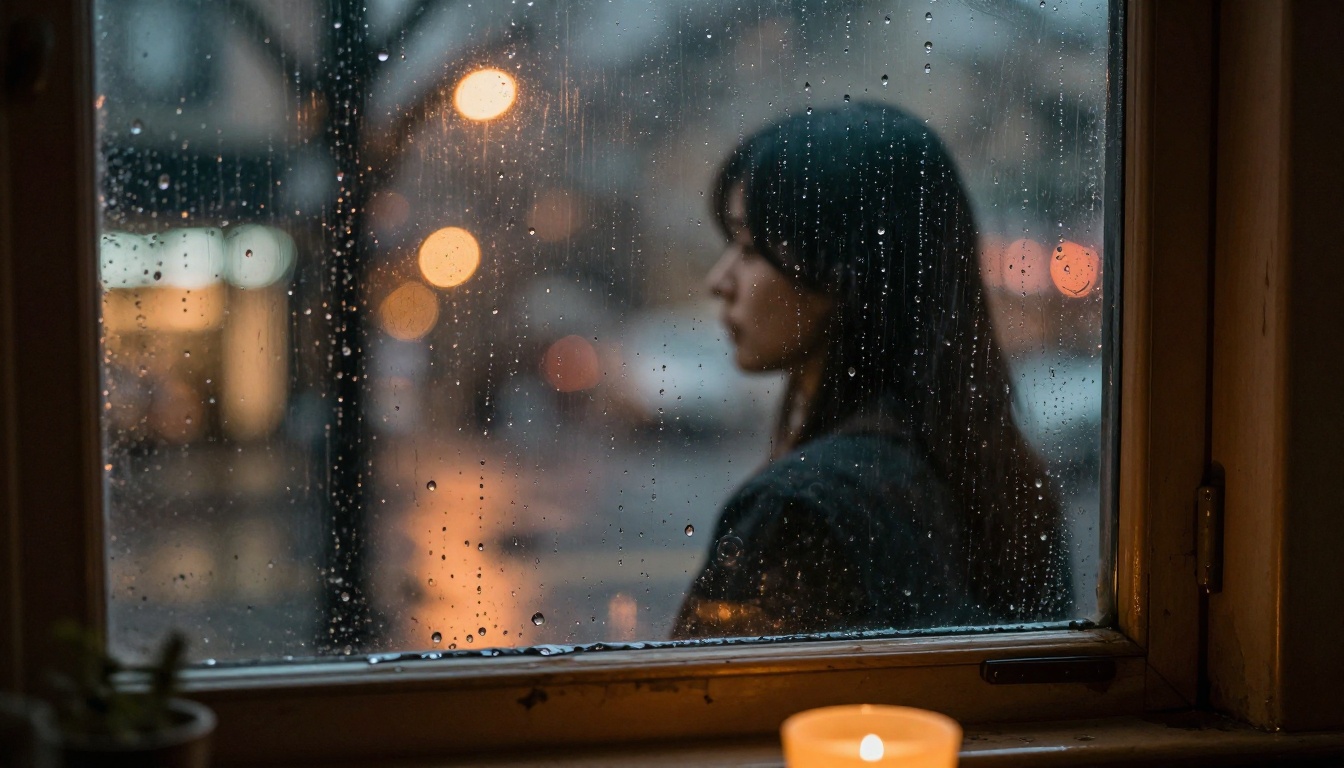
Real rain has cold, desaturated ambient light. But artificial light sources in a rainy environment, streetlamps, neon signs, car headlights, create warm islands of color that glow and bleed into the surrounding mist. This contrast between cold ambient and warm artificial is the signature look of almost every memorable rainy city photograph.
💡 Tip: If your AI-generated rain scene looks flat, it's usually because all the light is one temperature. Push the artificial light sources warm (2700K-3200K range) and keep the ambient sky and shadows cold (5500K-7000K). That tension is what creates the cinematic quality.
Color palettes for weather moods
The most effective atmospheric VFX work within deliberate color palettes:
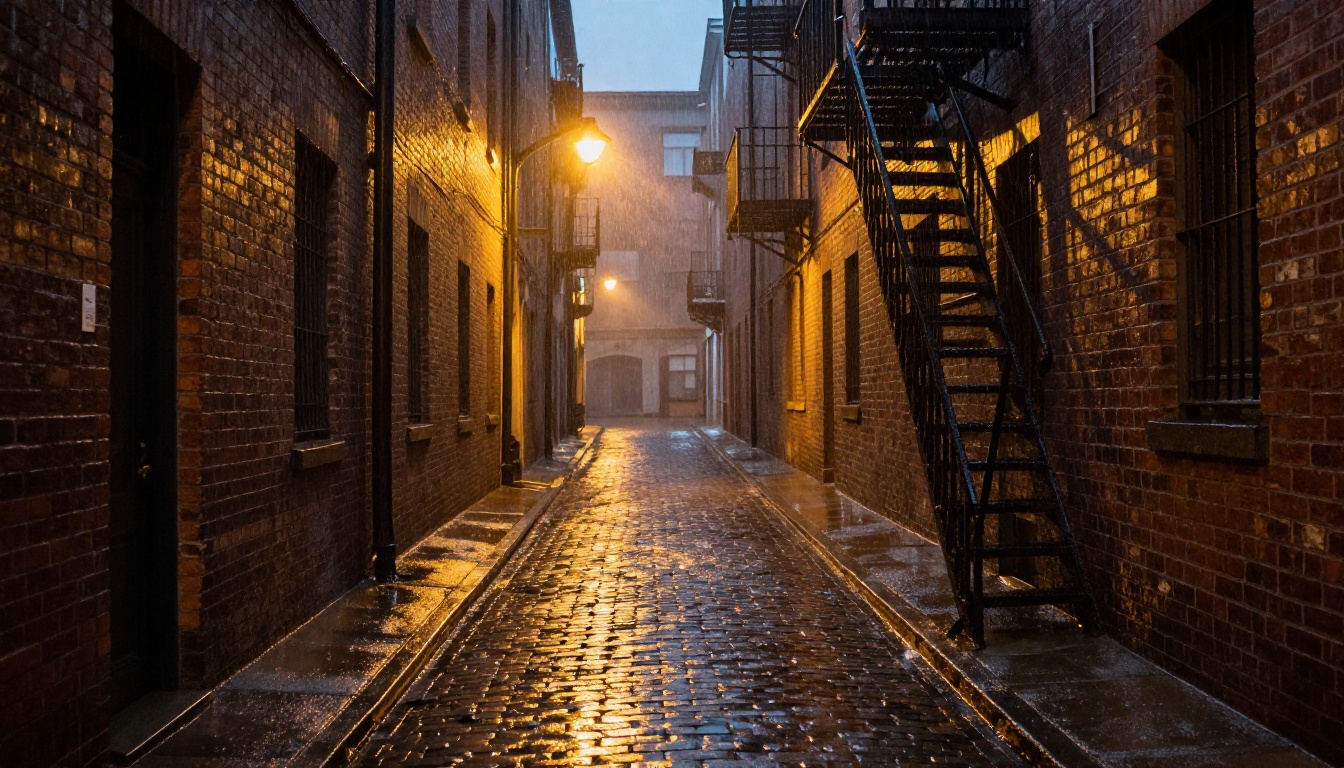
Heavy rain, city night: Deep teal shadows, amber streetlamp highlights, dark desaturated midtones, rich puddle reflections in gold and white.
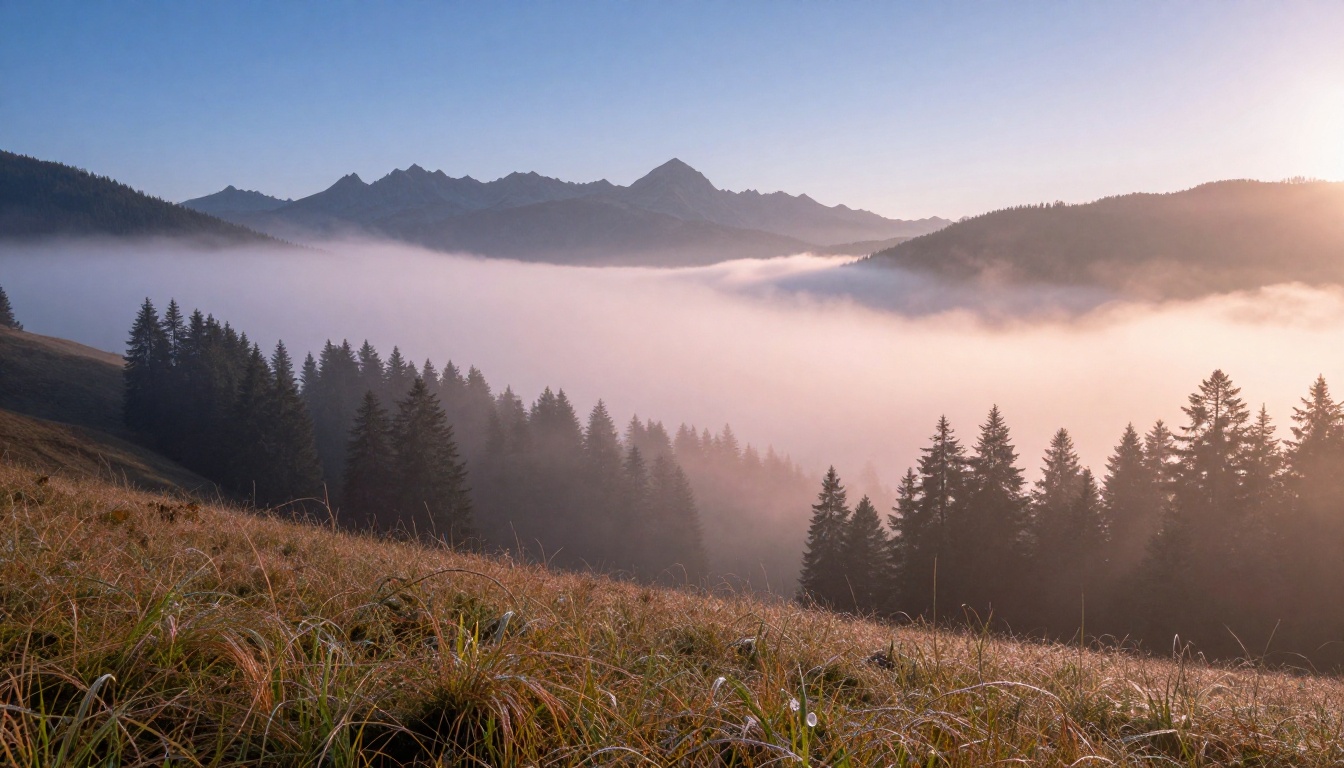
Morning fog, natural light: Pale silver-white for the fog itself, warm rose and gold where sunlight touches the mist edges, deep green for foliage still in shadow.
Overcast drama: High-value gray skies, punchy saturated foreground subjects, no true white or true black in the image.
Coastal mist: Blue-gray dominant, sea-foam white, occasional warmth from a distant sun barely visible through cloud.
These palettes don't happen by accident. When prompting AI image or video tools for atmospheric effects, include color information explicitly. "Golden streetlamp glow reflected in wet cobblestones with teal shadows" is a dramatically more useful prompt than "rainy street."
Text-based video editing for atmosphere
The most significant development in this space is text-driven video editing, tools that let you describe an atmospheric change in plain language and apply it to existing footage. This is genuinely new capability.
Lucy Edit 2 by Decart is one of the strongest options for this kind of work. You feed it a video and type what you want changed. "Add heavy rain with wet street reflections and cold ambient light" is a valid prompt, and the model rewrites the footage to match.
Wan 2.7 Videoedit takes a similar approach with particularly strong results for atmospheric changes. Its handling of fog and haze is especially good because it correctly models how diffuse light interacts with particle density.
Restyling entire scenes with mood
For work where you want to change the entire atmosphere of a scene rather than just add an effect on top, Gen 4 Aleph by Runway and Kling o1 are the tools to reach for. Both excel at reinterpreting scenes at a fundamental level, changing the lighting, weather conditions, and color grading simultaneously rather than just overlaying a rain texture.
Modify Video by Luma is particularly good for subtler mood shifts. If you want to take a scene from afternoon sun to overcast and moody without changing the core composition, it handles the transition with a naturalism that's hard to match.
💡 Tip: For best results with these tools, don't just describe the weather. Describe the emotional outcome you want. "Make this feel like a tense, rainy crime drama scene" often produces better atmospheric results than "add rain and fog." The models process narrative mood as well as technical weather.
Quality after the effects
If your footage looks soft or compressed after adding atmospheric effects, Real ESRGAN Video can upscale to 4K and restore fine detail. Fog and rain effects sometimes smooth over texture that should remain sharp. This tool recovers it without introducing artificial sharpening artifacts.
From Flat to Atmospheric: A Real Workflow
Choosing the right base material
AI atmospheric VFX performs best when the underlying footage or image has clear depth separation: a sharp foreground, a mid-ground subject, and a distinct background. Flat images where everything sits at the same apparent distance give the tools less to work with.
The ideal base for adding rain: a street scene with foreground pavement, a mid-ground human subject, and a background of buildings or trees. Every depth layer gets different rain treatment. The ground shows puddles and bouncing drops. The subject gets wet clothing and soaked skin. The background dissolves into mist and haze.
Layering effects for realism
The biggest mistake in atmospheric VFX is treating it as a single effect. Real weather is layered:
- Base atmosphere: The overall haze or fog density. This affects the entire image.
- Precipitation: Rain or snow falling through the scene at a specific angle and density.
- Surface interaction: What the rain does when it hits things. Puddles, splashes, wet textures.
- Light scattering: How fog and rain particles interact with light sources in the scene.
- Color shift: The overall color temperature change that weather brings.
When using text-driven tools, address each of these in your prompt. Don't just say "rainy." Say: "dense atmospheric fog with light rain falling diagonally from the upper right, cobblestones reflecting warm lamplight, all surfaces wet and glistening, cool ambient blue light in shadows."
What breaks immersion immediately
Three things instantly signal that weather effects are artificial:
Dry shadows: Real rain makes everything wet, including areas in shadow. If your rain scene has dry-looking shadow areas, it reads as fake immediately.
Missing reflections: Any wet horizontal surface reflects whatever is above it. Puddles should show sky, lights, and the scene above. Asphalt should gleam. If your rain scene has matte ground surfaces, the effect falls apart.
Static fog: Real fog moves. Even in a still photograph, the way fog is rendered implies motion: the directional drift of air, the slight variation in density. Perfect, uniform fog reads as a filter.
Start Building Your Own Atmosphere
The best way to internalize everything above is to start experimenting with it. The tools described here, text-driven video editors, atmospheric image generators, and scene restylers, are all accessible on PicassoIA without needing to install anything or manage API keys.
Start with something simple: take a clean portrait or street photo and use a text-based video editor to add rain. Describe the specific type of rain, the light sources, and the surface interactions. Notice which parts of the description produce the biggest change in output quality.
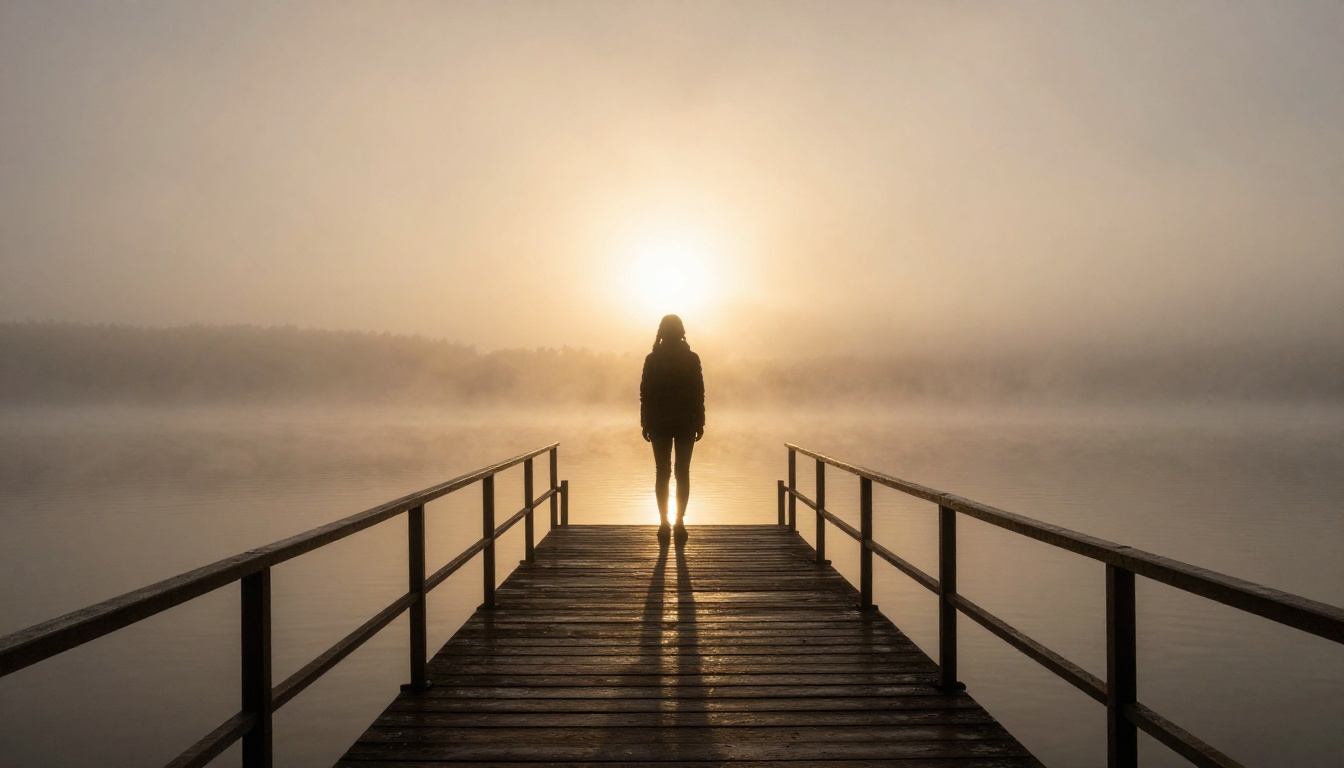
Then move to fog. Try ground fog on a forest image. Try atmospheric haze on an urban scene. Try the dense studio-fog look on a portrait. Each type behaves differently, and building that hands-on experience is what creates real fluency with atmospheric VFX.
The gap between a flat, forgettable image and one that stops a scroll is almost always atmospheric. It's not better gear or a more interesting subject. It's the weather you add, the mood you create, the story the light tells. These tools put that capacity in your hands without a rain tower, a fog machine, or waiting for the right clouds. Open PicassoIA and start building the atmosphere your work deserves.


