The most expensive line item in any game development budget is art. A single high-fidelity character model can take a skilled 3D artist two to three weeks to produce, from concept sketch to rigged, textured, and optimized mesh. For indie studios operating with teams of two or three people, that timeline can kill a project before it ships. AI 3D generators are changing that math fast in 2027, and they are now good enough to slot directly into production pipelines.
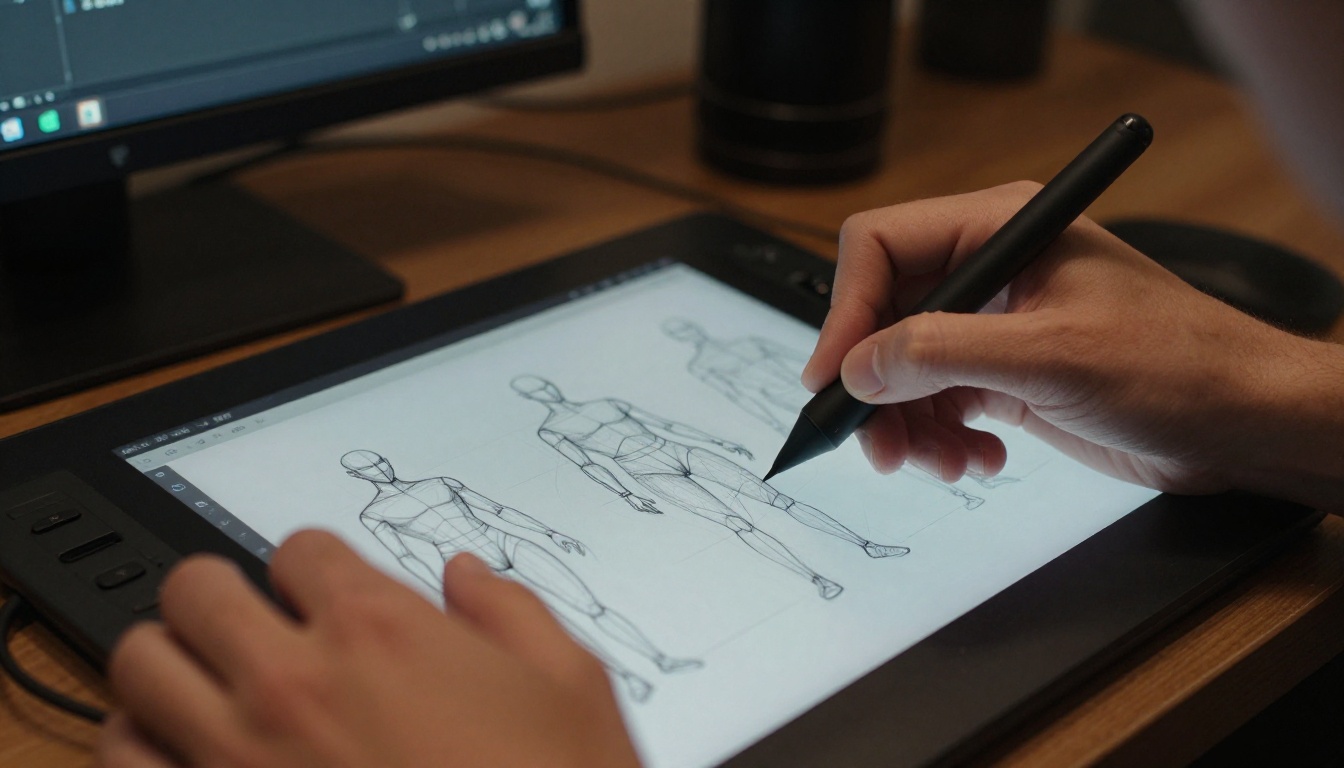
The 3D Asset Bottleneck That Kills Schedules
Every developer has felt it: you have the gameplay loop working, the engine running clean, and the design document locked. Then you sit down to figure out where the environment assets come from, and the timeline doubles overnight.
Traditional 3D asset creation requires an artist who knows modeling software, UV unwrapping, PBR texturing, rigging, and engine import workflows. Even with placeholder art, polishing assets to a shippable quality is time-intensive. The bottleneck does not come from lack of talent; it comes from volume. A mid-size open-world game might need thousands of unique assets.
This is exactly where AI 3D generators plug in. They do not replace artists. They give artists (or solo devs with no art background) a starting point that would otherwise take days to reach.
💡 The fastest path to production-quality 3D assets in 2027 is a hybrid pipeline: AI generates the base mesh or texture, a human artist cleans and optimizes, the engine imports.
Text-to-3D Tools That Actually Ship Results
Meshy AI
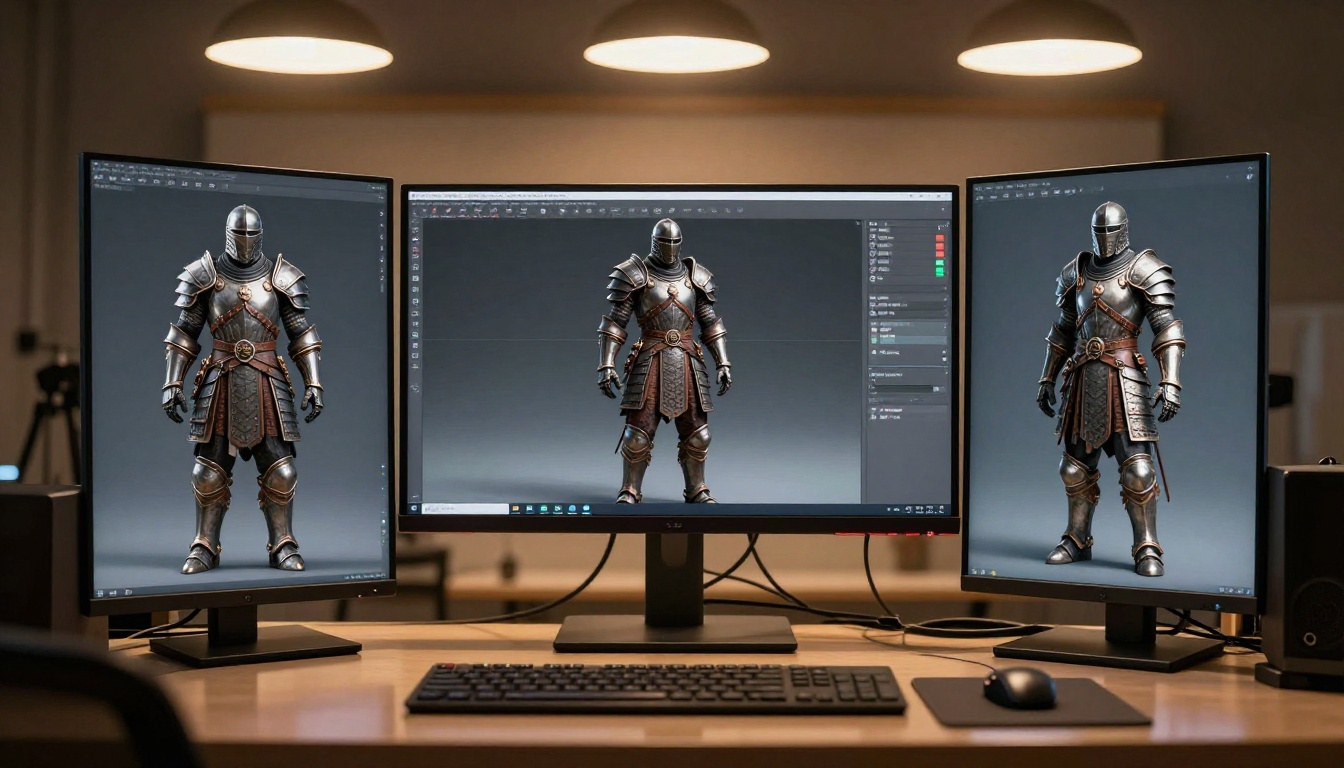
Meshy is one of the most mature text-to-3D platforms available right now. Type a prompt and within minutes you receive a downloadable 3D mesh with textures applied. Output formats include GLB, FBX, and OBJ, all three of which every major engine accepts.
What makes Meshy worth attention is the texture quality. Early text-to-3D tools produced meshes with baked-in shadows and flat materials. Meshy generates proper PBR texture sets, including diffuse, roughness, metallic, and normal maps, which means the asset responds correctly to real-time lighting.
Limitations: Meshy struggles with complex mechanical forms. Weapons, vehicles, and architectural details with tight tolerances often come out with topology that requires cleanup. Organic subjects like creatures, foliage, rocks, and cloth tend to come out cleaner.
Tripo3D
Tripo3D focuses on speed. Where Meshy optimizes for texture quality, Tripo3D optimizes for iteration. A prompt can return a 3D model in under 30 seconds, making it useful for rapid blocking and asset concept exploration. Default polygon counts are low, which is actually a benefit for mobile game developers working under polygon budgets.
Tripo3D also supports image-to-3D conversion, which opens a practical workflow: generate a concept image using an AI image tool, then feed that image into Tripo3D to receive a matching 3D mesh.
Luma AI Genie
Luma AI's Genie mode generates 3D objects from text with a focus on consistency. It is particularly strong on hard-surface objects such as furniture, props, and architectural elements, making it valuable for environment dressing. The output mesh quality is high enough that many environment props can enter a game with minimal retopology work.
Genie's main constraint is object complexity. It handles individual props cleanly but does not handle multi-element scene compositions. Use it for single prop generation, not full level layouts.
CSM (Common Sense Machines)
CSM takes a different approach. Rather than generating from text alone, it specializes in reconstructing 3D geometry from images or video captures. Point your phone at a physical object, capture it, and CSM reconstructs a textured 3D model.
For game developers, this opens a specific workflow: photograph a real physical prop (a rock, a door handle, a piece of furniture), and let CSM reconstruct it into a game-ready asset. Combined with AI image generation for texturing, this workflow produces assets with a level of photorealism that purely generative tools cannot yet match.
Image-to-3D Workflows That Save Weeks
Text-to-3D is powerful, but image-to-3D often produces better results because you control the starting point precisely. The workflow:
- Generate a concept image using an AI image tool
- Adjust the image for a neutral background and even lighting
- Feed the image into a 3D tool that accepts image input
- Receive and optimize the output mesh
Best Source Images for 3D Conversion
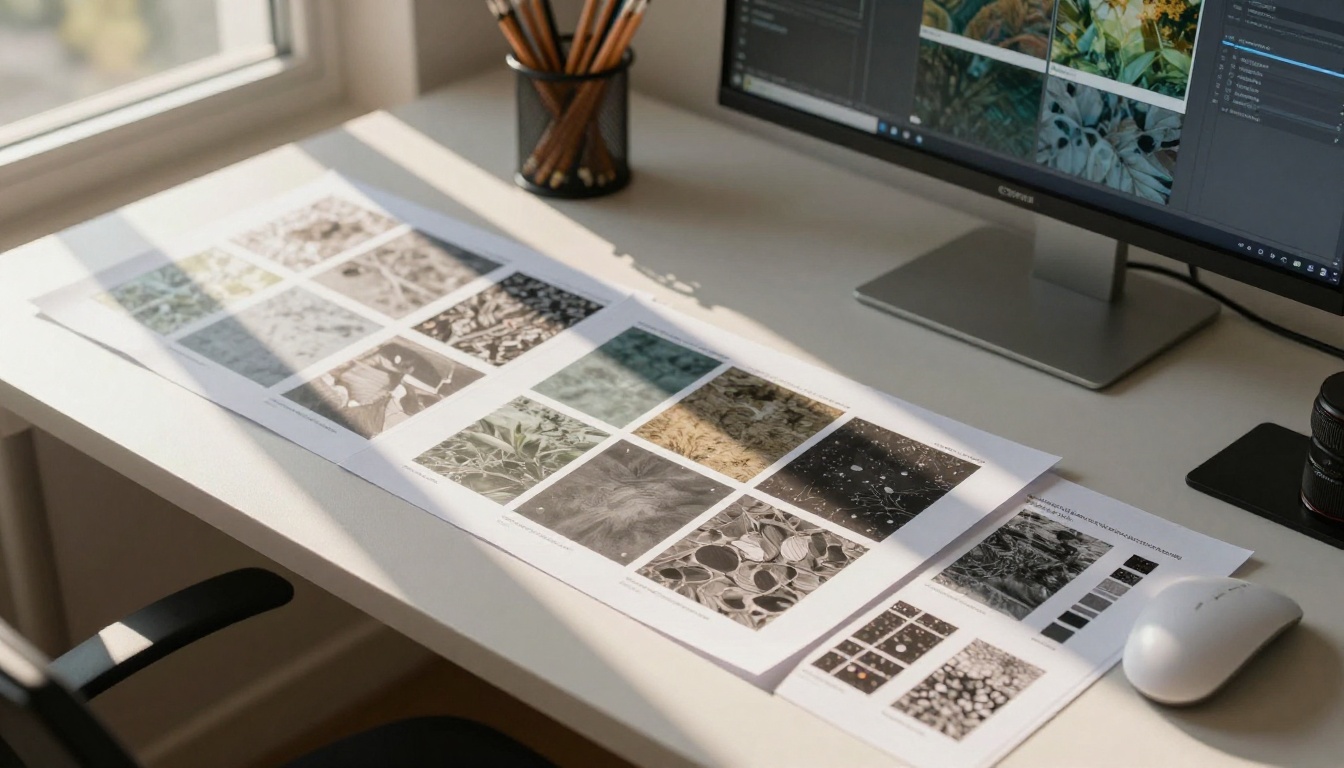
The quality of your source image determines the quality of your 3D output. These properties consistently produce better results:
| Property | Ideal Condition |
|---|
| Background | Plain white or neutral gray |
| Lighting | Even, diffuse, no harsh shadows |
| Angle | Slight 3/4 view showing depth |
| Subject | Centered with clear silhouette |
| Resolution | 1024px or higher |
Avoid images with strong directional shadows. The shadow bakes into the 3D mesh as a texture artifact, and it looks wrong under in-engine lighting.
Prepping Concept Art for 3D Tools
Two adjustments consistently improve 3D conversion output when starting from AI-generated concept art:
- Remove the background before uploading. Most 3D tools perform better with a transparent or white background. AI background removal handles this in seconds.
- Flatten the lighting. A quick levels adjustment in any image editor reduces harsh shadow contrast, producing cleaner mesh geometry on the output.
AI Texture and PBR Material Generation
Generating a mesh is only half the work. A game asset with bad textures looks worse than no asset at all. This is where AI texture generation has made the biggest practical leap in the past 18 months.
Generating Tileable PBR Textures with AI
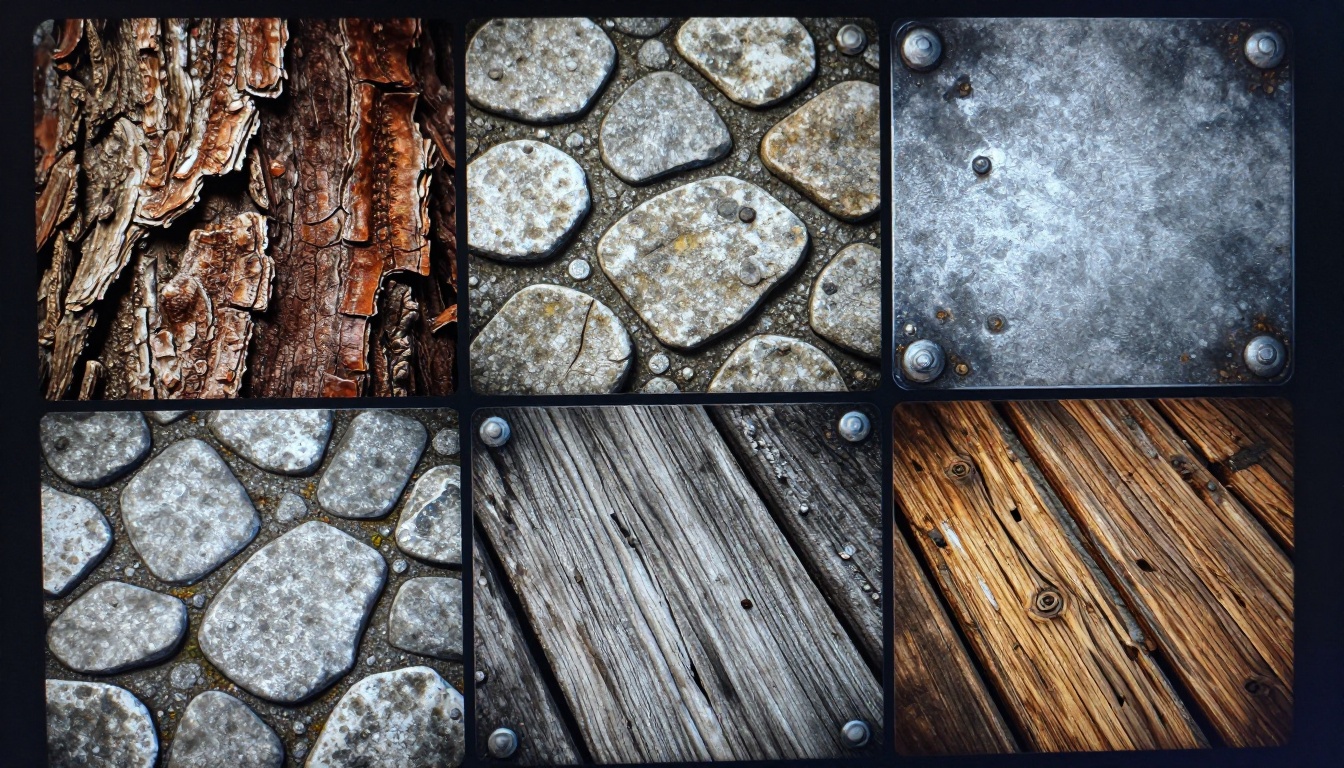
Tileable PBR textures are the workhorse of game environments. A single 2K tileable stone texture can dress an entire castle level. AI tools can now generate these in seconds with full material map sets.
Tools worth using for texture generation:
- Adobe Firefly for Textures: Generates seamless tileable materials with full PBR output sets including roughness, metallic, and normal maps
- Stable Diffusion with tiling enabled: Produces seamless textures from prompts with inpainting for edge correction
- Polyhaven combined with AI upscaling: Start from a free base texture and AI-upscale to 4K with synthesized detail
For the best results, prompt for specific material properties: "aged limestone, moss-covered joints, roughness variation, natural weathering, tileable, no visible seams, 4K."
3 Texture Styles Worth Generating First
If you are starting a new project with no art assets, these three texture categories give the most production coverage fastest:
- Stone and rock (walls, floors, rubble, cliffs): Works across most environment geometry in most genres
- Wood planks and beams (interiors, structures, props): Second most-used surface type across game environments
- Dirt and ground (terrain, paths, outdoor spaces): Makes outdoor levels feel grounded immediately
💡 Generate your most common surfaces first. You can dress 80% of a game environment with 10 high-quality tileable textures.
AI Character Generation for Games
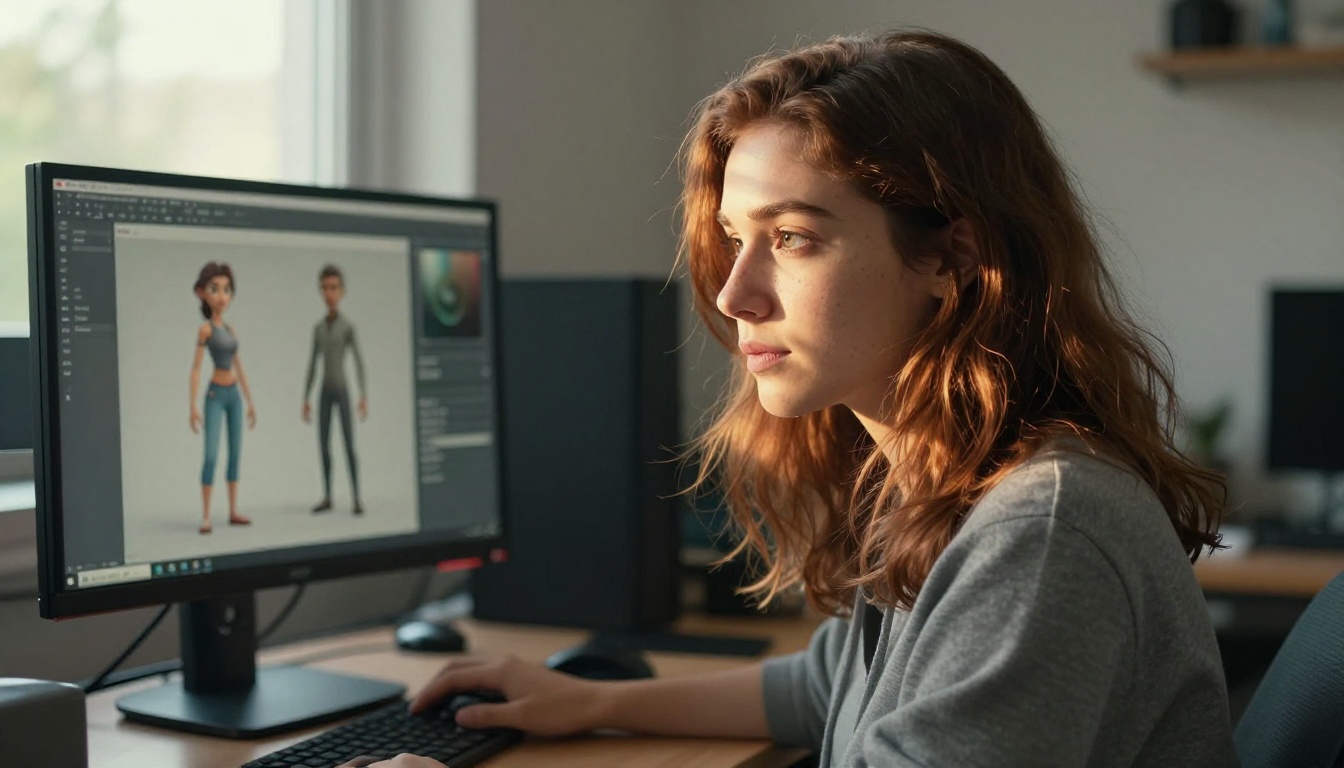
Character art is the hardest category of game asset to produce with AI. Faces, hands, and cloth have complex topology requirements, and rigging a character for animation adds another layer of technical constraint. That said, AI is genuinely useful in the character pipeline, just not at the mesh generation stage yet.
From Prompt to Riggable Character
The most reliable AI character workflow right now follows this sequence:
- Generate detailed character concept art using an image AI tool. Multiple views: front, side, back.
- Use a human artist or auto-rigging tool like Mixamo to create a base mesh with correct topology
- Use AI image generation to produce the texture set: skin, clothing, armor, accessories
- Apply textures to the base mesh and fine-tune in 3D software
This workflow separates what AI does well (visual design, texture patterns, concept iteration) from what it still struggles with (clean topology, edge loops for animation deformation).
Common Mistakes in AI Character Pipelines
Several errors consistently waste time in AI character workflows:
- Trusting mesh topology from text-to-3D for animated characters: Meshes from AI tools often have no regard for animation-friendly edge flow. Use them for static props, not rigged characters.
- Using AI face textures without correction: AI-generated face textures frequently have baked-in directional lighting. Always normalize lighting before applying to a mesh.
- Skipping the multi-view concept stage: A character designed from one angle will have missing or inconsistent design elements on the other sides. Generate front, side, and back reference sheets before modeling begins.
Environment and World Building with AI
Terrain, Skyboxes, and Level Dressing
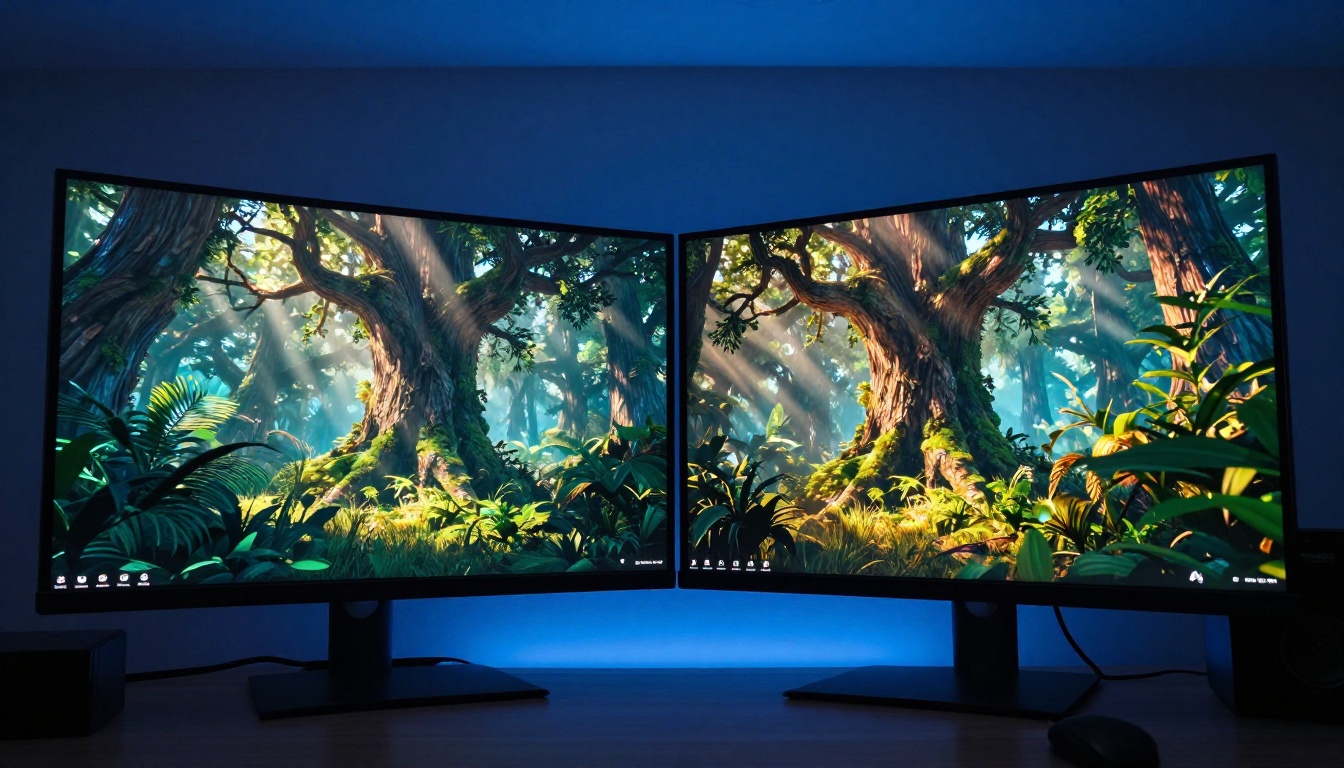
Environment art benefits from AI tools more than any other game asset category. The volume requirements are high (large levels need thousands of square meters of terrain, hundreds of props, and consistent lighting) and the topology requirements are comparatively forgiving.
For terrain: Tools like Gaea and World Creator already integrate AI-assisted terrain sculpting. Combine them with AI-generated satellite or aerial imagery for heightmap reference to produce realistic large-scale terrain in hours rather than weeks.
For skyboxes: AI image generation excels at panoramic sky art. Generate a single high-resolution skybox image using an equirectangular prompt and import it directly into your engine's sky sphere. The results are often indistinguishable from hand-painted skies.
For level dressing props: This is where tools like Meshy and Luma Genie shine. Generate individual props (barrels, crates, debris, furniture) in batches. Even if each asset needs a small amount of cleanup, generating 20 props with AI and cleaning them up takes less time than modeling three from scratch.
💡 Batch your prop generation. Run 20-30 similar prop prompts in one session, sort by quality, and you will have a full prop library faster than modeling two props by hand.
Integrating AI Assets into Unity and Unreal
Unity Workflow
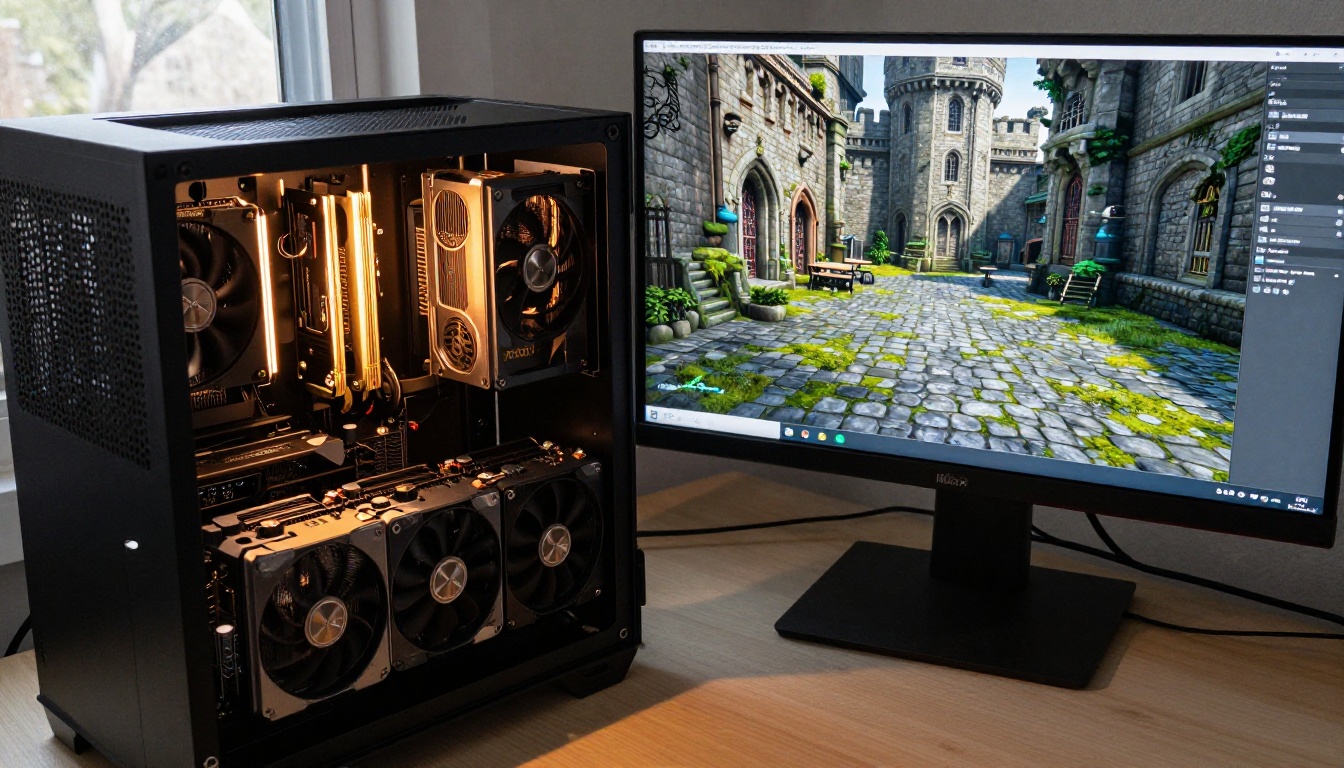
Unity accepts FBX, OBJ, and GLB directly. When importing AI-generated assets, three settings consistently cause problems:
- Import scale: AI tools often export at incorrect scale. Set the Scale Factor in Unity's import settings before the asset goes into the scene.
- Normal map format: Unity uses DirectX-style normals. Some AI tools output OpenGL-style. Flip the green channel if surface lighting looks inverted on the imported mesh.
- LODs: AI-generated meshes rarely include Level of Detail variants. Create them manually in Unity's LOD Group component or use an auto-LOD tool before shipping.
Unreal Engine 5 Nanite Pipeline
UE5's Nanite virtualized geometry system handles extremely high polygon counts, making it more forgiving of AI-generated mesh complexity than traditional pipelines. Several considerations apply:
- Enable Nanite on the static mesh import if the asset will be used as a static environment piece
- For character assets, Nanite does not apply; topology still matters for skeletal meshes
- Use Lumen lighting with AI-generated assets to let the engine handle light interaction without relying on baked textures
Game Concept Art with PicassoIA
PicassoIA gives game developers access to some of the most capable image generation models available, all from one platform. For 3D asset pipelines, image generation is the entry point: generate the concept, then convert it to 3D or use it to drive texture creation.
Using Flux Kontext Fast for Asset Iteration
Flux Kontext Fast is built for rapid iteration, and rapid iteration is exactly what character and prop design requires. The workflow:
Step 1: Generate your initial character or prop concept with a detailed prompt. Specify materials, colors, style, and viewing angle explicitly.
Example prompt: "Medieval knight armor, full plate, aged iron with rust patina at joints, leather straps and padding visible at shoulder gaps, front-facing T-pose reference, flat even lighting, white background, photorealistic, 4K"
Step 2: Take the generated image and use Flux Kontext Fast's image editing capabilities to refine specific elements. Want different pauldrons? Different color treatment? The model modifies those details while preserving the overall design.
Step 3: Generate three views (front, side, back) using the same character description with the view angle specified. These three views give your 3D artist or text-to-3D tool the reference it needs to produce a consistent model.
Flux Fast handles the same workflow with even faster generation times, which is useful during early exploration when you need to see many options before committing to a direction.
Using Flux Canny Pro for Structure-Controlled Art
Flux Canny Pro uses edge detection to generate images that conform to a provided structure. Sketch a rough silhouette of an asset, feed it into Flux Canny Pro, and receive a fully realized, photorealistic version of that silhouette.
This is particularly useful for environment props and architectural elements where proportions and structural relationships matter more than surface detail.
Other models on PicassoIA that serve game developers:
- Flux Redux Dev: Generates image variations, useful for producing asset variants from a single base design
- Flux Depth Pro: Generates images with controlled depth information, ideal for images that will be converted to 3D
- Dreamina 3.1: Produces cinematic 4MP images, useful for high-fidelity environment concept art
- Gen4 Image Turbo: Reliable prompt-following makes it consistent for assets created to specific design briefs
- Flux Schnell LoRA: Add style LoRAs for consistent art direction across an entire game's asset library
Real Numbers: Time and Cost Savings
Being specific about what AI 3D generators actually save matters, because the marketing language around these tools often overstates the case.
| Asset Type | Traditional Time | With AI | Time Saved |
|---|
| Environment prop (rock, barrel) | 4-8 hours | 30-90 minutes | 70-80% |
| Tileable PBR texture | 2-4 hours | 5-15 minutes | 85-95% |
| Character concept (multiple views) | 1-2 days | 1-3 hours | 75-85% |
| Character mesh (riggable) | 1-3 weeks | 3-7 days (with AI concept) | 40-60% |
| Environment skybox | 3-8 hours | 15-30 minutes | 80-90% |
The biggest savings are in concept art and texture generation. The smallest savings are in riggable character meshes, which still require significant human artist involvement. Knowing where AI saves the most time tells you where to invest first: start with textures and environment props, where the return is clearest, before pushing AI into character rigging workflows.
A freelance 3D generalist charges between $35 and $100 per hour depending on specialization and location. Generating 50 environment props through AI tools and cleaning them up costs a fraction of commissioning the same assets at market rate, even accounting for the artist hours spent on cleanup and optimization.
Build Your First Game Asset Today
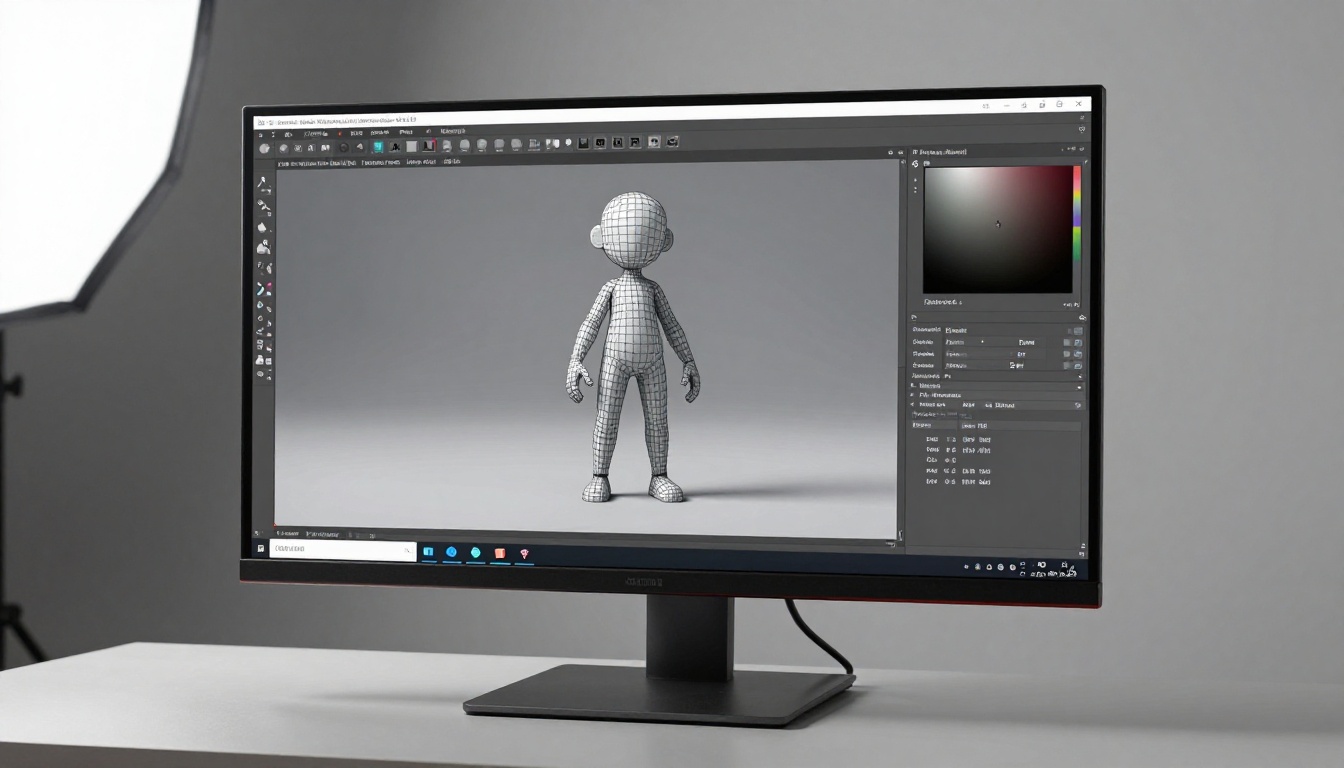
The barrier to starting is lower than most developers expect. You do not need a full pipeline in place or a budget for specialized software. Start with a single asset type and build the workflow from there.
If you are an indie developer working alone, open PicassoIA and generate your first character concept with Flux Kontext Fast. Run the same character design through three angles. Feed the front view into Meshy or Tripo3D for a base mesh. That sequence alone can produce a character prop in an afternoon that would have taken a week by conventional means.
The tools are not perfect. The meshes need cleanup. The textures sometimes need correction. But the baseline quality has crossed the threshold where AI-generated assets can ship in real games, and that threshold crossed in 2024 and has only improved since.
Every asset you do not have to model from scratch is time you can spend on what matters: designing better levels, tightening gameplay, and shipping faster.
PicassoIA's image generation suite gives game developers access to Flux Fast, Flux Canny Pro, Flux Depth Pro, and 85+ other models from a single platform. Generate your concept art, produce your texture references, and iterate on your character designs without switching between five different tools. See all available models at picassoia.com/en/all-models.


