Three years ago, generating a photorealistic 3D model required months of practice in Blender, Cinema 4D, or Maya. Today, it takes a single photo and about 30 seconds. That shift is not incremental. It is one of the most significant changes to hit the creative technology space in the past decade, and it is happening right now.
This is what AI 3D model generation actually is, how it works, where it is already being used, and how you can start producing real 3D assets today without prior modeling experience.
What AI 3D Models Actually Are
A 3D model is a mathematical representation of a three-dimensional object stored as a mesh, a collection of vertices, edges, and faces that define the object's shape. Traditional 3D modeling required manually placing and connecting those vertices. AI 3D generation replaces that manual process with neural networks trained on millions of 3D shapes, allowing the system to infer the full geometry of an object from a text description or a 2D image.
The Tech Running Underneath
Most modern AI 3D generation uses one of three core approaches:
| Approach | Input | Output | Best For |
|---|
| Diffusion Models | Text or Image | Mesh / NeRF | General objects |
| NeRF (Neural Radiance Fields) | Multiple images | Volumetric scene | Environments |
| Gaussian Splatting | Photos or video | Splat representation | Real-world scanning |
Diffusion-based models like Hunyuan 3D 3.1 work by learning the probability distribution of 3D shapes and iteratively refining noise into a coherent object. The result is a mesh or point cloud that can be exported and used in a real production pipeline.
Why 3D Is Harder Than 2D for AI
Generating a 2D image means predicting pixel color values across a flat grid. Generating a 3D model means predicting geometry that is consistent from every angle. That is a fundamentally harder problem. The model has to account for depth, occlusion, surface normals, and topology without ever seeing the back or bottom of a photographed object. The fact that current AI systems do this reliably at all is remarkable engineering.
How AI Turns Text and Photos Into 3D
There are three main input pathways for AI 3D generation: text, image, and multi-view. Each has different strengths depending on what you are trying to build.
Text-to-3D: Describing Geometry With Words
Text-to-3D models take a natural language description and generate a full 3D mesh. The AI maps semantic meaning onto spatial geometry, drawing on its training to estimate what the described object looks like from every angle. Results are increasingly clean and export-ready, though complex shapes with fine detail still benefit from manual refinement.
💡 Tip: More specific prompts produce better geometry. "A white ceramic mug, cylindrical, 10cm tall, with a loop handle" outperforms "a mug" by a significant margin. Describe material, scale, and form explicitly.
Image-to-3D: One Photo, Full Object
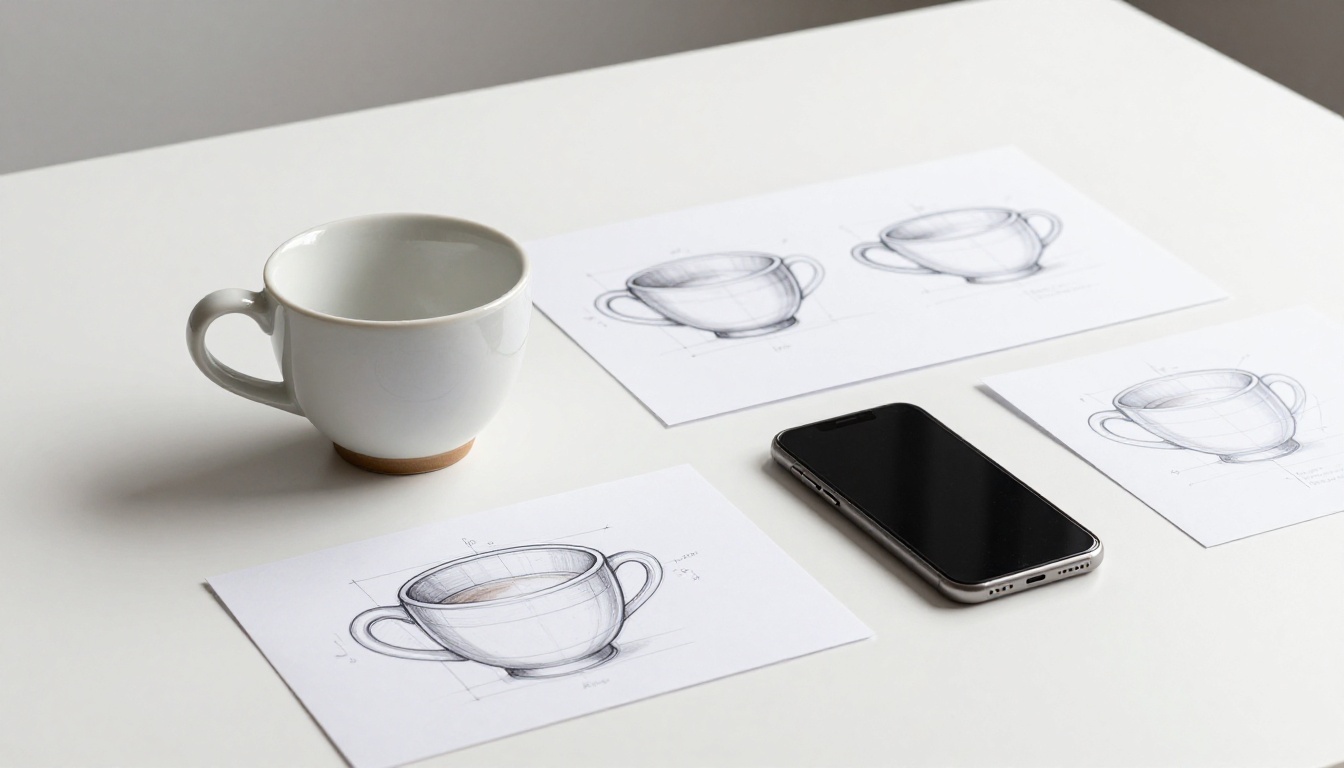
Image-to-3D is currently the most practical workflow for product creators and designers. You provide a single photograph and the AI infers what the back, sides, and underside look like based on shape, lighting, and material cues. Rodin by Hyper3D is a strong example, generating game-ready meshes from product photos with impressive surface detail. Hunyuan 3D 3.1 by Tencent pushes this further, delivering detailed models with proper UV mapping from a single clean input image.
What makes a good input photo:
- Clean background, white or neutral gray preferred
- Object centered with no cropping at edges
- Diffuse, even lighting without strong directional shadows
- Shot from a 30 to 45 degree elevated angle
Multi-View and Video-Based Generation
The most accurate method uses multiple photos of the same object taken from different angles. The AI reconstructs the full geometry by cross-referencing each view, similar to how photogrammetry worked before neural networks. The outputs are typically higher fidelity meshes with fewer topology errors than single-image methods. Short video clips of an object rotating are also used this way, giving the model dozens of implicit viewpoints to work from.
5 Places AI 3D Is Already Working
AI 3D generation is not a concept being tested in research labs. It is in active production across multiple industries right now.
Indie Game Development
For solo developers and small studios, 3D asset creation has always been the bottleneck. Hiring a 3D artist for every prop, environment piece, and NPC is expensive and slow. AI-generated assets from tools like Rodin produce game-ready low-poly props in minutes, either as final assets or as base meshes that a generalist artist refines and optimizes.
E-Commerce Product Visualization
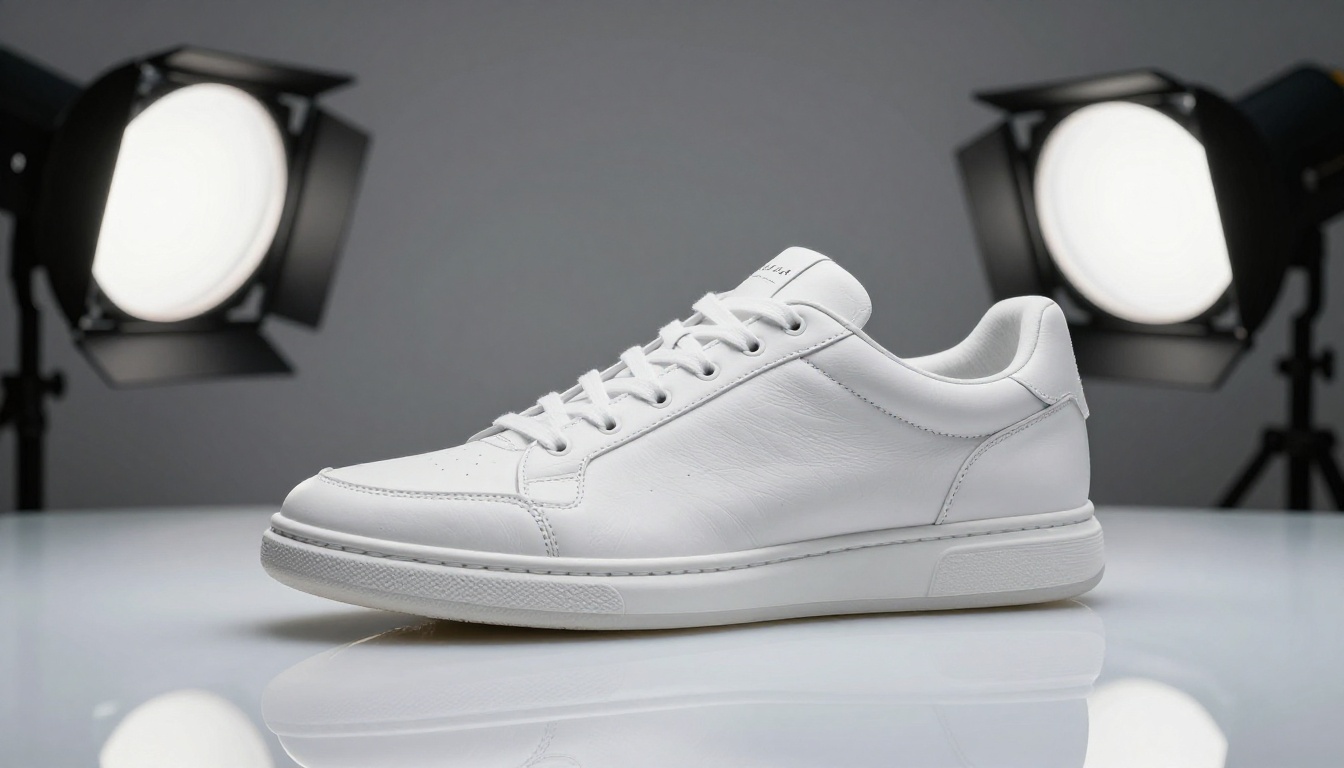
E-commerce brands want 3D models of every product for AR try-on, 360-degree viewers, and configurators. Traditionally, a single product 3D model costs $150 to $500 to commission. AI generation from a photograph brings that cost to near zero with quality that is already acceptable for most commercial applications.
Film and Animation Pre-Visualization
Directors and storyboard artists use 3D pre-visualization to plan camera angles and blocking before expensive principal photography begins. AI-generated rough 3D environments and characters are fast enough to iterate on in real time, replacing the manual process traditionally done inside Maya or SketchUp.
Architecture and Real Estate
Architects use image-to-3D pipelines to generate rough massing models from sketch photos or site reference images. Real estate platforms use AI 3D generation to create virtual walkthroughs from basic floor plan data and room photographs, reducing the cost of 3D staging significantly.
Social and AR Experiences
AR filters, virtual try-on apps, and avatar platforms need constant 3D content at scale. AI generation feeds these pipelines at a volume no team of modelers could match manually, and the iteration speed makes it viable for seasonal or campaign-specific content that would otherwise be cost-prohibitive.
Using Hunyuan 3D 3.1 on PicassoIA
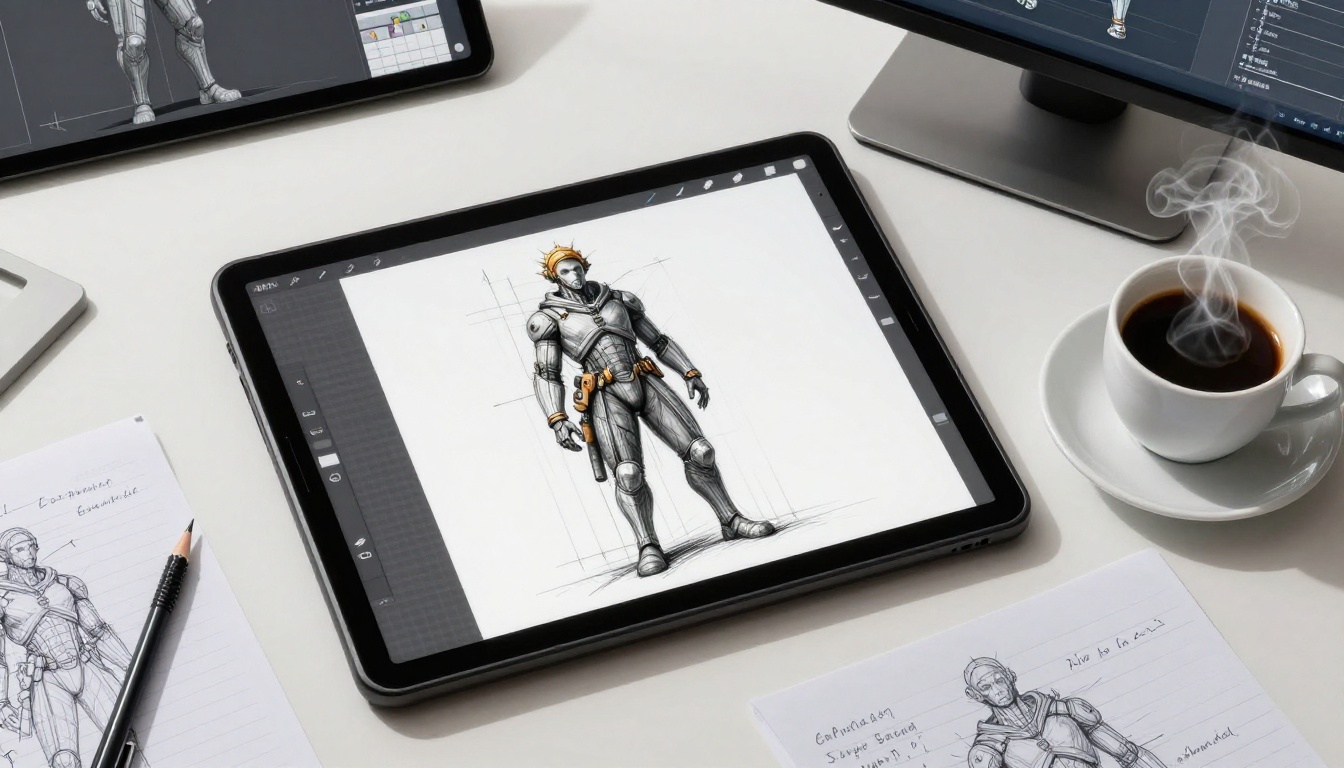
PicassoIA has Hunyuan 3D 3.1 available directly, making it one of the most accessible image-to-3D pipelines available today. Here is how to use it effectively from a standing start.
Step-by-Step Workflow
Step 1: Prepare your input image
Use a clean, well-lit photograph of the object you want to convert. Remove the background first if possible. Center the object in the frame with no cropping at any edge.
Step 2: Upload and configure
Navigate to Hunyuan 3D 3.1 on PicassoIA. Upload your reference image. Adjust output mesh density depending on your intended use: lower poly for real-time applications, higher for static renders or print.
Step 3: Generate and review
The model runs and returns a 3D mesh typically within 30 to 60 seconds. Use the built-in viewer to inspect the result from all angles before downloading.
Step 4: Export and use
Download the output in your preferred format. OBJ, GLB, and GLTF are standard. Import into Blender, Unreal Engine, Unity, or your preferred 3D software for final use and any necessary cleanup.
Tips for Better Outputs
- For products: A 45-degree elevated hero shot performs better than flat frontal views, which give the AI less depth information to work from.
- For characters: A neutral T-pose or A-pose reference image produces cleaner topology than a dynamic action pose.
- For objects with complex silhouettes: Run the same image twice. Generative models have inherent randomness, and a second pass often resolves artifacts introduced in the first.
💡 Pro tip: Shoot your reference photo against a plain background and use PicassoIA's background removal tool before uploading. Cleaner input images produce significantly cleaner 3D outputs.
Animating 3D Models Without Rigging Experience
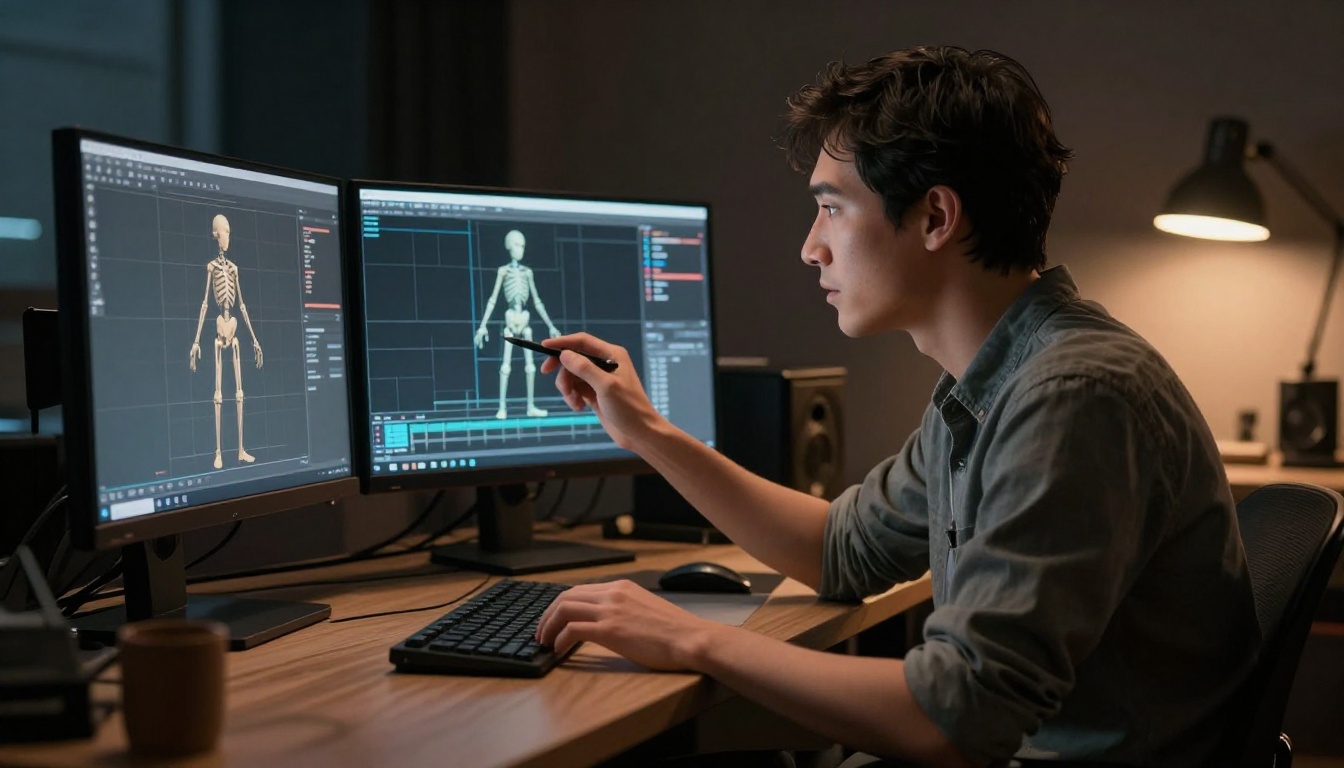
Getting a 3D model is only the first step. Animation is traditionally the harder skill to acquire. AI is dismantling that barrier at every stage of the pipeline.
What Text To Motion Diffusion v2 Does
Text To Motion Diffusion v2 by Uthana generates animation data from text prompts. Describe an action in natural language and the model returns motion data that can be applied to any compatible 3D rig. This removes the need for motion capture equipment or keyframe animation skills entirely for simple to medium-complexity movements.
Text To Motion VQVAE v1 uses a Vector Quantized Variational Autoencoder architecture that produces smoother results for loop cycles, making it particularly well-suited for idle animations, walk cycles, and other repeating motions used in games and real-time applications.
Auto-Rigging With Create Character v1
Before animation data can be applied, a character mesh needs a skeleton: a rig. Rigging by hand is a multi-hour process requiring deep technical knowledge of bone placement, weight painting, and inverse kinematics chain configuration. Create Character v1 automates this entirely. Input a character mesh and it returns a fully rigged, animation-ready character.
The combination of Hunyuan 3D 3.1 for model generation, Create Character v1 for rigging, and Text To Motion Diffusion v2 for animation represents a complete zero-to-animated-character pipeline requiring no traditional 3D skills at any stage.
The Honest Limits of AI 3D Today
AI 3D generation is powerful, but it has real constraints worth knowing before you commit it to a production pipeline.
What still needs a human:
- Complex topology around joints: AI-generated meshes often have irregular polygon distribution at elbows, knees, and finger joints. Facial areas, especially around the mouth and eyes, frequently need manual cleanup before organic animation works properly.
- Interior geometry: AI cannot infer what the inside of a hollow object looks like. The interior of a bottle, a room, or a shoe is essentially guessed or left incomplete.
- Precision mechanical parts: Gears, threaded fasteners, and precision assemblies require clean CAD-style modeling that diffusion-based tools do not produce reliably.
- Consistent texturing at scale: Materials sometimes tile poorly or break on unusual geometry, requiring a texture painting pass.
File format realities:
| Format | Best For | Size |
|---|
| OBJ | Universal import / export | Medium |
| GLB / GLTF | Web, AR, real-time engines | Compact |
| FBX | Game engines with animation | Large |
| STL | 3D printing workflows | Medium |
AI tools generally output OBJ or GLB. If your pipeline requires FBX, a conversion step is needed. Blender handles this conversion for free and without quality loss.
Where AI 3D Generation Is Heading

The current generation of tools converts a single image to a static mesh. What is coming next is faster, more capable, and increasingly integrated into real-time workflows.
Real-Time 3D Generation
Research prototypes are demonstrating sub-10-second full mesh generation with textures and UV maps included. Within the next 12 to 24 months, real-time 3D generation will be viable in production contexts. That means typing a prompt and seeing an editable 3D object appear in your scene immediately, with no processing wait.
Gaussian Splatting and Volumetric AI
Gaussian splatting represents 3D scenes as collections of oriented Gaussian functions rather than polygon meshes. This approach produces strikingly photorealistic renders and is already in use in visual effects pipelines at several major studios. AI systems are beginning to generate Gaussian splat representations directly, which will change how 3D content is created and experienced in VR and immersive AR environments.
Semantic 3D Editing
The next capability after generation is editing with natural language. Early systems already let you describe a material or shape change and have the model update the 3D geometry and surface properties accordingly. This closes the loop between creative intent and technical execution, removing the need for manual modeling at the revision stage.
💡 Watch: The convergence of video diffusion and 3D generation. Video models already build coherent understanding across frames, which is geometrically equivalent to multi-view 3D understanding. The most significant next breakthroughs in AI 3D will likely emerge from this intersection.
Try It Yourself

The barrier between wanting a 3D model and having one has effectively collapsed. You do not need years of Blender practice. You do not need motion capture equipment. You do not need a 3D artist on retainer.
PicassoIA has Hunyuan 3D 3.1, Rodin, Create Character v1, Text To Motion Diffusion v2, and Text To Motion VQVAE v1 all available on a single platform. That is a complete AI-powered 3D production pipeline: from concept image to animated, rigged, export-ready character.
Take a photo of something on your desk. Upload it. See what comes back. That moment of watching a photograph become a 3D model in under a minute is worth more than any explainer. The tools are there. Start now.


