Removing a background sounds like a solved problem. Upload your photo, click a button, get a clean cutout. But anyone who has tried this with curly hair, a transparent wine glass, or a fluffy dog against a similar-colored sofa knows the reality: most tools still fail in predictable, frustrating ways. The gap between a passable result and a professional-grade cutout is wider than most people expect, and in 2027, the tools that close that gap are worth knowing by name.
AI has rewritten the rules of image segmentation over the last few years, but not all models have kept pace equally. Some are fast but imprecise. Some handle portraits well but stumble on products. Others are accurate but locked behind subscription pricing that makes bulk processing expensive. The right tool for your workflow depends on what you shoot, how much volume you process, and what quality bar you need to hit.
This article reviews the tools worth using this year, including a detailed look at what works, what does not, and how platforms like PicassoIA are positioning background removal inside a broader creative stack.

Why Most Background Removers Still Fail
The core challenge is not simple pixel detection. It is contextual intelligence. A model that only reads color contrast will fail the moment a subject's jacket matches the wall behind it. One that only reads edges will fail when hair strands scatter into the background. The best tools in 2027 solve this by combining semantic segmentation with fine-grained edge refinement, but even then, a handful of scenarios reliably expose their limits.
The Hair and Fur Problem
Fine strands of hair in backlight are the industry's classic stress test. Hundreds of individual pixels scatter into the background, often capturing reflected light from the background itself. Older algorithms either clipped hair at the head outline or left a visible halo clinging to every strand.
In 2027, leading models handle most straight hair well. Tight curls, wet hair, flyaways in wind, and long animal fur represent differentiated difficulty levels. Short-haired animals on high-contrast backgrounds are manageable. A long-haired golden retriever on a cream carpet is a different challenge entirely.
💡 Tip: When photographing subjects with complex hair or fur, increase contrast between the subject and background at the shooting stage. A plain gray or blue backdrop behind a blond subject yields dramatically better AI results than an off-white background.
Transparent Objects Are a Different Problem
Glass, sheer fabrics, water, and translucent plastics do not have a clean edge. They have a gradient, and the background shows through the subject itself. Most AI models treat transparency as an error and produce solid opaque edges where a realistic cutout would retain partial transparency.
A wine glass cut out by a general-purpose tool looks artificially pasted. A wine glass processed by a model trained specifically on product photography looks like it could be composited into any scene believably.
When Subject and Background Share Colors
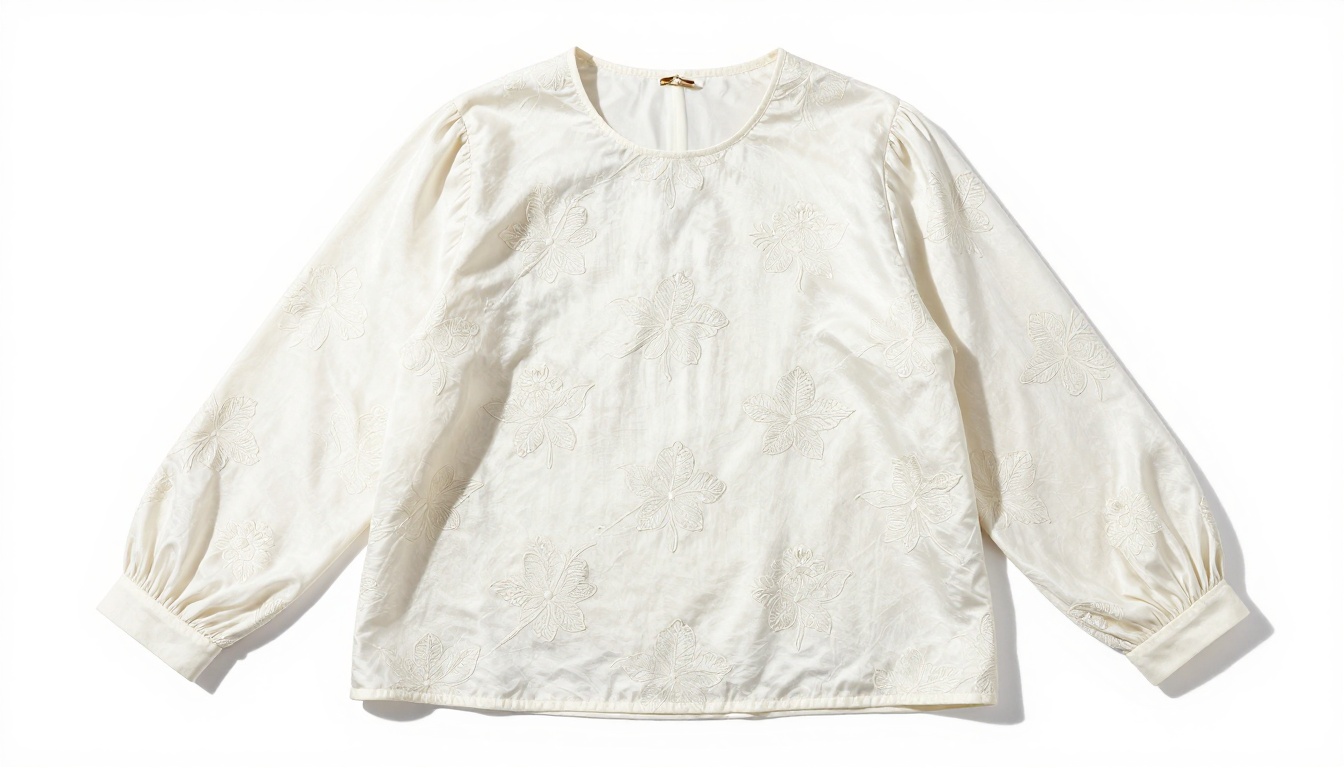
A black leather bag on a dark background. A white ceramic mug on a white table. A person in a pale blue shirt against a pale blue wall. These scenarios require semantic awareness, not just edge detection. The model has to know what it is looking at, not just where contrast changes.
Models trained on broad datasets of segmented images recognize that a hand is part of a person even when skin tone closely matches the background. Models relying only on contrast fail here consistently.
How AI Rewrote the Rules of Cutouts
From Pen Tool to Neural Networks
Before AI background removal became widespread, the workflow was tedious. Photoshop's Pen Tool, manual selection refinement, edge-feathering by hand. A single complex product photo could take 20 to 40 minutes for a skilled editor. For portraits with complicated hair, it took longer still.
The shift to neural-network-based segmentation collapsed that time to seconds. A small business owner with no Photoshop training can now produce results that approach professional quality in a fraction of the time.
What Semantic Segmentation Changed
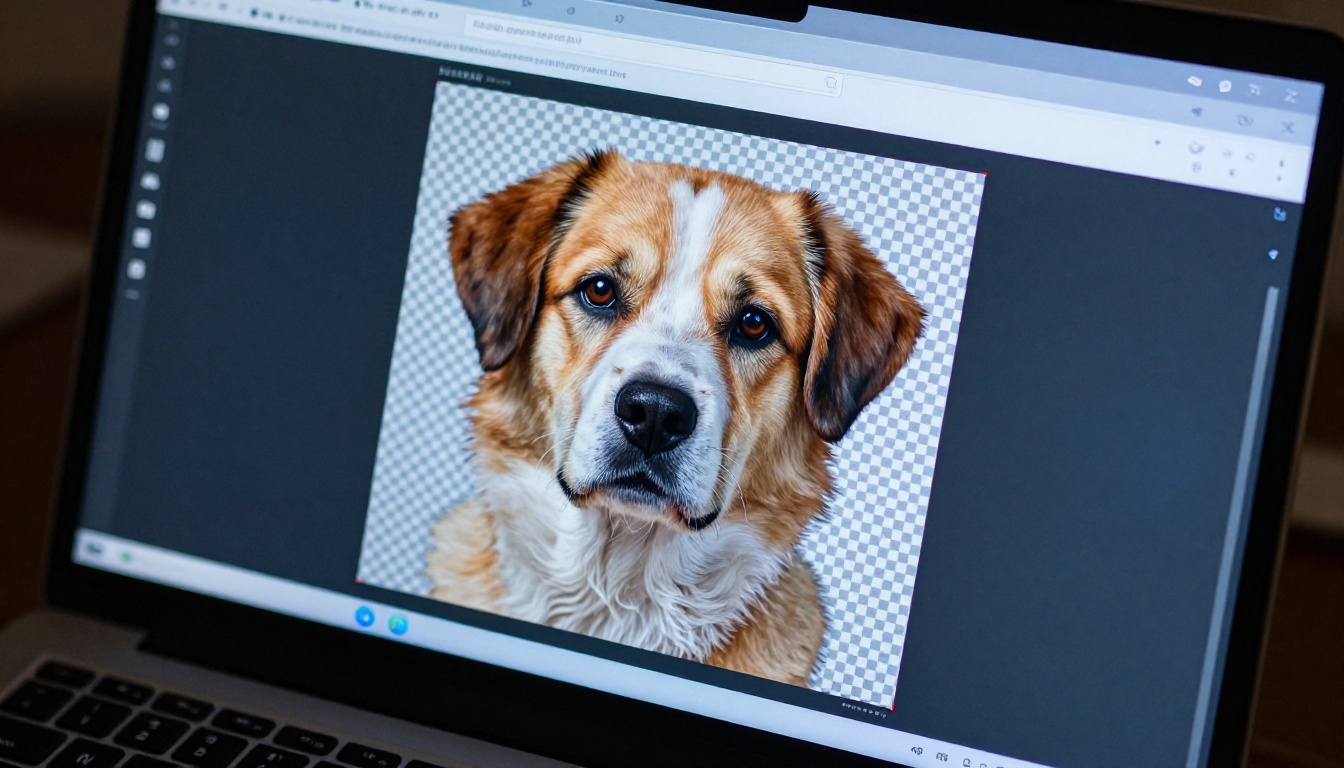
The real breakthrough came when models stopped thinking about pixels and started thinking about objects. Semantic segmentation labels regions of an image by category: person, background, product, sky. Once the model knows what each region is, separating them becomes an inference task rather than a pixel-matching exercise.
In practice, this means Bria Remove Background on PicassoIA can handle a product photo where the item partially overlaps a similarly colored surface, because it recognizes the object as distinct from the surface beneath it.
The New Quality Standard in 2027
The bar has moved significantly. Tools that impressed two years ago now feel dated. Current standards include:
- Sub-pixel accuracy on fabric edges, fine jewelry, and thin objects
- Shadow preservation so composited results do not look artificially lit
- Correct handling of motion blur at subject edges
- Consistent output across batch processing, not just single hero images
- Clean transparent PNG export without compression artifacts at the edges
Only the top platforms hit all five reliably.
Bria Remove Background on PicassoIA
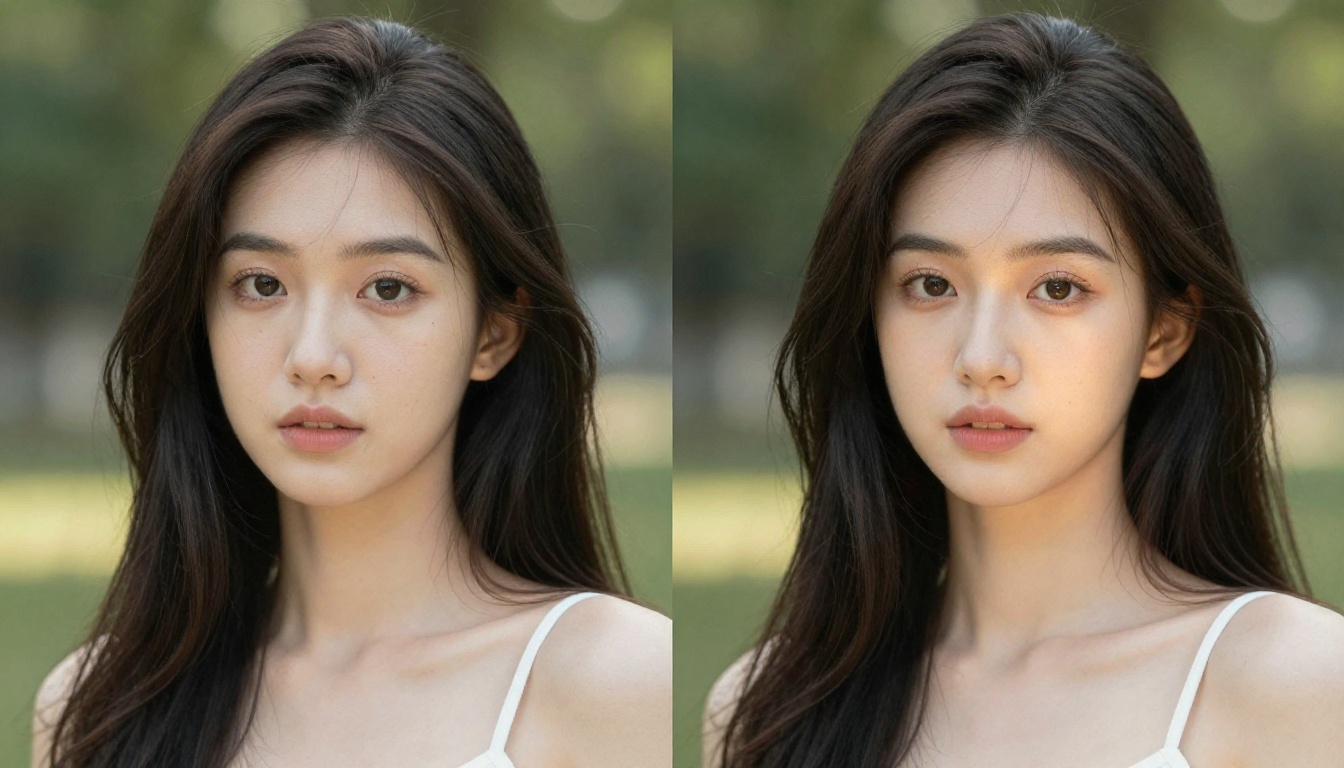
Bria Remove Background is the strongest automated cutout option on PicassoIA and competes at the top of the category across all tools evaluated. Built on Bria AI's technology and trained on a commercially licensed dataset, it delivers accuracy alongside commercial safety, solving two problems that most tools address separately.
The output is a clean PNG with a transparent background. Processing takes under 10 seconds for most images. There are no parameters to configure and no prompt to write. Upload, process, download.
Where it excels:
- Product photography across a wide range of backgrounds, including cluttered and busy scenes
- Portrait photos with complex, curly, or flyaway hair
- Fashion items, both flat-laid and photographed on models or mannequins
- Batch processing without quality degradation across large image sets
- Commercial deliverables requiring models trained on licensed, not scraped, data
Where it has limits:
- Transparent subjects like glassware benefit from additional manual refinement
- Subjects that closely match the background in color remain challenging
- Very fine detail on small image files benefits from higher-resolution source files
For most e-commerce and creative workflows, Bria Remove Background handles the large majority of use cases without requiring manual correction afterward.
Adobe Firefly's Background Removal
Adobe's AI background removal integrates directly into Photoshop and Express. For teams already working inside the Creative Suite, workflow friction is minimal. Accuracy on clean studio shots is very good, and the model handles most portrait and product edge cases well.
The constraints are ecosystem-specific. Access is subscription-based, and there is no standalone API for external automated pipelines. For developers building image processing outside the Adobe environment, this is a hard limitation.
Remove.bg
Remove.bg built its reputation on a clean, fast API that drops into automated pipelines with minimal configuration. Documentation is straightforward and latency is low.
Accuracy on standard use cases is solid. The ceiling on complex edge cases is lower than specialized segmentation models, and per-image pricing at high volume becomes a significant consideration for catalog-scale workflows.
Canva's Magic Eraser
Canva's tool sits inside a design environment that millions of non-technical users already know. For a social media manager shooting on their phone and needing a quick background swap before posting, the process is seamless.
Accuracy works well for portrait content and most social media use cases. It is not designed for precision product photography, and the lack of a transparent PNG export path creates friction for multi-application workflows.
| Tool | Complex Edge Accuracy | Speed | Batch Support | API | Best Use Case |
|---|
| Bria on PicassoIA | Excellent | Fast | Yes | Yes | E-commerce, portraits, volume |
| Adobe Firefly | Very Good | Fast | Yes (CC) | Limited | Creative Suite workflows |
| Remove.bg | Good | Very Fast | Yes | Yes | Developer API pipelines |
| Canva Magic Eraser | Good | Fast | No | No | Social media, casual editing |
| Photoshop AI | Excellent | Medium | Limited | No | Precision manual correction |
💡 Note: Complex edge accuracy measures performance on hair, fur, fine fabric, and subjects near the background color. All tools listed handle simple studio shots on high-contrast backgrounds adequately.
When Speed Wins
Content teams publishing daily, social media assets, internal presentations, and communications materials have a lower quality floor than commercial product photography. In these contexts, the fastest tool that produces a clean enough result wins on practical value. Remove.bg's speed and Canva's seamless integration serve these workflows well.
When Accuracy Is the Only Metric
Luxury brand photography, fine jewelry, high-end fashion, and fine art reproduction operate at a different standard. A single pixel of fringe on a diamond ring's setting, or a missed thread in a lace wedding dress, makes an image unusable for its intended purpose.
At this level, the choice narrows to Bria Remove Background or Photoshop's neural filters with manual mask refinement on top. The investment in accuracy is directly connected to commercial outcome.
Where Background Removal Has the Most Impact
E-Commerce at Scale
Marketplaces like Amazon and eBay require white or transparent backgrounds on main product images. For brands uploading thousands of new products each quarter, automated AI background removal is not a convenience, it is an operational requirement.
The economics are straightforward. Manual cutouts at scale cost between 50 cents and several dollars per image depending on complexity. AI processing through PicassoIA reduces that cost while maintaining consistent quality across an entire catalog.

Headshots and Corporate Photography
Corporate HR departments, real estate agencies, and professional services firms produce large volumes of portrait photography for directories, profiles, and marketing materials. The quantity demands automation. The quality demands accuracy on hair and skin edges.
AI background removal has made what used to be a half-day editing job into a five-minute batch process. For teams without a dedicated retouching budget, this closes a real operational gap without sacrificing output quality.
Composite Workflows and Virtual Staging
Background removal is increasingly just the first step in a longer creative pipeline. Remove the original background, then use AI to generate a contextually appropriate replacement. A product photographed in a cluttered warehouse can be composited onto a lifestyle scene generated by text-to-image AI. A furniture piece photographed on a plain surface can be placed into a fully rendered room.
PicassoIA supports this full pipeline. Process background removal with Bria Remove Background, use the platform's image generation tools to create or modify backgrounds, then apply super-resolution upscaling to the final composite. Every step runs inside one platform.

How to Build a Reliable Workflow
Control the Shooting Environment First
The most effective improvement to AI background removal results costs nothing extra. A plain backdrop with high contrast against your subject gives the model the best possible signal.
For product photography, this means a dedicated shooting surface with seamless paper or a lightbox setup. For portraits, it means specifying background color during shoot scheduling. Small changes at the front of the process produce large quality improvements downstream.
Run a Test Before Processing at Volume
Before sending a thousand images through any background removal model, process a representative sample of 20 to 30 files spanning the range of subjects and conditions in your catalog. Check edge quality on the hardest cases: the most complex hair, the closest background color matches, the finest detail in your product range.
This surfaces model limitations before you are committed to a workflow and identifies the cases that will need manual review.
Where Manual Refinement Pays Off
For most standard product and portrait work, AI background removal produces results requiring no manual correction. For hero images, campaign assets, and anything appearing in paid advertising or printed materials, build in a visual check step.
The volume of images needing correction is typically under 10 percent for well-shot source material. But the cost of a poor cutout in a high-visibility placement is high enough that the check step is always worth the time.

What Professional Results Actually Look Like
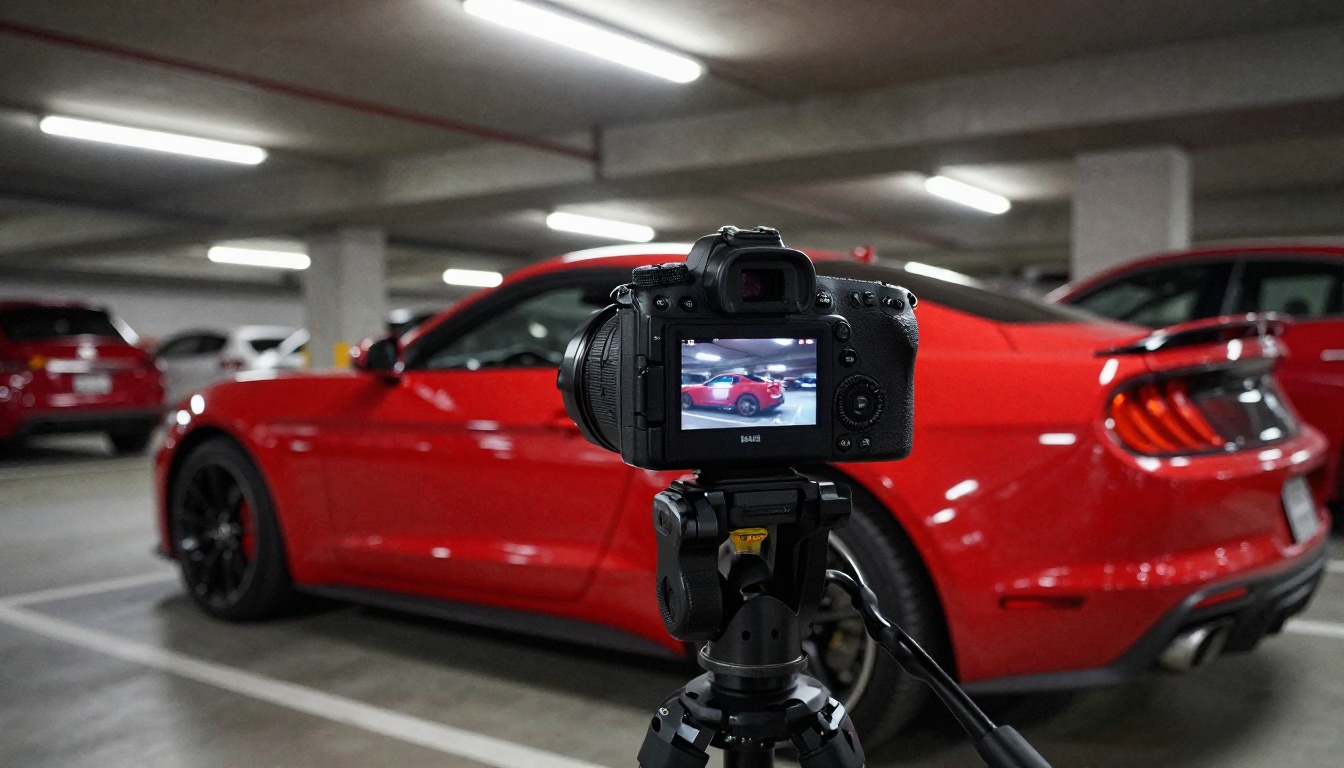
The difference between a weak and a precise background removal is clearest side by side. A cluttered scene processed incorrectly leaves artifacts at object edges, visible color fringing from the original background, and jagged outlines on any fine detail. A model like Bria Remove Background produces smooth, accurate edges with no visible fringe, correct handling of hair and fabric textures, and a clean transparent output that composites naturally into any new scene.
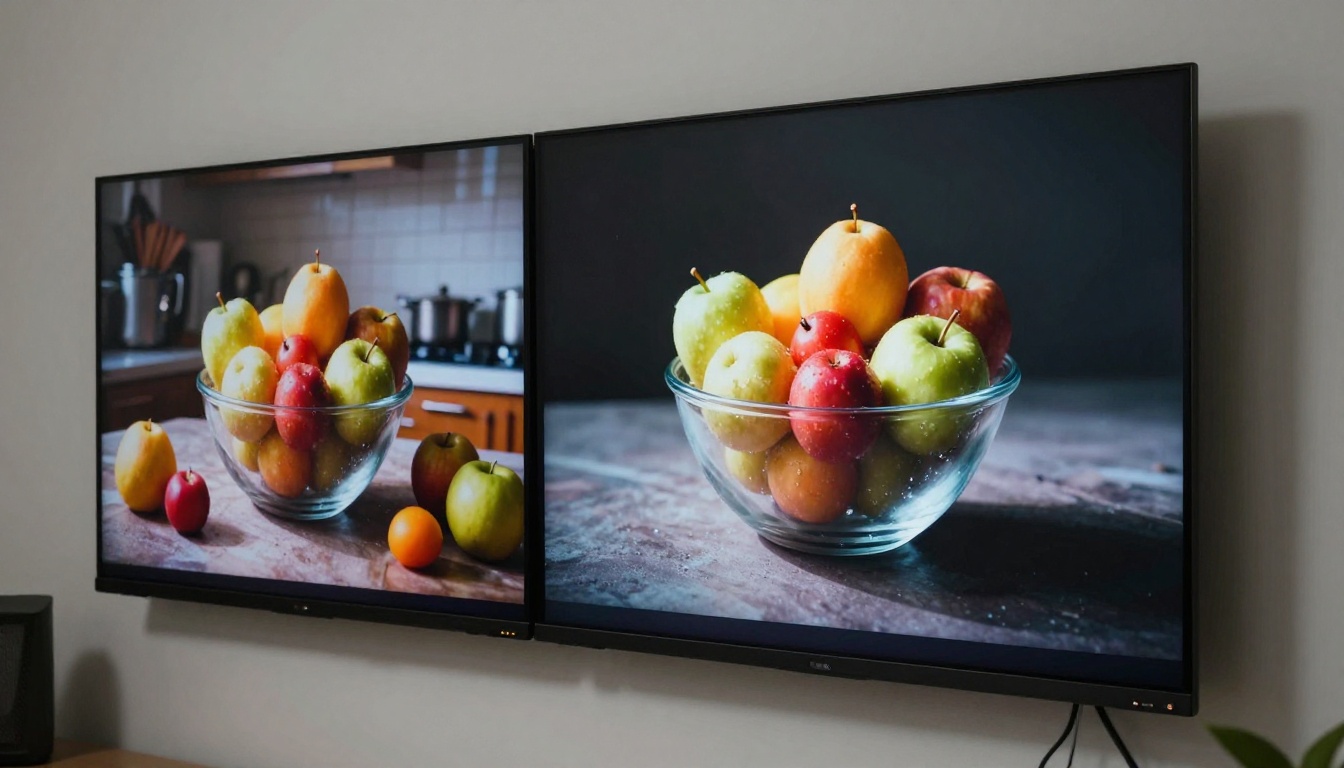
For demanding workflows where results feed directly into client deliverables or paid advertising, this level of quality is not optional. It is the standard the work has to meet.
PicassoIA in the Background Removal Stack
PicassoIA's advantage is not just the Bria Remove Background model itself. Background removal sits alongside image generation, editing, super-resolution, and more than 90 other AI models on one platform. A full post-production workflow runs without switching tools or moving files between applications.
A practical example: product photos shot in a cluttered warehouse are uploaded to PicassoIA. Bria strips the backgrounds in a single batch. A text-to-image model generates a studio-style backdrop. The composited result passes through super-resolution for print-quality dimensions. Every step runs inside one platform, under one billing relationship.
For a solo creator managing multiple clients, that consolidation reduces platform sprawl and monthly subscription overhead. For an agency processing high volumes of creative work, it reduces integration complexity and the risk of moving brand assets between external services.
The commercial licensing position also matters for enterprise clients. Bria AI's model trains on licensed data, not scraped web content. That removes the intellectual property ambiguity that follows outputs from models trained on unauthorized sources, which is a real concern for brands publishing at scale.
Start Creating on PicassoIA Now
The fastest way to see whether Bria Remove Background fits your workflow is to test it on your hardest image. Not your cleanest product shot, but the one with the most complex hair, the closest background color match, or the finest detail at the edges.
If it handles that image well, the rest of your catalog is straightforward. No installation, no technical setup, results in under a minute.
Once you are working on the platform, the broader toolset is worth your time. More than 90 text-to-image models, video generation, lipsync, face swap, super-resolution, and more are all accessible at picassoia.com/en/all-models. Background removal is one capability inside a larger creative infrastructure. The real gains in 2027 come from connecting these tools into a seamless workflow, and PicassoIA is built to make that connection practical.


