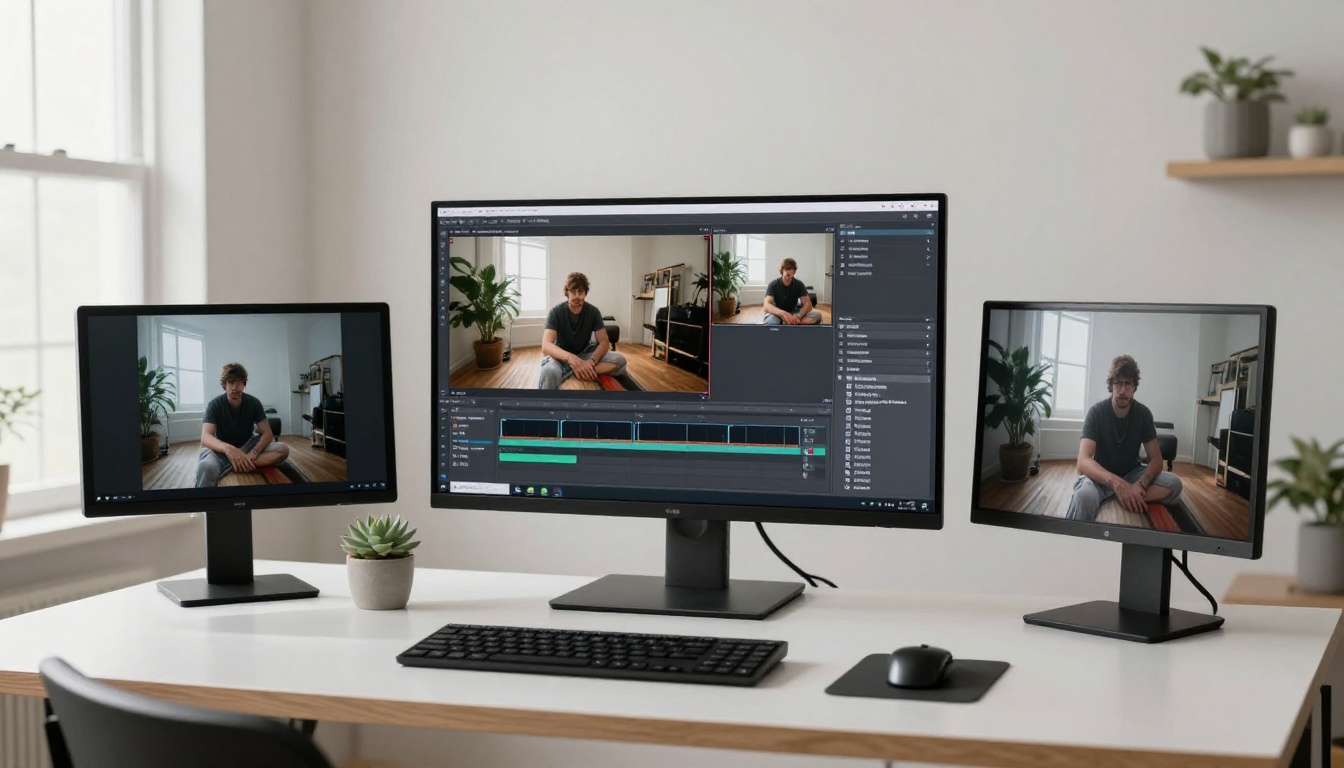
Two AI video models are competing hard for creators' attention right now, and the choice between them is not as simple as "which one looks better." Veo 3.1 from Google and Vidu Q3 Pro from Vidu AI both target the same outcome: producing high-fidelity, prompt-driven video at 1080p resolution. But they take meaningfully different approaches to get there. One leans into photorealistic color science and native audio integration. The other prioritizes expressive motion and stylistic immediacy. This article compares both models across every dimension that matters for working creators: video quality, motion coherence, audio capabilities, generation speed, and pricing on PicassoIA, so you can make the call that fits your actual workflow.
What Veo 3.1 Brings to Creators
Google's Veo 3.1 arrived as the most substantial upgrade to the Veo family since the series launched. The core improvement from Veo 3 to 3.1 centers on temporal consistency: the model's ability to keep objects, faces, and lighting behavior stable across frames without drift or morphing. Earlier generations of text-to-video AI struggled to keep a character's face identical from frame 1 to frame 120. Veo 3.1 handles this far more reliably, making it practical for content that lingers on a subject for more than two seconds.
Resolution and Frame Specs
Veo 3.1 generates at 1080p resolution, which is the current practical ceiling for social media distribution and adequate for broadcast use. Three speed tiers are available: Veo 3.1 Lite for fast, lower-credit generation; Veo 3.1 Fast for a balanced speed-quality tradeoff; and the full Veo 3.1 for maximum output quality. Frame rates are cinema-standard, and the model handles both static and dynamic camera movement prompts with equal confidence.
Native Audio in Veo 3.1
The single most significant capability in the Veo 3.1 lineup is integrated audio synthesis. When you generate a clip with Veo 3.1, the output includes synchronized audio generated at the same time as the video. This is not a post-process overlay. The model links the visual content to its audio equivalent during generation: a scene showing rain produces rain sound, a crowd produces crowd ambience, and a person speaking generates speech-like audio that matches their lip movements.
For creators who publish frequently, this collapses a post-production step that previously required separate tools or manual sound design. The audio quality is not at professional mixing board standards, but it sits comfortably in the range of what audiences accept on social media without critique.
💡 Tip: When prompting Veo 3.1 for audio-forward clips, include audio descriptors directly in your prompt. "A jazz pianist playing in a dimly lit bar, the piano keys moving with his fingers, soft crowd murmur" will produce a much richer audio result than a purely visual description.
The 3.1 Upgrade Over Veo 3
Veo 3 already stood as a benchmark model for text-to-video quality. The 3.1 iteration addresses two specific pain points: skin and fabric texture rendering within motion, and foreground-background depth separation. Skin texture in Veo 3.1 output shows pore-level realism when prompted correctly. Fabric moves with weight and drag that reads as physically plausible rather than procedurally animated. The depth separation improvement means foreground subjects stay sharp and properly separated from backgrounds even during camera movement, which previously would occasionally blend or halate.
Vidu Q3 at a Glance
Vidu Q3 Pro is the current flagship from Vidu AI, a company that has been building a strong position in the text-to-video space without the brand visibility of Google or OpenAI. Unlike Veo's approach of maximizing photorealistic neutrality, Vidu's Q3 architecture prioritizes perceptual impact: footage looks vivid, motion feels alive, and output is immediately arresting on a small screen. These are deliberate design choices, not side effects.
Q3 Pro vs Q3 Turbo
Two Q3 variants are available on PicassoIA. Q3 Pro is the full-quality model targeting maximum visual fidelity at 1080p with longer generation times. Q3 Turbo offers faster generation at the same resolution, with minimal quality trade-offs on simpler scenes. For character-centric content, Q3 Pro handles multi-subject compositions with better spatial consistency. For single-subject clips or product showcases, Q3 Turbo is often indistinguishable from the full model.
The practical workflow is to use Q3 Turbo for concept iteration and Q3 Pro for final content. This keeps generation costs manageable across a large batch while ensuring the clips that actually publish are at full quality.
Where Vidu Q3 Stands Out
Compared to other 1080p models on the platform, including Kling v3 and Pixverse v5.6, Vidu Q3 generates character motion that reads as intentional and physically grounded. Bodies move with appropriate weight, hair behaves with natural inertia, and secondary motion on clothing follows primary movement with a short, realistic delay. This is the kind of motion physics that separates a video that looks AI-generated from one that registers as authentic on first viewing.
Vidu Q3 also handles stylistic prompt modifiers well. If you ask for a specific cinematographic style, the model tends to interpret it faithfully rather than producing a generic approximation.
💡 Tip: Vidu Q3 responds strongly to lighting descriptors. Prompts that specify the quality of light ("diffused overcast light," "single source hard light from frame left") consistently produce more visually sophisticated results than prompts that describe lighting loosely.

Video Quality Head-to-Head
Realism and Motion Physics
When you run the same prompt through Veo 3.1 and Vidu Q3 Pro, the differences are immediate. Veo 3.1 renders with a color science that maps closely to how real cameras behave. Highlights roll off naturally, shadows retain detail, and skin tones fall in a realistic range without digital enhancement. Vidu Q3 layers in additional contrast and vibrancy that gives footage a "ready to post" quality but diverges from pure photorealism.
| Category | Veo 3.1 | Vidu Q3 Pro |
|---|
| Photorealism | Exceptional, near-reference quality | Very good, slight stylization |
| Motion coherence | Excellent temporal consistency | Strong, especially on character motion |
| Object permanence | Tightened in 3.1 update | Reliable across most prompts |
| Camera movement | Natural, controlled, cinematic | Expressive, slight creative interpretation |
| Fine detail (skin, fabric) | High, very accurate | Good, some softening at edges |
| Audio | Native, integrated | Not included |
For complex scenes with multiple subjects, Veo 3.1 holds temporal coherence more tightly. A crowd scene shows each figure moving with realistic variation. The same prompt in Vidu Q3 can produce slightly more uniform motion patterns, though individual physics of each figure still reads convincingly.
Camera Behavior and Composition
Both models handle camera movement prompts, but they interpret "cinematic" differently. Veo 3.1 defaults to restrained, controlled camera work that mimics a steadicam or slider. Vidu Q3 Pro adds micro-drift and subtle zoom that gives footage a handheld, documentary feel even without explicit prompting. For sterile, fully controlled footage, Veo 3.1 is more predictable. For footage with a lived-in, organic quality, Vidu Q3's default behavior is actually an advantage.
Speed and Workflow Impact
Generation Time Comparison
Generation speed varies by prompt complexity and server load, but typical benchmarks for 1080p clips look like this:
The quality difference between full and fast variants is most visible on scenes with fine detail or complex multi-subject compositions. For static or simple-background clips, the fast variants often produce output that is indistinguishable from the full model on a standard monitor.
Fitting Into a Content Pipeline
Both Veo 3.1 Fast and Q3 Turbo are well-suited for high-volume content pipelines where you generate many clips in a single session. On PicassoIA, both are accessible via the standard API, meaning creators running batch generation workflows can slot either model in without custom integrations.
A practical two-tier approach works well for most teams: use Q3 Turbo for rapid concept development and Veo 3.1 for the clips that actually ship. This gives you speed when iterating on prompt direction and maximum output quality on final content.
💡 For social media teams: Run Q3 Turbo for rapid content versioning and Veo 3.1 for hero content where quality is non-negotiable.

Audio Capabilities
Veo 3.1's Integrated Audio
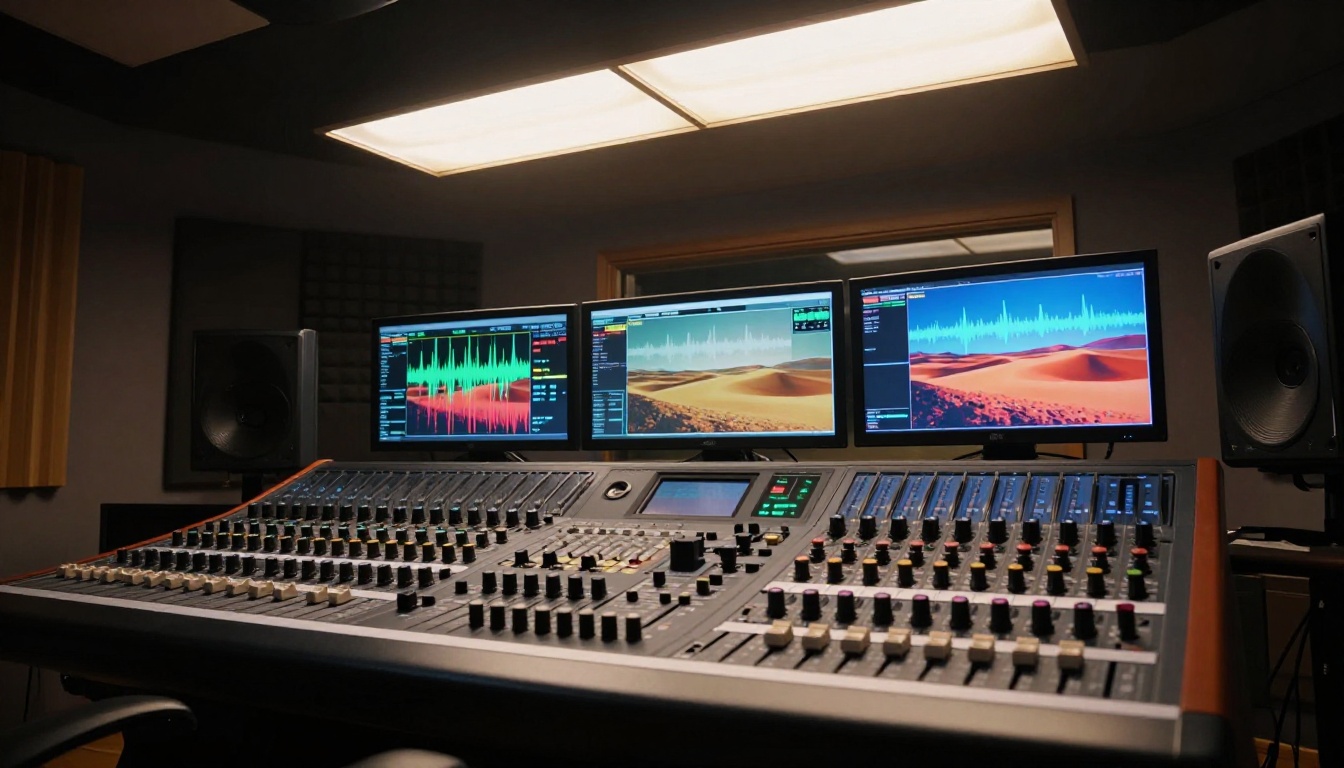
Native audio is the feature that sets Veo 3.1 apart from nearly every competing text-to-video model at this tier. The audio is generated as part of the same inference pass as the video, not added afterward. This means timing is intrinsically synchronized with what happens on screen: a door closing sounds at the exact moment it closes, footsteps align with foot placement, ambient sound fades when the scene shifts.
For promotional content, social media clips, and marketing videos where creators typically need to combine visuals and audio before publishing, this eliminates one full post-production pass. You go from prompt to a ready-to-upload clip without touching a separate audio tool. The quality sits above placeholder audio and below a professional sound design mix, which is exactly where most social and marketing content lives.
Audio in Vidu Q3
Vidu Q3 Pro generates visual-only output. For creators with dedicated audio workflows who already use AI music generation or professional sound design, this is not a limitation. The visual output is not affected by audio processing, and there is no risk of the audio layer pulling resources from video quality. You retain full control over the audio layer, which some creators strongly prefer.
For creators who need audio added post-generation, PicassoIA's catalog includes dedicated audio tools alongside the video models. You can pair Q3 video output with AI-generated music or speech synthesis in a separate step.
Full Model Comparison
| Feature | Veo 3.1 | Vidu Q3 Pro |
|---|
| Max resolution | 1080p | 1080p |
| Native audio | Yes, fully integrated | No |
| Color science | Neutral, camera-accurate | Vivid, perceptual |
| Motion physics | Strong, controlled | Strong, expressive |
| Temporal consistency | Excellent | Very good |
| Speed tiers | 3 (Lite, Fast, Full) | 2 (Turbo, Pro) |
| Best for | Photorealistic, complex, commercial | Character, social, stylized content |
| PicassoIA access | Yes | Yes |
Neither model wins on every dimension. The right one depends entirely on what you produce and who sees it.
Which Model Is Right for You
Short-Form Social Content
For high-volume social output, Vidu Q3 Turbo is often the faster path to publishable content. Its vivid color treatment, expressive motion, and fast generation time match the pace of a daily publishing schedule. For the same use case with embedded audio, switch to Veo 3.1 Fast when you want clips that go from generation to publish without any post-processing.
Cinematic and Commercial Content
For content that will appear on large screens or needs to hold up under scrutiny from clients, Veo 3.1 at full quality produces the most professionally neutral result. Its color science gives editors maximum latitude in grading. Pair the output with Video Upscaler to push resolution to 4K for maximum delivery quality.
Brand and Marketing Teams
Brand work requires both consistency and speed. Veo 3.1 Fast handles rapid variant generation for A/B testing. Q3 Pro handles character-driven brand narratives where movement authenticity matters most. The strongest approach for most brand teams is to run Q3 Turbo for all concept and storyboard work, then generate final outputs in Veo 3.1 for hero placements.
Other models worth testing in the same tier: Seedance 2.0 for fast 1080p with audio, Ray 3.2 for HDR-quality cinematic output, Wan 2.7 T2V for the longest available clip durations in the 1080p tier, and Hailuo 02 for fast cinematic output from a different model family.
💡 If budget is the main constraint: Veo 3.1 Lite and Q3 Turbo both deliver 1080p output at a lower credit cost per generation, with quality that clears the bar for most social and marketing applications.
Start Generating on PicassoIA
The fastest way to answer the Veo 3.1 vs Vidu Q3 question for your own workflow is to run the same prompt through both models and compare directly. PicassoIA gives you access to Veo 3.1, Veo 3.1 Fast, Vidu Q3 Pro, and Q3 Turbo from a single dashboard, alongside over 87 other video generation models covering every output style from animation to photorealism.
Start with the free PicassoIA Video generator to refine your prompt approach before spending credits on premium models. Once your prompts are tuned, move to Veo 3.1 or Q3 Pro for production-quality output. If you want the fastest possible turnaround for bulk content, Veo 3.1 Fast and Q3 Turbo are both ready to use.
For creators building toward 4K delivery, LTX 2.3 Pro and the Video Upscaler are both in the catalog. For OpenAI's approach to cinematic video synthesis, Sora 2 is also available. The full catalog is at picassoia.com/en/all-models.
Pick your model, write your prompt, and start creating. Both Veo 3.1 and Vidu Q3 Pro have removed every meaningful barrier between a creative idea and a professional-grade video clip.