Most bad AI backgrounds fail for one boring reason: the prompt describes the subject and forgets the room around it. You type "perfume bottle, nice background" and get a blurry gradient with random sparkles. Change the prompt to a travertine pedestal, a whitewashed wall and late afternoon light from the left, and the same tool produces something that looks like a paid studio shoot.
This article gives you prompts you can copy today, a simple formula to build your own, a list of free ways to generate backgrounds, and the settings that decide whether a result looks real or fake. Every example image below was made from a prompt in the same style as the ones you will see.
Why Background Prompts Fail
Before the examples, it helps to see why so many first attempts look flat.
The Background Is Half the Photo
A background does three jobs at once. It tells the viewer where the subject lives, it sets the color mood, and it controls attention. A cluttered backdrop pulls the eye away from your product. A backdrop with no depth makes the subject look pasted on.
When you write a prompt, treat the background like a set designer would. Ask what surface the subject stands on, what is behind it, how far away that is, and where the light comes from.
Generate vs Replace: Pick the Right Job
There are two different tasks hiding under "AI background generator":
| Task | What it does | Best for |
|---|
| Generate a scene | Creates a full new image from a text prompt | Banners, ads, mood boards, empty scenes |
| Replace a background | Cuts out your subject and places it on a new scene | Product photos, headshots, listings |
| Edit in place | Changes only the area around the subject | Fixing one messy corner of a real photo |
If you already have a product photo, start with a cutout tool such as Remove Background or Product Cutout, then place the subject on a generated scene. If you need an empty scene to design on, generate it directly.
Good background prompts are short enough to read and specific enough to leave no guessing. This structure works across almost every model.
The Five Parts
- Surface: what the subject stands on (travertine, oak, wet slate, concrete ledge)
- Backdrop: what sits behind it (plaster wall, blurred olive trees, brick alley)
- Light: direction and quality (soft window light from the left, overcast daylight, golden hour)
- Camera: lens and angle (85mm f/1.8, low angle, overhead)
- Palette and texture: colors and materials (warm cream and sage, visible wood grain, film grain)
Add one line about negative space if you plan to put text on the image: "generous empty space on the left for a headline."
A Prompt Built Step by Step
Here is the formula applied to the cover image of this article:
💡 A matte amber perfume bottle on a pale travertine pedestal, sunlit Mediterranean terrace at golden hour, blurred olive trees and whitewashed wall behind, warm light from camera left, 100mm f/2.8 shallow depth of field, cream and sage palette, empty space on the left.
Notice what is missing: no "beautiful", no "stunning", no "8k masterpiece". Those words add nothing a model can act on. Physical details do the work.
Prompt Ideas by Use Case
Copy any prompt below and swap the subject. Each one is written so the background stays believable even when the subject changes.
Product on Stone or Marble

Prompt: [Product] on a pale travertine pedestal, whitewashed wall and blurred olive trees behind, warm golden hour light from the left, long soft shadow, 100mm lens, shallow depth of field, cream and sage palette, no text.
Use it for fragrance, skincare, candles and jewelry. Swap travertine for honed marble, limestone or terrazzo to change the mood without changing the structure.
Street and Urban Backdrops
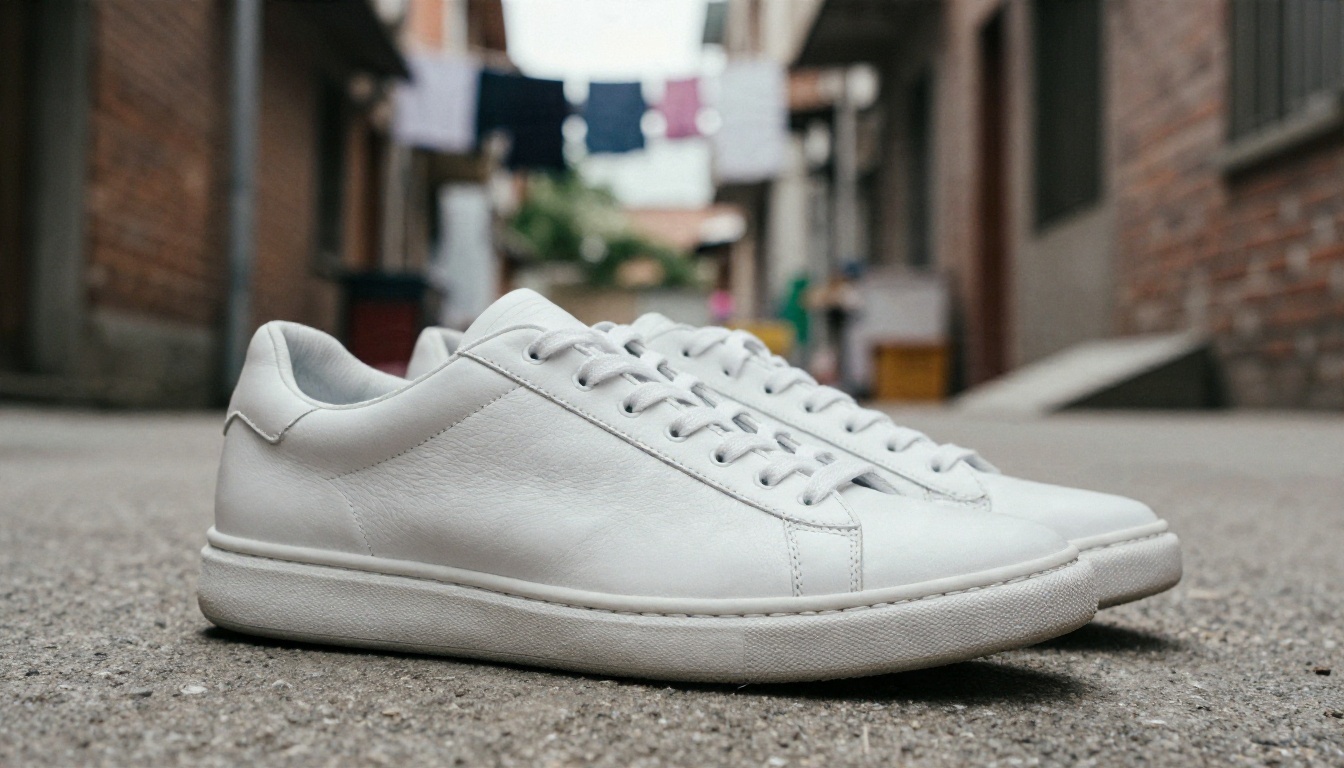
Prompt: [Product] on a rough concrete ledge, softly blurred brick alley with hanging laundry behind, overcast diffused daylight, 50mm f/1.8, muted urban palette.
Overcast light is your friend here. It removes harsh shadows, which are the first thing that gives away a badly composited product.
Wood, Linen and Flat Lays
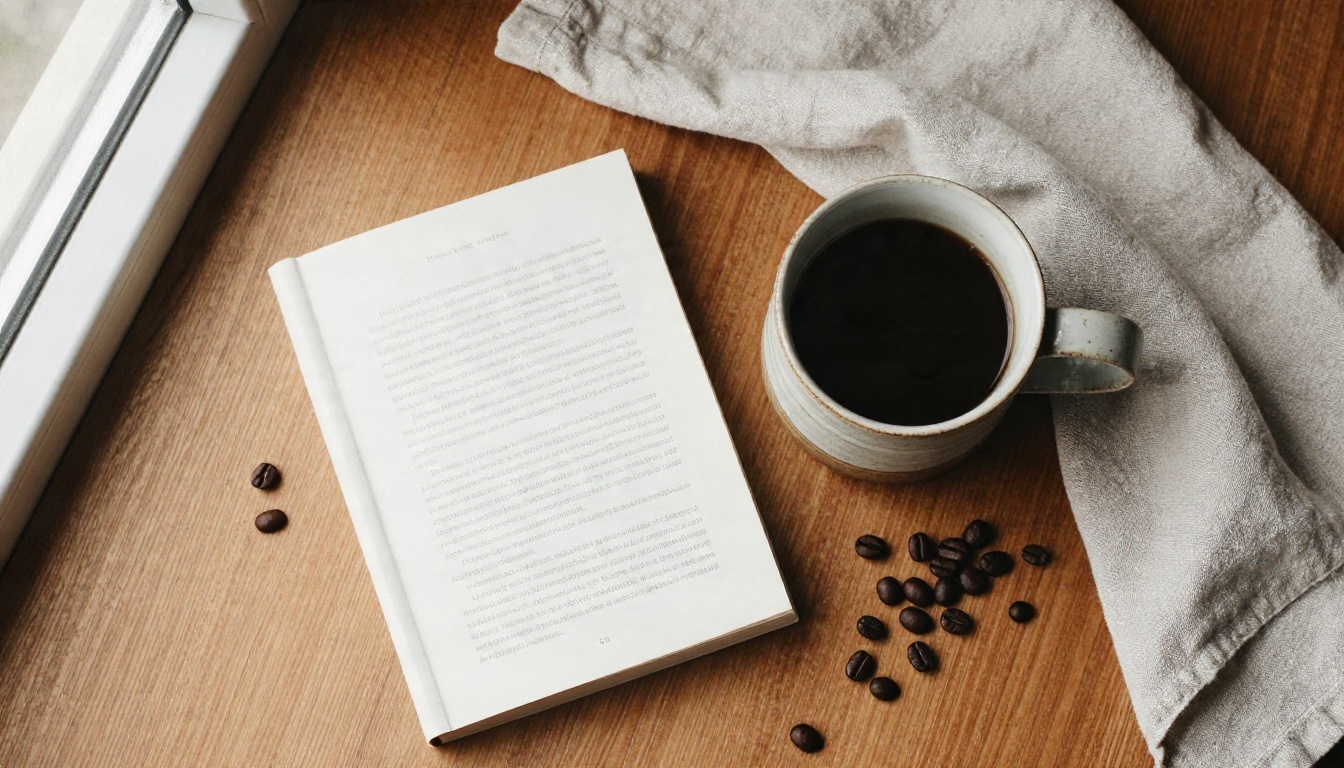
Prompt: Overhead flat lay of [product] on a warm oak table, linen napkin and scattered coffee beans, soft window light from the left, 35mm f/4, visible wood grain, cozy neutral tones.
Flat lays are the easiest background to get right because there is no depth to fake. They are ideal for free tools with lower resolution, since the composition forgives small flaws.
Seamless Studio Backdrops for Portraits
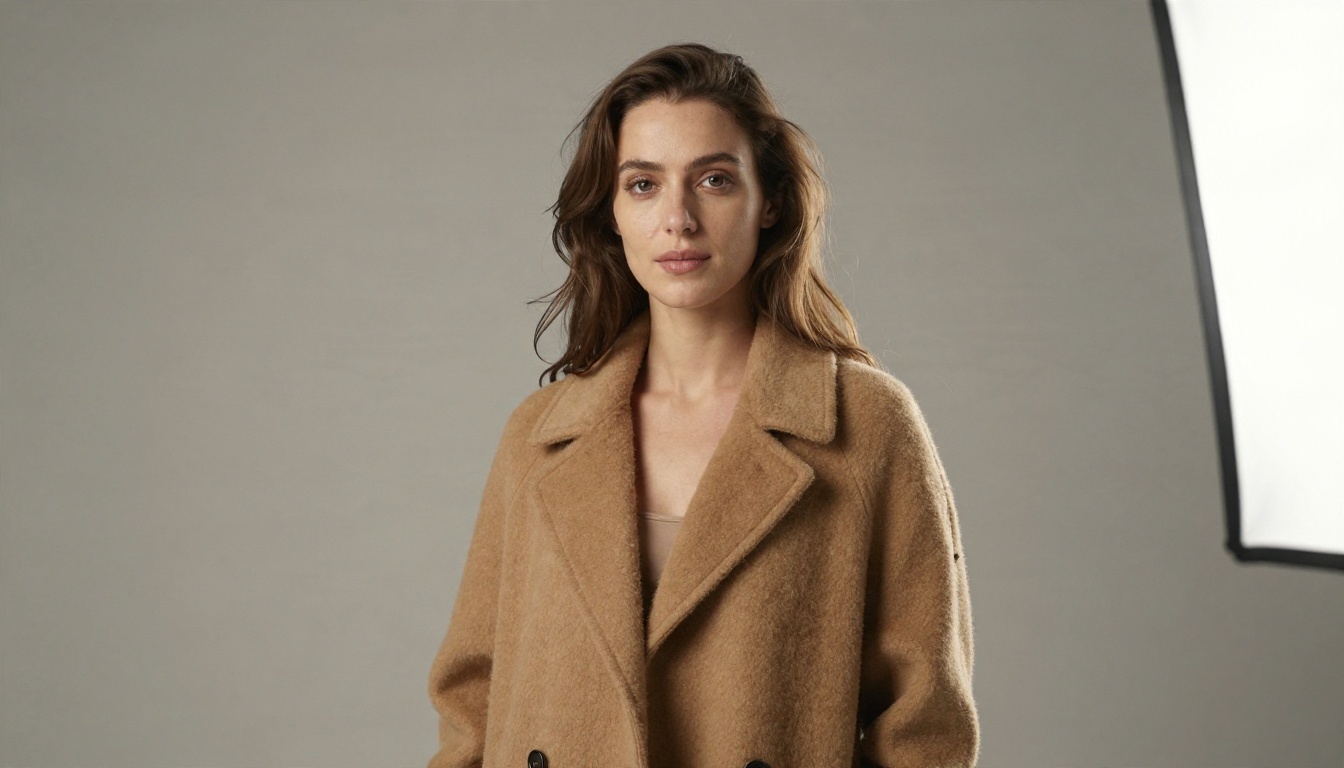
Prompt: Medium portrait of [person] in front of a plain seamless warm grey studio wall, large softbox from camera right with gentle gradient falloff on the wall, 85mm f/1.8, natural skin texture, calm expression.
The gradient falloff phrase matters. A perfectly flat backdrop looks fake. A wall that is slightly lighter near the subject and slightly darker at the edges looks like a real studio.
Empty Rooms for Virtual Staging
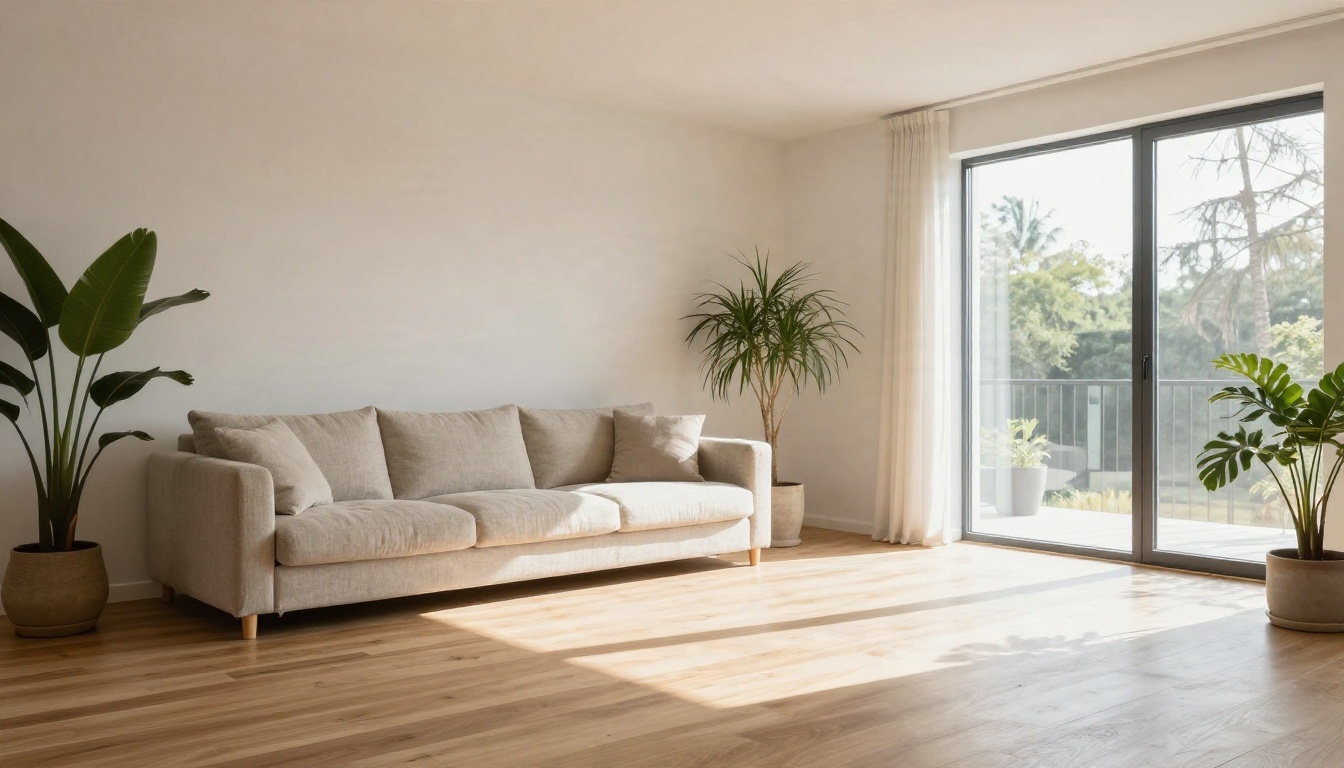
Prompt: Wide shot of a bright Scandinavian living room, linen sofa, oak floor, tall plants, large windows, morning sunlight from the right across the floorboards, 24mm f/5.6, airy neutral palette, no people.
Wide lenses (24mm) and a slightly low camera make rooms feel taller. State "no people" so the model does not add figures you then have to remove.
Drinks, Droplets and Dark Moods
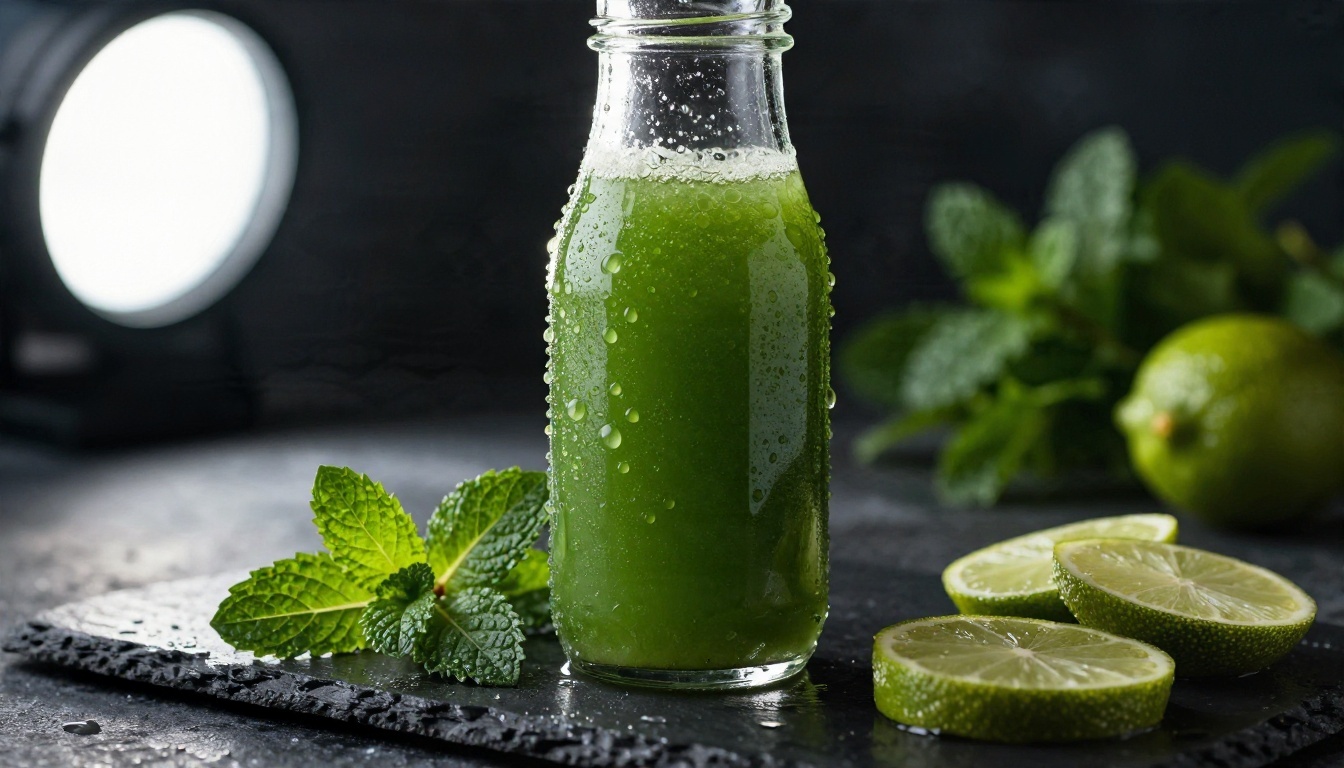
Prompt: Macro of [bottle] on a wet slate surface, fresh mint and sliced limes beside it, dark blurred greenery behind, single soft light from behind-left for rim glow, 100mm macro f/2.8, crisp condensation droplets.
Dark backdrops hide imperfections and make glass and liquid pop. Rim lighting from behind is what gives the bottle its edge.
City Bokeh Behind a Person
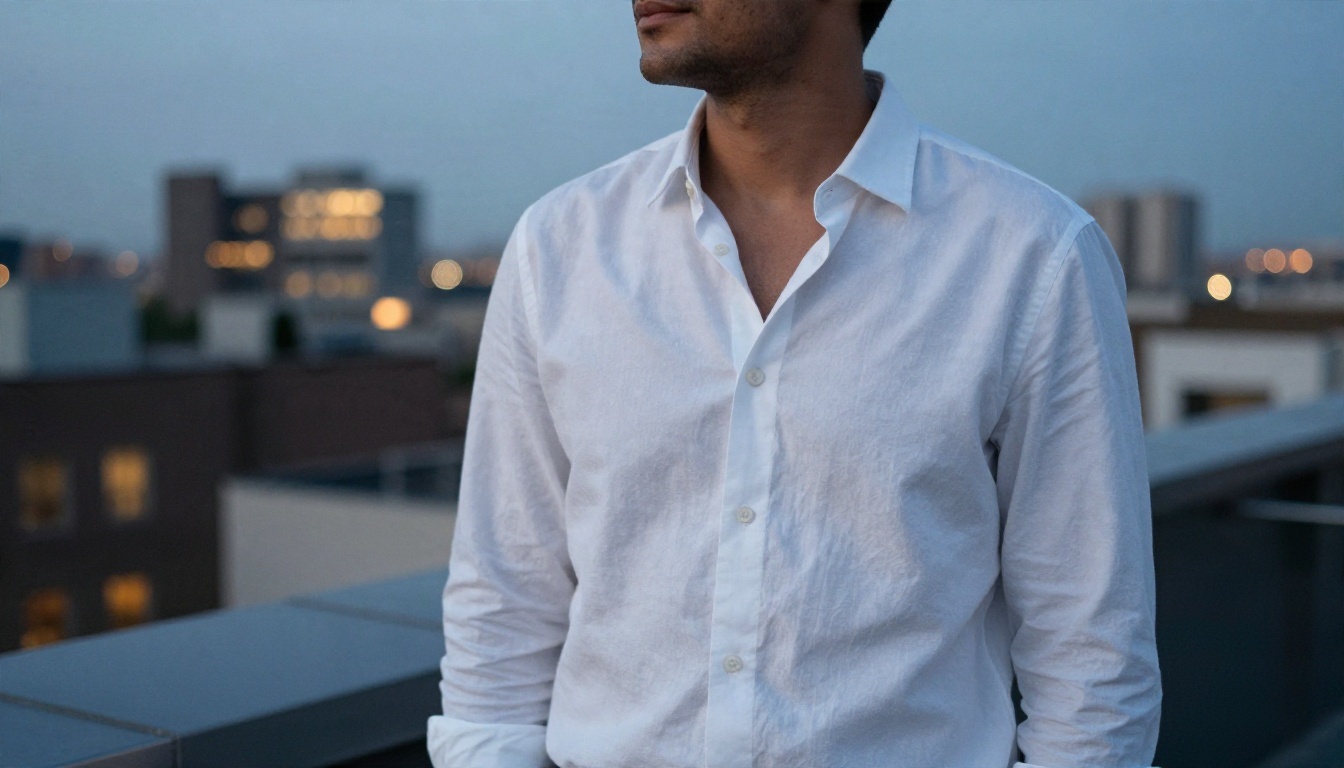
Prompt: Three-quarter portrait of [person] in a navy blazer on a rooftop terrace at blue hour, blurred city skyline with warm window lights, subtle warm light from the left, 85mm f/1.4, creamy bokeh.
Good for LinkedIn headshots and speaker bios. Keep the skyline blurred. A sharp skyline competes with the face.
Aerial and Travel Scenes

Prompt: High-angle aerial of a quiet tropical beach, turquoise water meeting pale sand, a single wooden lounge chair in the lower third, mid-morning sun from behind the camera, 24mm drone lens, generous empty space at the top for a headline.
Travel and hospitality banners need empty areas where text will sit. Asking for it in the prompt saves you from cropping later.
Workspaces and Lifestyle Scenes
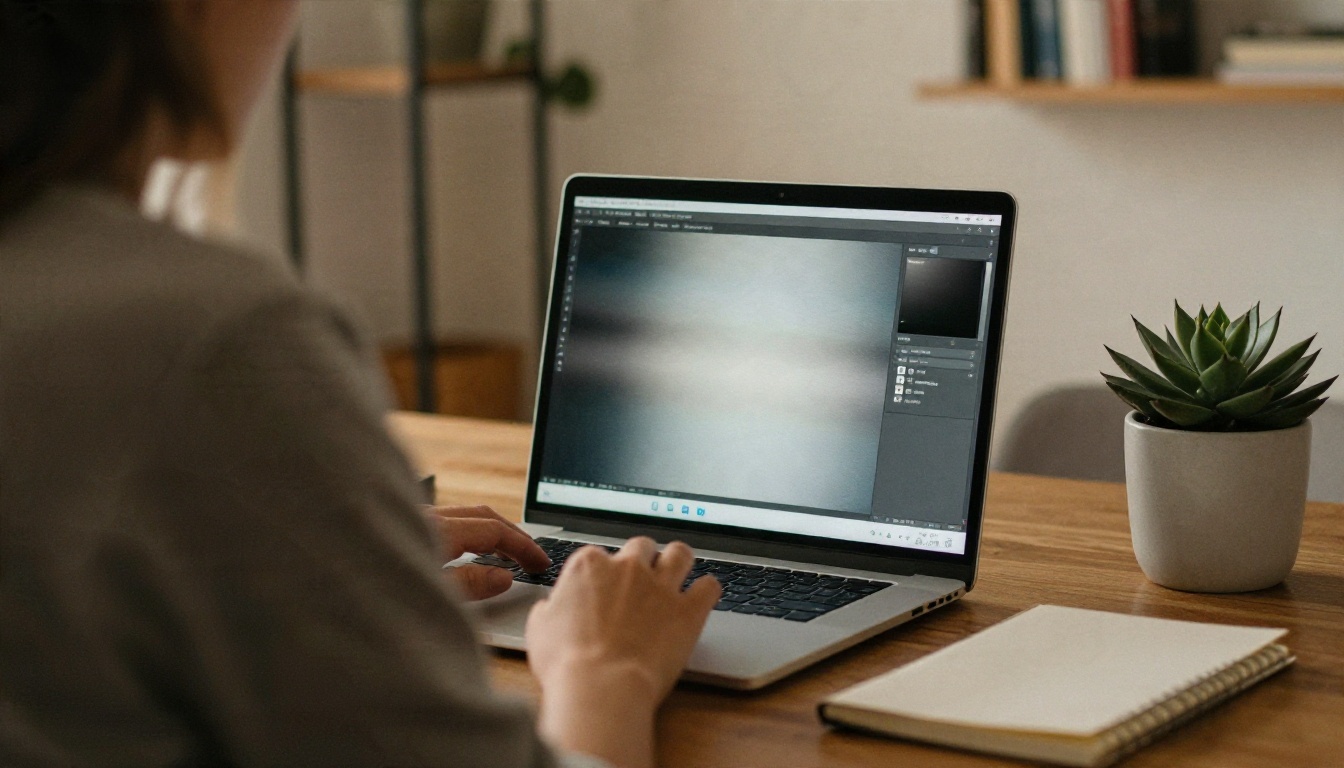
Prompt: Designer's desk with a laptop, linen notebook and small succulent, softly blurred bookshelf wall behind, late afternoon sidelight from the left, 35mm f/2.0, warm neutral tones, screen showing a blurred gradient.
Tell the model what is on the screen. Otherwise it invents garbled interface text, which is one of the most common giveaways of AI imagery.
Pastel Walls and Hard Shadows
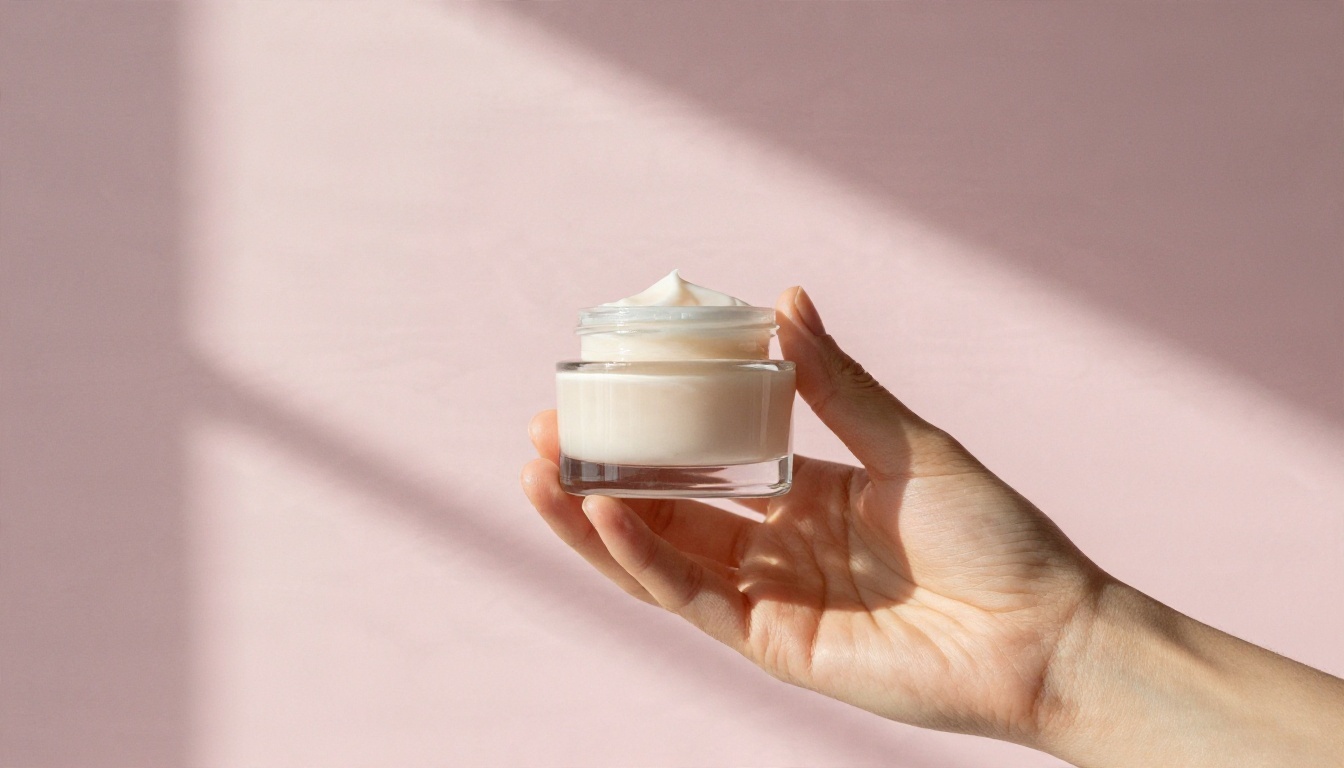
Prompt: Low-angle shot of hands holding a small glass jar of face cream against a pale pink plaster wall, soft diagonal window shadow, gentle morning light from the left, 70mm f/2.8, blush and cream tones.
A window shadow across a plain wall is a quick way to add realism. It suggests a real room exists just outside the frame.
12 More Prompt Starters
Short seeds you can extend with the five-part formula:
- Sunlit bakery counter with flour dust and a wooden board, 50mm, warm tones
- Terracotta tiles and a green plant leaf shadow, midday light
- Foggy pine forest edge at dawn, soft diffused light
- Polished concrete floor in an empty gallery, skylight overhead
- Rattan table on a balcony, linen curtain moving, early morning
- Dark walnut desk with a brass lamp lit softly, evening
- Gravel path in a Japanese garden, overcast sky, moss texture
- Weathered white-painted wood boards, soft side light
- Seamless sand-colored paper backdrop with a curved sweep
- Kitchen island in pale stone with a window behind, morning
- Cobblestone square in a European old town, soft overcast
- Sunset desert dunes with long low shadows, wide lens
Free Options Worth Trying
You do not need a paid plan to test every idea above.
Free Generators for Full Scenes
Several text-to-image models on Picasso IA are listed as free to try. Nano Banana Pro is built for sharp, detailed images and handles long prompts well. Nano Banana is useful when you want to generate and edit in the same tool. Flux 2 Klein 9B Base LoRA is a lightweight option for fast tests.
💡 Tip: Run your first five drafts on a fast, cheap model. Once the prompt is right, move the same text to a higher-quality model for the final render.
Free Tools for Cutouts and Swaps
For replacing a background on a photo you already own, use Remove Background for clean edges, or Recraft Remove Background as a second opinion when hair or fine edges look rough. Then place the cutout on a scene you generated.
| Option | Best at | Watch out for |
|---|
| Nano Banana Pro | Detailed, sharp scenes | Very long prompts can drift, keep to five parts |
| Nano Banana | Generate plus edit | Edit one thing at a time |
| Flux 2 Klein 9B Base LoRA | Quick draft testing | Less fine texture than top-tier models |
| Remove Background | Clean product cutouts | Glass and transparent objects need a check |
| Product Cutout | Shop-style packshots | Best on objects, not people |
Settings That Actually Matter
Most people change the wrong settings. These are the ones that move the result.
Aspect Ratio First
Pick the final ratio before you generate. A 16:9 scene cropped into a square loses the negative space you asked for. Use:
- 16:9 for blog headers, banners and video thumbnails
- 1:1 for marketplace listings and social posts
- 4:5 or 3:4 for portrait feeds and stories
- 9:16 for vertical short video backgrounds
Resolution and Upscaling
Generate at a moderate size, then upscale the winner. Upscaling a good composition is cheaper and more reliable than regenerating at maximum size. If you need print or large banner quality, a super resolution step brings out the surface textures (stone pores, wood grain) that make a background feel physical.
Seeds and Iteration
When you find a layout you like, keep the seed and change one word at a time: the surface, then the light, then the palette. Changing five things at once makes it impossible to tell which one helped.
Lighting Words That Work
| Say this | Get this |
|---|
| soft window light from the left | gentle shadows, natural depth |
| overcast diffused daylight | no harsh shadows, calm tones |
| golden hour from camera left | warm glow, long soft shadows |
| single light from behind for rim glow | glass and liquid edges pop |
| softbox with gradient falloff | believable studio wall |
Lens Words That Work
- 24mm: rooms and wide travel scenes
- 35mm: desks, flat lays, lifestyle
- 50mm: street and everyday products
- 85mm f/1.4 to f/1.8: portraits with creamy bokeh
- 100mm macro: drinks, jewelry, cosmetics
How to Use Seedream 4.5 on PicassoIA
Seedream 4.5 is a strong pick for backgrounds because it follows detailed scene descriptions closely and renders surface textures well.
- Open the model page on Picasso IA and find the prompt box.
- Paste a five-part prompt. Start with one of the examples above and replace the product name.
- Set the aspect ratio that matches your final use, for example 16:9 for a banner.
- Generate a first draft and check three things: the light direction, the edges of any shadow, and whether text or logos appeared by accident.
- Change one variable and run again: surface, light or palette, not all three.
- Pick the best result, then upscale it if you need extra resolution.
- Place your subject by running a cutout tool on your product photo and layering it onto the scene in any editor.
For a quick alternative with the same workflow, try Seedream 5 Pro when you need sharper 2K output.
Common Mistakes to Avoid
Writing Praise Instead of Details
"Stunning, ultra beautiful, masterpiece" tells the model nothing. Replace each adjective with a physical fact: a material, a light direction, a lens.
Mismatched Light
If your product photo is lit from the right and the generated background has sun from the left, the result looks pasted. Match the direction in the prompt, or shoot the product under soft, even light so it fits anywhere.
Too Much Background Detail
A busy scene steals attention. Use shallow depth of field words such as "softly blurred" or "creamy bokeh" so the backdrop supports the subject instead of competing.
Forgetting Negative Space
If a headline or price tag goes on the image, ask for empty space on one side. Fixing it afterward means cropping and losing resolution.
Letting the Model Write Text
Signs, screens and labels often come out as gibberish. Say "no text" or describe screens as "blurred gradient." Add real lettering in an editor later.
Try Your Own Backgrounds Today
Pick one prompt from this list, swap in your own product or subject, and run it on Seedream 4.5 or Nano Banana Pro. Change only the light, then only the surface, then only the palette, and compare the three results side by side. Within ten minutes you will have a small set of backgrounds you can reuse for every product, headshot or banner you make. Open Picasso IA, paste your first prompt, and see how far a single well-written line can go.


