The phenomenon quietly changed in 2024. What started as chatbots with static anime profile pictures evolved into something people actually want to spend time with: AI companions that chat with personality, speak in real voices, and look like they stepped out of a premium anime series. If you have been watching this space, you already know the gap between what was possible two years ago and what you can build today is staggering.
This article covers exactly how these companions work across three layers, which AI models power each one, and how you can build your own on PicassoIA today.
What Makes an Anime AI Companion Actually Work
Three layers, one experience
An anime AI companion is not a single technology. It is three separate AI systems working together so smoothly that the seam between them disappears:
- The conversation layer handles personality, memory, and natural dialogue. This is where large language models live.
- The voice layer converts the companion's text responses into expressive speech that matches the character's emotional tone.
- The visual layer generates and maintains the companion's appearance, from a static portrait to animated expressions.
Get all three right, and the result feels genuinely alive. Miss any one of them, and the illusion collapses.
Why anime aesthetics hit different
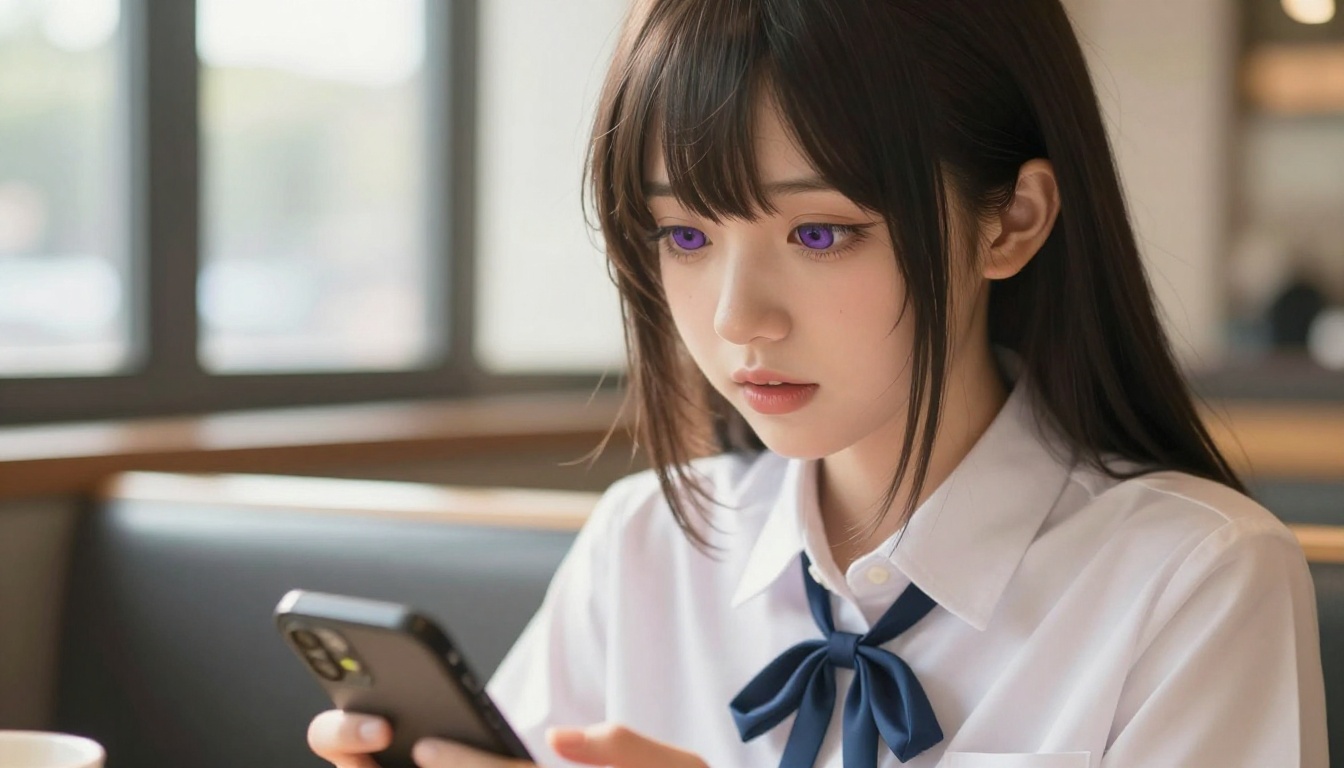
Anime character design has a specific visual grammar that millions of people recognize instantly: large expressive eyes, precise color-coded hair, clean lines that communicate personality at a glance. These traits are not arbitrary. They are a century of iterative design refinement aimed at one goal: making a character legible and emotionally resonant as fast as possible.
That is exactly what you want in a companion. A character who reads instantly as warm, curious, or fierce does not need paragraphs of backstory. The visual does half the work.
The Chat Layer: LLMs That Bring Characters to Life
The conversation layer is the spine of any anime AI companion. Without it, you have a pretty picture that says nothing. The quality of the large language model you choose determines whether the companion feels like a person or a vending machine.
Models built for personality
Not all large language models handle character roleplay equally well. Some models have been instruction-tuned in ways that make them rigid when you try to establish a persistent persona. Others handle it with surprising fluidity. Here is where the top models on PicassoIA sit right now:
| Model | Best For | Personality Flexibility |
|---|
| GPT 5 | Long-form conversations, nuanced backstory | High |
| Claude Sonnet 5 | Consistent character voice, creative writing | Very High |
| Gemini 3.5 Flash | Fast responses, image-context awareness | High |
| Kimi K2.6 | Agent tasks within conversation | Medium-High |
| Deepseek R1 | Reasoning through complex emotional scenarios | High |
💡 Tip: For companion applications, system prompts are everything. A 300-word character brief fed to Claude Sonnet 5 will produce a more consistent persona than a 10-word one fed to any model.
GPT 5 vs Claude Sonnet 5 for companion chat
This comes up constantly, so let's settle it directly. GPT 5 has a slight edge for companions that need to reference real-world knowledge mid-conversation. Claude Sonnet 5 tends to stay in character better across longer sessions. Neither is definitively better; they suit different companion personalities.
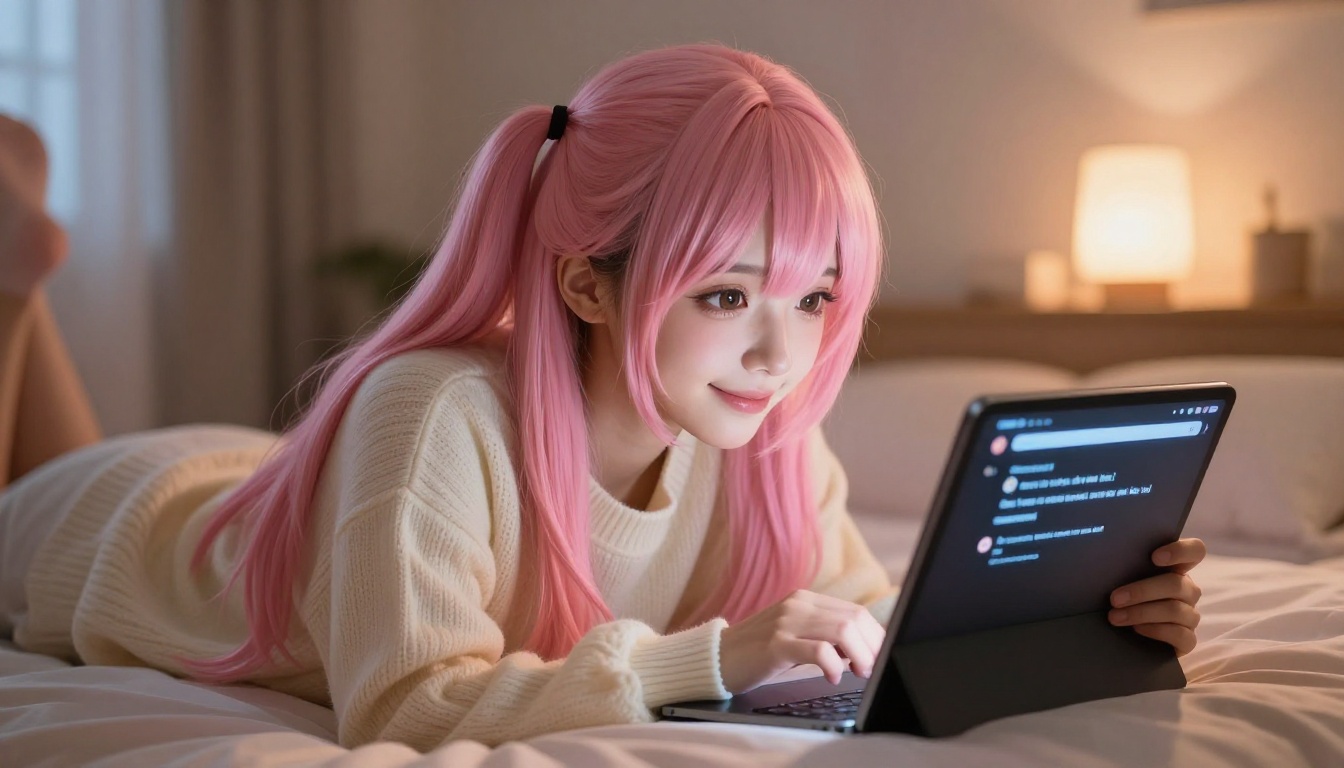
For a studious, intellectual anime companion: GPT 5. For one who is emotionally perceptive and warm: Claude Sonnet 5. For something that needs to react to images you share in the chat: Gemini 3.5 Flash handles multimodal inputs natively.
Open-source options worth considering
If you are building a private companion application and care about data sovereignty, Llama 4 Maverick Instruct from Meta is the strongest open-weight model for this use case. Deepseek v3.1 is another solid choice, particularly for users who want a model trained on culturally adjacent data.
Both are available on PicassoIA, meaning you do not need to host them yourself to test them in your workflow.
The Voice Layer: Text-to-Speech That Sounds Like Anime
Voice changes everything. The same text response that reads as warm and affectionate in plain chat becomes deeply personal when delivered in a voice with appropriate pacing, pitch, and emotional texture. This is where the experience goes from "this is cool" to "I want to come back to this."
ElevenLabs v3 for expressive voices
ElevenLabs v3 is currently the best model available for expressive, emotionally variable voice synthesis. It can handle pacing changes, soft sighs, enthusiasm spikes, and hesitation in a way that cheaper models cannot. For a companion whose emotional expressiveness is part of the character design, it is the correct starting point.
The voice cloning feature is particularly useful here: you can clone a specific voice profile and use it consistently across all the companion's speech, creating strong character identity through audio alone.
Speech 2.8 HD for studio quality
When you want audio that sounds like it belongs in a production anime, Speech 2.8 HD from MiniMax is the model to reach for. The HD variant sacrifices the low latency of the turbo version for noticeably higher fidelity. It handles Japanese loanwords and onomatopoeia naturally, which matters a lot when your companion speaks in a style that blends English with Japanese expressions.
Speech 2.8 Turbo is the better pick if you are building a real-time conversation loop where response latency above 300ms breaks the flow.
Real-time voice for live conversations
Two models stand out for near-instant speech synthesis:
- Realtime TTS 2 from Inworld: built specifically for AI character applications with sub-100ms latency.
- Flash v2.5 from ElevenLabs: ultra-fast, 32-language support, ideal for companions that switch between English and Japanese mid-conversation.
💡 Architecture tip: Use a fast model like Flash v2.5 for real-time spoken responses and batch the companion's longer explanatory responses through Speech 2.8 HD for higher quality audio playback.
For voice cloning and building a signature voice for your specific character, Chatterbox Pro from Resemble AI remains one of the most controllable models available. Its emotion control parameters let you dial in exactly where on the spectrum between cheerful and melancholic a given line should land.
The Visual Layer: How Anime Companions Actually Look Real
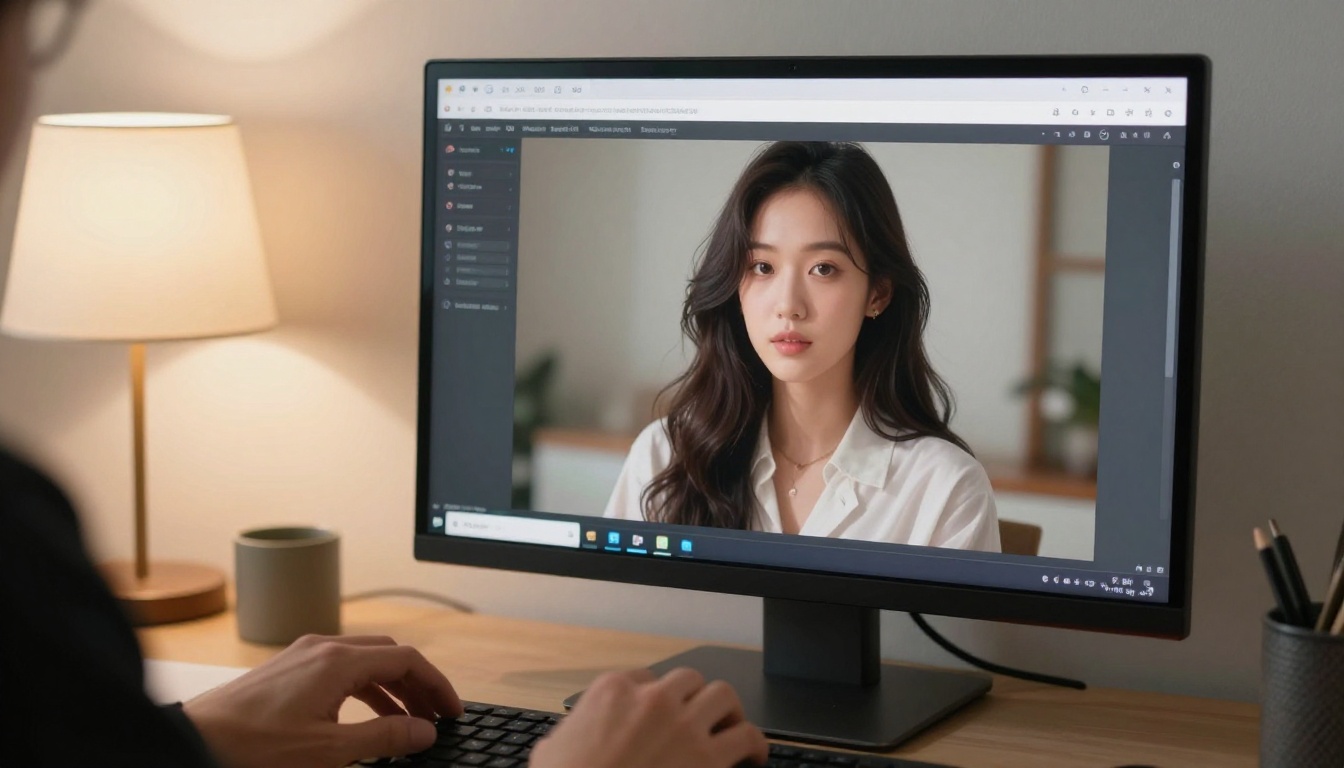
This is the layer most people focus on first, and it is also where the biggest leaps have happened. Generating a single static anime-aesthetic portrait used to require hours of prompting iteration. Today you can produce a photorealistic character with consistent aesthetic features in a single generation.
What makes an anime aesthetic in AI-generated images
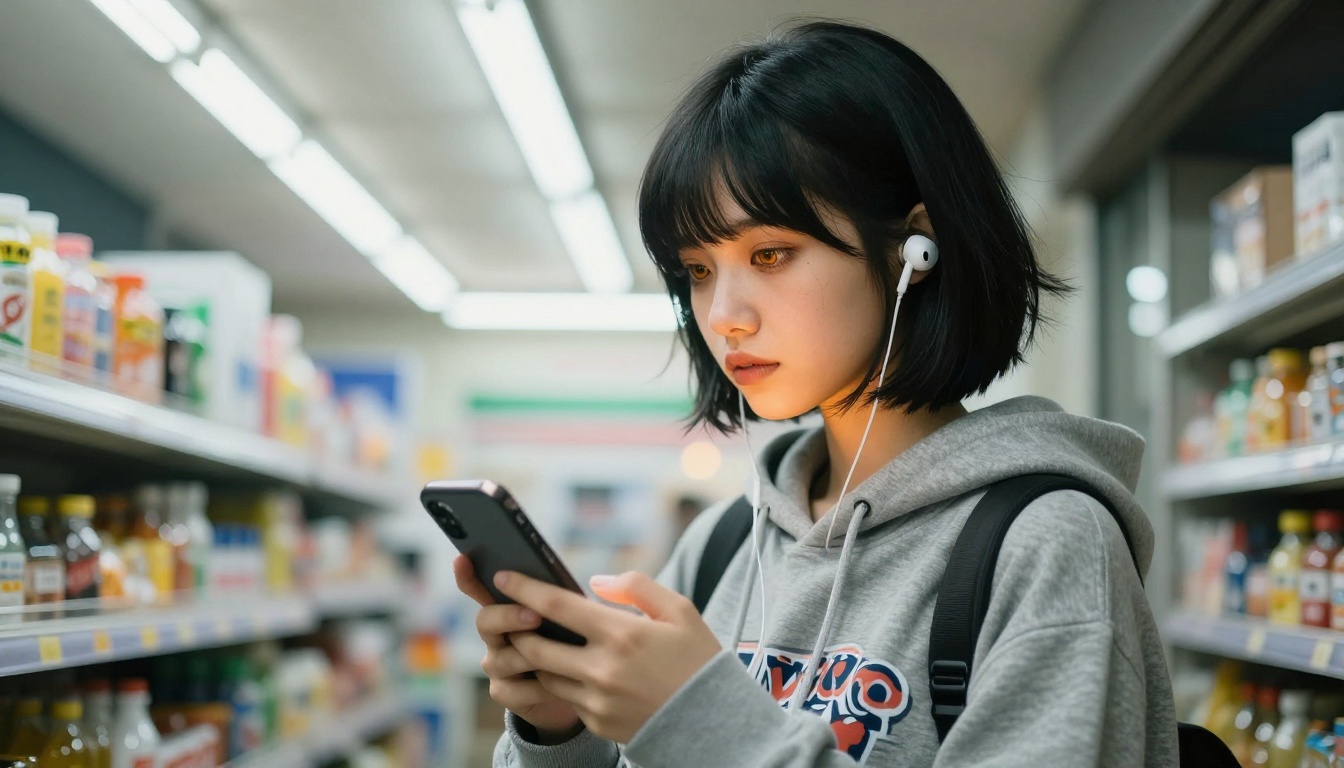
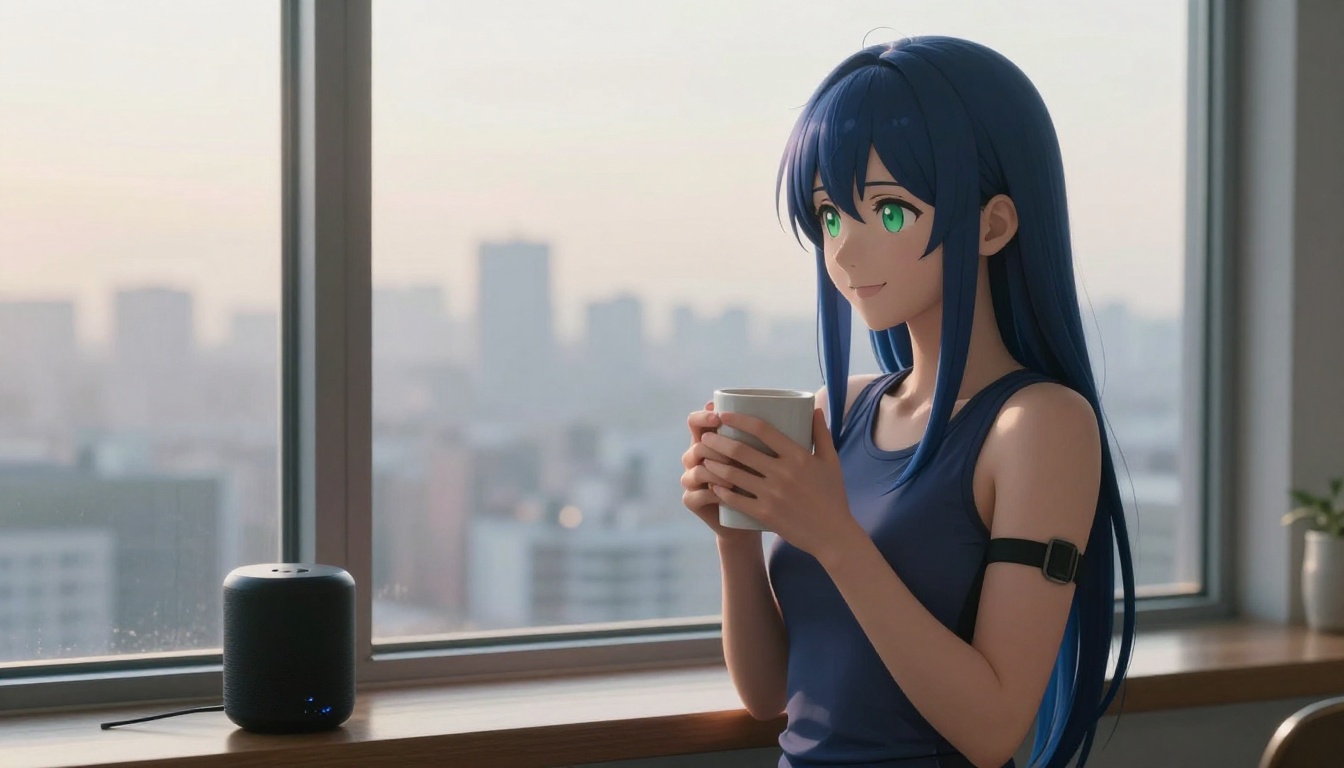
The term "anime aesthetic" is often misunderstood to mean "drawn." The most compelling AI companions do not look like screenshots from an anime series. They look like a real person who has the visual features associated with anime character design: large luminous eyes, specific hair textures, clean skin, vivid hair color. The image still reads as a photograph of a real person.
This distinction matters for immersion. A clearly illustrated character keeps you at arm's length. A photorealistic person with anime-style features invites genuine emotional connection.
The image models on PicassoIA
PicassoIA's text-to-image collection includes over 90 models capable of generating anime-aesthetic portraits. The platform's generation tools handle the photorealistic anime-adjacent style particularly well, producing images with the natural lighting and film-grain texture that distinguishes professional portrait work from flat AI output.
Important generation parameters for anime companion portraits:
- Aspect ratio: 16:9 for scene context; 1:1 or 9:16 for portrait-focused shots
- Camera lens emulation: 85mm f/1.4 for the slight compression and bokeh that flatters faces
- Lighting direction: Specify whether light comes from left, right, or above. Front-lit images lose depth.
- Film stock: Kodak Portra 400 in prompts reliably produces warm, skin-flattering tones
From portraits to scenes
A single portrait establishes identity. A series of images placed in different environments builds a world. When generating companion visuals, think in terms of scenarios rather than headshots:
- Morning: bedroom, sunlight, casual clothes
- Evening: café, warm lamps, relaxed expression
- Outdoor: street, city, animated body language
- Focused: desk, study, thinking pose
Each scenario adds a facet to the character's perceived personality without writing a word.
How to Build an Anime AI Companion on PicassoIA
You do not need to integrate three separate APIs. PicassoIA hosts all three layers in one place.
Step 1: Generate the character's visual identity
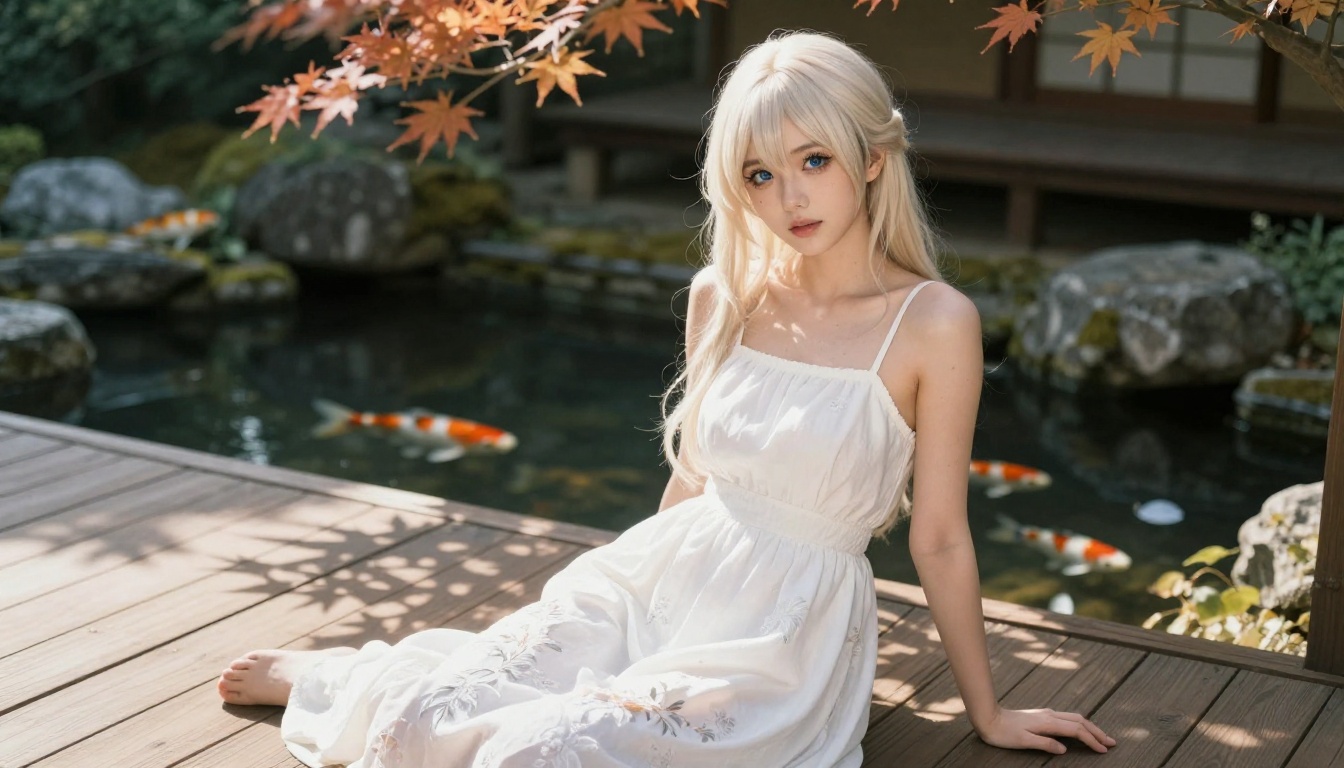
Start in the text-to-image collection on PicassoIA. Write a prompt that establishes the character's core visual traits: hair color and length, eye color, clothing style, the emotion you want the default expression to convey. Generate 4 to 6 variations and select the one that feels most like the character you have in mind.
💡 Consistency tip: Save the seed number of your favorite generation. Varying from the same seed with small prompt edits produces related images that look like the same person across different scenes.
Step 2: Write the character system prompt
The LLM system prompt is where the companion's personality lives. A well-constructed one covers:
- Name and background: who she is and where she is from
- Speech patterns: formal vs. casual, use of Japanese honorifics, verbal tics
- Emotional defaults: is she warm and open or reserved and dry?
- Knowledge and interests: what she talks about confidently vs. what she defers on
- Relationship dynamic: how she relates to the user specifically
Feed this to GPT 5 or Claude Sonnet 5 and test with 10 to 15 open-ended messages before finalizing.
Step 3: Select and configure the voice
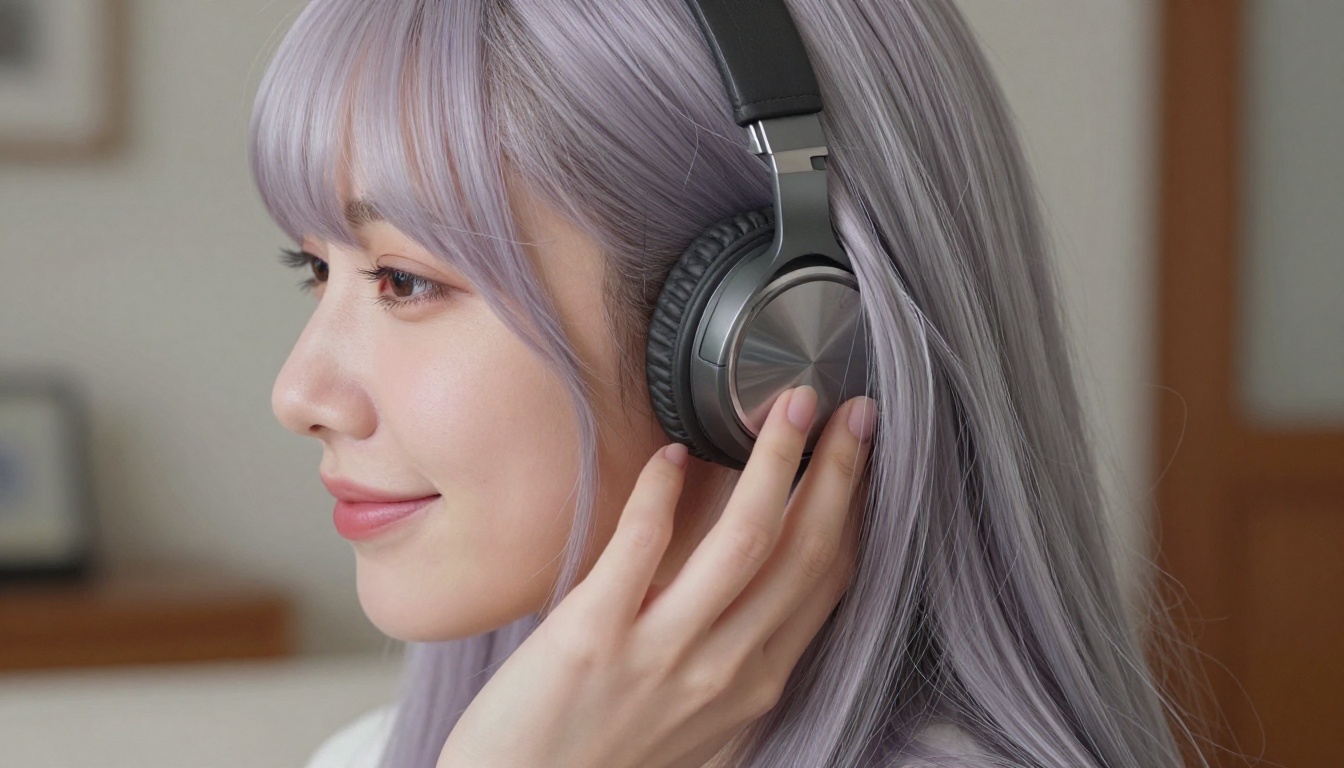
Go to the text-to-speech collection and audition voices against a sample of the companion's text responses. The right voice will feel immediately correct for the character's visual design. A mismatch between a companion's appearance and voice personality breaks immersion faster than almost anything else.
For a companion that leans warm and gentle, ElevenLabs v3 with a soft vocal profile works well. For something more energetic, Qwen3 TTS handles rapid speech without distortion.
Who Is Actually Using Anime AI Companions
The real audience
The popular assumption is that anime AI companions are purely for social isolation. The actual user base is broader and more varied:
- Language learners: immersive Japanese conversation practice with a companion that corrects gently and adjusts vocabulary to the learner's level
- Writers and worldbuilders: using companions as interactive character development tools, testing backstories and dialogue in real conversation
- People working through social anxiety: low-stakes practice environment for conversation skills before applying them in real life
- Entertainment: straightforward enjoyment of an interactive narrative experience with a character whose personality they helped shape
💡 None of these use cases requires the companion to replace human relationships. They are additive, not substitutive.
Companion apps vs. custom builds
There are several polished companion apps on the market with pre-built anime characters. The advantage of building on PicassoIA instead:
| Pre-built Apps | PicassoIA Custom Build |
|---|
| Character control | Limited presets | Full design freedom |
| Model quality | Often older models | Top-tier current models |
| Voice customization | Fixed or minor variation | Full voice design |
| Privacy | Varies by provider | Your data, your build |
| Cost | Subscription | Pay per use |
The pre-built apps make sense for casual experimentation. If you want a companion that feels genuinely yours, the custom approach wins on every axis that matters.
What Is Actually Possible Right Now
Genuine conversations with memory
Modern LLMs can maintain context over very long conversations. GPT 5 Pro with its extended context window, and Kimi K2.6 which was trained with long-range memory in mind, both handle session-spanning continuity better than models from even 18 months ago. The companion can remember things you told her in session one when you return in session twenty.
Voice that responds to emotional context
The best TTS models now pick up emotional cues from the text they are given. Feed Chatterbox Pro a line of text that reads as excited and it will pace faster and lift pitch slightly without explicit instruction. Feed it something sad and it softens. This is not magic; it is what good emotional TTS looks like in 2027.
Visual consistency across scenes
Using PicassoIA's image generation tools with consistent seeds, negative prompts, and detailed character briefs, you can generate the same character in dozens of different environments while maintaining recognizable features. The gap between "same character" and "random similar-looking person" has closed significantly.

The limits that still exist
Honesty matters here. Several things are still genuinely hard:
- Cross-session memory without external storage: LLMs do not natively remember between API sessions. You need to implement a memory layer yourself, typically by summarizing and re-injecting prior context.
- Perfectly consistent faces across generations: No image model produces 100% consistent faces across wildly different prompts. Realistic expectation: strong family resemblance across images, not photographic identity.
- Real-time streaming voice with zero latency: Sub-50ms TTS is available in certain configurations, but synchronized lip movement on animated avatars adds significant complexity.
These are engineering problems with active solutions in development, not blockers that prevent you from building something compelling today.
Try It for Yourself
Everything described in this article is available on PicassoIA right now. The text-to-image tools generate the visual. The large language models power the conversation. The text-to-speech models give it a voice.
The interesting creative work is in the design choices: who is this character, what do they sound like, what do they care about, how do they relate to you? That part is entirely yours.
Pick a model from the large language models collection, find a voice in text-to-speech, generate the character's portrait in the image collection, and see how far you can take it. The tools are ready when you are.


