Sitting in a barber chair and saying "just a little off the sides" is a gamble most men have lost at least once. AI hairstyles for men take the guessing out of it: you upload one selfie, pick a cut from a list, and see that exact cut on your own face, with your own jaw, ears and hairline, in a few seconds. This article walks through how to try on haircuts from a selfie, how to take a photo the model can actually read, which styles and hair colors deserve a test run first, and how to walk into the barbershop holding a result instead of a vague idea.
Why Guessing a Haircut Fails
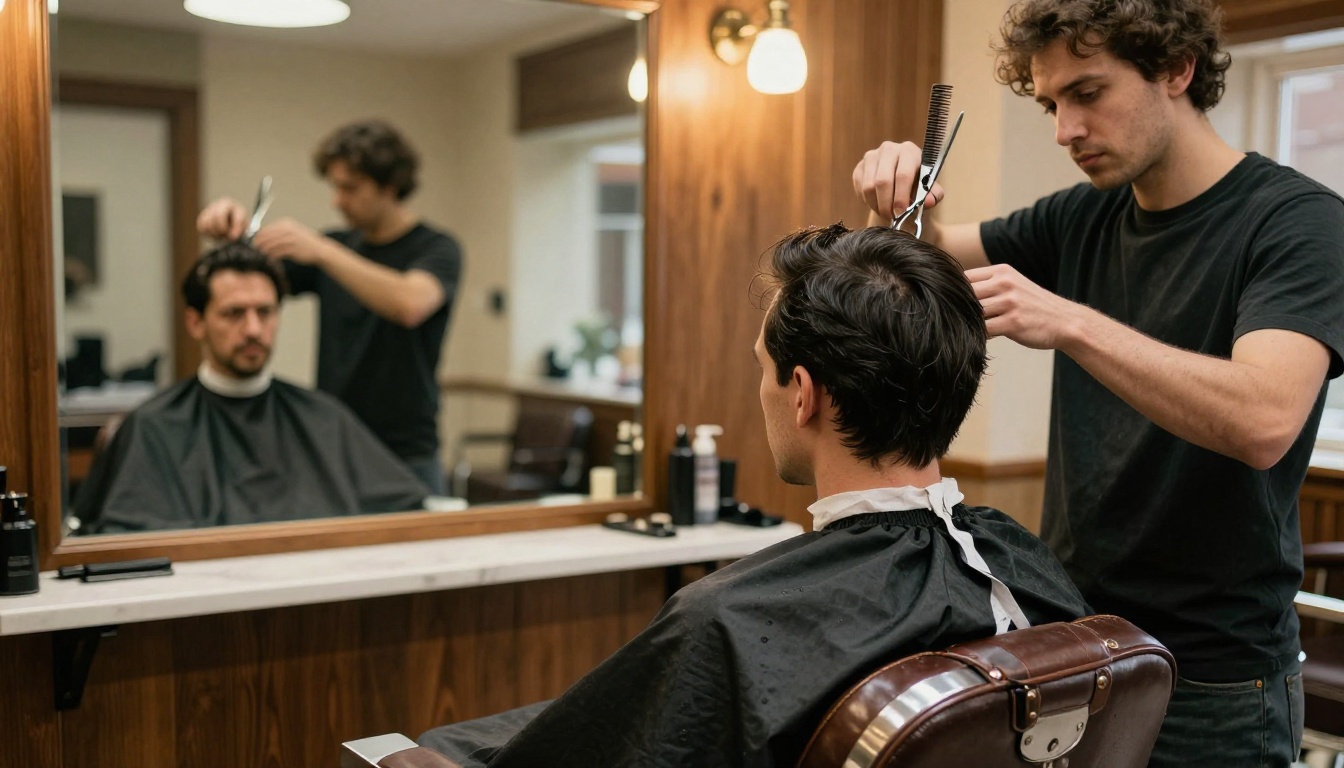
Most bad haircuts are not a skills problem. They are a communication problem. You describe a style with words like "short but textured" or "like that actor's hair", the barber pictures something different, and you only find out which picture won once the clippers have stopped.
The Barber Chair Gamble
A celebrity reference photo shows a haircut on someone else's head: a different hairline, a different forehead height, a different hair density and a different skull shape. Even a precise instruction such as "number two on the sides" lands differently on thick, wavy hair than on fine, straight hair. Hair grows roughly half an inch per month, so a wrong call means weeks of hats and regret.
What a Preview Changes
A good preview turns a vague wish into something you can check with your own eyes:
- Your face, your result. The edit happens on your own selfie, so jaw width, ear position and hairline stay yours.
- Fast comparison. Five or six styles take a few minutes, not five or six haircuts.
- A visual reference for the barber. A saved image beats ten minutes of hand gestures.
- Zero commitment. A color or a mohawk fade that looks wrong costs you nothing.
How AI Haircut Try-On Works
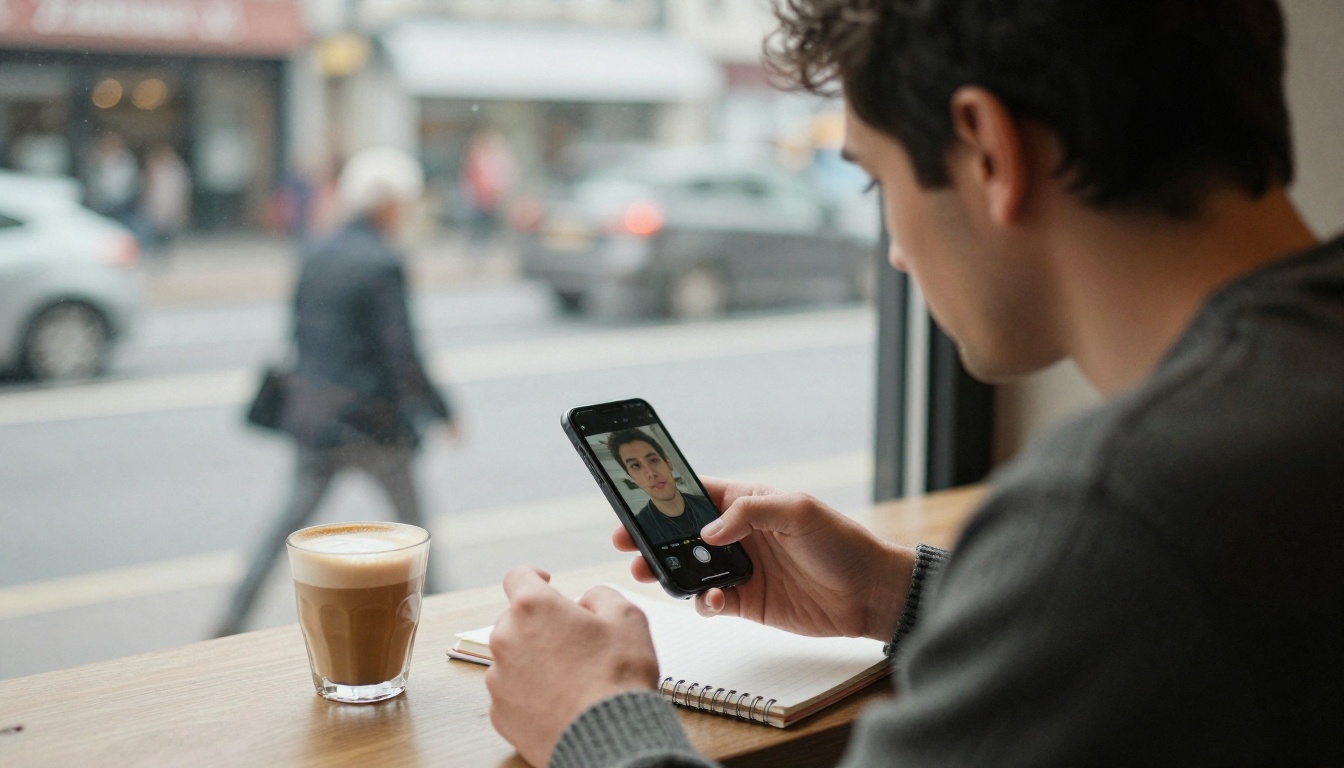
AI hairstyle try-on tools are image editing models. They take a photo of a person as input, change only the hair according to the style you picked, and leave the rest of the frame alone. The result is a new photo of you, not a cartoon overlay or a wig sticker dragged over your head.
One Selfie, One Selection
The Change Haircut model on Picasso IA works exactly like that. You upload a photo, choose a haircut from a dropdown of 100+ styles, optionally choose one of 30+ hair colors, and the model returns an edited image in seconds. Downloads arrive as clean PNG or JPG files with no watermark, ready to send to a friend or a barber.
What Stays Untouched
Face, skin tone, beard, clothes and background are meant to stay exactly as they were. Only the hair changes. That is what makes the preview useful: you judge the cut against the face you actually have.
💡 Honest limit: a preview shows the shape and style, but it cannot see your cowlicks, your real hair density or how your hair behaves when it dries. Treat it as a very good sketch, then let the barber confirm what your hair can really do.
Here is how the main ways of choosing a haircut compare:
| Method | Shows your face | Speed | Cost per try |
|---|
| Celebrity reference photo | No | Instant | Free |
| Salon consultation | Partly, in the mirror | 15 to 30 minutes | Free to low |
| Sticker filter apps | Yes, but looks fake | Seconds | Free to low |
| AI photo edit from a selfie | Yes, photorealistic | Seconds | Low |
Take a Selfie That Works
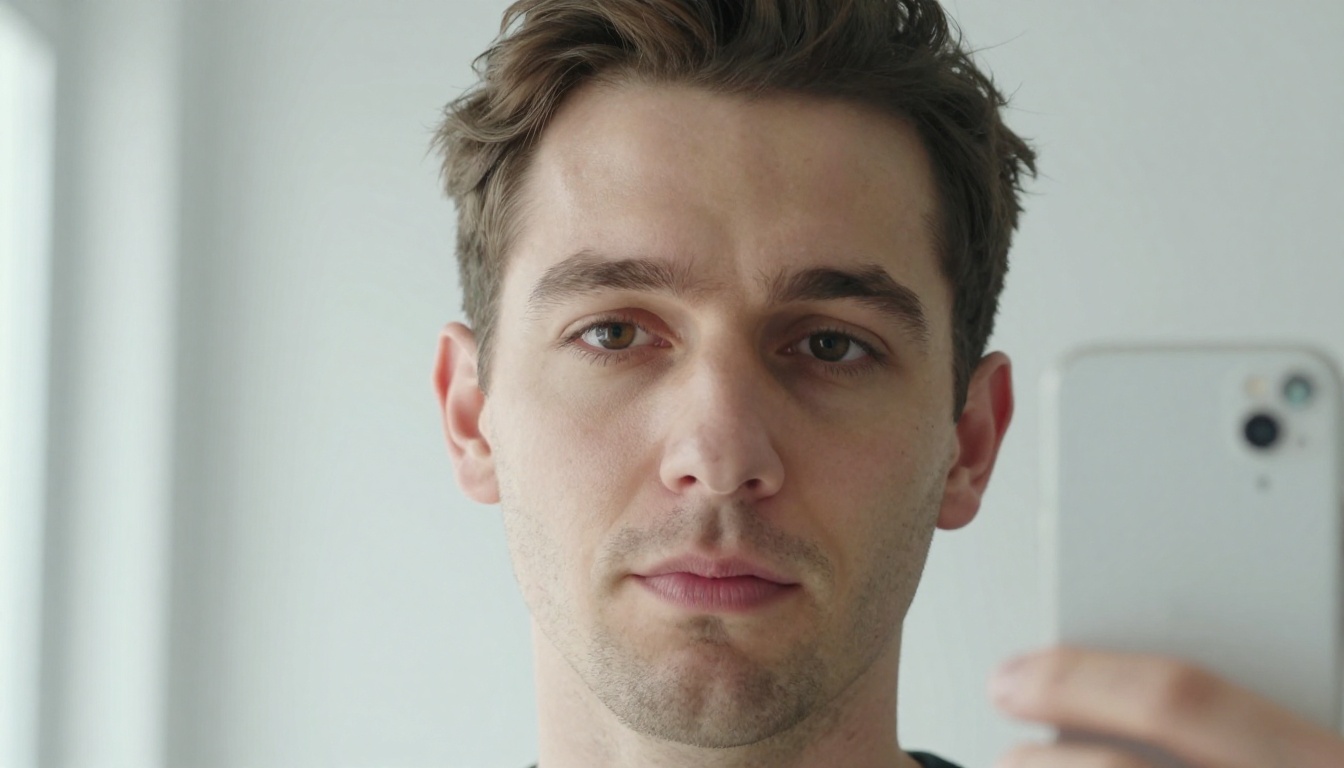
The quality of the preview depends heavily on the quality of the input. A blurry, shadowy photo taken from below gives the model very little to work with. A clean, front-facing, evenly lit photo gives it everything.
Light and Angle Rules
Follow these five rules and your first result will already look convincing:
- Face a window. Soft daylight beats any lamp, and flash flattens skin.
- Hold the phone at eye level. Shooting from below inflates the jaw and hides the hairline.
- Look straight into the lens. A neutral, relaxed face lets the edit stay natural.
- Keep your whole head in frame. Leave a little space above the hair so a taller style has room.
- Use one person, one photo. Group shots confuse the edit and shrink the face.
Hair and Ears Matter
Take off hats, push long hair back and let your ears show. The model needs to see where your hairline starts and how your head is shaped. If you wear glasses or a beard every day, keep them on: the edit leaves them alone and the preview matches your real look.
💡 Quick tip: shoot three selfies, one straight on and two turned slightly left and right. Run the same haircut on all three. If the style looks good from every angle, it is safe to book.
Haircuts Worth Testing First
Start with the cuts most men actually ask for, then widen the search. The Change Haircut dropdown includes a long list, and these are the names that matter most for short and medium men's hair:
| Style | Dropdown name | Works well on | Typical upkeep |
|---|
| Short and sharp | Crew Cut | Straight or wavy, thick hair | Trim every 3 to 4 weeks |
| Bold contrast | Undercut | Thick, straight hair | Trim every 3 to 4 weeks |
| Polished and formal | Slicked Back | Medium to thick, straight hair | Product daily |
| Classic office look | Side-Parted | Most hair types | Trim every 4 to 6 weeks |
| High and edgy | Faux Hawk | Thick, strong hair | Product daily |
| Natural movement | Curly, Wavy, Tousled | Textured hair | Trim every 6 to 8 weeks |
Upkeep decides whether a cut survives past the first week. A style that needs daily product and a trim every three weeks is a real commitment, so check that against your routine before you fall for the preview.
Crew Cut and Skin Fade
The crew cut is the easiest first test. It is short, clean and forgiving, and it shows your head shape and ear position without hiding anything. Pair it with a fade and the sides disappear into skin, which gives the whole face a sharper outline.
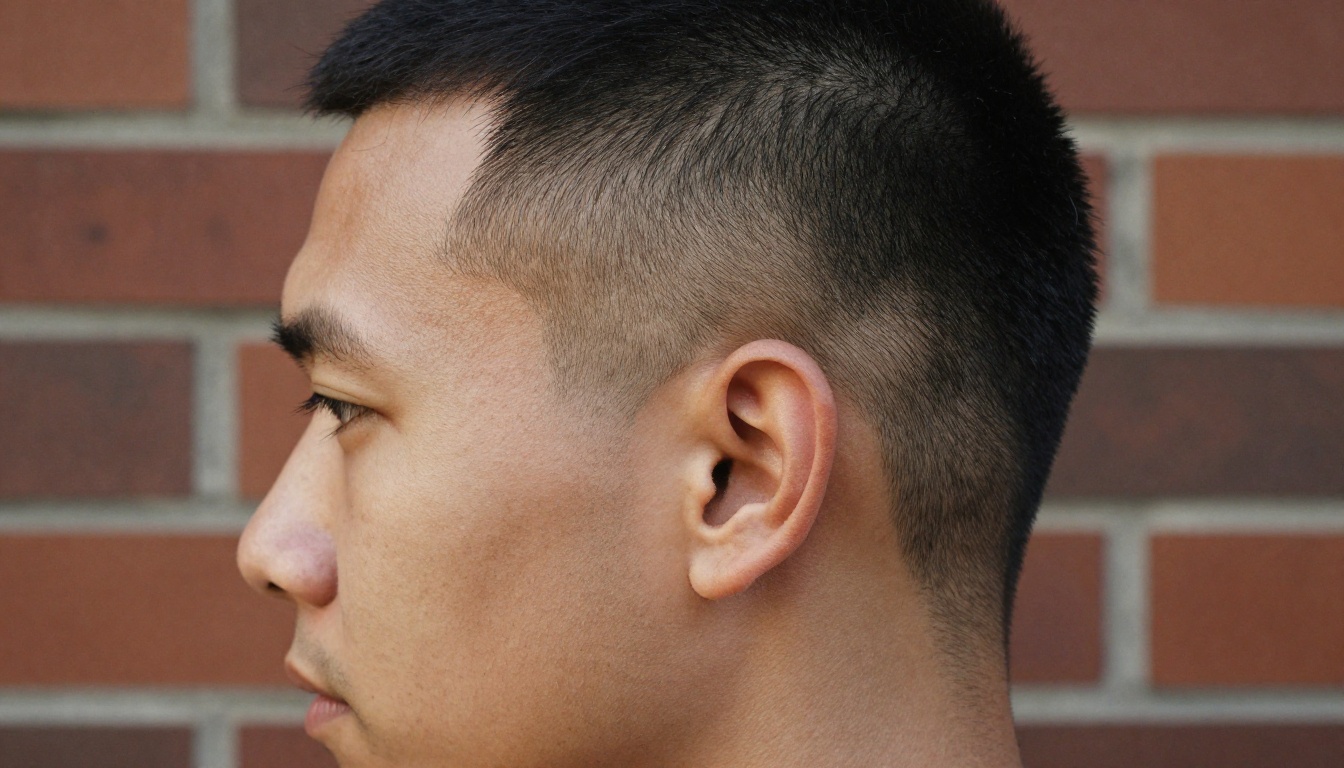
Try the Crew Cut, the Undercut and the Mohawk Fade on the same selfie. The three cuts sit on a spectrum from conservative to bold, and seeing them in a row makes it obvious how much contrast you are comfortable with.
Slicked Back and Side-Parted
Slicked back hair suits men who want to look put together in a suit or a clean shirt. It exposes the whole forehead, so the preview is especially useful here: some men love the strong, open face it creates, others prefer a bit of softness at the front.
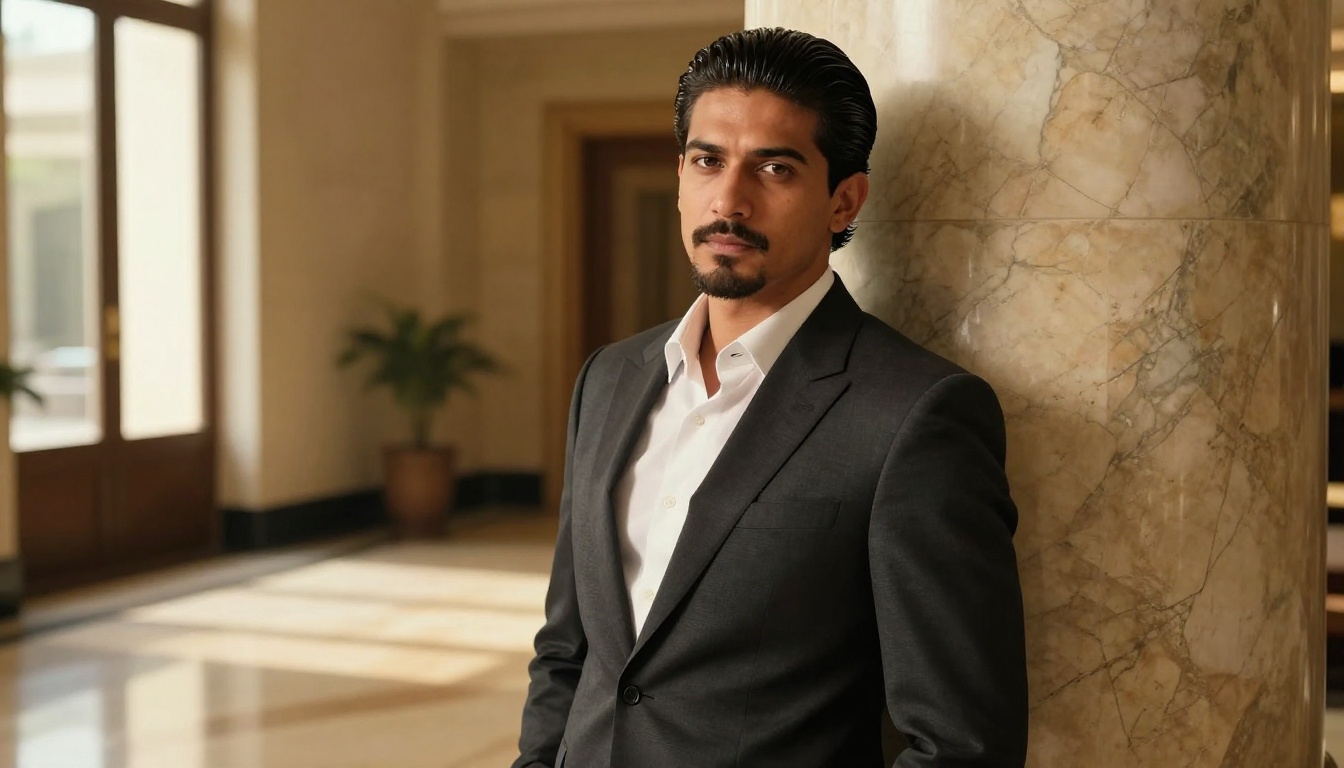
If slicked back feels like too much, run Side-Parted next. It keeps the polish but leaves some fringe, and it is the safest option for an office, an interview or a wedding.
Curly, Wavy and Tousled
Natural texture is a strength, not a problem to flatten. Test Curly, Wavy and Tousled to see how volume on top changes the proportion of your face. Tapered sides with plenty of length up top tend to balance a wide jaw, while a looser, messier shape softens a sharp one.

The dropdown also includes protective and textured styles such as Dreadlocks, Cornrows, Box Braids, Twist Out and Bantu Knots, so the tool is not limited to straight hair cuts.
Try Hair Colors Before Dyeing
Color is the change men regret most, because it takes weeks to undo. The hair_color setting lets you try a shade on the same photo without touching a bottle of dye.
Natural Shades That Look Real
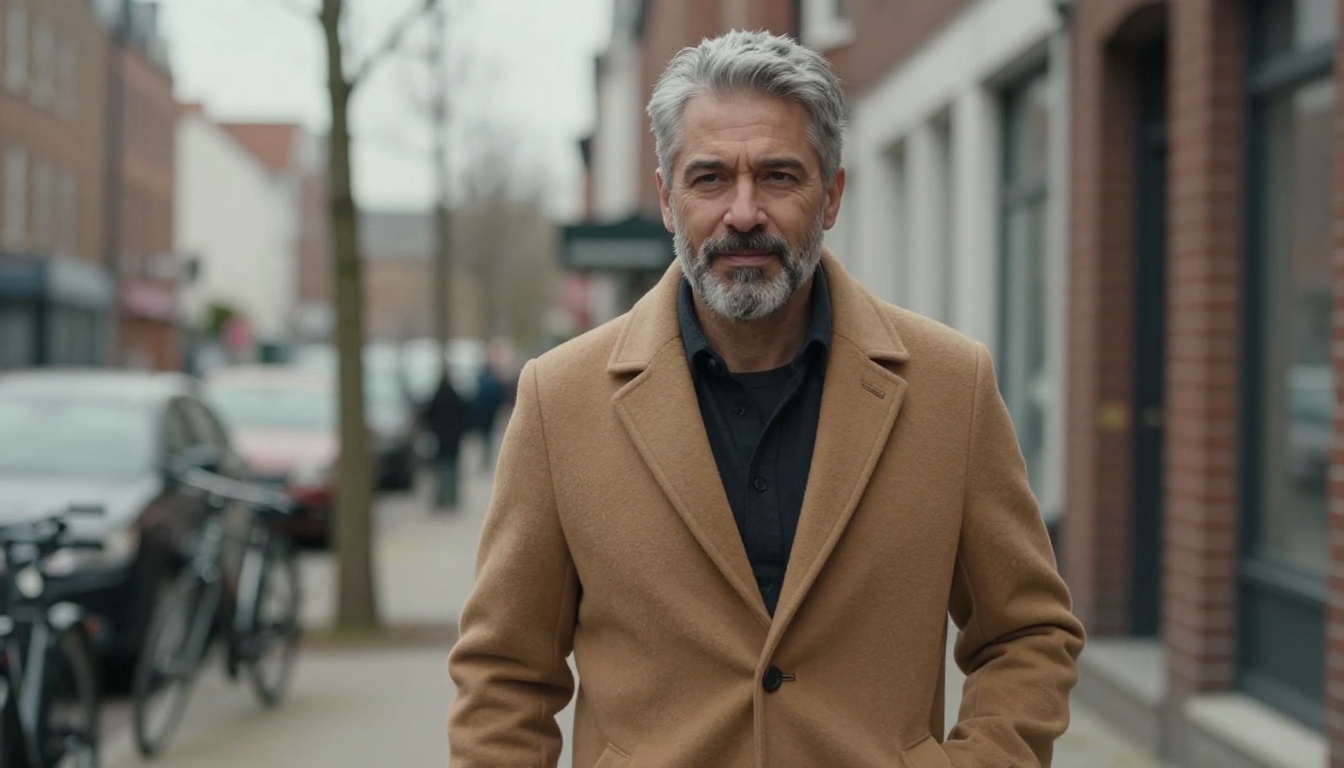
If you want a subtle refresh, stay close to your natural tone. Dark Brown, Ash Brown, Chestnut, Caramel and Jet Black all look believable and grow out gracefully. Compare two neighbouring shades on the same cut, because the difference in a photo is often smaller than you expect.
Silver and Ash Experiments
Silver, Ash Blonde, Platinum Blonde and Titanium are the bold end of the menu. They are also the most expensive in real life, since dark hair usually needs bleaching first and then regular toner to keep the shade. Seeing the result in one preview helps you decide whether that salon bill is worth it.
💡 Pro move: lock the seed value once you like a result. Then change only the color and re-run, and you get the same cut in a different shade for a clean side-by-side.
How to Use Change Haircut on PicassoIA
Change Haircut is built for exactly this job, and the setup takes about a minute.
Step-by-Step Setup
- Open the model page. Go to the Change Haircut page on Picasso IA.
- Upload your selfie. Add it to the
input_image field. JPEG, PNG, GIF and WebP files are accepted.
- Set gender to male. The
gender parameter helps the model pick cuts that match the person in the photo.
- Choose a haircut. Open the
haircut dropdown and pick a style, for example Crew Cut or Slicked Back.
- Leave the color alone first. Keep
hair_color on No change so you judge the cut by itself.
- Keep the original shape.
aspect_ratio defaults to match_input_image, which keeps your photo's proportions.
- Run and compare. Download the result, then repeat with the next style.
Parameter Tips
| Parameter | Recommended setting | Why |
|---|
gender | male | Gives better matches for men's styles |
haircut | One style per run | Easier to compare results |
hair_color | No change at first | Separates cut from color |
aspect_ratio | match_input_image | Keeps your framing |
output_format | png for saving, jpg for sharing | PNG is the default |
seed | Lock after a good result | Reproduce it exactly later |
Set haircut to Random when you have no idea where to start. It is a fast way to meet styles you would never have searched for.
A Three-Round Testing Plan
Running every style once and staring at a folder of thirty images makes the decision harder, not easier. Narrow it down in rounds instead:
- Round one, the wide net. Run six to eight cuts with
hair_color on No change. Delete anything that makes you wince in the first second.
- Round two, the shortlist. Take the best two cuts and run them on your three selfies, straight on and slightly turned. The winner is the style that holds up from every angle.
- Round three, the color. Lock the
seed, keep the winning cut and try two or three shades. Stop there. More options only create doubt.
At the end you hold one cut, one color and a few images that show it from different sides, which is exactly what a barber needs.
Add Extra Styles With Image Editor Pro
Some of the most requested men's cuts are not in the dropdown: a taper fade, a French crop, curtains or a textured quiff. For those, switch to PicassoIA Image Editor Pro, which edits a photo from a plain text prompt and has no per-edit cap, so you can iterate as long as you like. A prompt that works well looks like this:
Change the man's hair in image 1 to a medium length textured crop with a low taper fade. Keep his face, beard, clothes and background exactly the same.
The model also accepts up to three reference images, so you can upload a photo of a haircut you like as image 2 and ask for that cut on the person in image 1. If you simply want another quick text-based editor to compare against, Flux Kontext Fast is available on the platform as well.
Take the Result to Your Barber
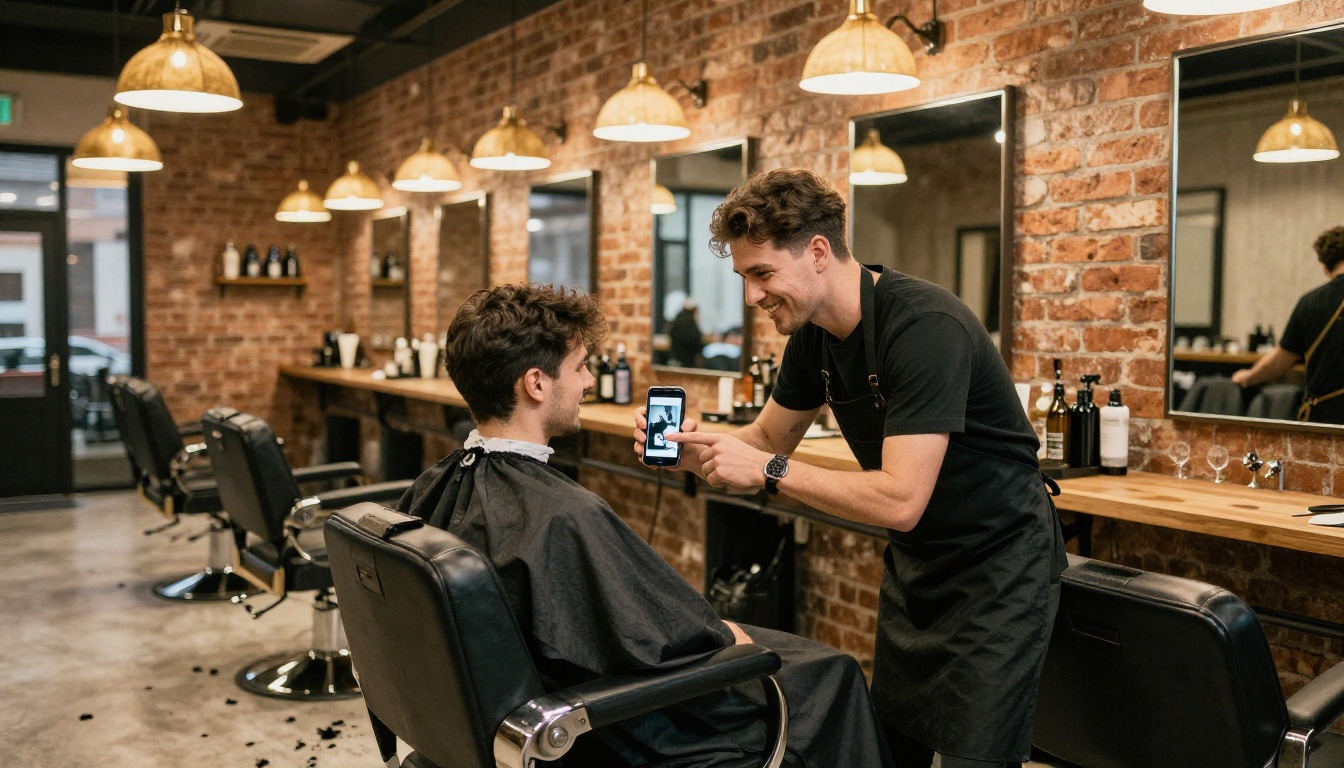
The preview is only useful if it reaches the person holding the clippers. Save your three favorite results to your phone and open them in the chair before you say anything else. Then ask two questions: "Can my hair actually do this?" and "What would you change to make it work on me?" A good barber will adjust the plan to your density, growth pattern and head shape, and you will both be looking at the same picture.
Bring these details along with the image so nothing gets lost in translation:
- The length on top, in fingers or inches, not just "short" or "medium".
- The sides and back, including whether you want a fade, a taper or scissor work.
- The finish, whether matte and natural or glossy and combed.
- The routine, so the barber can tell you which product and how much effort the style really needs each morning.
A simple rule of thumb on face shapes can help you narrow the list before you even start testing:
| Face shape | Styles that tend to balance it |
|---|
| Oval | Almost anything, so test freely |
| Round | Height on top with tight sides, such as Undercut or Faux Hawk |
| Square | Textured tops and Side-Parted looks that soften the jaw |
| Long | Fringe and Tousled shapes that avoid extra height |
| Heart | Side-swept fringe and medium length that adds width near the jaw |
These are conventions from barbering practice, not laws. Your own preview is a better judge than any chart, so treat the table as a starting point and let the images decide.
Try Your Own Haircut Now
Pick a bright window, take one clean selfie and open Change Haircut on Picasso IA. Set gender to male, run the Crew Cut, the Undercut and the Slicked Back, then line the results up and see which one feels like you. If you want a style that is not in the dropdown, switch to PicassoIA Image Editor Pro and describe it in plain words. Ten minutes of testing costs you nothing, and the best result goes straight into your photo album for your next barber visit. Start with one selfie and see which version of you shows up.


