AI Hug Video Generator Free: No Login Apps and Prompts
A hug video turns one photo of two people into a short clip where they embrace. This post sets free and no login apps next to a model platform, picks the PicassoIA models that handle hug motion, and lists copy ready prompts for reunions, family moments and couples, plus fixes for glitchy arms and drifting faces.
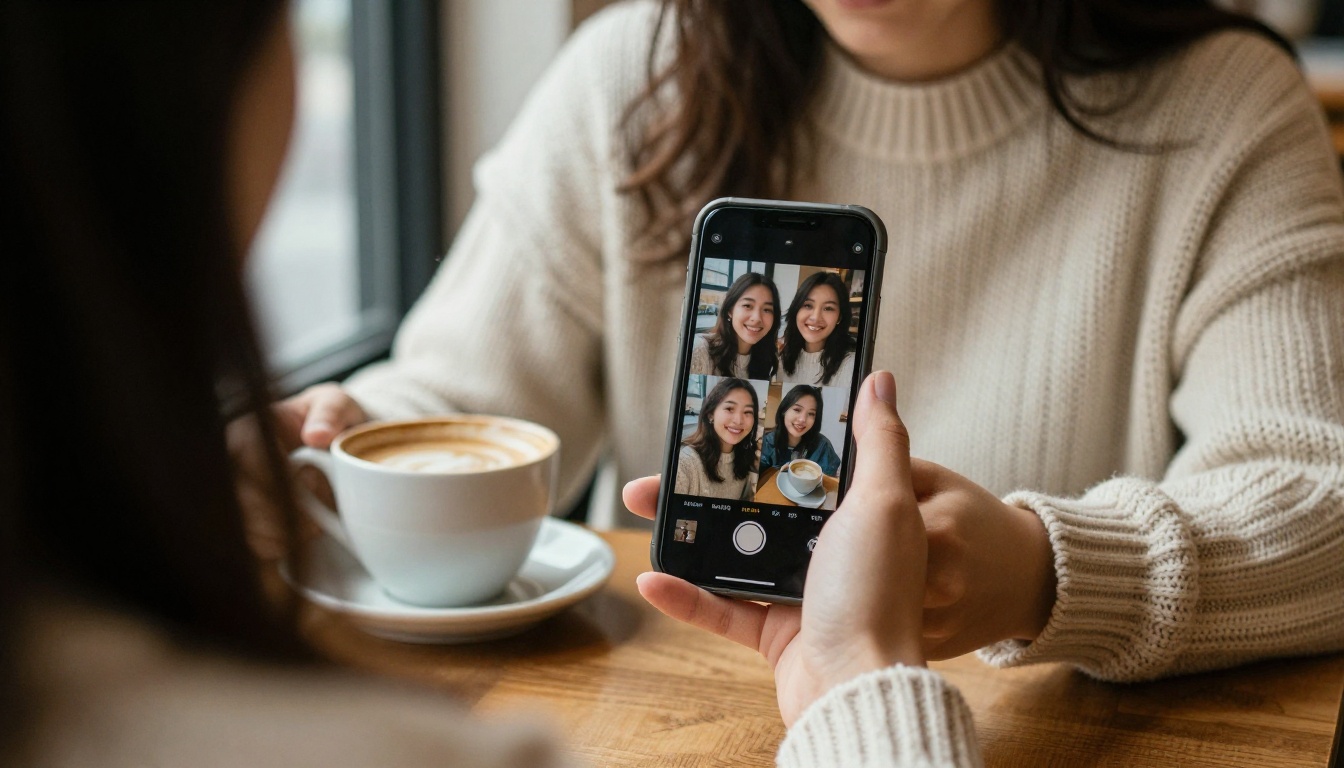
You have a photo of two people who almost never stand in the same room. A sister who lives abroad, a grandfather who never met your kids, a friend you only see on video calls. An AI hug video takes that still frame and turns it into a short clip where they actually embrace: arms close in, shoulders drop, heads tilt together. It takes a few minutes, and with the right model it can cost nothing.
This post walks through the free route from the first photo to the final clip. You will see how these videos work, what "no login" apps really give you, which models handle hugs well, and a set of prompts you can paste as they are. Every model mentioned here links to its page, so you can open it in another tab and follow along.
What an AI Hug Video Really Is
Two Photos, One Embrace
At its core, a hug video is image to video generation with a very specific motion prompt. You give the model a first frame, usually a photo with two people standing close, and describe what should happen over the next few seconds. The model invents the in between frames: the lean, the arm wrap, the settle.
There are two common starting points:
One photo with both people. The easiest case. The model already sees both faces, both bodies, and the light they share.
Two separate photos. Harder. Someone has to place both people in a single frame before any motion happens, either with a dedicated merge app or with an image editing model.
If you only have separate portraits, build the shared frame first. On PicassoIA, Multi Image Kontext Pro is built to work with several input images at once, and Qwen Image Edit Plus can edit a scene around the people you provide. Generate one clean, front facing frame with both people at arm's length, then animate that frame.
💡 Tip: Keep both people at a similar scale and under the same light direction. Mismatched lighting is the most common reason a merged frame looks pasted together, and the video model will only make that mismatch more obvious once things start moving.
Why These Clips Spread So Fast
A hug carries emotion in five seconds with no caption needed. People post them for reunions, birthdays, anniversaries, and tributes. Three triggers show up again and again:
Distance. Family or friends living in different countries who rarely meet.
Time. A parent and a child who were never photographed together, or two old friends who were never in the same frame.
Memory. Photos of people who have passed away, which need extra care and get their own section further down.
The format also suits short vertical platforms. A single beat of motion, one clear emotion, and a clip short enough to loop. That makes the prompt simple, which is good news if you are writing your first one.
Free vs No Login: What You Trade
Search for a free hug video generator and you land on two kinds of tools: web pages where you upload a photo right away, and mobile apps that want an account, and often a subscription, before the first export. I will not rank specific apps here, because their limits change every few weeks. The trade offs, however, stay consistent.
How No Login Apps Work
A no login app skips the sign up form. You drop in a photo, pick a hug template, and wait in a queue. To pay for the compute, the free tier usually adds one or more of these limits:
A visible watermark on the export
Low resolution or heavy compression
A very short clip, often three to five seconds
A daily cap on how many videos you can make
Long waits at peak hours
No control over the motion beyond picking a template
Templates are fast and need no thinking, which is the whole appeal. The downside is that every user gets the same hug, so a tall grandfather and a small child end up with the same pre baked movement.
The Real Cost of Free
The price of a free tool is rarely money. It is usually time, quality, or your photo's privacy. Here is how the options compare in general terms:
Treat the first two columns as patterns, not promises. Always check the app's own limits before you upload a photo.
💡 Tip: Before you upload a family photo to any no login app, find its privacy page and look for how long uploads are stored. If the page says nothing, assume the file stays on their servers.
A template app is the fastest route for one quick clip. A model platform gives you control, so the same photo can produce a gentle hug, a running hug, or a slow sway. The rest of this post follows the second route, because prompts only matter when you get to write them.
Picking a Model on PicassoIA
Hug motion asks three things of a model: believable body contact, steady faces, and an image as input. These PicassoIA models fit that brief.
The Free Unlimited Option
Seedance 2.5 Lite is listed as a free and unlimited AI video generator with clips up to 10 seconds. That length suits a hug: two seconds of approach, two of contact, and the rest to settle. PicassoIA Video is the other free unlimited pick, built to turn text or an image into video, and it makes a good second try when the first result is off.
The Natural Motion Option
Kling v2.1 and Wan 2.6 I2V both animate a single photo, so they suit hug tests where body movement matters most: an arm that bends at the elbow, a torso that leans in, a hand that lands on a back. Hailuo 2.3 Fast is a quicker option for testing prompts before you commit to a longer render.
The Cinematic Option
Veo 3.1 Fast outputs up to 1080p, which helps when the clip will be shown on a big screen at a family event. Grok Imagine Video 1.5 turns an image into video with audio, which suits a reunion clip where a soft ambient sound adds to the mood.
This walkthrough uses Seedance 2.5 Lite because it is free and allows the longest clips. The steps are the same on Kling v2.1 or Wan 2.6 I2V, with small interface differences.
Step 1: Prepare the Source Photo
Pick a sharp, evenly lit frame where both people are visible from at least the chest up, facing the camera or each other, with a small gap between them. Crop out clutter. Avoid group shots where faces are tiny, because small faces are the first thing to distort during motion.
Photo trait
Works well
Causes trouble
Faces
Large, sharp, front or three quarter view
Tiny, blurred, hidden by sunglasses or hands
Spacing
A hand width between the two people
Bodies overlapping or cut off at the shoulders
Light
Same direction on both people
Different light on each person
Background
Simple and uncluttered
Crowds, mirrors, thin fence lines
If the photo is soft or damaged, repair it before animating. PicassoIA also lists super resolution and image restoration tools in its full model catalog, and a clean input almost always produces a cleaner video.
Step 2: Write the Motion Prompt
A hug prompt works best as a short script told in order: who moves first, what the arms do, what the camera does, and how the moment ends. Use this skeleton:
[Who moves] + [first motion] + [contact moment] + [hold] + [camera] + [light and faces stay the same]
A finished example:
The two people step toward each other and wrap their arms around each other's shoulders in a warm hug. Their heads tilt slightly, eyes close, small smiles. The camera stays still. Soft natural light, faces and clothes stay exactly as in the photo.
Four habits make the difference:
One action per prompt. A hug is the action. Do not add dancing, walking away, or a kiss.
Name the contact point. "Arms wrap around shoulders" beats "they hug".
Lock the camera. "Camera holds still" prevents drift and keeps faces steady.
Describe the ending. "Hold the embrace with heads resting together" gives the model somewhere to land.
Step 3: Generate and Review
Set the duration to the longest the model allows, then run the first take. Watch it twice, once for faces and once for bodies, and check three moments:
The first frame. Do the faces match the photo?
The contact moment. Do the arms stay arms, or do they melt into the torso?
The last second. Does the clip end in a stable pose, or does it start morphing?
If one of the three fails, change one thing in the prompt and run it again. Because Seedance 2.5 Lite is listed as unlimited, three or four takes is a normal session, not a waste.
Step 4: Pick Length and Audio
A hug needs room to breathe. Five seconds works for a quick share, while ten seconds lets the embrace settle and gives you an ending that loops cleanly. If the model produces audio, keep the prompt free of speech and ask for "soft room tone and a quiet breath" instead, since spoken lines can drift away from the lips. For social posts, crop the finished clip to 9:16 or 1:1 rather than regenerating at a new ratio, and always keep the original file.
Prompts You Can Copy
Swap the details and keep the structure. Each prompt holds a single motion beat, which keeps arms and faces from drifting.
Reunion Hugs
Siblings at arrivals:
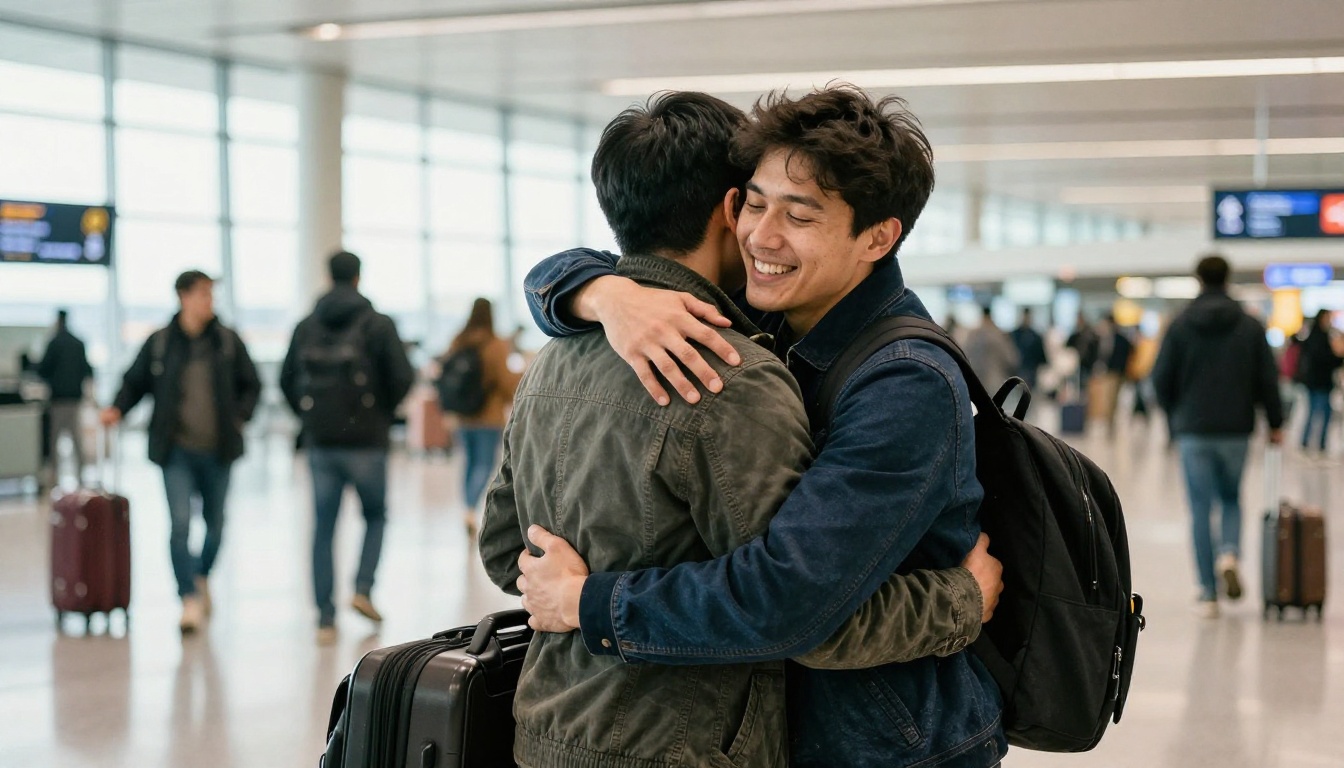
Two siblings take the last few steps toward each other and hug tightly, arms wrapped around backs, heads resting on shoulders, eyes closed, relief on their faces. The camera holds still at eye level. Natural daylight, faces and clothes unchanged.
Long distance friends:
Two close friends turn toward each other and embrace, one hand patting the other's back, both laughing softly. Slow, gentle movement. Static camera, soft window light, faces unchanged.
Family Hugs
Parent and child:
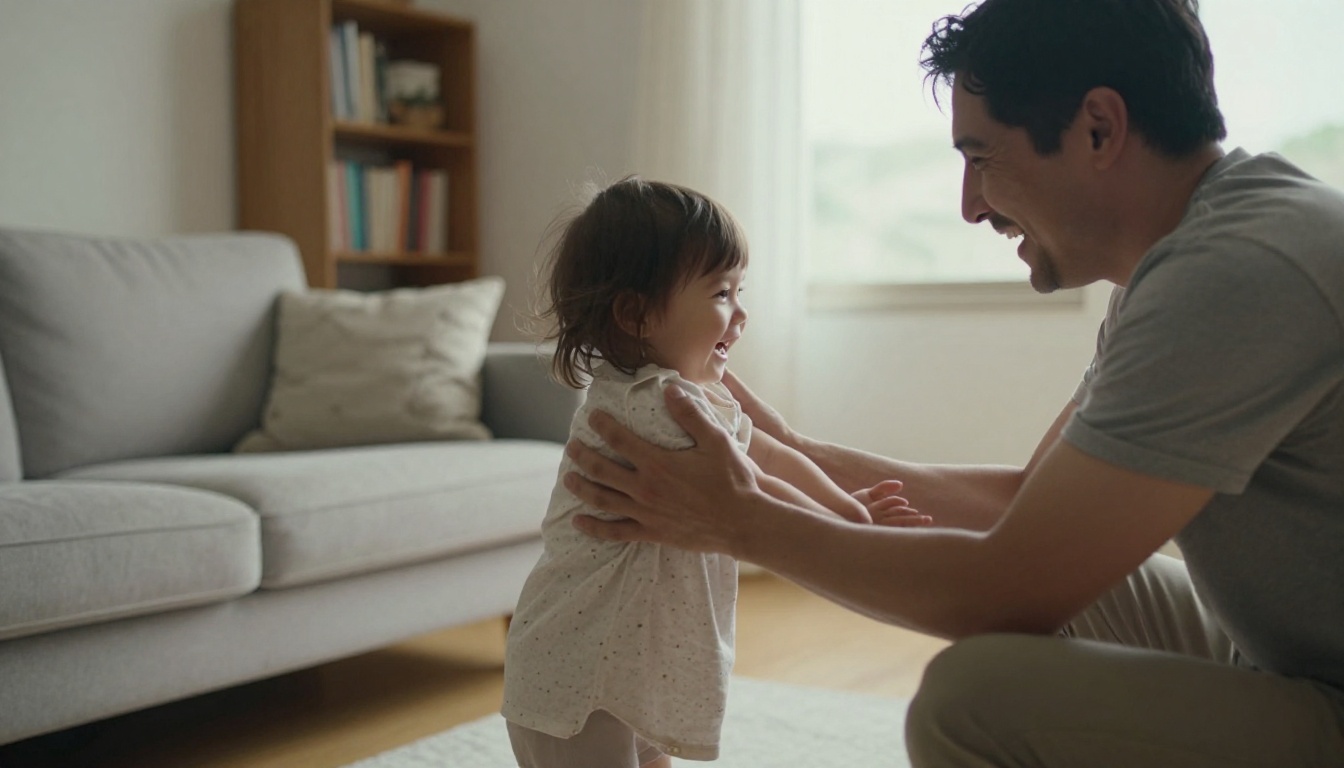
A father kneels, opens his arms, and his small daughter runs into them. He lifts her slightly as she wraps her arms around his neck. Warm living room light, steady camera, faces unchanged.
Grandparent and grandchild:
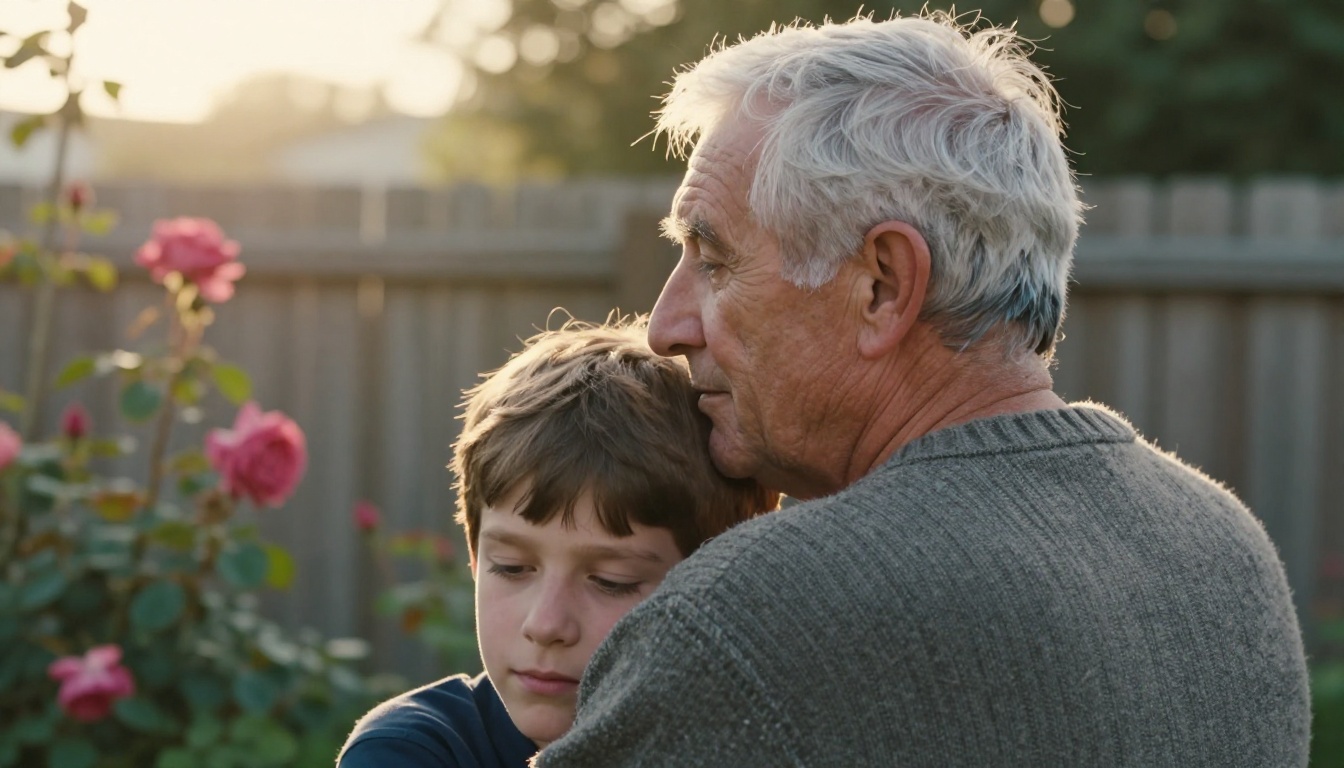
A grandson leans down and hugs his grandfather, who pats his back with one hand and smiles. A slow, gentle sway. Garden light, fixed camera, faces unchanged.
Couples and Younger Selves
Couple in the rain:
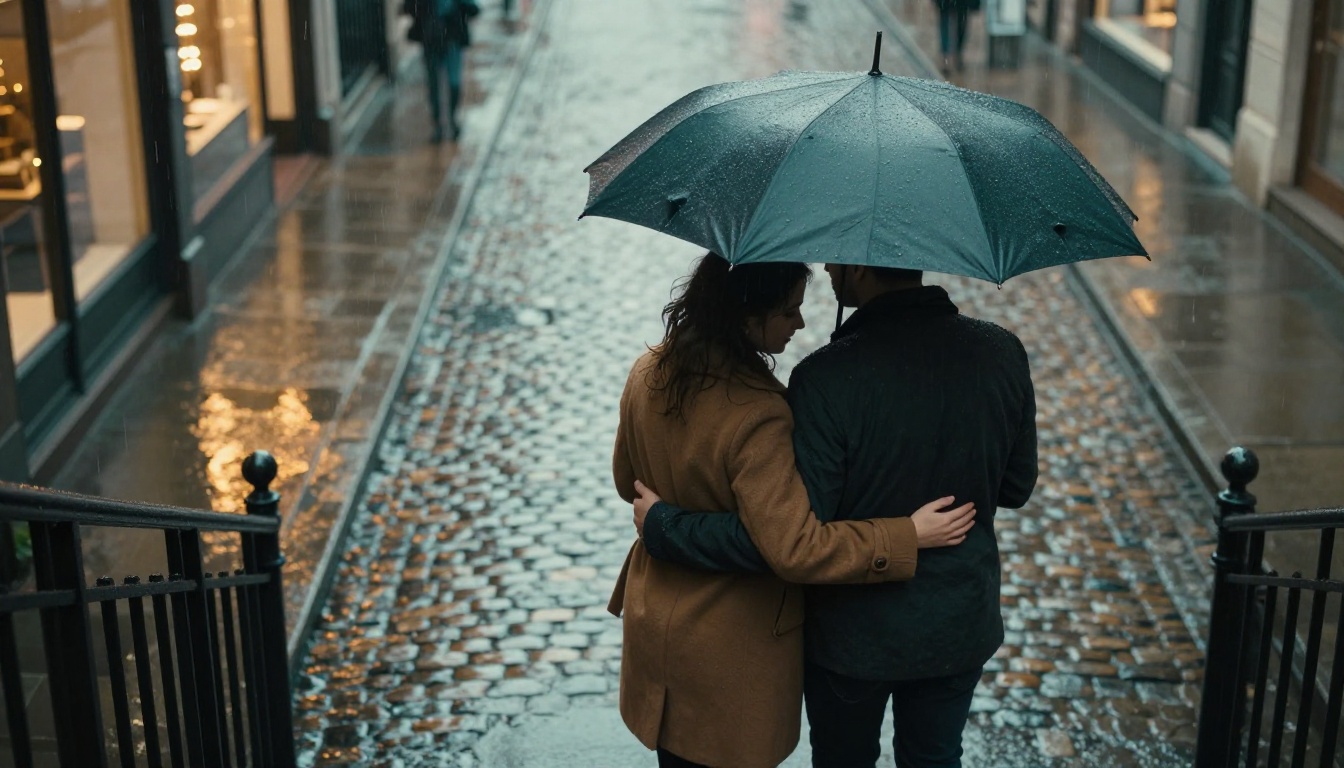
A couple under an umbrella step into a slow embrace, her head against his chest, his hand cradling the back of her head. Rain falls softly. The camera pushes in slightly. Faces and umbrella stay the same.
Adult and younger self (merge the two photos into one frame first):
An adult kneels and hugs the child version of themselves, who looks up, smiles, and wraps small arms around the adult's neck. Soft light, steady camera, faces unchanged.
Here is why the strong prompts work, side by side with the weak ones:
Prompt piece
Weak version
Strong version
Action
"They hug"
"They step toward each other, arms wrap around shoulders"
Camera
Not mentioned
"The camera holds still at eye level"
Faces
Not mentioned
"Faces and clothes stay exactly as in the photo"
Ending
Not mentioned
"Hold the embrace with heads resting together"
Fixing Common Hug Glitches
Every model produces a few odd takes. These are the most common ones and what usually fixes them:
Glitch
Likely cause
Fix
Arms melt into the torso
No gap between people in the source frame, or the prompt asks for too much
Leave a hand width of space and keep one action
Bodies stay stiff
The prompt describes a pose, not a movement
Use verbs: step, lean, wrap, pat
Faces drift
Faces are small in the frame, or the clip is long
Crop closer and shorten the clip
Extra hands or limbs
Too many people or objects in frame
Crop to the two people only and rerun
Camera wobbles
The camera was never specified
Add "the camera holds still"
When a prompt keeps failing, run the same photo and the same text through another model. Kling v2.1, Wan 2.6 I2V, and Seedance 2.5 Lite all respond to the same words differently, so a failed take on one can work first try on another. Change one variable at a time, otherwise you will not know what fixed it.
Consent and Photo Privacy
A hug video puts real people into an emotional scene they never filmed. A few rules keep that fair:
Ask first. If the person is alive and reachable, ask. A surprise clip lands best when you already know they would love it.
Use only photos you have the right to use. Never animate a stranger's photo.
Label the result. Add "AI generated" when you share publicly so nobody mistakes it for real footage.
Handle memorial clips with care. Animating someone who has passed can comfort one relative and hurt another. Share it with the people closest to them first.
Check where uploads go. Prefer tools that say how long they keep your photos.
None of this slows you down. It takes a minute to send a message asking "can I make a short clip from this photo?" and the answer is usually a yes with a smile.
Make Your Own Hug Video Today
Pick one photo you already love, open Seedance 2.5 Lite on PicassoIA, paste the sibling reunion prompt above, and change two details to match your people. Run it three times, keep the best take, then try the same photo on Kling v2.1 to compare the motion.
Picasso IA also lets you create the photos themselves. Generate a clean source frame with Seedream 4.5 or build one from two portraits with Multi Image Kontext Pro, then animate it. When you want to see what else is available, browse every model in the PicassoIA catalog. Start with one hug, write your own prompt, and see what you make.