AI Image Prompts That Actually Work: What the Pros Don't Tell You
Most AI image prompts fail because they're too vague, missing lighting specs, or lack the right modifiers. This article breaks down exactly how to write prompts that produce stunning, photorealistic results every time, covering structure, lighting, camera details, negative prompts, and model-specific tips for Flux, RealVisXL, and Stable Diffusion.
Most people type something like "a beautiful woman in a forest" and hit generate. The result? Flat, lifeless, generic. The prompt is not wrong, it is just empty. It gives the model nothing real to work with: no light source, no lens, no texture, no atmosphere. The model fills in the blanks however it wants, and "however it wants" is rarely what you had in mind.
This is not a failure of AI. Flux Schnell, Flux Dev, RealVisXL, and Stable Diffusion are all capable of producing staggering photorealistic images. The gap between what most people generate and what these models can actually produce comes down entirely to the prompt. Here is exactly how to close that gap.
Why Most Prompts Fail
"Beautiful" is doing zero work
The word "beautiful" appears in about 60% of all AI image prompts. It also does almost nothing. AI image models do not have opinions about beauty. They respond to specifics: a lighting direction, a focal length, a color temperature, a surface texture. "Beautiful portrait of a woman" tells the model next to nothing. "Portrait of a woman, Rembrandt lighting from the left, 85mm f/1.4, soft bokeh background, freckled skin, catchlight in left eye" tells it exactly what to produce.
Every vague adjective in your prompt is a missed opportunity to give the model a concrete instruction. Replace "beautiful" with a lighting condition. Replace "amazing" with a camera spec. Replace "stunning" with a time of day.
Specificity is the real prompt engineering
Prompt engineering sounds complicated. It is not. It is the practice of replacing vague language with specific, visual instructions. The model reads your text and tries to match it to patterns in its training data. The more specific and photographic your language, the more directly you connect to high-quality training examples.
Think of it this way: a professional photographer does not say "take a beautiful photo." They say "f/1.8, morning backlight, underexpose by half a stop, put the subject against the window." That level of specificity is exactly what separates a strong AI image prompt from a weak one.
The Anatomy of a Winning Prompt
Subject + action + environment
Every strong prompt starts with three things locked in: what is in the image (subject), what it is doing (action or state), and where it exists (environment). This is the foundation. Everything else layers on top.
Weak: "A woman outdoors"
Strong: "A woman in her early 30s sitting on a wooden dock overlooking a misty lake at dawn, knees pulled to her chest, looking toward the horizon"
The strong version gives the model a specific spatial arrangement, a mood, and an emotional state. The model now has actual constraints to work within.
Lighting is everything
Lighting is the single most impactful variable in any photograph, and it works exactly the same way in AI image prompts. Specify your light source, its direction, its quality (hard vs. soft), and its color temperature.
Light Type
Prompt Phrase
Effect
Golden hour
"warm afternoon backlight, 4pm sun from the left"
Warm rim, long shadows, romantic mood
Rembrandt
"Rembrandt lighting, single window light from upper left"
Dramatic shadow triangle on face
Overcast
"diffused overcast light, no hard shadows, flat illumination"
Clean, editorial, even skin tones
Practical lamp
"warm amber desk lamp, single practical light source"
Intimate, moody, indoor atmosphere
Blue hour
"blue hour light, 20 minutes after sunset, cool blue ambient"
Cinematic, melancholic, depth
Camera angle and lens specs
AI image models respond strongly to photography vocabulary. Lens focal length, aperture, and camera angle are not just decorative additions. They directly shape the geometry, depth, and compression of the generated image.
Adding "85mm f/1.4" to a portrait prompt will visibly change how the model renders background separation and subject compression. It is not optional, it is structural.
Prompt Modifiers That Change Everything
Quality tags that actually do something
Not all quality modifiers are equal. Some phrases have genuine impact because they connect to specific training data patterns. Others are essentially noise.
Phrases that work:
film grain or Kodak Portra 400 pulls toward analog photography aesthetics
photorealistic, 8K, RAW photography signals high-fidelity output
volumetric lighting generates atmospheric light rays and visible depth
💡 Instead of stacking generic quality words, describe how quality manifests visually. "Hyper-detailed eyelashes, individual strands of hair in sharp focus, visible skin pores" is far more effective than "high quality portrait."
Negative prompts done right
Negative prompts tell the model what to leave out. On models like Stable Diffusion and RealVisXL, they are one of the most powerful tools available.
Standard negative prompt for photorealistic images:
Style exclusions (illustration, cartoon, painting) push the model firmly toward photography
Artifact exclusions (extra fingers, deformed hands) reduce common anatomical errors
Quality exclusions (blurry, low resolution) signal you want the model's best-effort output
On Flux Schnell and Flux Dev, negative prompt fields function differently since Flux relies more heavily on guidance scale than negative prompts. For Flux models, concentrate your effort on making the positive prompt description as specific as possible.
Prompts for Photorealistic Portraits
Skin texture and the lighting triangle
Portraits are where most AI image prompts fall apart. The model defaults to an idealized, slightly plasticky human face unless you tell it otherwise. To get realistic skin, you need to describe it explicitly.
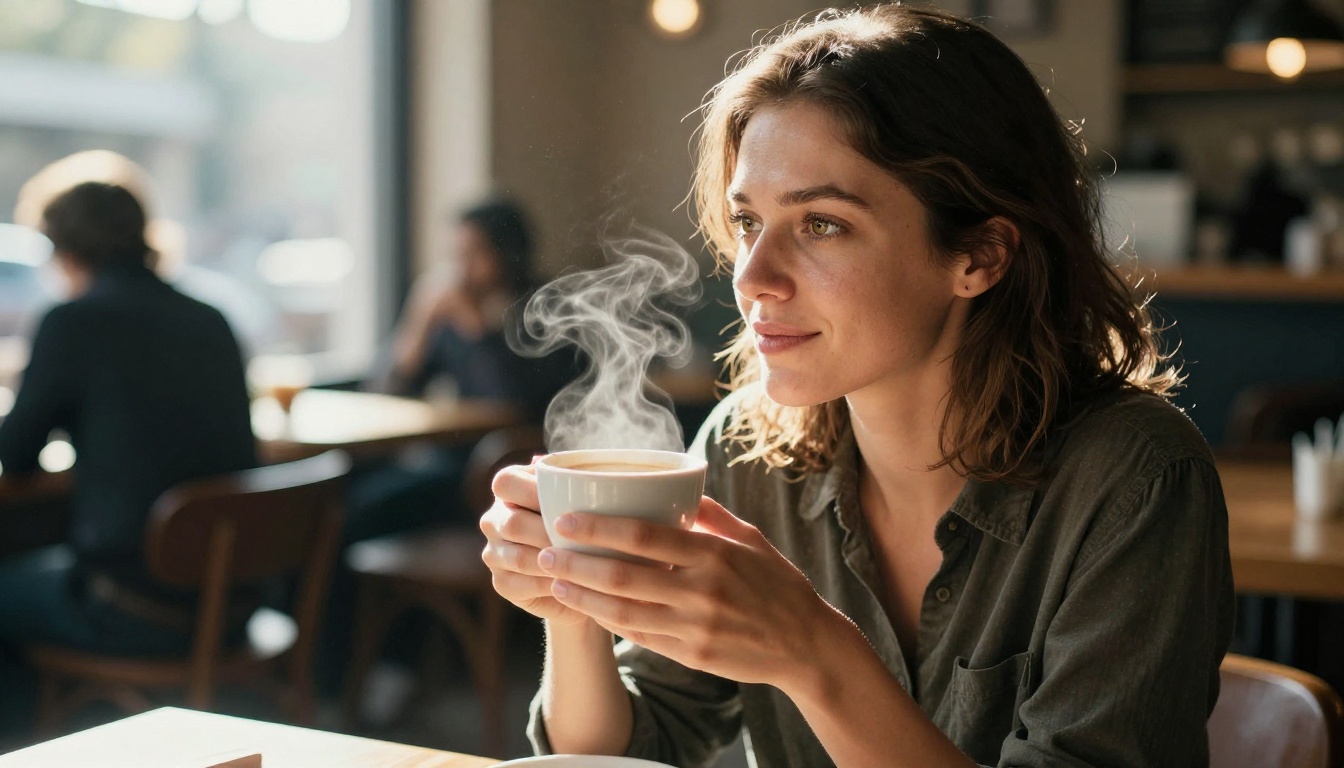
Portrait of a woman in her late 30s, natural morning light from a window on the left,
Rembrandt lighting triangle visible on right cheek, hyper-realistic skin pores,
faint freckles on nose bridge, slight under-eye shadow, no heavy makeup,
authentic expression, 85mm f/1.4, shallow depth of field, creamy bokeh background,
film grain, Kodak Portra 400 color rendering
The phrase "hyper-realistic skin pores" is particularly effective. It activates training data patterns associated with close-up photography where skin imperfections are visible and artistically valued.
Eyes: the detail that sells realism
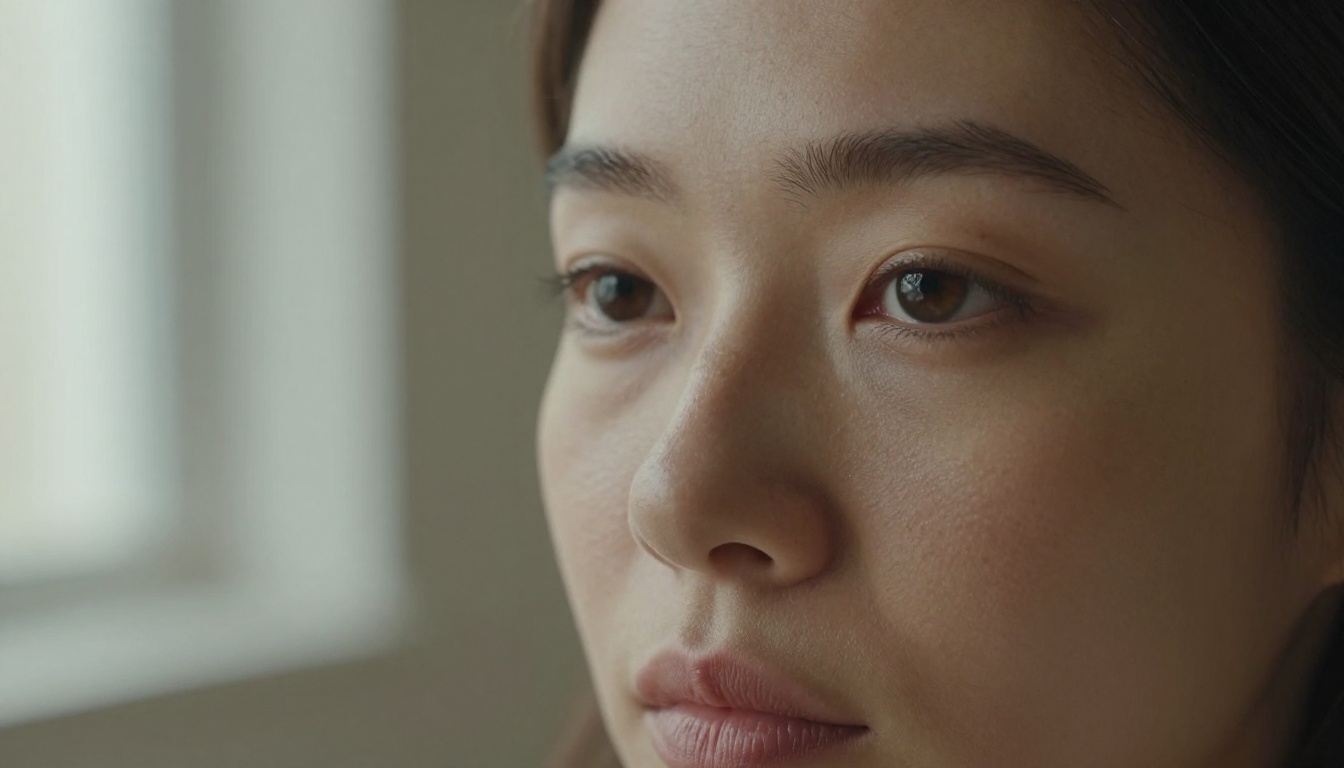
Nothing makes or breaks a portrait like the eyes. Specific eye prompts:
visible iris texture, bright catchlight in left eye locks the eyes to a specific light position
slight moisture visible at the waterline adds organic, convincing realism
individual eyelash strands in sharp focus separates photorealistic from CGI renders
If your portrait looks slightly off, the eyes are almost always where the problem lives. Make them explicit in your prompt every time.
Prompts for Landscapes and Environments
Time of day as a prompt variable
The most transformative single variable in a landscape prompt is time of day. It controls color temperature, shadow length, atmospheric haze, and emotional register all at once.
Dawn (first light): Cool blue ambient, warm only on highest points, mist in valleys
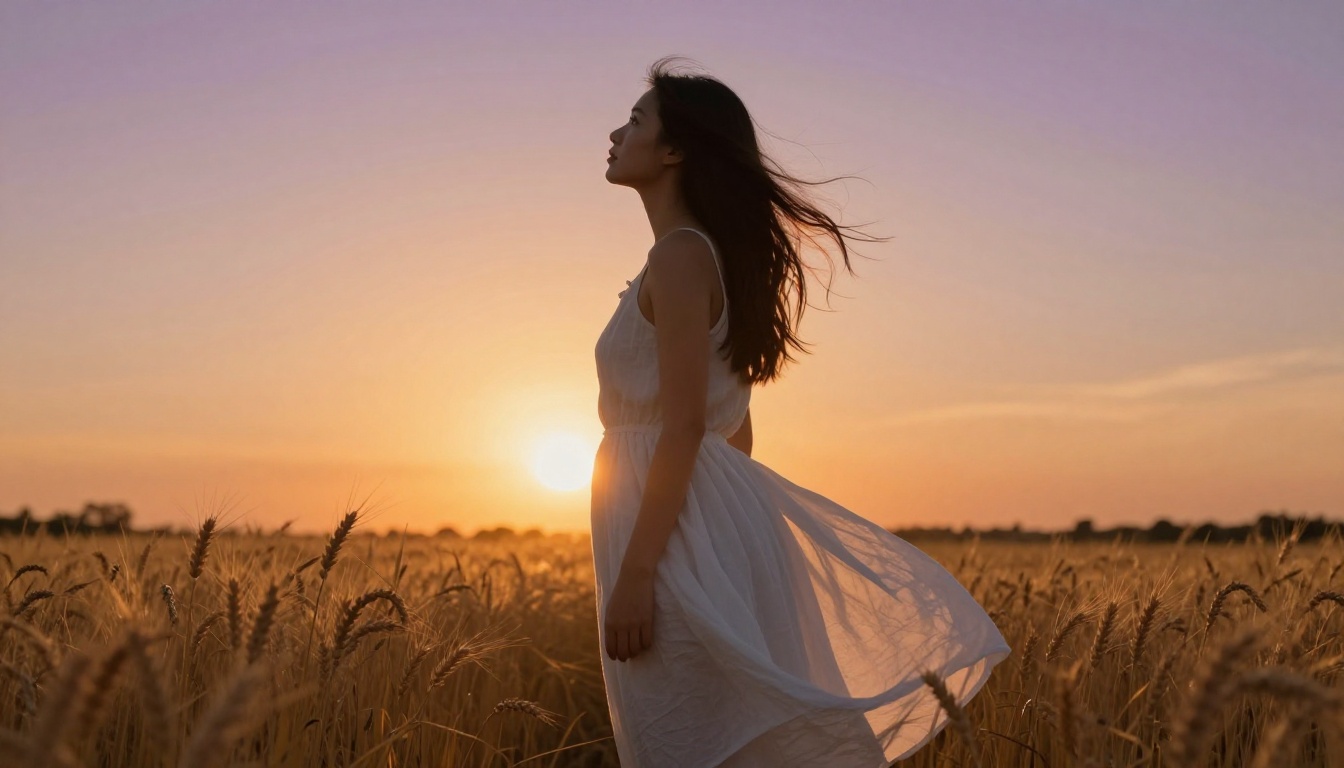
Golden hour (1 hour before sunset): Warm orange light, long shadows, possible lens flare
Blue hour (after sunset): Cool deep blue ambient, cinematic mood, artificial lights visible
Midday (harsh sun): High contrast, minimal shadows, documentary feel
Overcast: Flat even light, rich saturated colors, no harsh shadows
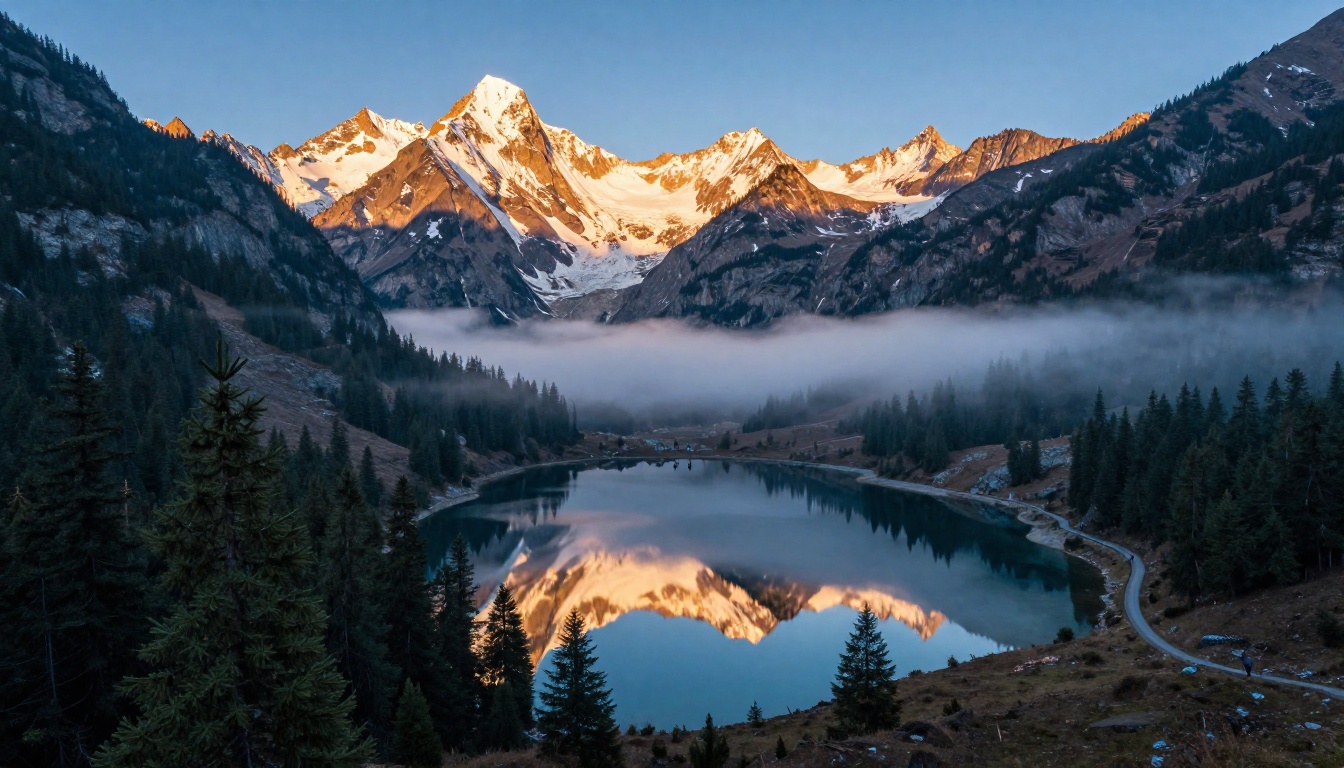
Mountain valley at dawn, first light touching only the snow-capped peaks in warm amber,
valley floor in cool blue shadow, morning mist rolling through pine forests,
alpine lake perfectly mirroring the peaks above, 16mm ultra-wide lens,
extreme depth of field, Fujifilm Velvia color rendering, natural film grain
Aerial vs. ground-level shots
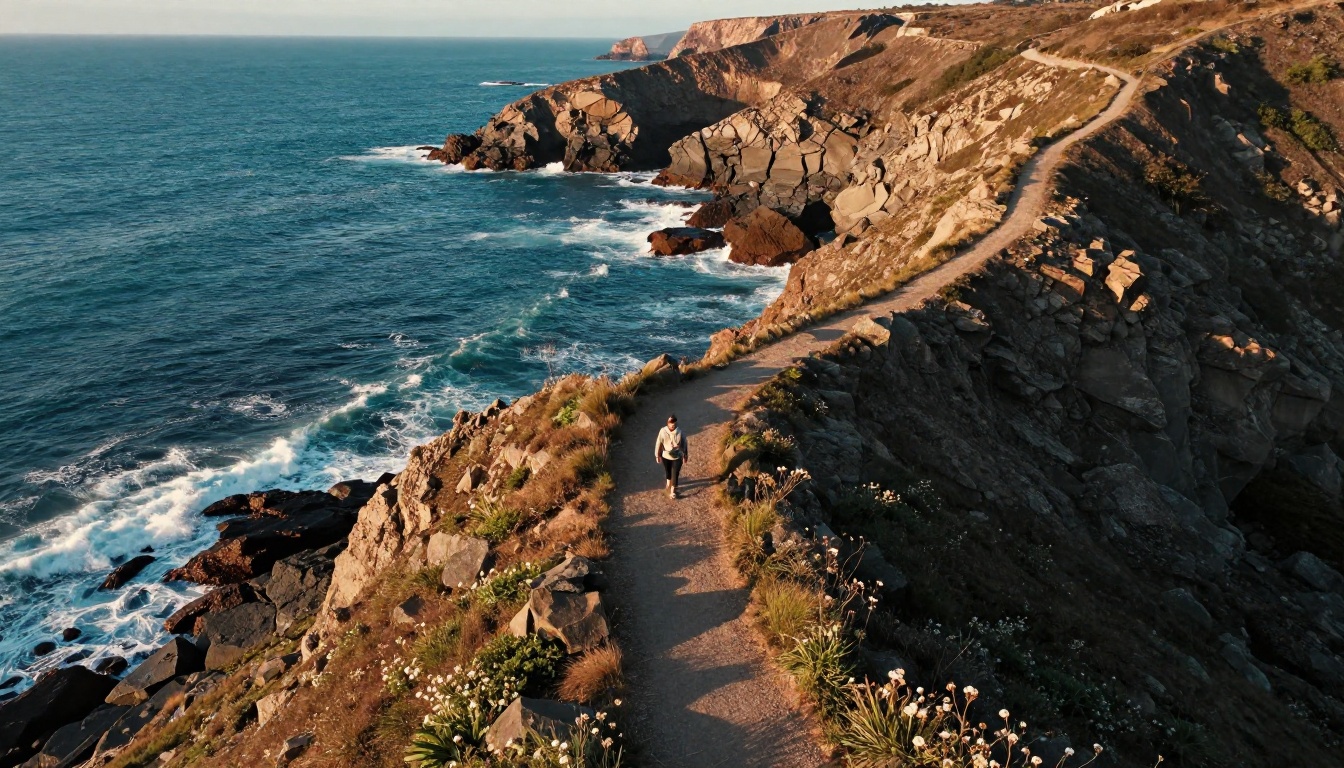
Camera height changes everything in a landscape. An aerial perspective compresses the foreground and background into a flat, graphic composition. A low ground-level perspective exaggerates scale and creates drama.
Aerial (drone) prompt cues:
"aerial drone photography perspective"
"bird's eye view, looking straight down"
"high altitude vantage point over the landscape"
Low-angle ground cues:
"low angle shot, camera close to the ground"
"looking up at the subject, sky as background"
"foreground elements dominate the bottom of the frame"
How to Use Flux Schnell on PicassoIA
Flux Schnell is one of the fastest text-to-image models available, producing a finished 1-megapixel image in under 5 seconds. It is ideal for rapid iteration: you can run 20 prompt variations in the time other models take to produce one image.
Step-by-step: building a prompt on Flux Schnell
Step 1: Open the model
Go to Flux Schnell on PicassoIA. No account setup or credit card is required to start generating.
Step 2: Set your aspect ratio first
Before writing the prompt, choose your aspect ratio. Use 16:9 for landscape and cinematic shots, 9:16 for portrait and social media, and 1:1 for square social posts. The aspect ratio shapes how the composition will be framed, so commit to it before you write the prompt.
Step 3: Build the prompt in layers
Start with the subject and action. Then add lighting. Then add camera specs. Then add texture and atmosphere.
Layer 1 (Subject):    "A woman in her 30s sitting on a park bench in autumn"
Layer 2 (Lighting):   "warm afternoon backlight, golden hour sun from behind left"
Layer 3 (Camera):     "85mm f/1.4, shallow depth of field"
Layer 4 (Texture):    "film grain, Kodak Portra 400, visible fabric texture on coat"
Layer 5 (Atmosphere): "fallen leaves on ground, soft bokeh background, warm tones"
Final combined prompt: "A woman in her 30s sitting on a park bench in autumn, warm afternoon backlight, golden hour sun from behind left, 85mm f/1.4, shallow depth of field, film grain, Kodak Portra 400, visible fabric texture on coat, fallen leaves on ground, soft bokeh background, warm tones"
Step 4: Use the seed parameter for iteration
Once you get a result you like, note the seed number and fix it while you adjust only the prompt text. This isolates one variable at a time and makes iteration dramatically faster.
Step 5: Run fast mode first
Flux Schnell defaults to its speed-optimized fp8 mode. Keep this on for rapid iteration and draft testing. For a final version you intend to publish, disable it for maximum fidelity.
Parameters that matter most on Flux Schnell
Parameter
Recommended Setting
Why
Inference Steps
4 (default)
Designed for 4 steps. More steps do not improve it.
Megapixels
1
Always use 1MP for publishable output
Go Fast
On for drafts, Off for finals
Faster with fp8, sharper with bf16
Seed
Fixed once you find a good result
Enables controlled iteration
Output Format
PNG for transparency, WebP for web
PNG preserves quality, WebP reduces file size
Prompts by Model Type
Flux Schnell vs. Flux Dev
Both Flux Schnell and Flux Dev use the same underlying 12-billion parameter architecture, but they behave differently.
Flux Schnell is for speed and volume. Built around 4-step denoising, it is exceptional for iterating through 10 to 20 prompt variations quickly. Very fine details in complex scenes can be slightly less refined than Flux Dev.
Flux Dev runs 28 to 50 denoising steps and supports img2img mode. This means you can use an existing photo as a starting point and redirect it with a prompt. For final production images where maximum fidelity matters, Flux Dev is the better choice.
💡 Workflow: Use Flux Schnell to find the right composition, lighting, and subject treatment across many variations. Once you have a direction you love, switch to Flux Dev for the final, high-fidelity version.
RealVisXL for maximum realism
RealVisXL adds multi-ControlNet support on top of photorealistic output. This is critical for anyone who needs to control the spatial layout of an image, not just its aesthetic quality.
With ControlNet enabled, you can upload a pose skeleton image and the model will place your subject in exactly that pose. You can upload a depth map to control spatial arrangement. You can upload a lineart sketch and have it rendered photorealistically.
Prompts for RealVisXL work best when you specify lighting, textures, and atmosphere in detail. The ControlNet handles structure; the prompt handles style and quality.
Effective negative prompt for RealVisXL:(worst quality, low quality, illustration, 3d render, 2d painting, cartoons, sketch), open mouth, extra limbs, blurry, watermark, text
Stable Diffusion: the flexible workhorse
Stable Diffusion remains one of the most flexible models available. It uses a prompting system where both the order and weight of terms matter.
Differences from Flux-based prompting:
Terms earlier in the prompt carry slightly more weight
Parentheses increase emphasis: (Rembrandt lighting:1.3) makes that term 30% stronger
The guidance scale (CFG) dramatically changes how literally the model follows your prompt. Low CFG (3 to 5) gives the model creative freedom. High CFG (10 to 15) forces strict adherence but can introduce artifacts.
Negative prompts are much more powerful here than on Flux models
Standard Stable Diffusion photorealism prompt structure:
Every prompt principle in this article applies immediately on PicassoIA. Whether you start with the speed of Flux Schnell, the fidelity of Flux Dev, the spatial control of RealVisXL, or the flexibility of Stable Diffusion, the prompting principles remain consistent across all of them.
Pick one subject. Add a lighting condition. Add a camera spec. Add one texture detail. Run it. Iterate from there. The quality jump from a three-word prompt to a structured 40-word prompt is not subtle. It is the difference between a throwaway draft and an image you would actually use.
PicassoIA offers unlimited generations across all models, so there is no penalty for iteration. Run 30 variations. Adjust the lighting in each one. Compare the results side by side. That is how the best AI images get made: not in one perfect prompt, but in a fast, structured iteration process where each run teaches you something about the model.
The models are capable. The prompts are on you. Now you have the structure to write ones that actually work.