You sit down with a fresh project, a deadline that is closer than you would like, and the same question almost every creator faces in 2027: should this be a still image, a short video, or both? The honest answer rarely lives in a tutorial thread or a Reddit post. It lives in your brief, your timeline, and how much patience your audience really has. AI Image vs AI Video: Where to Start is less a philosophical debate and more a budgeting decision you make before you ever type your first prompt.
In the last 18 months the gap between image generators and video generators has narrowed in raw quality, then widened again in cost, render time, and prompt difficulty. Picking the wrong tool first will not break your project, but it will quietly cost you hours, credits, and a fair bit of patience. The good news: there is a clean way to decide, and once you internalize it you will stop flip-flopping between modalities every time a new model drops.
The Real Choice Behind Every Brief
Most beginner posts treat AI image and AI video as two flavors of the same dessert. They are not. They are two different production pipelines, each with its own speed, cost, and creative grammar. The question is never which one is "better". The question is which one gives your idea the cheapest, fastest path to a result you would actually publish.
What You Are Actually Picking
When you generate an image, you commit to a single decisive moment. One frame, one composition, one lighting setup, one emotional beat. Iteration is fast. A failed image costs you seconds and a tiny amount of compute. You can run twenty variations of the same prompt in the same time it takes to render one video. That makes images the natural sandbox for visual ideas you are still developing.
When you generate a video, you commit to time itself. Five seconds of motion forces you to plan a start frame, a middle, and an end. You also have to think about camera movement, pacing, and (in many cases) audio. The creative bar is higher because there are simply more variables to control. The payoff is real, but so is the time and credit cost.
💡 A good test: can you tell the same story with a single still and a great caption? If yes, ship the image. Save video for the moments where motion is the message.
When Speed Matters Most
If your deadline is measured in hours instead of days, you should almost always reach for an image-first workflow. Tools like P-Image and Seedream 4.5 on Picasso IA render in seconds and let you iterate without staring at a progress bar. Video, even on the fastest models, asks for at least a minute or two of patience per clip plus a careful prompt and a clear intent.
How Stills Win Your First Week
If this is your first month on a serious AI creative pipeline, start with images. Not because video is hard, but because images teach you the prompting habits that every other modality borrows from. Subject framing, lighting language, mood vocabulary, lens choice; those are all written in the same dialect across every modern generator. Get fluent with images, and your video prompts get sharper for free.
Photos Are Honest About Detail
Still images expose every flaw. Bad anatomy, weird lettering, soft eyes, broken hands; none of it hides. That is actually a gift. You see what is wrong, you adjust the prompt, you fix the seed, and you grow as a prompter much faster than you would with motion. Within a week of daily image practice on models like Nano Banana Pro and Imagen 4 Ultra, you can read a result and know exactly which word to swap.
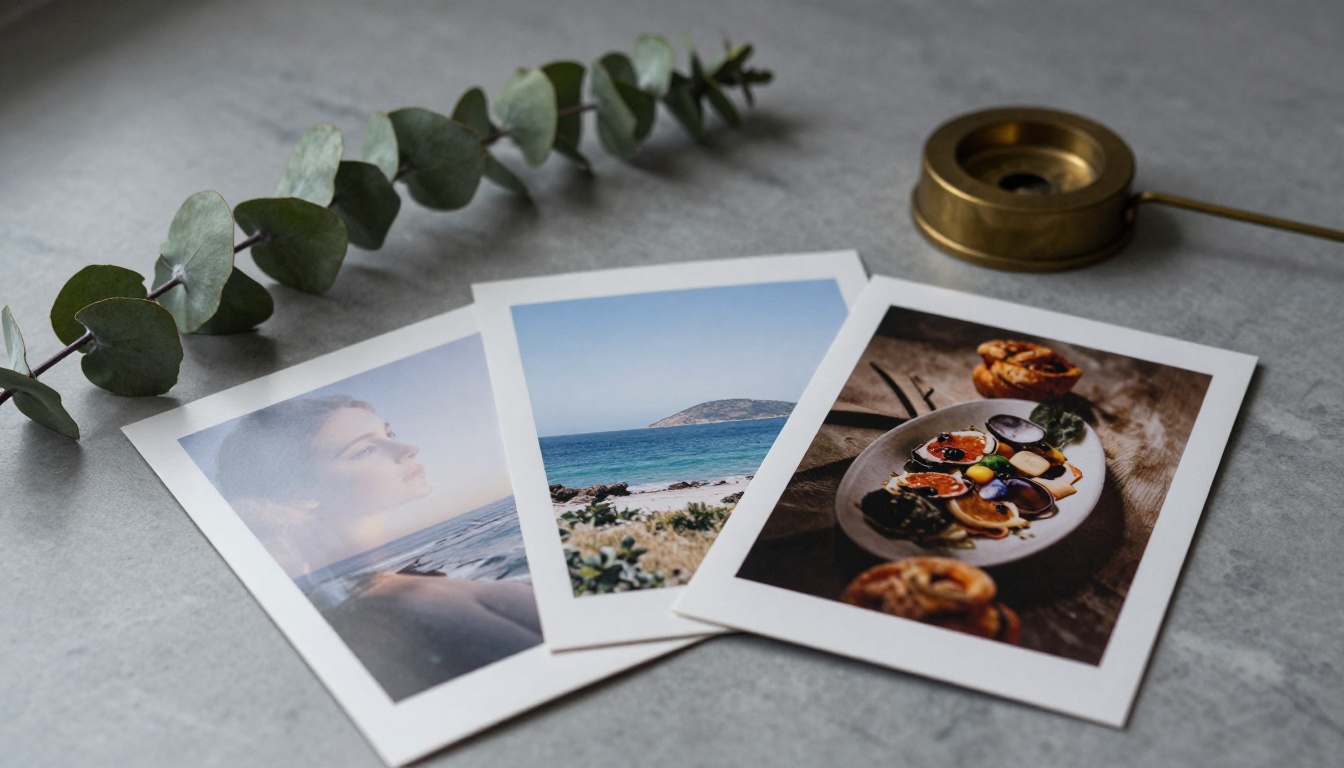
Images also give you something motion cannot easily produce in 2027: clean, sharp, repeatable detail at print resolution. If you are designing a poster, an ad creative, a thumbnail, a book jacket illustration, or a stock photo replacement, the image pipeline is faster, cheaper, and more controllable than its video sibling. You also get to layer. Once an image is rendered, you can recompose it, paint over it, swap objects, and restore details in seconds.
Use Cases Built For Images
- Social posts that live or die on a single thumbnail.
- Product photography stand-ins while you wait for real shots.
- Editorial illustrations for blog posts (yes, including this one).
- Brand mood boards and pitch decks where speed beats motion.
- Lookbooks and shop catalogs where each frame must read on its own.
- Profile photos and avatars where the eye lingers for two seconds at most.
- Print collateral, posters, and event signage at high resolution.
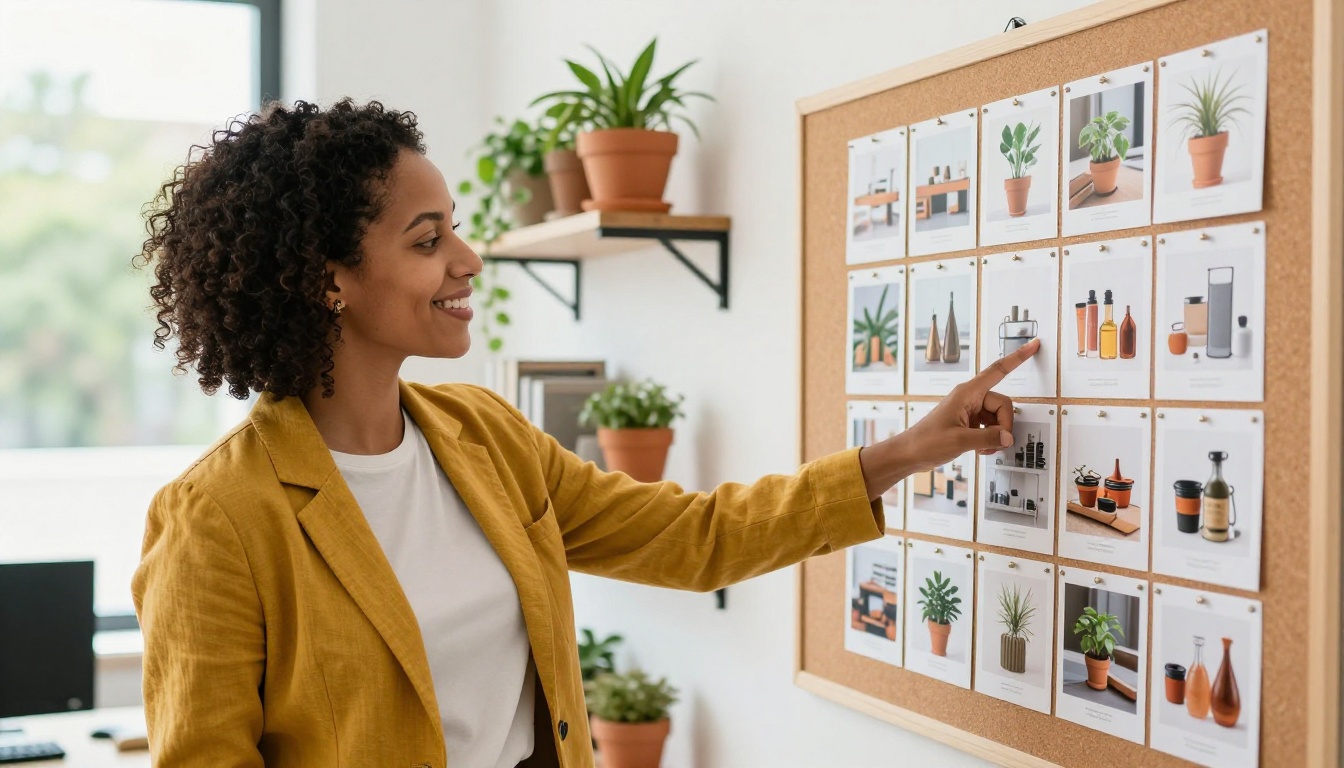
For any of these, your best path on Picasso IA is a fast text-to-image model first (P-Image, PicassoIA Image, Ideogram v3 Quality), then a quick pass through PicassoIA Image Editor Pro for inpainting, restoration, or precise object swaps. That two-step loop is the closest thing 2027 has to a creative superpower.
Where Motion Earns Its Minutes
Video is not a luxury upgrade. It is a different category of attention. People scroll past photos in less than a second, but a well-framed five-second clip can pull a viewer in for a full ten. The trade-off is that motion costs more in time, prompt rigor, and compute, so you want to be sure the idea actually needs to move before you commit a single credit to it.
Some Stories Only Move
A pour shot, a perfume mist drifting in slow motion, a smile that breaks into a laugh, a car door closing, a city at twilight pulsing with passing taillights; none of that lives on a still page. The story is the motion. If you strip it away you also strip away the feeling. That is when you stop reaching for images and start writing video prompts.
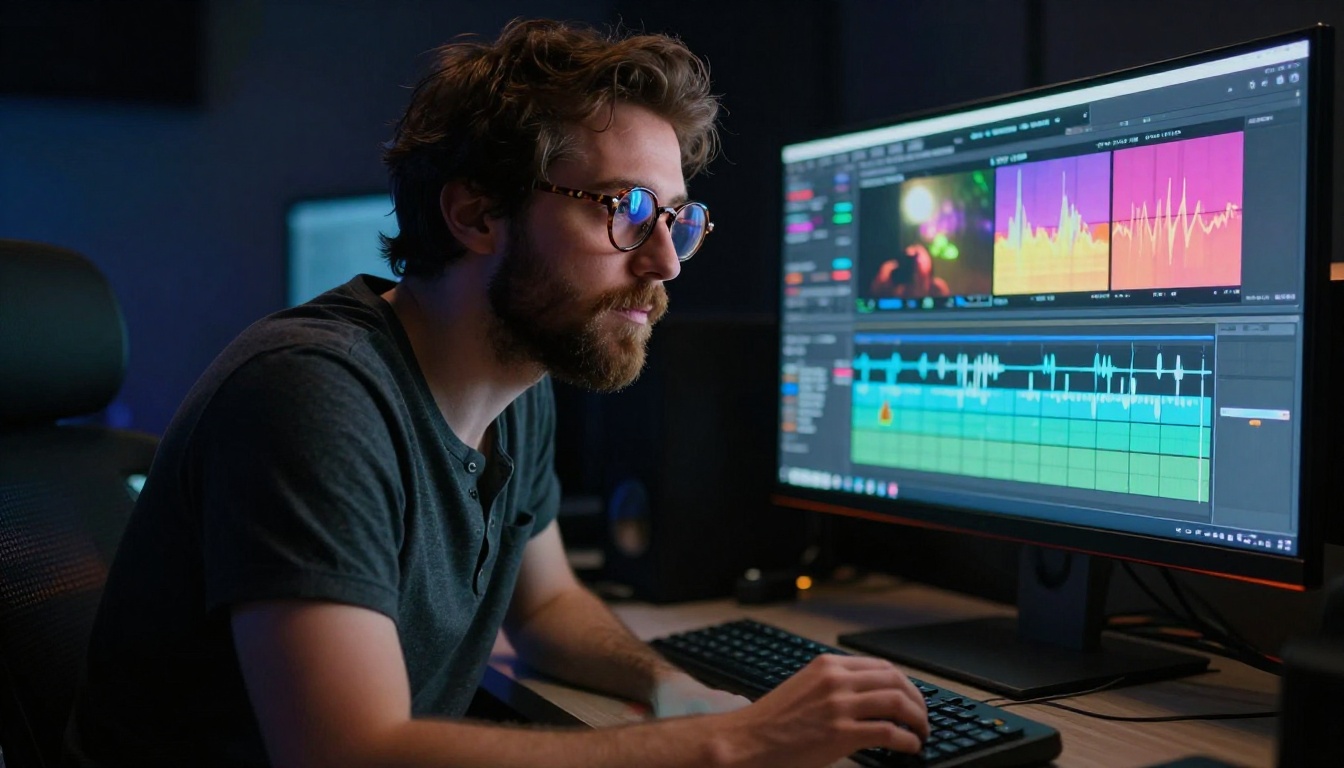
Modern video models on Picasso IA are also catching up to the realism bar set by images. Seedance 2.0, Veo 3.1, Sora 2 Pro, and Kling v2.6 produce 720p and 1080p clips with natural lighting, believable depth, and (in several cases) synchronized native audio. That last part is the quiet revolution of 2027: you no longer have to source music or a voiceover for a five-second hook, because the model can deliver an entire micro-scene with its own sound, in one prompt.
Use Cases Built For Video
- Hook clips for short-form vertical feeds (Reels, Shorts, TikTok).
- Hero spots on landing pages where motion lifts conversion.
- Product demos where the feel of using the thing matters.
- Mood reels for pitches and casting boards.
- Music visualizers, lyric videos, and audio-reactive shorts.
- B-roll that fills the gap between your "real" footage on set.
- Animated logos and short brand stings that play before content.
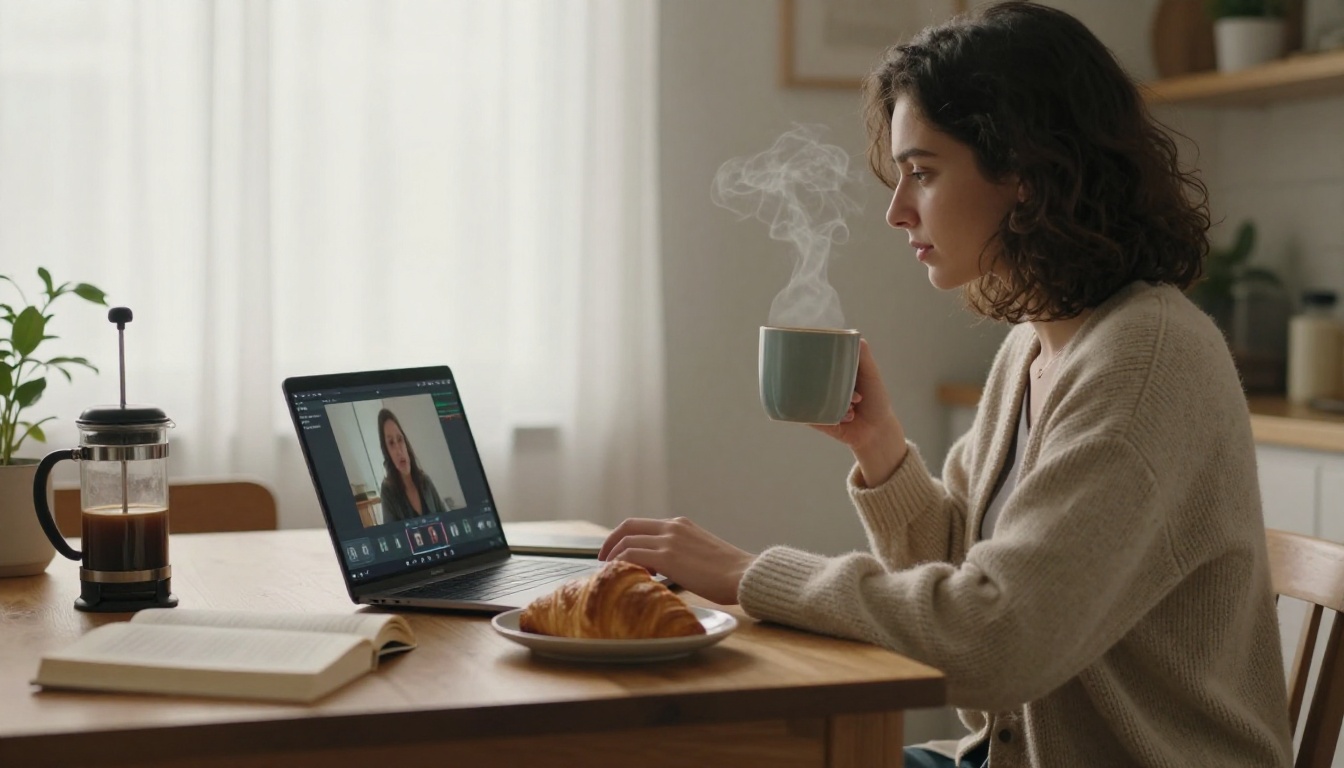
If you live inside one of those use cases, build the muscle now. Start with Hailuo 2.3 or LTX 2.3 Pro for fast tests, then promote your best ideas to Seedance 2.0 when you want premium polish with audio baked in.
Cost, Speed, And Sanity Compared
Numbers help when intuition runs out. The table below is a snapshot of how the two pipelines actually feel in everyday use on Picasso IA. Your exact mileage depends on the model, the resolution, and how busy the servers are, but the shape of the difference is real and stable.
| Dimension | AI Image | AI Video |
|---|
| Typical render time | 3 to 20 seconds | 40 seconds to 4 minutes |
| Iterations per coffee | 30 or more | 4 to 8 |
| Prompt length (sweet spot) | 30 to 80 words | 60 to 150 words |
| Includes audio | No | Yes on several models |
| Output use case | Static placements | Scroll-stopping moments |
| Easiest to edit later | Very easy | Harder, improving fast |
| First real result | Day 1 | Day 4 to 7 |
Generation Time Per Asset
A fast image model on Picasso IA finishes before you can sip your coffee. A fast video model is closer to a short bathroom break. That difference does not sound dramatic until you remember that iteration is where prompting actually happens. The faster the loop, the more you grow. Beginners who jump straight to video often blame themselves for "bad prompts" when the real issue is that they only saw three results all afternoon.
Realistic Credit Budgets
Image models also tend to cost a fraction of video models per generation. If you set yourself a weekly creative budget, you can usually plan on something like 100 image generations for every 10 video clips. That ratio is not a rule, it is a temperature check. When you find yourself eating your weekly budget by Tuesday, you are probably reaching for video too early in your process.
Iteration Loop Reality Check
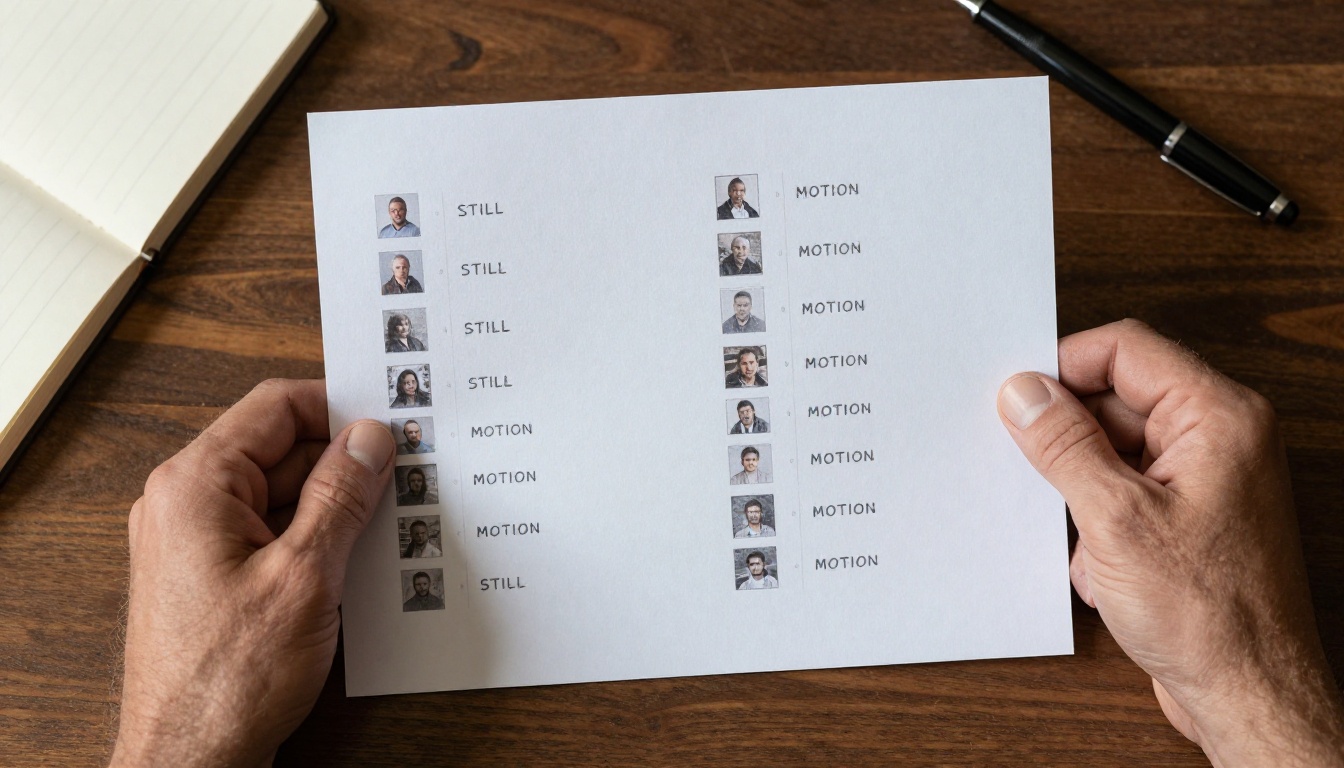
The honest measure of any creative tool is not what it can do, it is how often you actually finish something with it. Images encourage finishing because each loop is short. Video punishes vague intent because each loop is long. If you keep producing endless half-done video clips and never publishing, that is a signal to step back to images, lock the idea, then bring it back to motion with confidence.
Picking PicassoIA Models For Each Job
There is no single "best" model in 2027, only the best model for the brief in front of you. The catalog on Picasso IA is intentionally wide so you can pick by speed, by realism, by control, or by license. Here is the short list that works for almost every starter project, broken down by modality.
Top Image Models On PicassoIA
- P-Image: the default fast everyday model on the platform. Great balance of speed and quality, good for quick brainstorms and final assets.
- Seedream 4.5 and Seedream 4: cinematic, very prompt-faithful, excellent for portraits and product still life.
- Nano Banana Pro: Google's premium image model, very strong on photorealism and complex compositions.
- Imagen 4 Ultra: a top pick when you want clean, detailed editorial photography aesthetics.
- Ideogram v3 Quality: best in class when your image must contain readable text.
- PicassoIA Image and PicassoIA Image Editor Pro: the platform's own image and editing models, with unlimited generations as part of your plan.
- Flux 2 Pro: a strong premium option from Black Forest Labs for high-detail commercial work.
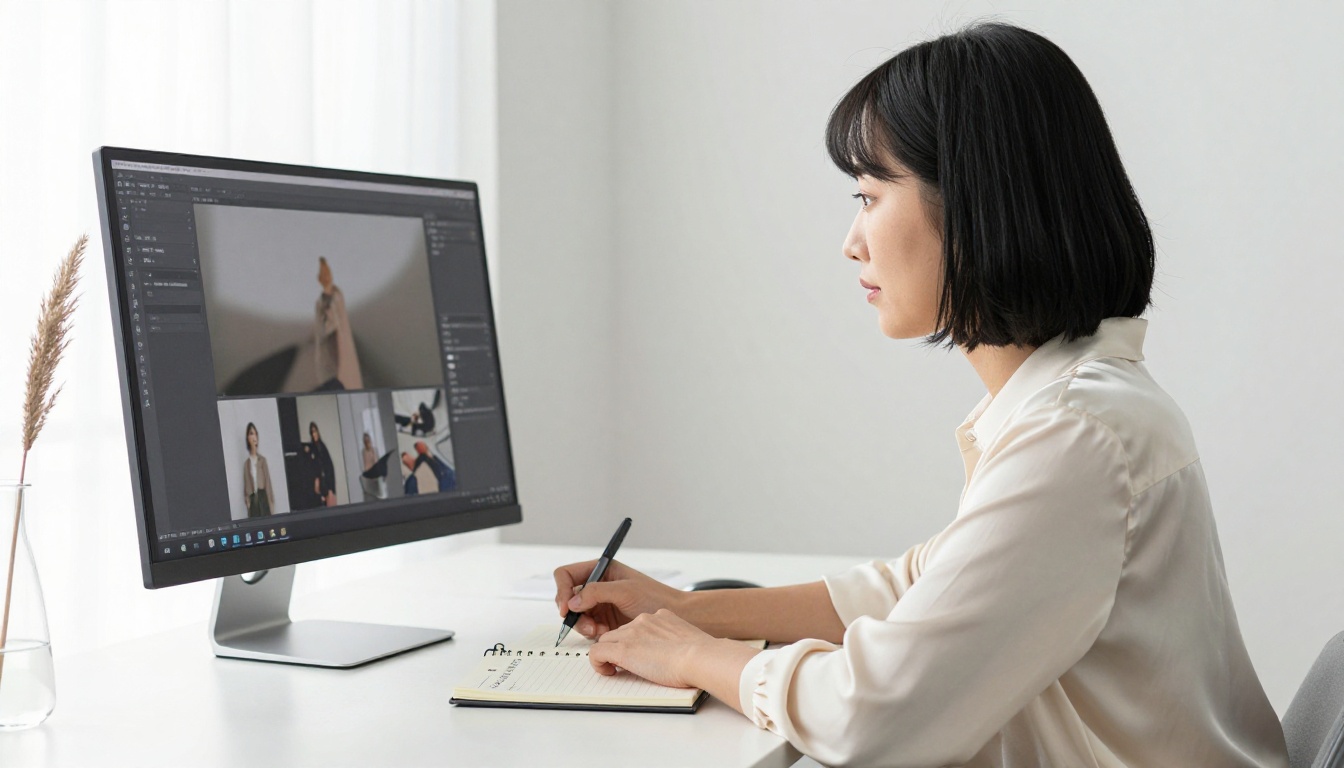
Top Video Models On PicassoIA
- Seedance 2.0: cinematic 1080p with built-in synchronized audio. A flagship pick for hero content.
- Veo 3.1: Google's premium video model with native audio and strong realism.
- Sora 2 Pro: OpenAI's HD model with synced audio, great for narrative shots.
- Kling v2.6: cinematic motion, strong character consistency.
- LTX 2.3 Pro: high-resolution output, very production-friendly.
- Hailuo 2.3: fast and reliable for quick motion tests.
- PicassoIA Video: the platform's own free unlimited video tool for everyday work.
A Quick Reference Table
| If your brief is... | Start with this image model | Then try this video model |
|---|
| Editorial portrait | Seedream 4.5 | Kling v2.6 |
| Product hero shot | Nano Banana Pro | Seedance 2.0 |
| Social hook with text on screen | Ideogram v3 Quality | Veo 3.1 |
| Lifestyle mood board | P-Image | Hailuo 2.3 |
| Cinematic narrative beat | Imagen 4 Ultra | Sora 2 Pro |
| Everyday volume work | PicassoIA Image | PicassoIA Video |
💡 Tip: When you pick an image model and a video model from the same "family" (for example, ByteDance Seedream paired with ByteDance Seedance), the visual language tends to match. That makes your final piece feel cohesive even when it mixes stills and motion in a single carousel or reel.
A Practical 30 Day Plan
The fastest way to get past the AI image vs AI video debate is to stop debating and start producing. Below is a four-week starter plan I have given to creators on teams from solo founders to in-house brand studios. It is biased toward images at first by design, because that is where most beginners build prompting fluency the fastest.
Week One Build Image Reps
Pick one model, just one, and run it daily. P-Image or PicassoIA Image are great starters because they are fast and forgiving. Set a small theme each day (portrait, food, interior, product, landscape). Generate at least 15 images per day and save the three you like most. By Friday you will have 15 saved favorites and a personal vocabulary of words that work for you.
Weeks Two And Three Add Motion
Now bring video into the mix, but keep it modest. Two or three short clips a day, not twenty. Reuse the prompts you already wrote for images and add a motion line at the end: what moves, in which direction, with what camera move. Start on a fast video model like Hailuo 2.3, then promote your best clips to a premium model like Seedance 2.0 for the final render.
Week Four Ship Something Small
Take everything you have made and assemble one real piece for one real audience. A three-image carousel for Instagram. A five-second hook for a Reel. A one-minute video made of five short clips with on-screen captions. The point is not perfection. The point is publishing, because publishing is the moment your skill turns into a habit and your AI workflow turns into a craft.

Make Your Own Today on Picasso IA
The fairest answer to AI image vs AI video: where to start in 2027 is to start where the cost of being wrong is the lowest, then graduate when the idea genuinely needs to move. That means images first for almost everyone, with motion brought in as soon as the story demands it. Skip the debate, run the loop, and let your results tell you when it is time to step up.
Open up Picasso IA and try this today: pick one image model, generate ten variations of a single brief, then push your favorite frame through PicassoIA Image Editor Pro for a fast polish. When you are ready to add motion, prompt that same frame into Seedance 2.0 or PicassoIA Video and watch your idea breathe. The whole loop will take you less than an afternoon, and at the end of it you will know exactly which side of the debate your next project belongs on. The best part: every credit you spend earns you a little more fluency for the project after that, and the one after that.


