AI Interior Design Free: Best Apps, Generators and Prompts
Free AI interior design tools usually stop after a few renders. This article compares room redesign apps, floor plan planners and general image models, matches PicassoIA models to each job, walks through a Flux Kontext Pro room edit, and gives you ready-to-paste prompts for five rooms.
You photograph your living room on a Sunday afternoon, upload it to an AI interior design app, and get back exactly one render. Then a paywall appears. That is the usual free experience, and it explains why so many people search for AI interior design free options that let them keep iterating instead of rationing three renders a month.
The reality is better than the first page of search results suggests. Dedicated room apps, floor plan planners and general image models can all redesign a space, and the last group gives you the most control for the least money. Below you will find an honest comparison of the three, a table that matches PicassoIA models to specific jobs, a step-by-step walkthrough of Flux Kontext Pro, and ready-to-paste prompts for five rooms.
What Free Really Means
"Free" in this market is a spectrum. Some tools give you a real, usable trial. Others give you one low-resolution image with a watermark across the middle, just enough to show what you are missing.
The Usual Limits
Before you spend an afternoon on any tool, check which of these walls it puts up:
A small render quota. Most free tiers allow a handful of generations per month, often somewhere between three and ten.
Watermarks. Fine for a private mood board, useless for a client presentation or a property listing.
Low resolution. A 1024 pixel render looks sharp on a phone and soft on a monitor.
One or two styles. The full style catalog normally sits behind a subscription.
No saved history. Close the tab and your best version can vanish.
💡 Tip: Limits change often. Spend two minutes on each app's pricing page before you upload your room photos, and screenshot what you find so you can compare later.
Where You Actually Save
The cheapest workflow is rarely a dedicated room app. It is a clear photo of your room, a general-purpose image model, and a prompt that names the materials, the light and the camera. You pay per variation instead of per subscription, and you can run twenty versions of one sofa until it looks right. The trade-off is that you write the instructions yourself, which is exactly what the prompt sections further down are for.
Best Free Apps and Generators
Three kinds of tools show up in every roundup. Each one solves a different problem, and the best results usually come from using two of them together.
Room Redesign Apps
Apps such as RoomGPT and Interior AI follow one pattern: upload a photo, choose a room type and a style, wait for the render. They are fast and need no prompt writing. Their free tiers typically allow a few renders per month, and the output is usually locked to a preset style list. They suit anyone who wants a quick answer to "what would this room look like in Japandi?" and nothing more.
Floor Plan Planners
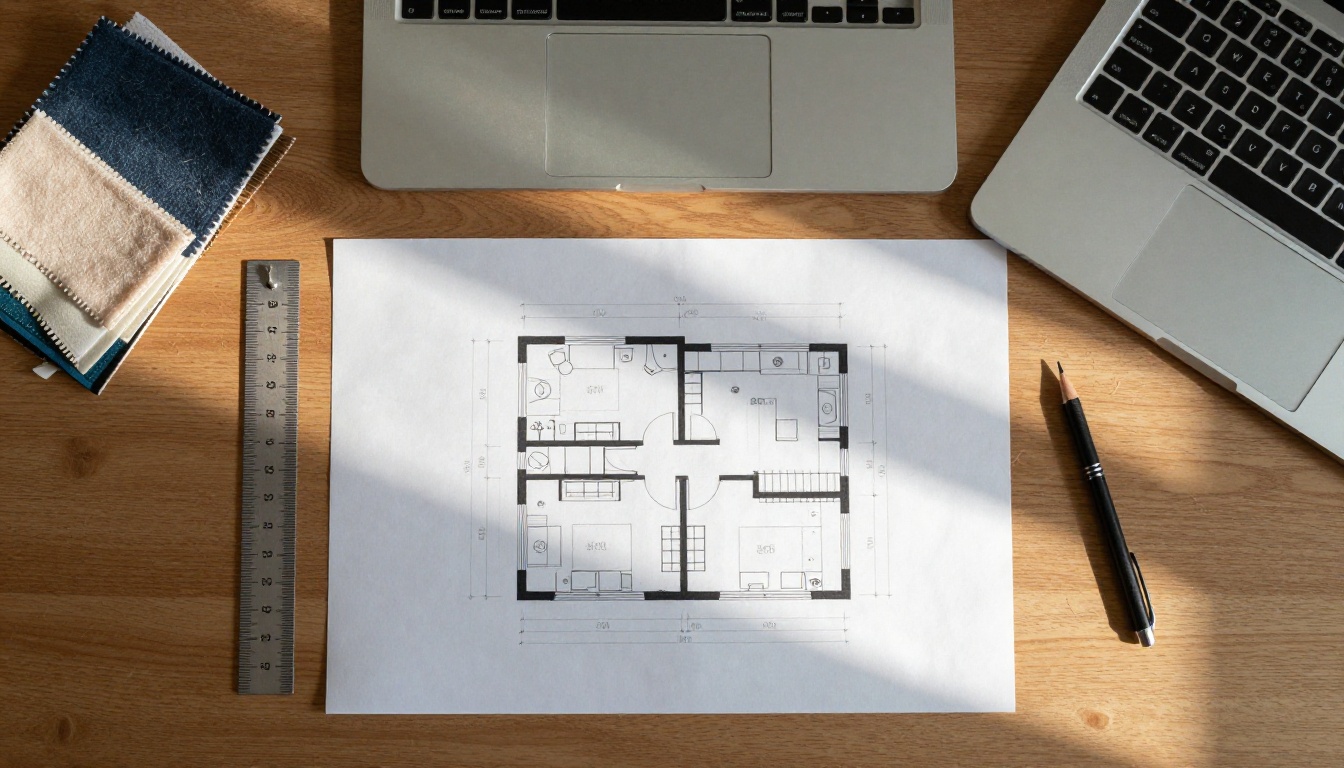
Planner 5D and IKEA Kreativ work from furniture catalogs and room dimensions rather than from a mood. You place a sofa on a plan, check that the door still opens, and see whether a rug fits under the table. They answer will it fit better than any image model, but the free views look stylized rather than photographic. Use a planner for layout, then switch to an image model for materials and atmosphere.
General Image Models
A general text-to-image or image-editing model has no preset styles and no built-in room logic, which sounds like a disadvantage until you try it. You can ask for travertine, hand-troweled plaster and a cognac leather chair in a single sentence, and the model follows. On PicassoIA, one library gives you dozens of options, so you can run the same prompt through several models and keep the winner.
Tool type
Best for
Typical free limit
Weak spot
Room redesign app
Fast style ideas from one photo
A few renders per month
Preset styles, little control
Floor plan planner
Layout and furniture fit
Basic catalog, saved plans
Stylized renders
General image model
Photorealistic mood and materials
Depends on the plan you use
You write the prompt
A Free Workflow That Works
Combine the three tool types and you rarely need to pay for anything:
Measure first. Write down wall lengths, window positions and door swings, or sketch them in a floor plan planner.
Collect three reference images. Pick a style you like and note the materials you see: wood species, stone, fabric.
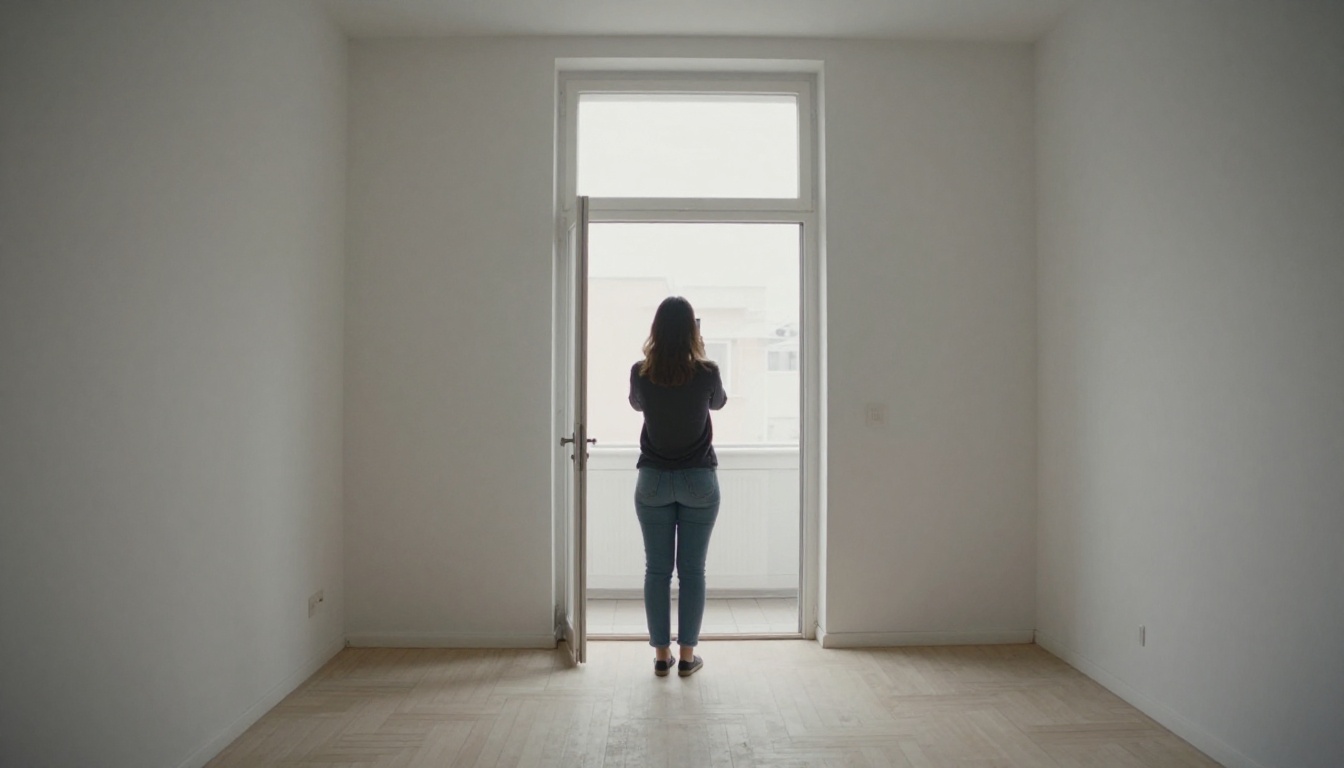
Photograph the room. Daylight, level camera, whole wall in frame.
Edit the photo. Use an editing model and change one thing per run until the palette feels right.
Generate a text-only version. Send the same wording to a text-to-image model to see the room without your current furniture getting in the way.
Check the result against your measurements. Anything that does not fit on paper does not belong in the render.
Which Model Fits Each Job
Not every model is good at every part of a redesign. This table matches the job to a model on PicassoIA, with a link to each page.
Once you have a prompt you like, run it through three models before you commit. Compare them on the boring details: do straight lines stay straight, does the wood grain look like wood, do shadows fall in one direction? The model that wins on those details usually wins on the overall photo too, and the test costs a few minutes.
💡 Rule of thumb: If you have a photo of the room, start with an editing model. If you only have an idea, start with a text-to-image model. Mixing the two works well: generate a target look from text, then use the editing model to bring your own room closer to it.
Use Flux Kontext Pro on PicassoIA
Flux Kontext Pro edits an image from a plain-text instruction, which makes it a natural fit for room redesigns. There are no masks and no selection tools. You describe the change, and the model rewrites the photo to match. It also works as a normal image generator when you leave the input image empty.
Upload the Room Photo
Add your picture in the Input Image field (jpeg, png, gif or webp). Shoot in daylight, stand in a corner, hold the camera at chest height and keep the whole wall in frame. Set Aspect Ratio to match_input_image so the render keeps your framing. Pick jpg for quick tests and png for the version you want to keep.
Write the Edit Instruction
Describe the change first, then name what must stay the same. That second half matters more than most people expect. Here is a working example:
Redesign this living room in a warm Japandi style: replace the sofa with an oatmeal bouclé sofa, add a round travertine coffee table and a cream wool rug, and paint the walls warm off-white. Keep the windows, ceiling, floor and camera angle exactly the same. Natural morning light, photorealistic.
If your instruction is short, switch on Prompt Upsampling. It rewrites your text with richer detail before the model runs.
Lock the Seed and Iterate
When a render comes out close to what you want, copy its Seed. Reuse that number and change one detail per run: the rug, then the wall color, then the lamp. A fixed seed keeps the overall result consistent while only your edit changes, so you can compare versions side by side instead of starting from scratch every time.
💡 Tip: Change one thing per run. If you swap the sofa, the rug and the paint in a single prompt and the result looks wrong, you will not know which instruction caused it.
Prompts That Work by Room
A good room prompt answers six questions in this order: which room, which style, which materials, which light, which camera, and what stays untouched. The last one only applies when you edit a photo. Naming real materials does more than adjectives like "beautiful" or "modern", because the model has seen thousands of photos of travertine and linen but no photo of "nice".
This table gives you vocabulary for five popular styles:
Style
Materials to name
Palette
Japandi
Oak, linen, plaster, paper lantern
Cream, sage, charcoal
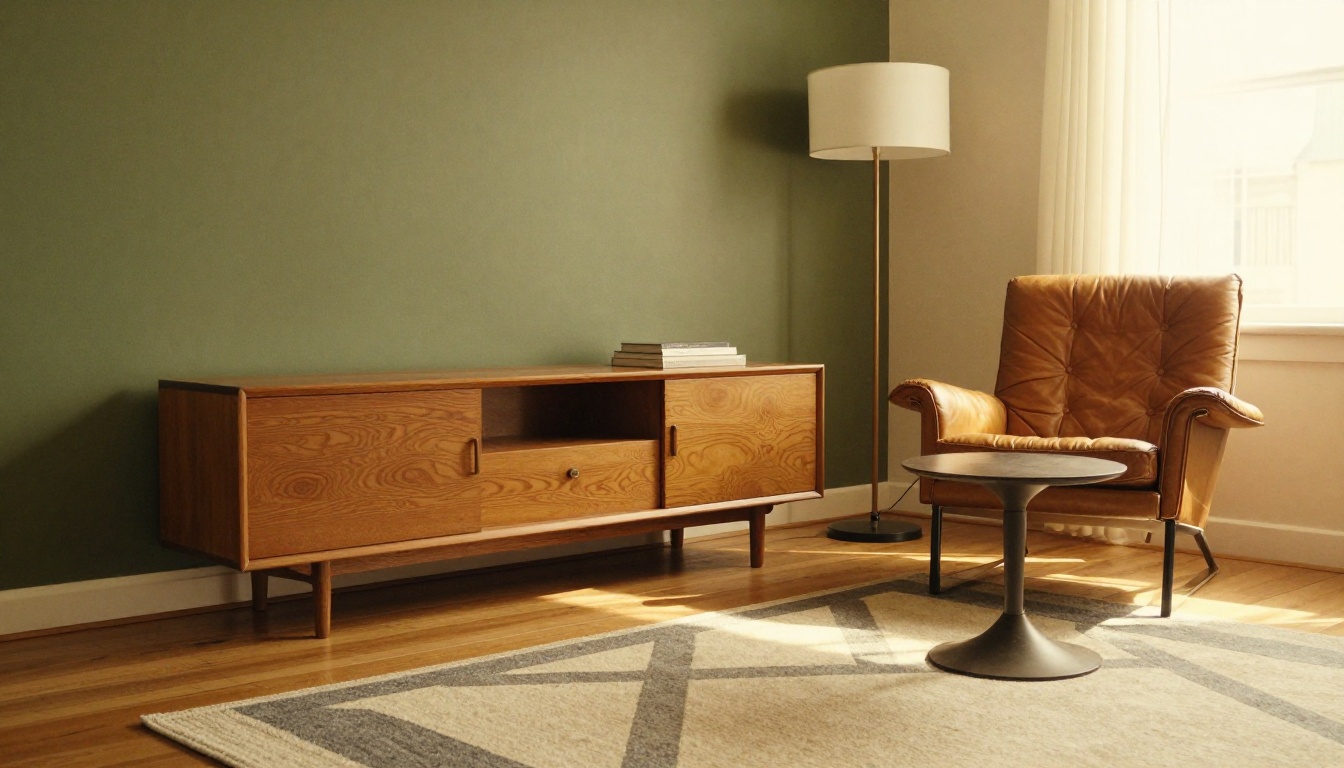
Mid-century modern
Teak, leather, brass
Olive, mustard, walnut
Industrial loft
Exposed brick, raw steel, concrete
Gray, black, rust
Coastal
Whitewashed wood, rattan, cotton
White, sand, soft blue
Warm minimalist
Plaster, travertine, bouclé
Bone, clay, taupe
Copy any prompt below into Seedream 4.5 or Imagen 4 as it is. To redesign your own photo with Flux Kontext Pro, start with "Redesign this room" and finish with "Keep the walls, windows, ceiling and camera angle exactly the same."
Living Room
Photorealistic interior photograph of a warm minimalist living room: oatmeal bouclé sofa, round travertine coffee table, cream wool rug, hand-troweled off-white plaster walls, oak herringbone floor. Soft morning light from a tall window on the left, 24mm lens at f/4, shot from a low corner, Kodak Portra 400 grain, real fabric texture, no people, no text.
Kitchen
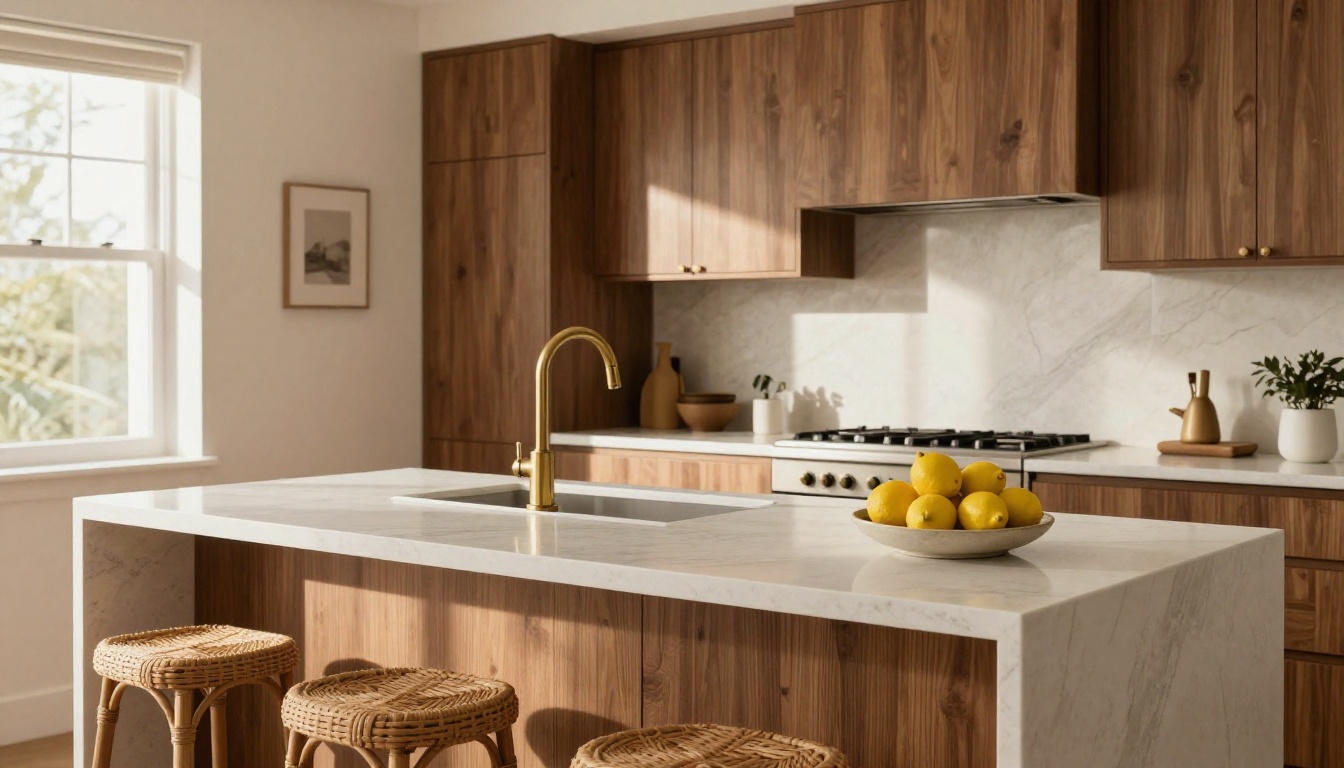
Kitchens are where AI renders most often go wrong, because the model invents appliances that cannot exist. Keep the object list short and name the surfaces.
Photorealistic photograph of a modern kitchen with matte walnut cabinets, a white quartz island, three rattan stools and a brushed brass faucet. Late-afternoon sunlight from the left, visible stone veining and wood grain, low three-quarter angle, 24mm lens at f/4, fine film grain, no text.
Bedroom
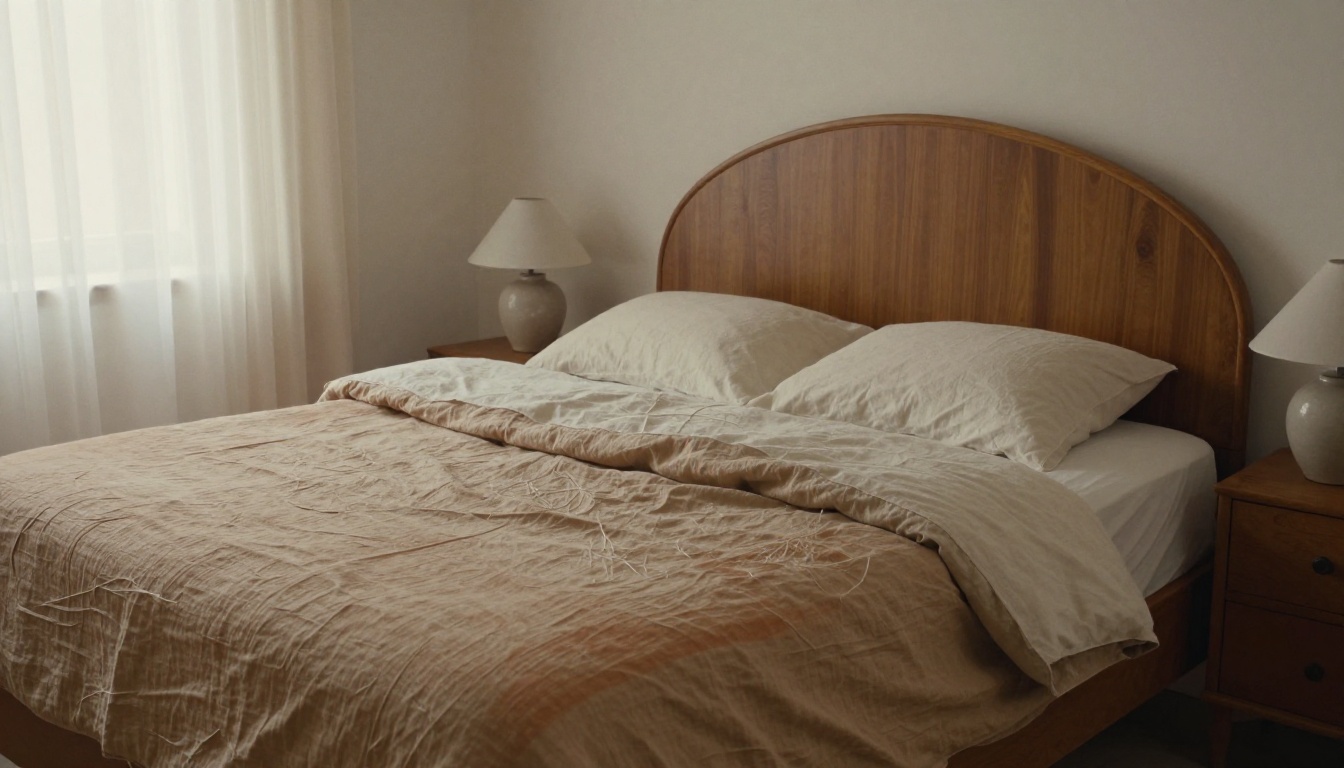
Bedrooms reward soft light and texture. Ask for wrinkled linen and wool, and the room immediately feels lived in.
Photorealistic photograph of a calm bedroom with an unmade linen bed in oatmeal and terracotta, a rounded wooden headboard, two ceramic bedside lamps, sheer curtains moving in a morning breeze. Diffused window light, 28mm lens at f/3.5, slight high angle from the foot of the bed, wrinkled fabric texture, film grain.
Home Office
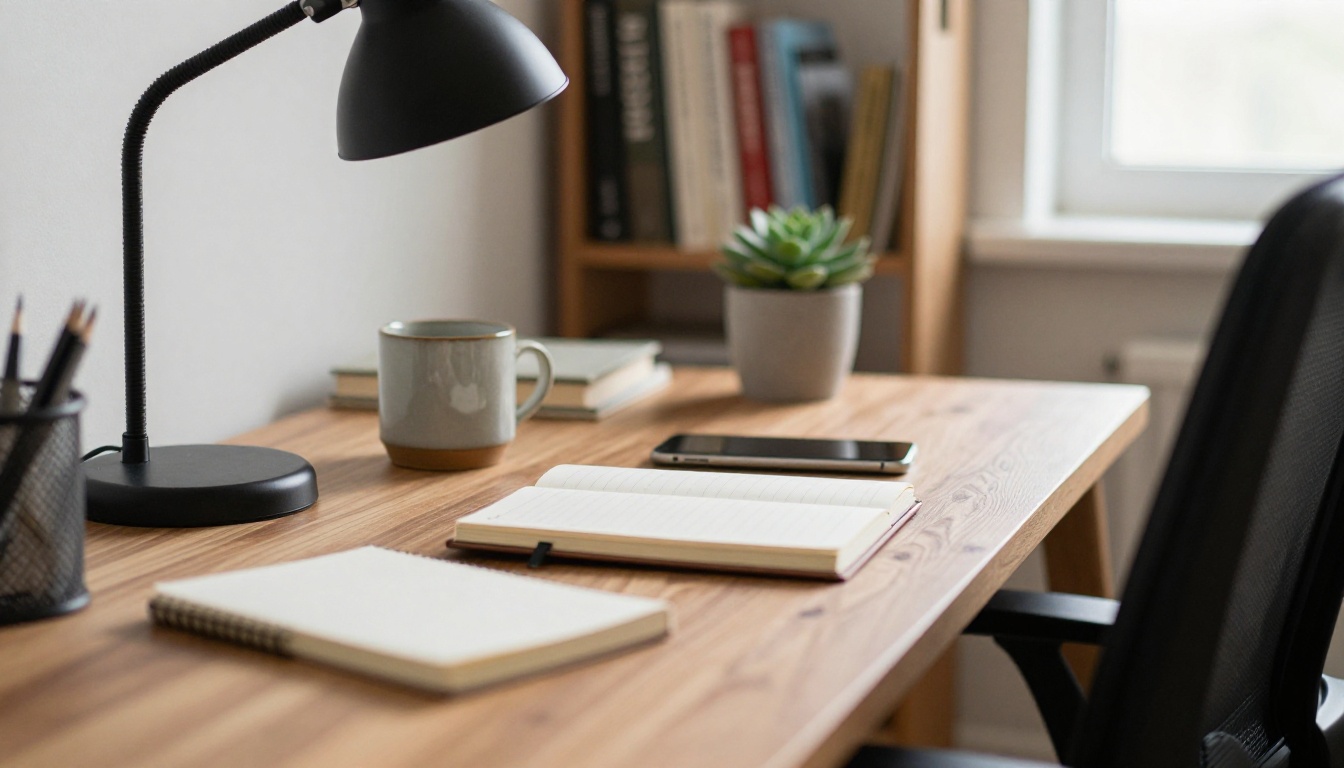
A close crop works well here. The desk is the subject, and the shallow depth of field hides any unfinished background.
Photorealistic close-up of a walnut home office desk with a matte black desk lamp, an open notebook, a ceramic mug and a small succulent, a bookshelf softly out of focus behind. Window light from the right, 85mm lens at f/1.8, visible wood grain and paper texture, film grain.
Bathroom
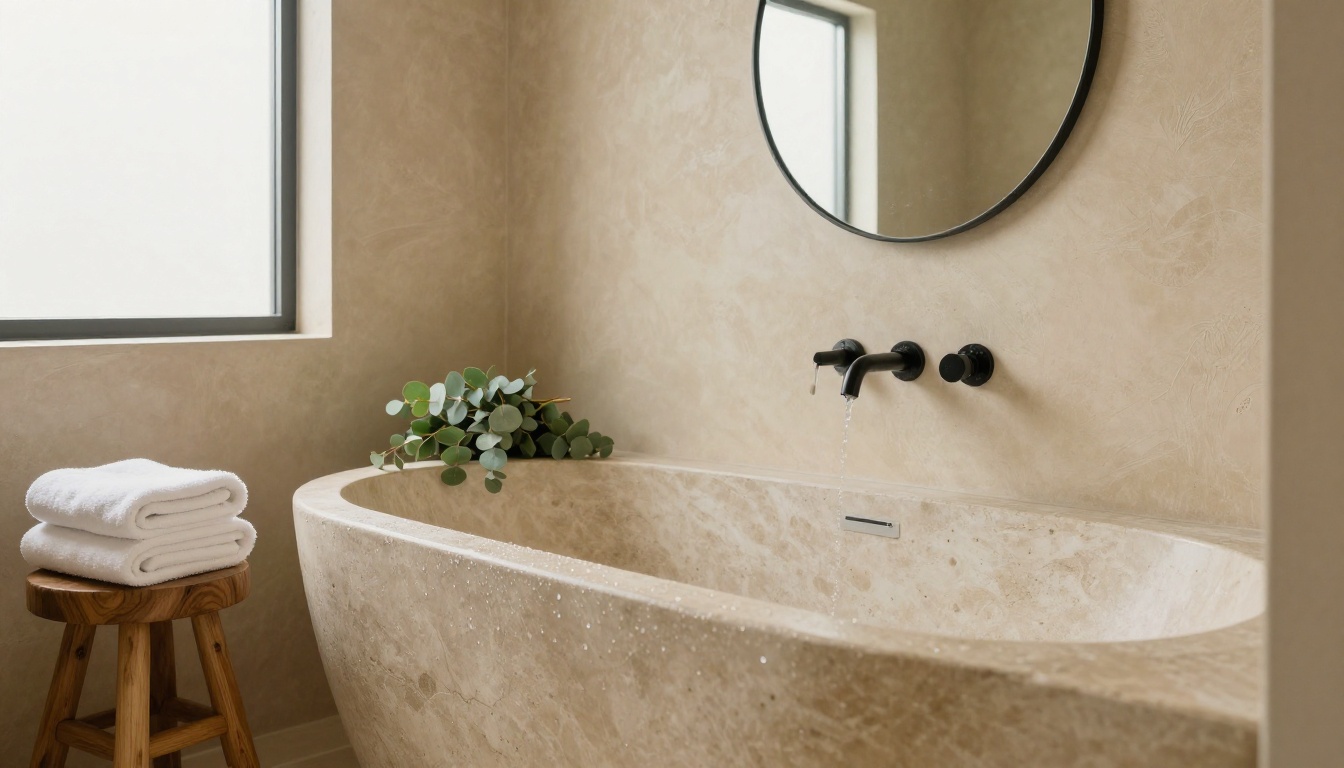
Bathrooms depend on surfaces: stone, plaster, wet edges and soft reflections. Mention each one.
Photorealistic spa-style bathroom with a freestanding stone bathtub, warm beige tadelakt plaster walls, a wooden stool with folded white towels, a round mirror above a floating oak vanity. Diffused daylight from a frosted window, 35mm lens at f/2.8, low angle at the tub edge, water droplets on the rim, matte stone texture.
Mistakes That Ruin a Render
Most disappointing results trace back to the same handful of habits. Fix these and your hit rate goes up fast.
Dark or blurry source photos. An editing model can only work with what it sees. Shoot in daylight and keep the camera level.
Ten changes in one prompt. Swap one element at a time and keep the seed fixed.
No "keep it the same" sentence. Without it, windows drift, ceilings change height and the floor turns into a different material.
Vague style words. "Modern and cozy" produces generic results. "Oak, linen and warm off-white plaster" produces something you can build.
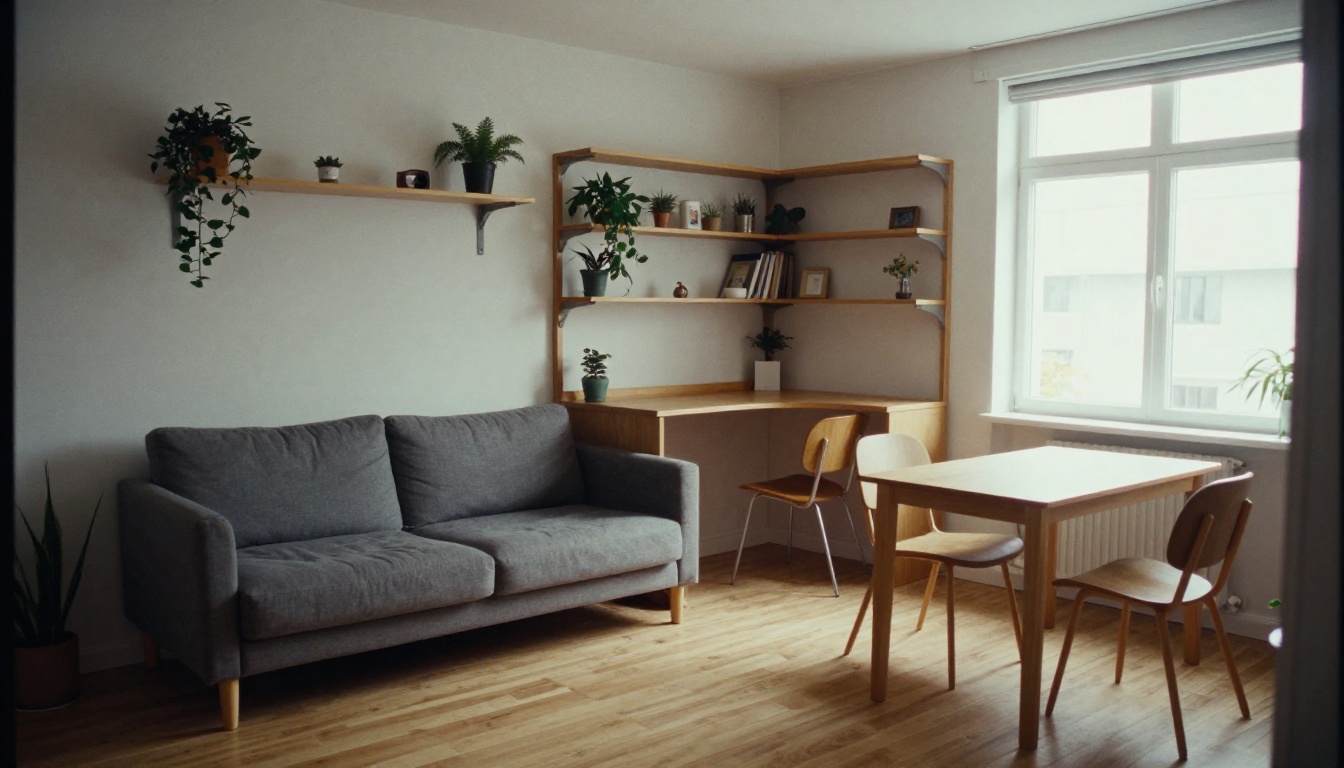
Ignoring scale. A model will happily place a three-seat sofa in a room that fits a loveseat. Check real measurements with a floor plan planner before you buy anything.
Treating the render as a shopping list. The furniture in an AI image is invented. Save the image as a style reference, then look for the closest real pieces.
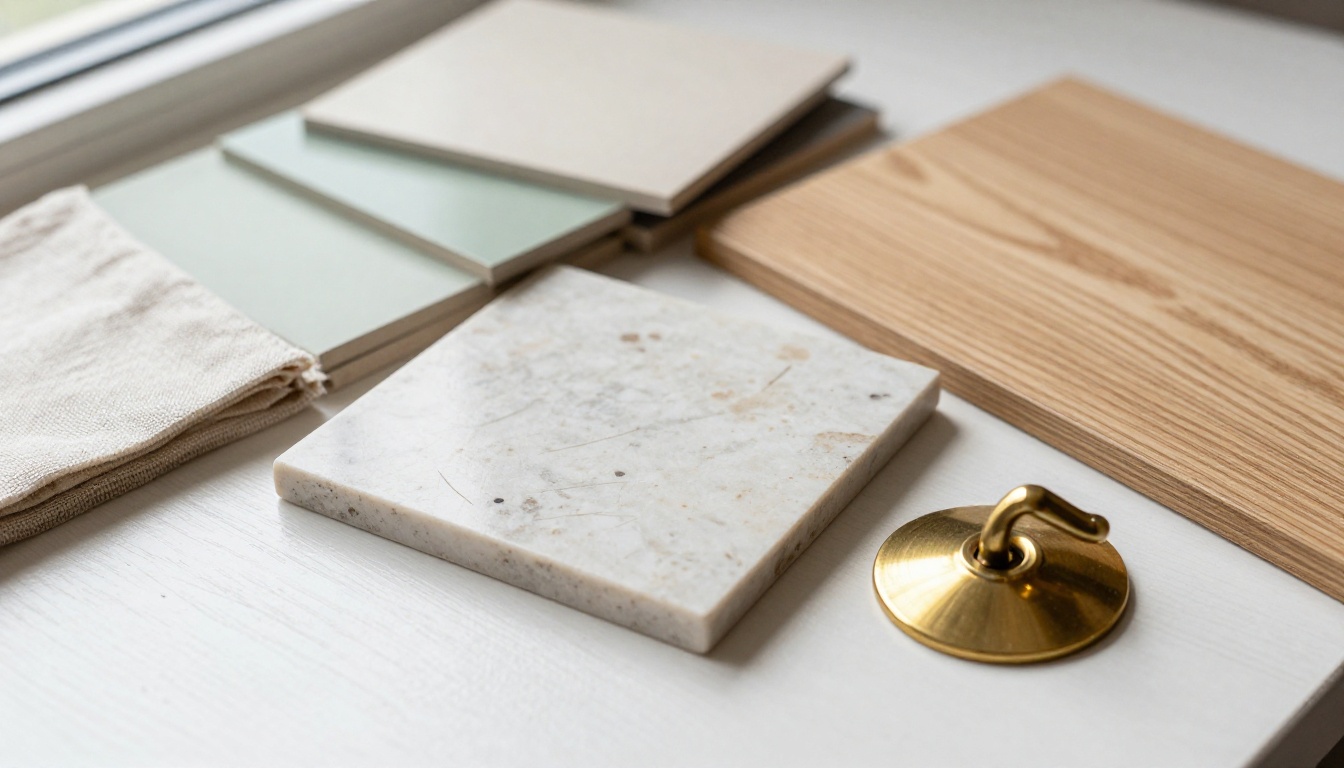
💡 Tip: Build a physical sample board while you iterate. Paint chips, a linen swatch and a tile sample on a table tell you in five minutes whether a render's palette survives real daylight in your room.
Try Your Own Room Today
You do not need a design degree or a monthly subscription to see your room in a new style. You need a decent photo, a clear sentence about the materials and light you want, and a model that follows instructions.
Open Picasso IA, load a photo of the room you have been meaning to change, and run the Japandi prompt from this article through Flux Kontext Pro. Then change one detail, run it again, and compare. When you want a render from scratch, send the same wording to Seedream 4.5 or GPT Image 1.5 and see which one gets closer. Browse every model on the PicassoIA models page, pick the one that fits your room, and start experimenting with your own images today.