You love your sofa. It took months to find, it fits your back perfectly, and replacing it is not on the budget. Yet every AI room redesigner you try spits out a different couch, a different table and a different life. AI interior design with existing furniture fixes that problem: you upload a photo of your real room, keep the pieces you own, and let the AI change everything around them, from wall colour to rugs, lighting and decor.
This article shows exactly how to do it. You will get a photo checklist, a prompt formula that protects your furniture, room by room examples, a comparison of free apps, and a step by step walkthrough using image editing models on PicassoIA.
The restyle problem
Most room design apps work like a full makeover show. You upload a photo, pick a style such as "Japandi" or "Boho", and the AI rebuilds the entire scene. Walls, windows and layout usually survive, but the furniture gets swapped for whatever the model thinks fits the style. That is fun for inspiration, and useless if you actually own the sofa in the picture.
Some free apps say this plainly in their FAQs: there is no selective "keep this piece" button. The AI preserves the room structure, not your belongings.
What keeping furniture really means
When people search for this topic, they usually want one of three outcomes:
- Keep everything, change the mood. New wall colour, rug, curtains, lighting and decor around the same furniture.
- Keep the big pieces, swap the small ones. The sofa and bed stay, while cushions, lamps and art change.
- Keep one hero piece. An inherited armchair or a solid oak table anchors the whole new look.
Each outcome needs a slightly different prompt and tool, and that is what the rest of this article sorts out.
💡 Quick rule: If a tool lets you describe edits in plain language on top of your own photo, it can keep your furniture. If it only offers a style dropdown, it will almost always replace it.
Prepare a Photo the AI Can Read
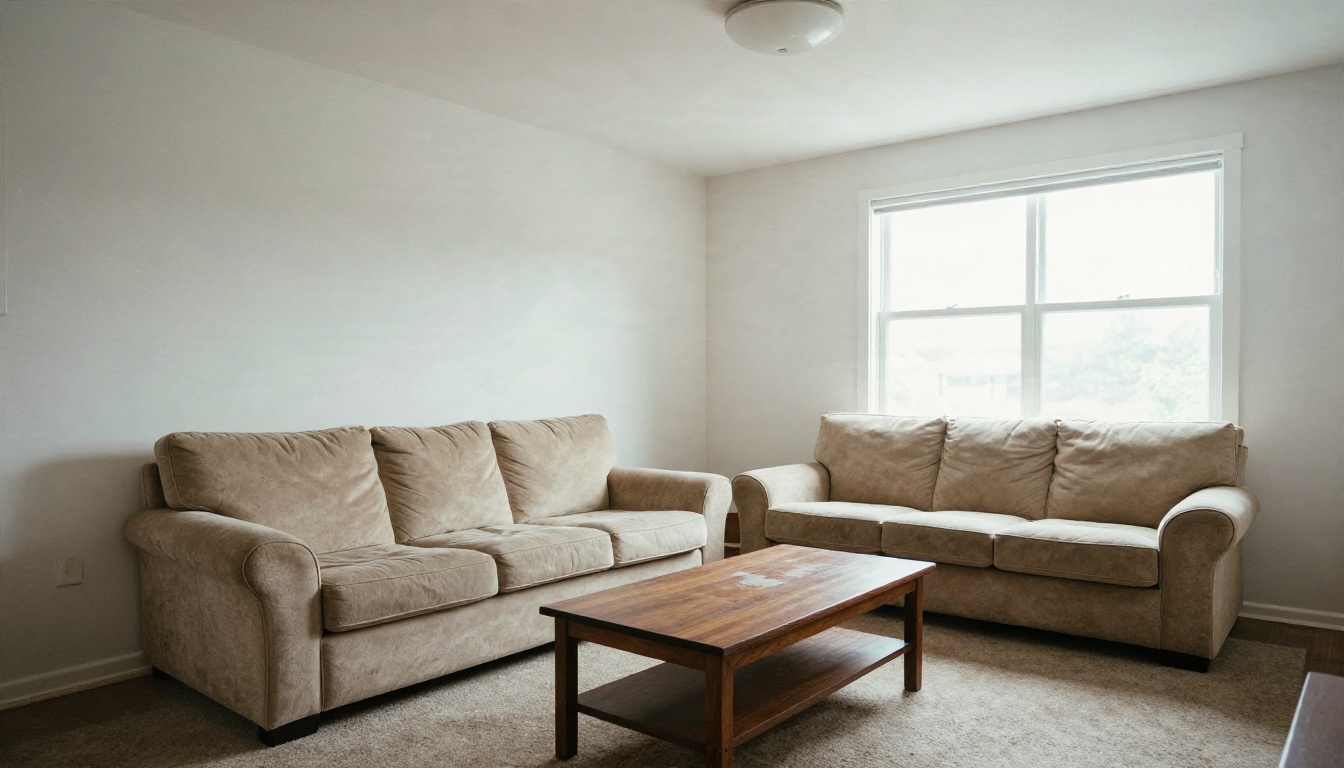
The quality of your result depends more on the input photo than on the model. A messy, dark, tilted picture gives the AI a messy foundation, and it will "fix" things by inventing new objects.
Shoot from a corner
Stand in one corner of the room and photograph the opposite side. A corner position shows two walls, the floor and your main furniture in one frame, which gives the model plenty of perspective cues. Hold the phone at chest height, keep it level, and avoid the ultra wide lens if you can, because heavy distortion makes sofas look warped after editing.
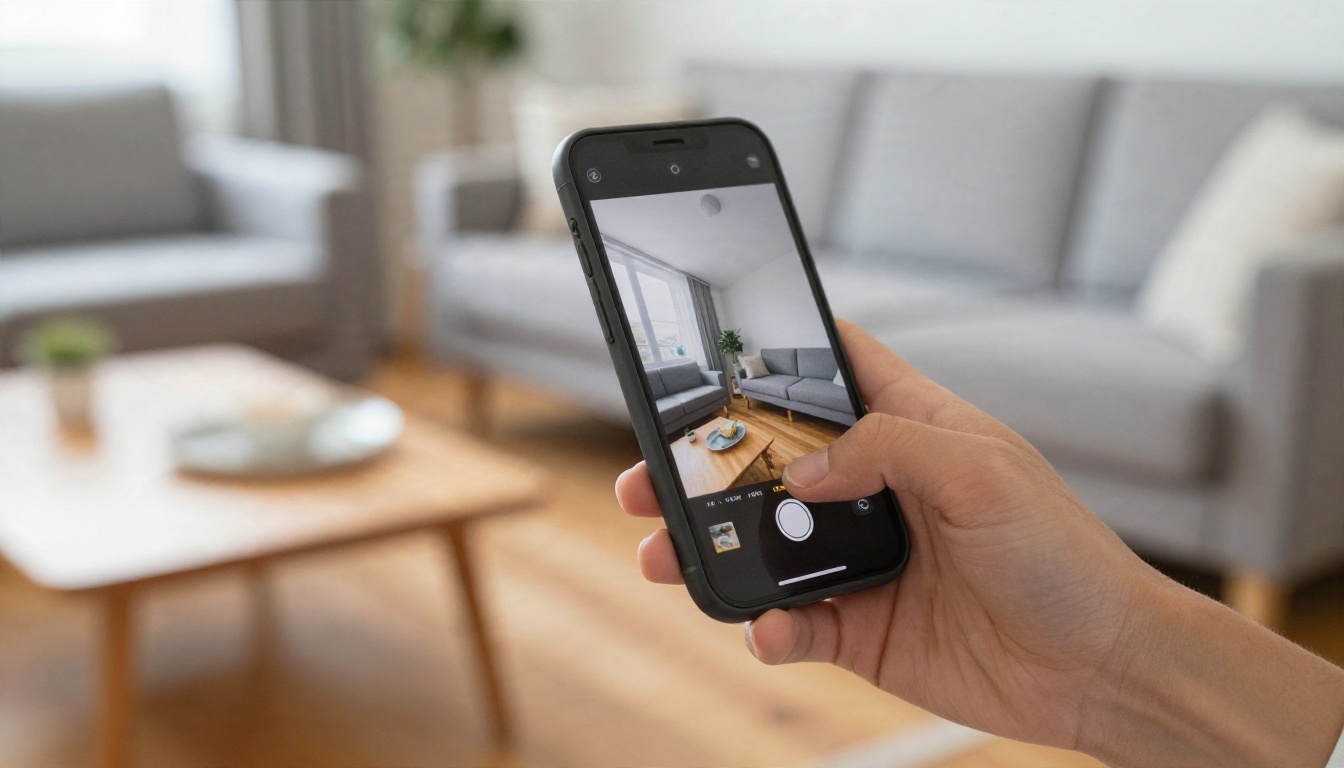
Fix light and clutter first
Turn on every lamp, open the curtains and shoot in daylight if possible. Shadows hide edges, and the AI treats unclear edges as permission to improvise. Then clear the obvious clutter: laundry, cables, boxes. You can leave books and plants, since they help the AI read scale.
| Photo factor | Best practice | What goes wrong otherwise |
|---|
| Angle | Corner, chest height, level | Tilted sofas, bent walls |
| Light | Daylight plus lamps on | Dark furniture merges into the floor |
| Resolution | At least 1080 px on the long edge | Soft, smeared textures |
| Clutter | Remove loose items | Random objects get copied into the new design |
| Framing | Whole sofa and table visible | AI invents the missing half |
Keep the file clean
Upload a JPG or PNG straight from the camera roll, without filters. Beauty filters and heavy HDR change colours, and the AI will then match those wrong colours when it restyles the room.
Prompts That Protect Your Furniture
The preserve then change formula
A prompt that keeps furniture has two halves. The first half names what must stay. The second half names what changes. Order matters, because many models weigh the beginning of the prompt more heavily.
Formula:
Keep the [furniture items] exactly as they are, same shape, colour and position. Change [walls, floor, rug, lighting, decor] to [style or palette]. Keep the camera angle and room layout unchanged.
The phrase "same shape, colour and position" is doing real work. Without it, models tend to "improve" your sofa by giving it new legs or a different fabric.
Copy ready prompts
Use these as starting points and swap in your own furniture description:
- Living room: "Keep the brown leather sofa and the oak coffee table exactly as they are. Repaint the walls soft sage green, add a natural jute rug, linen cushions and a black floor lamp. Warm morning light, same camera angle."
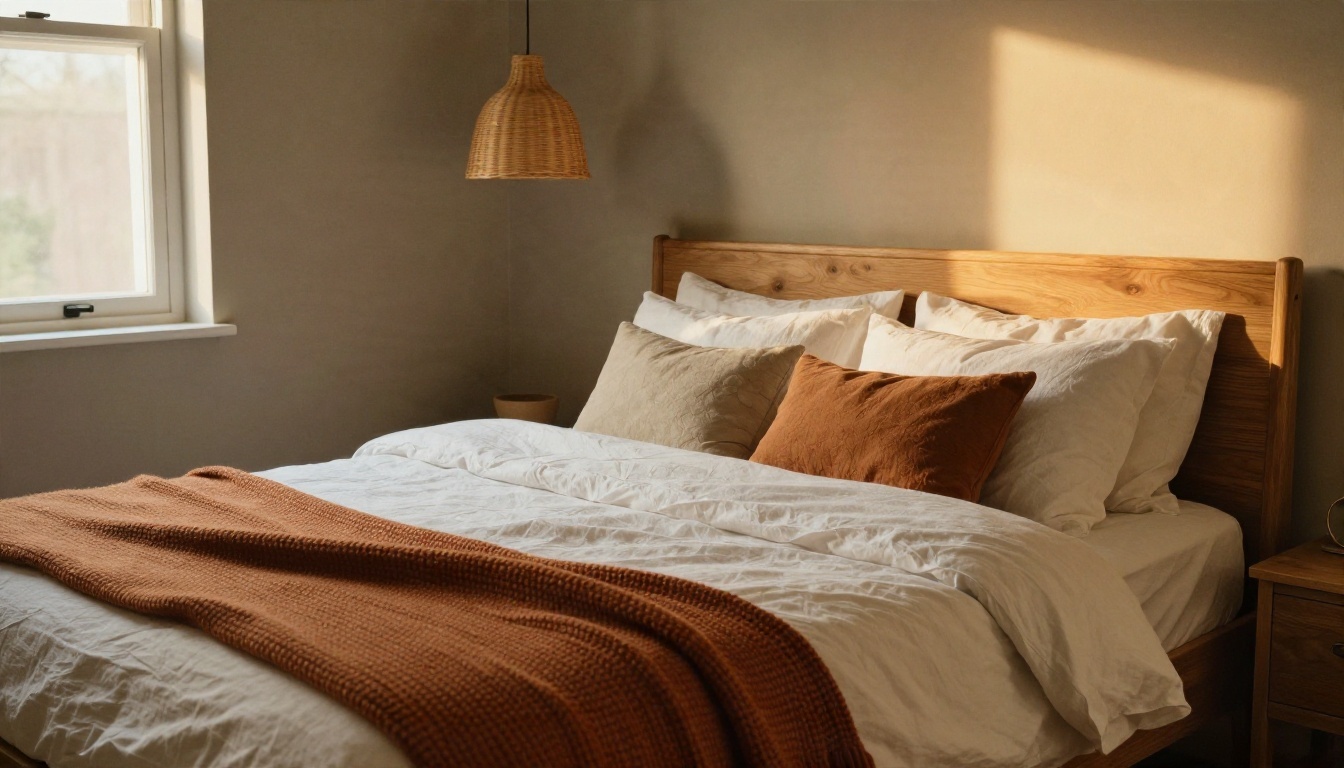
- Bedroom: "Keep the solid oak bed frame unchanged. Add white linen bedding, a rust knit throw, warm greige walls and a rattan pendant lamp. Soft evening light."
- Dining area: "Keep the round pine table and the four wooden chairs. Paint the wall deep olive, add a linen runner and dried grass in a vase. Natural window light."
- Whole room refresh: "Do not move, remove or replace any furniture. Only change wall colour, curtains, rug, lamp shades and wall art to a calm Scandinavian palette."
Words that help, words that hurt
Helpful: keep, unchanged, same position, only change, do not replace. Risky: redesign, reimagine, modern makeover, because they invite the model to rebuild the scene. If your first result swaps a piece, add the missing furniture to the "keep" list by name and colour, for example "keep the grey three seat fabric sofa with wooden legs".
The market is crowded, and most listings are written by the vendors themselves, so treat feature claims with a little suspicion and test the free tier before relying on it. Here is how the main categories behave when you want to keep furniture.
| Tool type | Examples | Keeps your furniture? | Free tier |
|---|
| Style dropdown apps | Intero, GenRoom and similar room redesigners | Rarely, they restyle the whole room | Often a few free generations |
| Furniture removal apps | Decor8 style tools, IKEA's room app | Yes, but you choose what to erase | Limited free credits |
| Select and replace apps | Object replacement tools inside mobile apps | Yes, if you only replace chosen items | Usually freemium |
| Prompt based image editors | Image editing models on PicassoIA | Yes, you decide in the prompt | Free generations available |
When a dedicated app is enough
If you only want ideas, a style dropdown app is quick and often free. You get ten looks in a minute, and you can screenshot the palette that appeals most. Just do not expect your actual sofa to survive.
When a prompt based editor wins
If you want the same couch in a new room, you need control. A prompt based image editor lets you write "keep the sofa" in words, and it can also handle follow up edits such as "make the rug smaller" or "swap the lamp shade to linen". That flexibility is why creators who care about realism lean on image editing models rather than preset style filters.
How to Use Nano Banana on PicassoIA
Nano Banana accepts an input photo and a text instruction, which makes it a strong fit for restyling a room without replacing furniture. Here is the workflow.
Step by step
- Open the model page and choose the image input option so you can upload your own room photo.
- Upload your corner shot. Use the clean, level, well lit photo described above.
- Paste your preserve then change prompt. Start with the "keep" list, then the changes.
- Generate and compare. Look first at the furniture: is the sofa the same shape, colour and position?
- Refine with one change at a time. Ask only for a rug swap or a new wall colour in the next round. Small edits keep the rest of the image stable.
- Save the best version and keep the prompt, so you can reuse it on another room.
Parameter tips
- Keep prompts under 80 words. Long prompts dilute the "keep" instruction.
- Describe colours in plain words, such as "sage green" or "warm greige", instead of hex codes.
- Mention lighting once. "Soft morning light from the left" is enough.
- Run two or three variations and pick the one that respects your furniture best.
💡 Alternative models: Flux Kontext Fast is built for instruction based photo edits and responds well to "change only the walls" style commands. P Image Edit is very quick, which suits rapid trial and error. PicassoIA Image Editor Pro offers unlimited generations, handy when you are testing ten palettes. For a fresh render from text alone, Seedream 4.5 and GPT Image 2.5 Sunburst are both worth testing.
Room by Room Examples
The dining corner
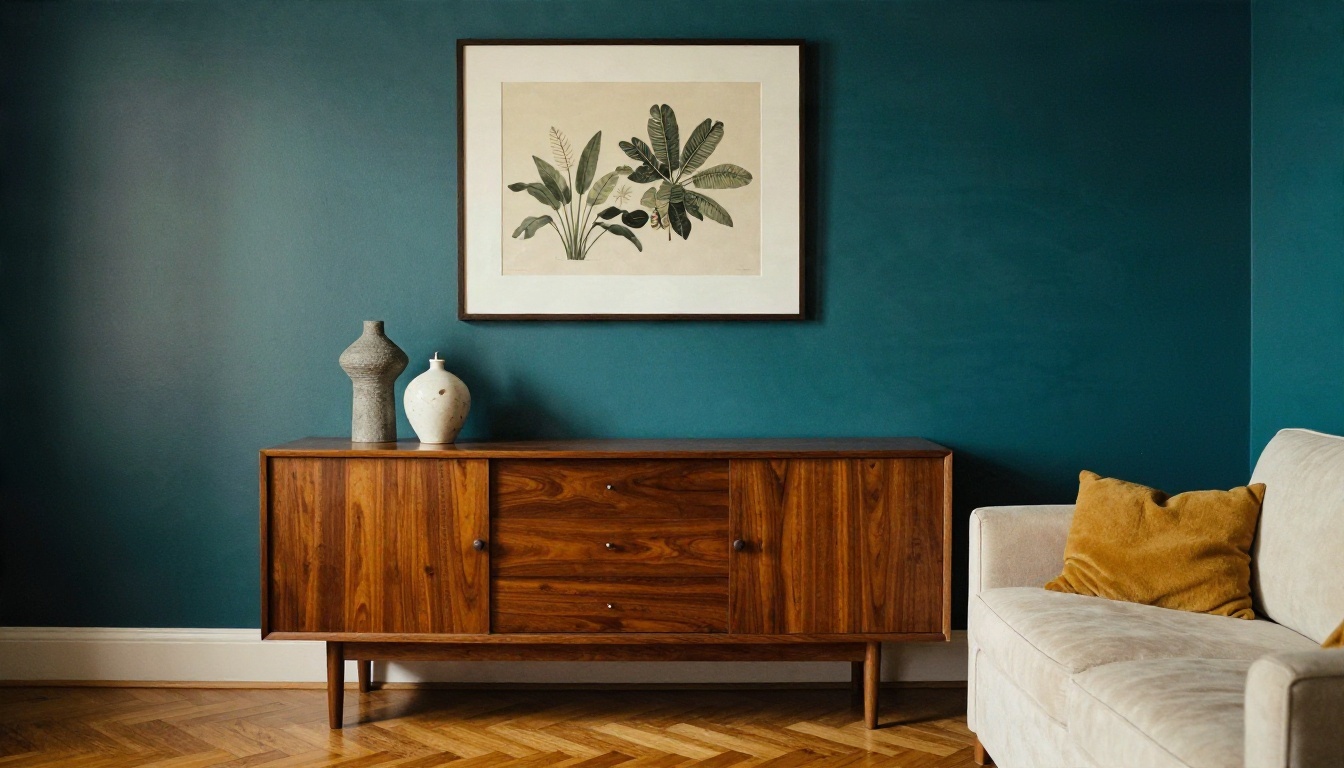
A mismatched set of chairs is a classic problem. You do not want to buy eight new chairs, but the room feels messy. In the example below, the existing pine table and wooden chairs stay, and a deep olive wall plus a linen runner tie everything together. Colour on the wall unifies furniture far better than new furniture would.
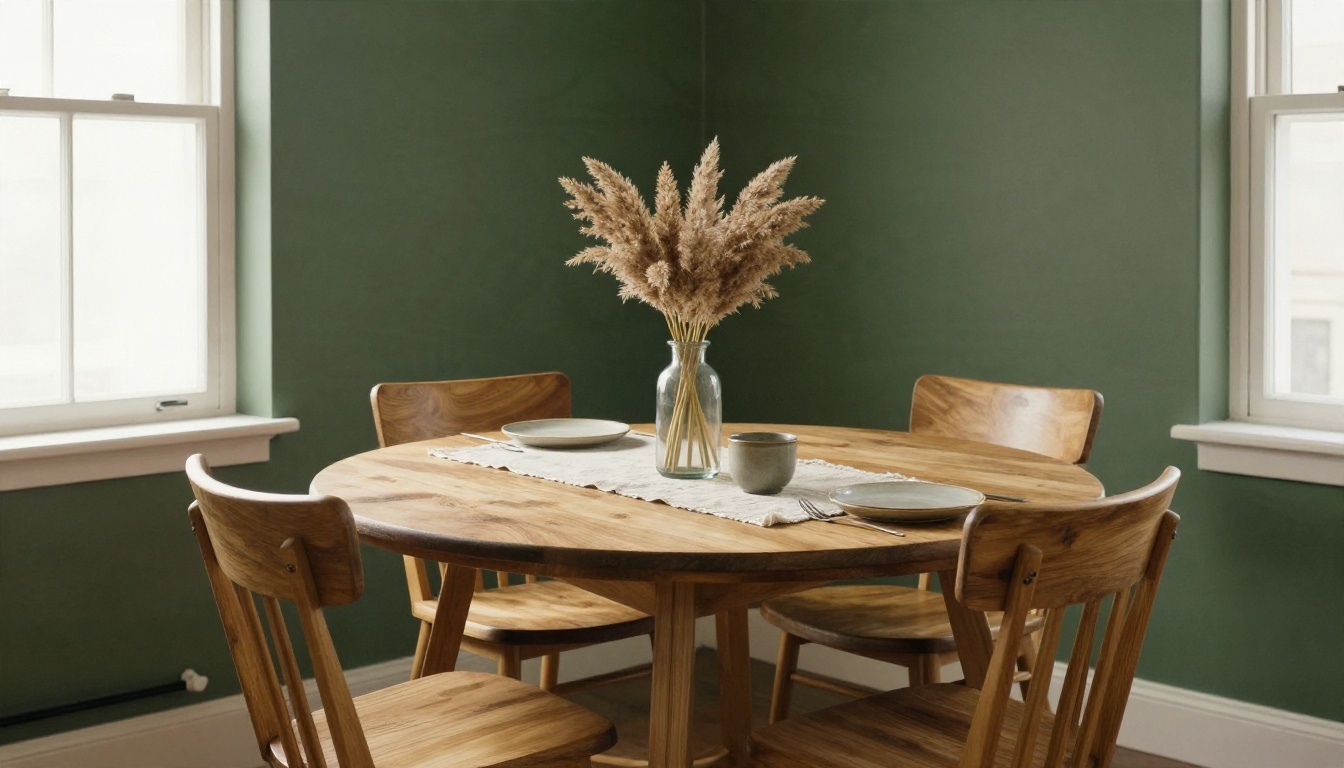
Prompt idea: "Keep the table and chairs. Paint the wall deep olive. Add a linen table runner and a vase of dried grass. Do not change the chairs."
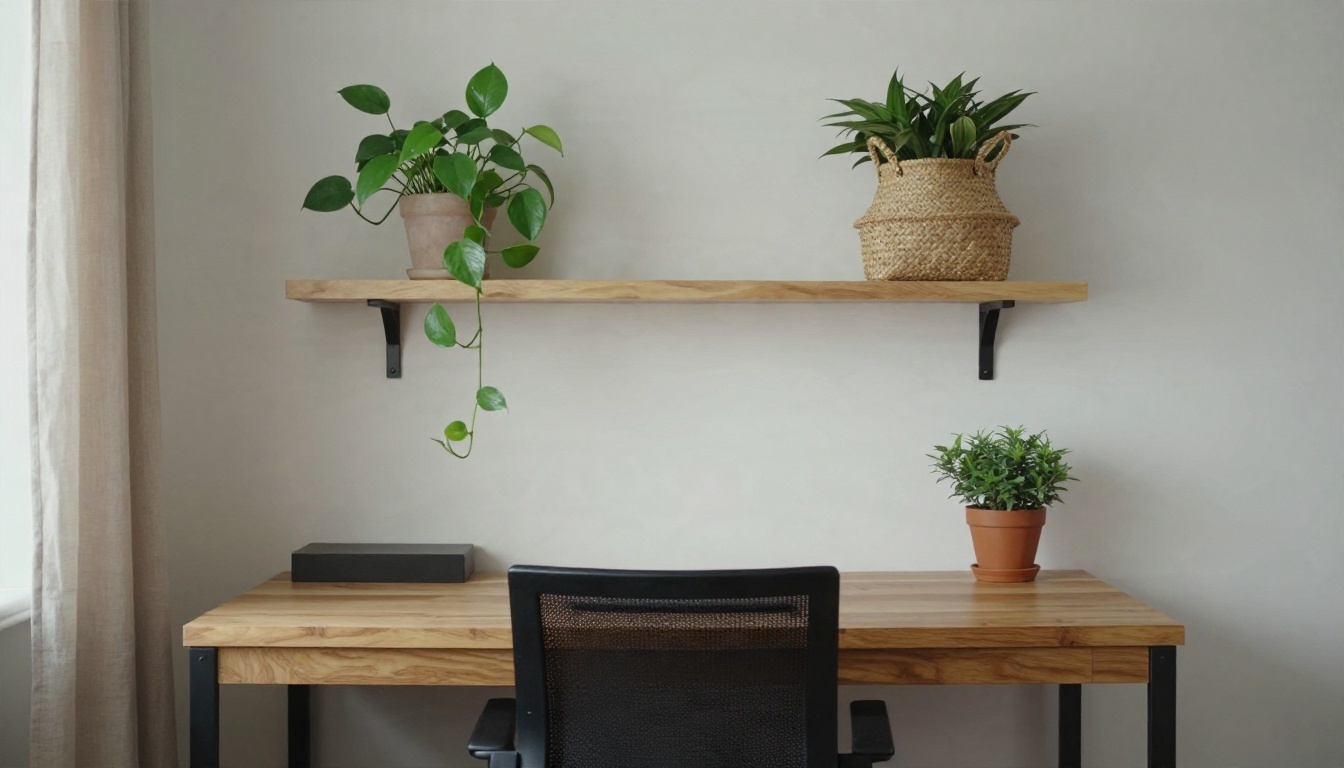
The home office
Desks are usually the hardest piece to move and the easiest piece to keep. A black wooden desk and a mesh chair can look cold, but warm shelves, plants and a linen curtain soften them. AI is excellent at proposing shelving and plant layouts around a fixed desk, because the desk gives it a clear anchor.
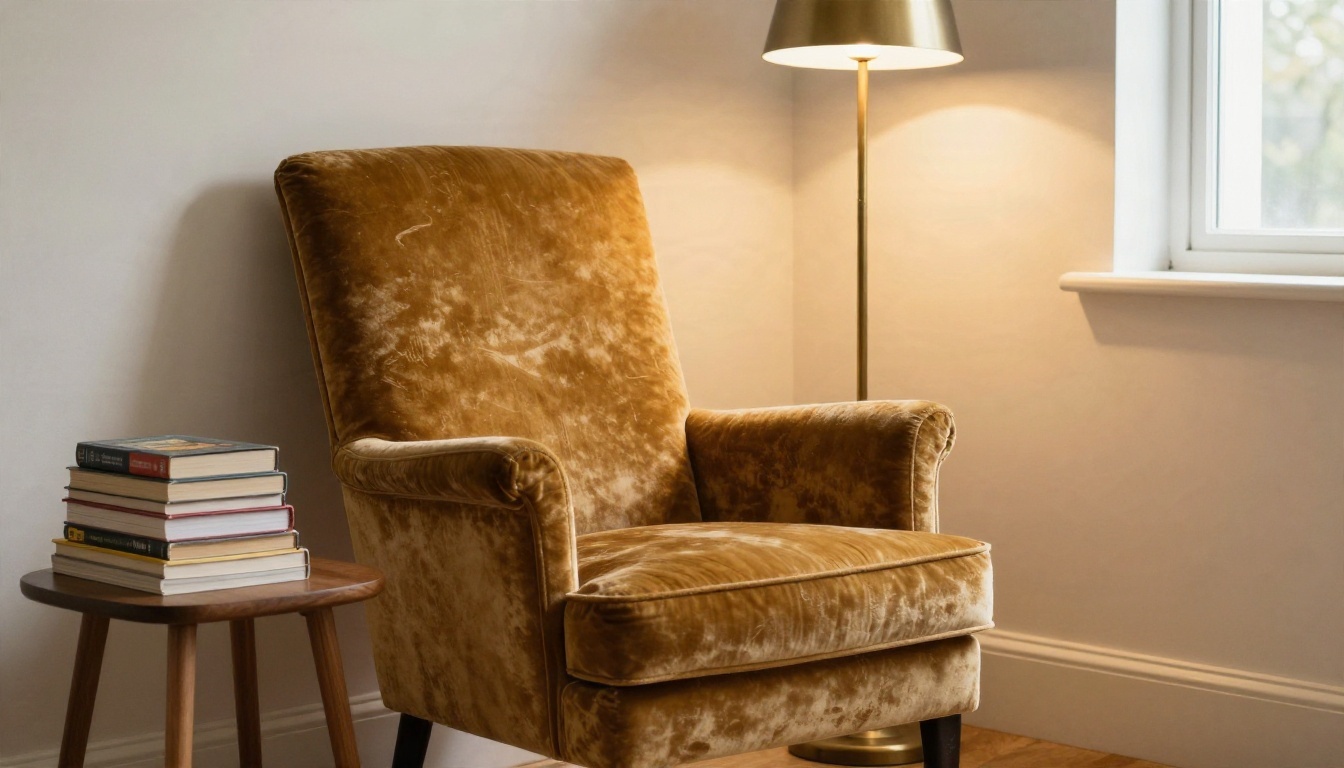
The reading nook
Single statement pieces respond well to this workflow. A vintage velvet armchair becomes the hero of a nook when you add a brass lamp, a small walnut side table and a pale plaster wall. In your prompt, describe the armchair in detail, including colour and fabric, so the AI treats it as untouchable.
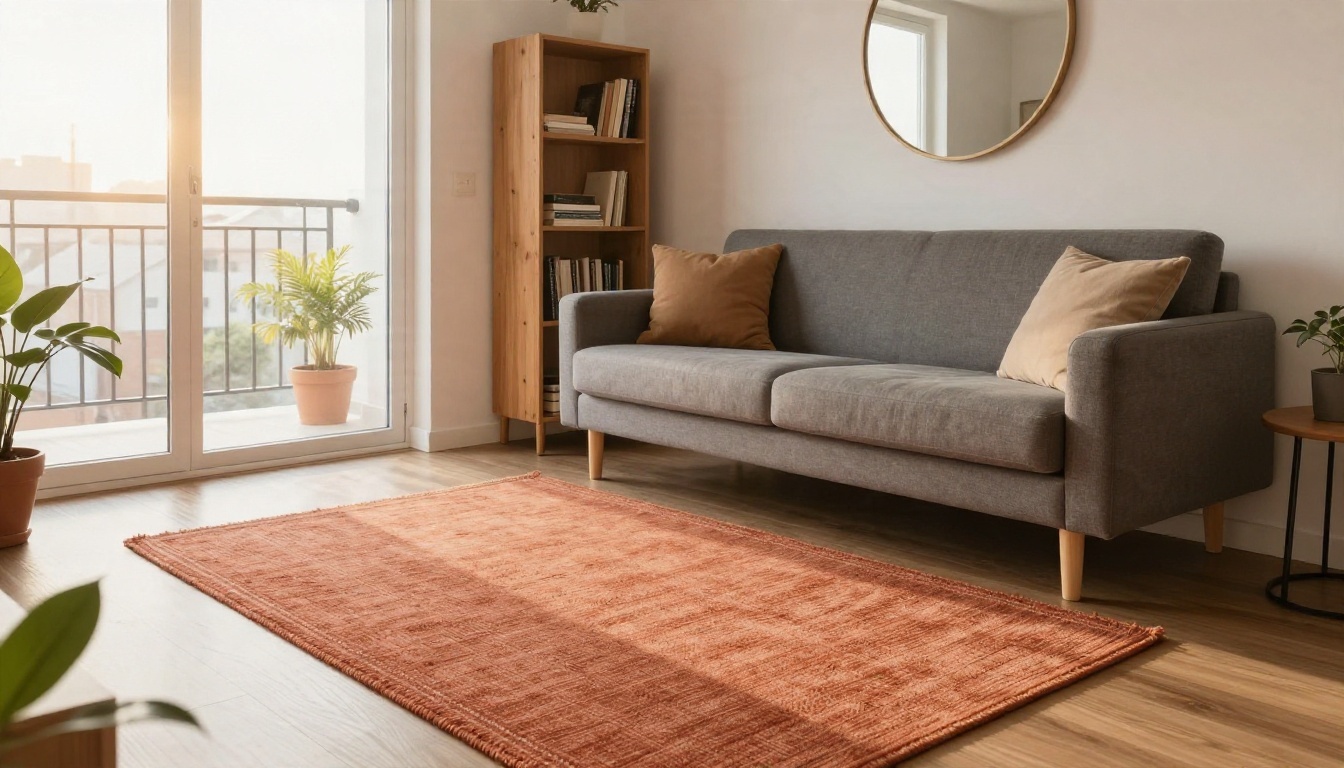
The studio apartment
Small spaces need discipline. With a grey sofa and a pine bookshelf already in place, the best AI edits add vertical interest and warmth: a terracotta rug, a round mirror, warmer wall paint. Ask the AI to keep every large piece in its current position, because moving a sofa in a studio changes the whole floor plan.
The palette stage
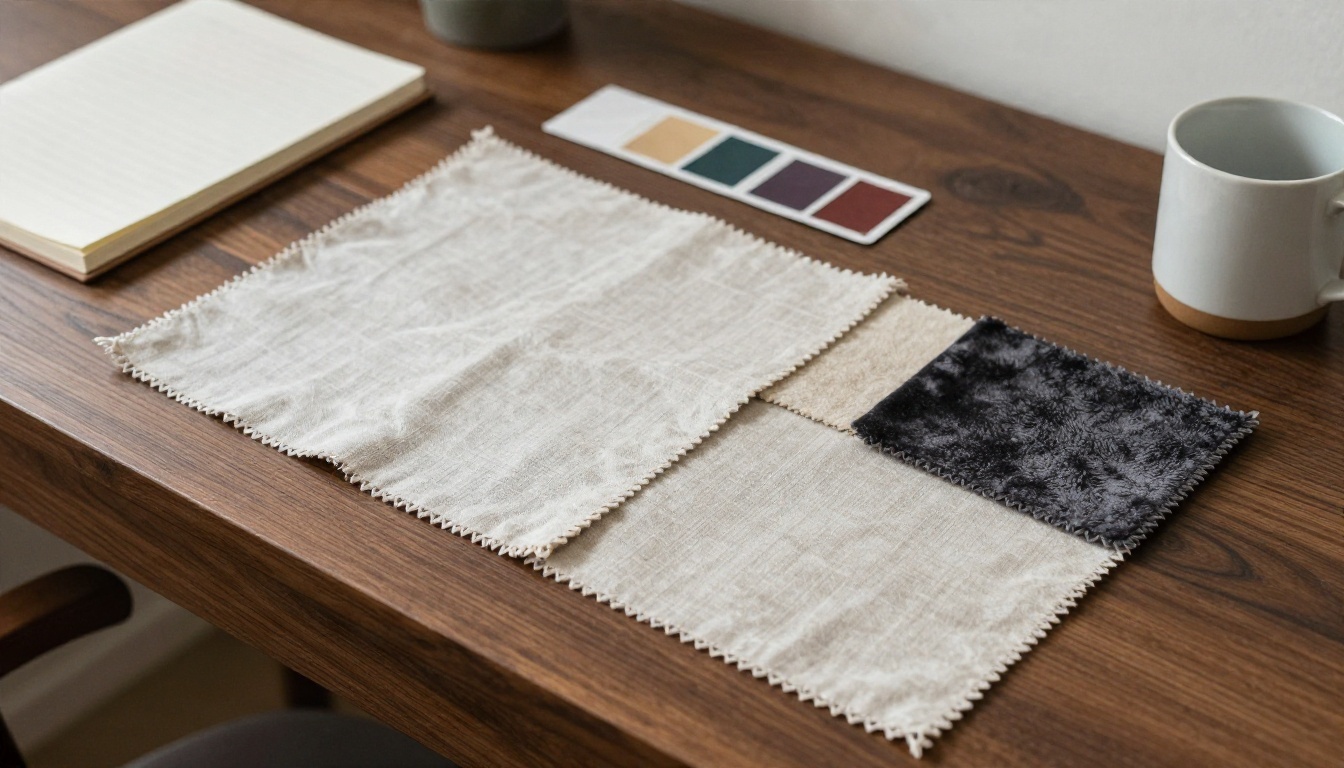
Before generating, many designers collect real swatches. A small pile of linen, bouclé and velvet samples next to paint cards helps you choose words for your prompt. If you can name the fabric and finish, the AI renders it more convincingly.
Common Mistakes and Fixes
| Mistake | What you see | Fix |
|---|
| Vague prompt like "make it nicer" | Sofa replaced, layout changed | Add a keep list with colours and materials |
| Too many changes at once | Distorted furniture, melted edges | Edit in rounds: walls first, then rug, then decor |
| Dark or blurry photo | Furniture merges into floor | Reshoot with lamps on and daylight |
| Ultra wide lens | Warped sofa lines | Use the standard camera lens |
| Style names only | Whole room rebuilt | Describe colours and materials instead |
Three quick sanity checks
- Compare outlines. Overlay the original and the result in your gallery app. Furniture outlines should match.
- Check the legs and edges. These details drift first when the AI is unsure.
- Test the budget. If the result needs ten new items, trim the prompt until it only needs two or three.
Turn the render into a shopping list
Once you like a result, write down every new item: paint colour, rug size, lamp style, curtain fabric. Search for real versions and stay within your budget. An AI render is only useful if the room it shows can actually be built, and that is where the keep your furniture approach saves the most money.
💡 Budget tip: Paint and textiles produce the biggest visual change per dollar. If your render relies mainly on those two, it is cheap to copy in real life.
Try It on Your Own Room
Pick the room you spend the most time in, take one clean corner photo, and write a prompt that names the furniture you refuse to lose. Start with Nano Banana for a careful restyle, then try Flux Kontext Fast or PicassoIA Image Editor Pro for quick variations. Within a few minutes you will see your own sofa in a whole new setting, and you will know whether that sage wall or terracotta rug is worth the paint and the shopping trip.
Open PicassoIA, upload your photo, and start experimenting. Your furniture stays. Everything else is up for a new idea.


