You have a song stuck in your head, a microphone (or a wooden spoon), and zero interest in paying for a subscription just to sing along. That is exactly why people search for an AI karaoke maker free of charge. The promise is simple: upload any track, let an algorithm pull the singer out, show the lyrics on screen, and sing. The reality is a little messier. Some tools do this well, some bury the useful features behind a paywall, and a few add watermarks that ruin the result.
This article walks through what these tools actually do, which free online options exist, how lyrics get attached to the music, and where the limits hit you. You will also see a second route: building your own backing track with an AI music model, so you never depend on separating someone else's recording.
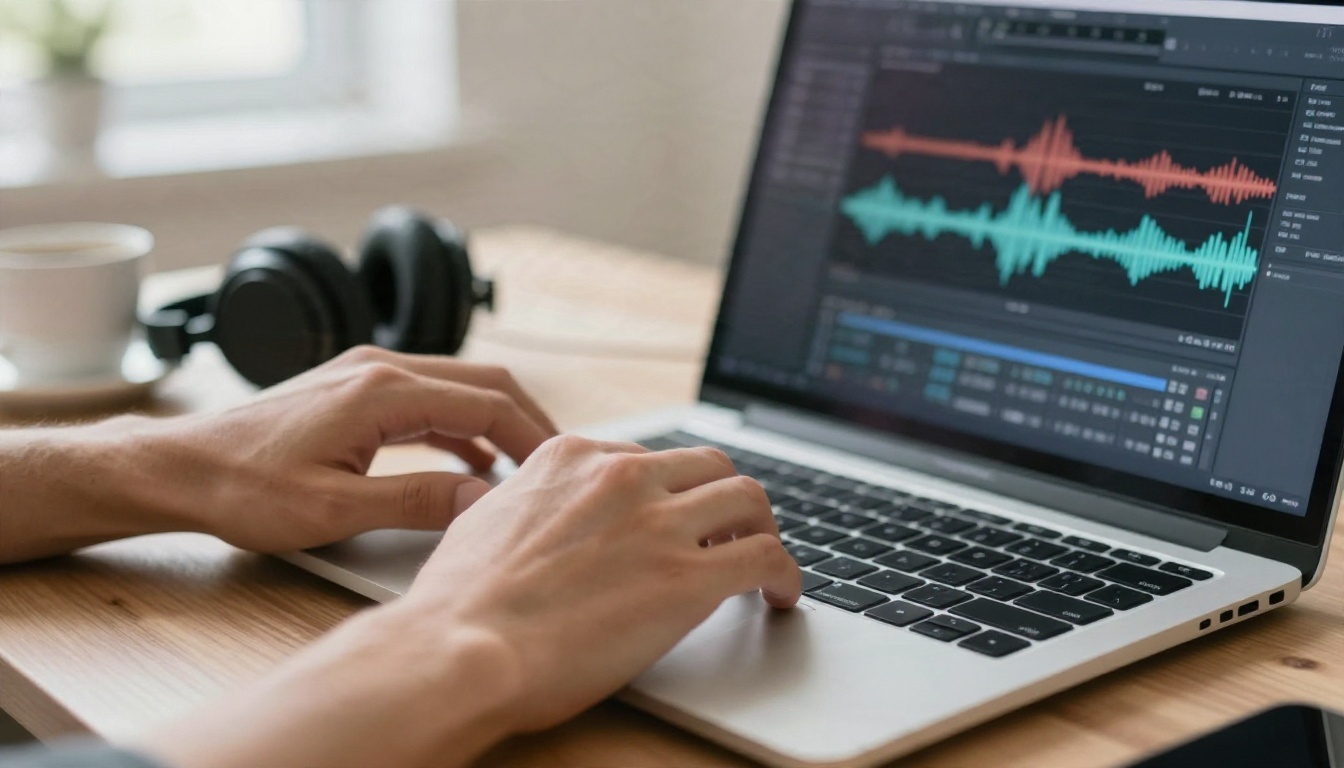
What an AI Karaoke Maker Does
Strip away the marketing and every AI karaoke maker performs two separate jobs. Knowing which job a tool handles tells you what you will need to bring yourself.
Stem Separation in Plain Terms
A finished song is a single stereo file, but it was built from layers: vocals, drums, bass, guitars, synths. Stem separation is a machine learning process that guesses where each layer sits in the mix and pulls them apart. For karaoke you only need two outputs: the vocal stem and everything else.
Older "vocal remover" tricks used phase cancellation, which only worked when the lead vocal was dead center and nothing else shared that space. It also deleted the kick drum and bass half the time. AI separation is far more selective. It listens for the texture of a human voice, harmonics, breath, consonants, and subtracts just that.
💡 Tip: Clean, well-mixed studio recordings separate best. A live bar recording or a track drenched in reverb will leave ghostly vocal fragments behind, even with a good model.
Lyric Syncing Is a Separate Job
Removing the singer gives you an instrumental. It does not give you words on screen. Lyric display requires either a pasted text, a lyrics database search, or a transcription of the original vocal, followed by timing alignment, which marks when each line or word should light up.
Some platforms bundle both steps. Others only do the audio part and expect you to add lyrics in a video editor. When a tool says "karaoke maker," check which of the two jobs it really covers.
Free Online Options Compared
The market splits into three families: browser tools with a free tier, video editors with a karaoke function, and open-source software you run yourself. Free access in the first two is almost always a taste of a paid plan.
Browser Tools With Free Tiers
Services such as Youka, StemSplit and MyEdit let you upload a song, or paste a link in some cases, and receive an instrumental plus a lyric-synced video. Youka, for instance, lets you paste lyrics from a lyrics site or have it search automatically for popular songs, then syncs them for you. These are the fastest path from "I want to sing this" to singing it.
Their free plans typically work like this:
- A monthly credit allowance that expires if unused
- A cap on track length, commonly somewhere between five and ten minutes for free accounts
- A file size cap, one tool reported around 100 MB
- Lower export quality or a watermark until you upgrade
Because pricing and limits change often, treat any specific number as a snapshot and read the current terms before you commit a project to a tool.
Video Editors With a Karaoke Function
Software such as UniConverter and FlexClip approaches the job as a video workflow. You generate or import lyrics with a subtitle tool, run the vocal remover on the audio, and merge both into an exported video. It is more steps, but you get control over fonts, colors and backgrounds, which matters if you are making a karaoke video to share rather than just practicing.
The Open-Source Route
Spleeter is a free, open-source separation tool. It has no upload limits, no watermark and no account. The catch: you run it on your own computer, usually through a command line, and it does not display lyrics. It is a good option if you are comfortable with technical setup and want unlimited use, and a poor one if you want a button and a result in ninety seconds.
Quick Comparison
| Option | Vocal removal | Lyrics on screen | Typical free limit | Best for |
|---|
| Browser karaoke maker | Yes | Often built in | Credits, length and size caps | Fast results |
| Video editor with karaoke tool | Yes | Via subtitle step | Trial or watermark | Shareable karaoke videos |
| Open-source separator | Yes | No | None, but self-hosted | Unlimited local use |
| AI music generator | Not needed, you generate a backing track | Write your own | Depends on platform | Original songs and custom keys |
Where Free Lyrics Come From
Lyrics are the weak spot of nearly every free workflow. The audio side is a solved problem; the text side is tangled in licensing, accuracy and timing.
Paste, Search or Transcribe
You have three ways to get words into the tool:
- Paste them yourself. Copy the text from a lyrics site you trust, then paste it into the editor. This gives you the most accurate wording.
- Let the tool search. Some platforms match your song title against a database. It works well for popular tracks and fails on obscure ones.
- Transcribe the vocal. A speech-to-text model listens to the original recording and writes out what it hears. Sung vocals are harder than spoken ones, so expect typos, especially with fast rap verses, slang or heavy accents.
If you go the transcription route, a strong speech model helps a lot. On PicassoIA you can run audio through GPT 4o Transcribe or Gemini 3 Pro to get a first draft of the text, then fix mistakes by hand. For quick drafts or shorter clips, GPT 4o Mini Transcribe is a lighter option.
Timing Lyrics Line by Line
Once the words exist, they need timestamps. Good tools run forced alignment, which matches each word to the moment it is sung. Free tiers often give you line-level sync only, where an entire line appears at once, instead of the bouncing word highlight you see in commercial karaoke. For casual singing at home, line-level is perfectly fine.
💡 Tip: Break long lines before syncing. Shorter lines (six to eight words) are easier to read at a glance while you are mid-breath.
The Real Limits of Free
"Free" is rarely a lie, but it is rarely the whole story. These are the walls you will bump into, in rough order of annoyance.
File Size and Duration Caps
Most free tiers limit how long a track can be. A five-minute ceiling is common, which catches long album tracks, medleys and live versions. A ten-minute limit is more forgiving, while paid plans stretch toward ninety minutes. If you want to sing a seven-minute ballad, check the cap before you upload.
Watermarks and Quality
Many free karaoke makers either stamp an audio watermark on the output or compress it harder than the paid version. A watermark spoken over the instrumental every thirty seconds is fine for a test and awful for a party. Look for explicit statements about what the free export contains, and be skeptical of vague claims.
Paid plans usually add:
- Watermark removal
- Higher export limits
- More credits per month
- Priority processing
Source Audio Matters
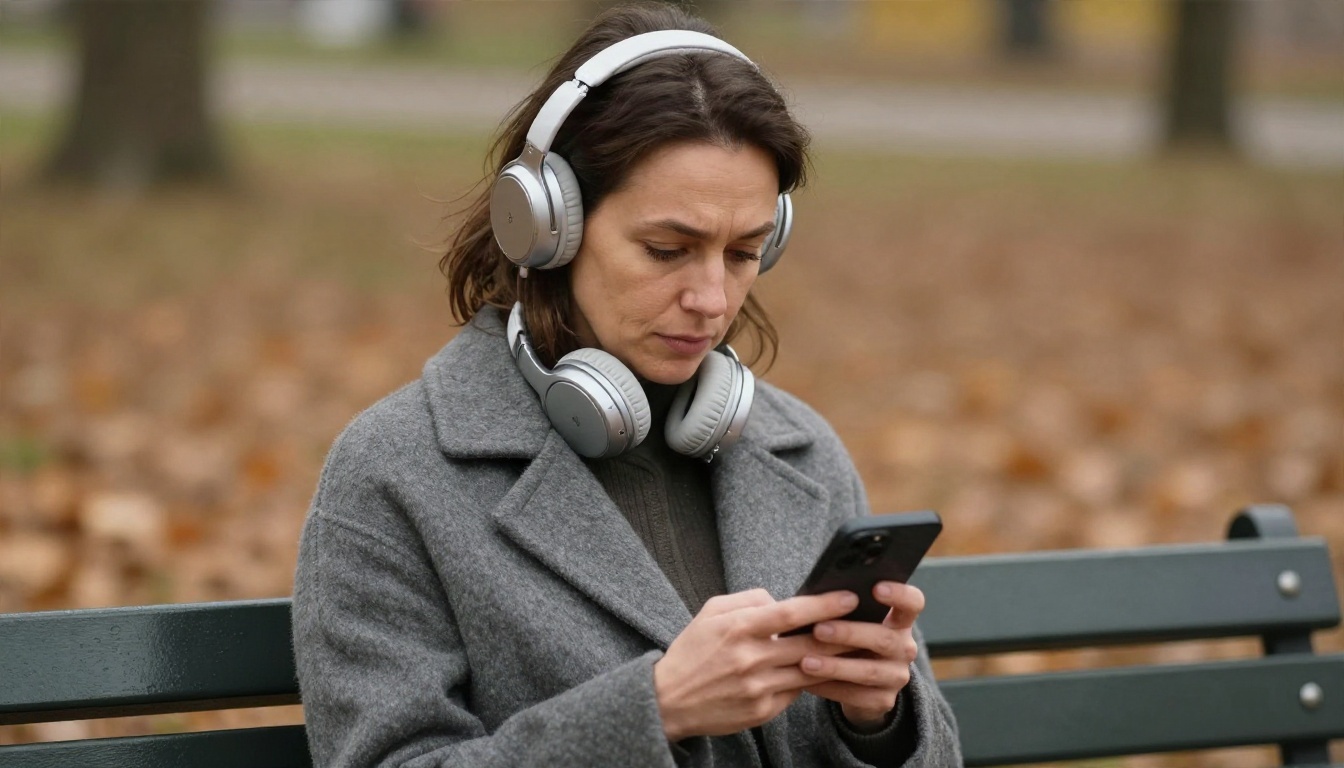
The tool cannot invent what is not there. A low-bitrate file downloaded from a random site gives the model less information, so the instrumental sounds thin and the leftover vocal artifacts get louder. Start from the best copy you legally own.
Copyright and Personal Use
Separating a song into stems for private practice is one thing. Posting the resulting karaoke video publicly is another. Recordings and lyrics are protected, and platforms may block or monetize your upload if they detect the original track. Keep uploads to personal use unless you hold the rights or have permission, and read the terms of whichever service you use.
Build Your Own Backing Track
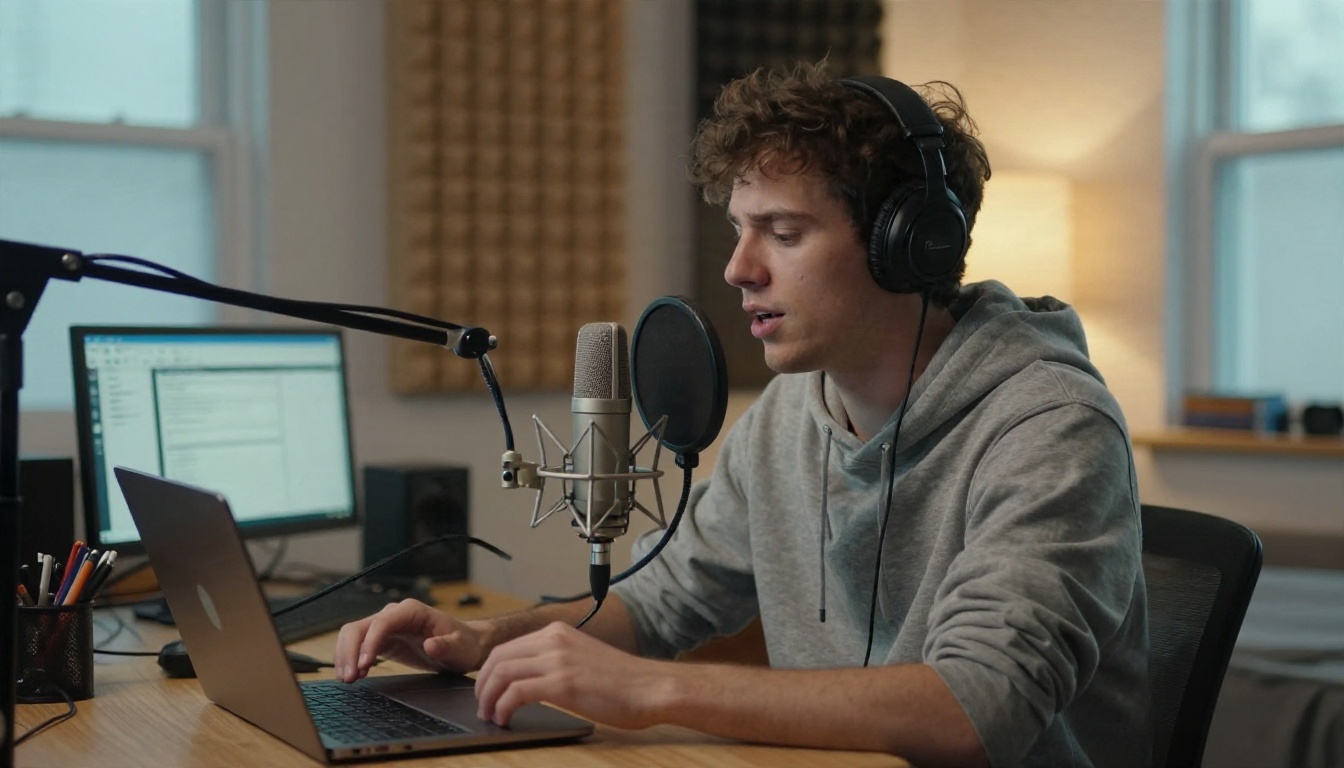
Here is the angle most "free karaoke maker" lists skip: you do not always need to separate an existing recording. If your goal is something to sing over, you can generate the backing track instead. An AI music model writes an original instrumental in the genre, tempo and mood you describe. No vocal remover, no leftover ghost vocals, no copyright worries about someone else's master recording.
This is a strong fit for:
- Singing your own lyrics over a custom beat
- Practicing in a key that suits your range
- Creating karaoke-style tracks for a school event, a wedding or a stream
- Making a stripped-down version of a song idea before you record it properly
How to Use Music 2.6 on PicassoIA
Music 2.6 generates full songs from a text prompt, and it has an instrumental mode that is perfect for karaoke. Here is the workflow:
- Open the model page. Go to the Music 2.6 page on PicassoIA.
- Write a style prompt. Describe genre, mood and scenario, for example: "Upbeat pop, warm drums, bright piano, singalong energy, 100 BPM." The prompt field accepts up to 2000 characters.
- Turn on instrumental mode. Set
is_instrumental to true. When it is on, the prompt is required and lyrics are not needed, so the result is a clean backing track.
- Choose your audio format. MP3 is fine for practice. Pick WAV if you plan to edit the track further. Leave the sample rate at 44100 Hz and bitrate at 256000 for the best quality.
- Generate and listen. If the tempo or mood is off, adjust the prompt and run it again. Small wording changes, like "slower" or "acoustic guitar only," shift the result noticeably.
- Add your lyrics. Bring the instrumental into a video editor or lyric display tool and add your own words.
If you want the model to write the vocals too, leave instrumental mode off and add lyrics using structure tags such as [Verse], [Chorus] and [Bridge]. If you have no words yet, turn on the lyrics optimizer and the model will draft them from your prompt.
💡 Tip: Generate two or three instrumentals with slightly different tempos. Singing along to a track that is five BPM slower often feels dramatically more comfortable.
Other Music Models Worth Trying
Different engines have different personalities, so it is worth testing more than one:
| Model | Strength | Good karaoke use |
|---|
| Music 2.6 | Full songs, instrumental mode, structure tags | Custom backing tracks |
| Lyria 3 Pro | Full-length songs | Longer arrangements |
| Lyria 3 | Original music from text | Short, quick ideas |
| Music 2.5 | Songs with vocals | Guide vocal demos for your own lyrics |
| Stable Audio 2.5 | Text-to-music composition | Instrumental beds and textures |
| Music 01 | Lyrics in, full song out | Turning written words into a song |
Prompts That Work for Karaoke Tracks
Karaoke tracks need space for a singer, so the arrangement should stay out of the vocal range. A few patterns help:
- Name the vocal gap. Phrases like "sparse mid-range, leave room for a lead vocal" keep the arrangement from crowding you.
- State the tempo. "95 BPM" or "slow ballad" beats vague words like "chill."
- Limit the layers. "Piano, upright bass, brushed drums" produces a cleaner bed than "full orchestral rock band."
- Mention structure. Asking for a clear intro, verse, chorus and outro makes it easier to know when to come in.
Turn Written Words Into a Sung Demo
Maybe you have lyrics but no melody. Karaoke makers cannot help with that, but music generators can. Paste your text into the lyrics field of a model like Music 2.6 or Music 01, choose a style, and you get a full demo with vocals. Then regenerate it as an instrumental and sing the part yourself. That two-pass method gives you a reference melody and a matching backing track, both built around your own words.
For narrated intros or spoken sections in a karaoke video, a voice model such as Realtime TTS 2 can produce a natural voiceover, and Dubbing can translate a video into other languages if your audience is multilingual.
Pick the Right Workflow
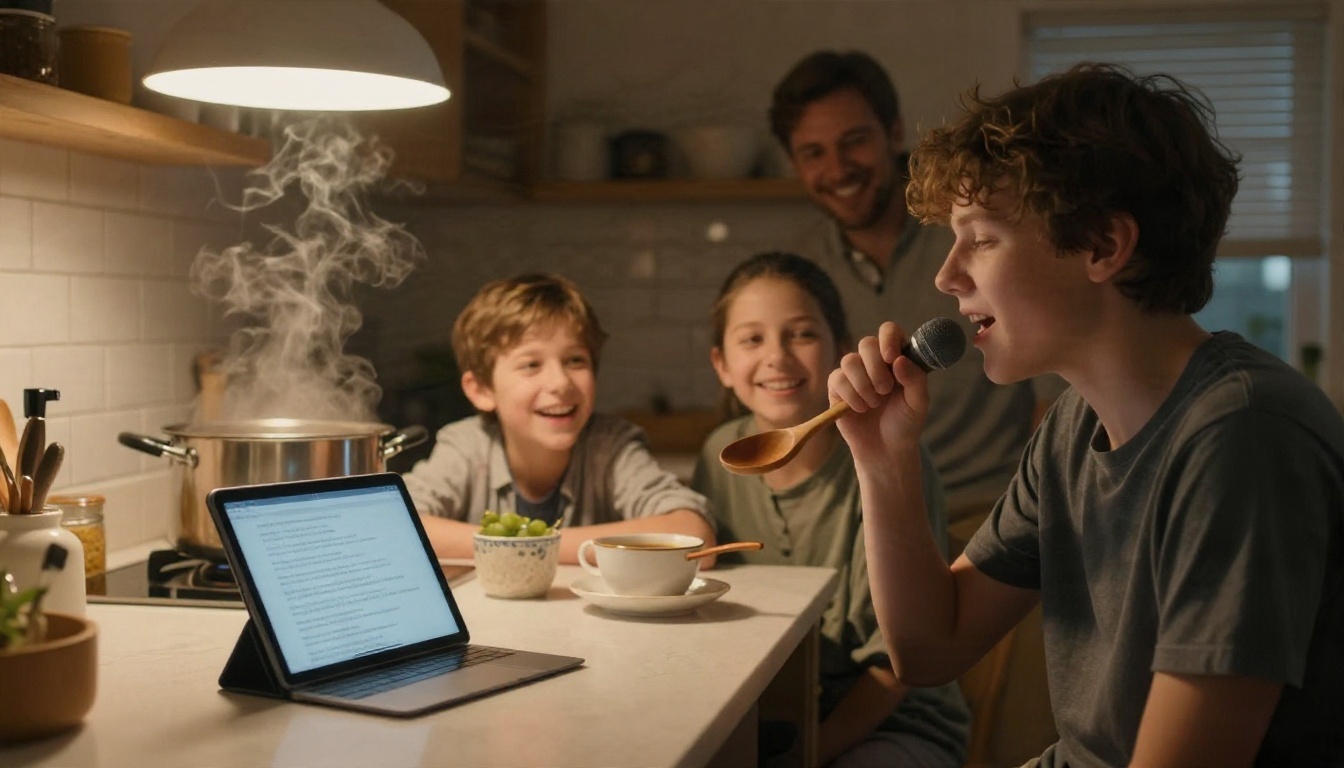
Not every situation needs the same tool. Use this as a quick decision table.
| Your situation | Best route | Why |
|---|
| One favorite song, sing tonight | Browser karaoke maker | Fastest, lyrics often included |
| Shareable video with styled lyrics | Video editor with karaoke tool | Control over visuals |
| Many songs, no limits, technical comfort | Open-source separator | No caps or watermark |
| Original song or custom key | AI music generator | No source recording needed |
| Obscure song, no lyrics online | Transcription model plus manual edit | Gets text from the audio |
Three Common Mistakes
- Uploading a low-quality file. The output can only be as clean as the input.
- Ignoring the length cap. A rejected upload wastes credits on some platforms.
- Trusting auto-lyrics blindly. Always read through the text before the party starts.

Sing Your Own Song Tonight
A free AI karaoke maker is genuinely useful for casual singing, as long as you accept its limits: capped length, restricted exports, imperfect lyrics and the occasional ghost of the original vocalist. For a quick singalong, a browser tool does the job. For total freedom, build the track yourself.
Try it on PicassoIA: open Music 2.6, switch on instrumental mode, describe the mood you want, and have a backing track ready within moments. Then test Lyria 3 Pro with the same prompt and compare the feel. If you want to see everything available, browse all PicassoIA models and mix a few together: a generated instrumental, a transcribed lyric sheet and your own voice. That combination often beats any preset karaoke track, because it is built around your song, your range and your night.


