Walking into any creator's workspace right now feels different. The browser tabs tell the story before the person does. One tab open to Seedream 4.5. Another running a Sora 2 render in the background. A third with PicassoIA Image Editor Pro queued up for the third revision of a thumbnail that was supposed to be locked yesterday. The work has changed. The tools have changed. And the names of the models you actually need to know have changed too. The AI Models Creators Are Using This Year are not the same names you heard about last spring.
Why This Year Feels Different
For about eighteen months, AI image and video models moved on a predictable curve. Image quality crept upward. Video clips inched longer. Every release added a single visible improvement and ten invisible ones. That curve broke in 2026. Three things shifted at once: image models started producing genuine 4K detail without obvious tells, video models started producing native audio synced to the action, and the price of a daily generation habit dropped to something a freelancer could actually absorb.
For working creators, this means the question is no longer "which AI tool should I try." It is "which of these models earns a permanent place in my workflow, and which one do I open only when the brief calls for it."
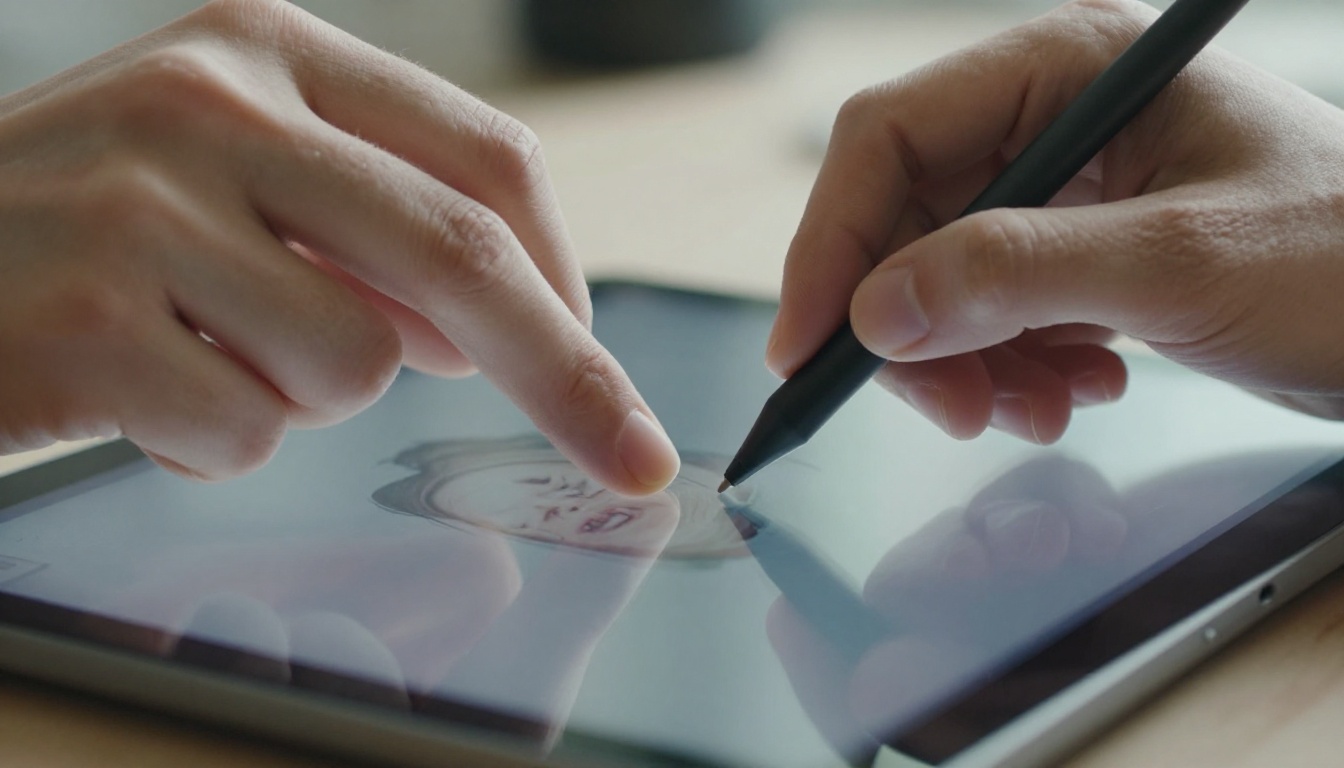
💡 Field note: The creators winning the most clients right now are not the ones using the most models. They are the ones who can predict, before they hit generate, exactly which model will give them the look they need on the first or second attempt.
The Image Models on Every Creator's Tab
Image models are still the workhorse. They get used dozens of times per shoot, per edit, per Tuesday morning. Five image models keep showing up across portfolio sites, behind-the-scenes reels and freelance Slack channels. Each one does a different job.
Seedream 4.5 Is the New Default
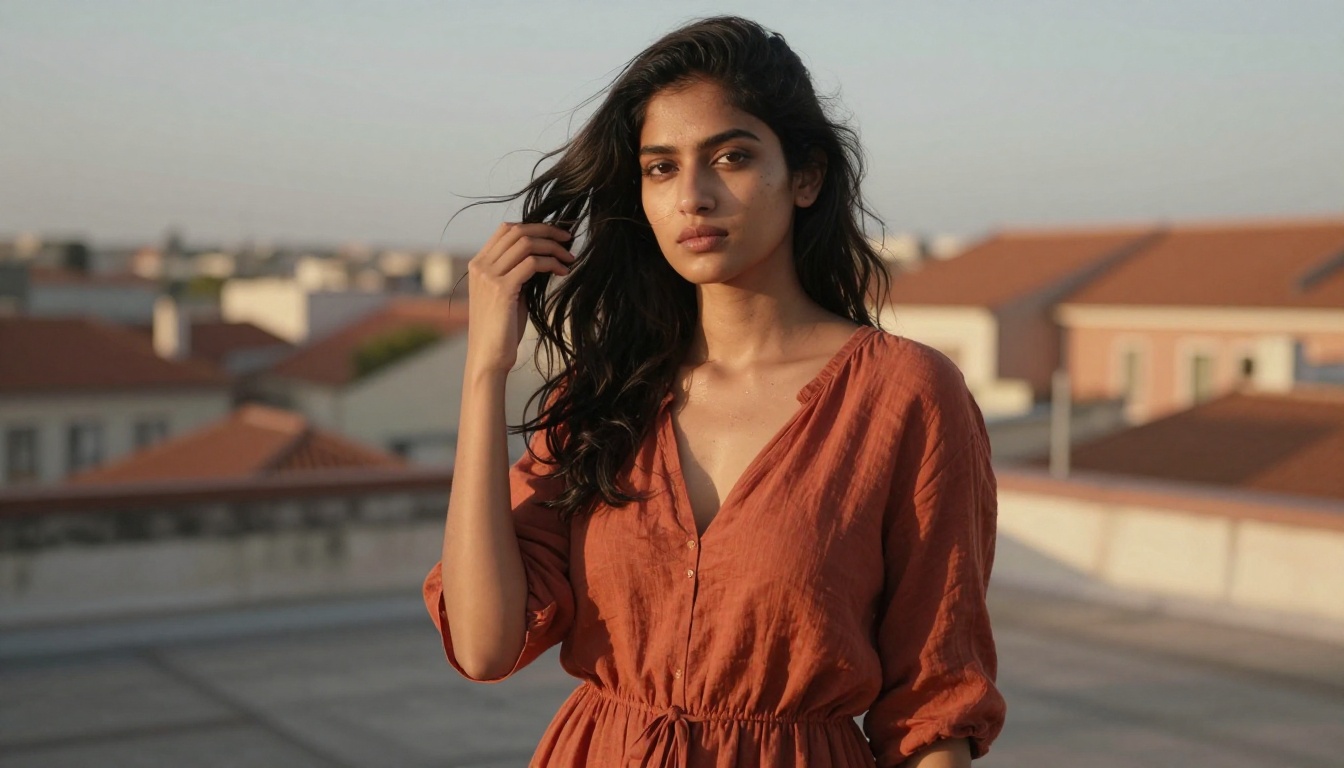
Seedream 4.5 earned its spot first. The release pushed native 4K output without the soft, washed pass that older models needed. Skin holds micro-texture. Hair separates strand by strand at the edges. Asphalt looks like asphalt. The model is good enough at typography that creators are using it for poster mock-ups, café menu boards and merchandise drafts that used to demand a separate vector pass.
What makes it the default, though, is consistency. Two prompts written with the same person description return the same person, give or take wardrobe. That is the property that turns a fun toy into a production tool. Once you can keep a face stable across a thirty-image campaign, you stop fighting the model and start directing it.
PicassoIA Image Editor Pro for Daily Edits
The honest truth about creator life is that ninety percent of the day is not generation. It is iteration. A client wants the jacket two shades darker. The art director wants the bottle moved three centimeters left. The thumbnail has to work in a square crop and a wide crop and a 9:16 crop all by Friday.
This is where PicassoIA Image Editor Pro lives. Unlimited generations matter when you are eight rounds deep on a single asset. The selective edit lets you point at one detail in a photo, write a short prompt, and let the model rebuild only that region while leaving everything else untouched. For a creator who routinely posts ten variations of the same shot before a campaign ships, that property alone is worth the seat.
Nano Banana for Speed Iterations
Gemini 2.5 Flash Image, better known by its nickname Nano Banana, is the sketch-pad model. It is not the highest fidelity in the lineup. It is by far the fastest. Most prompts return in under five seconds, which changes how creators ideate.
Instead of writing one perfect prompt and waiting forty-five seconds for one image, you fire ten short prompts in a minute and pick the two that have the right energy. Then you re-render those two on a heavier model for the final polish. Speed reshapes craft. When iteration is cheap, taste improves.
Flux Krea Dev for Photography That Does Not Look Like AI
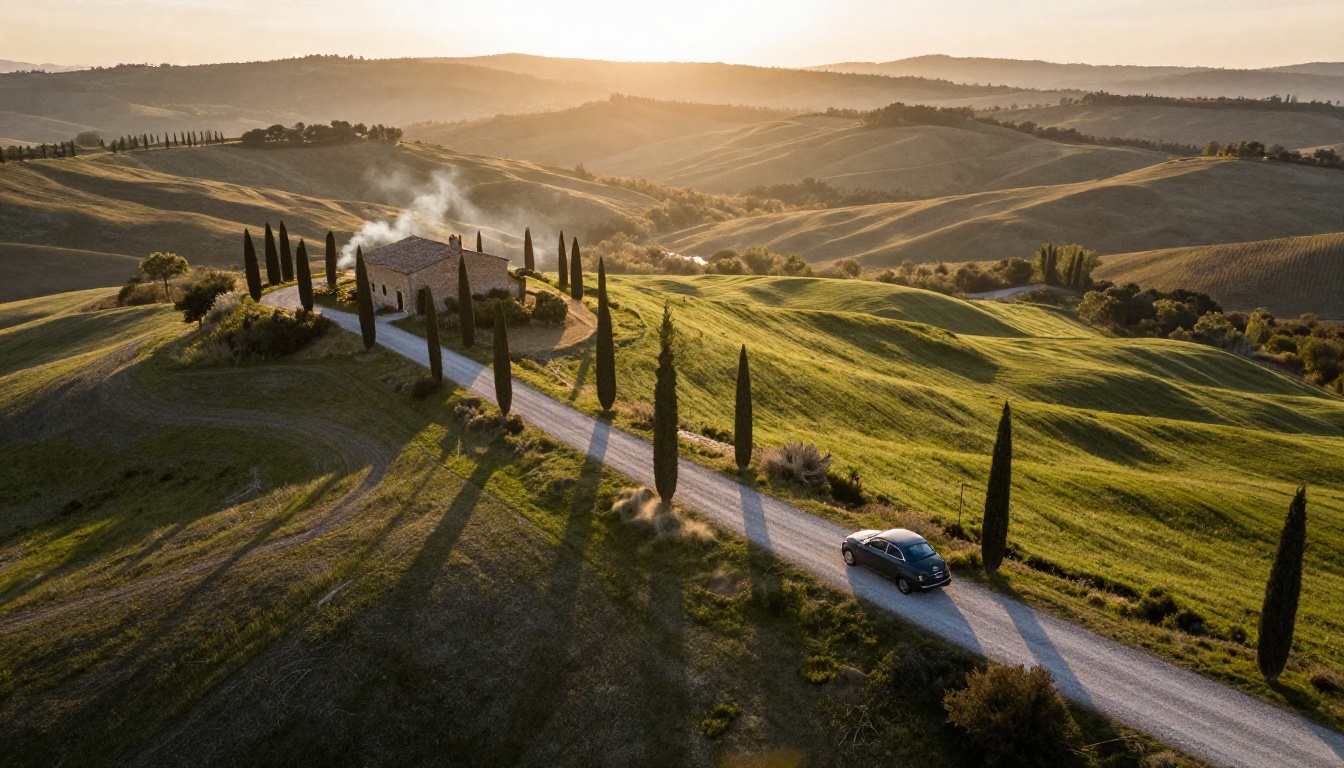
There is a recognizable AI image look. Plasticky skin, oddly clean fabric folds, suspiciously perfect backgrounds. Flux Krea Dev was tuned specifically to avoid it. The model leans documentary. Highlights blow out a little, like real film. Shadows hold information. Skin has imperfections you would expect from a candid frame.
Photographers and editorial creators reach for Krea Dev when the brief uses words like "natural," "honest," or "lived-in." It is the model you open when the image needs to look like it came from a real camera held by a real human.
Dreamina 3.1 and Reve Create for Stylized Frames
Not every brief wants documentary realism. Dreamina 3.1 sits at the cinematic end, leaning into stylized color grading and dramatic light. Reve Create and the related Reve Remix sit at the design-led end, with strong control over composition and mood-board reference handling.
Working creators pair these models with the realism-heavy ones. A campaign frame might come out of Krea Dev. The supporting concept board next to it comes out of Dreamina. Same shoot, two models, two purposes.
The Video Models Pulling Their Weight
Video is where the year changed most. The leap from silent ten-second clips to full audio-synced narrative-grade output happened inside a single calendar window, and it happened fast enough that most creators built new workflows around it almost overnight.
Sora 2 for Storytelling
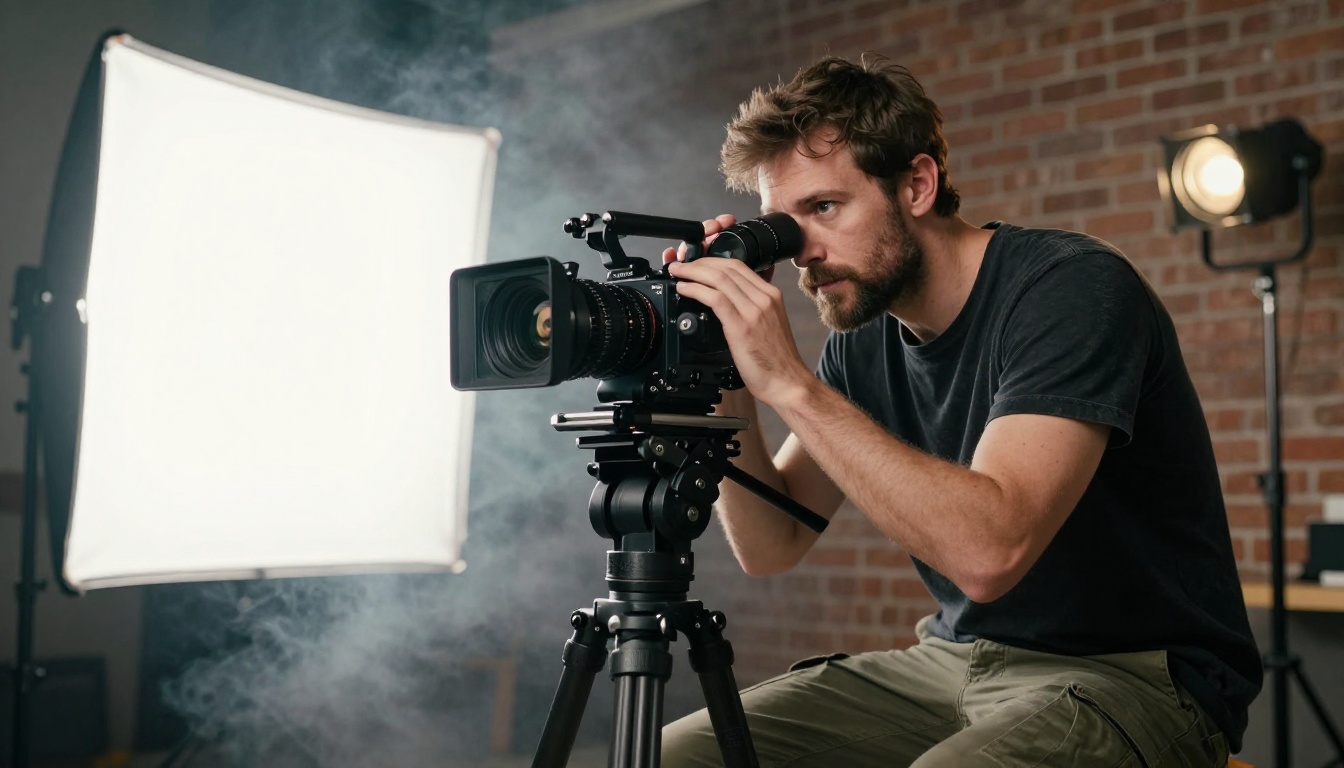
Sora 2 and its bigger sibling Sora 2 Pro became the obvious choice for narrative shots. The model holds character identity across cuts. It listens to nuanced prompt notes about emotion, blocking and camera intention. It outputs synchronized audio that feels mixed, not glued on after the render finishes.
The creators using Sora 2 most are short-film makers, ad teams and YouTubers who want a true cinematic feel on a single freelancer's budget. The trade-off is render time. Sora 2 is not the model you run when you need fifteen variations in an hour.
Veo 3.1 for Built-In Sound
Veo 3.1 and the faster Veo 3.1 Fast split the difference between Sora's narrative ambition and pure speed. Audio is the headline feature. A wave breaking sounds like a wave breaking. A door closes with weight. A character speaks lip-synced dialogue from a written line.
For social creators, this matters more than it might sound. The audio pass used to be an afterthought handled in a separate app with library samples that never quite fit. Built-in sound collapses that entire step.
Kling v2.6 for Pure Motion
Kling v2.6 and Kling v2.5 Turbo Pro are still the models creators reach for when motion is the whole point. Hair moves like hair. Fabric drapes correctly. A character running across a frame keeps mass and physics intact.
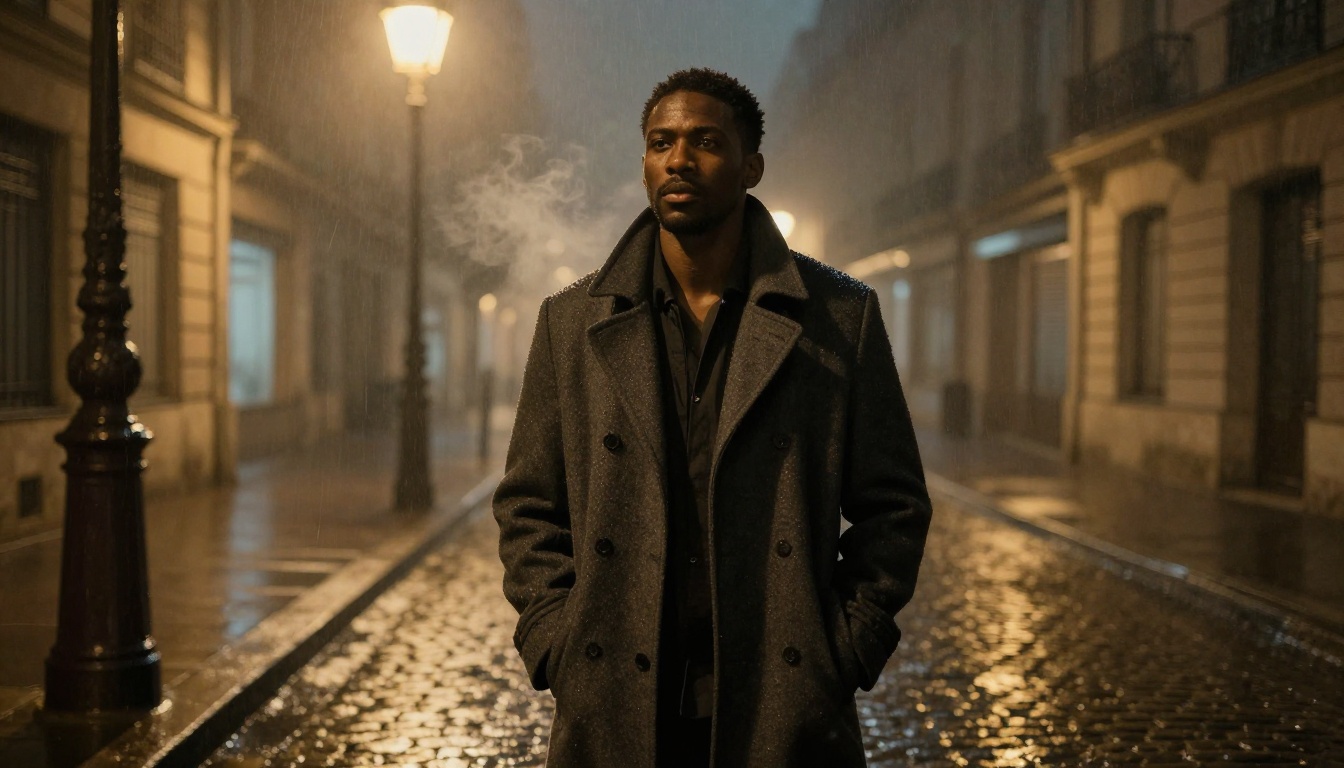
Creators working on music videos, fashion teasers and product reveal clips lean on Kling because the body movement reads correctly. There is no uncanny floatiness. There is weight on the floor.
Seedance 2.0 for Brand Shoots
Seedance 2.0 and Seedance 1 Pro are the workhorse video models for branded content. Color grading reads consistent across clips, audio is built in, and the model handles image-to-video well, which means a creator can shoot a still photo of a product and animate it without losing the original lighting setup.
For e-commerce teams producing three to five hero clips per week, Seedance is the model that earned a permanent line in the budget.
Wan and LTX for Big Output
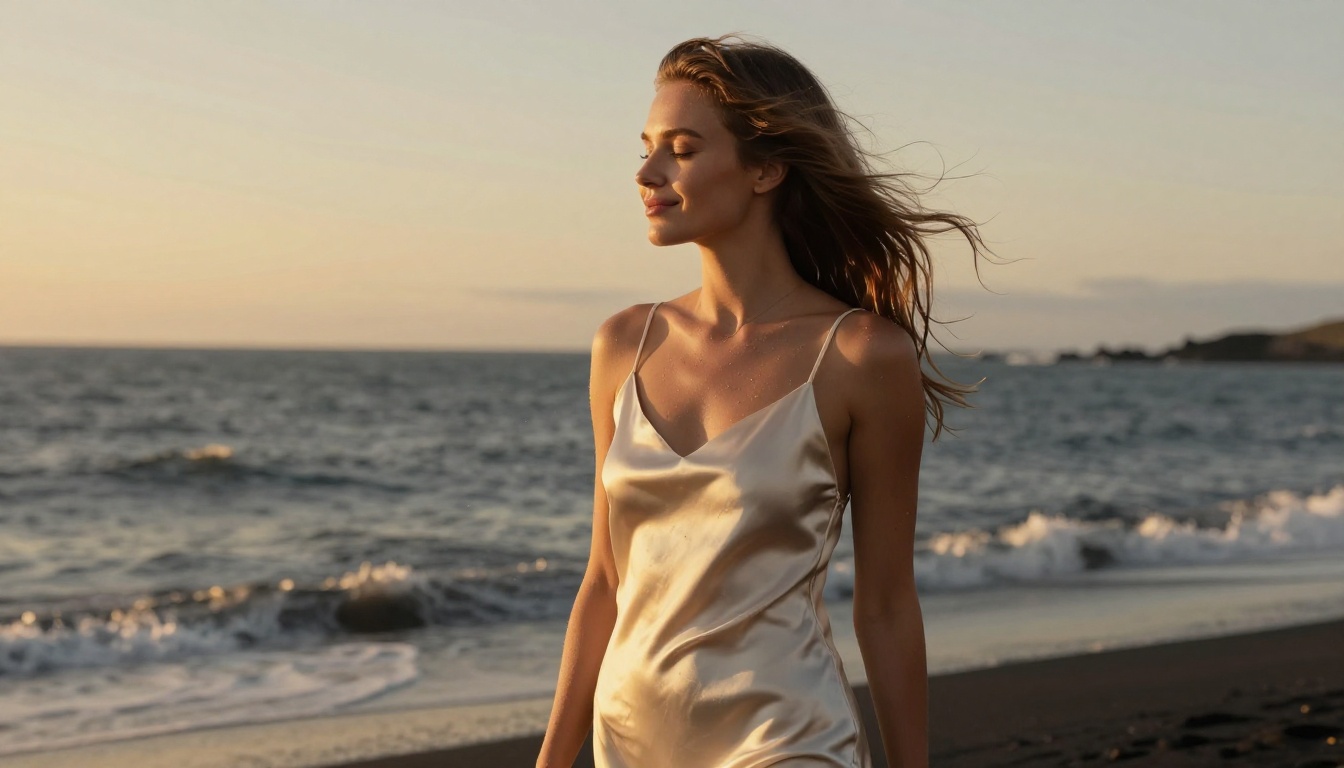
When the deliverable is genuinely large, Wan 2.7 T2V and LTX 2.3 Pro come out. Both push 1080p and 4K with crisp edges, both handle longer-than-five-second clips well, and both behave reliably under heavier prompts. Documentary and travel creators have been pairing Wan 2.7 I2V with their drone footage for B-roll fill that holds up on a big screen.
Three Workflows Creators Use Right Now
Looking at how working creators actually combine these models reveals patterns. Three setups keep recurring in 2027.
The fashion creator stack. The image base is Seedream 4.5. The selective retouches happen in PicassoIA Image Editor Pro. Final motion is rendered through Kling v2.6 for the runway-style movement. Music and audio polish happen separately, but the visual chain is three models, no more.
The short-film creator stack. Storyboards are sketched fast on Nano Banana. Each hero frame is rendered cleanly on Flux Krea Dev. Then Sora 2 takes those frames as references and produces the moving shots. Veo 3.1 fills in the inserts and dialogue-driven beats. A finished three-minute short can leave the editor in two days instead of two weeks.
The e-commerce creator stack. Product imagery starts with Seedream 4.5. Edits, swaps and lighting tweaks run through Qwen Image Edit Plus. Hero animation runs on Seedance 2.0, sized for the storefront aspect ratio. The whole loop, from product photo to motion ad, takes under an hour.
The Image Stack Versus the Video Stack
A simple side-by-side helps when you are picking what to install in your daily workflow. The table below reflects what working creators actually open first when a brief lands.
| Need | Image Model | Video Model |
|---|
| Photo realism | Seedream 4.5, Flux Krea Dev | Sora 2 Pro, Veo 3.1 |
| Speed | Nano Banana | Seedance 2.0 Fast, Veo 3.1 Fast |
| Audio sync | n/a | Veo 3.1, Sora 2 |
| Brand consistency | Seedream 4.5, Ideogram Character | Seedance 2.0, Kling v2.6 |
| Edits and retouching | PicassoIA Image Editor Pro, Qwen Image Edit | Wan 2.2 Animate Replace |
| Vector and design | Recraft 20B SVG | n/a |
| Stylized cinematic look | Dreamina 3.1 | Kling v2.5 Turbo Pro |
| Documentary realism | Flux Krea Dev | Hailuo 2.3 |
💡 Pro tip: Save this combination as a personal shortlist. Most creators run between two and four models on a regular day. Adding a fifth rarely improves output, but it does improve choice paralysis.
How to Pick the Right Model
Three questions cut through the noise.
For Photo Realism
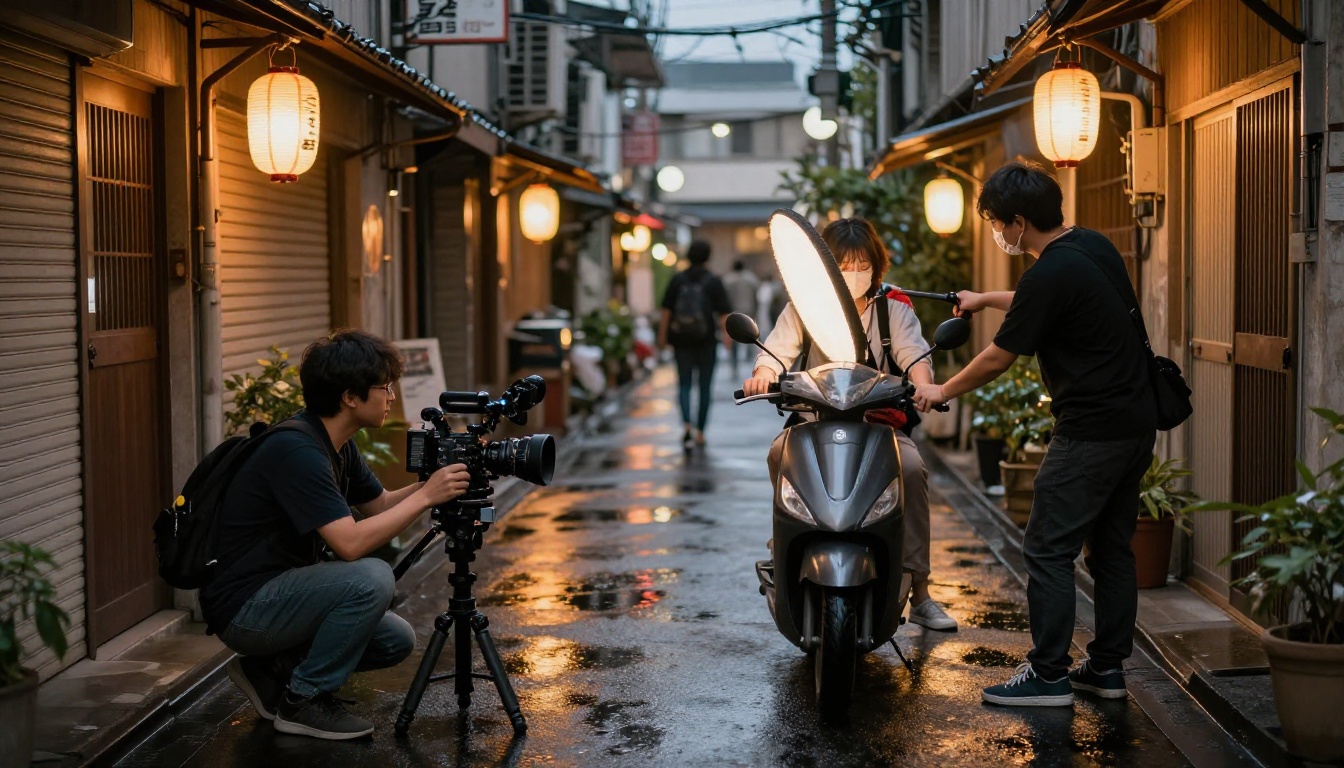
If the goal is something that should look like it came from a real camera, run Seedream 4.5 first. If the result feels too clean, switch to Flux Krea Dev. Both models reward longer, more specific prompts. Both punish vague ones. The creators getting the strongest realism are the ones writing 80-word prompts that name the lens, the light direction and the skin condition.
For Speed
If you need ten ideas before lunch, run Nano Banana on the first eight and reserve the heavier models for the two finalists. A creator who treats Nano Banana as a sketchbook tends to ship more often than a creator who polishes every attempt. Speed in iteration leaves more energy for the final selection, which is where taste actually lives.
For Storytelling
If the brief is narrative, start with Sora 2 for hero clips and Veo 3.1 for everything else. Reserve Kling v2.6 for the moments where the motion itself must carry the meaning, like a slow tilt of a head or a precise hand movement that the camera follows.
Effects, Polish and the Final Pass
Image and video generators get the spotlight. The real production lift, though, comes from the polish models that sit at the end of the chain.
For sharper deliverables, send the final frame through Clarity Pro Upscaler or Topaz Image Upscale before exporting. For product shots that need a clean cutout, Bria Remove Background handles the cleanup in seconds. For brand work that needs perfect product placement on a white seamless, Bria Product Packshot and Bria Product Cutout produce results that previously required a half-day in a studio.

Video creators chain similar steps. A 1080p clip from Seedance 2.0 can be upscaled and stabilized through the platform's AI video enhancement tools. Character swaps inside an existing clip can run on Wan 2.2 Animate Replace, which preserves the original motion while substituting the subject.
The pattern is the same in both pipelines: generate broad, then polish narrow.
Common Mistakes Creators Still Make
Even with the best models within easy reach, the same problems show up over and over.
Treating every model as if it does the same job. A prompt written for Seedream 4.5 will not produce its best result on Flux Krea Dev. The models reward different prompt structures, and the creators who adapt their prompts to the model land cleaner first drafts.
Skipping the reference image step. Both image-to-image and image-to-video paths produce dramatically better results when fed a single sharp reference. Creators who try to brute-force everything in text alone leave performance on the table.
Generating once and shipping. The best frames almost never come from the first generation. Running three seeds and picking the strongest is a thirty-second habit that adds visible quality across an entire portfolio.
Ignoring the lipsync and audio tools. Once Veo 3.1 or Sora 2 hand you a clip with native sound, the temptation is to call it done. But the Picasso IA platform includes dedicated lipsync, music generation and speech models. Pairing a strong base clip with a clean voice or score is what separates social-ready output from finished work.
Forgetting to upscale. When the final deliverable is a print poster or a billboard, sending the raw output through a dedicated super-resolution model preserves the detail that downstream compression will otherwise eat.
What the Models Cannot Do Yet
It is worth naming the rough edges honestly. Hands still misbehave at extreme angles. Long-form video beyond ten seconds tends to drift in identity unless carefully anchored with a reference image. Subtle product accuracy, like the exact angle of a logo on a bottle, sometimes requires a touch-up pass in an image editor. Group scenes with five or more named characters still tax even the strongest models, and complex hand-to-hand contact in motion still occasionally produces an extra finger.
These are not deal-breakers. They are the parts of the craft that still belong to the creator's eye. AI did not erase taste. It moved taste a step further down the timeline, from making pixels to deciding which pixels deserve to ship.
The Real Reason This Roster Matters
The point of paying attention to which models other creators are using is not to follow trends. It is to recognize that the people producing the most work, the cleanest work, the work that gets booked again, are running a small handful of well-chosen tools. The shortlist is the shortlist for a reason.
Speed compounds. Familiarity compounds. A model you have prompted two hundred times yields better results on attempt two hundred and one than any unfamiliar new release does on its first prompt. Pick three. Use them every day for a month. The work will quietly stop looking like AI and start looking like you.
Try Picasso IA Yourself
Every model named in this article runs on the Picasso IA platform, ready to use without separate accounts, separate keys or separate billing. Open Seedream 4.5 for your first photo. Open Sora 2 for your first cinematic clip. Run them on a real brief, the kind you would actually ship, and let the results speak for themselves.
The best way to find your own shortlist is to make something today and watch which tabs you keep coming back to tomorrow. Pick one image model and one video model from the lineup above, give yourself a single Saturday afternoon, and produce three finished frames and one short clip. By Sunday you will have your own personal version of this list, written in the language that matters most: your portfolio.


