Most people searching for an AI reel generator want one thing: a vertical clip they can post today without filming anything, paying for anything, or fighting a giant watermark. That goal is realistic now, but the tools behave very differently once you try them. Some give you a few seconds of footage and call it a day. Others hand you a full edit with captions and music. And a few "free" apps quietly stamp their logo on every export.
This article sorts through that mess. You will see how reel generators actually work, which free apps are worth opening, which prompts produce footage you can use, which editor tools finish the job, and where free plans run out of road.

💡 Quick note on accuracy: free tiers change constantly. Credit amounts, clip lengths and watermark rules in this article reflect what was commonly reported in late 2026. Always check an app's current pricing screen before you plan a content calendar around it.
What an AI Reel Generator Really Does
The phrase covers three different kinds of product, and mixing them up is the fastest way to be disappointed.
Text to Video and Image to Video
A generative video model creates new footage from a written prompt, or from a still image you upload as the first frame. You describe a subject, a camera move and a mood. The model returns a short clip, usually between 5 and 15 seconds. Models such as Kling v3 Video, Veo 3.1 Fast and Seedance 2.5 work this way, and several of them add synchronized audio.
The output is raw material, not a finished reel. You still need to cut, caption and sequence it.
Template and Auto-Edit Reel Apps
The second type takes footage or photos you already own and assembles them into a reel using templates, beat-synced cuts and auto-captions. Apps like CapCut, Canva and Microsoft Clipchamp live here. They are fast, and they are excellent for repurposing, but they do not invent new shots.
Script to Faceless Reel Tools
The third type writes a script, picks stock clips or generated scenes, adds a synthetic voice and exports a finished short. These tools save the most time and give you the least control. They also tend to have the strictest free limits, because every export burns several kinds of credit at once.

Best Free Apps Compared
"Free" means three different things in this space: free forever with limits, free daily credits, or a one-time trial. Here is how the common options usually fall.
Phone-First Apps
CapCut is the default for editing on mobile. Its free plan offers templates, auto-captions and text-to-video features, and many creators report clean 1080p exports on the basic tier. Instagram's own editing tools are the most convenient if you only post there, though they offer little in the way of generation.
Browser Tools With Daily Credits
Kling AI and PixVerse are frequently named as free generators that refill credits daily and export without a logo on at least some settings. Daily credits are generous enough for two or three test clips, but not for a week of posts. Microsoft Clipchamp is regularly recommended when you simply need a clean export of footage you already shot.
Watermark Traps
Renderforest is commonly reported to place a watermark on free exports, and Kapwing generally requires a paid plan to remove its mark. Canva is conditional: a watermark can appear when you use assets flagged as Pro, even on a design you built yourself.
| Tool type | Typical free allowance | Watermark risk | Best for |
|---|
| Phone editor (CapCut, Clipchamp) | Unlimited editing, limited AI features | Low | Cutting and captioning real footage |
| Daily-credit generators (Kling AI, PixVerse) | A few clips per day | Low to medium | Generating original shots |
| Script to reel tools | A handful of exports per month | High | Faceless explainer shorts |
| Design suites (Canva, Kapwing, Renderforest) | Free editor, restricted exports | Medium to high | Branded templates |
💡 Tip: export one throwaway test clip from any new app before you invest an hour in a project. Watermark rules are visible in thirty seconds.
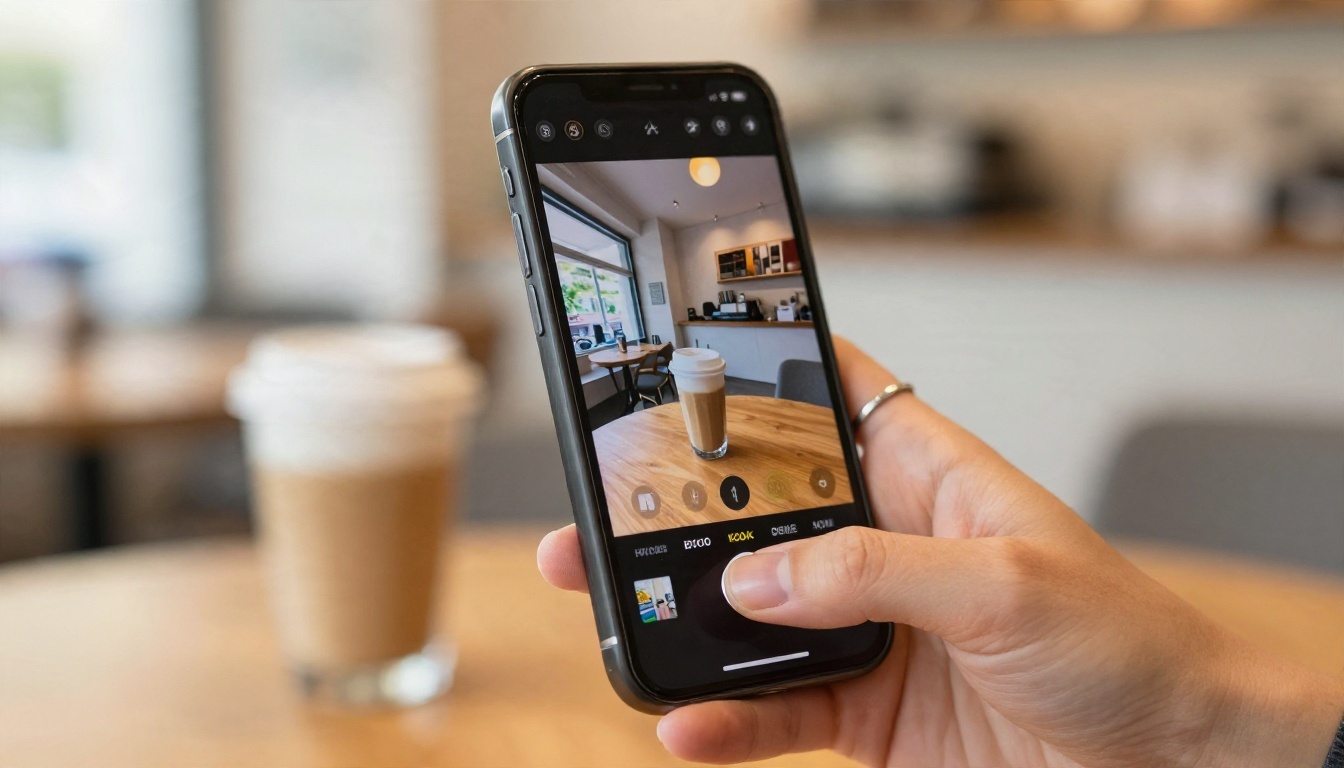
Where PicassoIA Fits
If you want generation without a stingy credit meter, Seedance 2.5 Lite is listed as a free and unlimited generator for clips up to 10 seconds. For stronger realism you can step up to Kling v3 Omni Video, and for quick drafts with audio, Veo 3.1 Lite is a lighter option. Other solid choices include Hailuo 2.3 Fast for animating photos and Sora 2 for clips with synced sound.
Prompts That Produce Usable Reels
A reel clip lives or dies on its prompt. Vague prompts give you floaty, generic footage. Specific prompts give you something that looks shot on purpose.
A Five-Part Prompt Formula
Build every prompt from five pieces, in this order:
- Subject: who or what is on screen, with one distinguishing detail.
- Action: one movement, described as it unfolds over time.
- Camera: a single move such as a slow push-in, a handheld follow or a locked-off shot.
- Light: time of day, direction and quality.
- Format: say "vertical 9:16" or select that ratio in the settings.
Stack too many actions and the model muddles all of them. One subject, one action, one camera move is the reliable pattern.
Prompts You Can Copy
Use these as starting points and swap the nouns for your own niche.
- Food: "A barista pours steamed milk into a ceramic cup, forming a rosetta pattern, slow overhead push-in, warm window light from the left, shallow depth of field, vertical 9:16."
- Travel: "A woman in a linen shirt walks along a quiet harbor at sunrise, handheld follow shot from behind, soft golden light, gentle sea breeze moving her hair, vertical 9:16."
- Product: "A glass bottle of olive oil on a stone counter, a hand tilts it so the oil catches the light, slow dolly-in, soft daylight, realistic textures, vertical 9:16."
- Fitness: "A runner ties her shoes on a empty track at dawn, then sprints out of frame, low-angle static camera, cool morning light, vertical 9:16."
Image to Video Prompts
When you animate a still image, do not re-describe the picture. The model can already see it. Write only the motion: what moves, how fast and where the camera goes. For example: "Slow push-in, clouds drift left to right, light wind moves the grass." Models like Wan 2.5 I2V Fast are built for exactly this and tend to hold the original composition well.
If you need a consistent first frame, generate it first with an image model such as Nano Banana or Nano Banana Pro, then animate it. That two-step route gives you far more control over faces, outfits and product shapes than text to video alone.

A generated clip is rarely a reel. The difference between a raw clip and a postable one is almost always captions, sound and pacing.
Captions, Voice and Sound
Most viewers watch reels with the sound off at first, so burned-in captions matter more than the footage quality. Use your editor's auto-caption feature, then fix proper nouns by hand.
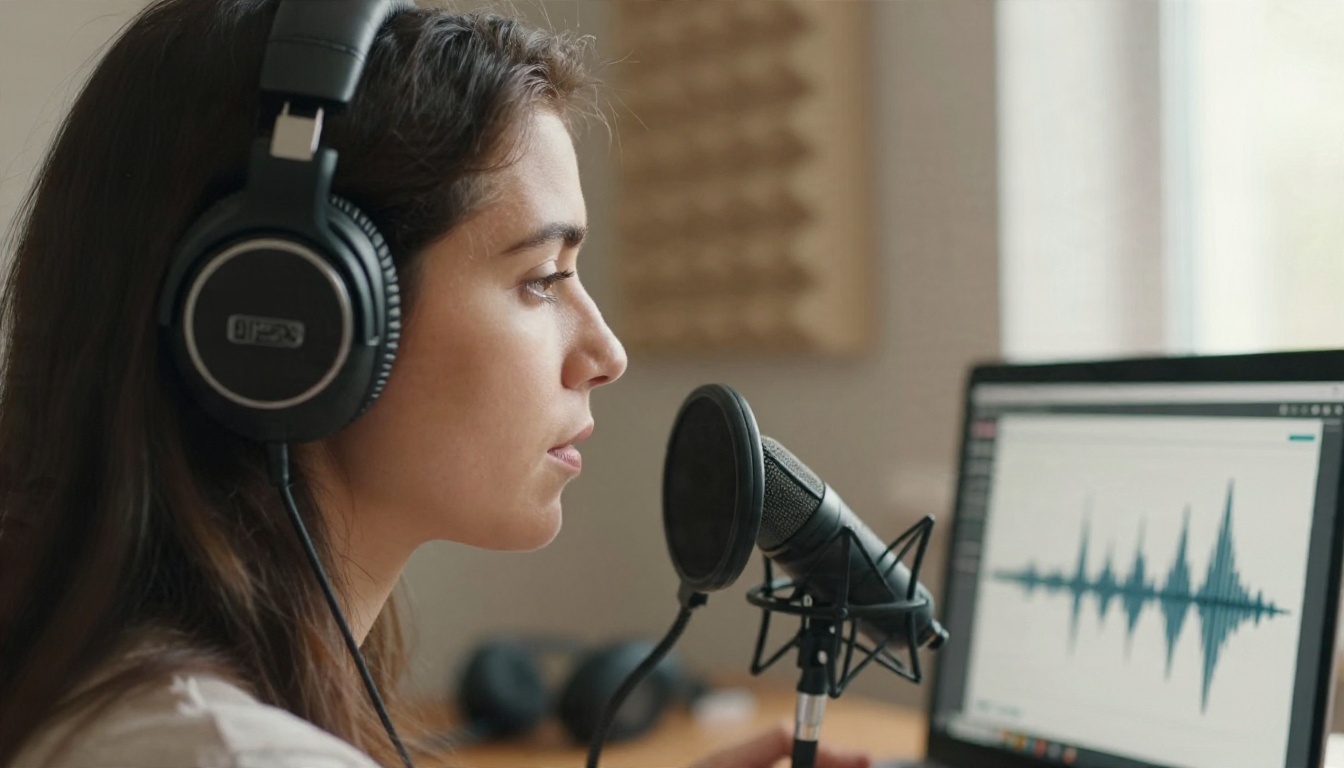
For voiceover, a text-to-speech model saves a recording session. Realtime TTS 2 produces natural-language voiceovers, and Gemini 3.1 Flash TTS offers around 30 voices across more than 70 languages. If you already have a clip with no sound, Video To Sfx v1 adds synced effects that make a silent AI shot feel alive. To reach another audience, Dubbing translates a video into many languages.
Edit by Text Prompt
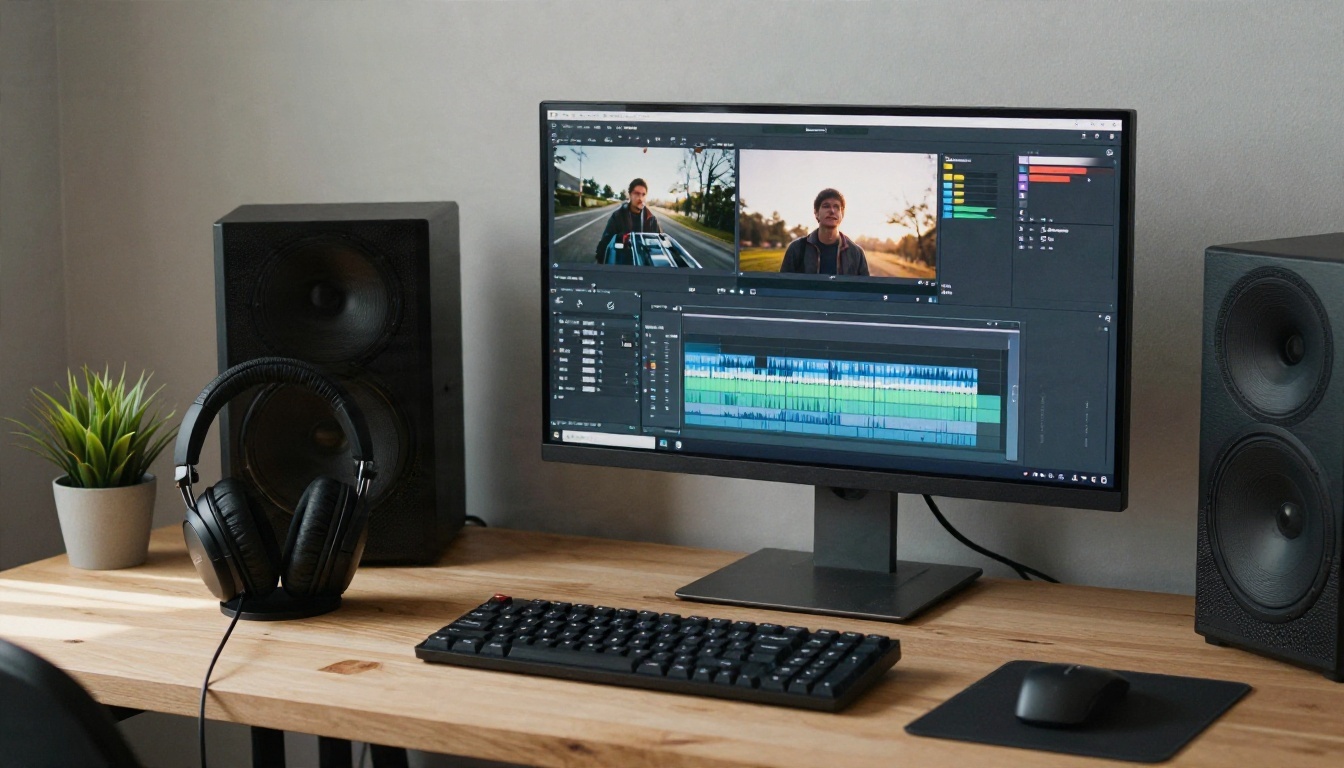
Sometimes the clip is almost right. Rather than regenerate it, change one thing. P Video Edit and Lucy Edit 2 let you describe a change in plain text, like swapping a jacket color or altering the background. Aleph 2 goes further: edit one frame and it carries the change through the full video. Video Erase Object removes a distracting item without a re-shoot.
Reframe to 9:16
If your best footage is horizontal, Reframe Video changes the aspect ratio and fills in the missing area, which beats a blunt center crop that chops off your subject.
| Editing task | What to use | Why it helps |
|---|
| Fix one detail in a clip | P Video Edit | Text-prompt edits, no regeneration |
| Restyle a whole video | Aleph 2 | One frame edit spreads across the clip |
| Horizontal to vertical | Reframe Video | Extends the scene instead of cropping |
| Add sound effects | Video To Sfx v1 | Synced audio on silent clips |
| Add a voiceover | Realtime TTS 2 | Fast, natural narration |
The Real Limits of Free Plans
Free generators are useful, but they have ceilings. Knowing them in advance saves you from planning a series that your plan cannot produce.
Length, Credits and Watermarks
- Clip length: most AI models output 5 to 10 seconds per generation. Longer pieces are built by stitching several clips. A few newer models stretch further. Seedance 2.5 is positioned for clips up to 30 seconds.
- Credits: daily-credit plans give you a handful of attempts. Budget at least two or three generations per usable shot, since the first result is often not the best one.
- Resolution: free tiers often cap at 720p or 1080p. For a phone screen, that is fine.
- Watermarks: some apps remove them only on paid plans. Third-party watermark removers tend to leave smeared patches, so they are a bad idea for client work.
- Platform length: Instagram reels can run up to about three minutes now, but short ones (7 to 20 seconds) still tend to loop and finish more reliably.

Quality and Consistency Ceilings
Even the best models still struggle with a few things:
- Hands and fine motion like typing, pouring or playing an instrument can warp.
- Readable text inside the scene often comes out garbled. Add text in your editor instead.
- Character consistency across shots drifts, because every generation is separate. Use the same first-frame image for each shot to reduce this.
- Long continuous action tends to fall apart after about five seconds. Cut away before it does.
💡 Rule of thumb: treat each AI clip as a 3 to 5 second shot, and build the reel from 4 to 8 of them. Real reels cut often, and so should yours.
A Simple Workflow on PicassoIA
This is the sequence that wastes the fewest credits. It works with almost any video model.
- Write the idea in one sentence. For instance: "A morning coffee ritual in a sunlit kitchen."
- Make a first frame. Generate one still with Nano Banana so your subject and lighting are locked.
- Animate it. Use Wan 2.5 I2V Fast or Hailuo 2.3 Fast with a motion-only prompt. For free, unlimited drafts, try Seedance 2.5 Lite.
- Repeat for 4 to 8 shots. Vary the camera distance: wide, medium, close.
- Fix problems with edits. Use P Video Edit for small corrections instead of re-rolling.
- Add voice and sound. Narrate with Realtime TTS 2 and layer effects with Video To Sfx v1.
- Assemble and caption in CapCut, Clipchamp or any editor you like, then export at 9:16.

Small businesses benefit most from this flow. A cafe, a salon or a shop can build a week of reels from product photos and a few sentences, without filming a single frame. For anything involving real people or real products, mix generated shots with your own footage so viewers see the real thing too.
Mistakes That Waste Credits
Most wasted credits come from five habits.
- Prompting too much at once. Five actions in one clip gives you five half-finished ones.
- Skipping the test export. You find the watermark after finishing the edit.
- Regenerating instead of editing. If the clip is 90 percent right, edit it with a text prompt.
- Ignoring the first 2 seconds. Reels are judged almost immediately. Put your strongest shot first.
- Posting at the wrong ratio. A horizontal clip squeezed into a vertical frame looks lazy. Reframe it, or generate in 9:16 from the start.
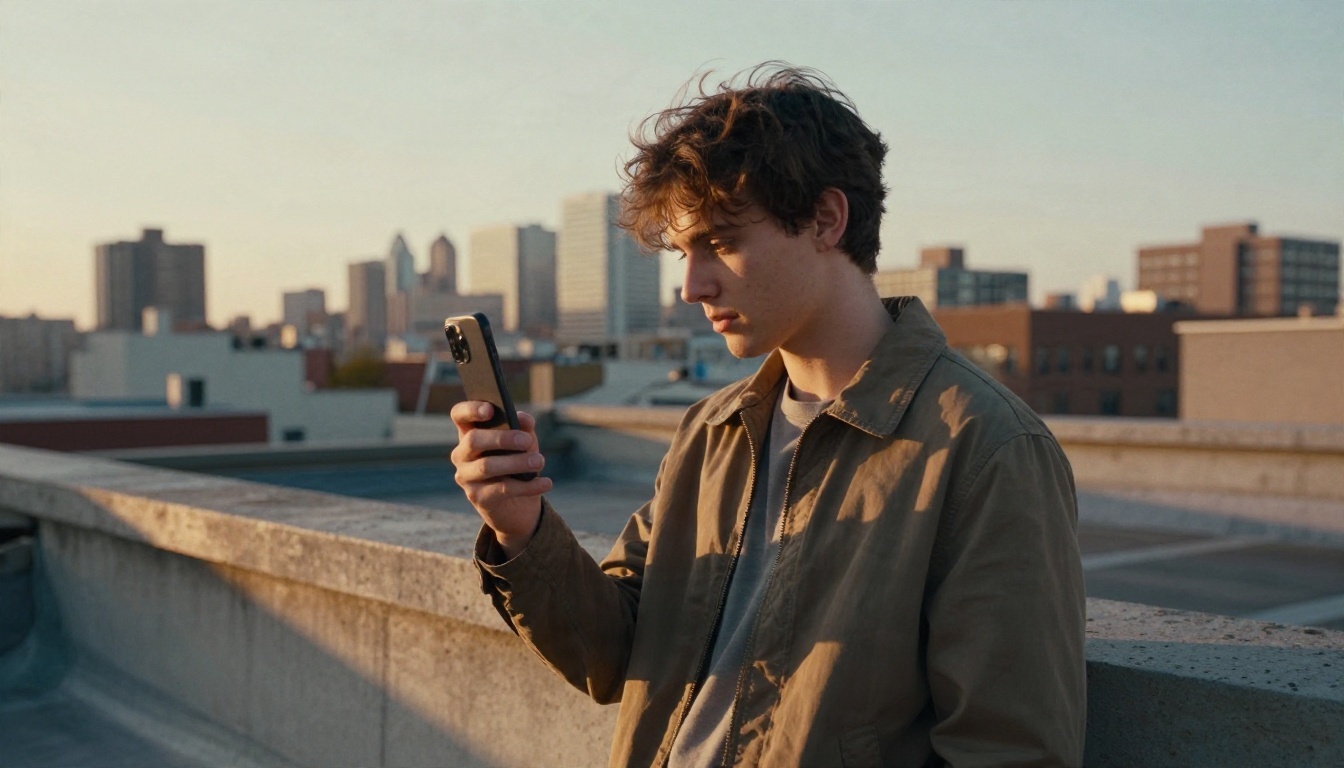
💡 Mix real and generated: a quick real shot, like a rooftop skyline filmed on your phone, adds authenticity that pure AI footage often lacks. Use generated clips for the shots you could never film easily.
Make Your First Reel Today
You do not need a paid plan to publish a decent reel. You need a clear idea, a locked first frame, a motion-only prompt and a few minutes of editing. Start with one 5 second clip and see how it looks on your phone.
Open PicassoIA and try Seedance 2.5 Lite for free drafts, then polish with P Video Edit and add a voice. If you want to see everything available, browse all PicassoIA models, pick a style, and generate a few shots of your own. Your first reel will not be perfect, but your third one will be much better.