You type a line of dialogue, your character answers, and a second later a picture of the moment appears on screen: the rain, the lamp post, the look on their face. That is AI roleplay with image generation, and it has quietly become one of the most popular things people do with a chat model. The catch is that "free" means very different things from one app to the next. Some give you a generous chat and almost no pictures. Others hand out a few images and then ask for a card.
This article sorts it out. You will see how the pairing works, what free plans tend to include, the limits that trip people up, prompts you can copy, and a setup on PicassoIA that you can run without paying for a roleplay subscription.
How Roleplay Meets Image Generation
The Two Engines Behind It
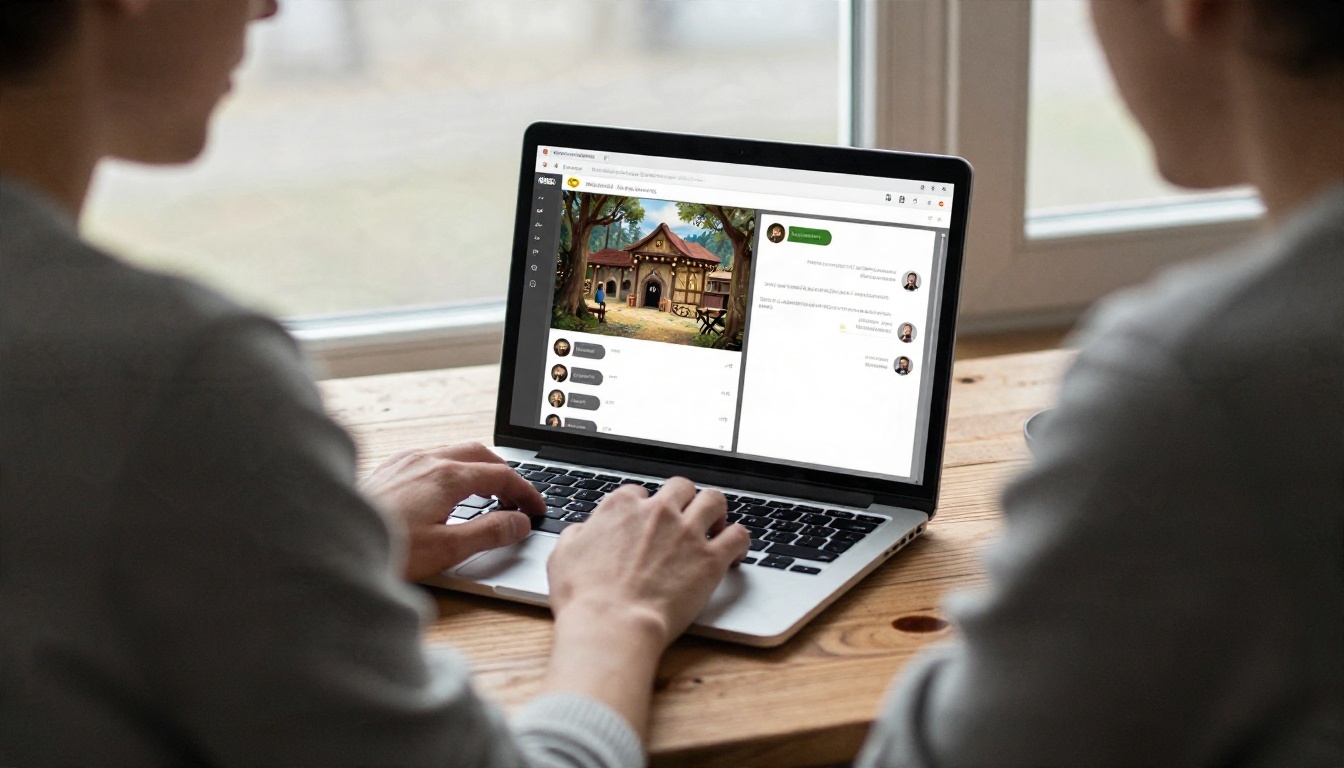
Every roleplay app with pictures is really two systems stitched together. A language model writes the character's replies, remembers the plot and keeps the tone. An image model takes a description of the current scene and renders it. The app sits in the middle and decides when to call the image model: after every message, on a button press, or when you type a command.
Once you see it that way, the weak spots make sense. The chat model has a memory window, so it forgets details. The image model has no memory at all, so every picture starts from scratch. That is why a character's hair color can change between frames, and why good prompts matter more than a fancy app.
Where People Actually Use It
The use cases are broader than most headlines suggest:
- Solo storytelling: a text adventure where each scene gets an illustration.
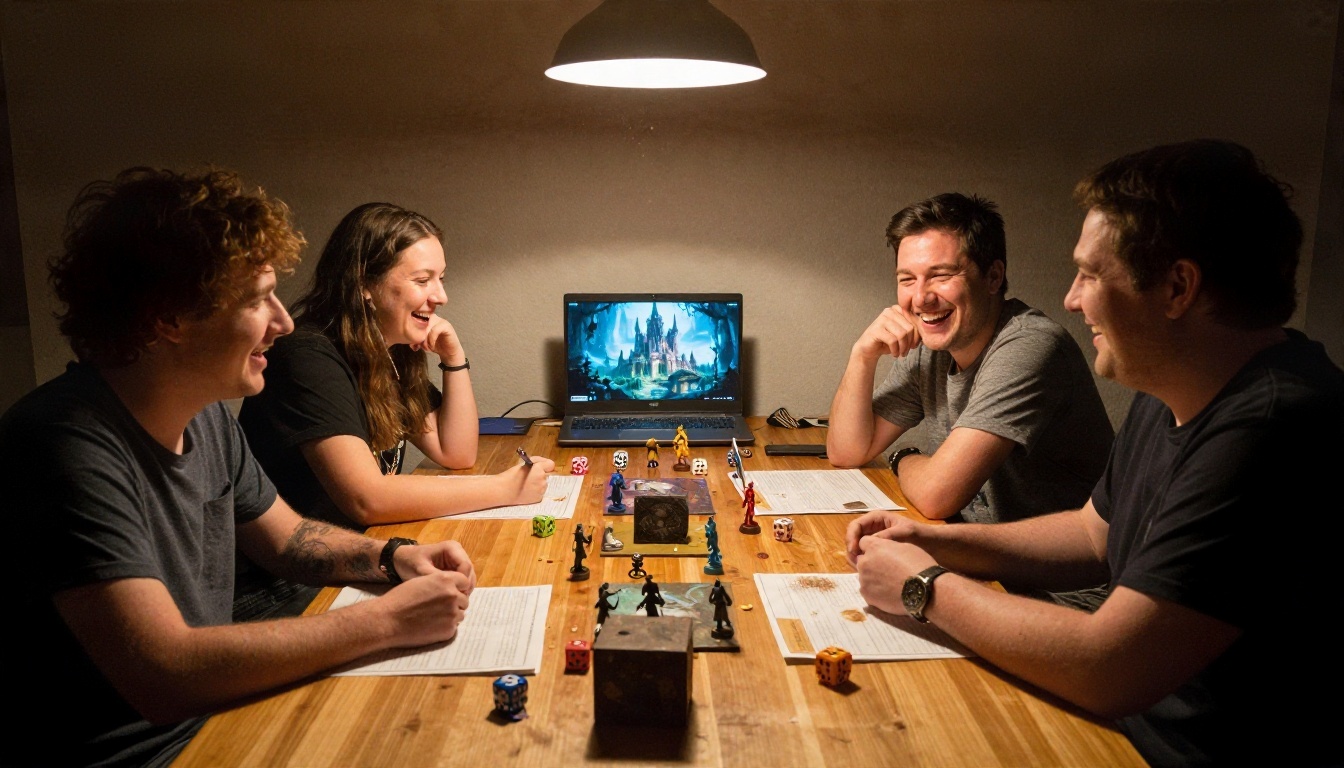
- Tabletop support: a game master generating a location or an NPC portrait mid session.
- Companion chat: a persistent character with a recognizable face.
- Writing research: novelists testing how a character looks before committing to a description.
- Character art for fandoms: original characters rendered for a visual reference sheet.
💡 Tip: Decide which of these you want before choosing an app. A tabletop helper needs fast, loose scene art. A companion needs a stable face. Those are different problems and different tools.
Free Apps and What You Get
Companion and Character Chat Apps
The big names in this space include Character.AI, Replika, Nomi, Janitor AI, CrushOn and Candy AI. They fall into two camps. The first camp, which includes Replika and Nomi, leans toward a long term companion and generally steers away from explicit material. The second camp, including CrushOn and Candy AI, is built around less restricted chat and puts most of its image features behind a paid tier.
The pattern repeats across almost all of them: chat is cheap to give away, images are not. A text reply costs the company a fraction of a cent. A rendered picture costs far more, so free plans ration pictures first.
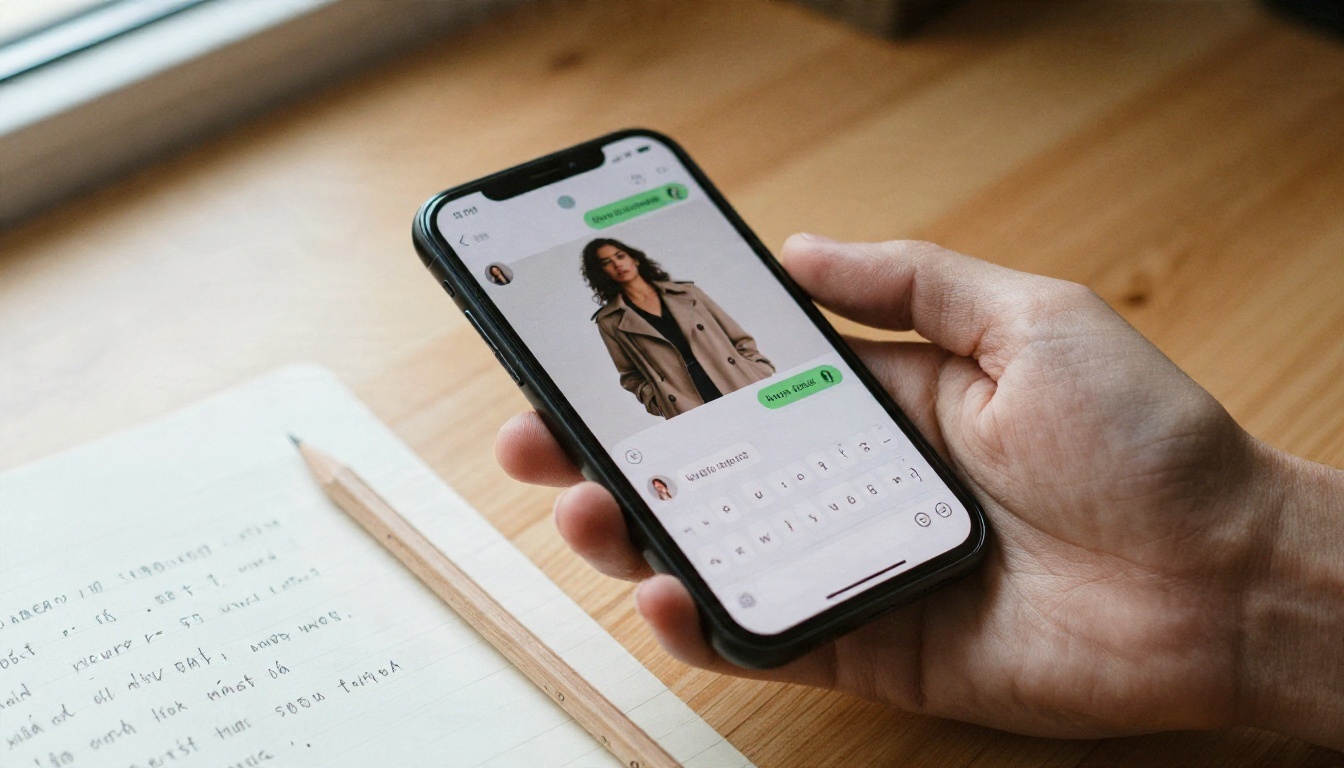
Image Tools With Free Tiers
The other route is to skip the roleplay app and use a general image tool next to a chat window. Perchance runs in the browser and is known for loose or no sign in limits. Playground AI has offered a small batch of images every few hours on its free plan. The big assistants from Google, OpenAI and xAI include image creation in some form, but daily caps shift often, and some of the better image models sit behind a subscription.
💡 Tip: Plans, caps and pricing change often. Treat any number you read in a blog post, including this one, as a rough idea and check the app's own pricing page before you rely on it.
Free Plan Comparison
| Approach | Chat | Images | Typical catch |
|---|
| Companion app, free tier | Generous | Few or none | Pictures locked behind a paid plan |
| Character chat site | Large character library | Avatar art, sometimes scene art | Memory resets, queue times |
| Browser image generator | Not included | Loose daily limits | You write every prompt yourself |
| General AI assistant | Strong | A daily cap | Filters on people and mature themes |
| Two tool setup on PicassoIA | Choose any model | Choose any model | You assemble the workflow |
The last row is the one most people overlook. If you pair a language model with an image model yourself, you decide the tone, the style and how consistent the character stays.
The Limits Nobody Mentions
Message and Image Caps
Free plans limit you in three ways at once: messages per day, images per day, and speed. Many apps slow free users down at busy hours, so a "free" image can take a couple of minutes while paying users skip the line.

Memory and Face Drift
Memory is the quiet killer of long roleplays. A chat model only reads a limited amount of text at a time. After a few hundred messages, early details fall out of that window. The character forgets the scar, the promise, the name of the town.
Face drift is the picture version of the same problem. Because the image model has no memory, the face changes unless you repeat the same description every time or feed it a reference image. Most free apps do not offer reference images at all.
Content Filters
Mainstream tools filter hard. Many refuse images of real people, violence, or anything suggestive, and some refuse it so quickly that harmless scenes get caught too. A swimsuit on a beach or a dark noir street can trigger a block depending on the wording. Apps that allow more freedom usually require a paid plan and an age check.
Here is a quick summary of how limits stack up:
- Free chat is usually plentiful.
- Free images are rationed by count, time or queue speed.
- Memory is short on free plans and longer on paid ones.
- Consistency is rarely guaranteed anywhere without reference images.
- Filters vary widely, so test with a harmless scene first.
Prompts That Actually Work
The Scene Prompt Formula
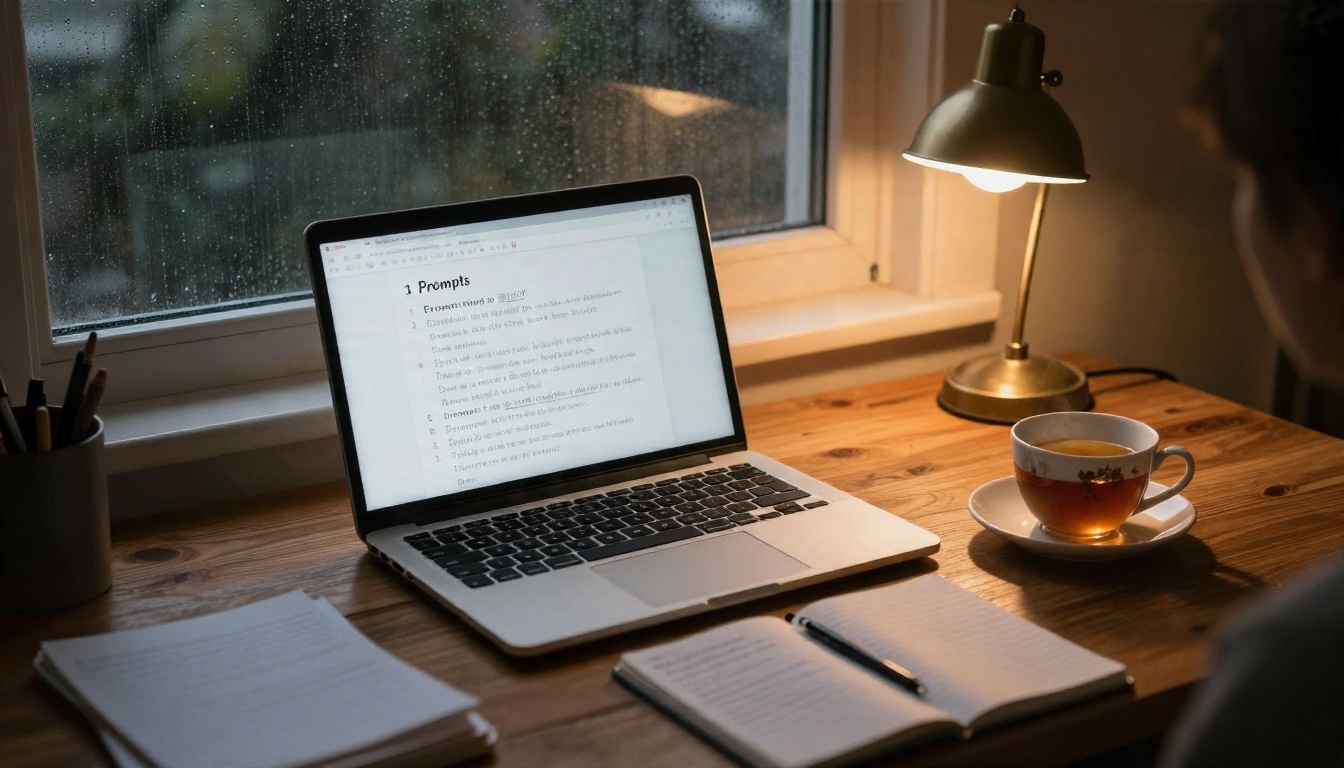
Image models respond best to concrete, visual language. Chat replies are full of feelings and plot, which means an automatic "turn this reply into a picture" feature often produces vague results. Write the image prompt yourself, or have your language model write it for you using this formula:
Subject + action + setting + light + camera + texture
Here are three prompts you can copy and adjust:
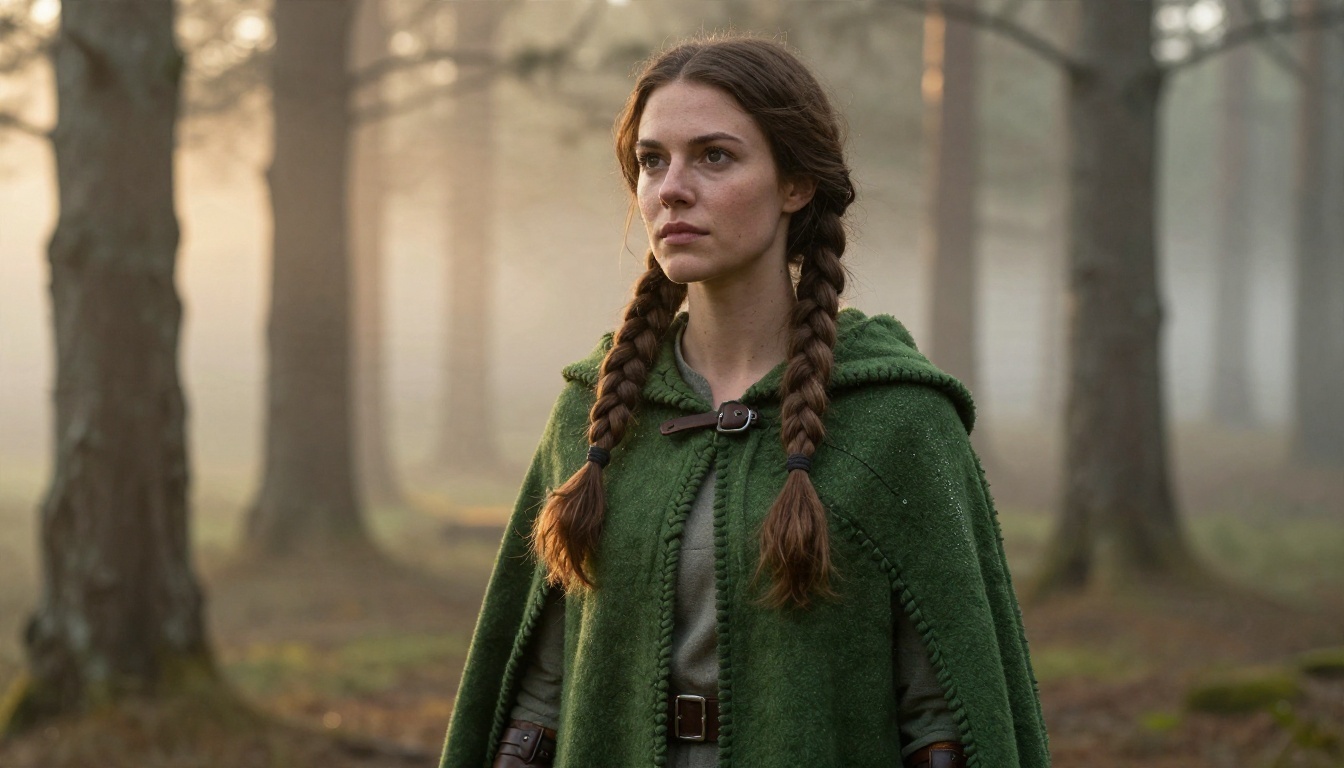
- Fantasy: A woman in her thirties in a green wool cloak crouching beside a campfire in a misty pine forest at dawn, golden light from behind, 85mm lens, shallow depth of field, dew on the fabric, soft film grain.
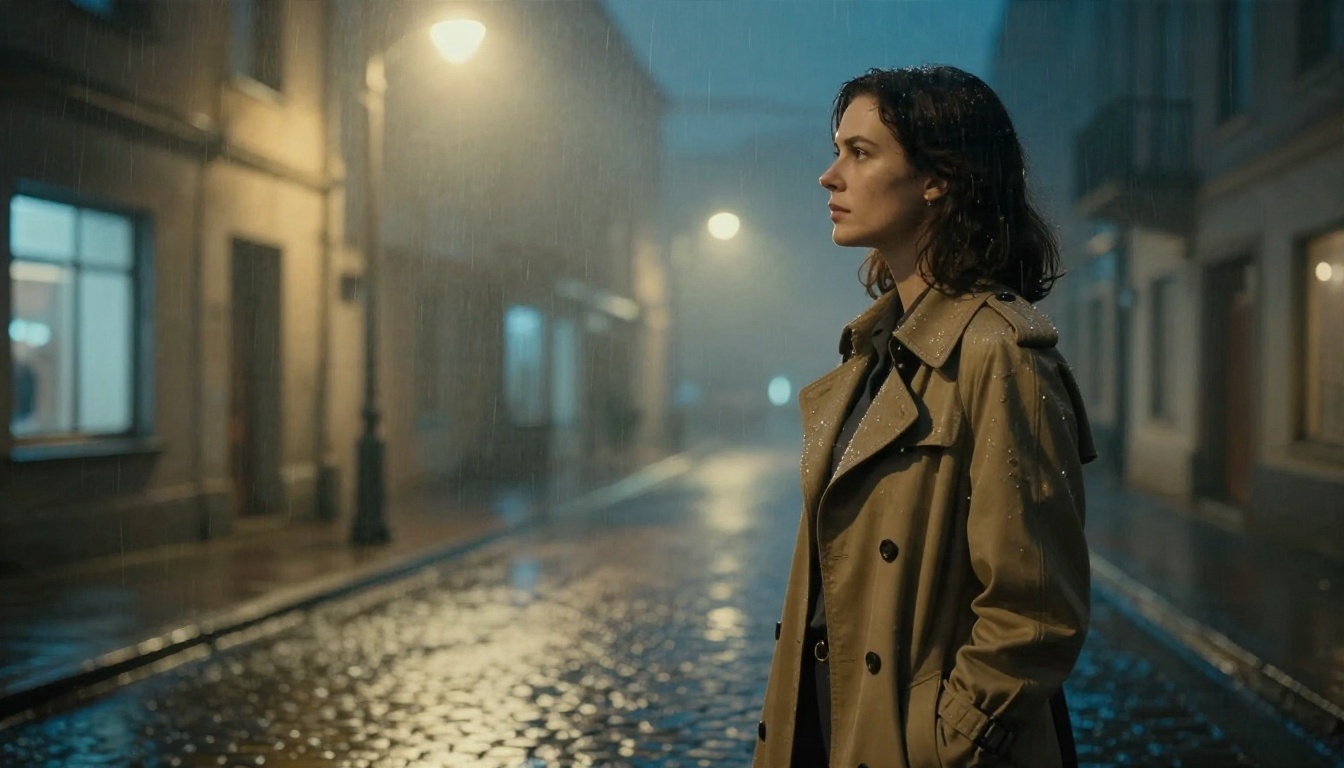
- Noir: A detective in a belted trench coat under a streetlamp on a wet cobblestone street at night, light fog, warm lamp glow from above right, 50mm lens, raindrops on wool, cinematic color.
- Slice of life: Two friends sharing a laptop on a sofa on a rainy afternoon, soft window light, 35mm lens, knit blanket texture, relaxed mood.
Notice what these have in common: no abstract words like "mysterious" or "epic". Describe what a camera would see.
💡 Tip: Ask your chat model, "Describe the current scene as a photographer would, in two sentences, with no names." That turns a story beat into an image prompt in seconds. Models such as GPT 5.6 Luna and Gemini 3.5 Flash handle this task quickly.
Keeping a Character Consistent
Consistency is the thing people ask about most. These habits help, even on tools with no reference feature:
- Write a character sheet once. Fix the age range, hair, eye color, clothing and one distinctive detail, such as a scar or a silver ring.
- Paste the same sheet into every prompt. Do not paraphrase it. Small wording changes produce a different face.
- Fix the lighting and lens. A face reads as the "same person" more often when the photographic style stays constant.
- Use a reference image when the tool allows it. An editing model that accepts an input image is the strongest option for a stable face.
Real Examples by Genre
Fantasy Ranger and Quiet Forests
Fantasy is the easiest genre for image models because the visual vocabulary is huge: cloaks, firelight, mist, stone. The prompt above produces a believable ranger in a single pass. Add a second prompt line for the same character in a tavern, and you already have the start of a visual story.
Noir Detective on a Wet Street
Noir works well because the mood comes from light and weather, both of which are easy to describe. Rain, fog and a single warm lamp do most of the work. It is a good test of how an image model handles reflections and wet textures.
Character Sheets and Cast Lists
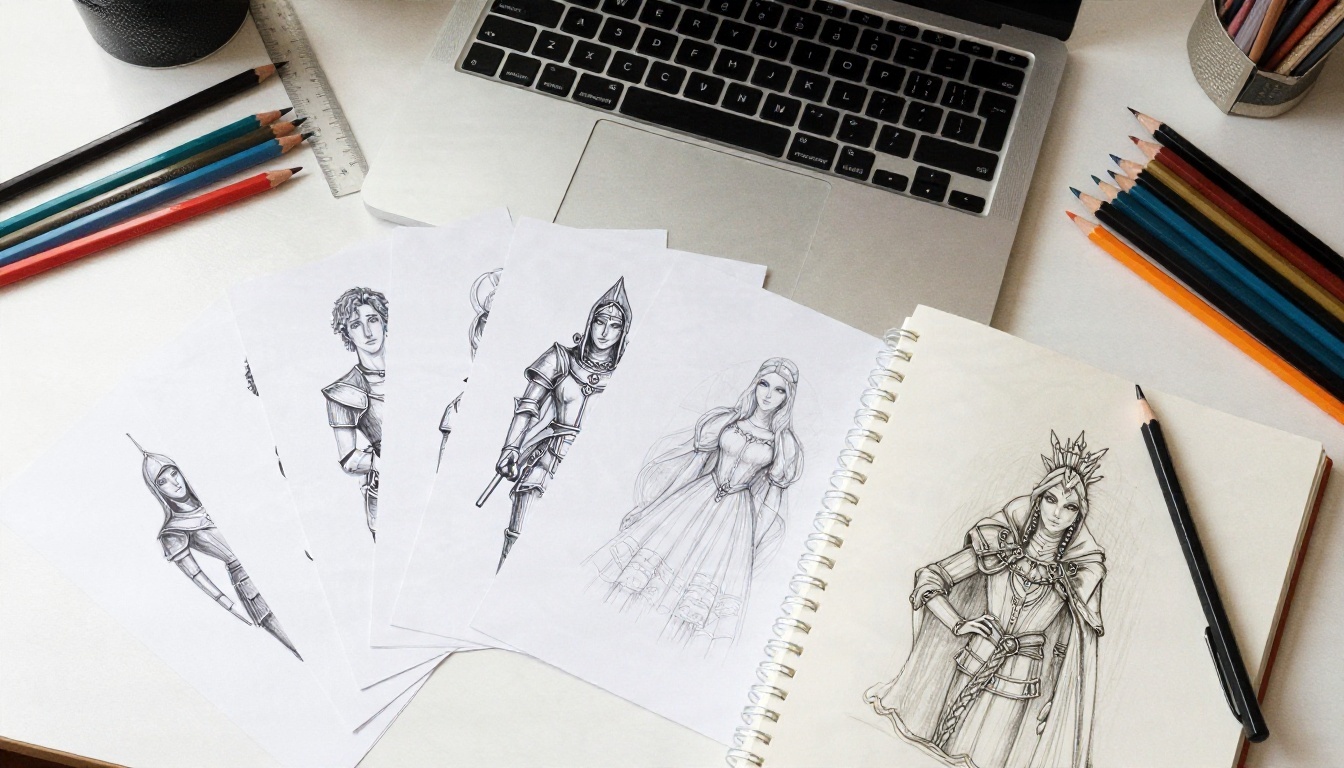
A neat trick for longer stories is to generate a "cast sheet": one portrait per major character, all in the same lighting. Print them, pin them up, or keep them in a folder. When you start a new chat, paste in the matching description and the matching portrait.
Build Your Own Setup on PicassoIA
If the free tier of a roleplay app keeps stopping you, you can build the same thing from two parts on PicassoIA: a language model for the story and an image model for the pictures. You choose both, so you also choose how strict the filters are for your own scenes.
Pick the Writing Model
Choose based on the kind of story:
Pick the Image Model
Start with Seedream 4.5. It handles skin, fabric and light convincingly and follows long scene prompts well, which is exactly what roleplay needs. For a stable face across scenes, use PicassoIA Image Editor Pro, which accepts an input image and offers unlimited generations. Other strong options:
💡 Tip: The same image tools handle suggestive but non explicit styling, such as swimwear, glamour portraits and moody boudoir lighting, which many mainstream apps refuse. Explicit content is not the goal here: keep scenes tasteful and you will get far fewer blocks.
A Simple Workflow You Can Repeat
- Write the character sheet in your language model and ask it to stay in character.
- Play the scene in chat for a few messages.
- Ask for a photographer's description of the current moment in two sentences.
- Paste that description plus the character sheet into Seedream 4.5.
- Save the best result and use it as the reference image in Image Editor Pro for later scenes.
- Change one thing at a time in the next prompt, such as place or clothing, so the face stays put.

Mistakes to Avoid
Prompting with feelings instead of visuals. "A sad, haunting hero" gives the model nothing to draw. "A tired soldier sitting on a stone step in cold morning light" does.
Rewriting the character every time. Copy and paste the sheet. Paraphrasing is the most common cause of face drift.
Generating an image after every message. It burns through caps and clutters the story. Generate at turning points: arrivals, fights, quiet moments.
Ignoring the chat model's memory. Every so often, ask the model to summarize the plot and pin that summary at the top of the chat.
Judging an app by its first image. A single good result proves little. Run the same character through three different scenes before deciding.
Try Your Own Scenes
Free roleplay apps are a fine place to try the idea, but their caps, filters and short memory will show up fast. Building your own pairing gives you more control: pick a writing model, pick an image model, and keep a character sheet that you control.
Open Seedream 4.5 on PicassoIA, paste one of the prompts above, and see what your character looks like. Then bring that picture into PicassoIA Image Editor Pro and move them into a new scene. If you want to try other models, browse the full list at picassoia.com/en/all-models and compare how each one renders the same prompt.


