Type "bikini photo at golden hour" into a mainstream AI image tool and you might get a polished result. Change one word to "boudoir" and you might get a warning, a blurred preview or a flat refusal. That gap is why "mature" AI image generators exist, and why so many people search for uncensored options. The tools are not all alike, the free tiers are not all honest, and the limits are not always where you expect them. This article sorts it out: what the labels mean, which generators are worth your time, how to write prompts that work, and where the walls really are.
Everything here focuses on adult, suggestive, non-explicit imagery: glamour, swimwear, boudoir, fashion and editorial portraits. That is the content most people actually want, and it is also where photorealistic models do their best work.
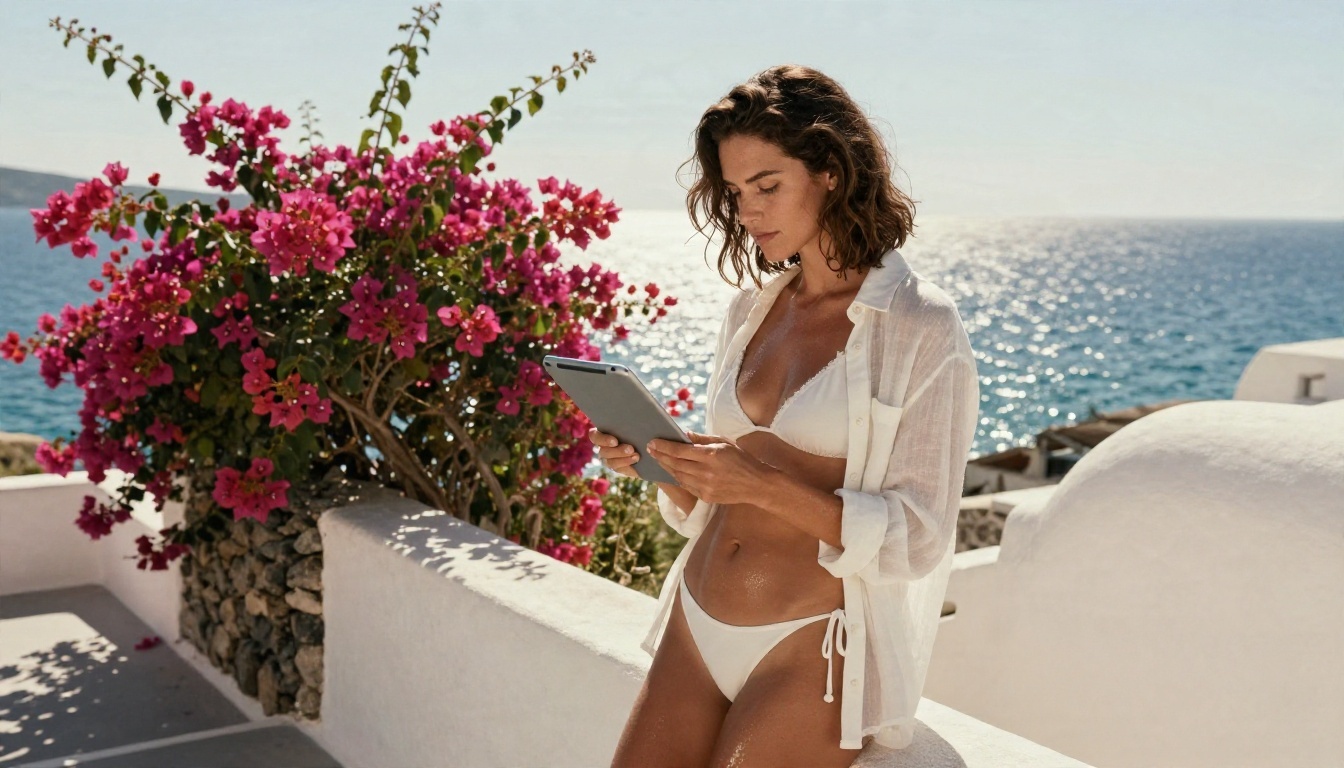
The word gets used loosely, so define it first. A mature AI image tool is one that does not automatically reject adult themes such as swimwear, lingerie styling, sensual poses and implied nudity. An uncensored tool goes further and applies fewer or no prompt filters.
Uncensored vs. Unfiltered
Those two words sound identical but are not. Filtering can happen in three places:
- The prompt filter reads your text and blocks certain words before generation starts.
- The model itself, which may have been trained to avoid certain content, so it produces a covered-up or distorted result even with an open prompt.
- The output filter, which scans the finished image and blurs or deletes it.
A tool can be loose on one layer and strict on another. That explains why two generators fed the same bikini prompt behave so differently. When people say a tool is "uncensored," they usually mean the prompt filter and the output filter are relaxed. It rarely means anything goes.
Where the Line Sits
Even the most permissive hosted platforms draw a line, and it is worth knowing before you spend time on one. Adults only, always. No real person's likeness without consent. No content involving minors. Those are not preferences, they are the floor. Removing platform filters does not remove the law, a point that nearly every honest roundup of these tools makes.
On PicassoIA the target is non-explicit adult content: attractive, glamorous, suggestive imagery with a photographic quality. That covers the vast majority of what people want from "mature" generation, and it keeps results consistent instead of unpredictable.
💡 Quick test: Generate the same prompt on any tool you are considering. If a swimsuit portrait with realistic skin comes back clean in one attempt, the tool is mature friendly. If you get a refusal or a weirdly covered-up result, move on.
Best Uncensored Image Generators Compared
The market splits into three groups: hosted platforms with flexible rules, open models you run yourself, and mainstream tools that are strict by design. For mature work, the first two matter.
Seedream 4.5 Comes First
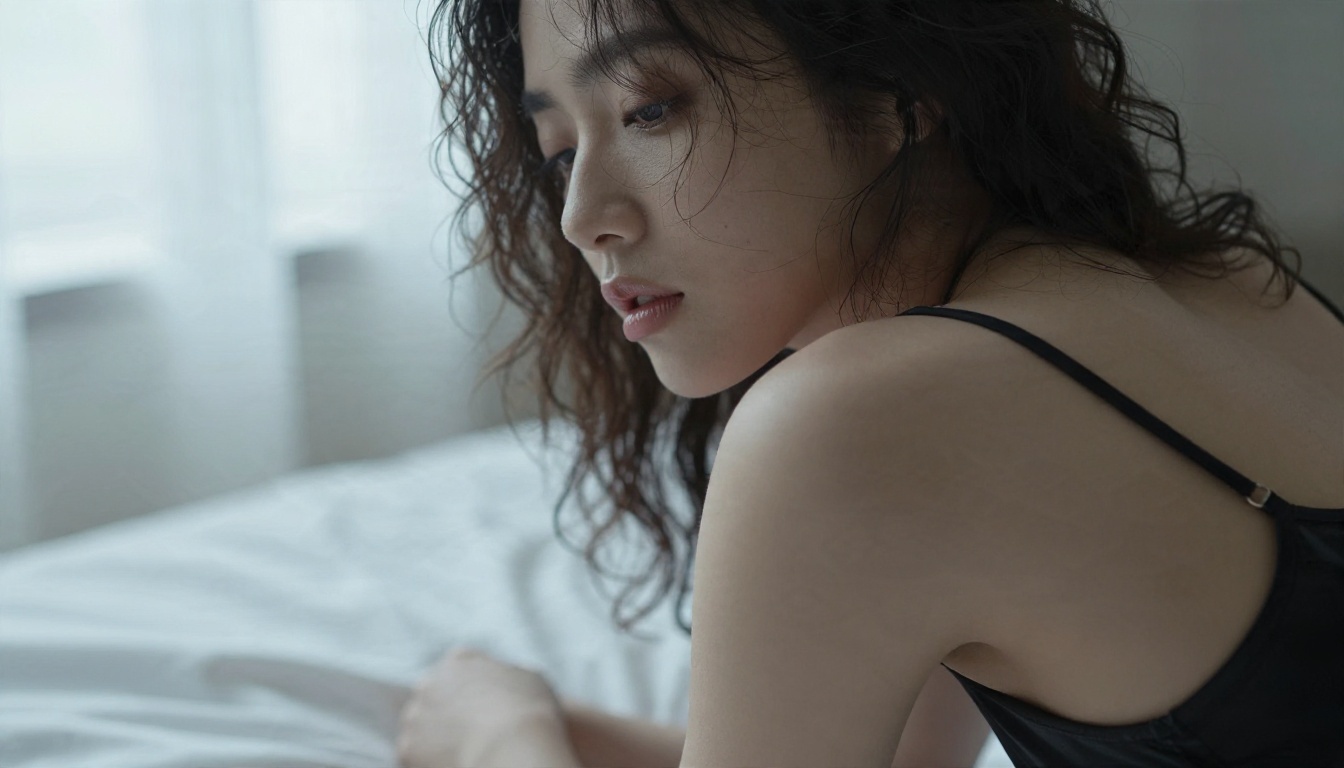
Seedream 4.5 is the model to try first for mature photorealism. It handles skin texture, fabric, hair and lighting with a natural look that avoids the plastic sheen many generators produce. It accepts swimwear, lingerie styling and boudoir prompts that stricter models refuse, and it renders 4K output, which gives you room to crop and print.
Why it leads: prompt adherence. If you describe a silk robe, a sunlit window and an 85mm look, you get those things. Many models drift toward generic portraits. Seedream 4.5 stays close to what you wrote.
PicassoIA Image Editor Pro for Unlimited Runs
PicassoIA Image Editor Pro is the second tool to reach for. The headline feature is unlimited generations, which changes how you work. Mature imagery takes iteration: a pose that nearly works, a hand that needs a redo, an outfit color you want to swap. When every attempt costs a credit, you ration your tries. When runs are unlimited, you experiment freely and keep the best frame.
It also edits. Upload a photo and change the outfit, background or lighting with a text instruction instead of starting from scratch.
Open Models Worth Knowing
After those two, a handful of other models on the platform are good for mature work, each with a different strength:
Behavior on adult prompts varies from model to model and changes over time, so treat the table as a starting point and run your own test prompt.
Free Options That Actually Work
"Free" is the most abused word in this category. Plenty of tools advertise it and then bury the real cost in credits, watermarks or a queue that never moves.
What Free Tiers Usually Hide
Based on what recent roundups report, free access comes with strings that change often and without announcement:
- Daily caps. Some tools give a few dozen images per day, others a few hundred, and the numbers move. A figure from an undated review may already be wrong.
- Expiring credits. At least one popular platform reportedly started adding expiry dates to accumulated credits in early 2026.
- Commercial use restrictions. Many free tiers forbid selling or monetizing what you generate. Read the terms before you put an image on a product.
- Watermarks and low resolution. Free output is often small or stamped.
- Filter changes. A tool that was permissive last month can tighten overnight. Names like Grok, Leonardo, Playground, Craiyon, NightCafe and Perchance all get mentioned in roundups, and their policies are not stable, so check each one's current page.
💡 Vendor bias: Many "best free generator" lists are written by companies that sell one of the tools on the list. Treat claims like "no daily cap" as marketing until you test them.
Running Models on Your Own Computer
Open-weight models, including the Stable Diffusion family and newer ones like Qwen Image, have no daily cap at all. The trade-off is effort. You need a capable graphics card, you manage installs and updates, and you are responsible for following each model's license. Your hardware is the real limit. For people who enjoy tinkering, it is the most private route. For everyone else, it is a time sink.
Free Access on PicassoIA
PicassoIA sits between the two extremes. You get hosted speed with no installation, and PicassoIA Image Editor Pro removes the generation cap that makes other free tiers frustrating. Models such as Nano Banana Pro and Ideogram v4 Balanced are also listed for free generation, though their content rules are stricter than Seedream 4.5, so use them for safe-for-work and fashion work instead of mature prompts.
How to Use Seedream 4.5 on PicassoIA
Here is the workflow that gives the cleanest mature results, step by step.
Step 1: Open the Model
Go to the Seedream 4.5 page and open the generator. You will see a prompt box, an aspect ratio selector and a few quality settings.
Step 2: Write a Structured Prompt
Use this order: subject and pose, outfit, setting, lighting, camera, texture. For example:
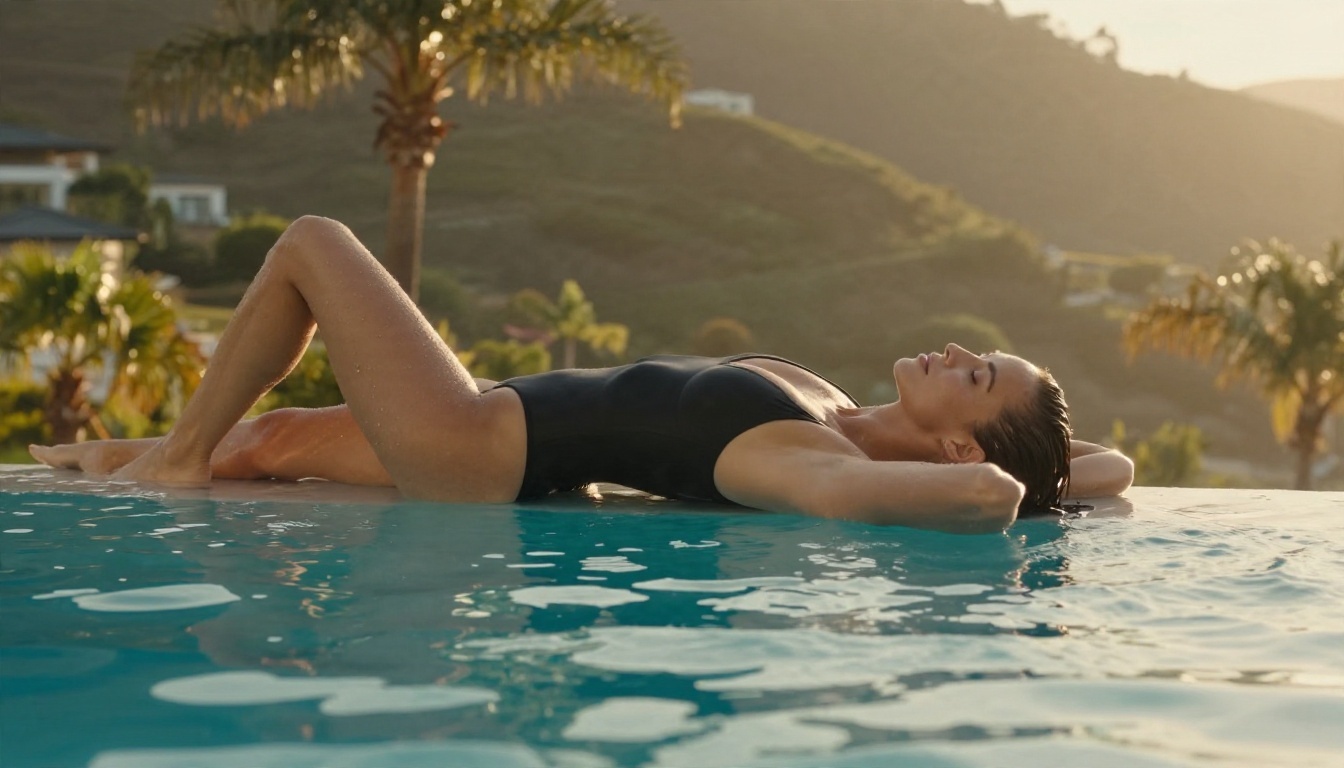
"Adult woman in a black one-piece swimsuit resting her elbows on an infinity pool edge, wet slicked-back hair, golden late afternoon light from behind, 24mm lens from water level, realistic skin texture, film grain."
Step 3: Set the Parameters
- Aspect ratio: 16:9 for scenery and wide shots, 3:4 or 2:3 for portraits.
- Resolution: Start at the default, then re-run your best result at higher quality.
- Seed: Lock the seed once you like a composition, then change one detail at a time.
Step 4: Refine and Upscale
Take the frame you like into PicassoIA Image Editor Pro for outfit or background changes, then run it through Real-ESRGAN for a 4x upscale if you need print size.
💡 Workflow tip: Draft ideas quickly with Z Image Turbo, then recreate the winners in Seedream 4.5 for final quality.
Prompts That Produce Tasteful Mature Images
Prompt quality matters more than filter settings. A vague prompt gives a vague, over-smoothed result no matter how permissive the tool.
The Six-Part Formula
- Subject: age range, hair, expression, pose.
- Wardrobe: fabric and fit ("satin slip," "lace bralette," "terracotta bikini").
- Setting: a specific place, not "nice background."
- Light: direction and quality ("window light from the left," "backlit golden hour").
- Camera: lens and distance ("85mm f/1.8," "35mm low angle").
- Texture: "visible skin pores," "silk folds," "film grain."
The word "adult" in your prompt is a good habit. It sets the age and keeps results clearly within safe territory.
Three Prompts to Copy
Boudoir mood:
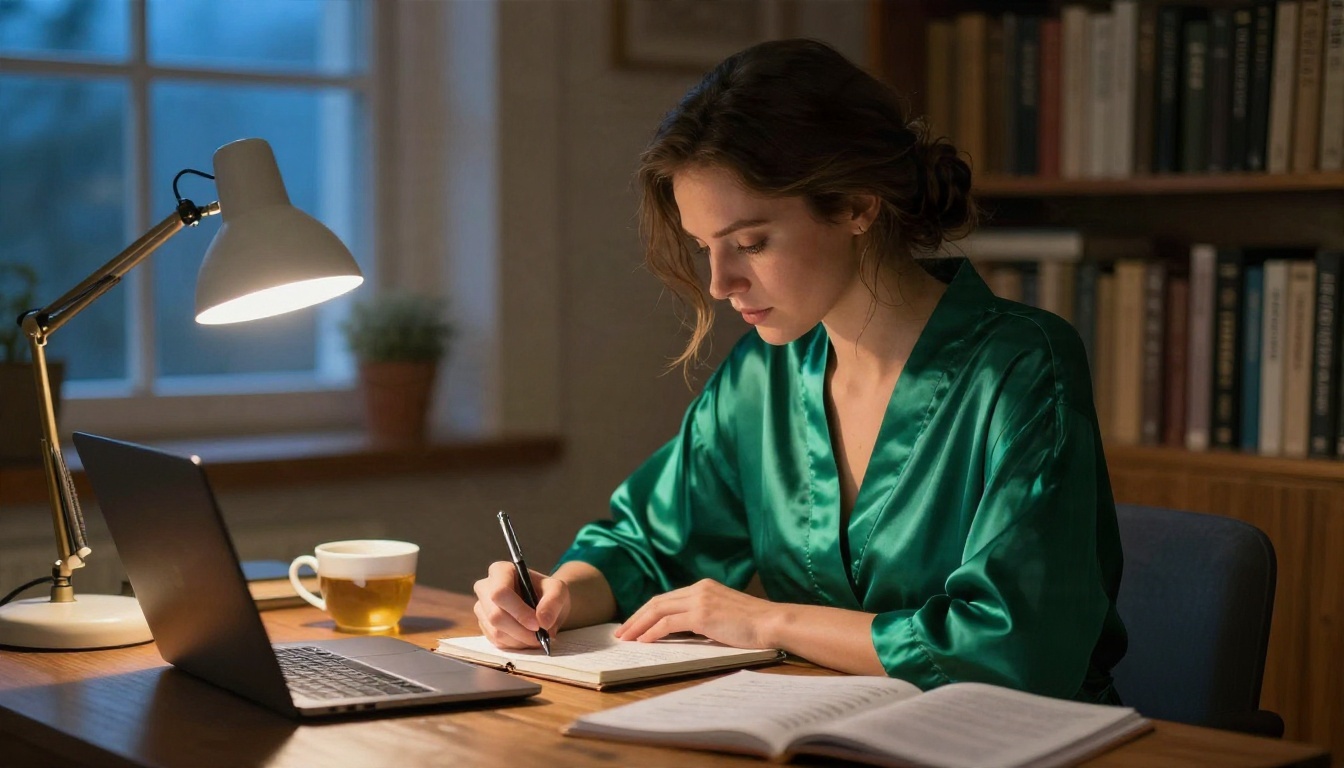
"Adult woman with dark curly hair in a black silk slip, cheek against a window frame, soft overcast light from the left, 85mm f/1.4, fine skin pores, muted film grain."
Beach glamour:
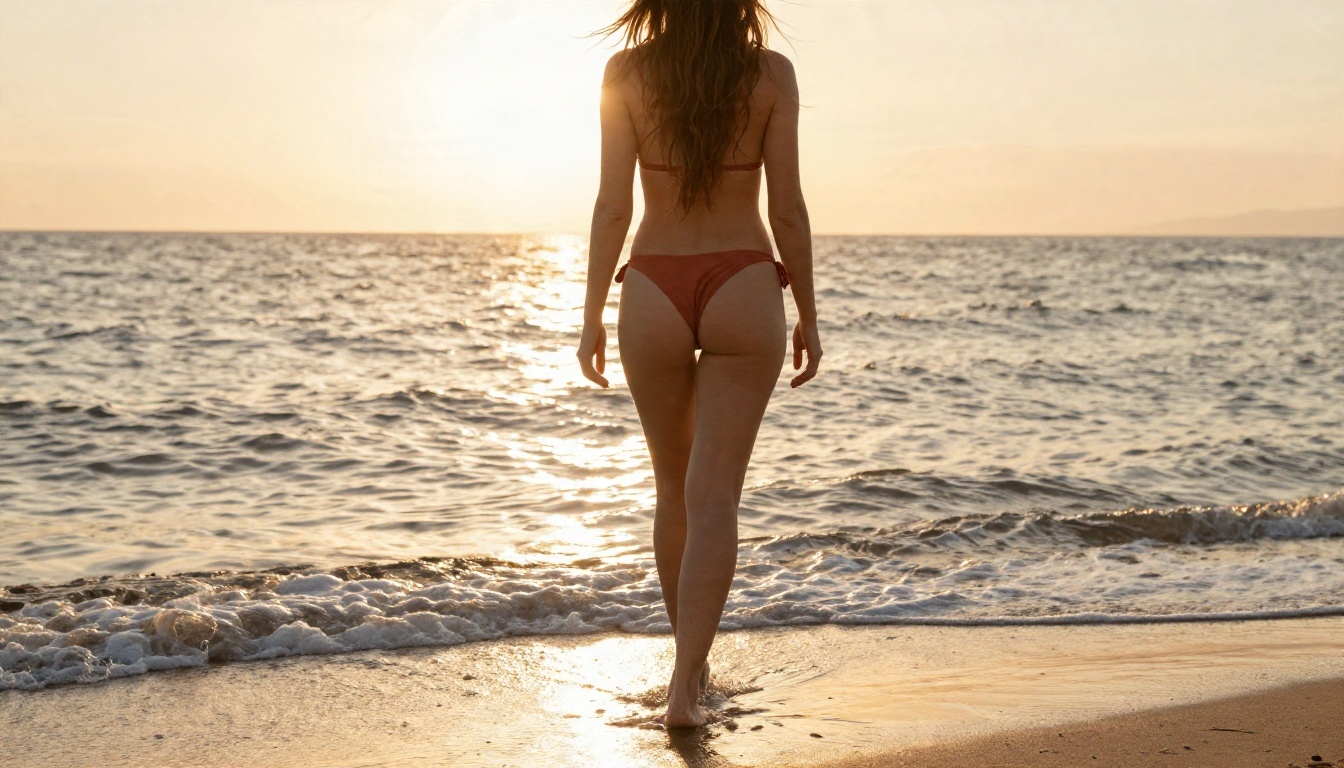
"Adult woman in a terracotta bikini walking along the waterline at golden hour, backlit sun, wind in her auburn hair, 135mm telephoto, wet sand reflections."
Studio editorial:
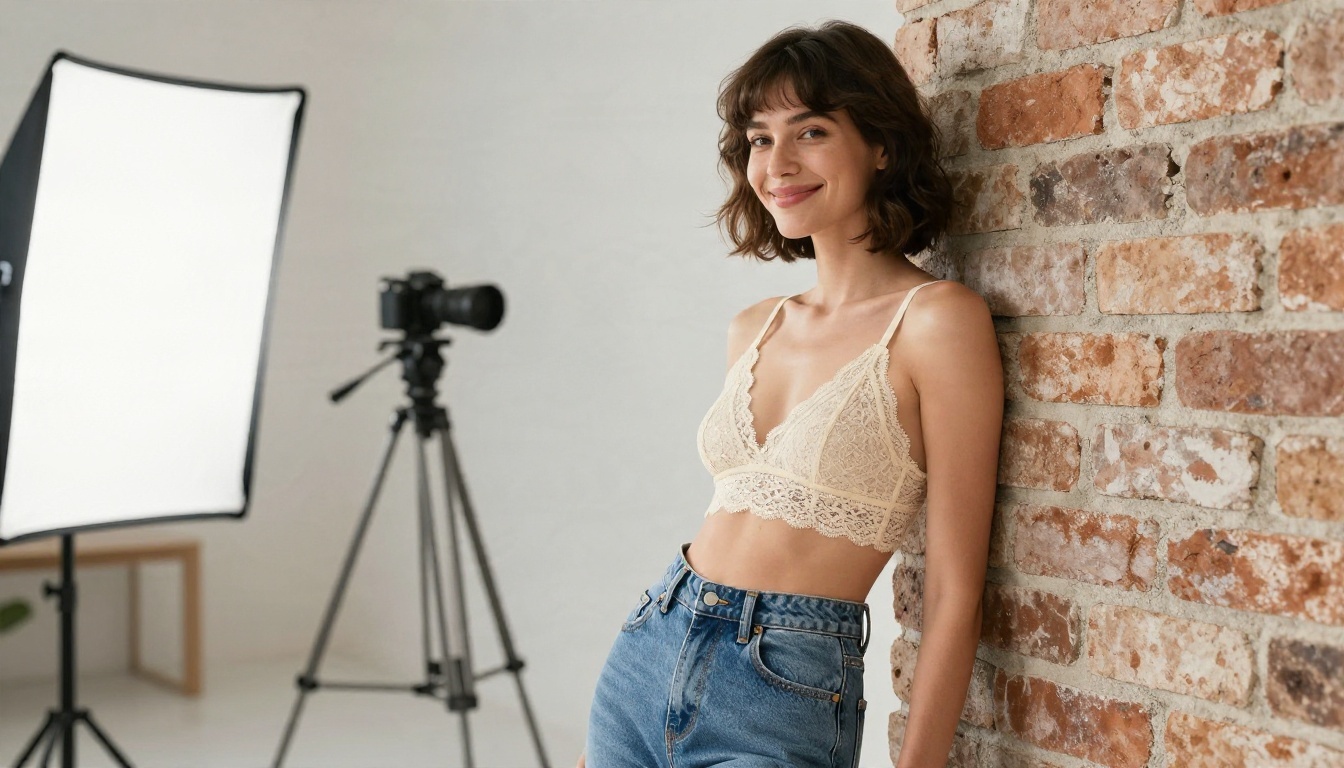
"Adult woman in a cream lace bralette and high-waisted jeans against a brick wall, softbox from the right, short bob haircut, 70mm f/2.8, subtle grain."
Mistakes That Ruin Results
- Stacking adjectives. "Beautiful, gorgeous, stunning, perfect" adds nothing. Describe light and fabric instead.
- Skipping the camera. Without a lens, models default to a flat, generic look.
- Asking for too much at once. Five people, three outfits and a crowd scene produce anatomical errors. One subject, one setting.
- Ignoring hands. Add "natural fingers" and frame hands in simple poses.
- Using style words like "digital art." For photographic work, keep the language photographic.
The Real Limits to Expect
Every tool has limits, even the open ones. Knowing them ahead of time saves frustration.
Technical Limits
- Anatomy errors. Hands, feet and overlapping limbs still fail sometimes. Generate several versions and fix the best one with inpainting.
- Consistency. Keeping the same face across a series is hard without a reference image or a LoRA.
- Text rendering. Signs and labels often come out garbled. Leave them out.
- Resolution. Native output is usually between 1K and 4K. Upscale afterward when you need more.
- Skin realism. Overly smooth, waxy skin is the giveaway of an AI image. Ask for pores, freckles and fine hair, and avoid "flawless."
Legal and Platform Limits
| Limit | What it means |
|---|
| Age | All subjects must be clearly adults. No exceptions. |
| Real people | Do not generate recognizable individuals without their consent. |
| Commercial use | Check the license of the tool and the model before selling anything. |
| Platform terms | Hosting services can change or remove content that breaks their rules. |
| Local laws | Rules on adult imagery differ by country. You are responsible for yours. |
An "uncensored" label removes a filter. It does not remove responsibility.
Editing, Fixing and Upscaling Mature Images
A first render is rarely the final one. The best results come from a short edit loop.
Fix Details With Inpainting
If one hand or one strap looks wrong, do not regenerate the whole frame. Mask the problem area and re-run only that part. PicassoIA Image Editor Pro handles text-driven edits well, such as "change the swimsuit to navy" or "replace the background with a sunset terrace."
Sharpen With Super Resolution
Tools like Real-ESRGAN restore fine detail and scale up to 4x. Run the upscale last, after all edits, so you do not magnify mistakes.
Compare Models Side by Side
Run the same prompt through Seedream 4.5, Flux Dev and Realistic Vision v5.1. Each has a slightly different idea of skin tone, contrast and color. Two minutes of comparison tells you which one fits your style.
Try Your Own Mature Images Today
You now have the full picture. Mature AI image generation is a matter of picking the right model, writing a prompt with real photographic detail, and respecting the limits. Start with Seedream 4.5 for the cleanest photorealism, use PicassoIA Image Editor Pro when you want unlimited retries and fast edits, and keep Z Image Turbo around for quick drafts.
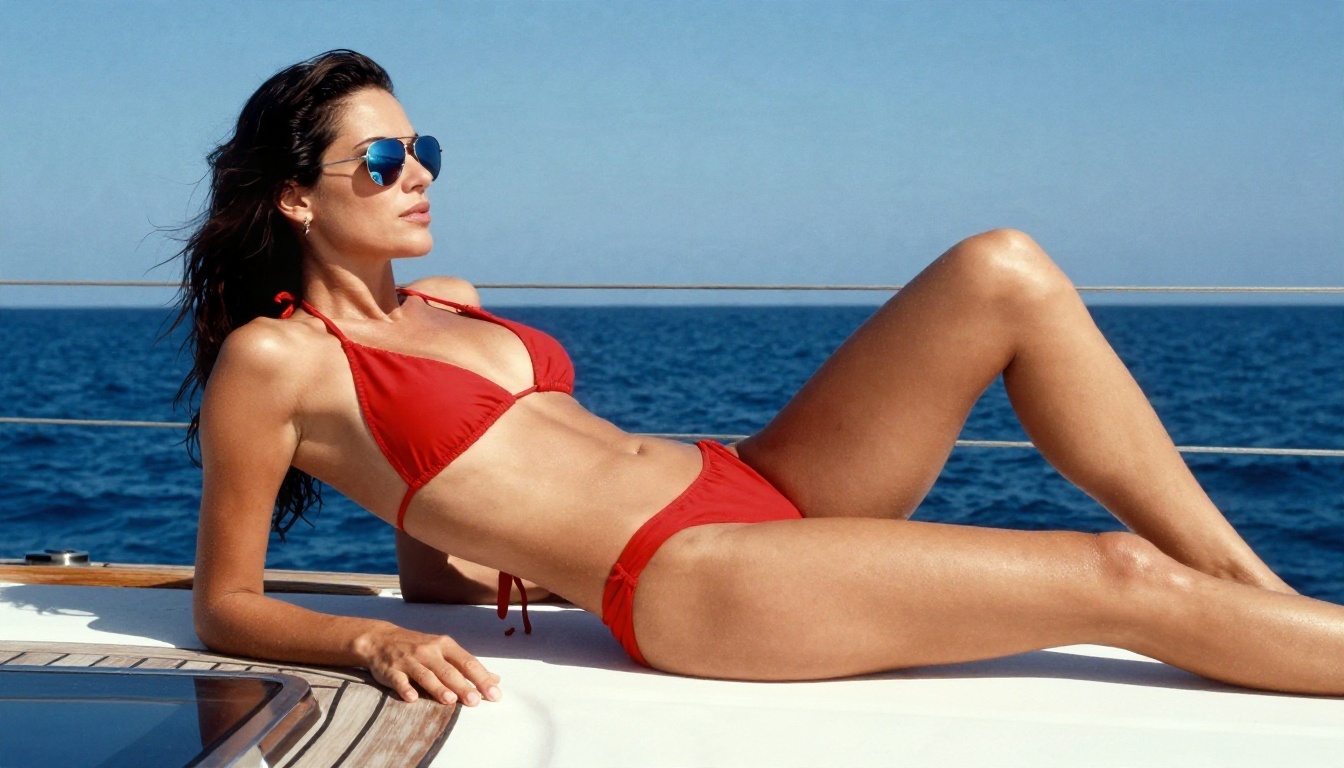
Pick one of the three prompts above, paste it in, and change a single detail: the outfit color, the time of day, the lens. Do that ten times and you will have a feel for what each model does that no review can give you. When you want to see more options, browse every available model at picassoia.com/en/all-models and build the workflow that suits your taste.


