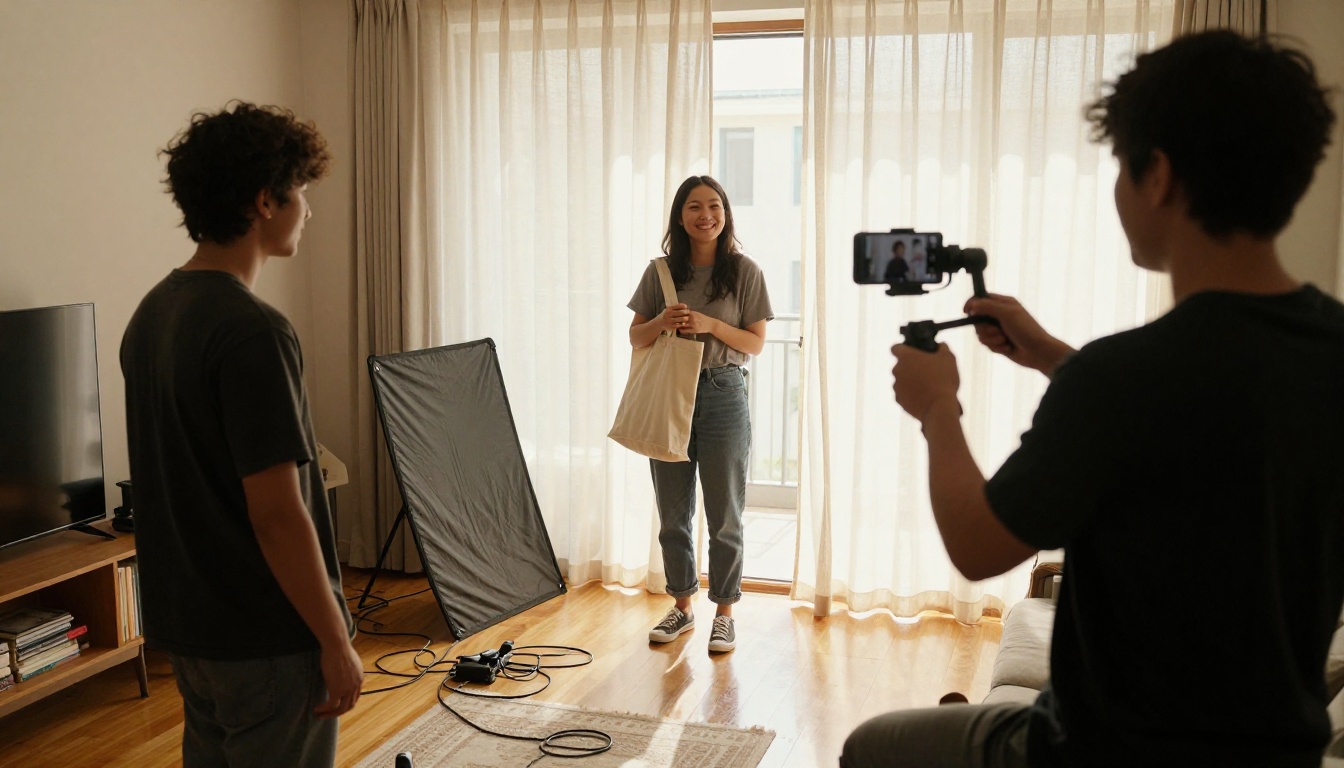
AI UGC Ads Generator: Free Tools, Prompts and Examples
A working look at AI UGC ads: how the image, video and voice models fit together, which free tools are worth testing, five copy-paste prompts, and example frames for skincare, fitness, food and coffee ads, plus the mistakes that make AI creators look fake.
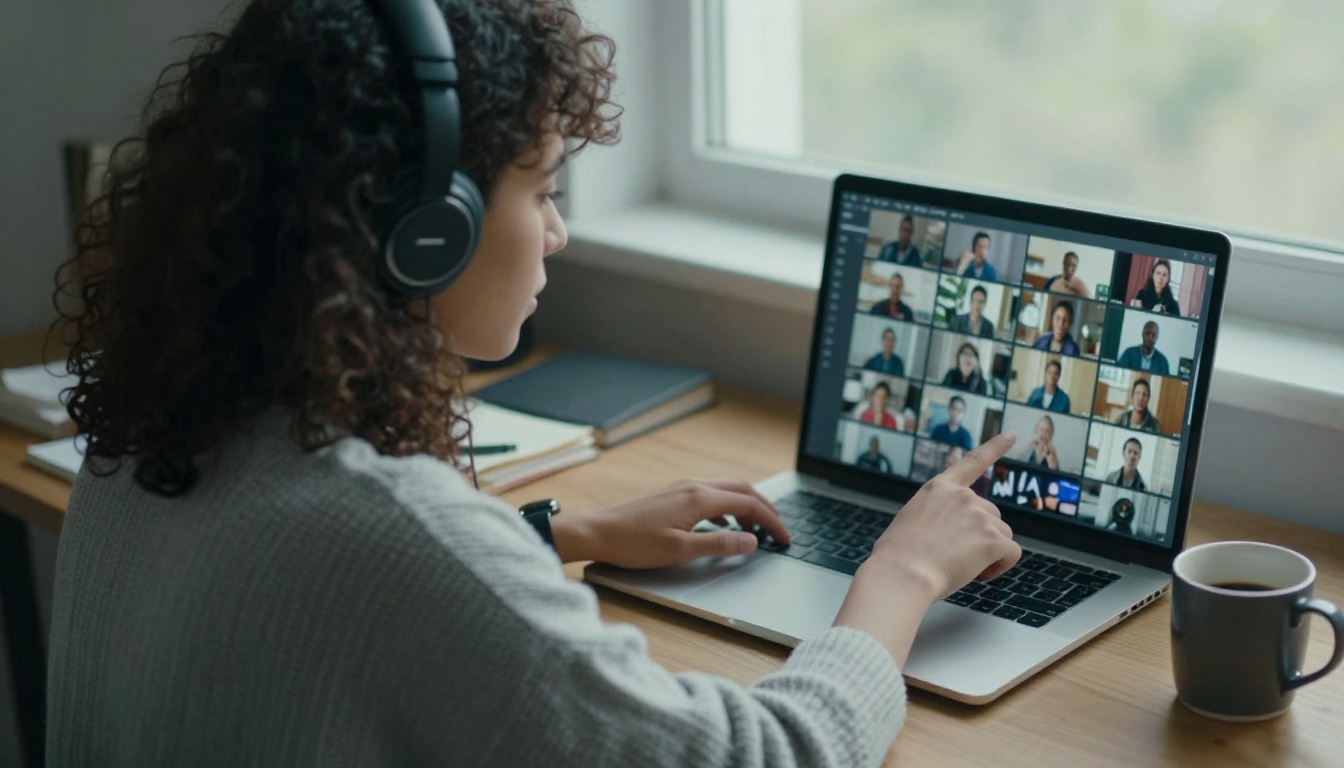
A good UGC ad looks like a customer filmed it in their kitchen, because that is the whole point. The phone drifts a little, the light comes from a real window, and the person talks to you instead of at you. An AI UGC ads generator gets you that look without booking a creator, shipping a product or waiting two weeks for footage. You describe the person, the room and the product, and a chain of models returns a first frame, a short clip and a voice. This article shows the free tools worth testing, the prompts that keep footage looking like real life, and worked examples for skincare, fitness, food and coffee. Every model named below links to its page on PicassoIA, so you can open it and run the same prompt yourself.
What Makes an Ad Feel UGC
UGC stands for user-generated content: video that looks like a customer or a creator made it, not a brand. In paid social that usually means a vertical clip of one person, filmed on a phone, talking about or using a product. The low production value is deliberate.
The Look Viewers Trust
Four traits show up again and again in ads that read as real:
A human face close to the lens. Eye-level framing, a slight lean toward the camera, natural skin texture.
A lived-in room. An unmade bed, a mug, a plant, a window. Clutter tells the viewer nobody staged it.
Soft, motivated light. Daylight from a window beats a studio rig for this style.
Imperfect motion. A small handheld drift, a glance away, a laugh in the middle of a sentence.
Why Polished Ads Get Skipped
Feeds train people to scroll past anything that looks like an ad. A glossy studio spot announces itself in the first second. A clip that looks like a friend's story earns a few more seconds, and those seconds are where your product and your offer have to land. UGC is a bet that ordinary-looking footage buys attention that expensive footage cannot.
Studio ad
UGC style ad
Camera
Tripod, cinema lens
Phone, handheld
Light
Softboxes and flags
Window light
Voice
Scripted announcer
Casual, first person
Pacing
Slow build to the product
Hook in the first seconds
Cost to test a new angle
High
Low with AI
💡 Tip: Cost per test is where AI changes the math. A new hook, a new room or a new "creator" becomes a prompt edit instead of a reshoot.
How an AI UGC Ads Generator Works
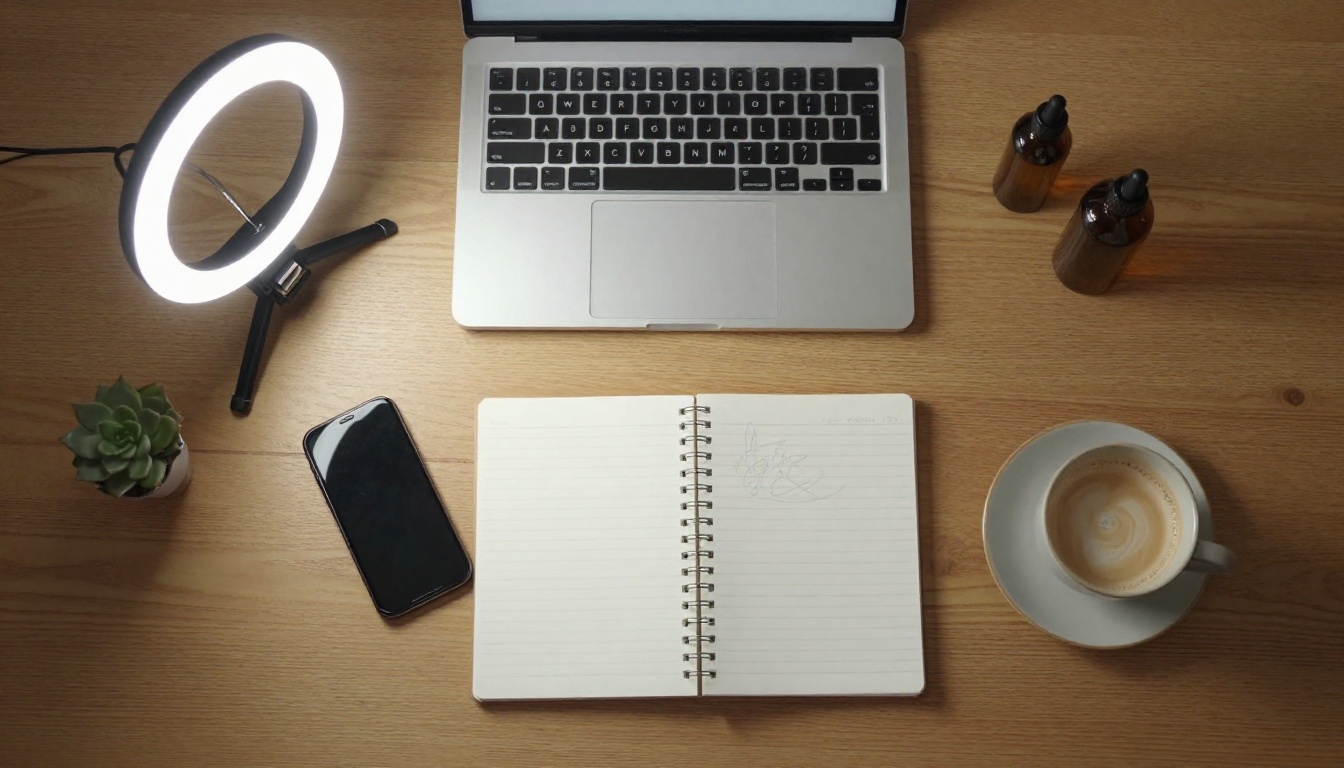
Despite the name, there is rarely a single button. Most generators are a chain of three or four models: image, video, voice and an editor. Seeing the chain lets you swap any link when one gives weak results.
Image First, Then Motion
Start with a still frame: the creator, the room, the product in hand. Lock that look before you spend time on motion. An image-to-video model takes the still as its opening frame and animates it, so the person, the outfit and the room stay the same from clip to clip. Text-only video prompts also work, but the face changes on every run, which breaks continuity when you need several shots of the same "creator".
Voice, Captions and Music
Voice comes from a text-to-speech model or from audio the video model generates alongside the clip. Built-in audio is handy for room sound and a short line. For a longer script, generate the narration on its own, lay it over the clips in any editor and burn in captions. Plenty of viewers scroll with the sound off, so captions carry the message for them.
Free Tools You Can Use Today
Free is a moving target and plans change, so read this as a snapshot of what each model page says right now. Everything below lives on PicassoIA, which keeps the whole chain in one place.
For first frames, run one prompt through Seedream 5 Pro, Nano Banana Pro and GPT Image 2, then keep the frame with the most believable skin. PicassoIA Image Editor Pro is the repair tool: swap a background, change a jacket color or remove a stray object without regenerating the face. It accepts up to three reference images, which you address as "image 1", "image 2" and so on inside the prompt.
On the video side, Seedance 2.5 Lite is the workhorse for iteration because it takes an input image, produces clips up to 10 seconds with synchronized audio and supports vertical output. When a hero ad deserves a different look, test Veo 3.1, Kling v3 Video or Seedance 2.0 with the same first frame. For a straight-to-camera presenter, Avatar V is built for talking avatar videos.
Voice Models for Narration
Three text-to-speech models are worth auditioning with your script: ElevenLabs V3 for natural voiceovers, MiniMax Speech 2.8 HD for studio-quality delivery, and Gemini 3.1 Flash TTS, which lists 30 voices across 70+ languages. Pick one voice per brand and reuse it so a series of ads sounds like one creator. Write the script the way people talk: contractions, short sentences, one idea per line.
Prompts That Look Like Real Creators
The Prompt Formula
Every strong UGC prompt answers the same seven questions, in roughly this order:
Who: age range, hair, clothing, one skin detail such as pores or freckles.
Doing what: holding the product, talking to the phone, unboxing.
Where: a specific lived-in room, not "a nice home".
Light: direction and source, such as "daylight from a window on the left".
Lens: 35mm for rooms, 85mm for portraits, 90mm macro for product details.
Texture: film grain, fabric weave, wood grain.
One flaw: a loose hair, a wrinkled shirt, a cluttered shelf.
💡 Tip: Add "no logos, no readable text" to every image prompt. Models still garble small lettering, and a clean blank label looks more believable than broken words.
Five Prompts to Copy
Paste these into an image model to build first frames, then animate each one. Swap the product, the room and the person to fit your brand.
1. Skincare demo
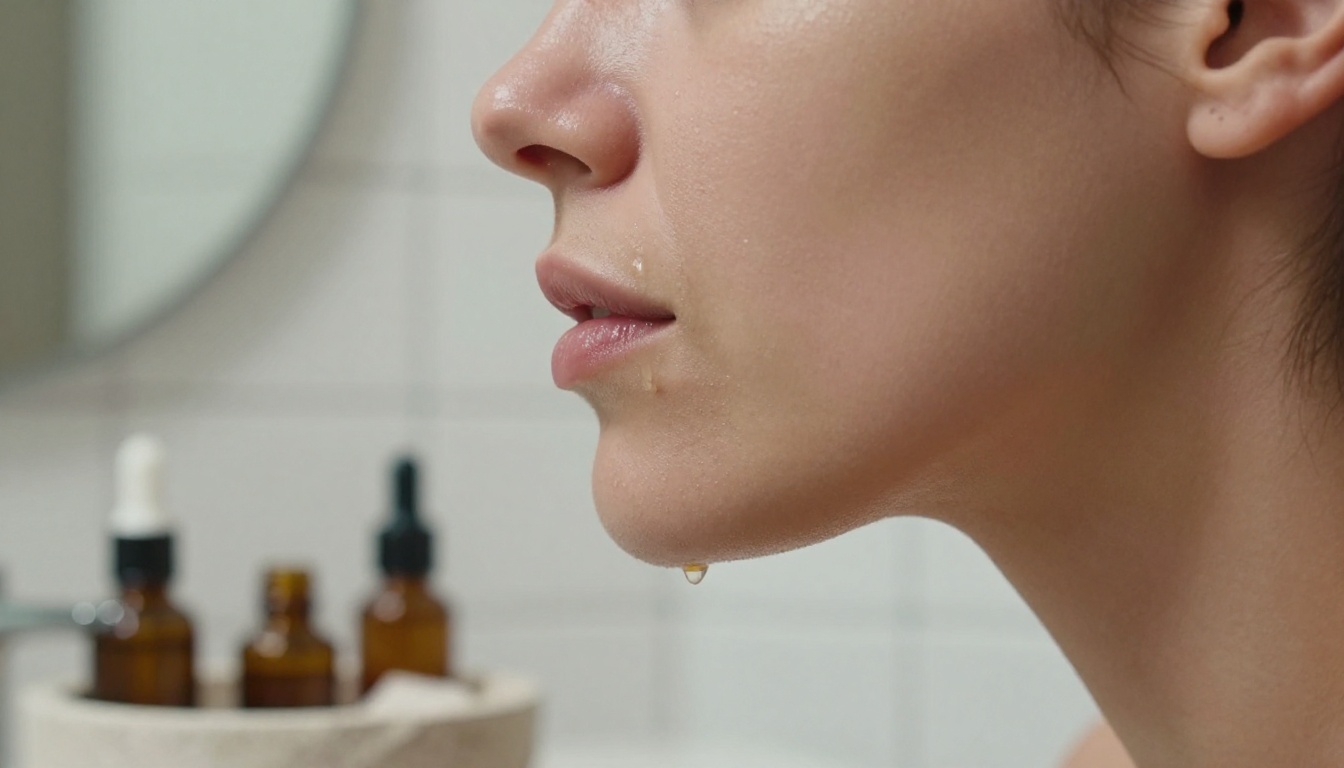
Young woman in an oatmeal knit sweater holds a small frosted glass serum bottle beside her cheek and talks to her phone, unmade linen bed and sunlit window behind her, soft daylight from the left, visible pores and freckles, 35mm lens, handheld selfie framing, Kodak Portra 400 grain, no logos, no readable text
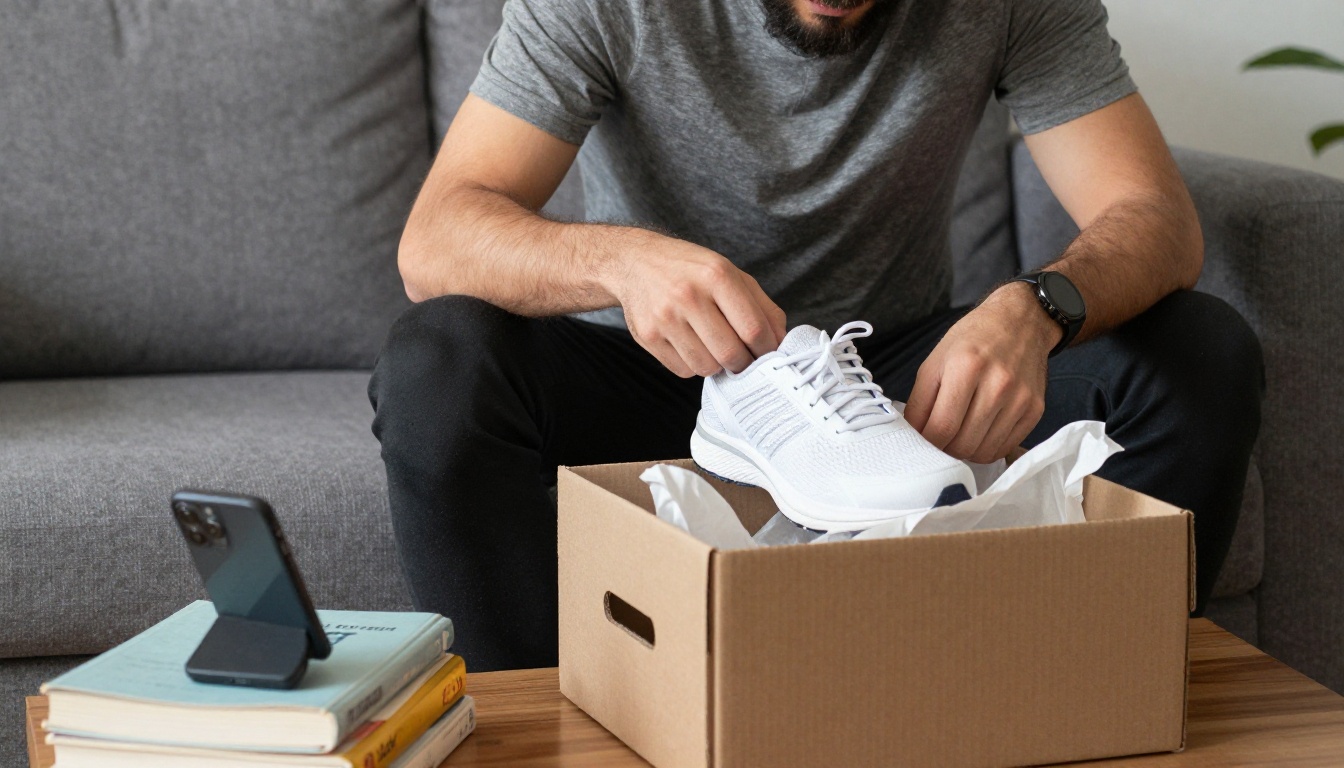
2. Unboxing
Bearded man on a gray sofa lifts white sneakers out of a plain cardboard box, tissue paper spilling over the lid, phone propped on a stack of books, afternoon window light from the right, 50mm lens, creased fabric, shallow depth of field, no logos, no readable text
3. Fitness gear
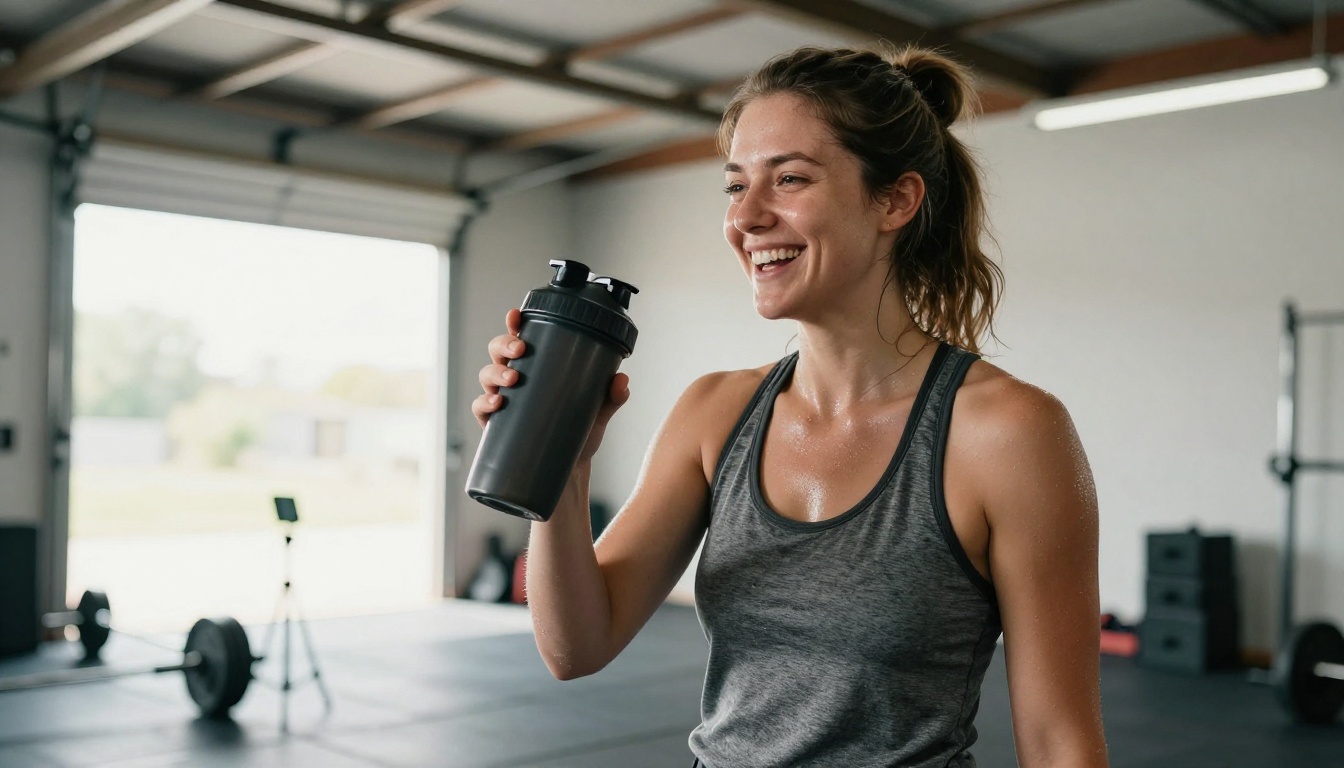
Athletic woman in a bright garage gym holds a matte shaker bottle toward a phone on a tripod, barbells behind her, roller door open to daylight, sweat sheen on skin, 24mm lens, low angle, film grain, no logos, no readable text
4. Food review
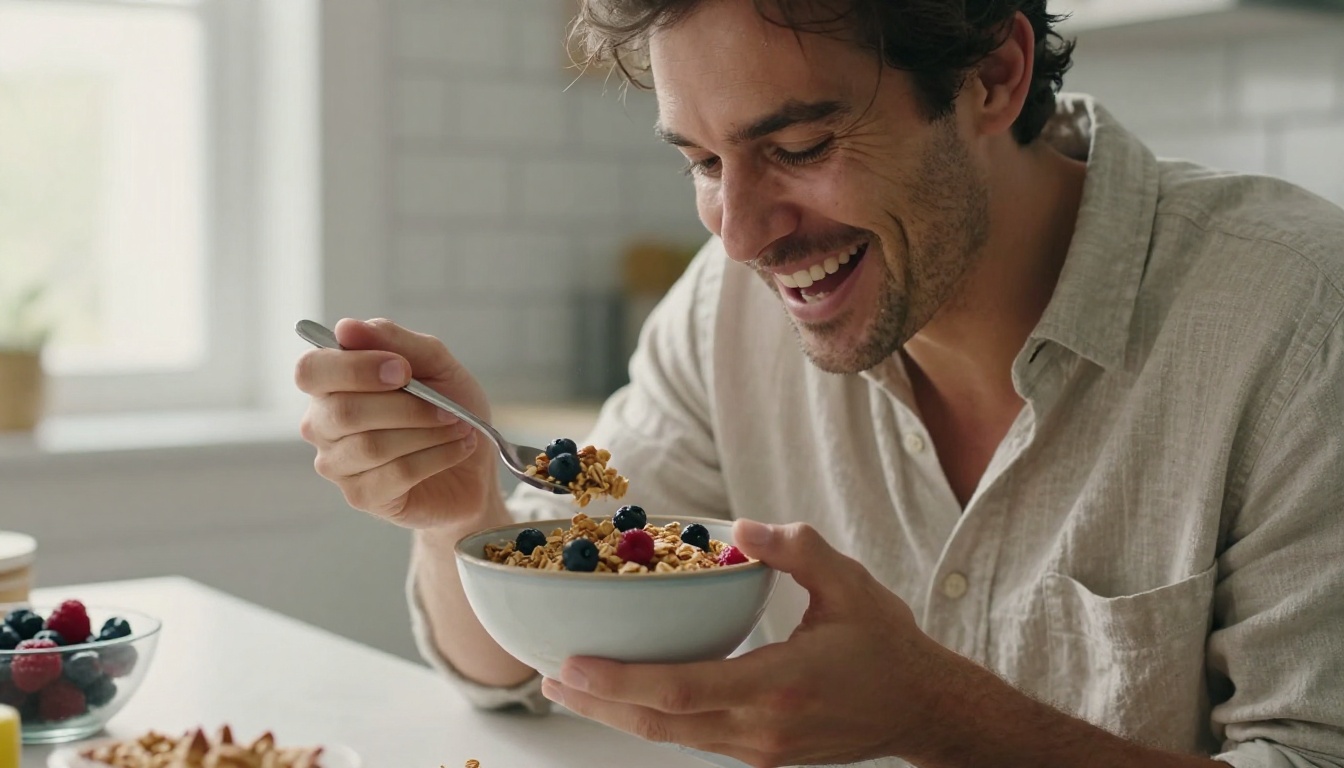
Man in a linen shirt at a sunlit kitchen island holds a bowl of granola and berries toward the lens, mid-laugh, white tile behind him, window light from the left, 85mm lens, natural skin texture, no logos, no readable text
5. Coffee product insert
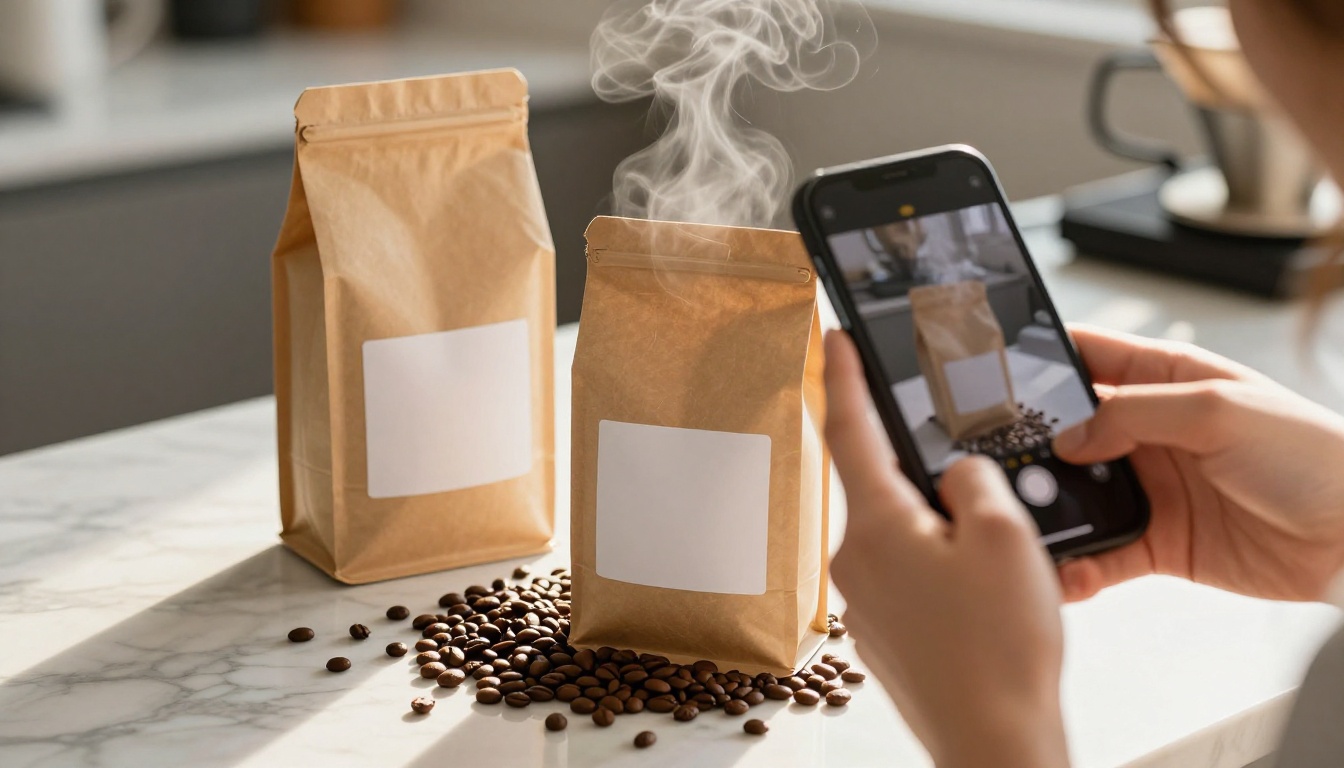
Close-up of a woman's hands filming a kraft coffee bag with a blank label beside a pour-over dripper, steam rising, marble counter with scattered beans, morning light raking from the left, 90mm macro lens, creamy bokeh, no readable text
UGC Ad Examples by Niche
The frames below came from p-image using prompts built on the formula above. Each one pairs a frame with a motion prompt and a short script you can adapt.
Skincare Demo
The frame is a tight profile shot with visible pores and a dewy sheen, the kind of detail that makes a demo feel filmed rather than rendered.
Motion prompt: "She pats the serum into her cheek with two fingertips, glances at the camera and smiles. Slow handheld push-in, soft bathroom window light, quiet room tone."
Script: "One drop is enough for my whole cheek. It sinks in fast and the dropper doesn't drip. Link's below."
Fitness Gear
A low angle makes the creator look confident, and the open roller door gives you free, believable daylight.
Motion prompt: "She laughs, lifts the shaker toward the phone and takes a sip while barbells and daylight stay steady behind her. The camera tilts up slightly with a small handheld wobble."
Script: "Lid clicks shut, goes in the gym bag, rinses in ten seconds. That's why I grabbed it."
Food and Coffee
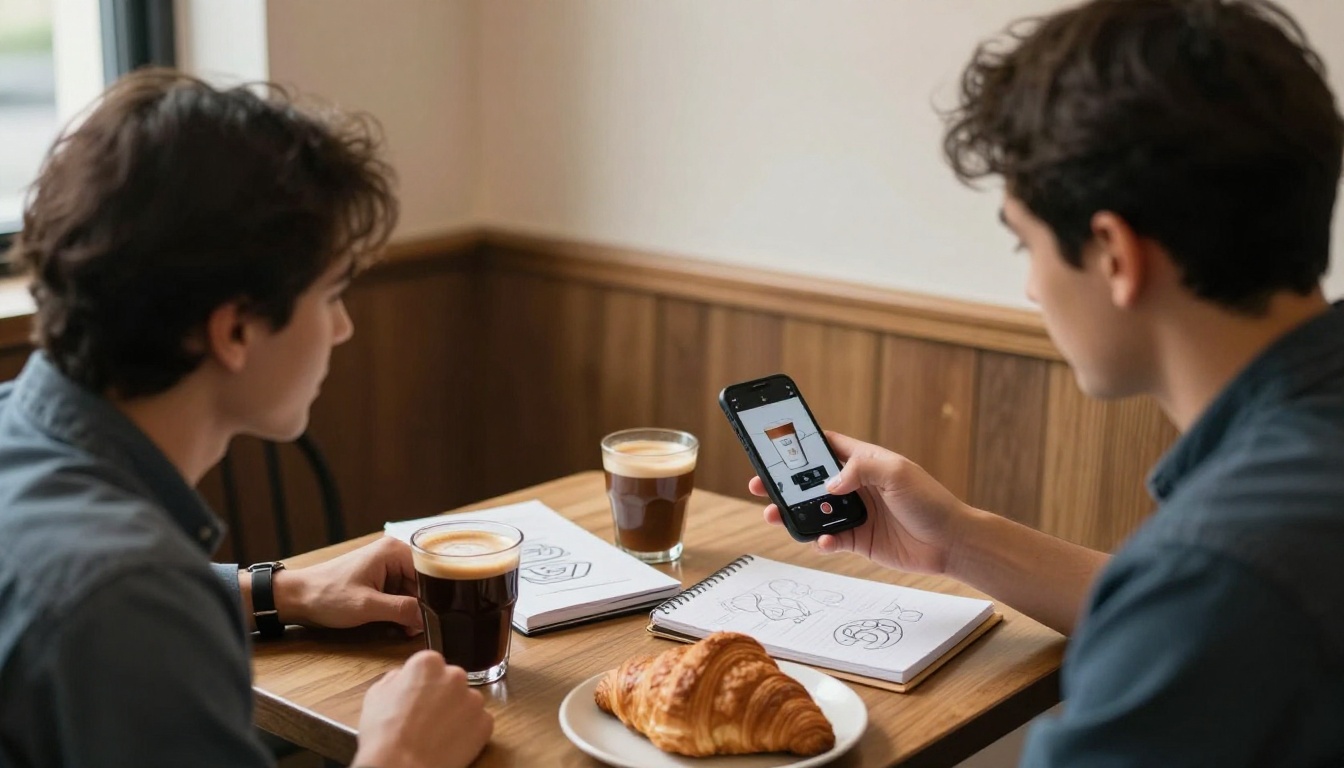
Food ads live on reactions. A laugh with a spoon in hand sells more than a slow product turn.
Motion prompt: "He lifts a spoonful, takes a bite, nods and laughs. Window light from the left, slow push-in at eye level."
Script: "Crunchy, not too sweet, and breakfast is ready in two minutes."
The coffee frame from the prompt section works as a B-roll insert. Cut a few seconds of hands, steam and beans between the talking-head clips so the ad has rhythm.
How to Use Seedance 2.5 Lite
The Seedance 2.5 Lite page lists unlimited generation for Wonder members, clips of 5 or 10 seconds, 480p and 720p output, text or image input, synchronized audio and a lockable seed. That makes it a good fit for testing many hooks fast. Here is the workflow from blank page to finished clip:
Build the first frame. Generate a vertical 9:16 image with a text-to-image model, using one of the prompts above. Seedance 2.5 Lite uses your image as the opening frame and inherits its aspect ratio, so the ratio you pick here is the ratio of the final ad.
Repair the frame. Open PicassoIA Image Editor Pro and describe the fix, for example "Keep the face and pose from image 1, change the sweater to dark green."
Upload the frame. Open the video model and add the image as the input image.
Write the motion prompt. Describe what happens in time order: pose, action, camera move, light. Short and specific beats long and poetic.
Set the options. Use 480p while testing and 720p for the final render. Pick 5 seconds for a hook and 10 seconds for a full beat. Leave audio on if you want room sound with the clip.
Lock a seed. Once a take works, keep the seed and change only the motion line to get variations with the same look.
Add narration and captions. Generate the voiceover with a text-to-speech model, drop everything into an editor and cut on the beat.
💡 Tip: Generate three or four 5-second clips and cut them together. A sequence of short takes looks more like real creator footage than one long stretched clip.
Mistakes That Make AI UGC Look Fake
Skin, Hands and Light
Plastic skin. Ask for pores, freckles and "no retouching". Smooth skin is the fastest tell.
Busy hands. Hold one object against the body. Fingers working small buttons or zippers usually fail.
Mismatched light. If the window sits on the left in the frame, the motion prompt must not move it.
A perfect room. Add one flaw: a crumpled blanket, a mug ring, a plant that leans.
Long single takes. Cut short clips together instead of stretching one clip past its limit.
Claims and Disclosure
An AI creator has never used your product, so do not have them say they did. Write scripts that show and describe what the product does, not invented personal results or reviews, and only claim what is true for your product. Regulators such as the US FTC have rules against fake reviews and testimonials, and AI-generated ones are included. Many ad platforms also ask advertisers to label realistic AI content, and those rules change, so check the current policy for each platform before you publish. If you use a voice model to clone a real person's voice, get that person's written permission first.
Make Your First Ad Today
Pick one product, one room and one sentence you could say out loud. Build the first frame, animate it for five seconds in Seedance 2.5 Lite, and generate three versions with different hooks. Finding out which one works costs a few prompts, not a shoot. Open Picasso IA, paste one of the five prompts above into an image model, and see how far a single frame can go. When you want a different look, browse every option at picassoia.com/en/all-models and run the same prompt through two or three of them.