A 30-second skincare ad can cost $60 or $6,000, and both quotes can be perfectly honest. The gap comes from who films it, who owns the footage afterward, and how many versions come back in the box. If you are trying to pin down a fair AI UGC ads price for a store, a startup, or a client account, the numbers look random until you split every quote into its parts: talent, production, editing, usage rights, and revisions.
This breakdown puts a range next to each part. You will see what freelance creators and agencies typically charge, where AI avatars and generated footage cut the bill, which fees show up late, and how to build a working ad on PicassoIA for a fraction of the usual cost. Every figure below is a planning range based on how creator marketplaces and agency rate cards are commonly structured, so treat the numbers as a starting point and confirm them against a written quote before you commit budget.
What UGC Ads Actually Cost
UGC stands for user-generated content, but in paid advertising it means something narrower. It is a creator-style video: shot on a phone, in a normal room, and delivered to a brand that runs it as an ad. The creator gets paid, the brand receives a license to the clip, and the footage is built to feel like a recommendation from a friend instead of a commercial from a company.

That "friend" feeling is the whole product. It is also why prices swing so widely: you are paying for someone's face, voice, taste, and audience trust, not just for 30 seconds of footage.
Freelance Creator Rates
Independent creators price by the finished video, and experience moves the number more than anything else.
- New creators (fewer than 10 videos in their portfolio): roughly $75 to $200 per video
- Mid-level creators (steady brand work, strong opening hooks): roughly $200 to $500 per video
- Established niche creators (beauty, supplements, apps, fitness): roughly $500 to $1,500 and up per video
At those prices, a 15 to 45 second vertical video normally includes a loose script or brief, filming, light editing, and captions. Raw footage, extra hooks, and long usage windows are billed on top.
Agency Package Pricing
Agencies sell packages instead of single clips. They source the talent, write the briefs, ship the product, check quality, and manage revisions, and they charge for that coordination.
- Per finished video: roughly $500 to $2,500
- Starter bundles (3 to 5 videos): roughly $1,500 to $6,000
- Monthly retainers (10 to 30 videos): roughly $5,000 to $20,000 and above
What you buy is reliability and speed. If a creator disappears on day six, the agency has a replacement ready. If you are a brand running dozens of ads a month, that safety net can be worth the markup.
💡 Sanity check: divide any package price by the number of usable videos, not the number promised. A bundle of five clips where two miss the brief costs about 1.7 times the sticker price per usable video.
Where AI Fits in the Price List
AI UGC replaces some or all of the human steps with generated media. The bill shrinks because the two most expensive line items, talent time and product shipping, mostly disappear. The tradeoff is realism and trust, which a later section looks at honestly.
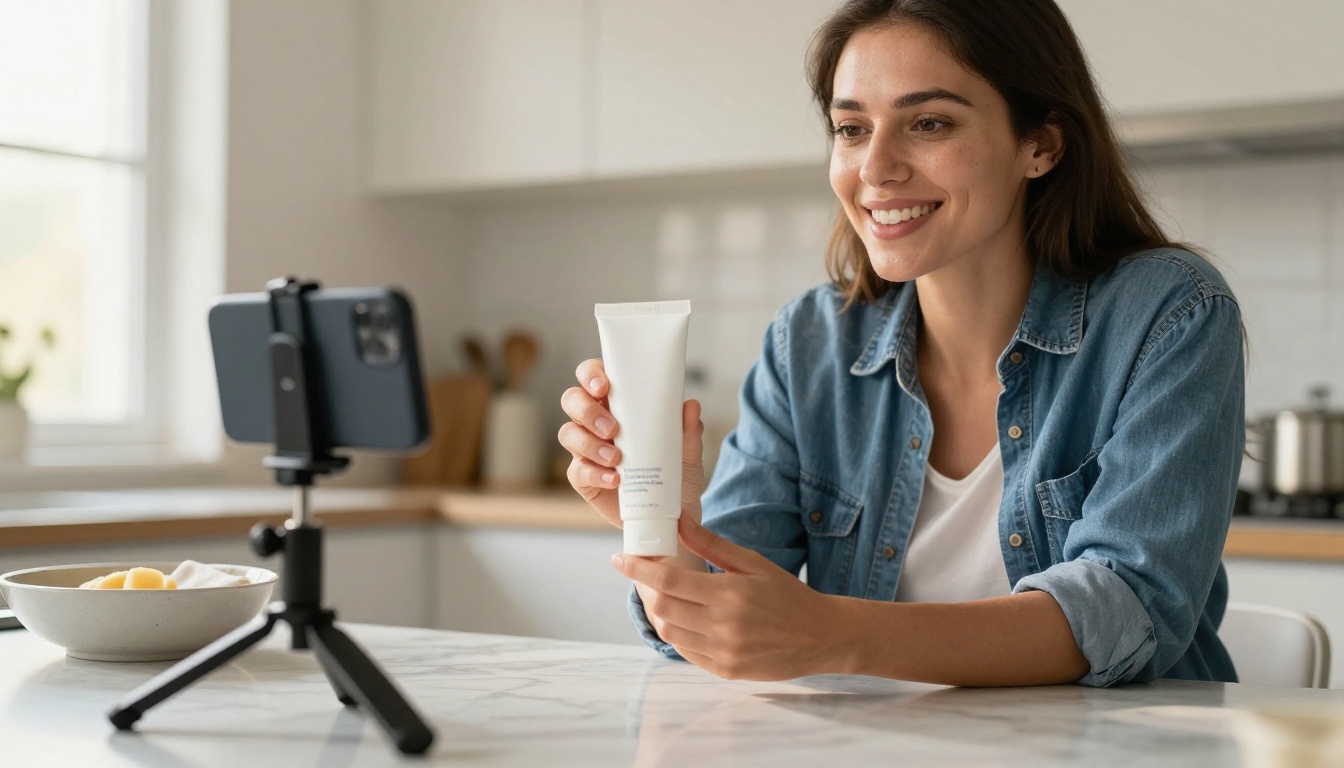
The creator in that frame is the benchmark. Every AI route below is trying to reproduce the same believable, phone-shot energy at a lower cost.
AI Avatar Presenters
Avatar tools generate a talking presenter from a script. Pricing is almost always a monthly subscription with a credit allowance, which in practice lands around $30 to $250 a month for solo and small-team plans. Once you divide that by the videos you actually produce, the effective cost often falls between $1 and $15 per video.
On PicassoIA, HeyGen Avatar V and Kling Avatar v2 turn a script and a face into a talking-head clip, so you can test a presenter-style ad without booking anyone.
AI-Generated Product Scenes
Instead of paying for a shoot, you generate the product in context: a hand holding it, a bathroom shelf, a gym bag on a bench. A still from GPT Image 2 or Nano Banana Pro goes into a video model such as Seedance 2.0 or Kling v3 Video, and the output becomes b-roll or a full scene of 5 to 10 seconds. The cost per clip is usually a few dollars or less, depending on the model and the length.
The Hybrid Approach
Plenty of brands pay a creator for a short script read and a handful of real-hands shots, then use AI for everything around it: new backgrounds, alternate hooks, localized voiceovers. That keeps the believability of a real person and adds the volume of automation. A sensible budget is $150 to $400 for the human part and a few dollars per extra variation.
Hidden Fees Behind Every Quote
The base rate is rarely the final invoice. Most surprises come from rights and extras, and they are far easier to negotiate before the shoot than after.

Usage Rights and Whitelisting
A base rate typically includes organic posting or a short paid-usage window, often 30 to 90 days. If you want to run the video as a paid ad, expect a usage fee. If you want the ad to run from the creator's own handle, a setup often called whitelisting or creator licensing, expect a separate charge on top of that.
| Add-on | Common extra cost |
|---|
| Paid usage, 30 to 90 days | 20% to 50% of the base rate |
| Paid usage, 6 to 12 months | 50% to 100% of the base rate |
| Whitelisting or ad access | 15% to 30% of the base rate, or a monthly fee |
| Perpetual buyout | 2x to 4x the base rate |
AI-made ads sidestep much of this table. Check the commercial terms of the tool you use, but there is typically no talent license to renew, no expiry date on the clip, and no negotiation over who gets to post it.
Extras and Rush Fees
Small line items add up quickly. These are the ones that appear most often:
- Raw footage: $25 to $100 extra
- Additional hooks (a new first 3 seconds): $20 to $75 each
- Revisions beyond the first round: $25 to $100 each
- Rush delivery under 72 hours: 25% to 50% on top
- Product shipping and returns: paid by you, with delays you do not control
💡 Ask for hooks, not more videos. Five different openings on one solid video test faster and cost far less than five separate shoots. The first three seconds decide whether anyone watches the rest.
Cost Per Video Compared
Here is the same ad idea priced through every route, from a beginner freelancer to a generated pipeline.
| Route | Typical cost per video | Turnaround | Best for |
|---|
| Beginner freelancer | $75 to $200 | 5 to 10 days | Testing a new product on a tight budget |
| Mid-level creator | $200 to $500 | 5 to 10 days | Steady ad creative with a real person |
| Agency | $500 to $2,500 | 7 to 21 days | Volume, quality control, managed revisions |
| AI avatar tool | $1 to $15 | Minutes | High-volume script testing |
| DIY AI pipeline | Under $5 | 15 to 60 minutes | Scene variations and b-roll |
The spread between the top and bottom rows is roughly 100 to 1 on cost and about the same on time. That is why teams that test creative at volume usually end up with a mixed setup instead of choosing one lane. Human creators supply the proof, and AI supplies the variations around it.
One more cost sits outside the table: editing time. A raw creator clip still needs captions, cuts, and a hook test. An hour of an editor's time at $30 to $60 is easy to forget when you compare quotes, yet it adds up fast when you ship 20 videos a month.
Here is the formula worth keeping: real cost per video = (base rate + usage fee + extras + editing) divided by usable videos. Run it on a typical mid-range quote and the picture changes. A $250 creator quote, plus a 30% usage fee ($75), plus two extra hooks ($80), plus $45 of editing time, lands at $450 for one video. The advertised $250 became a $450 invoice, an 80% jump nobody mentioned in the first message.
Build an AI UGC Ad on PicassoIA
The models for this workflow exist on the platform, so here is the exact path from blank page to finished ad. It takes four steps and no camera.
Step 1: Create the Product Still
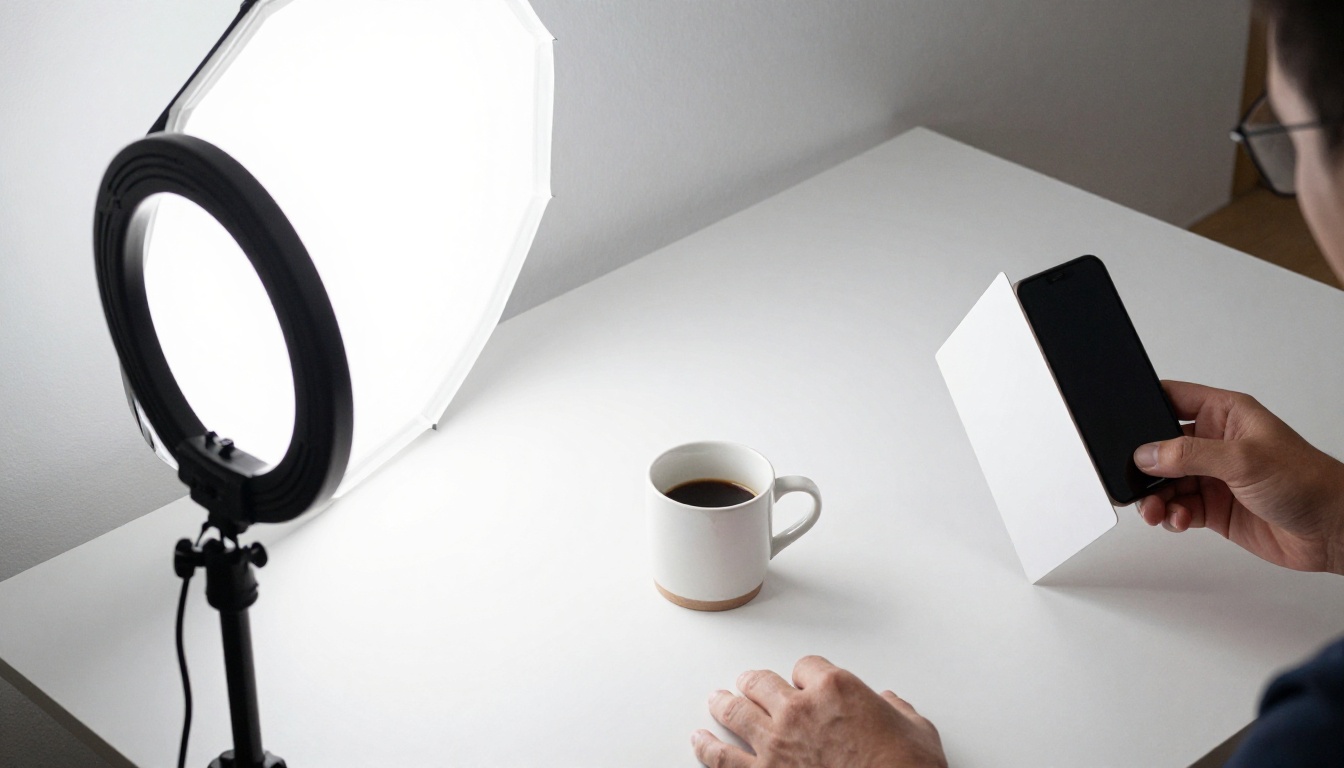
Open the text-to-image collection and pick GPT Image 2 for clean product renders, then run the same prompt through Seedream 5 Pro as a second opinion. Choose a vertical ratio for social placements. Describe the scene the way a photographer would: the hand, the surface, the light direction, and the lens.
A prompt that works: "A hand holding a matte serum bottle on a bathroom shelf, soft morning window light from the left, 35mm lens, natural skin texture, shallow depth of field." Keep text on the packaging out of the prompt, and when a model accepts a reference image, upload your real product photo so the label and shape stay accurate.
Step 2: Animate the Shot
Send the still to a video model as the first frame. Seedance 2.0 adds built-in audio, Kling v3 Video is built for cinematic motion, and Veo 3.1 Fast is a quicker option when you are testing. If you want to run many tests without watching credits, Seedance 2.5 Lite is described on its page as a free, unlimited generator for clips up to 10 seconds.
Write the motion in chronological order: "She lifts the bottle toward the camera, the camera pushes in slowly, window light shifts across the label." Keep each clip between 5 and 10 seconds, generate three to five, and cut them together. Use a lower resolution while testing and the highest setting only for the final render.
Step 3: Add the Voiceover
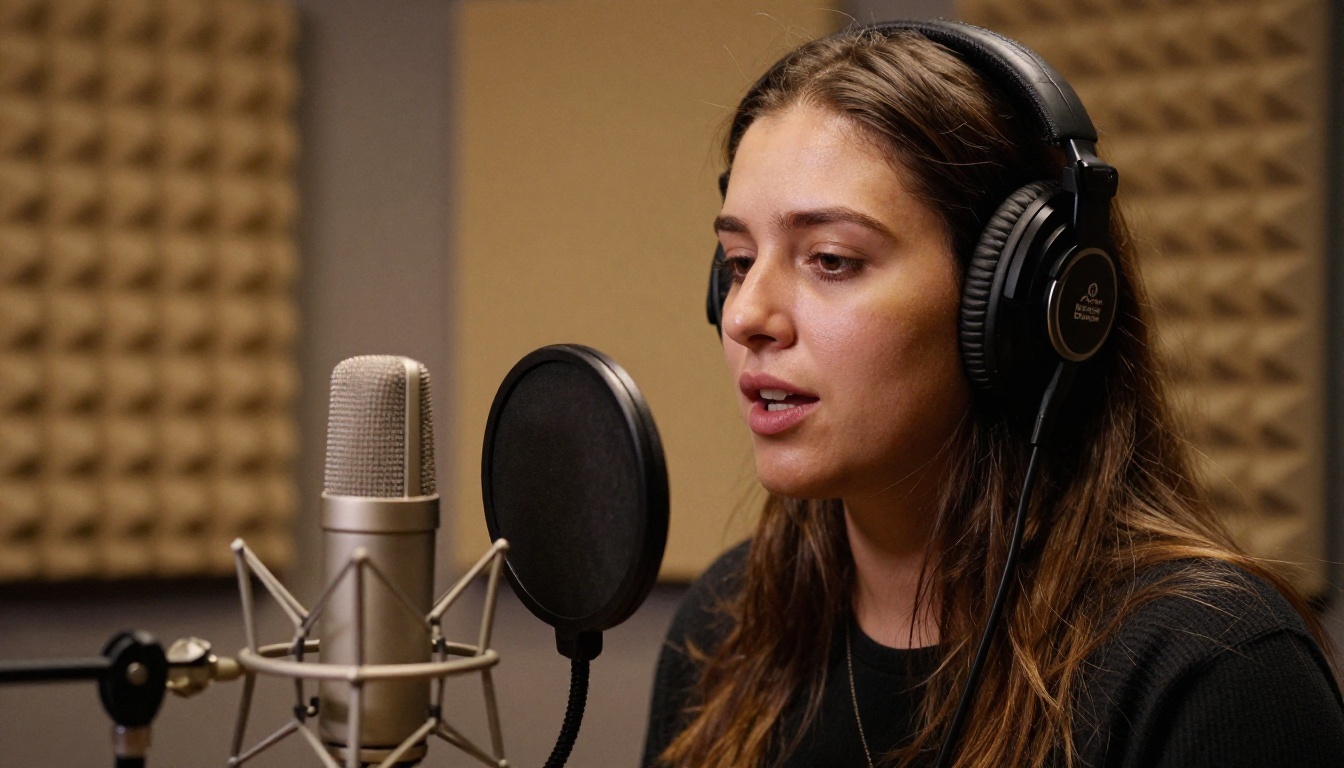
Paste a script of 60 to 80 words, which lands near 30 seconds at a natural pace, into MiniMax Speech 2.8 HD or ElevenLabs v3. Write the way people talk: short sentences, contractions, one idea per line. Punctuation controls the pauses, so a comma or a period is your timing tool. Generate two or three reads in different tones and pick the one that sounds like a friend, not an announcer.
Step 4: Add a Presenter If Needed
If your product needs a face, open HeyGen Avatar V and generate a short talking-head clip for the first 3 to 5 seconds and the closing call to action. Fill the middle with the generated b-roll from Step 2. A presenter on screen for the whole ad starts to feel stiff, while a presenter in short bursts reads as natural.
💡 Budget note: a full cycle of one still, three clips, one voiceover, and one presenter segment usually costs less than a single beginner-level creator video. That makes it cheap to try five hooks before you pay anyone.
When Human Creators Still Win
Generated ads are not a universal replacement. Some categories depend on a believable human story.
Trust-heavy products such as supplements, skincare with visible results, and anything health-related rely on personal testimony. A generated person cannot honestly say "I used this for three weeks." Platforms and regulators expect testimonial claims to reflect real experience, and many ad platforms ask advertisers to label AI-generated content. Use AI for scenes, explainers, and demonstrations, and keep real people for first-hand claims.
Fit, taste, and texture are hard to fake. Apparel fit, food flavor, and fabric feel come across better when a real person reacts on camera.

The fix for the argument is data, not opinion. Run a clean test:
- Write one script and one offer.
- Produce two human versions and two AI versions.
- Spend the same amount behind each.
- Compare cost per purchase after a fixed number of impressions.
Whichever route wins on cost per purchase, not on cost per video, gets the next round of budget. Often the answer is a split: humans for the hero ad, AI for the variations.
Budget Plans by Business Size
Solo Store Owner: Around $500
Spend roughly $300 on two beginner creator videos with a short paid-usage window, $50 to $100 on AI scene variations and voiceovers, and hold the remaining $100 to $150 for hook add-ons or a reshoot. Two real videos plus a dozen AI variations give you enough material to find one angle that sells.

Growing Brand: Around $2,000
Put about $1,300 into four mid-level creator videos with paid usage, $150 into AI tools and credits, $250 into five extra hooks, and keep $300 in reserve. This mix gives you four proven human anchors and a pipeline that can spin each one into many versions.
Agency Running Client Work
On a $10,000 monthly client retainer, a lean split is about $3,500 for creators and usage, $600 for AI tools, $1,500 for editing time, and the rest for strategy, reporting, and margin. The AI line is small in dollars but does the heavy lifting on volume, which is where agency margins are won.
Make Your First Ad Today
Pick one product, one hook, and one 30-second script. Generate the still, animate it, add the voice, and put it next to whatever you run today. You will know within a few days whether a generated ad holds its own, and the test costs less than a coffee order for the team.
Open Picasso IA, try the image, video, and voice models mentioned above, and build your first AI UGC ad. Create three different hooks on the same clip, compare the results, and let the numbers decide how much you spend on creators next month.


