Type "free unlimited anime AI art generator" into a search bar and you will get a hundred promises and almost no straight answers. Some sites say unlimited and then hand you a counter that drops to zero by lunchtime. Others are genuinely generous but bury the catch in a queue, a watermark or a license clause. This article sorts the marketing from the reality, shows what the usual free tiers look like in practice, and gives you alternatives that make sense when you want to produce a lot of anime art without hitting a wall.
What "Free Unlimited" Really Means
The phrase sounds simple, but it covers at least four different deals. Knowing which one you are dealing with saves hours of frustration.
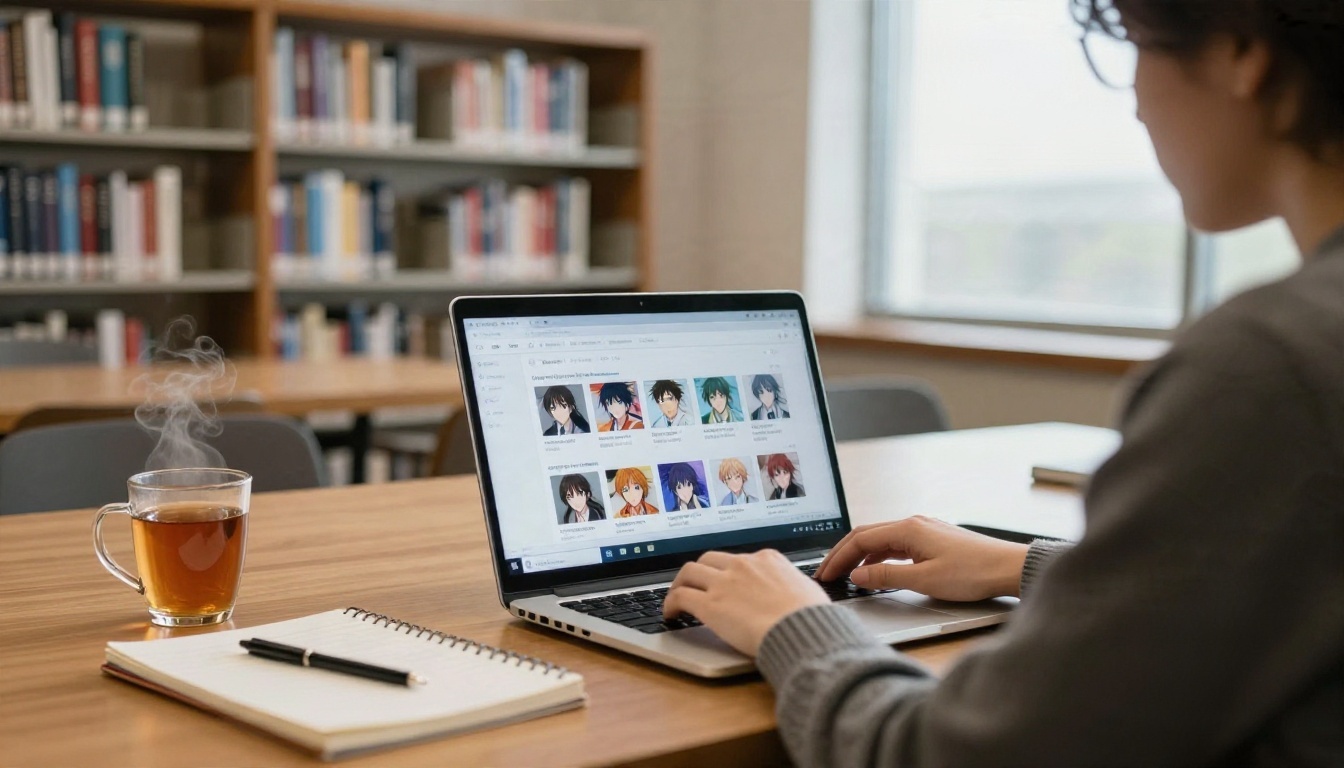
The four meanings of unlimited
- Truly open generation: no daily cap, but usually slow queues, ads, low resolution or a small model.
- Daily credit refills: you get a fresh balance every 24 hours. It feels unlimited if you only make a few images a day.
- Signup bonus credits: a one time pile of credits that disappears after the first heavy session.
- Unlimited with conditions: unlimited only for one model, one resolution, or only when you accept public sharing of your images.
From what I found while researching this topic, no mainstream tool offers a fully uncapped, no strings anime generator at high quality. Most services lean on daily credits. PixAI, for example, is widely cited as an anime focused option with daily credits and a free account requirement, though sources disagree on the exact numbers. Tensor.art and Genspark follow a similar pattern, and Genspark's anime generator is described as giving around 100 free credits per day. Some newer sites such as ZSky AI advertise unlimited generation on an ad supported tier. Treat vendor claims like that as marketing until you test them yourself.
💡 Tip: Credit figures change often. Open the account page of any tool before you plan a project around it, because the number printed in a blog post may already be outdated.
Why unlimited rarely stays unlimited
Every image costs real GPU time. A service that gives away unlimited generations needs a way to pay for it: ads, slower queues, smaller models, resolution caps or data collection. If you cannot see the trade, you are probably the trade. That does not make free tools bad. It just means you should check which limit applies to you.
Where Free Anime Generators Hide Their Limits
Most disappointment comes from limits nobody mentioned on the landing page. Here are the ones that show up again and again.
Daily credits and cooldowns
A daily balance resets on a timer, which is fine until you hit a creative streak. Higher resolution, more steps, or fancier models usually cost more credits per image, so a balance that buys 20 small images might buy only 3 sharp ones. If you work in bursts, a refilling balance punishes you.
Queues and speed
Free users generally sit behind paid users. During peak hours that can mean waiting several minutes for a single image. If you iterate on prompts, a long queue kills the loop. You write a prompt, wait, spot a flaw, rewrite, wait again. Ten attempts become an evening.
Watermarks and resolution caps
Many free plans stamp a logo on the output or cap the size at roughly social media thumbnail levels. That is enough for a profile picture but not for a poster, a wallpaper, or print. Upscaling later helps, and I cover that further down.
License and privacy terms
This is the part people skip. Free plans often restrict commercial use, and some make your images public by default. If you plan to sell stickers, use art in a game, or publish a webcomic, read the terms of the exact plan you use. Commercial rights on free tiers vary a lot from one vendor to the next.
| Limit | What it looks like | Why it matters |
|---|
| Daily credits | Balance resets every 24 hours | Caps heavy sessions |
| Queue priority | Free users wait longer | Slows prompt testing |
| Watermark | Logo on the output | Blocks professional use |
| Resolution cap | Small output size | Poor for print and wallpapers |
| License | Personal use only, public gallery | Risky for commercial work |
| Model choice | Only one or two styles | Limits character consistency |
A Fair Look at Popular Free Options
I am not going to rank brands, because the numbers shift every month. What I can do is describe the types of tools you will meet and what each one is good for.
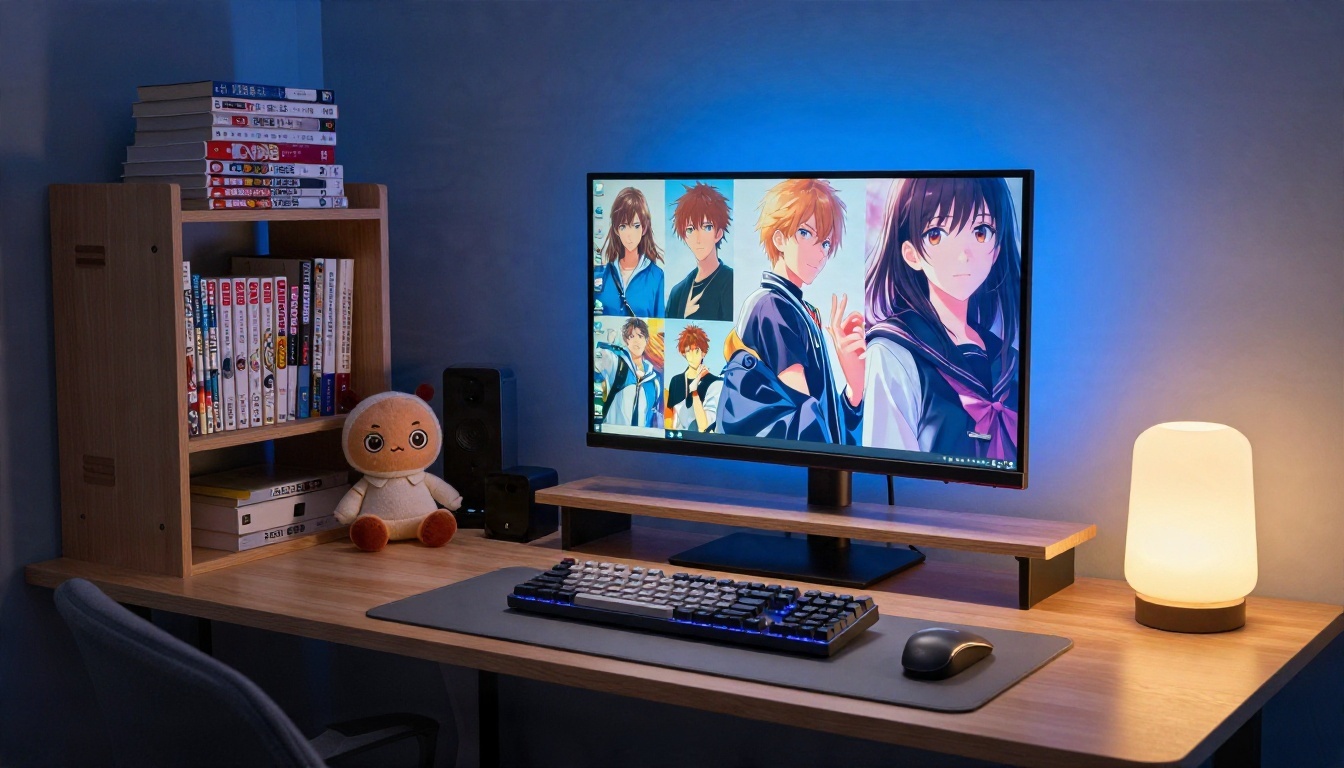
Anime specialist communities
Sites like PixAI and Tensor.art are built around anime and illustration models, community checkpoints and style presets. Their strength is variety: thousands of user trained styles, from soft watercolor looks to sharp cel shading. Their weakness is the credit system and the fact that many outputs are public by default.
General generators with an anime mode
Platforms such as Playground and Mage.space offer generous free tiers across many styles. Anime is one option among others. That is handy if you want to switch between anime, photo and concept art in the same account, but the anime results can be less tuned than on a dedicated site.
Ad supported newcomers
New sites regularly appear with unlimited claims backed by ads. They can work well for casual use. Check for watermarks, test peak hour speed, and read how they treat your uploaded images before you commit.
The honest trade off
If you generate five images a day, any of these will do. If you generate fifty, you will either watch ads, wait in queues, or pay. Planning around that fact is better than hunting for a mythical unlimited button.
Alternatives That Make Free Go Further
When daily caps are the problem, the fix is usually a platform where the models are strong enough that you need fewer attempts. Fewer retries means a small free allowance stretches a long way.
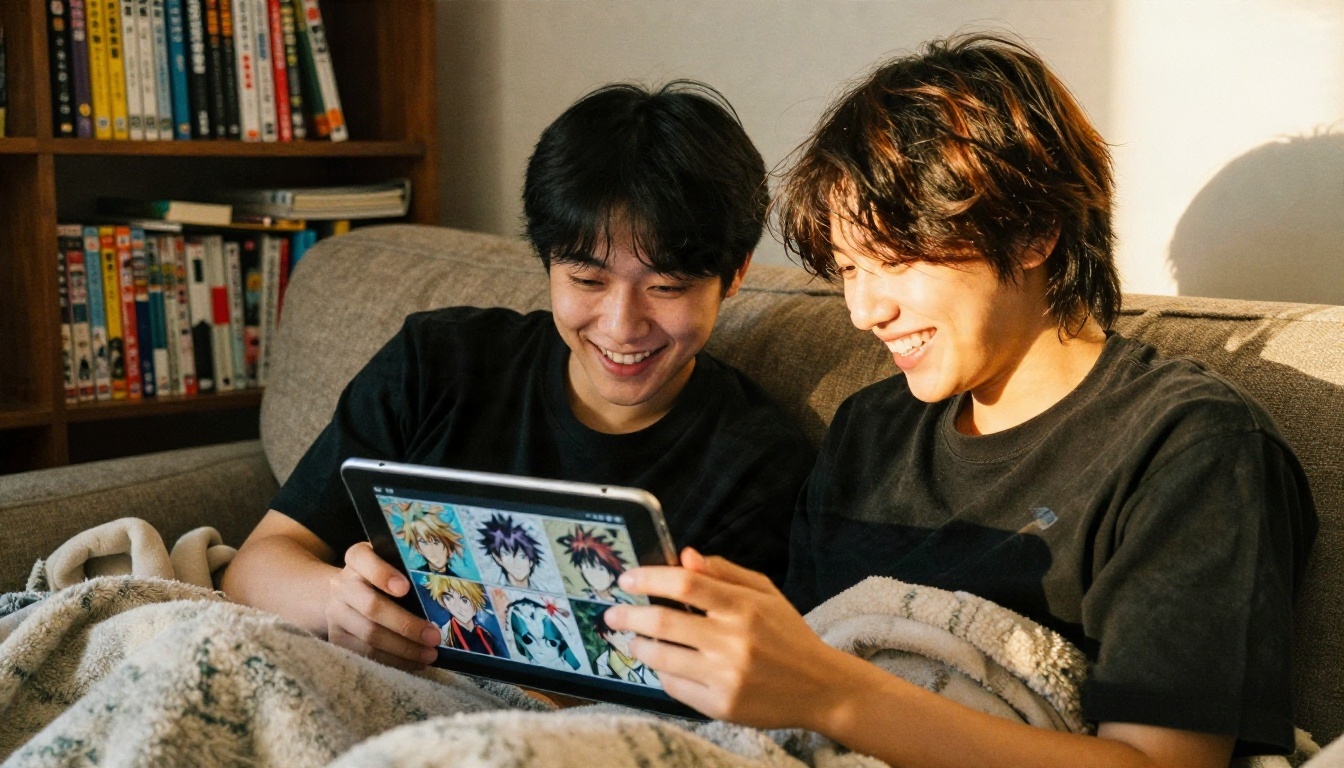
Models on PicassoIA built for anime
PicassoIA hosts a range of text to image models, and several handle anime well:
- Proteus v0.3 is tuned for anime character art and is a natural first stop for portraits and full body characters.
- Krea 2 Medium handles anime and painterly looks, which suits soft backgrounds and illustrated scenes.
- Qwen Image Edit Plus LoRA Photo To Anime turns an existing photo into an anime version, useful for avatars and gifts.
- Flux 2 Klein 9B Base LoRA is good for styled images when you want to push a particular look.
- Seedream 4.5 produces sharp, detailed 4K results and follows long prompts closely, so scenes with several objects come out right more often.
- Nano Banana Pro is handy for edits and generation when you need to adjust an existing image rather than start fresh.
Why model choice beats raw quantity
A model that understands "silver hair, red scarf, snowy street, soft backlight" on the first try is worth ten unlimited attempts on a model that ignores half the prompt. Spend your free generations on models that suit the style, and the cap stops being the main problem.
💡 Tip: Keep a short note of every prompt that worked. A good anime prompt is reusable, and saving it means you rarely waste a generation.
How to Use Proteus v0.3 on PicassoIA
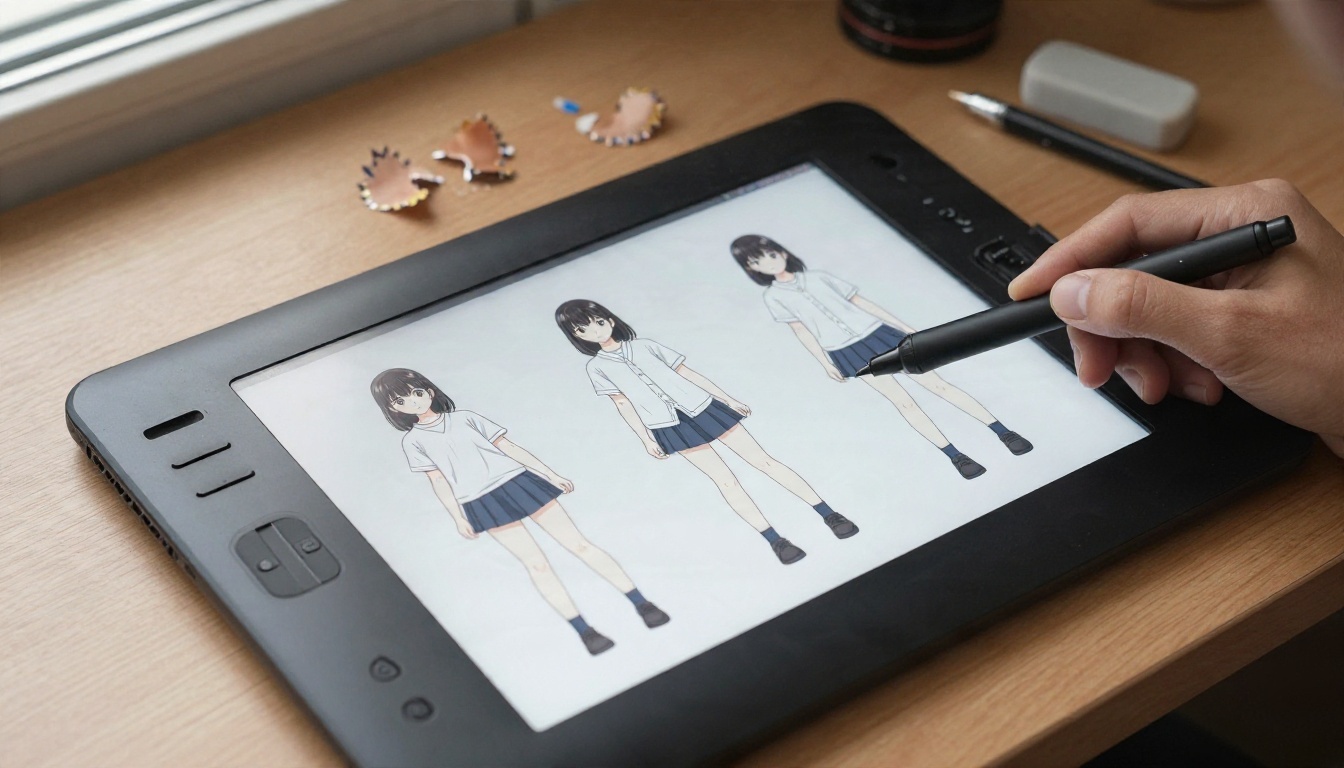
Here is a simple walkthrough for creating anime art with Proteus v0.3. The same steps work for most models on the platform.
Step by step
- Open the model page. Go to the Proteus v0.3 page and find the prompt box.
- Write a focused prompt. Name the subject, hair, clothing, setting and light. Example: "anime girl with silver hair and a red scarf, snowy street at dusk, soft backlight, detailed eyes, clean line art".
- Add a negative prompt if the field is available. Words like "blurry, extra fingers, distorted hands, low quality" cut down on common flaws.
- Choose the aspect ratio. Use 16:9 for wallpapers, 3:4 for character portraits, 1:1 for avatars.
- Generate and compare. Run a small batch, pick the best composition, then tweak one detail at a time.
- Refine or upscale. Send the winner to an upscaler if you need a sharper or larger file.
Parameter tips
- Steps: a moderate number is usually enough. Very high values cost more time without much visible gain.
- Guidance: mid range values keep the image faithful to your prompt without burning out colors.
- Seed: once you like a result, reuse the seed and change one word to get controlled variations.
Fixing common anime problems
Hands, eyes and text are the usual trouble spots. If hands look wrong, rewrite the prompt so they are hidden or simple, such as holding a cup or tucked in pockets. If eyes look uneven, ask for "symmetrical detailed eyes" and generate a new batch. Do not keep regenerating the same prompt hoping for luck. Change something.
Prompt Habits That Save Credits
Credits vanish fastest when prompts are vague. A few habits cut waste immediately.
Build prompts in layers
Start with the subject, then add outfit, then pose, then background, then lighting, then style. Adding everything at once makes it hard to tell which phrase caused a problem.
Use a short style anchor
Pick two or three style words and stay with them across a whole project. "Cel shaded, clean line art, soft pastel palette" will keep a series looking like it belongs together. Switching style words every prompt breaks consistency.
Keep a character sheet
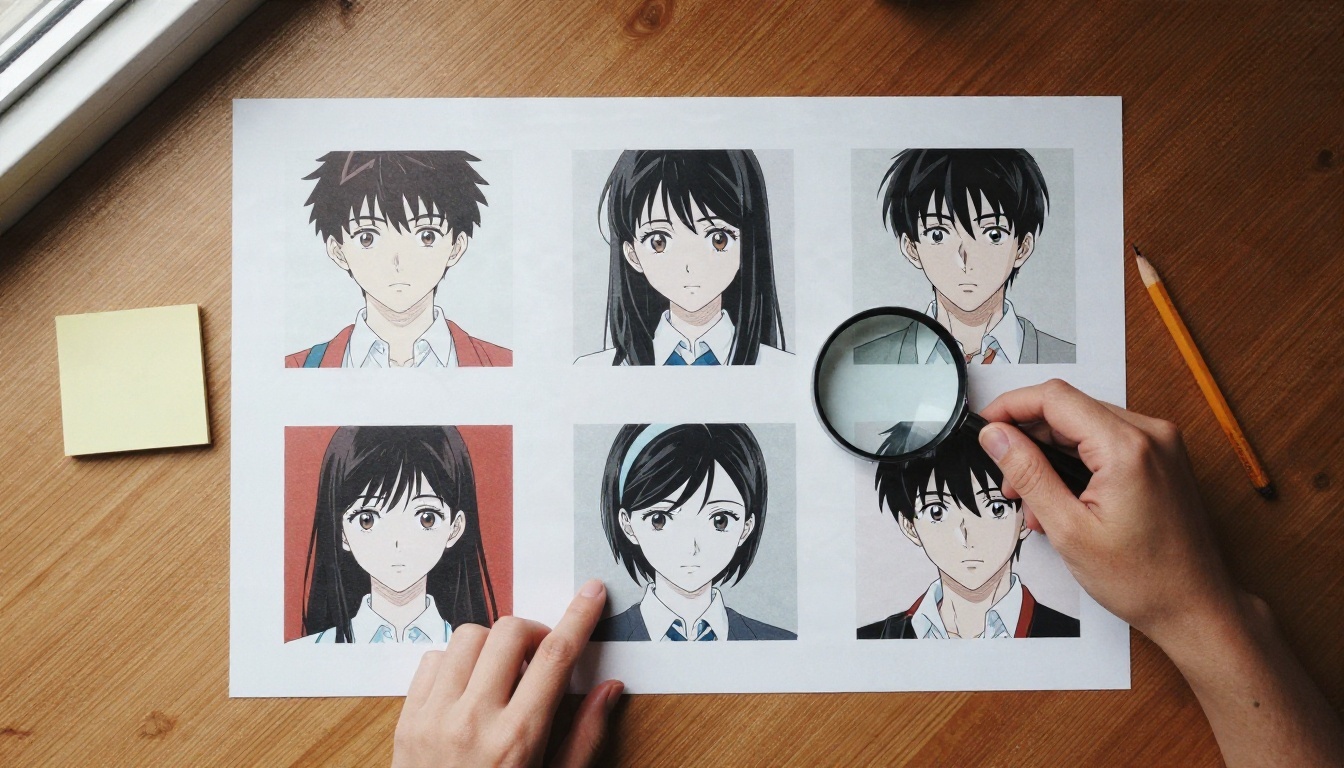
If you want the same character in many scenes, write down a fixed description: hair color, eye color, outfit, one accessory. Paste it into every prompt. It is not perfect, but it gets you remarkably close without any training.
Compare before you commit
Generate three or four variations, then print or view them side by side. Pick based on composition first, details second. Details can be fixed later, but a weak composition cannot.
| Habit | Cost in credits | Payoff |
|---|
| Layered prompts | Low | Easier to spot errors |
| Fixed style anchor | None | Consistent series |
| Reusing the seed | None | Controlled variations |
| Batch compare | Medium | Better final pick |
| Random retries | High | Mostly wasted |
Upscaling and Finishing Your Anime Art
A free generator may give you a small file. That is not the end of the road. Upscaling can bring a modest output to wallpaper or print size.
Upscale with Real ESRGAN
Real ESRGAN is a super resolution model that enlarges images up to four times while keeping edges clean, which suits anime line art well. Upload your image, choose the scale, and download the larger version. It is a practical way to turn a small free tier result into something you can print.
Fix small flaws before upscaling
Upscaling magnifies mistakes along with the good parts. Correct odd hands, stray marks or color blotches first, then enlarge. If the source is soft, the upscaled version will be a bigger soft image.
Turn photos into anime
If you have a portrait and want an anime version, try the photo to anime model linked earlier. Start with a well lit, front facing photo. Busy backgrounds and heavy shadows tend to confuse the result.
Using Free Anime Art Without Trouble
Once you have images you like, a few practical points keep you out of trouble.
Check the license before selling anything
Personal use is nearly always allowed. Commercial use is the grey zone. If you plan to sell posters, stickers or merchandise, confirm that your plan allows it, and keep records of which tool and plan you used for each image.
Avoid copying living artists and franchises
Prompting for an existing character by name or imitating a specific artist's signature look invites takedown notices. Describe original characters instead. It also gives you something more distinctive.
Credit the tool if the terms ask for it
Some free tiers require attribution. It takes seconds and avoids disputes.
Work on the go
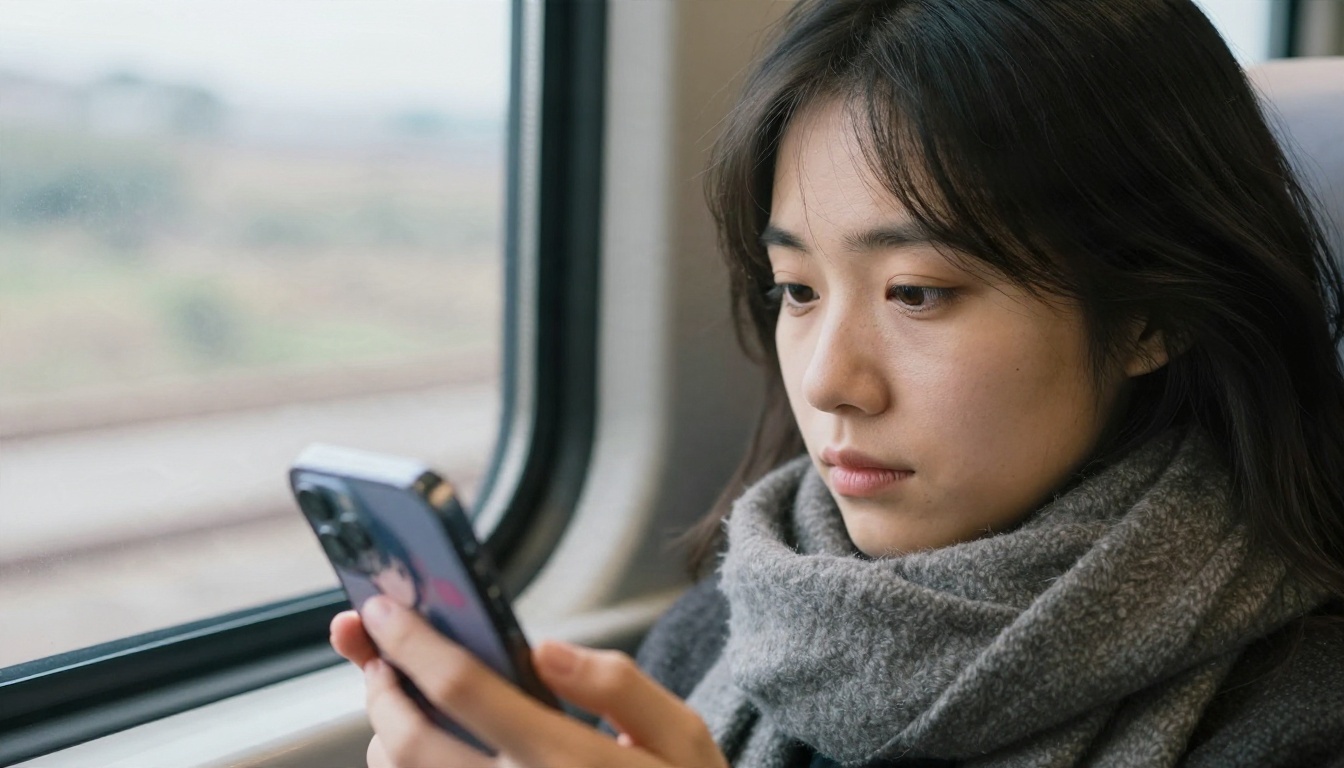
Many creators generate on a phone during commutes, then refine on a larger screen at home. A mobile friendly tool lets you use short breaks productively.
Pick the Right Setup and Start Creating
So, is a free unlimited anime AI art generator real? Partly. You can find tools with daily credits, ad supported open generation and generous starter balances. You will rarely find unlimited, high resolution, watermark free, commercially licensed generation with no queue. Decide which limit bothers you least and choose accordingly.
If you want to test a stronger set of models without juggling several accounts, open PicassoIA and try Proteus v0.3 for anime characters, Krea 2 Medium for painterly scenes and Seedream 4.5 for sharp 4K detail. Start with one character, write a layered prompt, save the seed that works, and upscale your favorite. Within a single session you will have a small series that looks like one project, and you will know exactly how far a free allowance can take you. Open the platform, write your first prompt today, and see what your characters look like.


