You open two tabs, Artlist in one and Videogen in the other, and both promise AI video in minutes. Then the fine print shows up: a watermarked sample here, a credit counter there, and a content filter that rejects half of what you type. If you are trying to pick one before you spend money, this breakdown of Artlist vs Videogen: Free Options, Pricing, Limits and Uncensored Alternative gives you the practical differences, with honest caveats where the public information is thin.
Quick note before we start: prices and free allowances for both products change often, and third-party listings disagree with each other. Treat every number below as a snapshot from recent research, then confirm it on each company's own pricing page before you pay.
Quick Verdict Before You Pay

The Short Answer
Artlist is a creative bundle. You get a large stock library of footage, music and sound effects, and an AI suite where you spend credits on image, video and voice generation. Videogen (the product at videogen.io) is narrower: it is built around turning scripts and ideas into finished videos, with plans priced per user.
Neither one is built for creators who want fewer restrictions. Both run mainstream moderation, and I could not find a published policy from either that promises adult or edgy content. If that matters to you, skip to the section on the uncensored alternative.
💡 Tip: Several unrelated products use the name "Videogen" or "VideoGen." Make sure you are looking at the right company before you compare prices, or you will end up reading numbers for a different tool.
| Question | Artlist | Videogen |
|---|
| Main strength | Stock library plus AI suite | Script to finished video |
| Free option | Small sample, watermarked | Reported by some listings, unclear |
| Paid entry point | Around $9.99/month billed annually (reported) | Around $12 to $16 per user/month billed annually (reported) |
| Billing style | Monthly credits | Per seat with fair-use limits |
| Adult or edgy content | Not a selling point | Not a selling point |
Artlist: Library First
Artlist started as a licensed music and footage marketplace, and that heritage still shows. If you cut YouTube videos, ads or client work, the value is in having clearance-ready clips, tracks and sound effects under one subscription. The AI suite was added on top, which means you can generate a shot when stock does not have the one you need.
The catch is that AI generation draws from a credit pool. The stock library feels generous, while the AI side feels metered. If your plan is to generate a lot of clips, you will watch that counter.
Videogen: Templates and Speed
Videogen leans toward marketers, educators and small teams who want a finished explainer, promo or social clip without opening a timeline editor. You describe the video, the tool assembles scenes, narration and visuals, and you tweak the result.
That is fast for repeatable business content. It is less appealing if you want cinematic, prompt-driven shots with full control over motion, style and subject, because the workflow is built around assembly rather than raw generation.
Who tends to prefer which:
- Artlist: editors, filmmakers, agencies and anyone who needs licensed stock plus a few AI shots.
- Videogen: marketers and trainers who need quick, templated business videos.
- Neither: creators who want to generate stylized, glamour or mature-themed footage without filter rejections.
Free Options Compared
What Artlist Gives You Free
The free tier at Artlist works like a sample. Reviews describe it differently: one mentions around five images and a single watermarked video, another lists a couple of images, one video, a few voiceovers and a couple of songs. The exact allowance shifts over time, but the shape is the same. You can try the interface, you cannot build a project.

Downloads without a watermark require a paid plan, and a free sample does not come with a publishing license, so anything you make is for testing only.
What Videogen Gives You Free
Here the sources conflict. Some third-party directories describe a free tier with about three generations or a handful of monthly credits. Other reviewers say there is no truly free plan and that you pay from the first day. The official help center talks about upgrading from a free plan to a paid one, which hints that some form of free access exists, but the limits are described as fair-use rather than as a hard number.
My honest read: expect a small trial, not an ongoing free workflow. If free generation is a requirement for you, check the live pricing page the day you sign up.
The Watermark Problem
A watermark is the real cost of a free tier. It does not matter how nice the clip is if you cannot publish it. Both products use watermarks or trial limits to separate testers from paying customers, which makes free tiers useful for one thing only: checking whether the output style fits your project.

💡 Tip: If you only need a quick proof of concept for a client, a watermarked sample is fine. If you need clips to post today, you need a plan with clean exports, or a different tool entirely.
Pricing Breakdown
Artlist Credit Model
Artlist sells subscriptions that bundle stock and AI access. Pricing trackers show plans starting around $9.99 per month when billed annually, with higher tiers adding more AI credits and extra licensing coverage. Instead of fixed per-feature limits, you get a monthly credit balance and decide how to spend it across images, video, voice and music.
That flexibility is good when your needs change month to month. It is risky when one expensive video model eats half your balance in a single afternoon.

Videogen Seat Pricing
Videogen prices per user. Directory listings quote a Pro plan somewhere between $12 and $16 per user per month when billed yearly, with higher tiers for teams and heavier usage. Because some listings are old, the safest move is to treat those numbers as a range and check the official page.
The upside is predictability: a flat seat fee is easy to budget. The downside is that "fair use" language can hide caps that only appear once you start producing at scale.
| Cost factor | Artlist | Videogen |
|---|
| Billing unit | Credits per month | Seats per month |
| Annual discount | Yes | Yes |
| Stock library included | Yes | Limited |
| Clean exports | Paid plans | Paid plans |
| Budget risk | Credits drain on heavy video use | Fair-use caps on volume |
Limits That Bite Later
Credits Run Out Fast
Video is the most expensive thing an AI platform does. A five-second clip can cost many times what a still image costs, so a monthly credit balance that feels huge for images can vanish after a few video attempts. Every failed or off-target generation also spends credits. If you iterate a lot, and good creators always do, budget for at least three attempts per final clip.

Fair Use Is Vague
"Fair use" is a polite way of saying the company can adjust your limit. It rarely hurts casual users, but agencies and daily publishers run into it. If you plan to generate every day, ask support for the exact caps in writing before you commit to an annual plan.
Limits to check on either platform:
- Monthly credit or generation cap
- Maximum video length and resolution
- Watermark rules on each plan
- Commercial license terms
- Moderation rules for the content you actually want to make
That last point is where most creators get stuck, and it is the reason this comparison needs a third option.
The Uncensored Alternative
Why Filters Frustrate Creators
Mainstream tools reject prompts for reasons that are often unclear: a swimsuit, a boudoir mood, a stylized glamour portrait. If you work in fashion, lifestyle, swimwear, romance fiction or adult-leaning art, a refusal costs you time and sometimes credits. Neither Artlist nor Videogen markets itself to that audience, so expect moderation that leans cautious.
Adult Content Done Tastefully
This is where PicassoIA fits. It is not on either of these two platforms' side of the fence: it is a separate platform with a model library built around creator freedom. For mature-leaning but non-explicit work such as glamour, swimwear, boudoir and fashion editorials, the best starting points are:
- Seedream 4.5: sharp, photorealistic output with strong skin texture and lighting, and the first model to try for glamour and lifestyle imagery.
- PicassoIA Image Editor Pro: an unlimited image editor for generating and refining photos, so you are not counting credits on every revision.

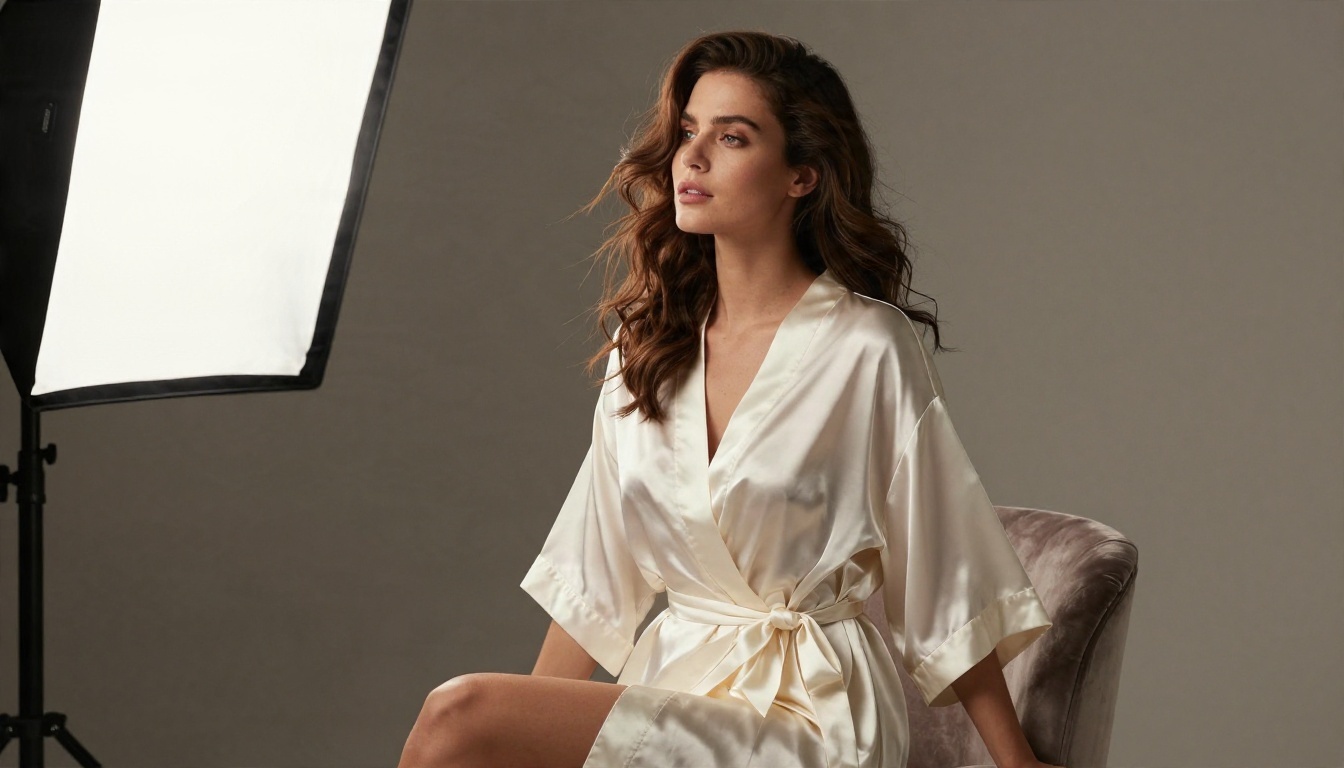
The value here is twofold: fewer refusals on tasteful glamour prompts, and room to iterate without a counter ticking down. Artistic portraits like the one below, an ivory silk robe under a softbox, are exactly the kind of image that tends to get flagged on stricter platforms.
💡 Tip: Keep prompts focused on aesthetics: lighting, fabric, pose, setting and lens. Beautiful and suggestive wins over explicit, and it also produces more usable images.
How to Get Similar Results on PicassoIA
Artlist and Videogen are not on PicassoIA, so here is the closest workflow for the same job: create the look with Seedream 4.5, then animate it with a video model.
Step by Step With Seedream 4.5
- Open the model page. Go to the Seedream 4.5 page and sign in.
- Write a camera-style prompt. Name the subject, the setting, the light direction and the lens. For example: "woman in a white swimsuit on a teak lounger, golden hour rim light from behind, 85mm f/1.8, film grain."
- Pick a wide ratio. Choose 16:9 for video-ready frames, since it matches most video models.
- Generate several versions. Run three or four variants and keep the one with the best light and anatomy.
- Refine with the editor. Open the result in PicassoIA Image Editor Pro to fix small details without burning through credits.
Turn the Still Into Motion
Once you have a frame you like, an image-to-video model can bring it to life. For this, try one of these:
| Model | Best for |
|---|
| Wan 2.6 I2V | Animating a single photo into a short clip |
| Kling v3 Video | Cinematic camera movement and smooth motion |
| Veo 3.1 | Clips with native synchronized audio |
Describe the motion in the order it happens: what the subject does, how the camera moves, and what the light does. A prompt like "slow dolly-in, hair moving in a light breeze, sun flare drifting across the frame" gives the model something concrete to follow.
💡 Tip: Treat the video models as separate from the image models when it comes to moderation. The image workflow above is the one built for mature-leaning, non-explicit glamour work, so build your look there first and animate it afterward.
Prompt checklist for better frames:
- Name one subject and one action
- Describe the light direction and time of day
- Add a lens and aperture for depth of field
- Mention texture: skin, fabric, water, wood
- Leave out anything you do not want to see
Try It Yourself Today
So which should you choose? If you need licensed music and footage with a few AI shots on the side, Artlist gives you the better bundle. If you need quick, templated business videos for a team, Videogen is built for that. If you want more freedom to create glamour, swimwear and mature-leaning but tasteful imagery, with room to iterate without watching a counter, start with Seedream 4.5 and PicassoIA Image Editor Pro.

The fastest way to settle the debate is to test it. Write one prompt, generate four versions, keep the best, and animate it. You will know within ten minutes whether the output matches what you had in mind. Ready to build your own images? Head to PicassoIA, open Seedream 4.5, and make your first frame, then browse every model at picassoia.com/en/all-models to pick the one that fits your next project.


