Auto Generated Video Chapters: Free Tools, Timestamps, YouTube Settings and Examples
Long videos lose viewers when nobody can find the part they came for. See how auto generated video chapters work, which YouTube settings control them, how to build free timestamps from a transcript, and which examples are worth copying.
Nobody watches a 40 minute video from start to finish just because you asked nicely. They arrive with one question, scrub the timeline blindly, give up after two jumps, and leave. Auto generated video chapters fix that problem by splitting a long video into labeled sections that viewers can jump between in one tap. The good news is that you can get them for free, either from YouTube itself or from a transcript and a language model, and the whole job takes about ten minutes once you know the rules.
This article walks through how automatic chapters work, where the YouTube settings live, which free routes exist for timestamps, and what good chapter lists look like in real use. You will also get a repeatable workflow that turns a recording into clean chapters using transcription and text models.
What Auto Generated Video Chapters Are
A chapter is a named section of a video with a start time. On a player, chapters show up as small breaks in the progress bar, and hovering or tapping a break shows the section title. In the description, they show up as a list of timestamps that act as clickable links.
"Auto generated" simply means something other than you wrote the list. That something can be the platform itself, a free timestamp generator, or an AI workflow you run yourself.
How YouTube builds them
YouTube can create chapters on its own for eligible videos. It analyzes the spoken content and visual changes, picks natural breakpoints, and writes short titles for each section. You do not get to approve each one before it goes live, though you can edit or disable the result afterward in YouTube Studio.
Eligibility is not guaranteed. Videos from channels with active strikes, videos with content that may be unsuitable for some viewers, and videos with very little structure may simply get no chapters. Short clips often do not get them either, because there is nothing to divide.
Chapters versus search moments
People mix these two up. Chapters are the labeled sections you or the platform defines. Search moments are the specific clips that a search engine pulls out when someone types a question. Chapters give search engines clean, labeled anchors, which makes it easier for them to point at the right part of your video. That is the real SEO value: not magic ranking, just clear structure that machines and people can both read.
Feature
Chapters
Search moments
Who defines them
You, YouTube, or a tool
The search engine
Where they appear
Player bar and description
Search results page
Can you control them
Yes
Only indirectly
Best way to influence
Clear titles and accurate times
Chapters plus a clear transcript
💡 Quick rule: if you want control, write or review the chapters yourself. If you want speed, let YouTube generate them and fix the weak ones.
Turn On YouTube Auto Chapters
The setting is a checkbox, and it is easy to miss because it sits inside an advanced section.
Single video setting
Open YouTube Studio and go to Content.
Click the video you want to change.
Expand Show more.
Find the option labeled Allow automatic chapters (when available and eligible).
Tick it to allow chapters, or untick it to turn them off.
Save.
Menu names move around over time, so if you cannot find the exact wording, look for anything with "chapters" near the bottom of the video details page.
Upload default for every video
If you want the same behavior on every new upload, go to Settings, then Upload defaults, then Advanced settings, and set the same checkbox there. For most channels the box is ticked by default for new uploads. Changing the default only affects future videos, so old uploads still need to be fixed one by one.
Why chapters might not appear
Reason
What to do
Option unticked
Tick it in the video details
Video too short or too uniform
Add manual timestamps instead
Still processing
Wait several minutes after saving, then refresh
Channel or content restrictions
Check Studio for notices on the video
Manual timestamps already present
Your list takes priority over automatic chapters
That last row matters. When your description contains a valid timestamp list, YouTube uses yours and ignores its own. Manual always wins.
Manual Timestamp Rules That Always Work
Even if you plan to use automatic chapters, you should know the manual format. It is simple, it is predictable, and it is the format every free tool and every AI workflow ultimately outputs.
The format YouTube accepts
The first timestamp must be 00:00.
You need at least three timestamps in ascending order.
Each chapter must last at least 10 seconds.
Put the timestamps in the description, one per line, with the time first and the title after it.
Use mm:ss for short videos and h:mm:ss once you pass an hour.
A clean description example
Here is what a valid list looks like inside a description:
00:00 Why this video exists
01:20 What you need before starting
04:45 Step one: set up the project
09:10 Step two: record the first pass
15:30 Common mistakes
19:05 Final checks and export
Short titles beat long ones. Aim for three to six words that say exactly what a viewer will get from that section. Skip clever puns, because nobody searches for them.
Free Tools to Generate Timestamps
There are three honest free routes, and each one trades speed for control.
Free options compared
Route
Cost
Speed
Control
Best for
YouTube automatic chapters
Free
Instant after upload
Low
Busy creators with structured videos
Free timestamp generators from transcript sites
Free tiers, often with limits
Minutes
Medium
One off videos
Transcript plus a language model
Pay per use, usually cents
Minutes
High
Podcasts, lectures, long tutorials
Free web generators usually work like this: you paste a video link or upload a file, they pull the transcript, and a model proposes timestamps. Quality varies, and many free tiers cap video length or the number of videos per month. Check the limits before you build a habit around one.
Which free route fits you
Short, well structured tutorials: let YouTube do it, then glance at the results.
Interviews and podcasts: use a transcript workflow, because topics shift without visual cues.
Lectures and webinars: transcript workflow again, since long slides and spoken sections are hard to split by sight alone.
Batch of old videos: use the transcript workflow once per video and paste the output into each description.
💡 Tip: keep a text file of your best chapter lists. After ten videos you will see your own patterns, and you can reuse the title style.
Build Chapters from a Transcript
This is the workflow that gives you the most control. It has three steps: transcribe, prompt, check. You can run all three on PicassoIA.
Step one: transcribe the audio
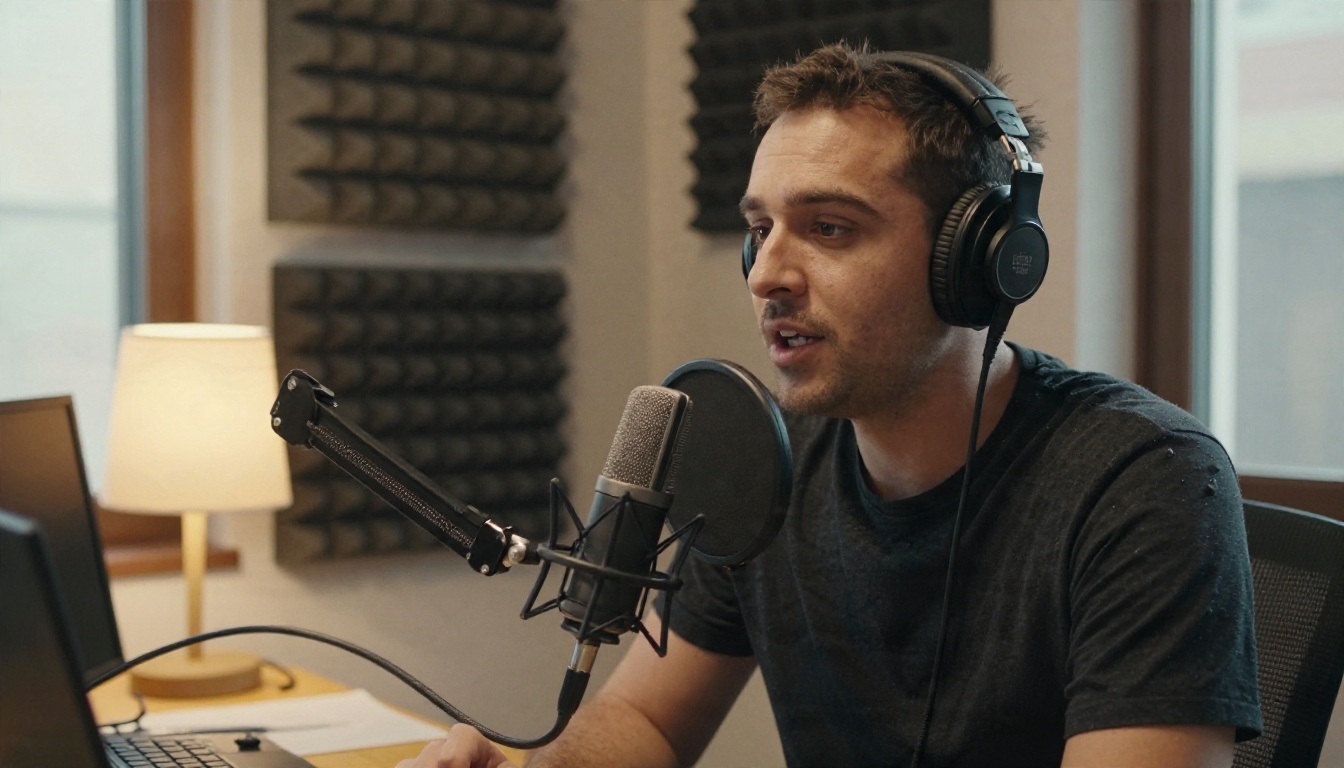
Export the audio from your video, or upload the video file if the model accepts it. For clean speech, GPT 4o Transcribe is a strong first choice. If you are transcribing many hours and cost matters more than the last few percent of accuracy, GPT 4o Mini Transcribe is the cheaper pick. Gemini 3 Pro is worth trying when your audio is messy, multilingual, or mixed with music.
A practical catch: a transcript is plain text, and plain text does not always carry exact times. If your output has no time markers, split the recording into equal chunks, for example five minutes each, and transcribe each chunk separately. Then you know that chunk three starts at 10:00, and you can add the offset yourself.
Step two: ask a language model for chapters
Paste the transcript into a text model and ask for a chapter list. Claude Sonnet 5 handles long transcripts well and follows format rules closely. Gemini 3.5 Flash is fast and cheap for a quick first draft. GPT 5.6 Luna is another fast option for short replies.
Use a prompt like this:
Here is a transcript of a video, split into 5 minute chunks with
the chunk start time at the top of each one. Create YouTube chapters.
Rules: first chapter at 00:00, at least 3 chapters, each at least
10 seconds long, titles of 3 to 6 words, no emojis, one chapter per
line in the format mm:ss Title. Only use times that appear in the
transcript chunks or can be calculated from them.
That last line matters. Language models like to invent round numbers, and an invented timestamp points viewers at the wrong moment.
Step three: check before you paste
Do not paste blindly. Open the video, click each timestamp, and confirm the topic changes at that point. Fix any title that does not match what the section actually says. This takes two minutes and saves you from the most common complaint: "the chapter did not match".
Check
Pass condition
First line
Starts at 00:00
Order
Times only go up
Length
No chapter under 10 seconds
Titles
Describe the section, not a joke
Accuracy
Clicking the time lands on the topic change
Chapter Examples You Can Copy
Good chapter lists look different depending on the video type. These patterns work because they match what viewers are actually hunting for.
Podcast example
Podcast viewers want to know who is talking and which topic is next.
00:00 Cold open
01:45 Guest background
07:30 First big topic: pricing
22:10 Listener questions
38:40 Final recommendations
Tutorial example
Tutorial viewers want to skip ahead to the step they are stuck on.
00:00 What we are building
02:10 Tools and materials
05:25 Step one: base layer
12:40 Step two: details
21:00 Fixing common problems
Lecture example
Students use chapters to review exactly the topic that will be on the test.
00:00 Course reminders
03:10 Topic one: definitions
18:45 Worked example
31:20 Topic two: exceptions
47:05 Questions from the room
What the best lists share
Titles start with the topic word, not filler like "so let us talk about".
Sections are roughly balanced. A video with one 30 minute chapter and five 20 second chapters needs rethinking.
The first chapter is a hook or overview, not a blank "Intro".
Nothing is longer than six words.
Mistakes That Break Chapters
Most failed chapter lists fail for boring reasons. Here are the five I see most often.
The first timestamp is not 00:00. YouTube ignores the entire list.
Only two chapters. Three is the minimum.
A chapter shorter than 10 seconds. Merge it into its neighbor.
Timestamps pasted in the comments instead of the description. Chapters only read from the description.
Times copied from a different cut of the video. If you re-edited after generating the list, every time after the edit is wrong.
💡 Edit order matters: finish cutting the video first, then generate the chapters. If you trim a video later, regenerate the list from the final version.
Edit first, then chapter
If your video needs trimming, reframing, or cleanup, do it before you build chapters. PicassoIA has video editing models for that. Reframe Video changes the aspect ratio when you want a vertical cut of a horizontal video, and P Video Edit lets you edit a clip with a text prompt. Once the cut is final, run the transcript workflow on that exact file so the times match.
Chapters for short vertical clips
Shorts and vertical clips rarely need chapters. They are too short, and the 10 second minimum means you would end up with two sections at most. Save the effort for videos over five minutes.
Try It on Your Next Upload
You now have everything you need: the YouTube checkbox for instant automatic chapters, the manual rules for when you want control, and a transcript workflow for when you want accuracy. Pick your next long video and run the whole thing in one sitting.
Here is a simple routine you can repeat for every upload:
Finish the edit.
Upload and leave the automatic chapters box ticked.
Transcribe the audio with a speech to text model.
Ask a text model for a chapter list with the rules above.
Check each timestamp against the video.
Paste the list into the description. Your list overrides the automatic one.
Open PicassoIA, start with a speech to text model for your transcript, then move the text into a language model for the chapter list. Browse every model in one place at picassoia.com/en/all-models and see which combination gives you the cleanest result for your own content. One long video is enough to test it, and the first chapter list you publish will show you how much easier it is for viewers to find the part they came for.