Picking the right AI voice generator in 2027 is not as straightforward as it looks. Every platform claims "human-like," but the gap between a robotic monotone and something you'd actually put in a YouTube video or podcast is enormous. This breakdown looks at 17 models available right now, tested across realism, speed, language coverage, and voice cloning capability, so you can make a real decision without sitting through endless trial-and-error.
What Makes a Voiceover AI Actually Good in 2027
Realism is Not Optional Anymore
Two years ago, most AI voices gave themselves away within the first sentence. The cadence was too even, the pauses were wrong, the intonation felt algorithmic. That has changed dramatically. The best models today handle nuance: they breathe at the right moments, vary pitch based on context, and drop their tone at the end of statements the same way a native speaker would.
The metric that separates good from great is prosody, the rhythm and melody of speech. Models that score high on prosody don't just read words, they interpret them. ElevenLabs V3, for example, reads punctuation as intent rather than pause markers. A comma makes the voice reflect, not just stop.
Speed and Latency Matter More Than You Think
If you're building a product that responds to users in real time, latency is the spec that matters most. A 2-second delay between text input and audio output is usable in batch exports but completely unusable in a voice assistant or interactive character.
The models in the real-time category, Inworld Realtime TTS 2 and Realtime TTS 1.5 Mini, operate in the 120ms range. That's fast enough for live voice interaction without any noticeable gap between input and response.
The 17 models in this breakdown sit across four main categories: general narration, real-time synthesis, multilingual production, and voice cloning. Within each category, the differences are real and measurable, not just marketing language.
ElevenLabs V3 and Its Family
ElevenLabs V3 sits at the top for expressive, emotionally rich narration. It's the model that content creators reach for when they need audio to carry weight, like a documentary narration, a heartfelt audiobook, or a brand video where tone is everything.
Below V3, the ElevenLabs lineup offers options for different priorities:
- Flash v2.5: Built for speed. Lower latency than V3, great for batch processing when you need output fast without sacrificing too much quality.
- Turbo v2.5: Supports 32 languages, faster than V3, slightly less expressive but still one of the best multilingual options at this price tier.
- V2 Multilingual: The workhorse for international projects. Thirty-plus languages with consistent voice quality across all of them.
💡 Tip: Run the same 30-second script through both V3 and V2 Multilingual. V3 often wins on English expressiveness, but V2 Multilingual produces more natural cadence in non-English languages.

Minimax Speech 2.8 HD vs Turbo
Minimax Speech 2.8 HD is engineered for studio-quality output. It's the right pick when your audio needs to sit alongside professionally recorded material, think product demos, corporate training videos, or narration tracks that go into post-production.
Speech 2.8 Turbo trades some of that richness for much faster generation. When you're producing large volumes of voiceover content and turnaround time matters, Turbo gets the job done without sacrificing too much output quality.
Best for Real-Time Voice Generation
Real-time synthesis is a different class of problem from batch audio generation. The model doesn't get to finish reading the full input before it starts speaking. It streams output as it processes, which means any errors in interpretation become audible immediately. The models that handle this well are genuinely impressive.
Inworld Realtime TTS 2
Inworld Realtime TTS 2 is what you reach for when the application needs to speak back to the user without delay. Game characters, interactive AI agents, and voice assistants all benefit from this architecture. The model processes incoming text and starts outputting audio before the full input has arrived, a technique called streaming synthesis, and it makes the interaction feel genuinely conversational rather than transactional.
The voice profiles in Realtime TTS 2 span a wide range of tones: authoritative, warm, playful, and neutral. You're not stuck choosing between three options and hoping one fits your use case.
Inworld Realtime TTS 1.5 Mini and Max
Realtime TTS 1.5 Mini operates at 120ms latency across 15 languages. That's a remarkably tight window for a multilingual model, and it holds up under load, making it dependable for apps where consistent performance is non-negotiable.
Realtime TTS 1.5 Max pushes the quality ceiling while keeping response times under 200ms. If you need the best voice quality in the real-time tier without crossing into studio-production territory, this is the balance point.
Also worth noting: TTS 1.5 Mini and TTS 1.5 Max in the standard (non-realtime) variants offer the same languages with more generation control for asynchronous workflows.
💡 Tip: Use the Realtime variants for interactive experiences and the standard variants when you're exporting audio files for editing in post-production.
Best for Multilingual Voiceovers
Google Gemini 3.1 Flash TTS
Gemini 3.1 Flash TTS supports 70 plus languages with 30 distinct voice options. That language breadth is unmatched in this roundup. For agencies producing localized content at scale, international brands, or e-learning platforms serving non-English markets, this model removes the bottleneck of sourcing voice talent for every new language.
What makes it reliable is consistency. Many multilingual models sound natural in English but lose that quality in less-common languages. Gemini 3.1 Flash TTS holds up well even in languages with complex tonal structures.
ElevenLabs V2 Multilingual
ElevenLabs V2 Multilingual handles 30 plus languages with characteristic ElevenLabs expressiveness that other multilingual models often sacrifice for breadth. If your project lives in the 10 to 15 most common global languages, V2 Multilingual will often produce better-feeling audio than broader models.
It's also a strong choice when you need consistent brand voice across markets. Pick one voice profile and apply it to Spanish, French, German, and Portuguese content without re-recording or adjusting settings between languages.
Xai Grok Text to Speech
Grok Text to Speech brings xAI's approach to voice synthesis: clean, clear, and designed for informational content. It's worth testing when you produce factual narration, news-style audio, or technical explainers where a neutral but engaging tone matters more than deep expressiveness.
Best for Voice Cloning
Voice cloning in 2027 has become genuinely usable at production quality. The Resemble AI Chatterbox line is one of the clearest examples of that progress. You provide a short reference audio clip, and the model reproduces the voice characteristics with strong fidelity.
Resemble AI Chatterbox Series
The lineup breaks down by priority:
- Chatterbox: Core voice cloning with emotion control. Good balance of speed and quality for most projects.
- Chatterbox Pro: Higher fidelity output, built for professional voiceover work where the clone needs to sound indistinguishable from the source material.
- Chatterbox Turbo: Speed-optimized for high-volume cloning workflows where generating hundreds of audio clips quickly is the priority.
The emotion control feature in Chatterbox is particularly useful for consistency. You can set the emotional tone of the output rather than leaving it up to the model to interpret, which gives you repeatable results across a full batch of clips.
Qwen3 TTS and Minimax Voice Cloning
Qwen3 TTS takes a different approach: instead of cloning an existing voice, it lets you design a voice from scratch. You can define characteristics like age range, warmth, speaking pace, and presentation, and the model generates a unique voice matching your specifications. This is useful when you need a branded voice that doesn't belong to any real person.
Minimax Voice Cloning rounds out this category with a clean cloning workflow that integrates naturally with the Minimax Speech ecosystem. If you're already using Speech 2.8 HD for narration, Voice Cloning lets you bring a custom voice into that same high-quality output pipeline.
Dialogue, Transcription, and the Full Audio Loop
PlayHT Play Dialog for Two-Voice Content
Most TTS models are designed for monologue. Play Dialog is specifically built for two-person audio content. It generates natural back-and-forth dialogue between two distinct voices, with realistic conversational pacing and a clear vocal identity for each speaker.
This makes it the obvious pick for podcast simulations, audiobook dialogue scenes, customer service call recordings, or any content where two voices interact rather than one voice narrates continuously.

Closing the Loop with Speech-to-Text
Voiceovers don't always start as text. Sometimes you have existing audio that needs to become captions, subtitles, or a searchable transcript. PicassoIA's speech-to-text models handle this without leaving the platform:
- GPT-4o Transcribe: OpenAI's flagship transcription model. Handles accents, overlapping speech, and non-standard terminology better than most alternatives on the market.
- GPT-4o Mini Transcribe: Faster and lower cost, still highly accurate for clean audio sources and standard recording conditions.
- Gemini 3 Pro: Google's transcription flagship. Particularly strong on multilingual audio and long-form recordings with multiple speakers.
💡 Workflow tip: Generate a voiceover with one of the TTS models, send it to an editor, then run the final approved audio through GPT-4o Transcribe to auto-generate captions or subtitles. The whole production cycle stays on one platform.
How to Use Text-to-Speech on PicassoIA
PicassoIA gives you access to all 23 text-to-speech models alongside its image, video, and music toolset. Here's how to start generating voiceovers without any setup:
- Go to picassoia.com and open the Text to Speech section from the main menu.
- Pick the model that fits your use case. ElevenLabs V3 for expressive narration, Inworld Realtime TTS 2 for interactive audio, Minimax Speech 2.8 HD for studio-quality output.
- Paste your script into the text input field. You can paste a short clip to test or a full script for production.
- Select a voice profile from the available options. Most models offer between 5 and 30 distinct voices.
- Generate. The output appears as a playable audio file you can download or embed directly.
No plugins. No API credentials. No audio engineering background required. The whole workflow runs in the browser.

Picking the Right Model for Your Project
The choice depends entirely on what you're building. Here's a direct mapping:
A few models deserve mention even if they didn't fit neatly into one category above. Inworld TTS 1.5 Mini is a practical starting point for developers working within tighter budgets. It supports 15 languages, generates fast, and costs significantly less than the top-tier models, making it the most sensible first choice for early-stage products that need voice output before the budget allows premium tiers.
Minimax Speech 02 HD and Speech 02 Turbo are the previous generation of the Minimax line but still produce reliable results. If you built workflows around them and they work for your content, there's no urgent reason to migrate to 2.8 unless the quality improvement is worth the switch for your use case.
Minimax Speech 2.6 HD and Speech 2.6 Turbo sit between the legacy 02 series and the current 2.8 series. If you're testing Minimax for the first time, start with 2.8 HD, but these are worth knowing if you need to dial back generation costs for a specific project.
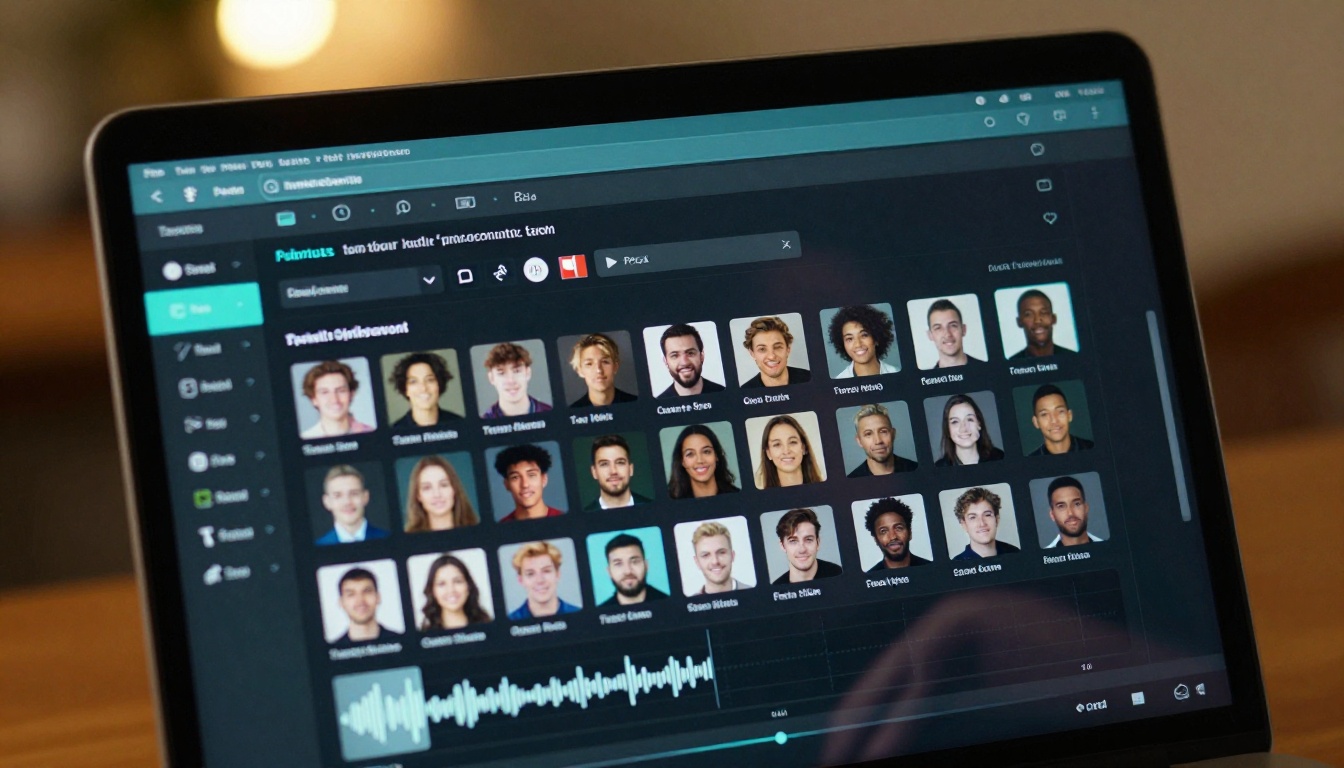
Try It Yourself on PicassoIA
The fastest way to figure out which AI voice fits your project is to run the same script through three or four models back to back. PicassoIA gives you access to all 23 text-to-speech models in one place, so you can do that comparison in minutes rather than signing up for multiple platforms and waiting for trial approval on each.

If you're producing images, videos, and audio for the same project, everything lives in one tool. Generate a thumbnail with one of the image generation models, record narration with ElevenLabs V3, and transcribe your source material with GPT-4o Transcribe without switching tabs.
Start at picassoia.com/en/all-models, run a few tests, and let your ears make the decision. The right AI voice for your content is audible on the first listen.


