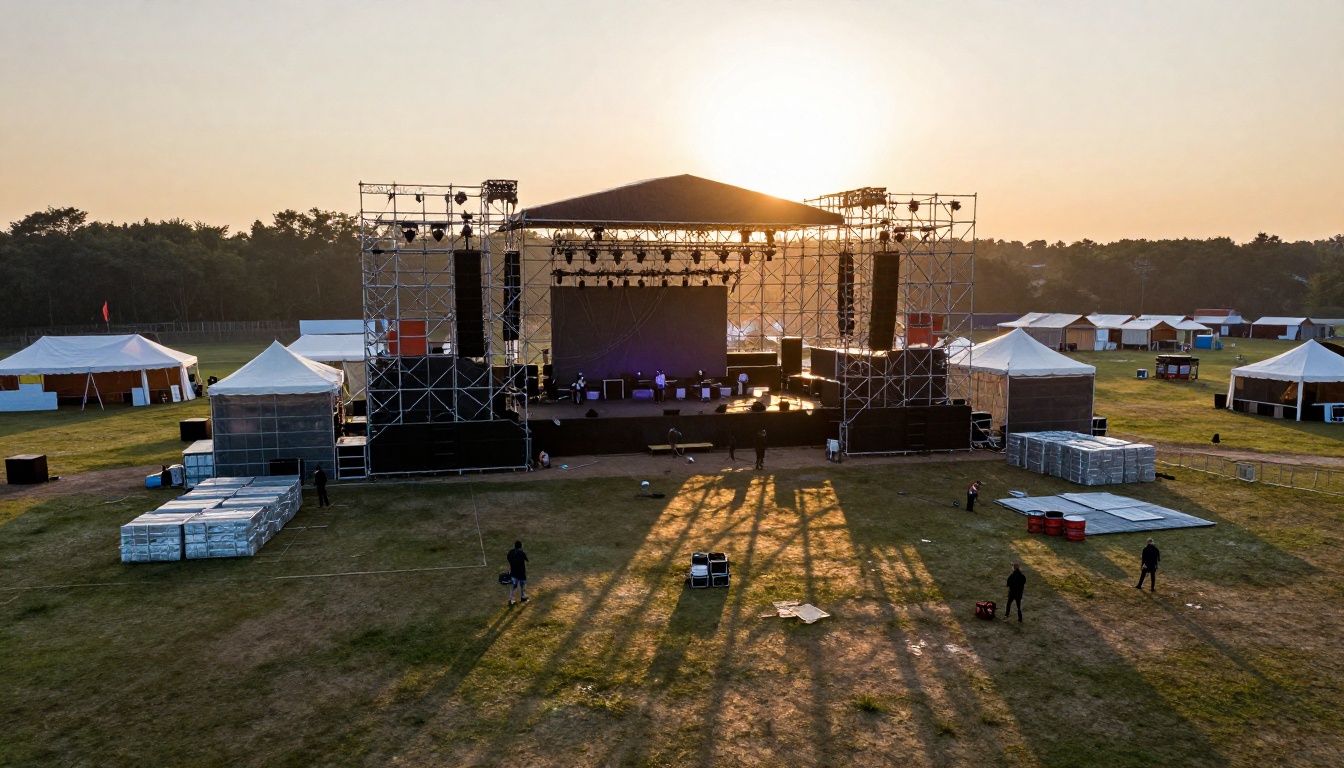
Making a music video used to mean booking a director, renting equipment, coordinating a crew, and spending thousands of dollars before a single frame was shot. That equation has changed permanently. AI tools in 2027 can generate cinematic video from a text prompt, compose a full original track with vocals, sync audio to visuals automatically, and edit footage using nothing but a natural language description. The question is no longer whether AI can do this. The question is which tools do it best, and how do you combine them effectively.
This article covers the best AI for making music videos right now, from pure visual generation to editing to music composition, with direct links to every model so you can start immediately.
Why AI Is Changing Music Video Production
From studio budgets to a single prompt
A conventional music video budget ranges from $5,000 for an indie shoot to over $500,000 for a major label production. Those numbers kept most independent artists locked out of the format entirely. AI generation collapses that barrier. A text-to-video model takes a written description and outputs a cinematic clip with synchronized audio in under two minutes.
The math is simple: what took a three-person crew a full shooting day now happens at a keyboard.
💡 Tip: The best AI music video workflows combine three tools. One for visuals, one for music, one for editing. Using all three produces results that feel deliberate and cohesive rather than randomly generated.
What AI can and cannot do
AI video generation in 2027 handles:
- Cinematic motion with natural camera movements
- Synchronized native audio baked directly into video output
- Consistent visual style across multiple clips with prompt chaining
- Text-based video editing so you describe what to change instead of cutting manually
What it still struggles with:
- Long-form narrative continuity across many clips
- Precise lip sync to a pre-recorded vocal track (though lipsync models are improving fast)
- Exact likeness preservation across multiple generations without reference images
Knowing these limits upfront saves time. You build around the strengths.
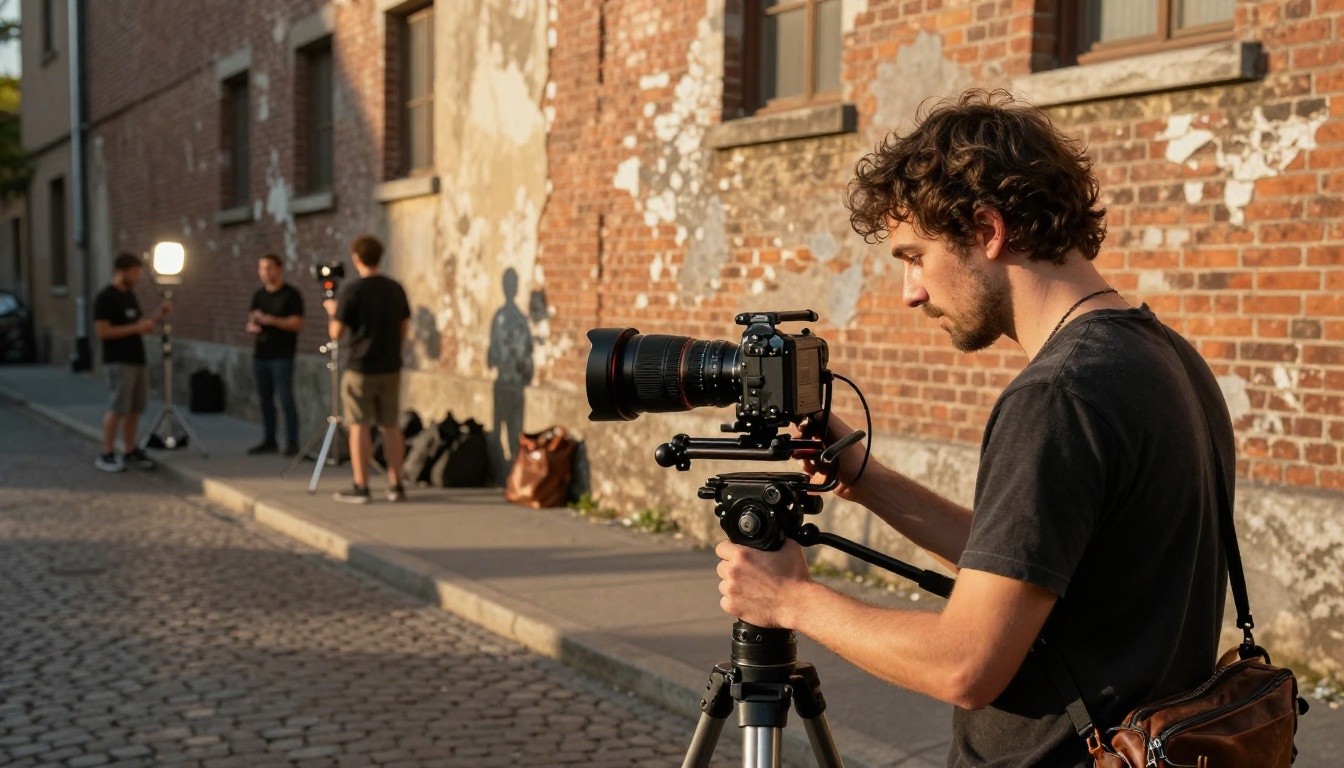
Seedance 2.0 for audio-synced video
Seedance 2.0 from ByteDance is the strongest option right now when synchronized audio matters. It generates video with native built-in audio, meaning the sound is created alongside the visual rather than layered on afterward. For music video production, this removes one of the most time-consuming post-production steps.
Prompt quality determines output quality with Seedance. Short prompts produce generic footage. Detailed prompts specifying camera angle, lighting conditions, subject motion, and atmosphere produce footage that feels directed rather than random.
What works well with Seedance 2.0:
- Performance footage with ambient crowd noise
- Environmental scene-setting clips showing concert venues or outdoor stages
- Transition clips between narrative sections of the video
Seedance 2.0 Fast is available as a faster variant when iteration speed matters more than peak quality.
Veo 3 and cinematic realism
Google's Veo 3 produces some of the most cinematically convincing output of any publicly available model. Its rendering of natural light, fabric texture, skin tone, and environmental detail is consistently stronger than most alternatives. The built-in audio generation also makes it relevant for music video work where the ambient soundscape matters.
For scenes requiring high visual fidelity, such as close-up performance shots or stylized outdoor sequences, Veo 3 is worth the extra generation time. Veo 3.1 and Veo 3.1 Fast offer the latest iteration with faster output at the same quality ceiling.
💡 Tip: Feed Veo 3 highly specific lighting descriptions. "Soft diffused overcast light" produces dramatically different results than "golden hour sidelight from the left." The model responds to photographic language.
Kling v3 for smooth motion control
Kling v3 Video from Kwai excels at controlled motion with minimal visual artifacts. Where some models produce shaky or inconsistent motion, Kling v3 maintains a steady, cinematic quality across the clip duration. For music videos requiring specific choreography descriptions or controlled camera movements like slow dollies and gentle pans, this is a strong choice.
The Kling v3 Motion Control variant goes further, allowing reference-point based motion specification for even tighter directorial control over exactly how subjects and cameras move.
Other strong text-to-video options on PicassoIA:
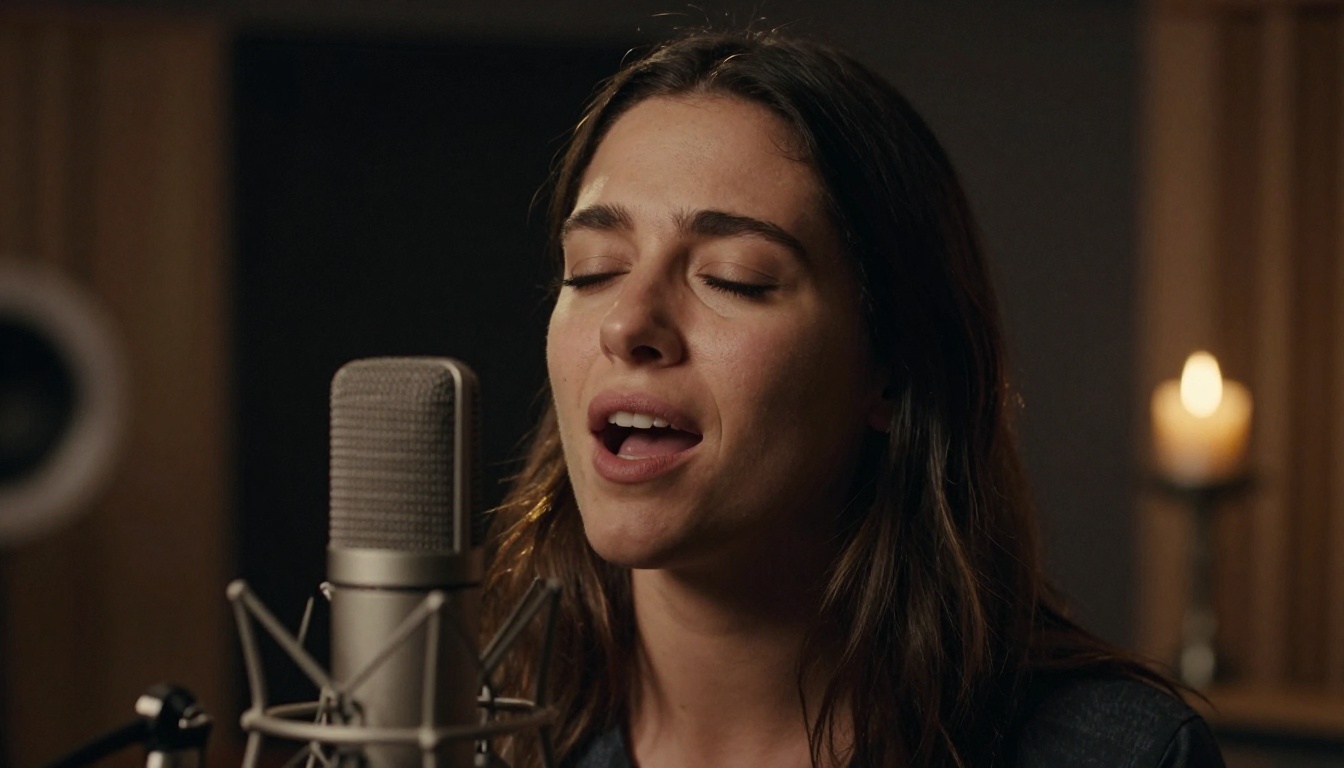
A music video needs music. If you are working on an original composition or want to generate a backing track for AI-created visuals, PicassoIA's music generation models handle this in a single step.
Minimax Music 2.6 for full tracks
Music 2.6 from Minimax generates complete songs with vocals and instrumentation from a text prompt. Describe the genre, tempo, mood, and lyrical theme, and it outputs a radio-quality track in seconds. The model handles pop, hip-hop, electronic, and indie styles with strong consistency across all of them.
For artists who want to provide their own lyrics, Music 01 from the same family takes written lyrics as direct input and builds a full song around them. Writing lyrics first and generating the track second produces more personalized output than pure prompt-based generation.
Google Lyria 3 Pro for professional output
Lyria 3 Pro from Google targets professional-grade music production. It produces longer tracks with sophisticated arrangement, handling multiple instrument layers, transitions, and dynamic contrast better than most alternatives. For artists who want the generated track to feel composed rather than algorithmically assembled, Lyria 3 Pro is the current benchmark.
Lyria 3 offers the same core model at a more accessible entry point.
ElevenLabs Music for voice-led compositions
ElevenLabs Music approaches composition from the vocal perspective, generating music that supports and centers the human voice. For singer-songwriter style music videos where the vocal performance drives the visual narrative, this produces tracks that feel more intimate than purely electronic outputs.
Additional music generation models available:
- Music 2.5: Full songs with multi-part vocals
- Stable Audio 2.5: Text-to-music from Stability AI, strong for instrumental and ambient
- Lyria 2: Earlier Google music model, excellent for quick generation
- Music Cover: Restyle an existing song into a different genre with one click
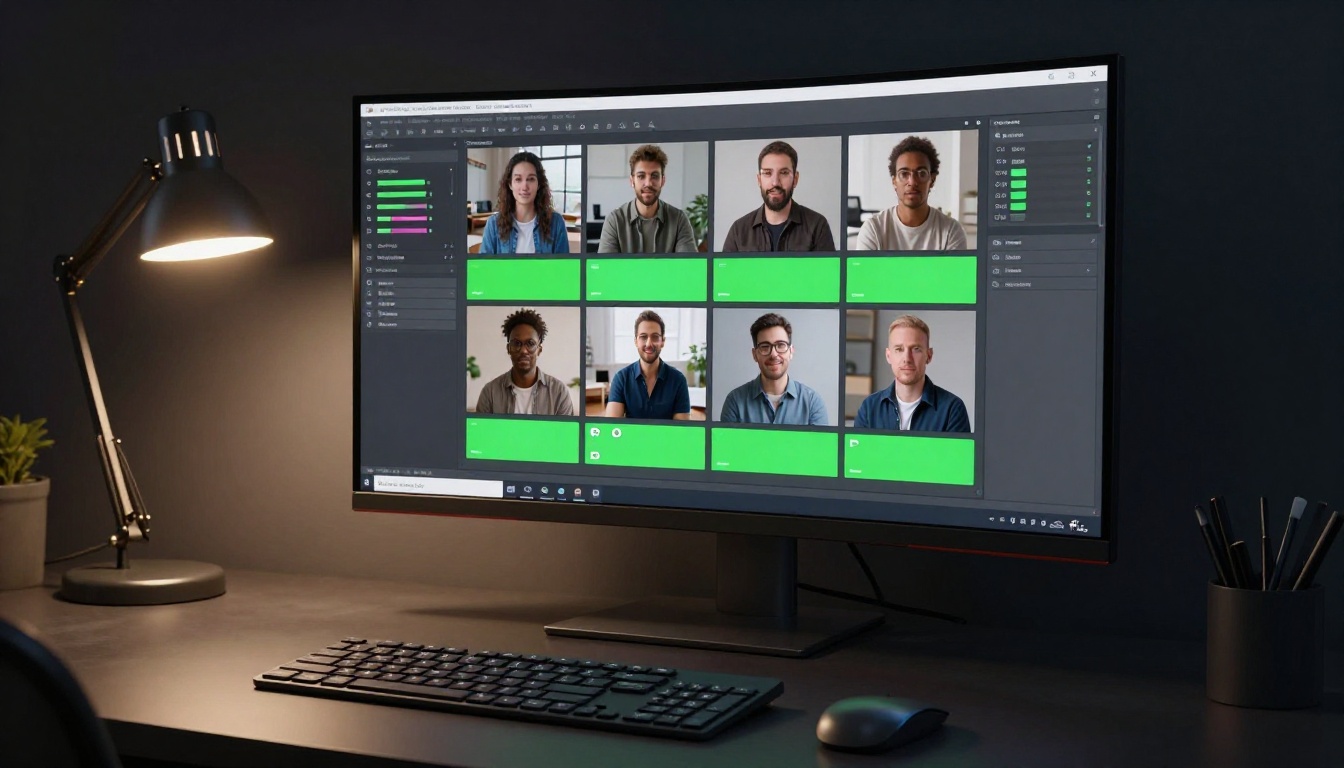
How to Use PicassoIA for Music Videos
Step-by-step with Seedance 2.0
PicassoIA provides access to every model mentioned in this article through a single platform, so you can produce an entire music video workflow without switching between services.
Here is a practical sequence for producing a short music video:
1. Generate the music track first
Start with Music 2.6 or Lyria 3 Pro. Prompt with the genre, mood, and approximate duration. Download the audio file.
2. Write a shot list as text prompts
Plan 5 to 10 scene descriptions matching the musical sections: verse scenes, chorus scenes, bridge scenes. Each prompt becomes a video clip.
3. Generate clips with Seedance 2.0
Open Seedance 2.0 on PicassoIA. Submit each shot description as a prompt. The model outputs a clip with native audio. For purely visual clips without audio, Kling v3 Video or Wan 2.7 T2V are strong alternatives.
4. Edit the clips together
Use Wan 2.7 VideoEdit to modify specific sections by text description. Or use Lucy Edit 2 for broader text-based video rewriting.
5. Add sound design
Layer ambient sound and effects using Thinksound or MMAudio to add contextual audio to any clip that needs atmosphere beyond its generated soundtrack.
💡 Tip: The Audio to Video model from Lightricks takes an existing audio file and animates images to match it. If you generate music first and want visuals that move to the beat, this is the most direct route.
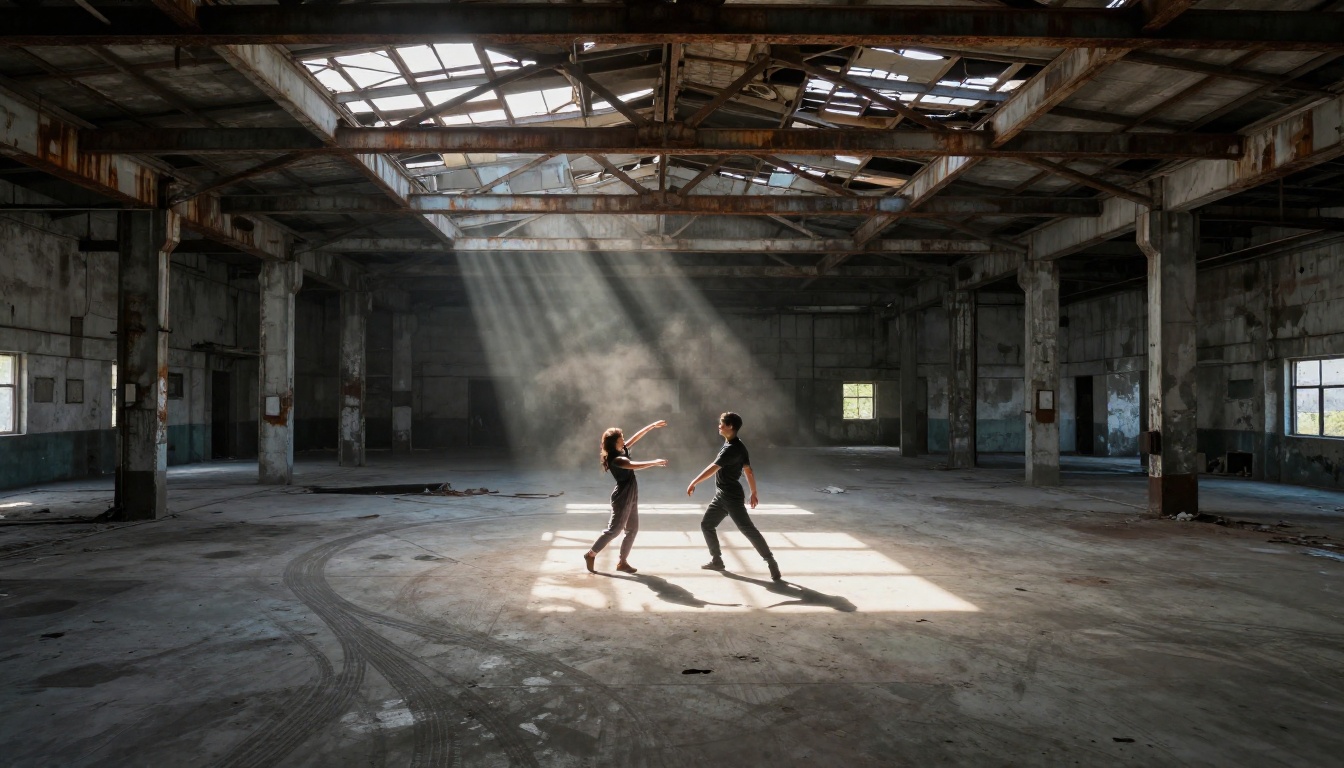
Syncing audio to visuals
The biggest challenge in AI music video production is temporal sync: making the visual cuts and motion feel matched to the music rather than arbitrary. Two practical approaches work well:
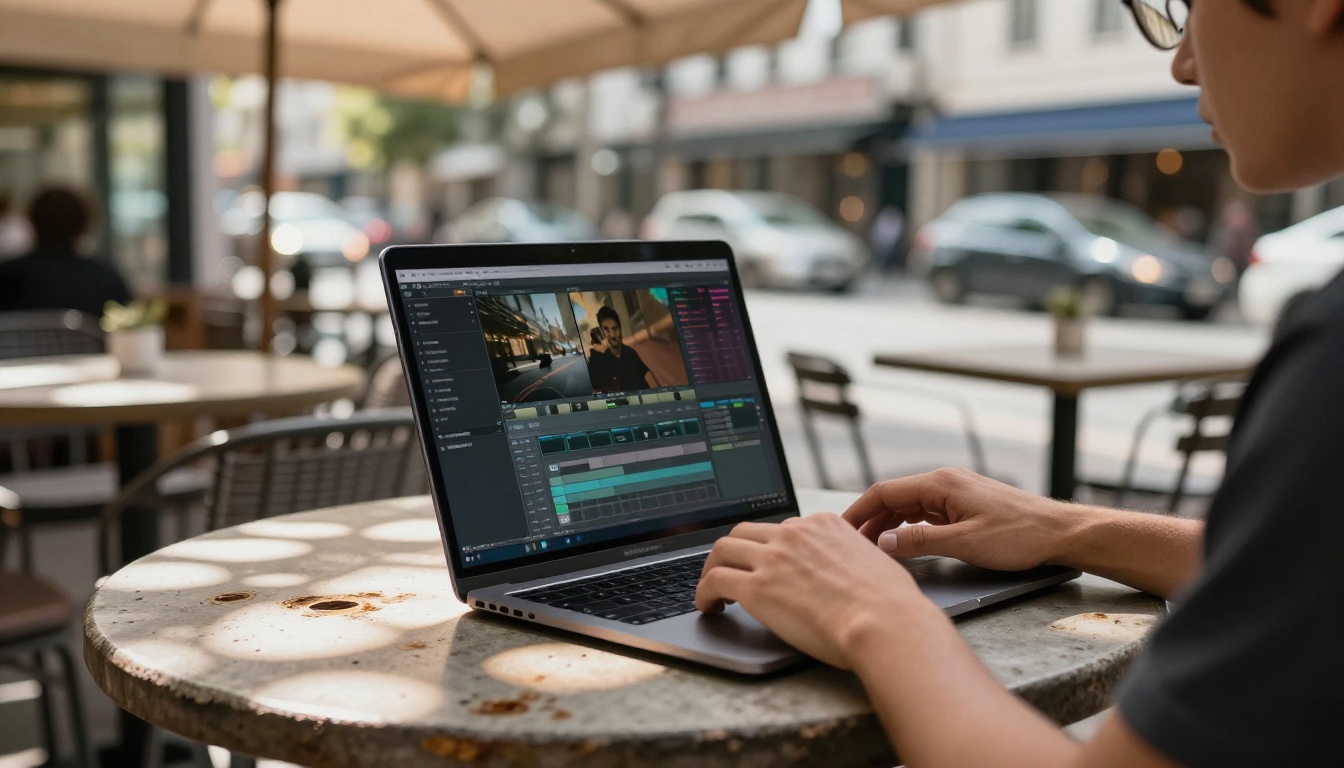
Beat-matched editing: Generate all clips first, then edit them to audio in a traditional video editor like CapCut, Premiere, or DaVinci Resolve. Place cuts on the beat.
Prompt-based sync: Use Wan 2.2 S2V (Sound to Video), which generates video from an audio input directly. The model creates visuals that respond to the audio signal. For electronic and rhythmically clear genres, this produces more naturally synced output than manual editing.
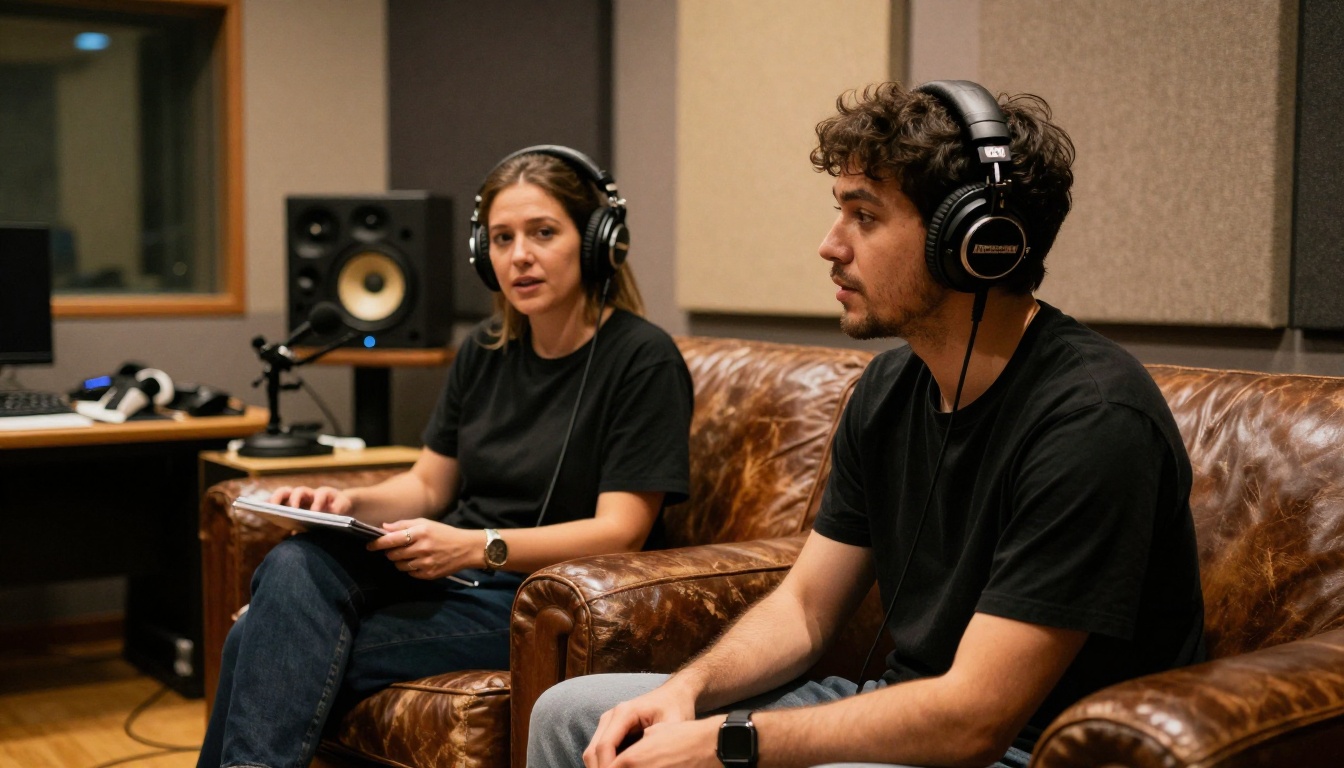
Video Editing After Generation
Raw AI-generated clips are a starting point, not a finished product. Post-generation editing is where the output shifts from looking generated to looking produced.
Wan 2.7 VideoEdit for text-based editing
Wan 2.7 VideoEdit is one of the most practically useful editing tools on PicassoIA for music video work. You upload a clip and describe the change you want: "replace the background with a concert stage," "change the lighting to red," "remove the person on the right." The model executes the edit without manual masking or compositing.
For rapid iteration, this is faster than any traditional editing workflow at the same tasks.
Text-based style transfer
Gen4 Aleph from Runway takes an existing video and restyles it based on a text description. If you want to shift the visual mood of a clip, change the color grade, or apply a specific aesthetic, Aleph handles this without a separate color grading application.
Kling o1 offers similar text-based video rewriting, particularly strong on character and scene replacement within existing footage.
Adding sound effects with Thinksound and MMAudio
Thinksound analyzes your video content and adds contextually appropriate sound effects automatically. A clip of a performer on stage gets crowd ambience. A clip of a car driving through the city gets realistic traffic sound. The model infers what should be heard from what is seen.
MMAudio works similarly but with more user control over the audio style and intensity. Both tools are available directly on PicassoIA without any external service.
For resolution issues, Video Increase Resolution upscales existing clips to 8K, and Real ESRGAN Video handles 4K upscaling for footage that needs more detail before final export.
Comparing the Top AI Video Models
The table below covers the models most relevant to music video production, comparing key parameters for this specific use case.
| Model | Native Audio | Max Resolution | Best For |
|---|
| Seedance 2.0 | Yes | 1080p | Performance and ambient scenes |
| Veo 3 | Yes | 1080p | High-fidelity cinematic shots |
| Kling v3 Video | No | 1080p | Controlled motion, choreography |
| LTX 2.3 Pro | No | 4K | Maximum visual resolution |
| Sora 2 | Yes | HD | Narrative coherence, longer scenes |
| Wan 2.7 T2V | No | 1080p | Fast iteration, high-volume production |
| Pixverse v5 | No | 1080p | Vivid, high-contrast visual style |
| Hailuo 02 | No | 1080p | Cinematic depth, portrait scenes |
💡 Tip: For budget-conscious production runs, Ray Flash 2 720p from Luma delivers 720p output as a free-tier option. It is slower than premium models but produces clean output for planning and early iteration before committing to a final generation run.
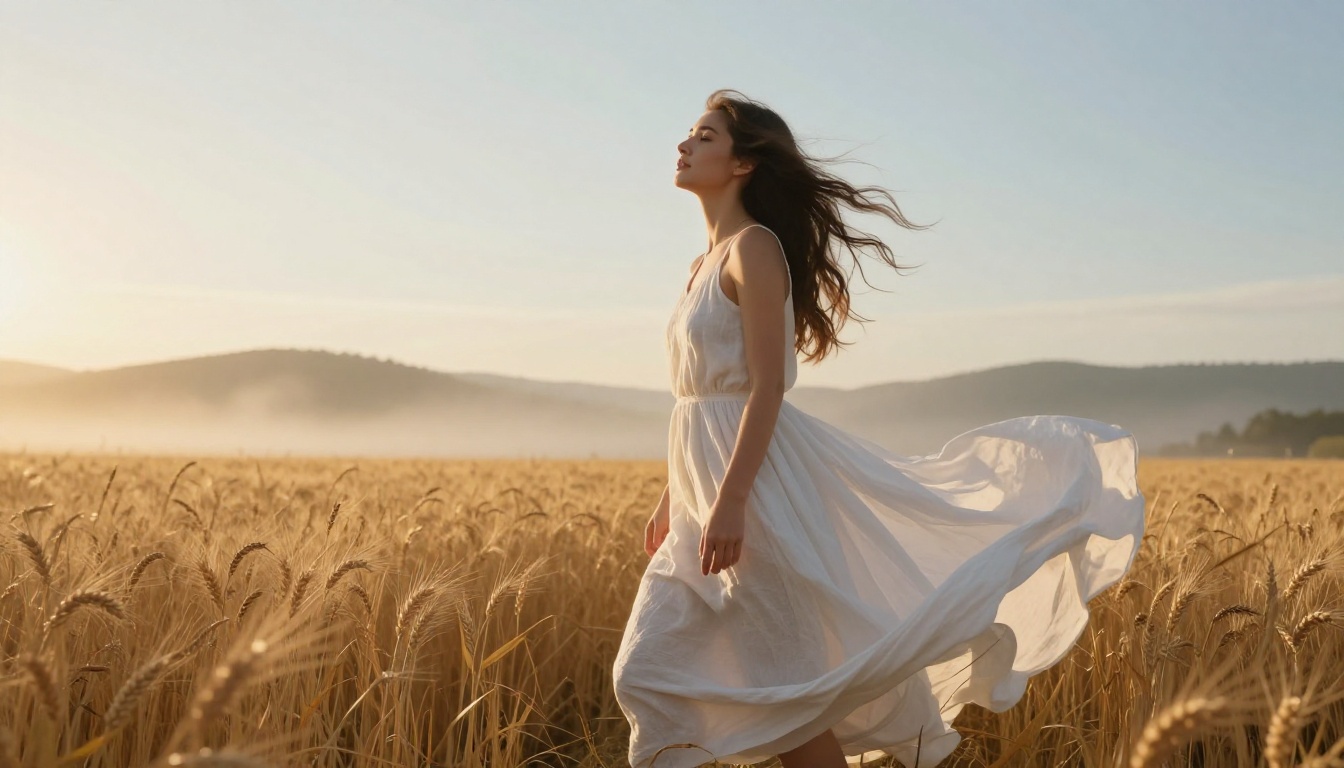
3 Common Mistakes People Make
Wrong prompt structure
The single biggest performance gap between strong AI video output and mediocre output is prompt quality. Most first-time users write subject-only prompts: "a woman dancing on stage." That produces generic footage every time.
A production-quality prompt specifies:
- Subject and action: what the person is doing, not just who they are
- Environment: where, what time of day, what surfaces and textures surround them
- Lighting: direction, quality, color temperature
- Camera angle and lens: wide from ground level, 85mm tight portrait, aerial overhead shot
- Atmosphere: fog, dust, rain, crowd noise, emotional tone
The difference between "woman dancing on stage" and "a woman in her 30s performing expressive contemporary dance on a rain-soaked outdoor festival stage at dusk, wide-angle shot from ground level, warm stage lighting from overhead mixing with cool overcast sky, crowd visible as blurred shapes in the background, water droplets visible on stage surface" is the difference between generic and specific. Specific always wins.
Ignoring aspect ratio
Music videos are watched on multiple surfaces: landscape on YouTube, portrait on Instagram Reels and TikTok, square on some platforms. Generating everything in 16:9 and cropping to portrait afterward loses critical composition. Plan your aspect ratio before you generate. PicassoIA models support 16:9, 9:16, and 1:1 formats.
The Reframe Video tool from Luma can adjust aspect ratio on existing clips with intelligent cropping, but original generation in the right ratio always produces cleaner results.
Skipping the audio layer
Visually strong AI videos without intentional audio feel unfinished. Even when using a model that generates native video audio, the ambient soundtrack rarely matches the specific musical track you are working with. The editing step matters significantly.
Use Video Audio Merge to replace or blend soundtracks on any clip, or Thinksound to add contextual sound effects on top of your main track. The audio layer is what makes the cut feel like a music video rather than a silent visual reel.
Start Making Your Own Right Now
The tools described in this article are all live on PicassoIA. No specialist software, no film crew, no budget allocation for equipment rental. The workflow is: generate a track with Music 2.6 or Lyria 3 Pro, generate video clips with Seedance 2.0 or Veo 3, edit with Wan 2.7 VideoEdit or Gen4 Aleph, and add audio with MMAudio or Thinksound.
The gap between an artist with something to say and a published music video is now measured in hours, not weeks. If you want to see every available model across video generation, music creation, and video editing, the full catalog is at picassoia.com/en/all-models.
Pick a song, describe what you want to see, and build it.