Voice cloning technology crossed a threshold in 2026 that few people were ready for. What used to require hours of studio recording and days of model training can now happen in seconds, from a browser tab, with results that pass for the real thing on a first listen. The question is no longer whether AI can clone a voice. It is which model does it best for your specific use case.
This breakdown covers the top AI voice cloning tools available right now, what separates them technically, and how to pick the right one based on what you actually need.
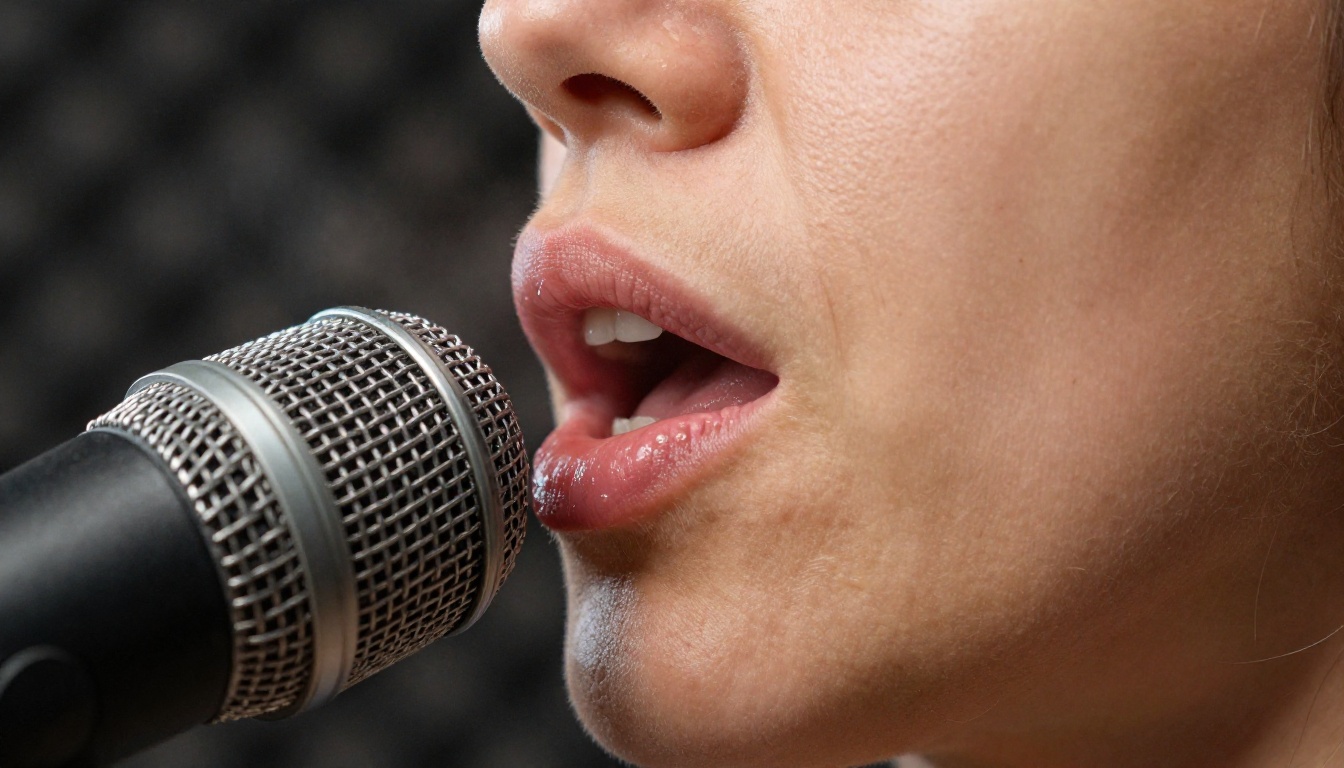
What Makes Voice Cloning AI Actually Work?
The technical leap that made 2026 voice cloning tools so convincing was not a single breakthrough. It was the convergence of three improvements happening at the same time: larger training datasets with more speaker diversity, better prosody modeling (the rhythm and stress patterns of natural speech), and diffusion-based audio synthesis replacing older autoregressive methods.
The Science Behind the Sound
Modern voice cloning models work by extracting a speaker embedding from a reference audio sample. This embedding is a mathematical representation of vocal characteristics: pitch baseline, harmonic resonance, speaking tempo, and the subtle formant frequencies that make one person's voice distinct from another.
The best models extract reliable embeddings from as little as 3 to 5 seconds of audio. Older systems needed 30 seconds or more and still sounded slightly robotic. What you hear today, when a good model clones a voice, is the product of those embeddings being applied in real time to a phoneme sequence, with prosody prediction running in parallel to handle natural-sounding sentence rhythm.
Three Things That Separate Good from Bad
Not all voice cloning tools in 2027 are equal. The differences come down to:
- Naturalness under pressure: Does the clone hold up when speaking long sentences, technical terms, or emotionally charged dialogue? Many models collapse into monotone robotic delivery after the first 15 words.
- Emotion transfer: Can the clone actually sound angry, sad, or enthusiastic? Or does it always produce the same neutral corporate tone regardless of what the text says?
- Zero-shot capability: Does the model require fine-tuning on your specific voice, or can it work from a cold reference sample it has never heard before?
The models below perform well on all three dimensions, each with a different set of trade-offs worth knowing about.
The Top Voice Cloning Models in 2027
Minimax Voice Cloning
Minimax Voice Cloning is the most direct answer to "I want to clone a specific voice." Unlike the broader TTS models in the Minimax lineup, this one is purpose-built for creating custom AI voices from reference audio. You upload a sample, the model analyzes it, and you have a cloned voice you can use to generate new audio from any text input.
What makes it particularly useful is how well it pairs with the companion Speech 2.8 HD synthesis backend, which adds studio-grade fidelity on top of the cloned voice characteristics. For creators who need a consistent voice across many pieces of content without re-recording every session, this combination is one of the most practical setups available.
💡 Tip: For maximum realism, use a reference audio clip recorded in a quiet environment with a consistent speaking pace. Background noise degrades the embedding quality significantly.
Chatterbox by Resemble AI
Chatterbox stands out for one capability that most voice cloning tools handle poorly: emotion control. Most models let you adjust prosody at a broad level. Chatterbox lets you specify emotional tone at a granular level, including surprise, frustration, warmth, and authority, and the clone actually reflects that in its delivery.
This matters more than it sounds. A corporate explainer video needs a different emotional register than an audiobook or a podcast promo. The ability to dial in emotion without re-recording multiple takes is a real workflow advantage.
For faster turnaround at only marginally lower quality, Chatterbox Turbo is the right choice. For maximum expressiveness, Chatterbox Pro pushes the ceiling further with extended context awareness across longer passages.
Qwen3 TTS
Qwen3 TTS takes a different approach. Rather than pure voice cloning from reference audio, it offers a combination: clone an existing voice, or design a custom voice from scratch using text prompts describing vocal characteristics. Want a voice that sounds like a calm, authoritative British woman in her 40s with a measured speaking pace? Qwen3 TTS can synthesize that from a description alone.
This makes it exceptionally flexible for situations where you do not have a reference recording available, or where you want a voice that does not belong to any real person. For content involving brand mascots, fictional characters, or privacy-sensitive applications, this prompt-to-voice capability is genuinely valuable.
ElevenLabs V3
ElevenLabs V3 remains one of the most consistently natural-sounding voice synthesis models available. Its strength is in long-form content, where it maintains vocal consistency across thousands of words without drifting in pitch or pace. Audiobooks, training narration, and documentary voiceovers all benefit from this stability.
For multilingual applications, ElevenLabs V2 Multilingual supports over 30 languages with accent fidelity that holds up significantly better than earlier systems. A cloned English voice reading Spanish text no longer defaults to the robotic "reading phonetically" artifact that plagued early multilingual TTS.
When speed is the priority over maximum naturalness, ElevenLabs Flash v2.5 and Turbo v2.5 both offer sub-second generation with quality that holds up well for most publishing use cases.
💡 Tip: ElevenLabs V3 is particularly strong at reading emotionally charged text. A well-written, properly punctuated script produces dramatically better output than raw notes or draft text.
Real-Time vs. Studio Quality
The split between real-time voice generation and high-fidelity studio output is one of the most practically important distinctions in the current voice cloning landscape.
When 120ms Latency Is What You Need
For applications like live conversation AI, interactive voice response systems, gaming NPCs, and real-time dubbing, latency is everything. A voice that sounds 85% as good as a studio render but responds in 120ms is dramatically more useful than a perfect voice that takes 3 seconds to generate.
Inworld Realtime TTS 2 is specifically engineered for this use case. Its architecture prioritizes time-to-first-audio-byte over absolute quality, making it the right choice for any interactive application. For even more constrained latency requirements, Realtime TTS 1.5 Mini at 120ms and Realtime TTS 1.5 Max at sub-200ms offer different speed/quality trade-offs within the same model family.
Grok Text to Speech from xAI also performs well in the real-time tier with surprisingly natural delivery for the latency level it targets.
When Quality Takes Priority
For broadcast-quality output, publishing, or anywhere that audio quality reflects directly on production values, the HD models are correct regardless of generation time.
Minimax Speech 2.8 HD and Speech 2.6 HD both produce audio that holds up through studio post-processing without introducing artifacts during compression or EQ. For fast turnaround at high volume, Speech 2.8 Turbo and Speech 2.6 Turbo are the natural alternatives when you need speed without sacrificing too much quality.
| Model | Best For | Approx. Latency | Quality Tier |
|---|
| Inworld Realtime TTS 2 | Live interactive apps | ~120ms | Good |
| ElevenLabs Flash v2.5 | Fast publishing | ~400ms | Very Good |
| Minimax Speech 2.8 Turbo | High-volume batch | ~800ms | Excellent |
| ElevenLabs V3 | Long-form narration | ~1-2s | Excellent |
| Minimax Speech 2.8 HD | Broadcast and Studio | ~2-3s | Studio |
| Chatterbox Pro | Emotion-rich content | ~1.5s | Excellent |
Multilingual Cloning: Who Does It Right?
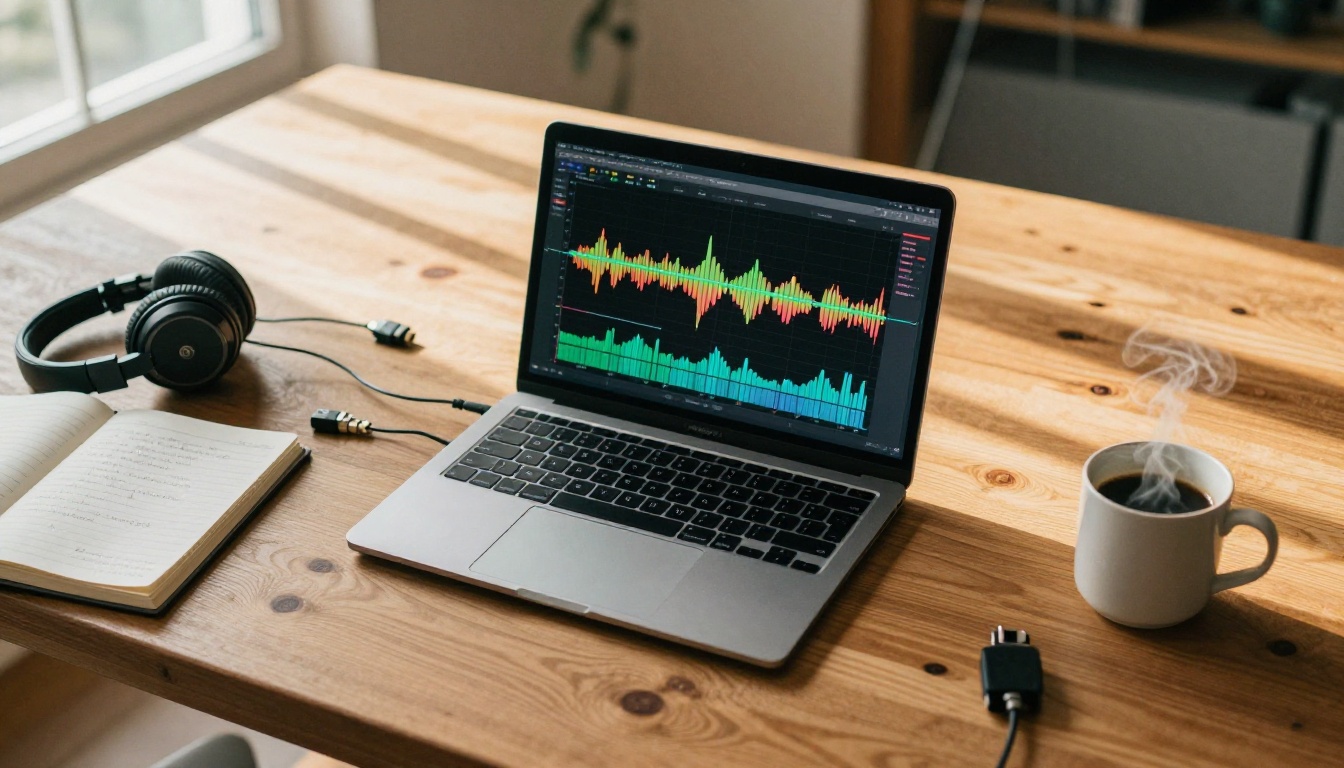
The multilingual dimension of voice cloning is where the most significant improvements have happened over the past 18 months. The old problem was simple: most models supported multiple languages in theory but produced noticeably degraded quality in any language other than English. That gap has narrowed considerably.
Languages That Actually Work
Gemini 3.1 Flash TTS from Google supports over 70 languages with 30 available voice options. For sheer language coverage, nothing in the current lineup comes close. Voice quality across languages is notably even, meaning you do not get the dramatic quality cliff between supported languages that used to characterize multilingual TTS systems.
ElevenLabs V2 Multilingual covers 30 languages with particular strength in European languages: Portuguese, Spanish, Italian, German, and French all perform at near-native naturalness levels. For Asian languages at high quality, TTS 1.5 Max and TTS 1.5 Mini from Inworld cover 15 languages with native prosody handling.
Accent Fidelity Issues
The harder problem is maintaining accent fidelity when cloning a voice that speaks with a regional accent and then generating text in a different language. Most models still struggle here: the clone loses its characteristic accent when switching languages, producing something that sounds generic rather than like the original speaker.
Qwen3 TTS handles this more gracefully than most, since its prompt-based voice design allows explicit specification of accent characteristics that carry over across language boundaries. For projects where accent preservation across languages is critical, this is currently the most reliable option.
How to Clone a Voice on PicassoIA
PicassoIA brings together all the models above in a single platform, so you can test, compare, and produce without juggling multiple subscriptions or API setups. Here is the most direct workflow for voice cloning:
Step-by-Step with Minimax Voice Cloning
Step 1. Go to Minimax Voice Cloning on PicassoIA.
Step 2. Upload a reference audio file. The minimum is 3 seconds; 15 to 30 seconds produces consistently better results. Use a clean recording with no background music or ambient noise.
Step 3. Give the cloned voice a name and save it to your voice library. You will reference it in future generation requests.
Step 4. Navigate to Speech 2.8 HD or Speech 2.8 Turbo depending on your speed versus quality priority. Select your saved clone from the voice library dropdown.
Step 5. Enter your text and generate. Download the audio file directly or use the API endpoint to integrate it into your production pipeline.
Using Chatterbox for Emotion Control
When emotional nuance matters, start with Chatterbox and specify your target emotion in the generation parameters. For high-volume work with faster output, switch to Chatterbox Turbo. When the output needs maximum expressiveness for a demanding script, Chatterbox Pro is the ceiling option.
💡 Tip: Break long scripts into emotional segments and generate each segment with its appropriate emotion setting rather than generating the whole thing in one pass. Output quality increases substantially with this approach, since the model can focus on maintaining consistent emotion across a shorter passage.
Use Cases Driving Adoption in 2027
Content Creators and Podcasters
The most immediate use case driving voice cloning adoption is not entertainment. It is practical content production efficiency. A podcaster who records 10 hours of content per month can now:
- Generate corrected takes for mispronounced words without scheduling a re-record session
- Produce short-form clips from long episodes in a cloned version of their voice
- Create multilingual versions of episodes for international audiences without hiring translators who record audio
- Build a consistent audio brand voice across different team members' contributions
Play Dialog from PlayHT is particularly strong for dialogue-heavy content, handling conversational exchanges between multiple cloned voices with natural turn-taking dynamics that do not sound artificially constructed.
Corporate Dubbing and Localization
For enterprises, the ROI calculation on voice cloning is straightforward. A 20-minute training video that costs $2,000 to produce in English and another $1,500 per language for professional dubbing can be localized using a cloned voice of the original presenter for a fraction of the cost.
The quality difference that used to make AI dubbing unacceptable for corporate audiences has largely closed. When paired with Gemini 3.1 Flash TTS for broad language support, a single recorded presentation can be deployed across 70 markets. The remaining quality gap is most visible in very emotional delivery and heavy regional accent replication, but for standard professional narration it is effectively negligible.

Voice Actors and Royalty Management
Voice actors are approaching cloning differently than many expected. Rather than fighting the technology, many have begun licensing their voice clones through platforms, creating recurring royalty income from their vocal identity without requiring their physical presence for every session.
The models best suited for commercial voice licensing are those with the strongest clone fidelity: ElevenLabs V3 and Chatterbox Pro sit at the top of this category. Minimax Voice Cloning is the practical choice for actors who want to set up the clone once and then make it available for ongoing generation without technical overhead per request.
Transcribing Audio in 2027
Voice synthesis does not work in isolation. Most production pipelines that generate speech also need to transcribe it for captioning, search indexing, or quality review. The transcription models on PicassoIA handle this side of the workflow without requiring a separate platform or API integration.
GPT-4o Transcribe
GPT-4o Transcribe handles dense speech with technical vocabulary better than most transcription models. It maintains accuracy across multiple speakers in a single recording and handles overlapping speech with fewer errors than earlier systems. For transcriptions that need to be publication-ready with minimal manual correction, this is the standard choice.
GPT-4o Mini Transcribe provides faster, lower-cost transcription for high-volume use cases where perfect accuracy is less critical than throughput. It performs well on clean studio audio and is a practical choice for batch processing large archives.
Gemini 3 Pro for Noisy Recordings
Gemini 3 Pro excels at transcribing audio from imperfect recording environments. If the source was recorded in a café, on a phone call, or with ambient noise, Gemini 3 Pro degrades more gracefully than alternatives, producing transcripts that still require minimal correction even from difficult source material. For field recordings, interviews, or archival audio, this is the correct choice.
| Model | Best For | Accuracy | Speed |
|---|
| GPT-4o Transcribe | Studio audio, technical content | Very High | Fast |
| GPT-4o Mini Transcribe | High-volume batch work | High | Very Fast |
| Gemini 3 Pro | Noisy recordings, phone calls | Very High | Fast |
The Script Format Nobody Talks About
One detail that affects real-world quality more than model choice is the format of your text input. Voice cloning models synthesize exactly what you give them. Poorly punctuated text produces unnatural pauses. Missing commas create breathless run-on sentences. Abbreviations that are not spelled out get pronounced as abbreviations rather than words.
Before generating any voice audio, format your script the way you would format a teleprompter script: complete sentences, spelled-out numbers ("forty-two" rather than "42"), abbreviated terms expanded where needed, and deliberate punctuation at natural pause points. This single habit improves output quality more reliably than switching between model tiers.
The same principle applies to dialogue scripts when using Play Dialog or multi-speaker setups. Clear speaker attribution and natural sentence endings produce dramatically more usable output than raw transcribed conversation. Treat the script as a performance document, not a data input field.
For business applications using Minimax Speech 2.8 HD or Speech 2.8 Turbo, this formatting investment at the script stage eliminates most of the quality complaints that teams attribute to the model itself. The model is usually not the problem.
Which Model Should You Start With?
The fastest way to find your preferred model is to run the same 15-second script through three options simultaneously and compare. Most people reach a clear preference within minutes of hearing the output side by side rather than reading descriptions.
Here is a starting point based on specific use cases:
The models above cover every major voice cloning and speech synthesis scenario available in 2027. None of them require specialized hardware or complex API setup when accessed through PicassoIA. You pick a model, provide your reference audio or voice design prompt, enter your text, and generate.
Start Building Your Own Voice Content
PicassoIA brings all of these models into a single interface where you can move from reference audio upload to cloned voice output in minutes, test multiple models on the same script side by side, and integrate results directly into your production workflow through the API.
Whether you are a creator building a consistent audio brand, a business localizing content across dozens of markets, or a developer building conversational AI applications, the tools covered here represent the actual state of the art in voice cloning right now, not theoretical benchmarks or marketing claims.
Upload a 15-second reference clip, run the same script through three or four models, and the quality differences become immediately obvious. The model that fits your specific use case becomes clear fast. Head to PicassoIA and start with any of the models covered in this article.


