Getting a face right is the hardest thing AI image generation has ever attempted. Not landscapes, not architecture, not abstract art — faces. The human brain is wired to detect the smallest irregularity in another person's face, making photorealistic portrait generation the ultimate benchmark for any AI image model.
The difference between a face that "almost works" and one that stops people in their tracks comes down to a handful of technical details most tools still get wrong: subsurface scattering in skin, realistic iris geometry, micro-expression tension around the mouth, and the random imperfections that make faces human rather than mannequin-like. This article breaks down which models actually solve this problem, how to access them, and the prompt strategies that separate amateur AI portraits from work that looks like it came from a real photographer's studio.
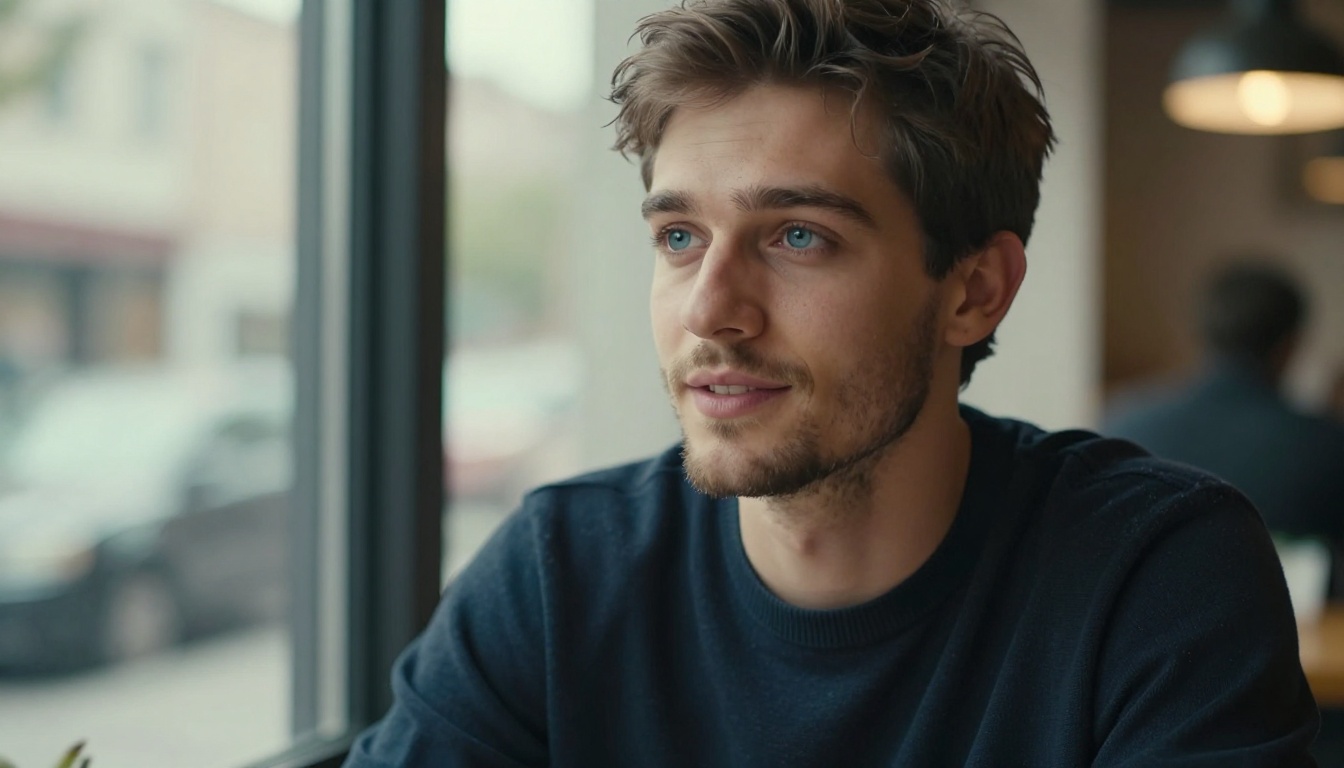
Why Most AI Faces Still Look Off
The photorealistic face problem has a name: the uncanny valley. The closer an AI-generated face gets to looking real, the more unsettling minor flaws become. A cartoon face with three fingers passes without comment. A near-perfect AI face with slightly glassy eyes feels deeply wrong.
The technical reasons trace back to training data and model architecture. Early diffusion models were trained on datasets that over-represented certain face types, lighting conditions, and expressions. The result was a kind of "average face" bias where everything trends toward symmetry, smoothness, and a particular idealized appearance that nobody actually has in real life.
The best models for realistic face generation in 2027 address this through several approaches:
- Larger base resolutions: Models like Flux 2 Max generate natively at 4MP, meaning face detail is rendered at full resolution rather than upscaled from a smaller base
- Improved attention mechanisms: Newer architectures allocate more model capacity to fine detail areas like eyes, lips, and hairline transitions
- Wider training diversity: Recent models deliberately include more ethnicities, ages, skin conditions, and lighting scenarios
- Better micro-expression modeling: Datasets built around candid photography reduce the "posed AI smile" artifact that plagues generalist models
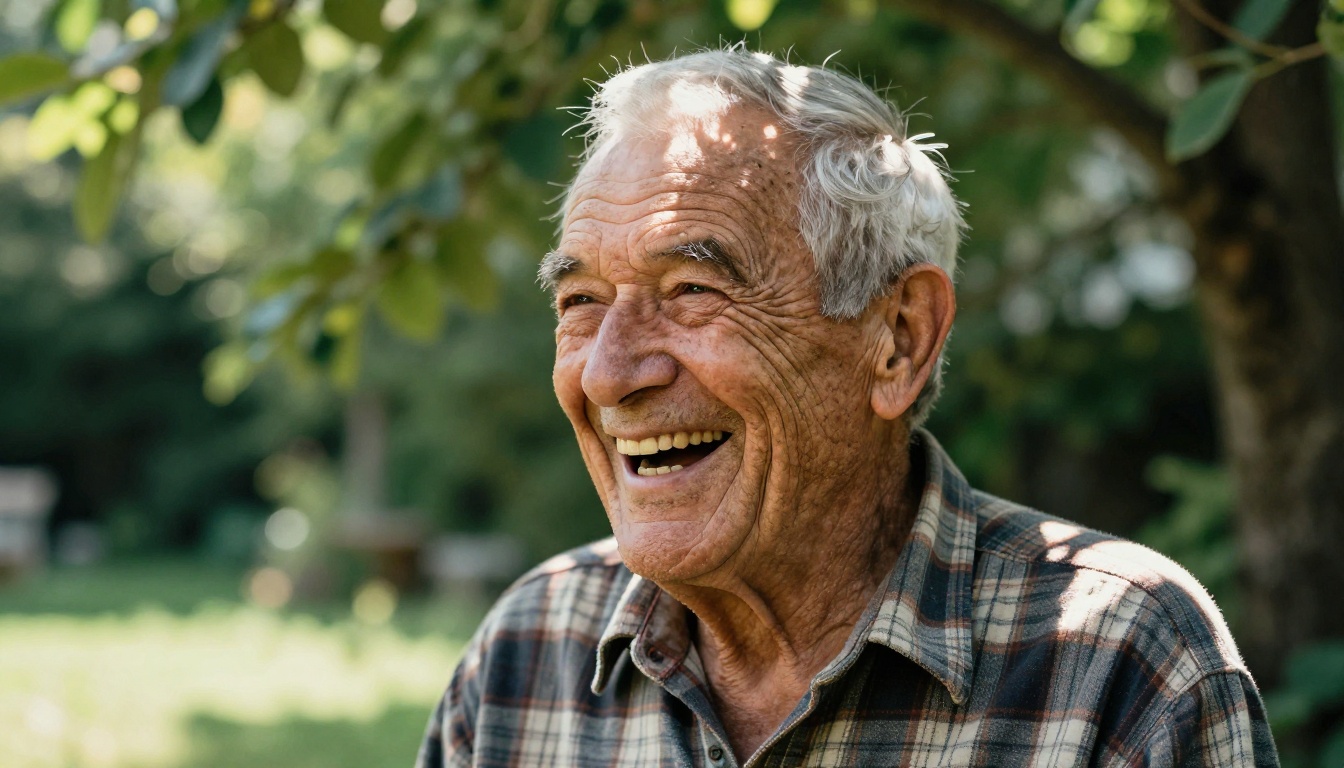
💡 The single biggest factor in face realism is not the model. It is the prompt. Specifying exact skin conditions, lighting angles, and camera lens creates results far above any model's default output.
The Top Models for Realistic Face Generation
Here is how the leading models stack up specifically for human portrait work:
| Model | Strength | Output | Best For |
|---|
| Flux 2 Pro | Photo-accurate detail, image+text input | Up to 4MP | Editorial portraits |
| Flux 1.1 Pro Ultra | 4MP photorealism, speed-optimized | 4MP | Fast iteration |
| RealVisXL v3.0 Turbo | Natural skin texture, candid look | 1024px | Street portraits |
| Realistic Vision v5.1 | Lifelike skin, photographic accuracy | 768px | Documentary style |
| Seedream 4.5 | 4K cinematic output | 4K | Magazine-quality work |
| Qwen Image 2512 | Sharper text + realistic faces | HD | Portraits with text |
| Imagen 4 | Photorealistic rendering from Google | HD | Natural outdoor light |
| Dreamina 3.1 | Cinematic 4MP, warm tone accuracy | 4MP | Golden hour portraits |
Flux 2 Pro: The New Benchmark
Flux 2 Pro from Black Forest Labs represents the current standard for AI-generated photorealistic faces. Where earlier models required careful prompt engineering to avoid the "AI look," Flux 2 Pro defaults to a grounded realism that handles complex face details without special treatment.
What sets it apart specifically for portrait work:
- Natural skin tone variation: Rather than smoothing skin toward a perfect complexion, Flux 2 Pro renders realistic texture including pores, subtle redness around the nose, and natural oil sheen in T-zone areas
- Eye geometry: The iris gets individual fiber-level rendering at 4MP output, with proper corneal reflection and asymmetric catchlight placement
- Hair strand separation: Individual strands separate at the scalp rather than merging into a single flat texture mass
- Age-accurate skin: Wrinkles, fine lines, and skin elasticity are modeled more accurately than in previous generations
Flux 1.1 Pro Ultra offers similar quality at faster generation speeds, making it the practical choice for iterating on portrait prompts where you need multiple variations quickly. Flux Dev remains valuable for custom LoRA fine-tuning on specific face styles, subjects, or aesthetic directions.
💡 Always specify your camera lens when using Flux models. "Canon EOS R5 at 85mm f/1.4" consistently outperforms a generic "portrait photography" instruction for face realism, because it anchors the model in real-world photographic physics.
RealVisXL and Realistic Vision: The SDXL Champions
Before Flux became dominant, RealVisXL v3.0 Turbo was the definitive model for photorealistic human faces. It remains one of the strongest options for a specific type of natural, unpretentious portrait realism that some newer models over-polish.
The SDXL architecture powering RealVisXL has particular strengths for faces in these scenarios:
- Overcast natural daylight portraits where even, realistic skin rendering matters most
- Older faces where wrinkles and skin texture complexity are central to the image
- Candid expressions where the face is caught mid-movement or mid-word
- Portraits that need a raw, unretouched documentary feel
Realistic Vision v5.1 takes this further with training specifically designed to make AI-generated faces less identifiable as AI output. Fine-tuned on photography datasets with an emphasis on natural lighting and diverse human subjects, it produces portraits that hold up to close scrutiny in a way that generalist models often cannot manage.
Where SDXL-based models still have an edge: close-up portraits of older faces, where wrinkle geometry and skin texture complexity often trip up newer architectures that skew toward idealized youth. For speed without compromise, SDXL Lightning 4Step produces a usable portrait face in seconds — useful for rapid concepting before committing to a full render.
Seedream 4.5 and Qwen: Newcomers Rewriting the Rules
Seedream 4.5 from ByteDance entered the top tier of realistic face generators with a focus on cinematic output quality. At native 4K resolution, it produces face detail that approaches medium format photography territory, with particular strength in:
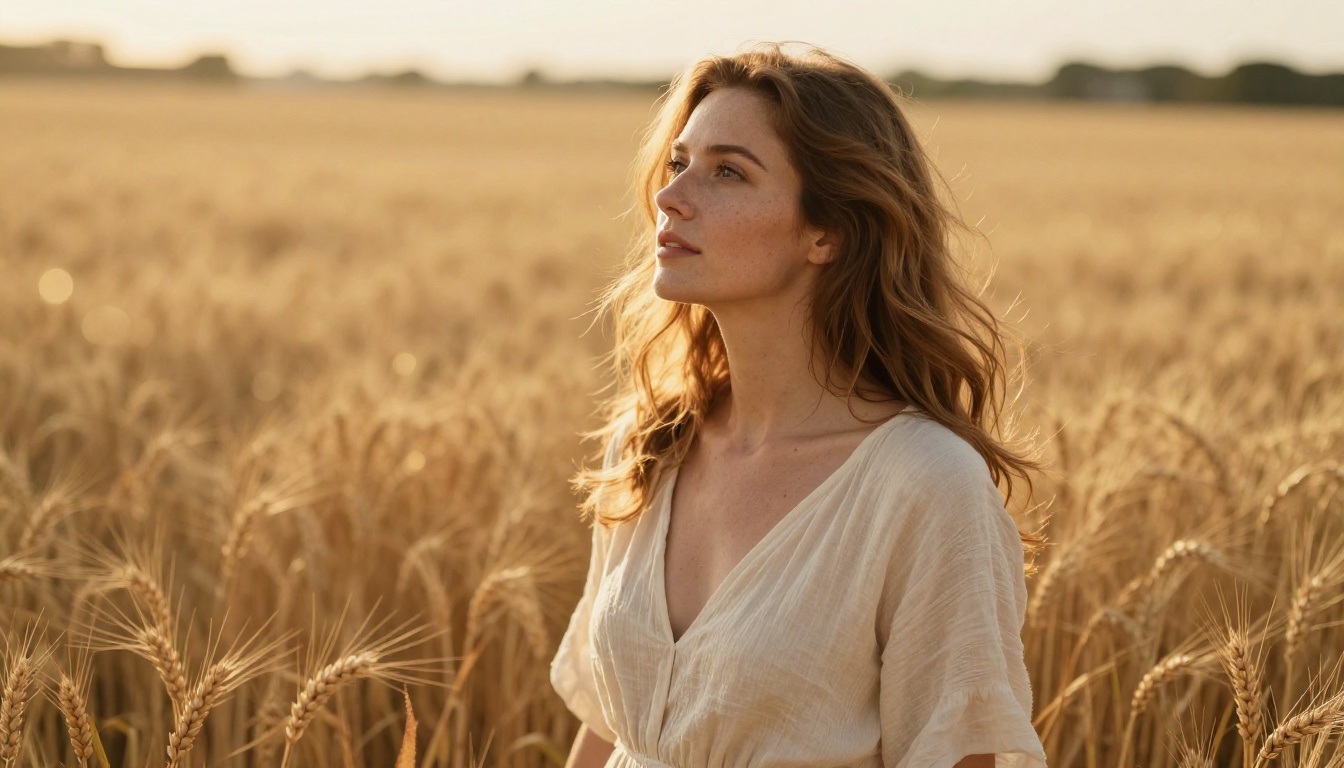
- Warm, golden-hour outdoor portraits where skin picks up beautiful ambient and rim light
- Cinematic color grading that reads as photographic rather than AI-generated
- Ethnic skin tone variety, with less of the bias toward lighter complexions that affects older models
- Complex lighting scenarios where multiple light sources interact with face geometry
Qwen Image 2512 solves a specific and persistent problem: generating realistic faces combined with readable text in the same image. If your portrait work needs text overlays, signage in the background, or branded elements in the frame, Qwen 2512 handles the face without the quality degradation that affects other models when both tasks are required simultaneously.
For portrait editing rather than generation, Qwen Image Edit Plus LoRA Skin is purpose-built for realistic AI skin retouching on existing images, letting you refine skin texture without affecting the surrounding content.
💡 Both Seedream 4.5 and Qwen Image 2512 respond well to specific film stock references. "Kodak Portra 400 grain," "Fujifilm Provia 100F color response," or "Ilford HP5 black and white rendering" shift the output toward photographic authenticity rather than the over-saturated, over-sharpened look common in AI images.
How to Generate Realistic Faces on PicassoIA
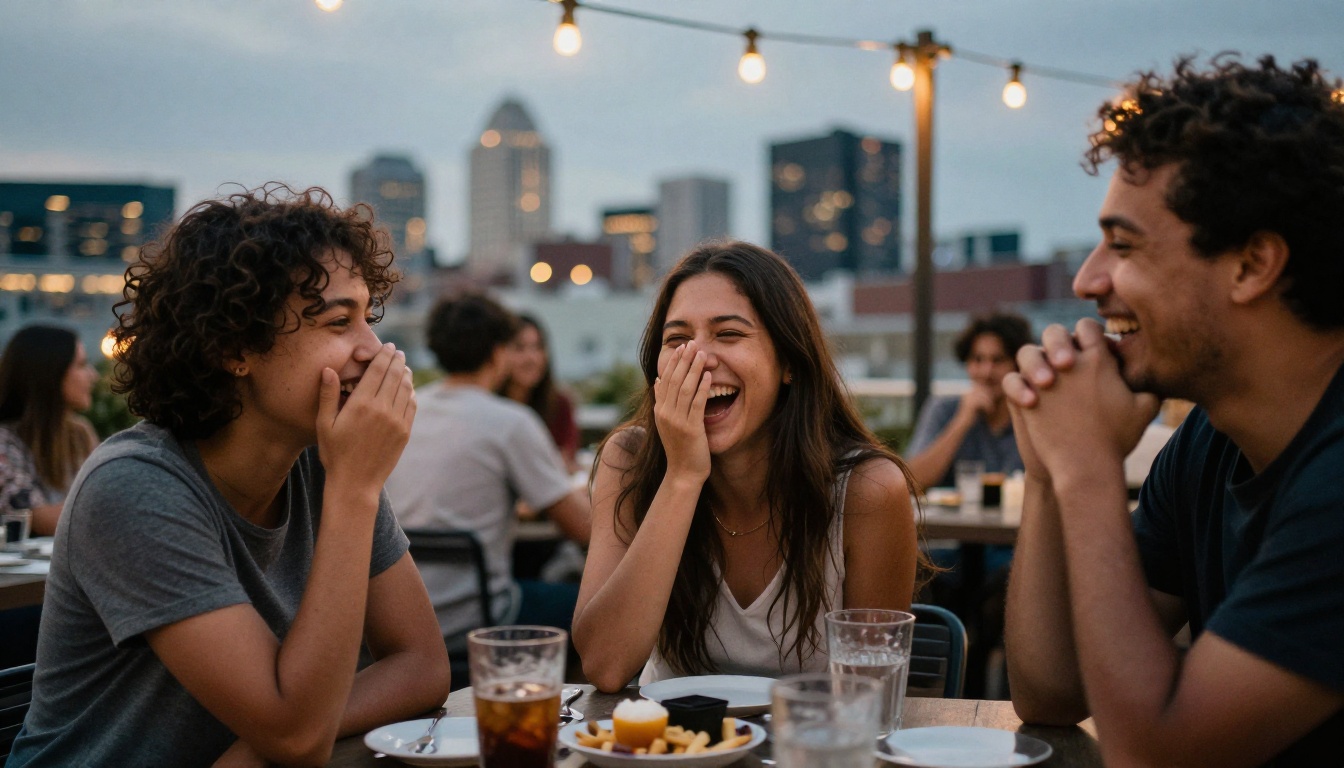
PicassoIA Image gives you access to all the top portrait models through a single platform. Here is the exact workflow that consistently produces the best face results:
Step 1: Choose your model for the job
For editorial-quality portraits with maximum detail, start with Flux 2 Pro. For outdoor candid work with a photojournalistic feel, try RealVisXL v3.0 Turbo. For speed without sacrificing quality, Flux 1.1 Pro Ultra gives Flux-tier results in faster generation times.
Step 2: Layer your prompt in four components
Build your prompt in this exact sequence:
- Subject description with specific physical details — ethnicity, age range, hair, specific features like freckles or glasses
- Environment and background with enough specificity to anchor the scene
- Lighting specification with direction, quality, and source — "soft diffused window light from upper left" beats "natural light"
- Camera model, lens focal length, and aperture setting
Step 3: Specify imperfections deliberately
This single step makes the biggest difference for face realism. Include terms like: "natural skin pores," "slight facial asymmetry," "natural imperfect teeth," "visible fine facial hairs," "candid expression caught mid-moment." These push the model away from its default idealized face bias.
Step 4: Choose aspect ratio intentionally
Use 3:2 for standard headshots and torso portraits. Use 1:1 for tight face-only crops. Reserve 16:9 for portraits that include meaningful environmental context.
Step 5: Upscale for print-quality detail
Run outputs through Crystal Upscaler or Clarity Pro Upscaler to reveal the full skin and eye detail the base model produced at 4MP resolution.
Skin, Eyes, and Expression: What Really Matters
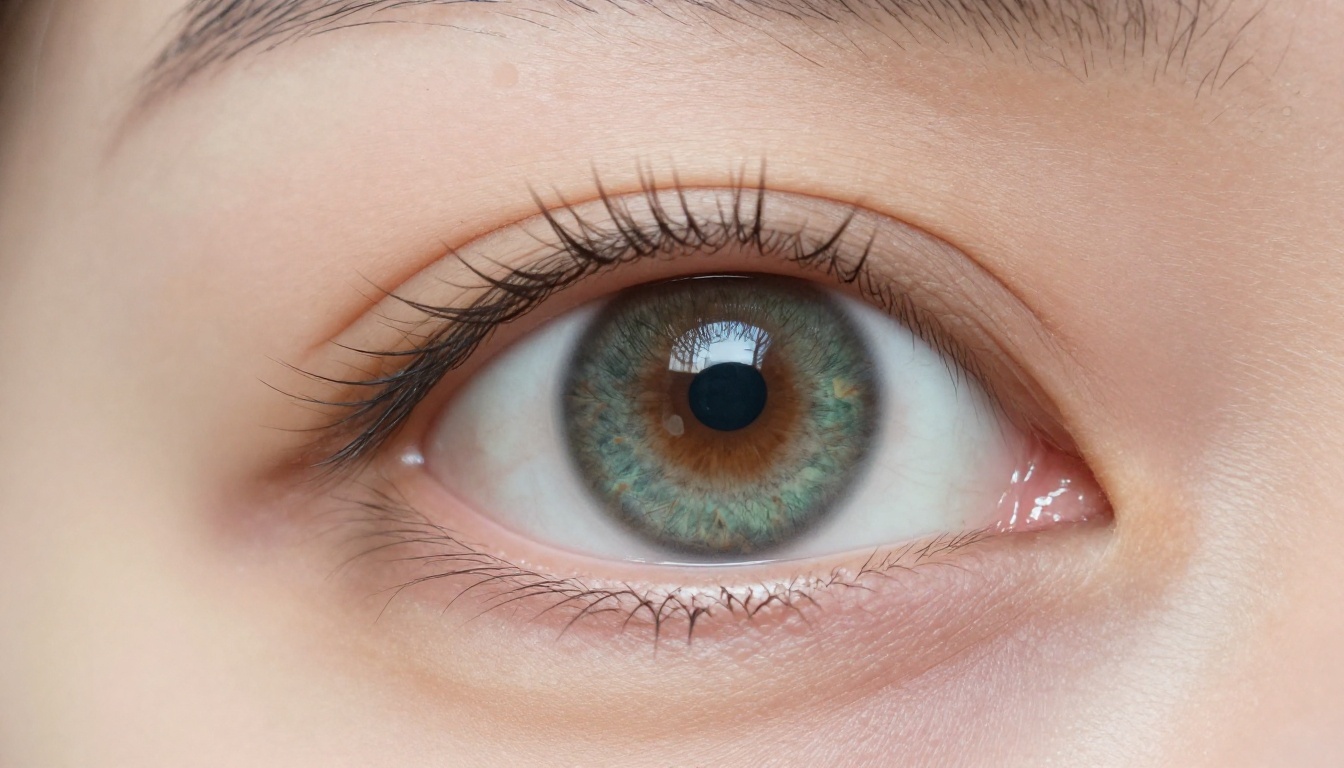
Three elements separate a convincing AI face from an unconvincing one. Get these right and the rest of the image follows.
Skin realism
Real skin has physical layers. Subsurface scattering, where light penetrates the skin surface before reflecting back, creates the warm translucency visible in ears, nostrils, and thin facial areas. The best models for capturing this phenomenon are Flux 2 Pro and Dreamina 3.1, both of which handle light-skin geometry interaction with more accuracy than earlier models.
Prompt terms that reliably trigger realistic skin rendering:
- "subsurface scattering visible in ears and nostrils"
- "natural sebaceous oil on T-zone"
- "visible pores at close range"
- "skin texture consistent with [specific age] years old"
- "natural complexion variation including slight redness around nose"
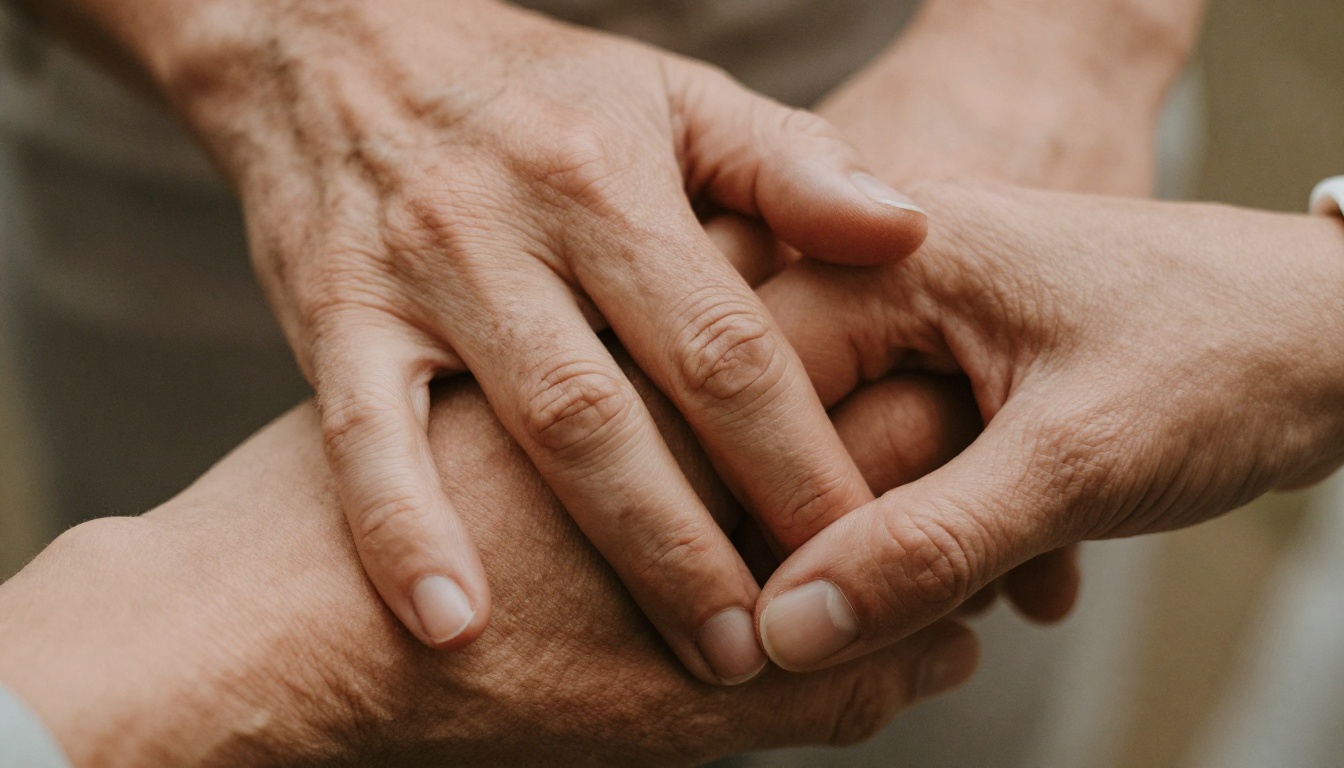
Eye accuracy
Eyes are the single most common failure point in AI portraits. The common failure modes:
- Symmetric catchlights — real eyes have asymmetric reflections because the light source is almost never perfectly centered
- Flat iris color without fiber variation — real irises have complex radial fiber patterns
- Eyelashes that merge into a single mass rather than separating into individual strands
- Perfectly round pupils instead of the slightly irregular, reactive shape real pupils have
Qwen Image 2512 and Seedream 4.5 have significantly improved eye geometry over SDXL-era models. Adding "individual iris fibers," "asymmetric natural catchlight," and "slight limbal ring definition" to any portrait prompt improves eye realism across all models.
Expression authenticity
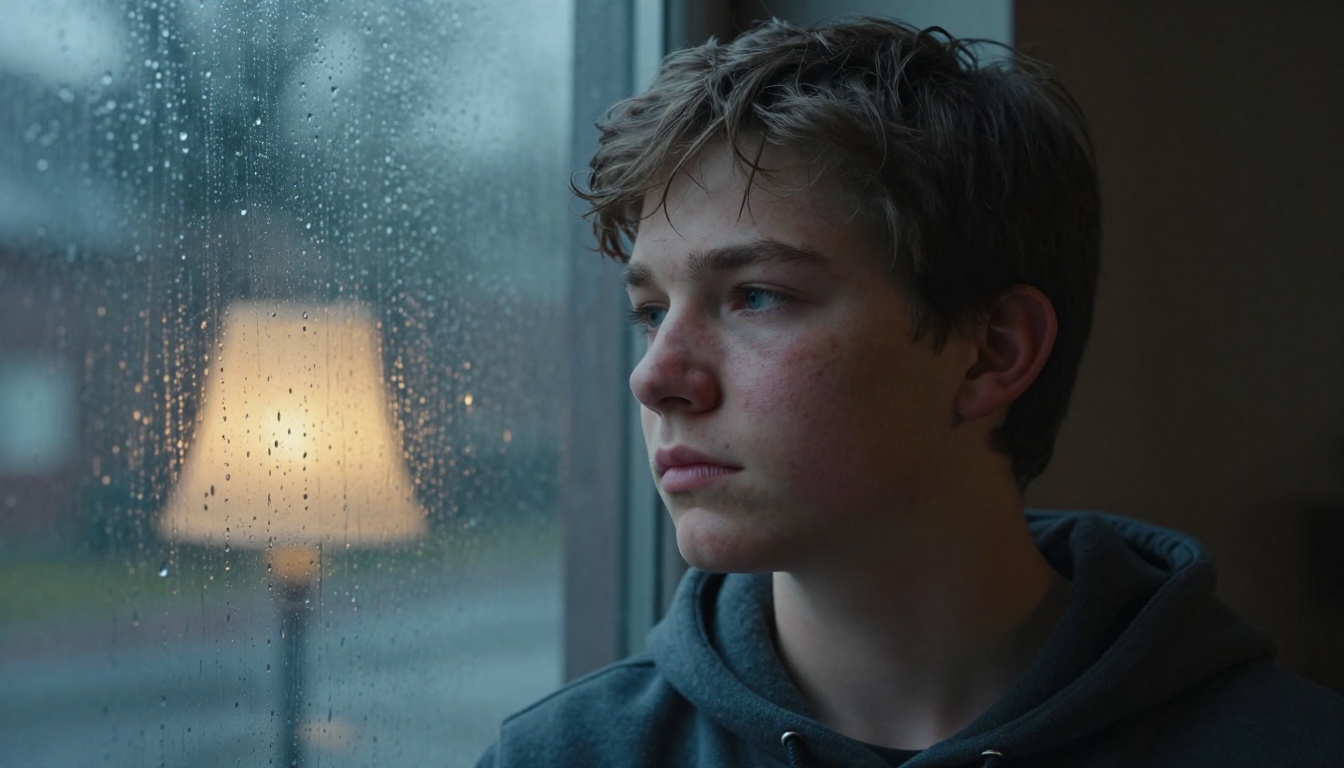
Forced smiles are the tell of an AI-generated face. Real smiles engage the orbicularis oculi muscle around the eye, producing crow's feet and a slight squint that AI models frequently miss when generating "smiling" faces.
Instead of prompting "smiling," try "laughing with slight eye squint and visible crow's feet" or "caught mid-sentence with relaxed jaw." These action-state descriptions produce more authentic micro-expressions because they describe the physical state of the face rather than the emotional category.
💡 For the most believable expressions, describe what the person is doing rather than what they are feeling. "Listening intently with slight head tilt" produces a more natural face than "thoughtful expression."
Upscaling Faces After Generation
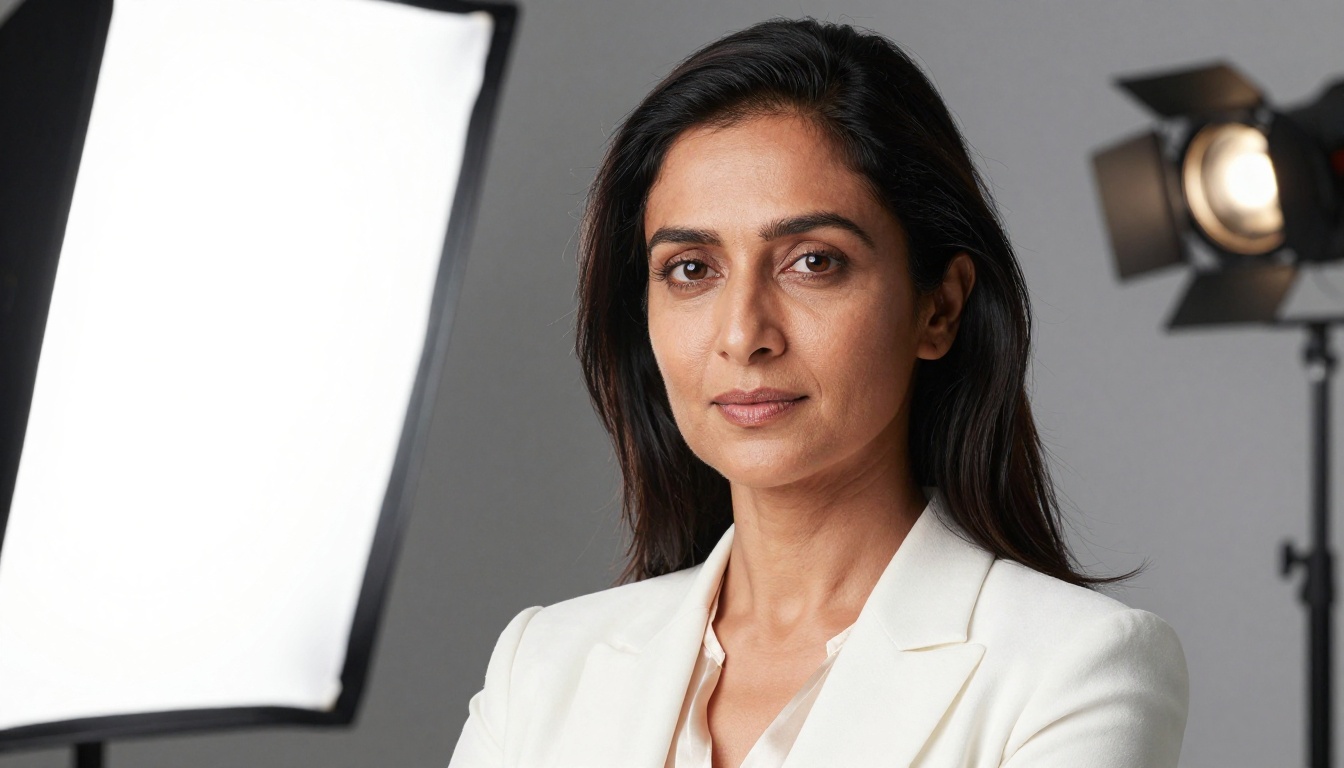
Even at 4MP native output, running your AI portrait through a face-aware upscaler adds visible detail that the base generation produced but did not fully resolve. The portrait-specific options on PicassoIA:
Crystal Upscaler
Purpose-built for portraits. Adds skin pore detail, sharpens iris rendering, and improves individual hair strand definition at 4x magnification. Results on close-up face work are noticeably better than applying a general-purpose upscaler to the same image.
Clarity Pro Upscaler
More aggressive detail enhancement than Crystal. Best for faces that need maximum edge sharpness for print or high-resolution display. Can over-process images that already have strong face detail — use it selectively on portraits that need an additional sharpness pass.
Image Upscale by Topaz Labs
Industry-standard upscaling at up to 6x. More conservative than the portrait-specific upscalers, producing cleaner results on images with strong existing detail. Good choice when the base portrait is already sharp and you need size without added sharpening artifacts.
P Image Upscale
Fast upscaling in under one second. Useful for rapid iteration when you are evaluating multiple face variants and need to quickly assess each at a larger size before committing to a full high-resolution pass.
Real ESRGAN
Free 4x upscaler with strong performance on natural photographic textures. Particularly effective on outdoor portraits where the background has organic texture that benefits from the same enhancement pass as the face.
What to Do When It Still Looks Fake
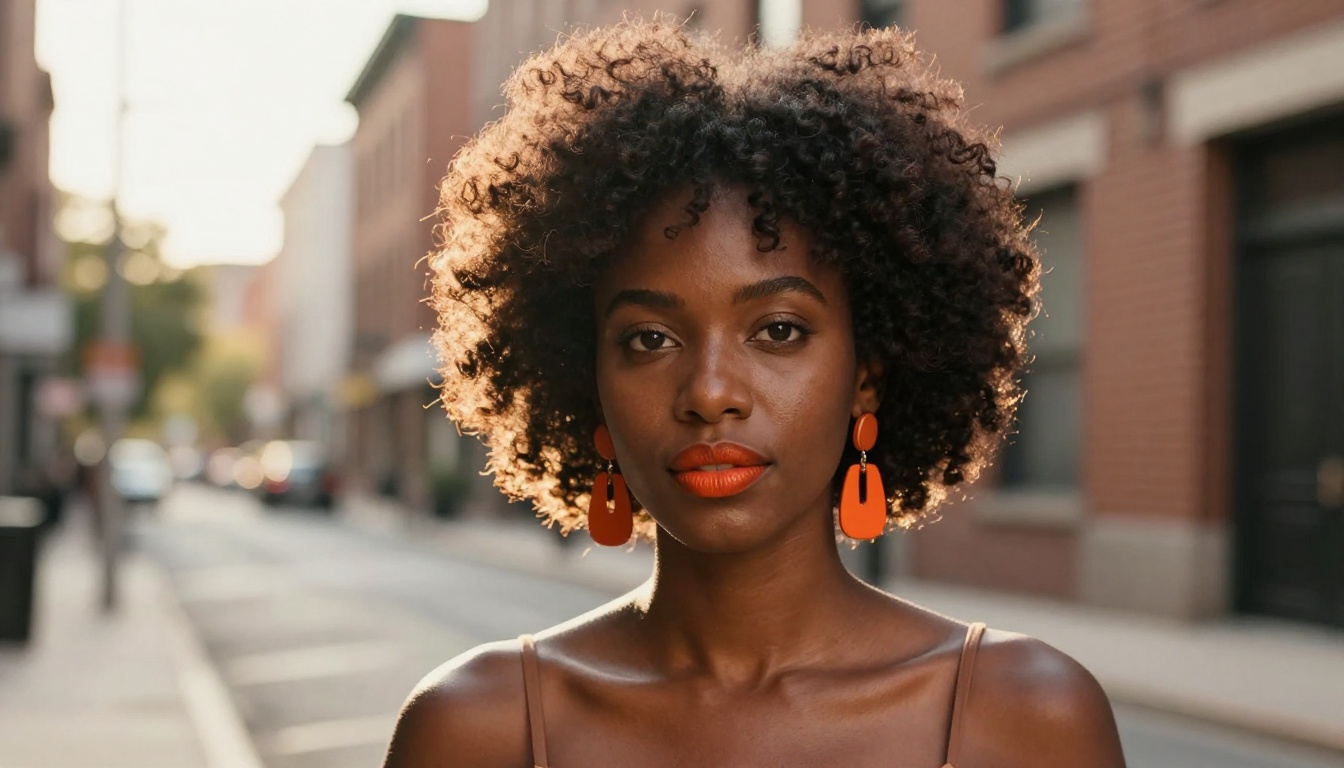
Even with top models and detailed prompts, AI portraits occasionally produce results that look subtly wrong. The fix is almost always in one of these areas:
The lighting is too even
Perfect, even lighting reads as artificial. Real photography always has imperfection: one side slightly darker, a practical light source creating a warm glow, a shadow that falls imperfectly across the jaw. Add a specific imperfect lighting condition: "single window light from the upper left with slight underexposure on the right cheek."
The composition is too centered
AI models default to centered, symmetrical compositions. Real portrait photography uses the rule of thirds, slightly off-center subject placement, and head positions that create visual interest. Specify "subject positioned at the left third of the frame" or "slight natural head tilt to the right."
The background is too clean
Real photography backgrounds have depth, motion blur, and interaction with practical light. Specify what is in the background: "warm bokeh from restaurant interior lights at distance," "blurred pedestrian traffic," or "shallow focus on a brick wall with peeling paint texture."
The skin is too uniform
Every real face has color variation: slight redness around the nose and cheeks, warmth on the forehead, cooler tones under the eyes. Specify "natural complexion variation with slight redness at the cheeks and cooler undertones under the eyes" rather than letting the model default to flat, uniform skin tone.
💡 Flux Kontext Pro lets you fix specific areas of an existing AI portrait using text instructions. If a generated face looks right except for the eyes or the skin tone, use Kontext to correct just those elements without regenerating the whole image.
Start Creating Your Own Portraits
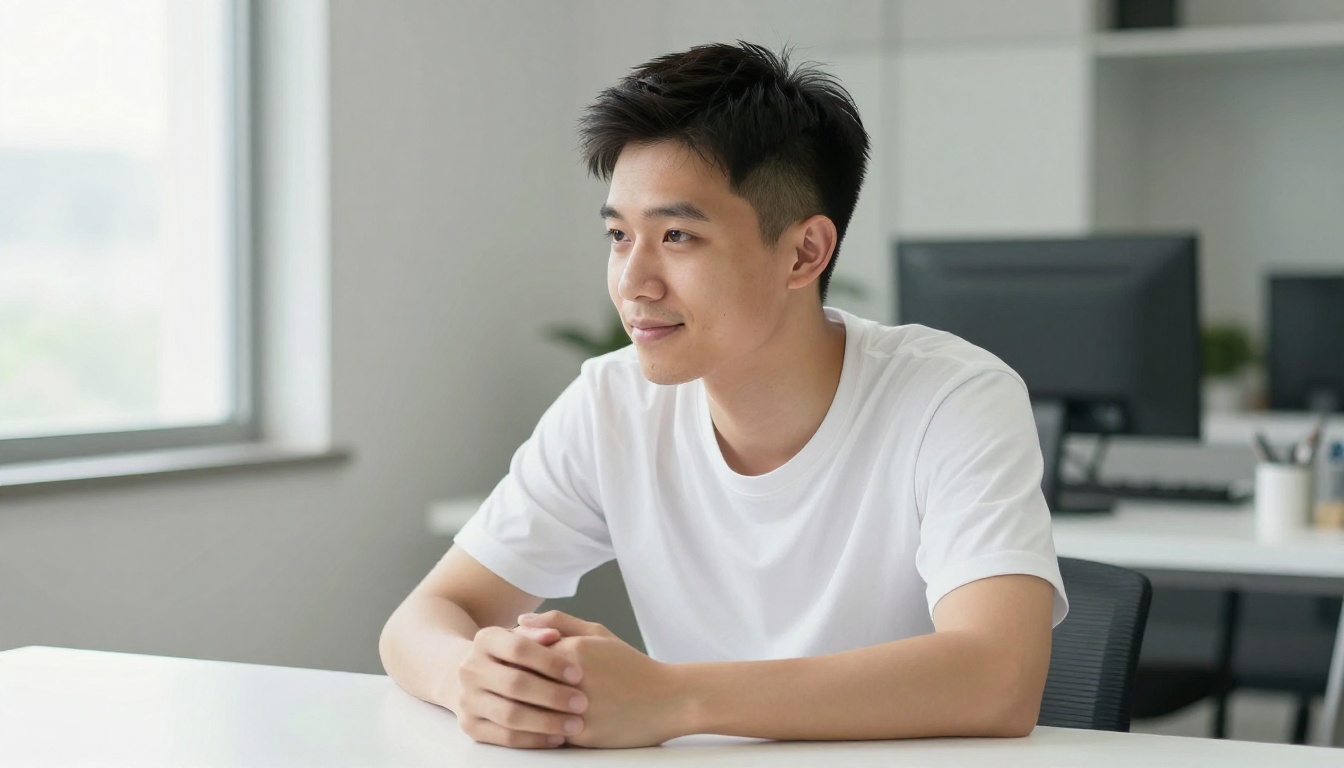
The gap between AI faces that feel fake and ones that pass for real photography has never been smaller. The models available on PicassoIA in 2027 give you access to portrait generation quality that required specialist equipment and professional post-processing workflows not long ago.
The fastest starting point: open Flux 2 Pro or PicassoIA Image and try this prompt structure:
"[Subject description with specific physical details], [specific environment], [lighting with exact direction and quality], [camera model with lens and aperture settings], natural skin texture with visible pores, slight facial asymmetry, Kodak Portra 400 grain, photorealistic RAW 8K"
Run three variations, pick the strongest base, then push it through Crystal Upscaler or Clarity Pro Upscaler for final output quality. That workflow produces results that rival professional portrait photography and takes under five minutes.
Want to go further? Flux Kontext Max lets you rewrite any part of a generated image with a text instruction. Stable Diffusion 3.5 Large offers deep customization for specific portrait styles. And for editing skin detail on existing portraits, Qwen Image Edit Plus LoRA Skin adds a retouching layer that works with the existing face rather than replacing it.
Browse the complete library of portrait models and editing tools at picassoia.com/en/all-models.


