Photographers have always chased one thing: images that feel real. The texture of skin, the quality of light, the depth of a well-focused background. AI image models are now capable of producing outputs that compete with what a single photographer can capture in a day. But not all models are built equal, and picking the wrong one wastes time, compute credits, and creative momentum.
This article covers the AI image models that matter most for photography work right now, from generating reference shots and mood boards to creating commercial-quality visuals from a text prompt.
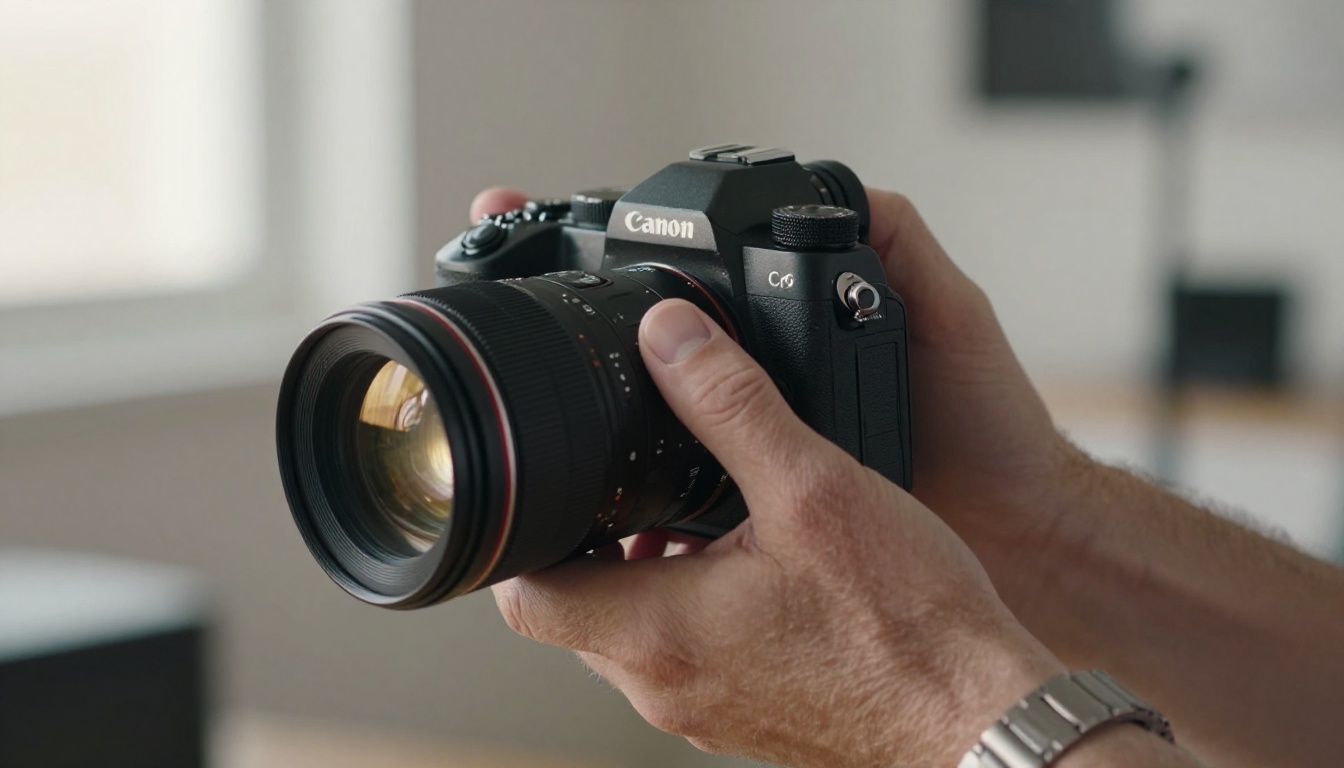
What Makes a Model Work for Photography
Most AI image generators can produce something that looks like a photograph. Far fewer can produce something that feels like one. The difference shows up in three places.
Micro-detail rendering means the model can reproduce individual hair strands, fabric weave, skin pores, and the texture of a wet stone. Without it, surfaces default to a smooth, slightly plastic finish that breaks the illusion immediately.
Lighting accuracy means light behaves the way it does in the physical world: shadows fall in the right direction, rim lighting makes sense for the scene, and ambient fill stays consistent across the frame.
Color science means the model understands film stock behavior, color grading, and the difference between a warm tungsten interior and cool morning daylight.
💡 A model that scores well on all three is the one worth building your workflow around.
| Criteria | Why It Matters |
|---|
| Micro-detail rendering | Realistic textures instead of smooth plastic surfaces |
| Lighting accuracy | Correct shadow direction, believable fill light |
| Color science | Film-accurate tones, correct color temperature behavior |
| Prompt fidelity | Output matches your creative intent reliably |
| Generation speed | Fast enough for real iteration in a working session |
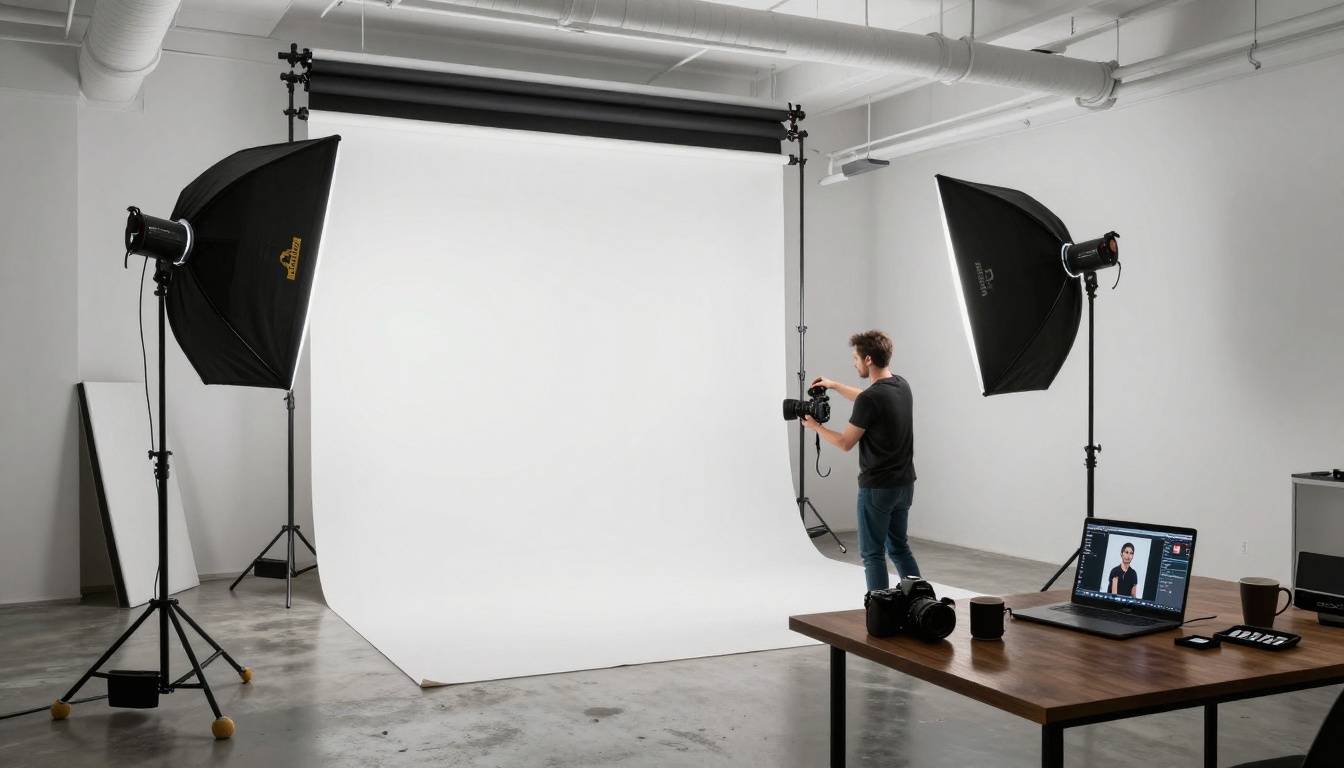
Seedream 4.5 — The Realism Standard
Seedream 4.5 is the model photographers reach for when the brief requires images that could pass as real photographs. Built by ByteDance, it generates output at 4K resolution with a level of photorealistic detail that sets it above most alternatives available today.
Why photographers choose it
What Seedream 4.5 gets right is the interplay between subject and environment. A portrait generated with Seedream doesn't just show a person in a location, it shows how that person interacts with the light in that location. The rim light behaves correctly. The skin picks up ambient color from a nearby surface. Background blur progression matches what an 85mm lens at f/1.4 actually produces.
For photographers who use AI to generate reference images before a shoot, or to fill scenes for composite work, this level of fidelity means fewer compromises.
What it produces well
- Portraits: Realistic skin texture, accurate subsurface scattering in natural light, natural eye moisture
- Landscapes: Atmospheric depth, correct color temperature shifts at golden hour, believable cloud texture
- Architecture: Correct perspective, realistic material surfaces, clean geometry
💡 Describe your lighting setup in technical terms: "key light 45 degrees left at eye height, soft fill from camera right, white wall bounce, backlight separation" gives Seedream enough information to model a real lighting setup accurately.
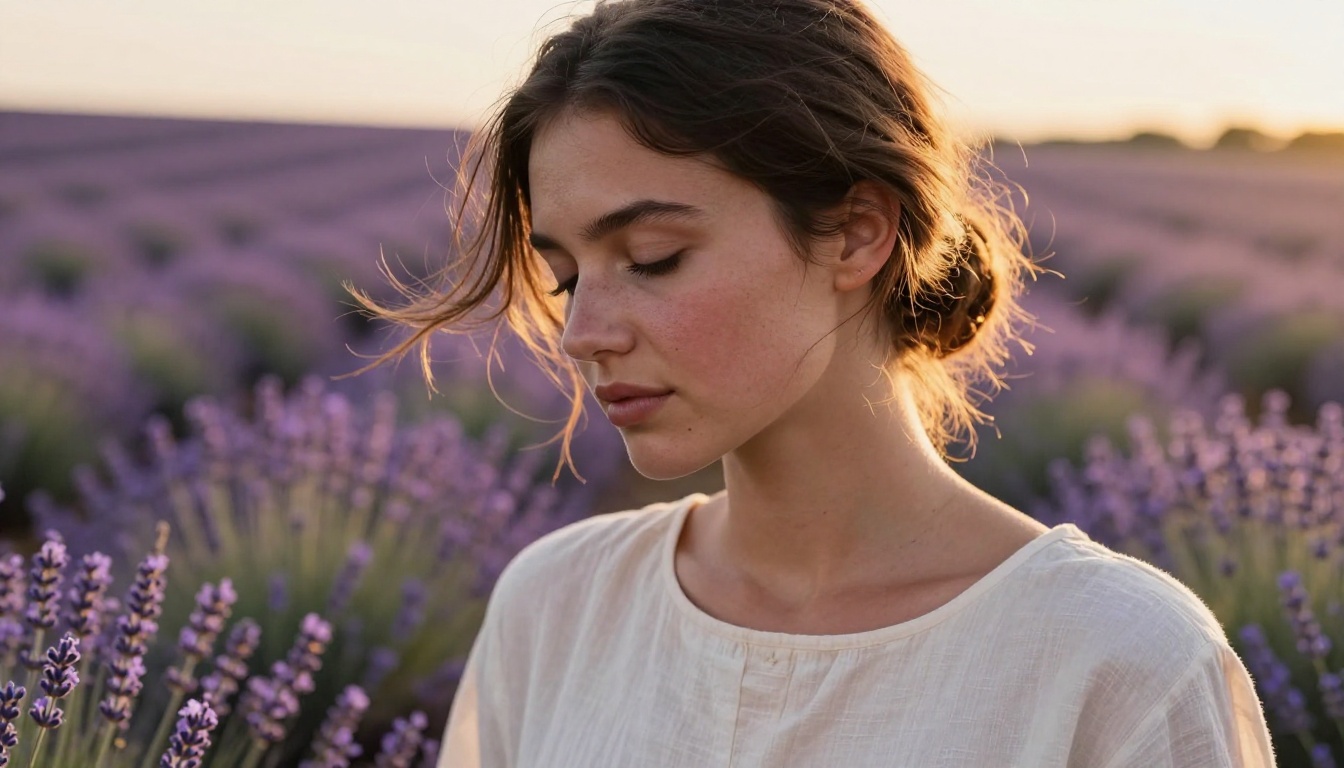
Flux Krea Dev — No More AI Look
Every photographer who has worked with AI image generators knows the problem: an image that is technically detailed but somehow feels wrong. The eyes are slightly too symmetrical. The background details are plausible but don't cohere into a real place. The lighting is everywhere and nowhere.
Flux Krea Dev was built specifically to solve this problem. It is a fine-tuned variant of the Flux architecture that prioritizes photographic naturalness over technical perfection.
What sets it apart
Imperfection is the point. Flux Krea Dev introduces the kinds of subtle irregularities that make a photograph feel authentic: a strand of hair that doesn't quite sit with the others, a slightly uneven cast shadow, the way a fabric fold doesn't follow a perfect curve.
For photographers who generate images for social media, editorial work, or marketing materials that need to feel shot on location, Flux Krea Dev is one of the most reliable tools available. The model also handles unusual or complex prompts better than many alternatives. Describe a candid moment with specific environmental context and it tends to produce a plausible scene rather than a generic template.
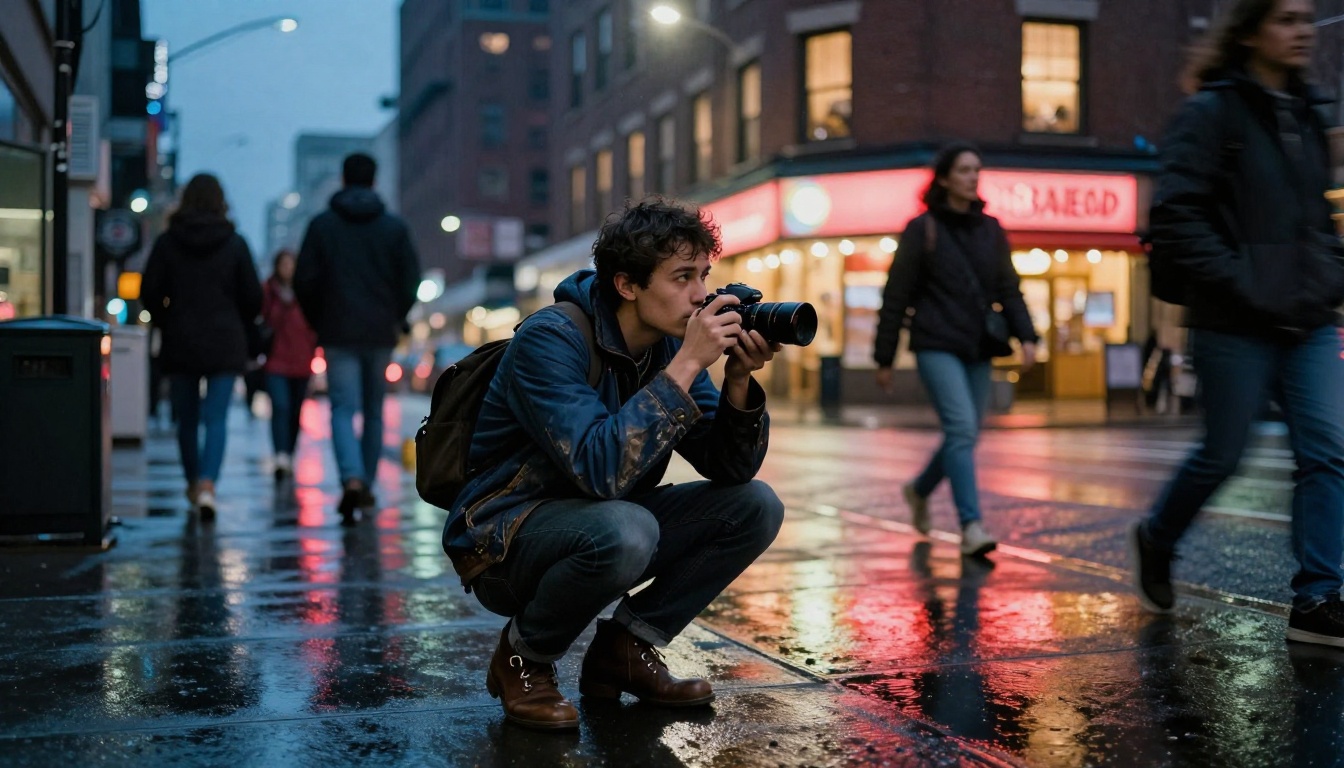
Wan 2.7 Image Pro — Commercial-Grade 4K
Wan 2.7 Image Pro targets the commercial end of photography work. It generates images at 4K resolution with particular strength in product, landscape, and architectural imagery.
Best for product and landscape work
Where Wan 2.7 Image Pro excels is in rendering surfaces and materials. Product photography requires precise rendition of textures: the grain of leather, the matte finish of a ceramic, the specular highlight on a glass bottle. This model handles material rendering at a level that competitive models often miss.
Landscape photographers benefit from its atmospheric accuracy. Horizon haze gradients, the way morning light creates color temperature shifts across a mountain range, the difference between wet and dry sand on a beach: all rendered with precision that previously required extensive post-processing to match.
💡 For product shots, include material descriptors: "brushed matte aluminum body with visible machining marks, softbox fill from the left, stark white backdrop, slight gradient shadow beneath" generates output you can use directly in a client presentation.
Hunyuan Image 2.1 — Portrait Precision
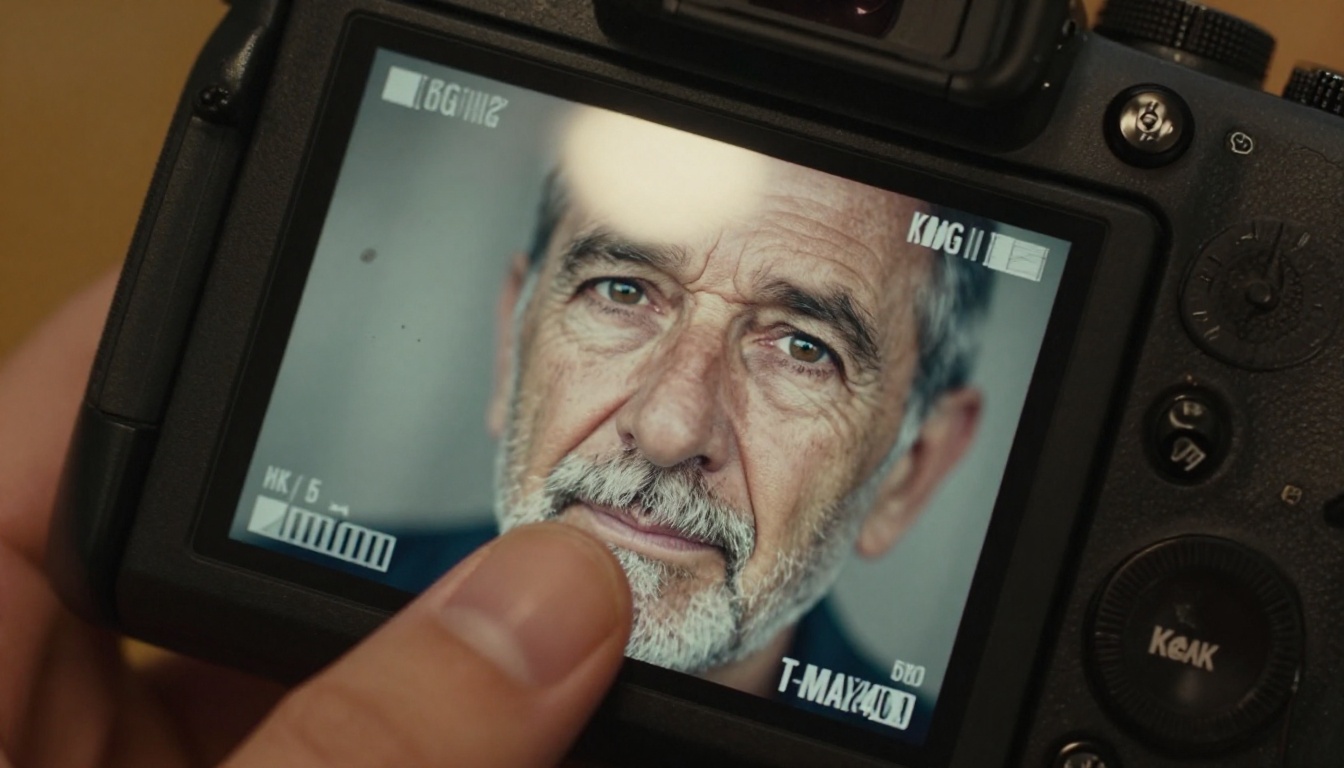
Built by Tencent, Hunyuan Image 2.1 consistently outperforms other models on portrait work. The model was trained with particular attention to facial anatomy, skin tone accuracy across a wide range of ethnicities, and the behavior of light on human skin.
Skin tones and natural lighting
One of the persistent failures of AI image models is skin tone rendering. Models either bleach out darker skin tones by pushing everything toward the middle of the histogram, or they apply a homogenized texture that erases the natural variation and pore structure of real skin.
Hunyuan Image 2.1 handles this noticeably better. Darker skin tones retain the warm depth of melanin-rich skin. Lighter skin tones show the subtle color variation, visible pores, and slight translucency at the ears and cheekbones that makes a portrait feel alive.
For photographers working with clients on headshots, editorial portraits, or beauty photography, this model is a reliable reference and comp tool that won't misrepresent how the final shoot should look.
More Models Worth Using
GPT Image 2
GPT Image 2 is the strongest model available for prompt fidelity. When you write a detailed, specific prompt, GPT Image 2 follows it with a precision that most other models don't match. Photographers working with art directors or clients who provide detailed written briefs will find this model the most reliable for delivering exactly what was specified.
It is particularly strong on complex scene composition: multiple subjects, specific spatial relationships, overlapping elements, and scenes with multiple distinct light sources.
Recraft 20B
Recraft 20B gives photographers unusual control over visual style. While the other models on this list prioritize photorealism, Recraft allows you to dial in a specific aesthetic with more precision. This makes it valuable for photographers who want to generate mood boards, style references, or concept visuals for clients before committing to a shoot.
Its SVG variant, Recraft 20B SVG, is useful if you need vector overlays or print assets derived from AI-generated compositions.
Gen4 Image Turbo
Gen4 Image Turbo from Runway is the speed-first option. When you need to iterate through multiple concepts rapidly, test different compositions, or generate a batch of reference images in a short window, its generation speed makes it the practical choice. Quality is high enough for internal presentations, client mood boards, and early-stage creative development.
Stable Diffusion 3
Stable Diffusion 3 remains relevant for photographers who need flexibility. As an open-weights model, it supports fine-tuning, LoRA customization, and style-specific adaptations that proprietary models don't allow. If you're trying to match a very specific existing visual style, Stable Diffusion 3 is the starting point for that kind of customization work.
Editing and Fixing Photos with AI
Generating images from scratch is only part of what photographers need. The other half is editing, fixing, and extending existing photographs. Several models on PicassoIA handle this directly.
Flux Fill Pro for inpainting
Flux Fill Pro is the most reliable inpainting model currently available for photography work. If you have a shot that's mostly right but has a distracting element, a power line across a sky, an unwanted person at the edge of a frame, an object in a product shot that doesn't belong, Flux Fill Pro removes and replaces it with content that matches the surrounding image at high fidelity.
It handles edges and transitions better than most inpainting tools, which is where the visual artifact problem usually shows up. The replaced region blends into the surrounding image without the telltale patch look that cheaper tools produce.
Qwen Image Edit Plus for adjustments
Qwen Image Edit Plus understands natural language editing instructions applied to existing images. Tell it to "add a warm orange tint to the background and increase the contrast slightly" or "replace the sky with late afternoon clouds" and it executes the instruction accurately while preserving the rest of the image.
For photographers who want to test different post-processing decisions before applying them in Lightroom or Capture One, it functions as a fast visual preview tool.
💡 Use Qwen Image Edit Plus LoRA Relight specifically to adjust the lighting direction and quality in an existing photo, changing the apparent light source after the shot was taken.
Upscaling Your Shots
AI-generated images at standard output resolutions are often sufficient for digital use but fall short for large print work. PicassoIA's super-resolution tools add genuine detail rather than just interpolating pixels.
The upscaling models available on PicassoIA can take a well-generated image and increase it to print-ready resolution while adding fine texture detail that makes the enlarged version look sharper than the original, not just bigger. For photographers who shoot with lower-resolution cameras, work with older files, or need to use crops from wider shots, these tools provide a practical path to print-ready output without a reshoot.
Qwen Image Edit Plus LoRA Upscale is particularly strong for photography work. It adds microdetail that is consistent with the rest of the image rather than inventing texture that breaks the original photographic look. Run a portrait through it and the output retains the original lighting and skin character while adding the sharpness needed for large-format print.
How to Use Seedream 4.5 on PicassoIA
PicassoIA gives you direct access to Seedream 4.5 without any setup or API configuration. Here is how to get the best results for photography work.
Step 1: Open the model
Go to Seedream 4.5 on PicassoIA. No installation or account setup required beyond signing in.
Step 2: Write a technical prompt
Describe your image the way you would brief a photographer, not an AI. Specify the subject and pose, location and time of day, lighting setup with direction and color temperature, camera and lens details, and film stock or color grade.
Example: "Female model, late twenties, standing at a window in a Paris apartment, morning light from camera left through lace curtains, soft shadows on the right side of her face, wearing a loose cream sweater, 85mm f/1.8, Kodak Portra 400 tones, film grain, photorealistic"
Step 3: Set your aspect ratio
For most photography output, use 16:9 for landscape orientation and 9:16 for portrait orientation.
Step 4: Iterate on the prompt
The first generation rarely matches what you visualized exactly. Use it as a starting point, then adjust the lighting description, tighten the spatial detail, or change the color temperature reference. Most photographers find the second or third iteration lands closest to the intended output.
Step 5: Upscale if needed
If the output resolution isn't enough for your use case, take the generated image through Qwen Image Edit Plus LoRA Upscale to add detail and increase dimensions for print.
💡 For portrait work, add a subsurface scattering note to your prompt: "skin with visible subsurface scattering in soft window light" triggers Seedream 4.5 to model the translucency of human skin that makes a portrait feel warm and alive rather than flat.
Start Creating with AI Photography Today
The models in this article are all available on PicassoIA without needing API keys, self-hosting, or technical setup. You go to the model, write your prompt, and get your image.
For photographers, that means the gap between an idea and a visual reference is now measured in seconds rather than days. Generating a mood board for a client, testing a lighting concept before a shoot, creating placeholder images for a layout, building a portfolio of creative concepts: all of it happens in the time it takes to write a good prompt.
The models that deliver the most value right now are Seedream 4.5 for photorealistic portraits and landscapes, Flux Krea Dev when naturalness matters more than perfection, and Wan 2.7 Image Pro for commercial and product work. Start with those three, build familiarity with how each responds to different prompts, and then expand into the editing and upscaling tools as your workflow demands them.
The photographers getting the most out of AI right now aren't replacing their craft with it. They're using it as a fast, flexible extension of the same creative process they've always followed. Try PicassoIA and see which model fits yours.


