Anime character generation has become one of the most contested corners of the AI art world. Every major image model claims to "support anime," but there's a wide gap between a model that can approximate anime aesthetics and one that actually understands what makes a character feel alive, expressive, and intentional.
Whether you're building out a visual novel, creating original characters for social media, or just exploring what AI art can do, choosing the right model changes everything. The wrong one gives you flat faces, awkward anatomy, and eyes that feel dead. The right one gives you characters that look like they stepped out of a professional studio.
This breakdown covers the best AI model for anime characters available right now, with honest comparisons on what each one actually does well, where it falls short, and exactly how to use each one on PicassoIA.
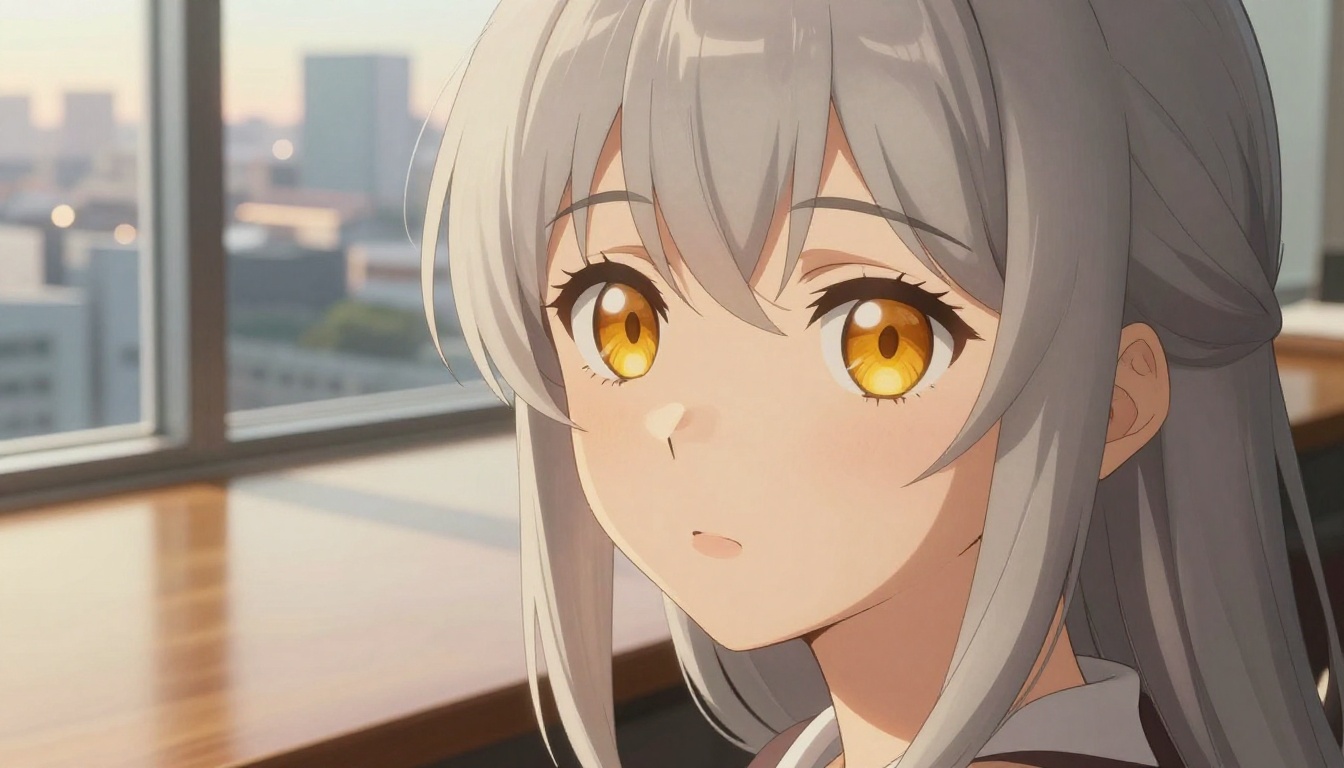
Why This Is Harder Than It Looks
Anime is not one style
When someone says "anime style," they could mean anything from the soft watercolor palette of a romance series, to the flat bold lines of a battle shonen, to the hyperdetailed rendering of a dark fantasy, to the pastel cute-core of a slice-of-life. These are radically different visual languages.
Most general-purpose AI models flatten all of this into a single vague anime aesthetic, which usually means oversized eyes, smooth skin, and pastel hair. That's the bare minimum. A genuinely strong anime model knows the difference between shounen, shojo, seinen, and isekai visual registers, and it responds to prompt nuance instead of defaulting to the same face on every generation.
The distinction matters because if you're prompting for a determined warrior character with sharp angular features and you get back a soft romantic portrait, the model has failed at something fundamental. Style specificity is the first real test of any anime generation model.
What actually separates good from bad
Three things make or break an anime character generation:
- Eye expressiveness: In anime, eyes carry roughly 80% of the emotional weight. A model that generates flat, glassy eyes produces characters that feel hollow regardless of how technically correct everything else is.
- Hair physics: Anime hair has its own visual language, with dramatic swoops, vivid color gradients, and strands that move with purposeful intent. Bad models make hair look like a plastic helmet poured over the skull.
- Proportion consistency: Anime bodies follow stylized proportion rules that differ by subgenre. A model that drifts toward photorealistic anatomy produces an uncanny in-between that belongs to neither world.
Beyond these three, prompt responsiveness matters. The best models shift meaningfully when you adjust descriptors. If changing "sad expression" to "fierce expression" barely changes the output, the model isn't actually reading your prompt.
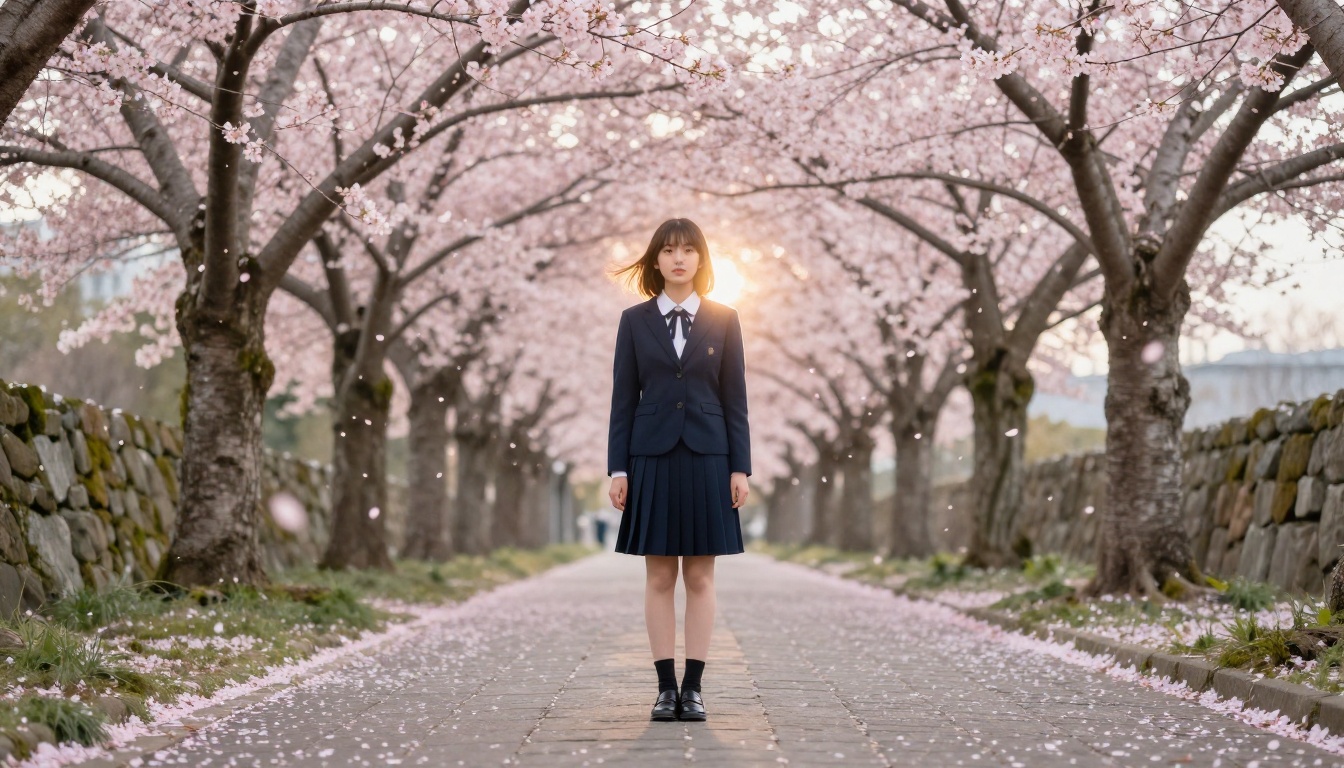
The Top Contenders Right Now
Proteus v0.3: Built for anime
Proteus v0.3 is the most directly anime-focused model currently available on PicassoIA. It was trained with heavy emphasis on stylized character art, and it shows in every detail. Eye rendering is consistently strong with visible iris gradients and natural catchlights. Hair flows with the kind of purposeful physics anime artists draw by hand. The model responds meaningfully to style-specific prompts like "shojo aesthetic" or "seinen dark palette" in ways that other models simply don't.
Where Proteus shines:
- Eye catchlights rendered with emotional depth and multi-tone iris detail
- Hair volume with natural anime-specific movement and sheen
- Character poses that feel dynamic rather than mannequin-stiff
- Style responsiveness to subgenre-specific descriptors
Where it stumbles: backgrounds can default to generic without explicit prompting, and extreme action poses sometimes distort proportions around the joints. For close-up and medium character shots without complex backgrounds, Proteus is the clear starting point.
💡 Tip: Adding a genre reference to your Proteus prompt dramatically improves style consistency. "Shojo romance" and "dark seinen" produce noticeably different outputs even at the same character description.
SDXL and its anime-capable LoRAs
SDXL is the architecture backbone that many specialized character models are built on. On its own, it produces competent but fairly generic anime-adjacent results. Its real power in anime work comes through its LoRA compatibility, where style-specific training layers significantly change its output behavior.
SDXL Lightning 4Step adds generation speed without a significant quality drop. When you're in the character design phase and need to generate 20 to 30 variations to find the right face, hairstyle, or costume direction, Lightning 4Step is where you do that iteration. It's not the final-render model, but as a concept-development tool it genuinely fits the workflow.
The tradeoff: SDXL requires more precise prompting than Proteus. It won't interpret "shojo character with expressive eyes" as naturally and needs more explicit style direction spelled out. But once you learn its prompting conventions, the breadth of style range is wider than Proteus.
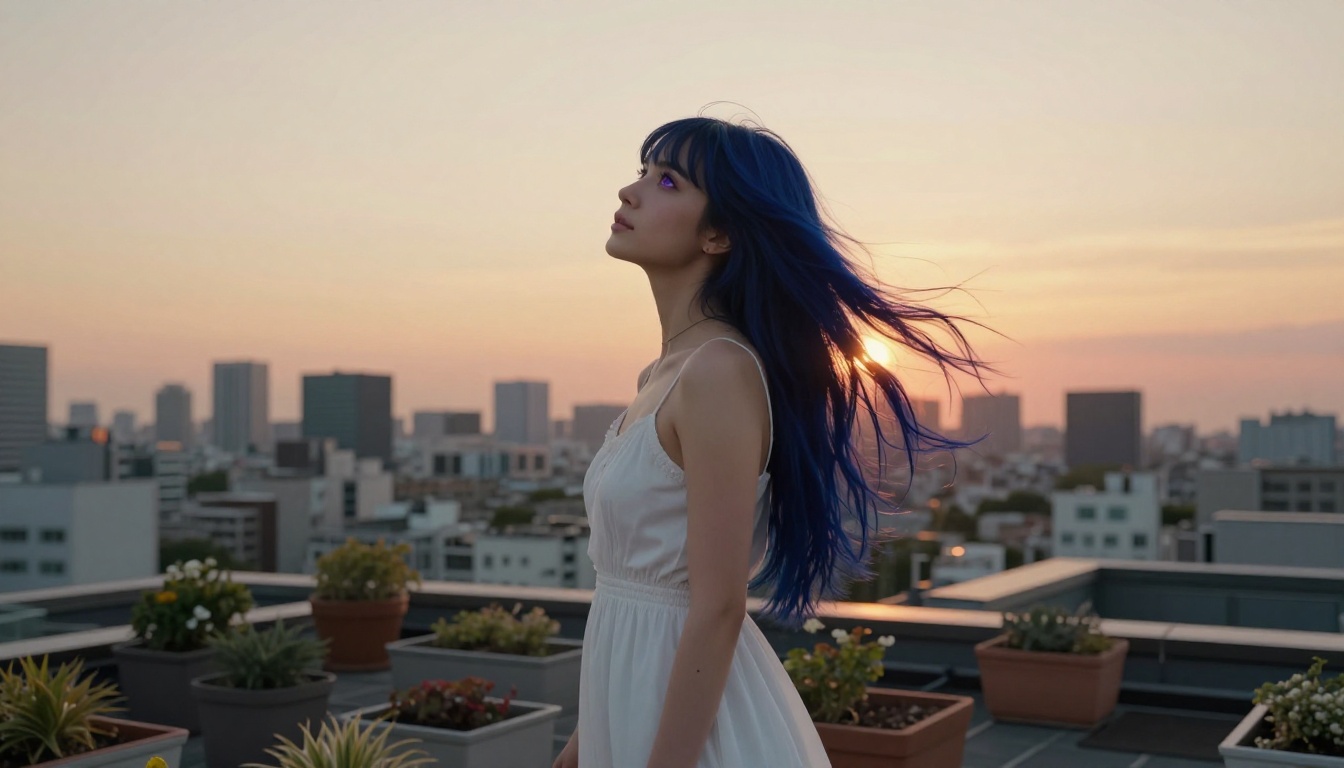
Qwen Photo to Anime: A different approach entirely
Qwen Image Edit Plus LoRA Photo to Anime works fundamentally differently from every other model on this list. Instead of generating characters from text alone, it converts a reference photograph into an anime rendering of that same subject.
This matters for a specific and underserved use case: creating an anime version of a real person, building a character based on a photo reference, or converting a costume reference image into stylized character art. Qwen Photo to Anime handles that translation step with a level of facial structure preservation that pure text-to-image models physically cannot replicate. The source likeness carries through. Proportions shift toward the anime register. Hair gets stylized while retaining the reference silhouette.
The limitation is clear: you need a source image. For generating original characters from scratch, this tool doesn't apply. But for personalized anime avatars, cosplay character art, or adapting a real-world reference, it fills a gap nothing else does.
💡 Pro tip: Use a clean front-facing portrait with neutral background and even lighting as your Qwen source image. Side profiles and dramatic lighting tend to reduce conversion accuracy.
Seedream 4.5: Where realism meets anime flair
Seedream 4.5 occupies a niche that's increasingly popular: the semi-realistic anime portrait. If you want a character that reads as anime but with photorealistic skin texture, detailed fabric rendering, and physically plausible lighting, this is your model.
This aesthetic appears heavily in modern visual novels, high-end character illustration, and commercial game art where the goal isn't pure traditional anime flatness but something richer that holds up to close inspection. Seedream 4.5 handles:
- Skin rendering with subtle translucency and natural pore texture
- Fabric detail on costumes, with material weight and wrinkle behavior that feel tactile
- Mixed lighting where anime-style color vibrancy coexists with photorealistic shadow depth
- Hair rendering with individual strand definition and natural sheen
The downside: it leans toward the realistic end of the spectrum, which may pull artists away from the pure cel-shading look. For hard-edge anime flatness, this isn't the model. For the increasingly popular semi-realistic anime portrait style, nothing else competes.
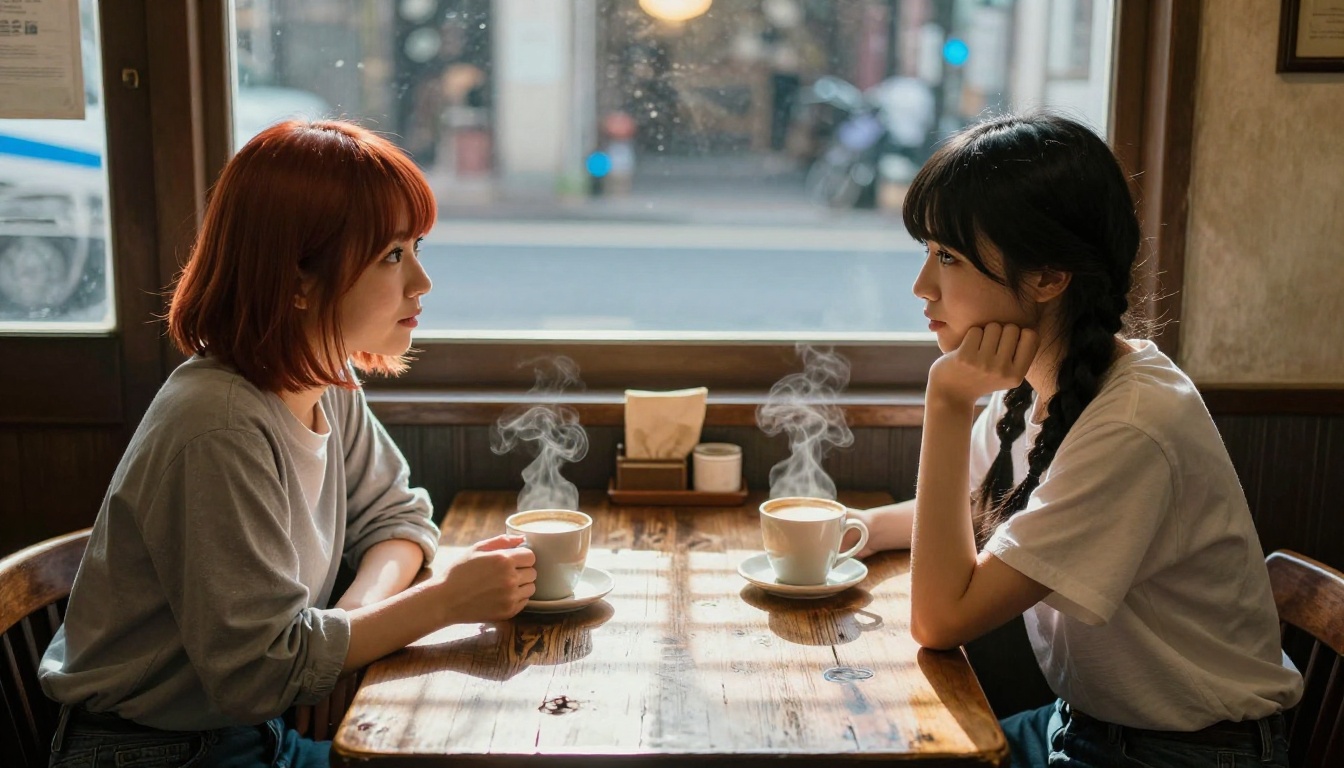
Flux Schnell LoRA: Fast iteration without losing quality
Flux Schnell LoRA brings Flux's architecture to the fast-iteration use case. When you're drafting a character, establishing core design elements like proportions, color palette, and personality feel before committing to a full detailed render, speed is a real asset.
It's not a final-render model and doesn't pretend to be. But the quality-to-speed ratio is strong enough for making real design decisions during the concept phase, which makes it part of a practical workflow rather than a compromise.
Head-to-Head: Character Feature Comparison
| Feature | Proteus v0.3 | SDXL Lightning | Seedream 4.5 | Qwen Photo→Anime | Flux Schnell LoRA |
|---|
| Eye expressiveness | ★★★★★ | ★★★☆☆ | ★★★★☆ | ★★★★☆ | ★★★☆☆ |
| Hair physics | ★★★★☆ | ★★★☆☆ | ★★★★★ | ★★★☆☆ | ★★★☆☆ |
| Pose accuracy | ★★★★☆ | ★★★☆☆ | ★★★★☆ | ★★★☆☆ | ★★★☆☆ |
| Style range | ★★★☆☆ | ★★★★★ | ★★★☆☆ | ★★☆☆☆ | ★★★★☆ |
| Generation speed | ★★★☆☆ | ★★★★★ | ★★★☆☆ | ★★★★☆ | ★★★★★ |
| Background quality | ★★★☆☆ | ★★★★☆ | ★★★★★ | ★★★☆☆ | ★★★☆☆ |
| Prompt responsiveness | ★★★★★ | ★★★★☆ | ★★★★☆ | ★★☆☆☆ | ★★★★☆ |
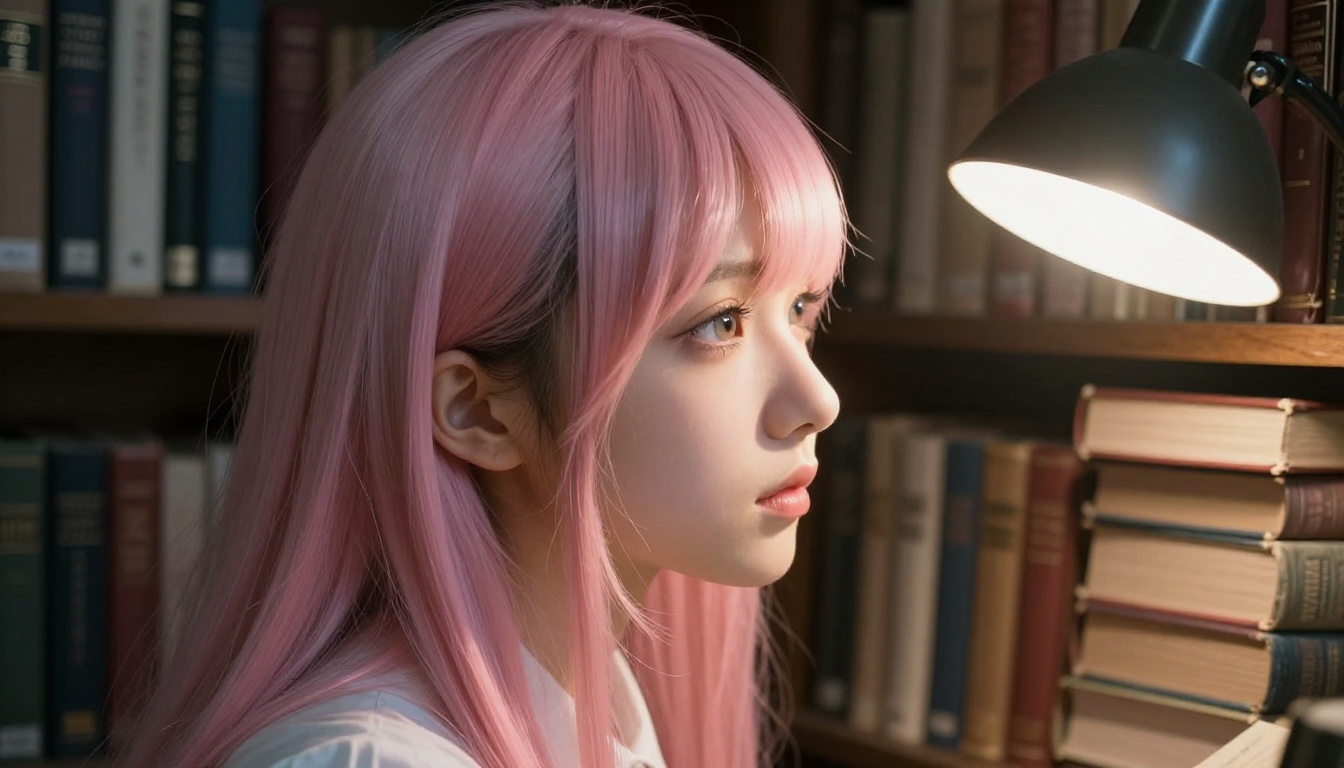
Which Model Wins for Specific Styles?
Classic shounen and shojo
For the traditional anime look: expressive eyes with multi-tone irises, bold vivid hair colors, and the slightly flat but polished rendering quality that defines mainstream anime character art, Proteus v0.3 is the clearest answer. It handles this range more naturally than any other model on the platform.
Prompts that perform well with Proteus for this style:
shojo anime girl, large luminous eyes, soft pastel color palette, detailed iris with multiple tones, flowing rose-gold hair, gentle smileshounen warrior, determined expression, spiky dark hair, angular jaw, dynamic three-quarter pose, bold line weight, vibrant colors
Dark gothic anime aesthetics
For dark fantasy characters with silver or black hair, gothic lolita styling, deep shadow work, or candlelit atmospheric scenes, Seedream 4.5 actually outperforms Proteus here. The realistic lighting engine gives shadows and low-key illumination the physical depth that cel-shading models struggle with. A character in a candlelit stone corridor reads as genuinely atmospheric in Seedream in ways that feel flat in Proteus.
Semi-realistic anime portraits
This is where the field gets genuinely interesting for professional use. If you're generating character art for commercial applications, cover illustrations, or high-quality prints where the image needs to hold up at large sizes and close inspection, Seedream 4.5 paired with specific texture prompting produces results that read as anime but feel substantive. The combination of anime proportions and facial features with photorealistic material rendering hits a visual register that's increasingly popular in the industry.
Quick character concepting
For speed and volume, the combination of SDXL Lightning 4Step for rough exploration followed by Proteus v0.3 for final renders is a practical professional workflow. Draft 20 to 30 variations quickly, find the character direction that resonates, then port the winning concept to Proteus for the final detailed output.
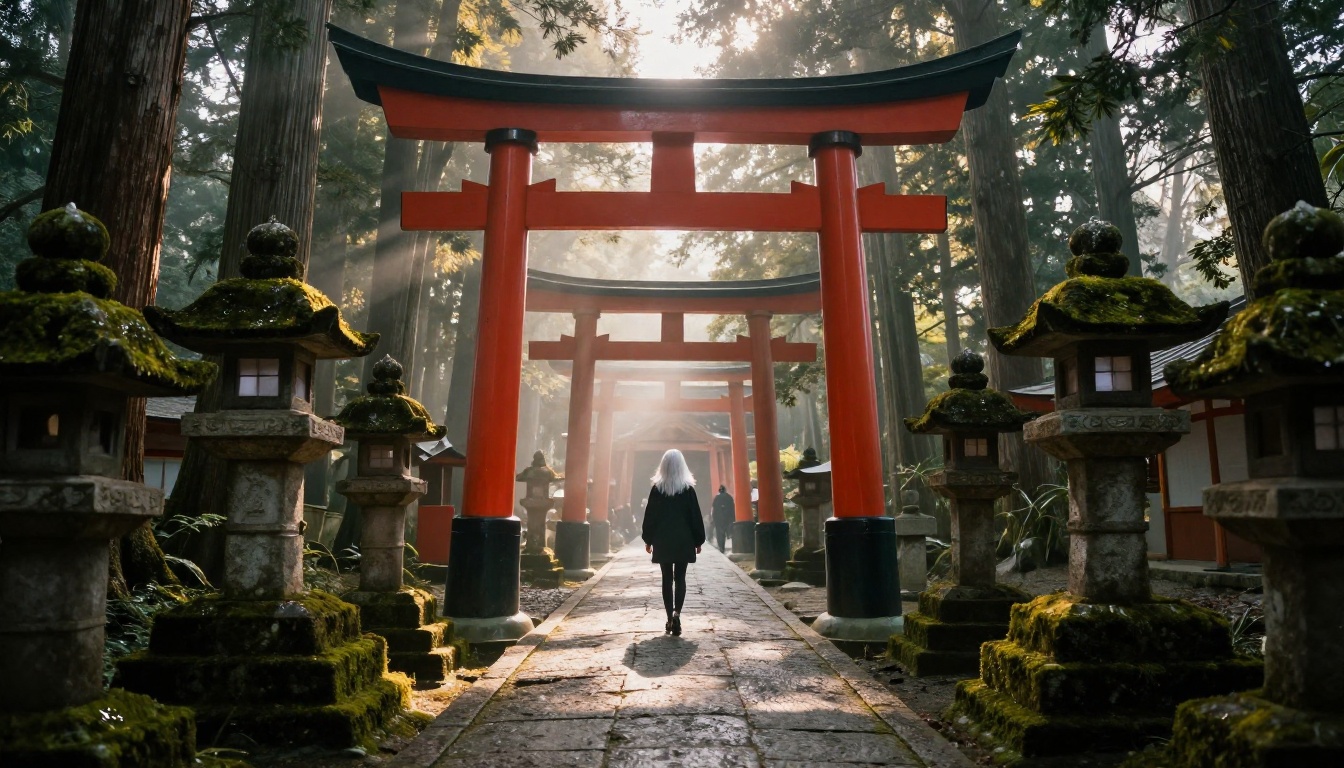
How to Use Proteus v0.3 on PicassoIA
Since Proteus v0.3 is the standout model for pure anime character work, here is exactly how to use it effectively.
Step 1: Navigate to Proteus v0.3 on PicassoIA and open the generation interface.
Step 2: Choose your aspect ratio based on shot type. For close-up portraits: 1:1. For full-body character sheets: 2:3 or 9:16. For scene compositions: 16:9.
Step 3: Write a detailed positive prompt in this order: character description, expression, clothing, background, lighting. Example:
anime girl, shojo style, large expressive violet eyes with detailed iris and distinct catchlights, long rose-gold hair with flowing strands, wearing a white sundress with lace trim, standing on a sunlit wooden balcony, soft afternoon light from the left, shallow depth of field, detailed fabric wrinkles
Step 4: Add a negative prompt to block common failure modes:
blurry, bad anatomy, extra limbs, deformed hands, disfigured, flat colors, western cartoon style, 3D render, CGI, watermark, text
Step 5: Generate and iterate. Proteus responds sharply to prompt adjustments. If eyes lack expressiveness, add extremely detailed eyes, multi-tone iris, distinct pupil, long individual eyelashes to the positive prompt. If hair looks flat, add volumetric hair strands, natural sheen, individual strand definition.
💡 Pro tip: Proteus responds well to mood words beyond just expression descriptors. Adding words like "wistful," "defiant," "serene," or "playful" shifts the overall composition and lighting direction, not just the facial expression.
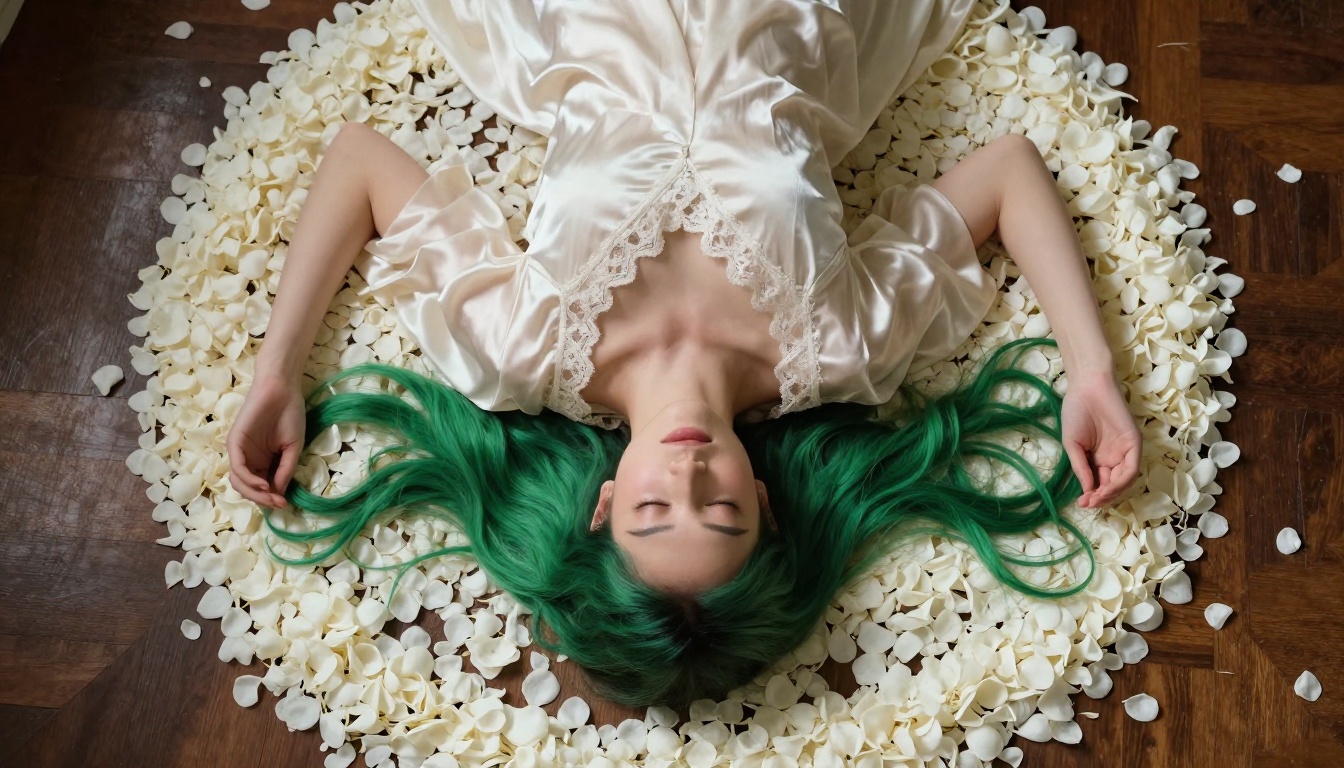
Prompt Tips That Change Everything
Eye and facial descriptors
Eyes are the hardest element to get right and the most important to the final result. Always include:
detailed iris with multiple tonesdistinct catchlightslong individual eyelashes with visible separation- A specific emotion state:
gentle smile, determined gaze, wistful expression, fierce focus
Vague descriptors like "beautiful eyes" produce generic results across every model. Specific descriptors produce characters with presence.
Clothing and costume detail
Anime costumes carry enormous character information. The more precise your description, the more the model has to work with:
Vague: school uniform
Specific: navy pleated skirt, white button-up shirt with a wide sailor collar, red ribbon tie at the neck, knee-high white socks with single navy stripe at the top
Material specificity also matters. Silk, worn cotton, stiff starched linen, and metallic plate armor all produce different visual texture behavior. Naming the material tells the model both how it looks and how it moves.
Background and atmosphere
Backgrounds in anime are often highly atmospheric rather than literally descriptive. Push toward atmospheric language:
cherry blossoms drifting in soft focus, warm bokehnarrow sunlit urban alley with golden afternoon glow on stone wallsmoonlit courtyard with paper lanterns casting amber circles of light on wet stone
A strong atmosphere descriptor elevates the entire image from a character reference sheet to a scene with emotional weight.
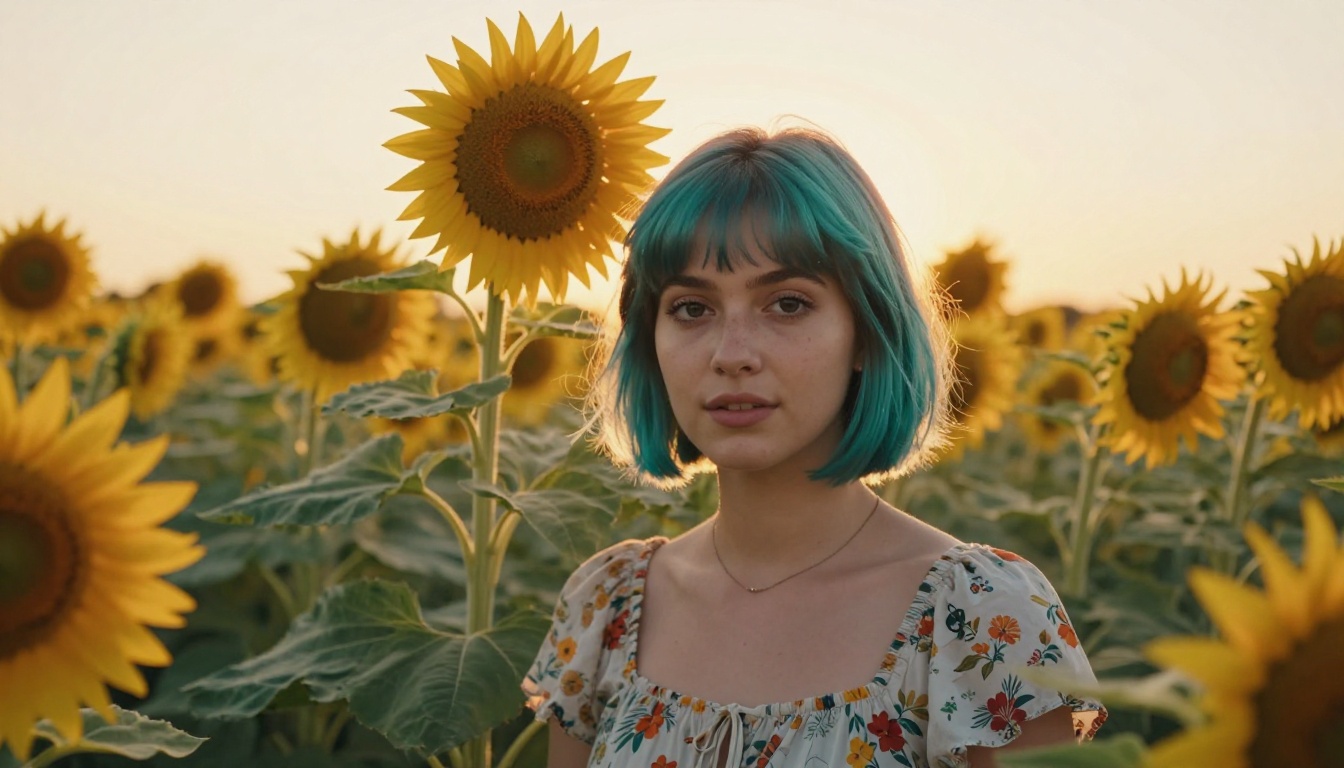
The Realism Spectrum
One underrated consideration when choosing an anime model is where on the realism spectrum you want to sit. This isn't about quality levels. It's about aesthetic intent, and getting this wrong wastes generation time.
| Style Position | Best Model | Primary Use Case |
|---|
| Pure cel-shaded anime | Proteus v0.3 | Visual novels, character sheets, fan art |
| Semi-realistic anime | Seedream 4.5 | Cover art, commercial illustration, prints |
| Photo-to-anime conversion | Qwen Photo to Anime | Personalized avatars, cosplay renders |
| Fast concept iteration | SDXL Lightning 4Step | Character design drafting, rapid variation |
| LoRA style customization | Flux Schnell LoRA | Custom style workflows, niche aesthetics |
Neither end of this spectrum is better. The choice belongs entirely to the project and what it needs. A fast-paced mobile game with 200 character portraits has different requirements than a single limited-print illustration. Matching the model to the actual production context saves significant iteration time.
If you want to push the generated images even further in post, PicassoIA's Super Resolution tools can upscale your anime character art to 4x without introducing the usual AI upscale artifacts, which matters when you're working toward print or high-DPI screen output.
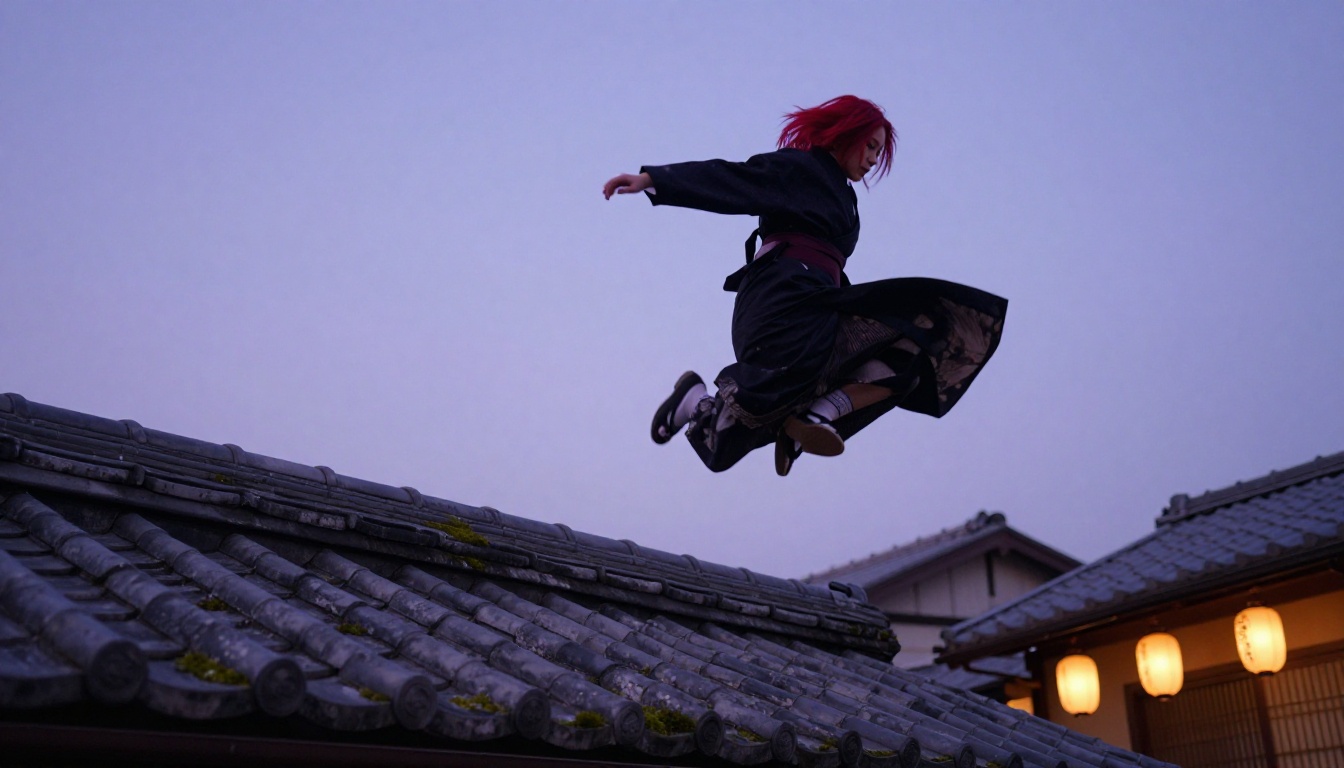
Start Generating Your Own Anime Characters
The gap between knowing which model is best and actually producing results closes quickly once you start generating. Reading about Proteus v0.3's eye rendering is useful context; running 20 variations of the same character prompt and watching what shifts is where the real learning happens.
PicassoIA has all the models discussed here available without installation, local hardware, or technical setup. Proteus v0.3 for pure anime character work, Seedream 4.5 for semi-realistic portraits, SDXL and SDXL Lightning 4Step for iteration and broad style range, Qwen Photo to Anime for source-photo conversions, and Flux Schnell LoRA for fast custom workflows are all ready to use.
Start with a character concept. Run it through Proteus. Then run the same prompt through Seedream 4.5 and look at the difference. That comparison tells you more about the model distinction than any written description can. Once you find the model that fits your aesthetic, the iteration becomes about prompt refinement rather than model selection.
Every character worth creating starts as an idea and a first generation. The rest is adjustment. All the models are waiting at picassoia.com/en/all-models.


