Best AI Model for Fantasy Art: The Models That Actually Deliver
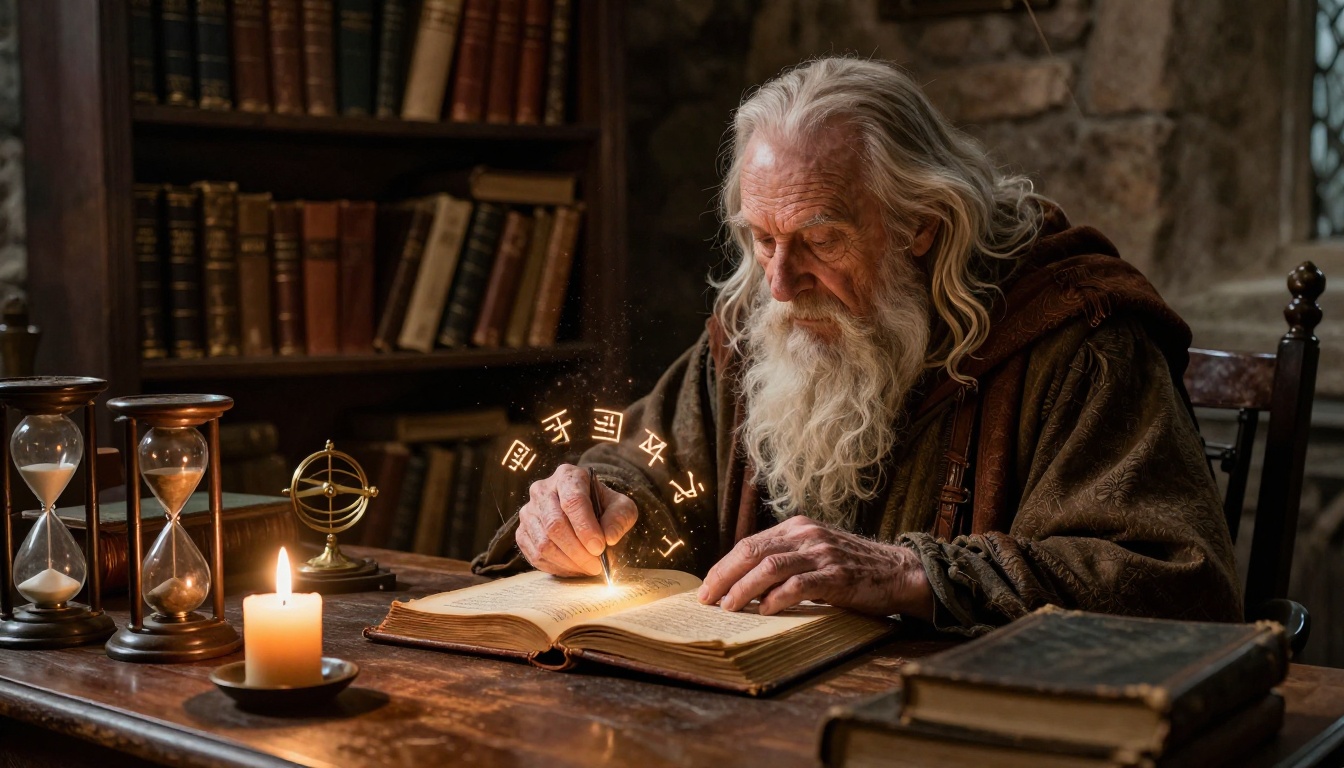
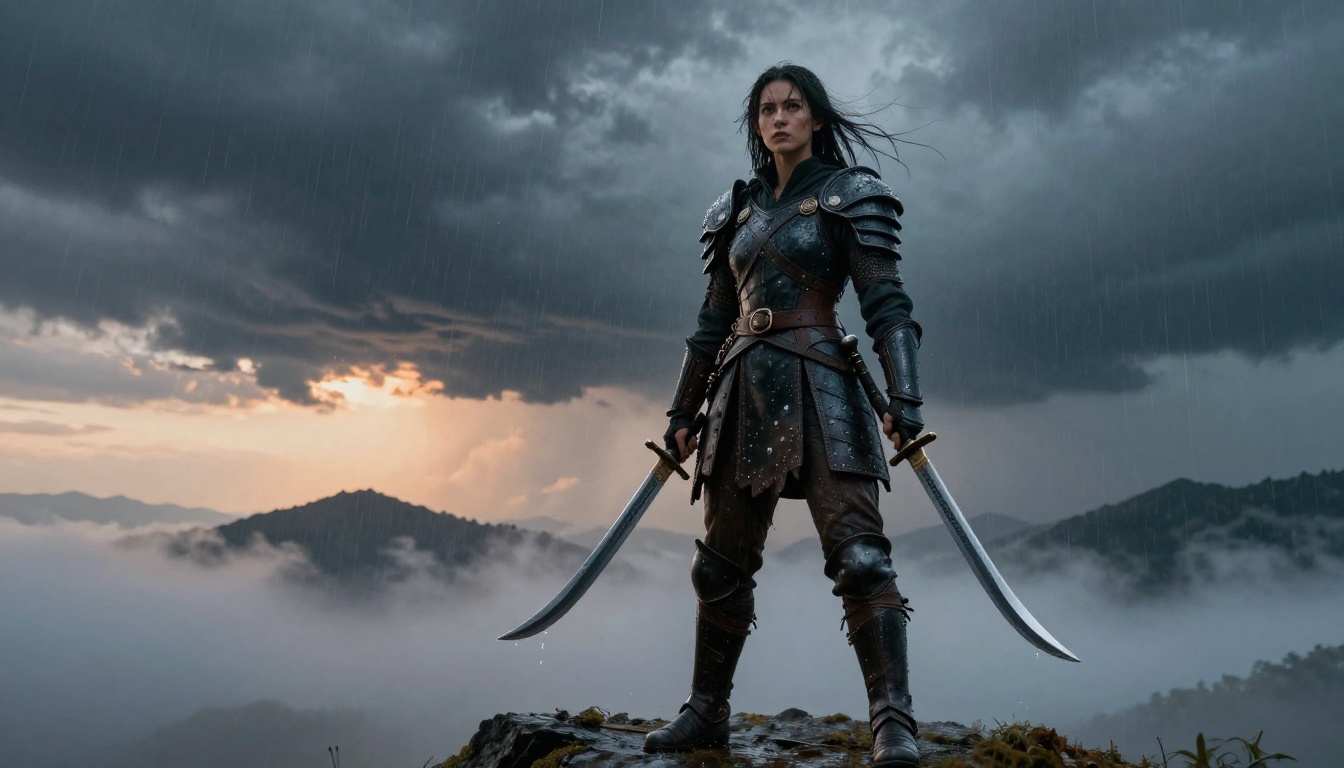
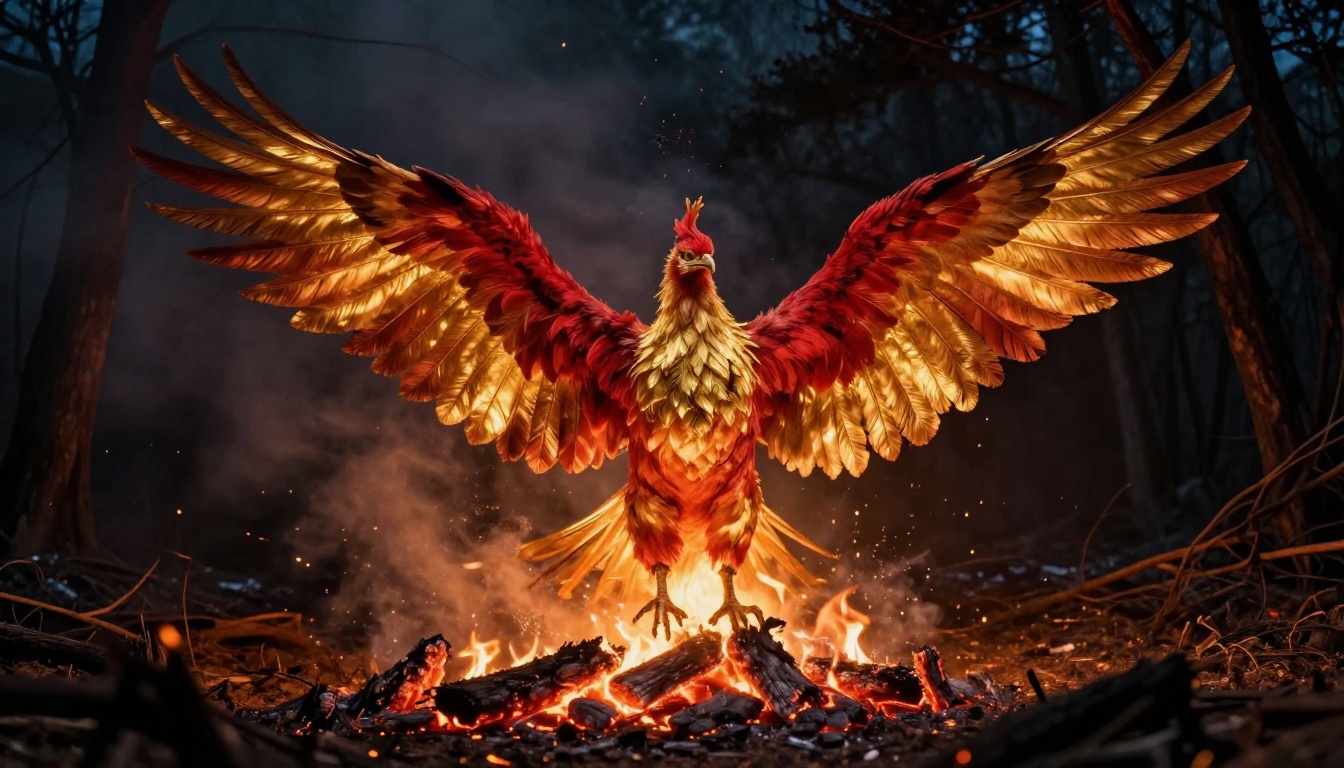
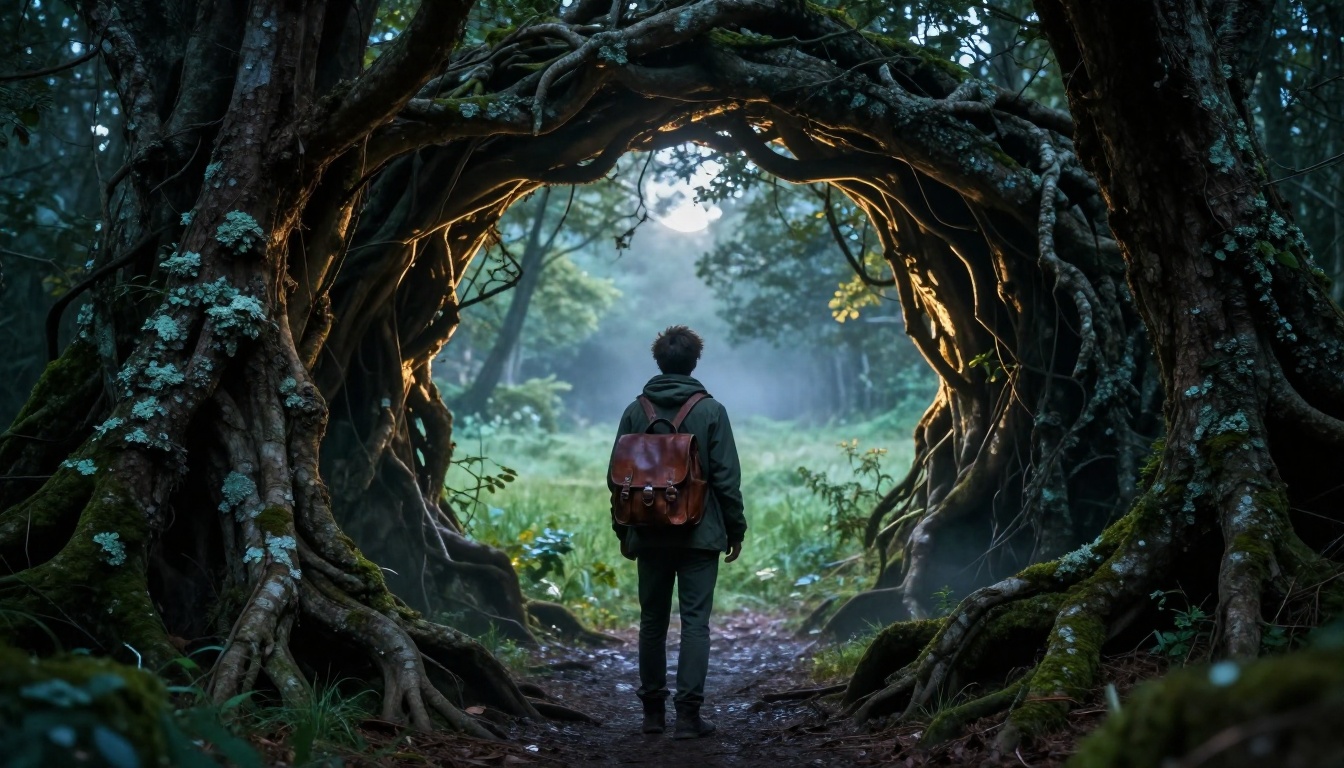
Fantasy art demands models that handle intricate creature designs, dramatic lighting, and epic world-building details. This article breaks down the top AI models available in 2026 for every fantasy sub-genre, from dark sorcery and mythical beasts to floating kingdoms and enchanted forests, so you can pick the right tool for stunning results.
Fantasy art has always lived at the edge of what is technically possible. For centuries, painters worked in oil and gouache to bring dragons, sorcerers, and enchanted worlds to life. Today, AI image generators are rewriting what one person can create in an afternoon. But not every model is built for the demands of high-quality fantasy imagery.
Some AI models struggle with complex lighting that makes magic feel real. Others fall apart when rendering mythical creatures that have no photographic reference in their training data. A few excel at epic landscapes but fail when you need a battle-worn hero with convincing anatomy and expressive detail.
This article breaks down which AI models actually deliver for fantasy art in 2027, what each one does best, and how you can use them on PicassoIA to create the images you are imagining.
Why Fantasy Art Challenges Most AI Models
The Detail Problem
Fantasy art is not just a matter of style. It demands an unusual density of detail: a dragon's individual scales catching light differently from each angle, the way firelight plays across hammered steel armor, the micro-textures of stone ruins covered in centuries of lichen. The difference between a convincing fantasy image and a generic one usually comes down to whether the model can hold these details together across the entire frame without collapsing into incoherence at the edges.
Many AI models are trained heavily on photography and optimized for realism in familiar contexts. Ask them to generate a convincing wyvern and the anatomy collapses. Ask them for an enchanted forest at dusk and the lighting feels flat. The models that succeed with fantasy art are the ones with broad enough training to handle subjects that have little or no direct photographic reference.
Lighting and Atmosphere
Nothing sells a fantasy scene faster than dramatic lighting. Volumetric rays through forest canopies, the orange glow of smoldering embers, moonlight filtered through heavy fog: these atmospheric conditions are what make fantasy feel immersive rather than staged.
AI models vary enormously in their ability to render complex light behavior. The best ones understand how light interacts with surfaces, how silver armor reflects a blue midnight sky, how translucent dragon wings glow differently depending on what is behind them. This is where the gap between top-tier and average models becomes most visible.
FLUX 2: The Current Top Performer
The FLUX 2 Pro model from Black Forest Labs sits at the top of most fantasy art rankings in 2027, and for good reason. It handles complex multi-element compositions, the kind where a sorceress, a crumbling tower, and a storm-lit sky all need to be believable at the same time, with an accuracy that earlier models could not match.
What FLUX 2 Handles Well
FLUX 2 Pro excels at several things that matter specifically for fantasy art:
Character anatomy in unusual configurations: digitigrade legs, non-human proportions, creature anatomies that blend familiar and unfamiliar forms
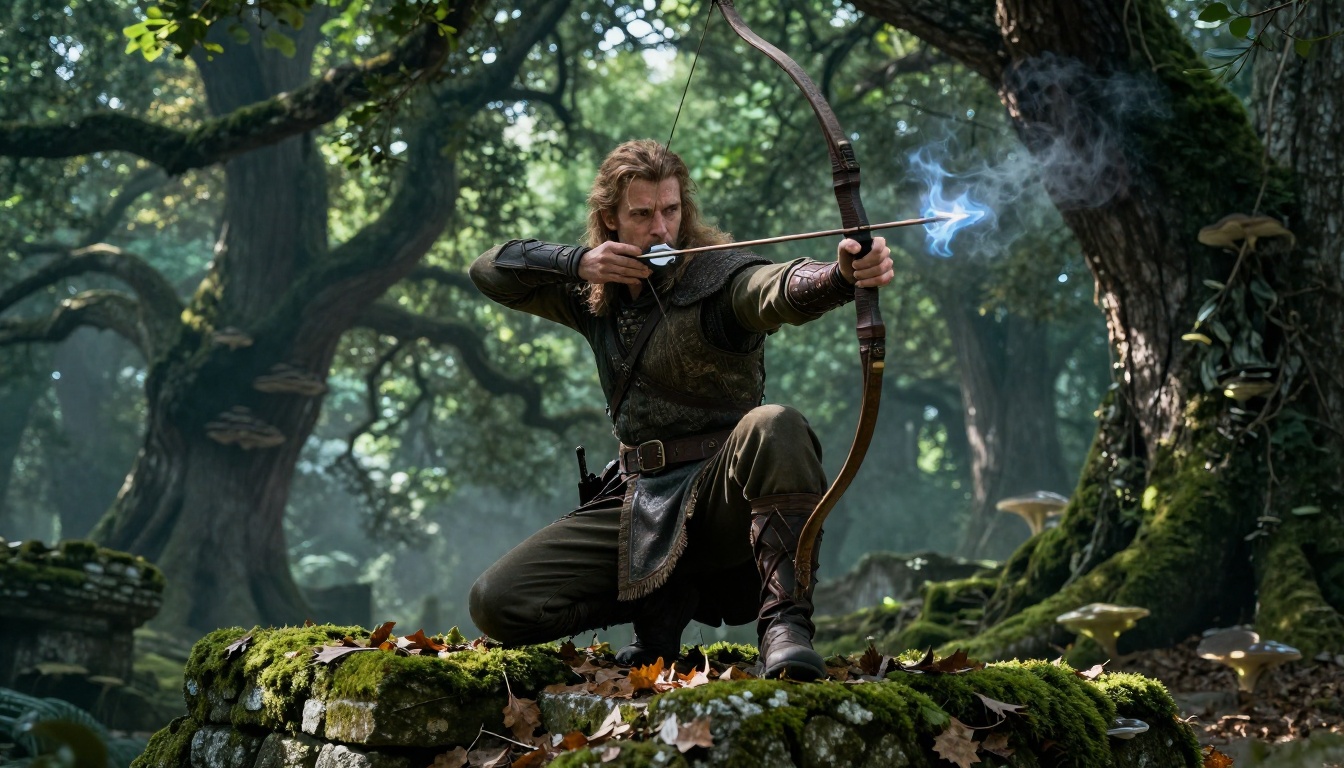
Dramatic atmospheric lighting: moonlight, firelight, bioluminescent sources, and multi-directional light in the same scene
Multi-element scenes: multiple distinct subjects coexisting without compositional collapse at the edges of the frame
For experimentation, FLUX Dev is available for rapid iteration. For final production pieces at maximum resolution, FLUX 2 Max pushes detail further than the standard Pro tier. If you want fast results on a budget, FLUX Schnell delivers solid outputs in seconds.
Best Settings for Fantasy
When using FLUX 2 Pro on PicassoIA, lean on longer and more descriptive prompts. Include lighting direction explicitly, for example "volumetric moonlight from upper right," surface texture details like "rough sandstone with hairline cracks," and camera lens specifics such as "85mm f/1.4 shallow depth of field." FLUX 2 rewards this level of specificity with proportionally better outputs.
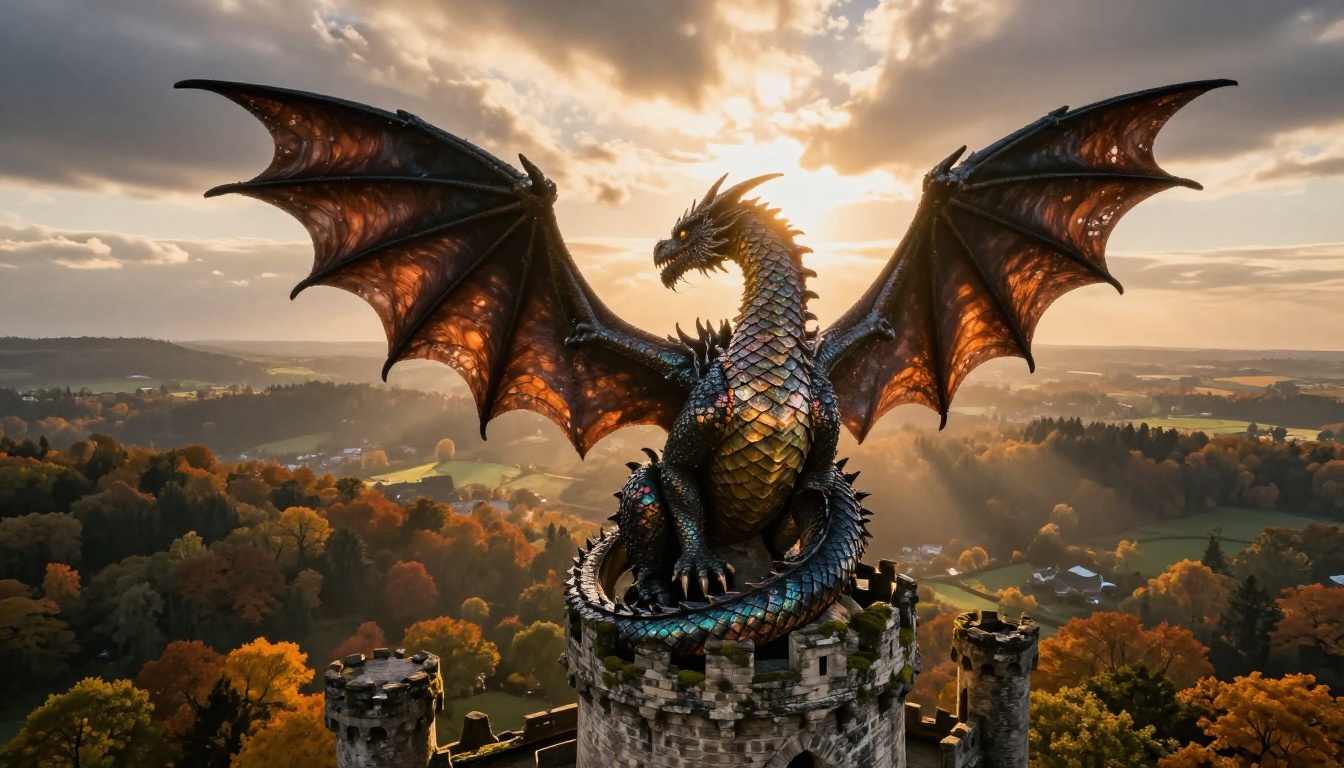
💡 Tip: For creatures, describe anatomy explicitly. Instead of "a dragon," write "a quadrupedal dragon with bat-like wings and a serpentine neck, obsidian scales each catching light independently at a different angle." The model handles it with precision.
Stable Diffusion 3.5 for Epic Scenes
Stable Diffusion 3.5 Large occupies a different niche. Where FLUX 2 Pro shines on character-focused and atmospheric compositions, SD 3.5 Large is particularly strong for large-scale epic scenes where the scale and grandeur of a fantasy world need to be communicated clearly across the full image.
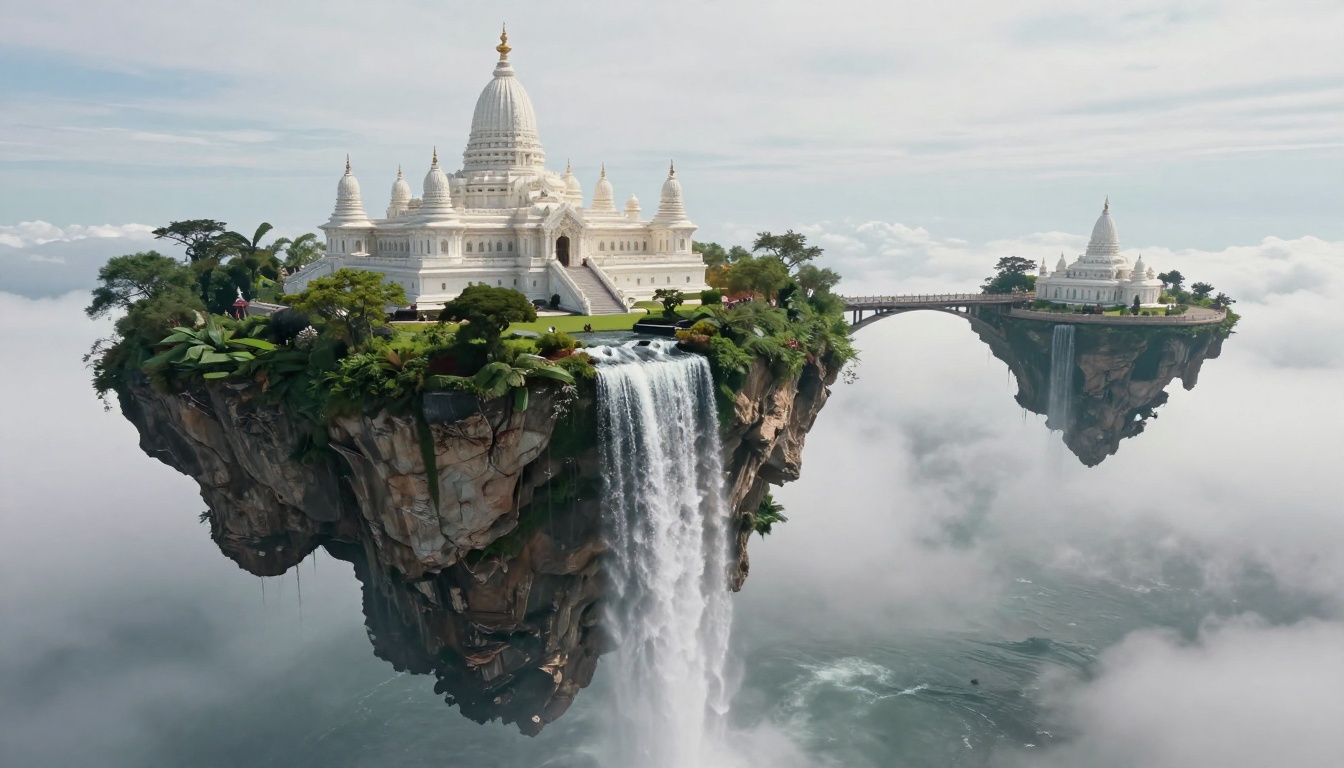
SD 3.5 Large is the model to use when you want a floating island kingdom with waterfalls cascading into clouds below and distant marble temples on the terraces. It handles that kind of spatial complexity without losing coherence at the edges of the frame, which is something several competitors struggle with at this scale.
Dark Fantasy With SD
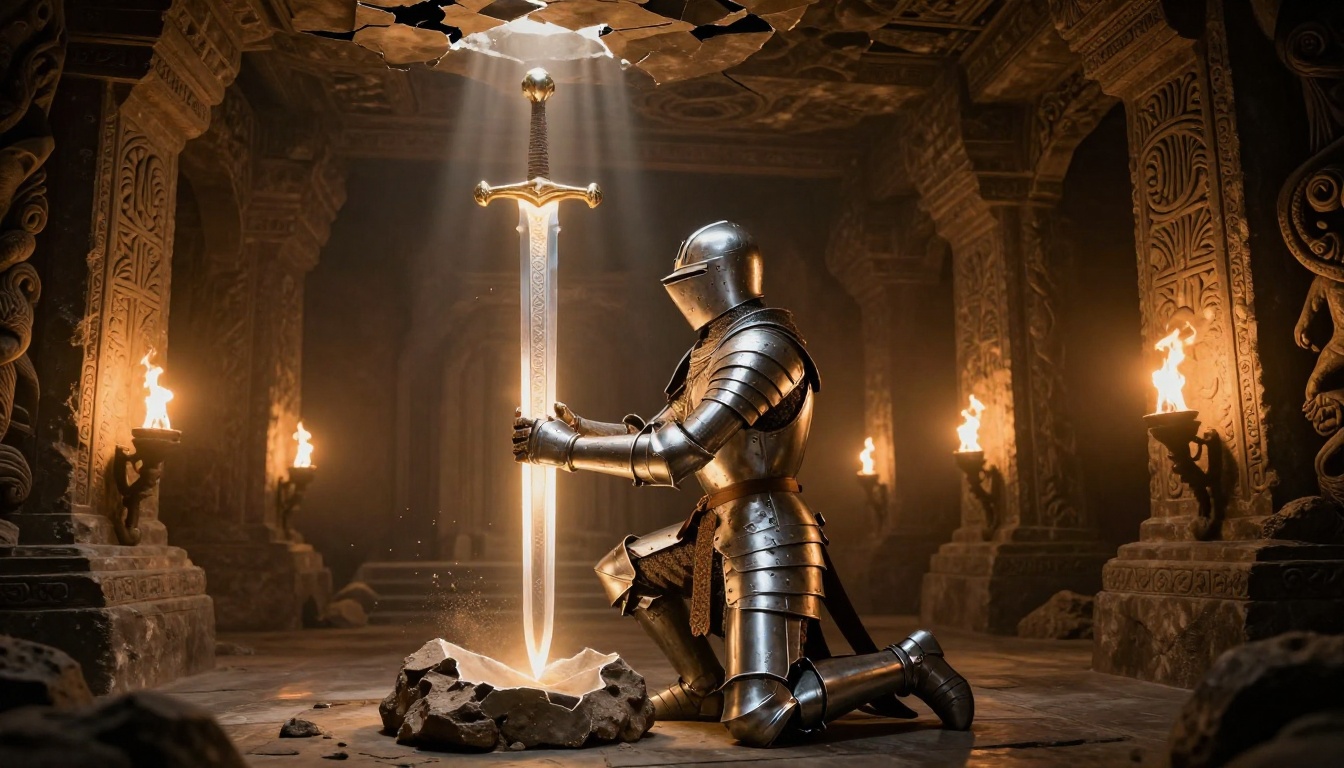
Stable Diffusion 3.5 Large also handles dark fantasy exceptionally well. Subterranean scenes, dread fortresses, scenes with a heavy desaturated color palette where the only light source is a single torch or glowing rune: it renders these without the over-brightening tendency that appears in some other models. If your creative work is pulling toward grimdark, necrotic, or Lovecraftian fantasy, SD 3.5 Large is a strong starting point.
Ideogram v3 for Character-Focused Art
Ideogram v3 Quality and Ideogram v2 are worth knowing for a specific use case: fantasy character portraits where facial expressiveness and detailed costume elements matter more than epic scope.
Why Character Anatomy Matters
For tabletop RPG illustrators, fantasy novel jacket designers, and game concept artists, a character's face is often the focal point of the entire piece. The eyes need to convey emotion. The armor needs to show wear patterns that tell a story about this character's history. The pose needs to communicate personality at a glance. Ideogram consistently outperforms other models on these specific qualities, particularly when the image centers on a single character in close to medium range.
Ideogram v3 in Practice
Ideogram v3 Quality also handles text within images better than almost any competitor, which matters when creating fantasy art that includes banners, inscriptions on weapon blades, or runic symbols carved into stone. If your piece needs readable text as part of the composition, Ideogram is usually the right call.
For rapid iteration before committing to a full-quality generation, Ideogram v3 Turbo provides faster outputs that are still good enough to evaluate composition and lighting before going to the Quality tier.
💡 Tip: Ideogram responds particularly well to style references in prompts. Adding "in the style of oil painting, dramatic chiaroscuro lighting" gives Ideogram clear artistic direction that it translates accurately into the output.
Recraft v4 for Fantasy World-Building
Recraft v4 and Recraft v4 Pro take a different approach to fantasy art. Where FLUX 2 and SD 3.5 aim for photorealistic output, Recraft has been trained to produce images with a level of artistic intentionality that feels closer to concept art and professional illustration.
Environmental and Landscape Art
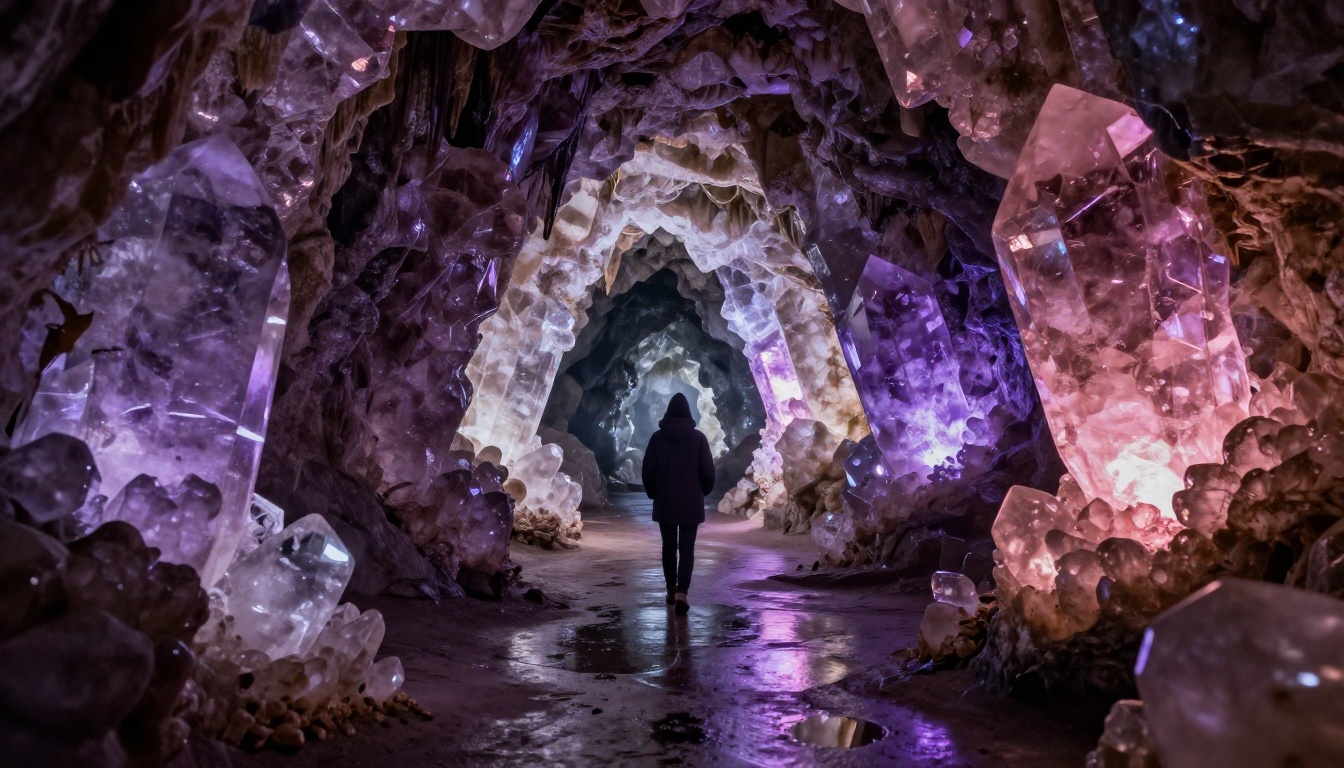
This makes Recraft particularly strong for fantasy world-building work. Crystal caves with bioluminescent walls, mysterious forest portals, ancient ruins reclaimed by nature: these environments benefit from carefully composed lighting and color palette control that Recraft applies by default. Where other models might default to a generic "fantasy look," Recraft tends to honor the specific atmospheric mood you describe in the prompt.
You need a consistent visual style across a series of images for a world-building or game asset project
The scene is primarily environmental rather than character-focused
You want a specific color temperature or mood that other models tend to override with their own aesthetic preferences
Artistic composition matters as much as raw photorealism
💡 Tip: Recraft v4 Pro SVG is worth using when you need clean, scalable versions of fantasy iconography, crests, emblems, or map elements.
Google Imagen 4 for Photorealistic Fantasy
Google Imagen 4 represents a different angle entirely. It produces images with a photorealistic quality that can make fantasy scenes look like frames from a high-budget film production. The rendering of skin, fabric, and environmental elements is consistently at the top of the field.
Imagen 4 Ultra takes this further, producing outputs at a resolution and detail level that holds up under close inspection at large print sizes. For fantasy portrait work where you want a warrior or sorceress to look like they stepped out of a live-action production rather than an animation, Imagen 4 Ultra is one of the strongest options available today.
Imagen 4 Fast gives you the same model architecture at significantly faster generation times, which is useful for drafting multiple compositions before committing to a final Ultra-quality render.
💡 Tip: Imagen 4 benefits from specific film grain notation in your prompts, such as "Kodak Portra 400 film grain," to ground fantasy subjects in a tangible photographic texture. This prevents the "too clean" AI look that can undermine believability in otherwise excellent outputs.
Seedream 4.5 and Wan 2.7 for High-Volume Work
Seedream 4.5 from ByteDance offers a strong option for fantasy art when you need good quality at high speed. It handles mythical creatures and dramatic fantasy lighting well, making it a solid choice for rapid concept iteration or when you need volume output across a project with many assets to produce.
Wan 2.7 Image Pro is worth experimenting with for fantasy landscapes, particularly those with complex natural elements: stormy skies, cascading waterfalls, dramatic cliff faces, and sprawling terrain that extends to the horizon. It renders large-scale environmental detail with a naturalism that serves high fantasy aesthetics well.
For those who want a middle ground between quality and speed, Seedream 4 and Wan 2.7 Image provide accessible entry points without sacrificing the core strengths of their respective architectures.
How to Use These Models on PicassoIA
PicassoIA gives you access to all of the models above in one interface, without separate API keys or local GPU installations. Here is how to get the best results for fantasy art specifically.
Step 1: Pick the Right Model
Start with FLUX 2 Pro as your baseline for most fantasy subjects. For large epic landscapes, switch to SD 3.5 Large. For character portraits, test Ideogram v3 Quality and Imagen 4 side by side, since their different approaches to skin and fabric rendering produce noticeably different results depending on your subject.
Step 2: Write Descriptive Prompts
Fantasy art prompts should be long. A 20-word prompt produces a generic result. A 70-word prompt that specifies lighting direction, surface textures, camera angle, and lens details produces something genuinely useful. Think in terms of a film director briefing a director of photography on exactly what they want in the frame.
Effective prompt structure:
[Subject + pose or action] + [Detailed environment] + [Specific lighting source and direction] + [Camera angle and lens] + [Surface texture and atmosphere details] + --ar 16:9 --style raw
The "style raw" tag at the end is particularly important for fantasy art. Without it, some models default to a softer, more processed look that loses the tactile quality that makes photorealistic fantasy convincing.
Step 3: Upscale the Best Outputs
Once you have a promising result, run it through Clarity Pro Upscaler or Crystal Upscaler to bring it to production quality. These upscalers add photorealistic micro-detail that makes AI-generated fantasy images more convincing at large sizes, adding the kind of skin-pore and fabric-thread detail that distinguishes professional-grade outputs from standard generations.
💡 Tip: Real ESRGAN is a strong free option for 4x upscaling without premium credit cost. It works particularly well on backgrounds and environmental elements in fantasy scenes.
Upscaling Fantasy Art to Production Quality
One aspect of fantasy art that often gets overlooked is the finishing process. A model like FLUX 2 Pro generates at high quality, but the difference between "good" and "print-ready" or "portfolio-ready" often comes down to the upscaling pass.
The Right Upscaler for Fantasy
Different upscalers perform differently depending on content type:
For fantasy art with character subjects, Clarity Pro Upscaler is usually the first choice. It adds skin-pore level detail and sharpens edge contrast on scales, armor, and environmental textures in a way that feels natural rather than artificially processed.
When Upscaling Breaks Images
Not every upscaler handles fantasy content well. Some will over-sharpen the edges of soft atmospheric elements like fog and magic effects, turning them harsh and crunchy. If this happens, Recraft Creative Upscale takes a more interpretive approach and tends to handle soft-edge elements better without introducing unwanted sharpening artifacts.
For maximum output quality with no compromise, Image Upscale by Topaz scales up to 6x and is the standard choice for anything that will be printed or displayed at large format sizes.
Fantasy Art Sub-Genre Reference
Different fantasy art sub-genres have specific requirements. This table maps genres to the models that perform best for each, based on real outputs tested across the PicassoIA platform:
Every model discussed in this article is available right now at picassoia.com. You do not need a local GPU, a separate API key, or a subscription across a dozen different platforms. All of the above models sit in a single interface where you can switch between them on each generation and compare outputs side by side.
The most practical way to find your preferred model for fantasy art is to run the same detailed prompt through three or four of them and compare the results directly. FLUX 2 Pro, SD 3.5 Large, and Imagen 4 will each give you a different interpretation of the same scene. The one that resonates with your creative vision is the one worth investing time in.
Start with a dragon. Write a 70-word prompt that specifies scale texture, lighting direction, environment, and camera angle. Run it through FLUX 2 Pro. Then upscale the best result with Clarity Pro Upscaler to see what it looks like at production quality. The result will show you exactly what is possible for a solo creator in 2027.