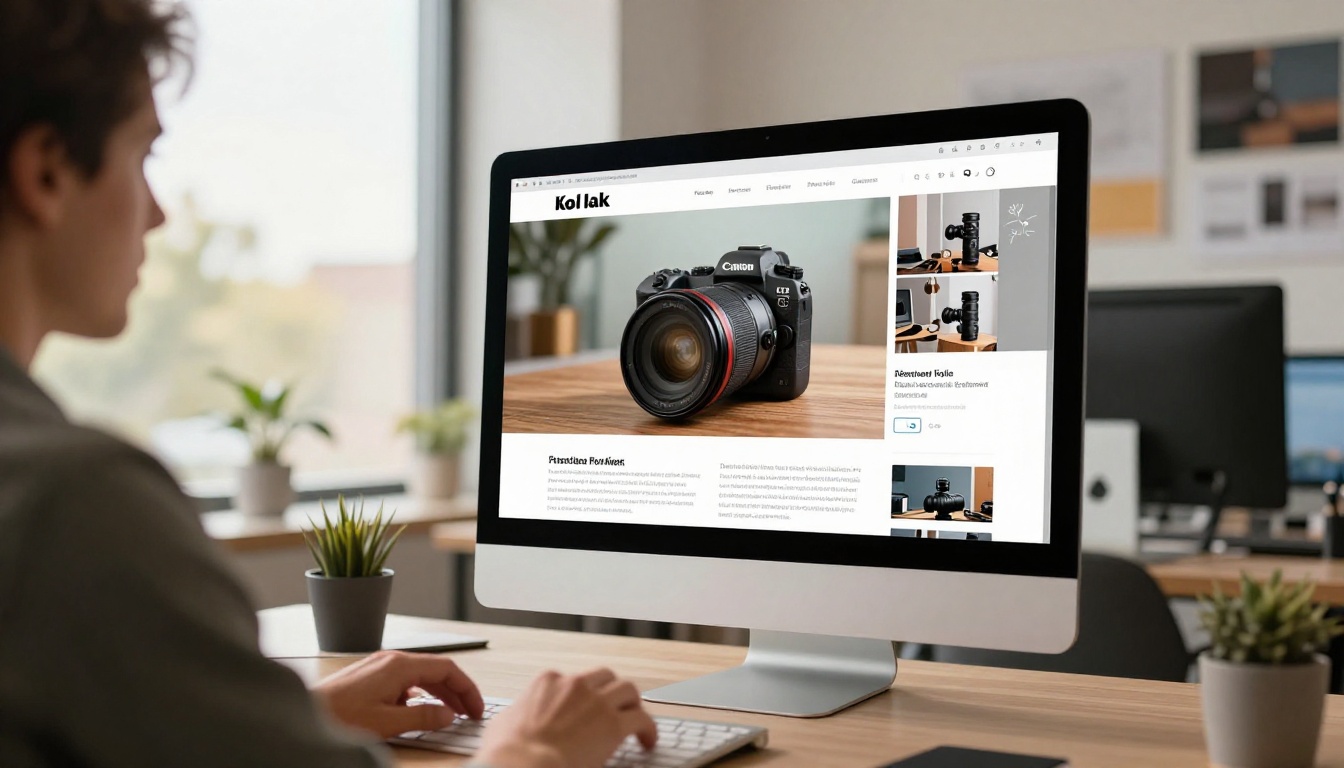
The ad industry has a quiet quality problem. A growing percentage of the product images running across social feeds, display networks, and e-commerce listings were generated quickly without serious attention to what makes a product image commercially effective. Flat lighting, textures that feel off, shadows that do not match the light source, and a general sense that something is not quite right. Consumers do not always know what the issue is. They just know the product looks cheap.
When brands use AI to generate product ad imagery, the output quality lives or dies on one decision: which model to use. The same product brief, the same prompt structure, the same technical parameters can produce outputs that range from "this could be a billboard" to "this looks like it belongs in a spam email." The model is the variable that matters most.
This breakdown covers six of the most capable AI models for product advertising, how they compare across the criteria that matter commercially, and how to put them to work inside PicassoIA.
Why Product Ads Demand More
Product advertising operates in a fundamentally different visual environment than artistic or editorial AI image generation. When a consumer sees a product ad, they are making a rapid quality judgment about the brand behind it. A well-lit, photorealistic product image signals trustworthiness. A flat, obviously artificial image signals the opposite.
The visual expectations in product advertising come from decades of professional studio photography. Consumers have internalized what a high-quality product image looks like, even if they cannot articulate the rules:
- Accurate geometry and proportions that respect the real object's dimensions
- Realistic surface materials, including how glass refracts, how leather catches light, how brushed metal creates directional highlights
- Consistent lighting with correct shadow physics that match the light source direction and quality
- Readable label text and packaging details where relevant
- Color accuracy that holds up on screen, in print, and across devices with different display profiles
Most general-purpose AI image models pass two or three of these criteria on a good day. The models covered in this article are the ones that consistently clear the full bar.
The Real Cost of Getting This Wrong
Before getting into which model to use, it is worth being direct about what weak AI product photography actually costs.
Creative iteration time. When a model consistently produces geometry errors, surface artifacts, or lighting inconsistencies, creative teams spend more time filtering and retrying than generating. The time savings AI promises only materialize when the model-to-acceptable-output conversion rate is high.
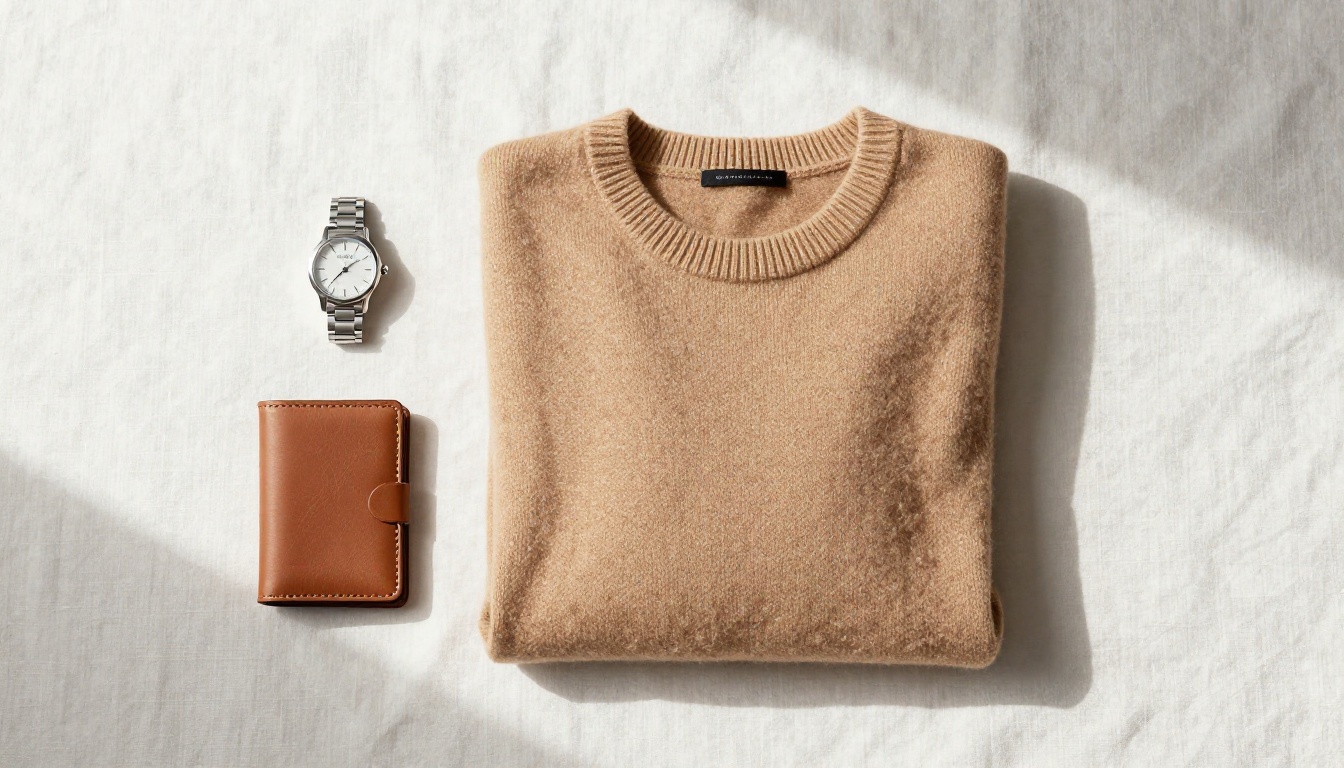
Brand damage. A product that looks cheaper in its advertising than it does in person creates a trust gap. Customers who arrive expecting a premium product after seeing a polished ad feel satisfied. Customers who arrive expecting a premium product after seeing a weak ad were never coming in the first place.
Platform performance. Ad platforms reward creative quality with lower CPMs. Visuals that earn higher click-through rates cost less to distribute. A better-looking product image is not just aesthetically preferable. It is economically superior.
What Separates a Good Model From a Great One
Photorealism That Sells
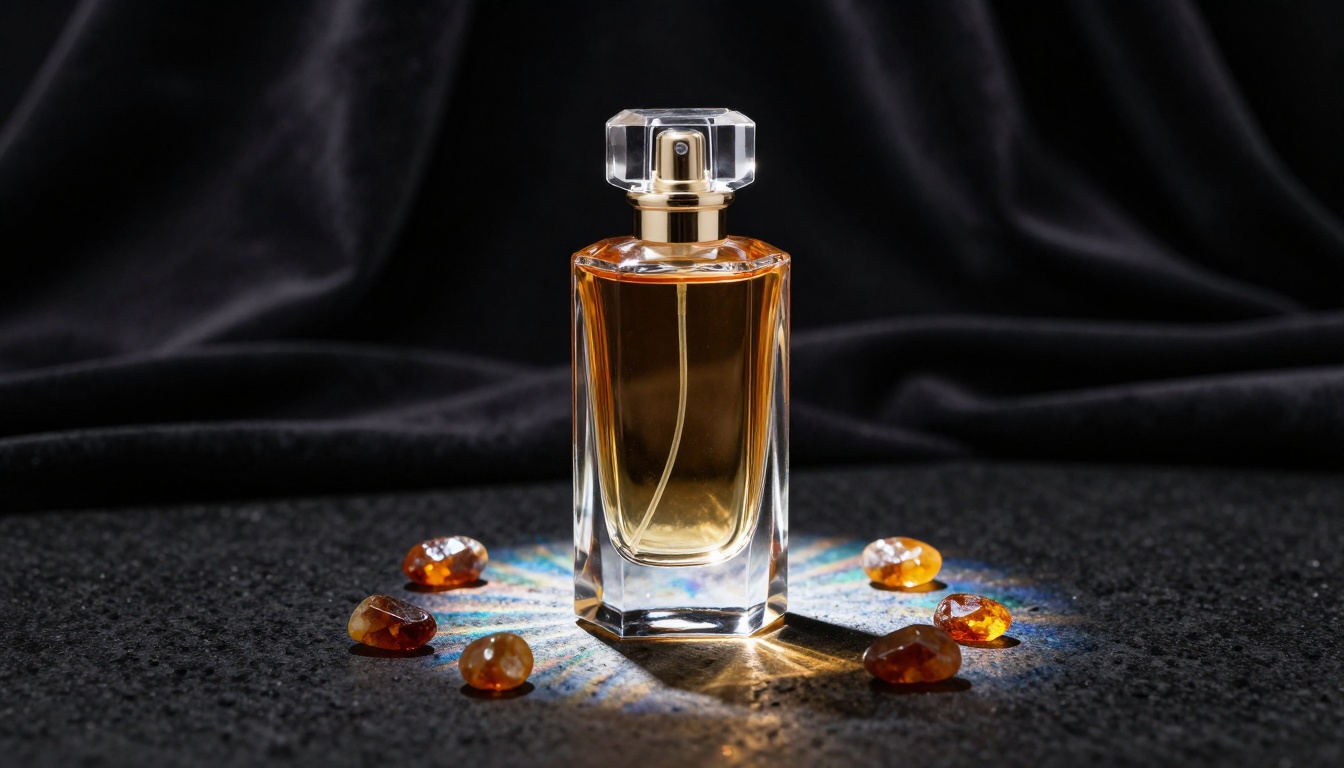
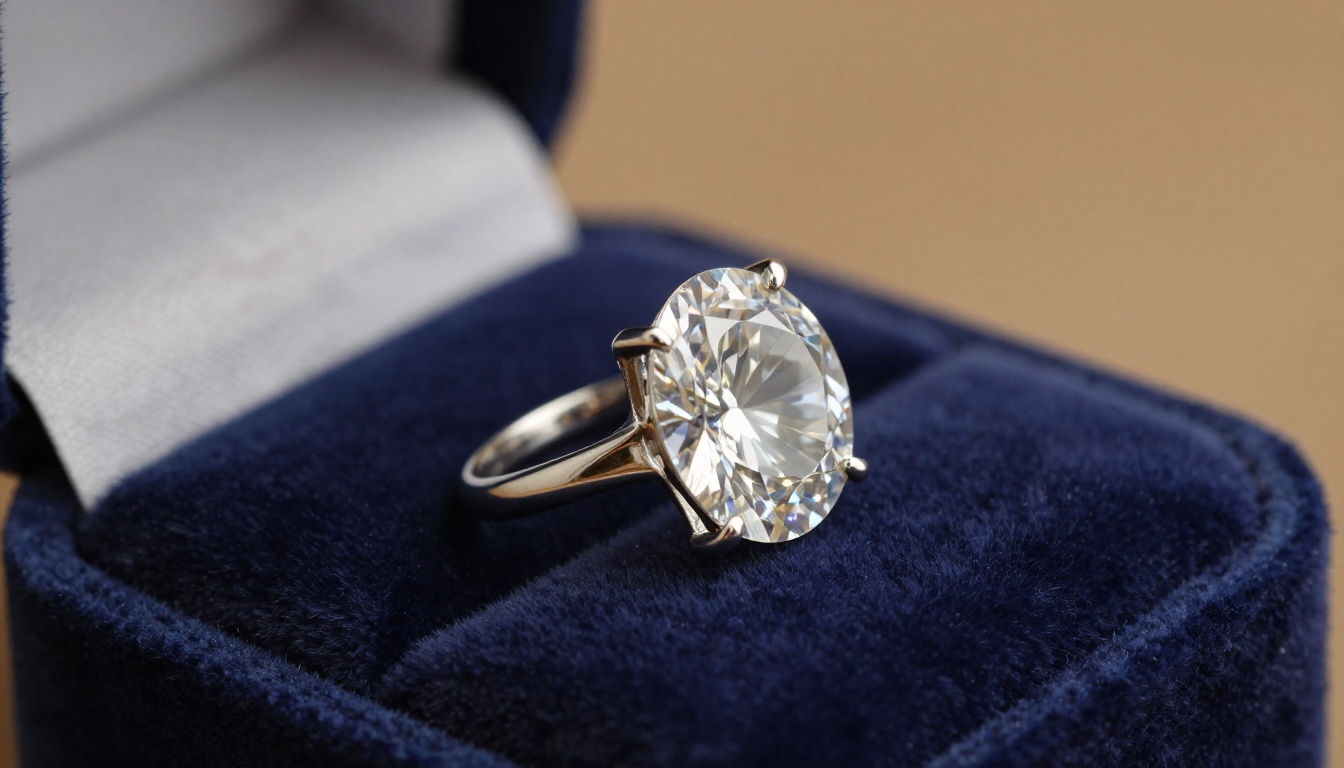
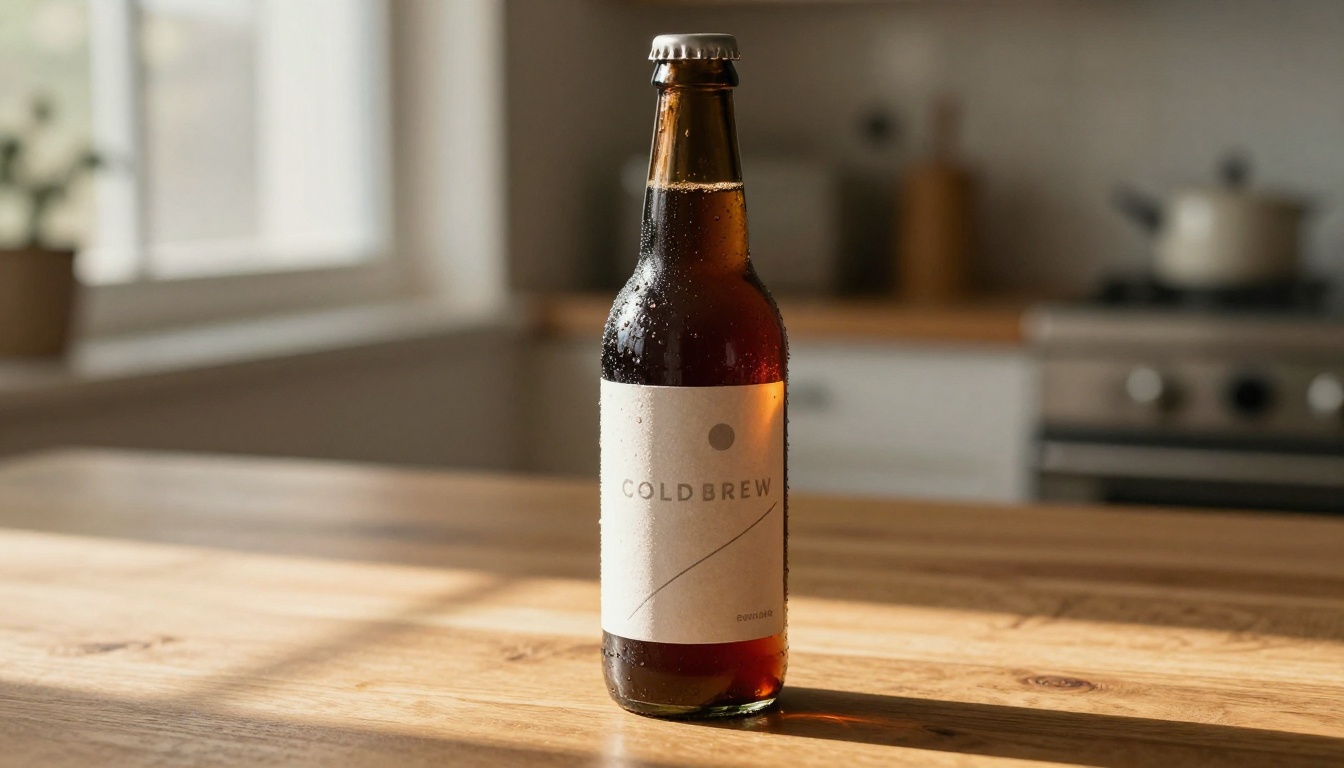
The photorealism that matters in commercial work is not about maximizing detail for its own sake. It is about the specific micro-details that register as quality signals: the way condensation beads on a cold glass bottle, how a leather surface shows different light response on the grain versus the valleys, the way a gemstone's internal facets redirect a single light source into multiple distinct highlights.
Models trained extensively on commercial photography datasets tend to handle these cues correctly. Models trained on broader internet imagery tend to approximate them.
Color Accuracy and Brand Fidelity
Brand color systems are precise. A product in a specific Pantone shade is not just "blue" or "red." An AI model that approximates brand colors incorrectly creates a compliance problem across every asset the campaign produces. The best models for product work maintain high color fidelity across the saturation spectrum without the oversaturation that makes AI imagery feel processed and artificial.
Text in Images
Label legibility is the test that eliminates most models from serious product ad consideration. Packaging text, promotional overlays, and in-image callouts all require the AI model to render readable typography. This is technically difficult for diffusion-based systems. Some have made architectural improvements specifically to address it. Others still produce garbled letterforms that require significant post-production to correct.
Top 6 AI Models for Product Ads
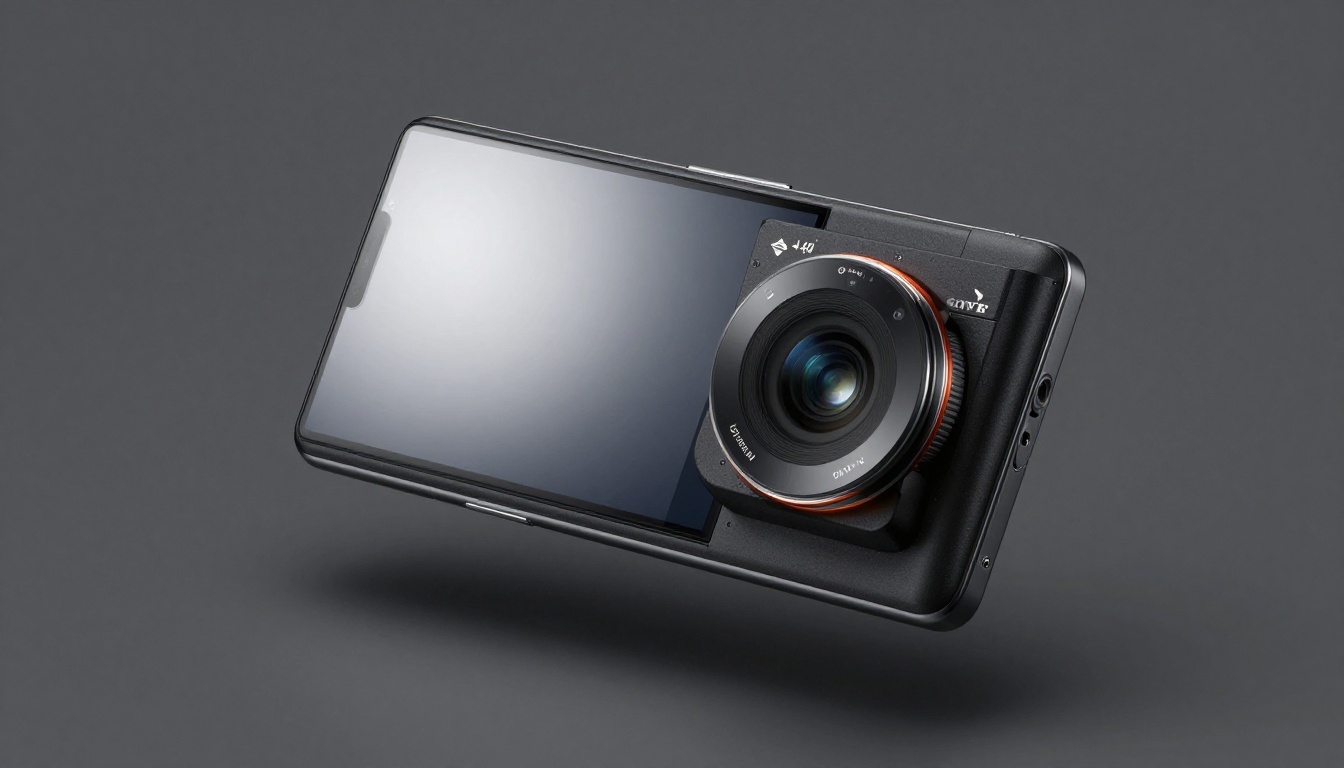
These are the models that consistently deliver commercial-grade output for product advertising. All of them are available directly on PicassoIA.
Flux 1.1 Pro: The Commercial Workhorse
Flux 1.1 Pro is the default recommendation for creative teams that need photorealistic output on a deadline. Its architecture handles complex prompt instructions with high fidelity, which is critical for product ads where the prompt simultaneously specifies surface type, lighting configuration, compositional angle, background context, and camera parameters.
Strengths:
- Complex multi-object compositions including product and lifestyle props
- Accurate metallic and glass surface rendering
- High-resolution outputs with preserved fine detail
- Consistent results across prompt variations, reducing iteration time
Best for: Luxury goods, electronics, skincare, fragrance, and premium consumer products where photorealism is the primary commercial requirement.
💡 Prompt tip: Describe the lighting setup with the precision of a photography brief. "Octabox from camera-left at 45 degrees, V-flat fill on right, gradient grey seamless" produces visibly better output than "nice studio lighting."
Juggernaut XL: Photorealism at Scale
Juggernaut XL built its reputation on portrait-level photorealism, and its texture rendering capability transfers directly to product photography. Where many models create plastic-looking surfaces regardless of what material the prompt specified, Juggernaut XL renders leather grain, fabric weave, and glass transparency with accuracy that passes for studio photography under close scrutiny.
Strengths:
- Soft goods requiring tactile texture fidelity
- Lifestyle product shots that include human elements
- Product-in-use compositions and context photography
- Accurate depth-of-field simulation with natural bokeh
Best for: Fashion, accessories, footwear, home textiles, and any product category where the tactile quality of the material needs to communicate visually.
Seedream 3.0: Fast and Reliable
Seedream 3.0 is the model for volume. Performance marketing campaigns require dozens of creative variations weekly. A/B testing discipline means running multiple visual hypotheses simultaneously. When the creative production pipeline is the bottleneck, generation speed is a direct business constraint. Seedream 3.0 delivers competitive commercial quality in significantly shorter generation times than compute-intensive pro-tier models.
Strengths:
- High-throughput creative production at scale
- Consistent quality across large batch runs
- Social media format optimization for rapid deployment
- Fast iteration for performance testing across multiple ad sets
Best for: D2C brands, performance marketing teams, and agencies managing high-volume ad accounts where creative velocity determines campaign results.
💡 Prompt tip for Seedream 3.0: Clean, structured descriptions outperform long narrative prompts. Short and direct wins.
Ideogram v2: When Your Ad Needs Words
Label legibility is where most AI models quietly fail. Ideogram v2 attacks this problem at an architectural level. Its specific improvements to text rendering quality make it the correct choice when the product ad requires legible, styled typography embedded directly in the visual.
Strengths:
- Product labels with readable text and brand names
- In-image promotional copy and callouts
- Seasonal offer graphics with pricing information
- Brand name rendering on packaging that holds up under zoom
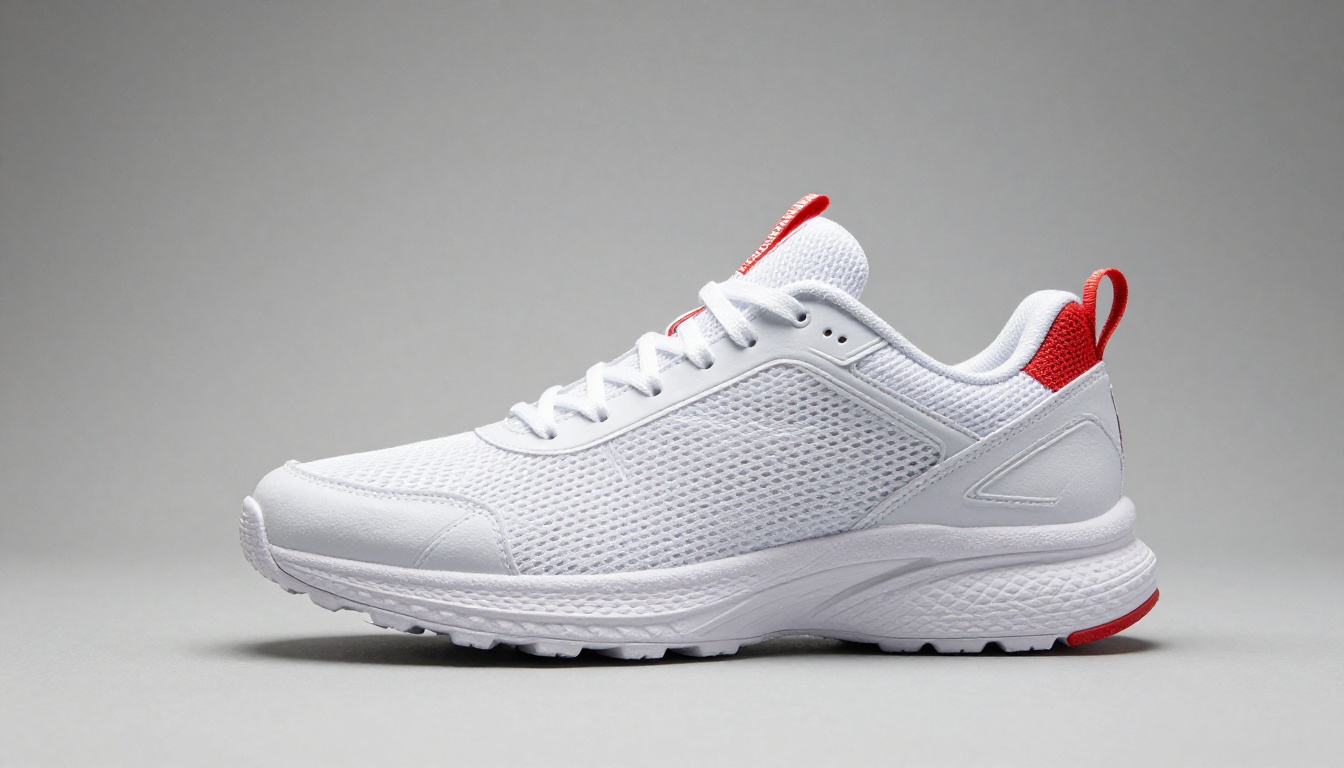
Best for: Food and beverage brands, CPG products with prominent label design, event and seasonal promotions, and any campaign where a product name or key message needs to appear inside the image and remain readable.
Recraft v3: Built for Brand Work
Recraft v3 approaches product advertising from a brand consistency angle. Rather than maximizing visual drama, it prioritizes commercially clean outputs that work across multiple placements without requiring per-asset adjustments to fit within an established brand visual system. It is the model for brand managers who need outputs that slot into an existing visual identity without creative conflict.
Strengths:
- Visual consistency across large creative families
- Clean product-on-white and product-on-neutral photography
- Minimal lifestyle compositions with clear product focus
- Corporate and B2B product visuals that read professional
Best for: SaaS product interfaces, corporate hardware, B2B equipment, and any scenario where visual discipline and consistency matter more than creative ambition.
Flux Dev: Control Meets Quality
Flux Dev provides more fine-grained control over the generation process than the Pro variant. Slightly slower, but that speed cost buys the ability to influence composition, style characteristics, and output specificity in ways that matter when creative direction needs to survive the AI generation step with its intent intact.
Strengths:
- Detailed creative direction with strong art directorial fidelity
- Fine-tuned brand style extensions and custom visual signatures
- Precise material and surface specification with consistent output
- Campaign visuals requiring a specific, repeatable creative signature
Best for: Creative agencies with strong art direction, in-house design teams running brand extension campaigns, and any brief where creative constraints cannot be approximated by a faster model.
Side-by-Side Model Comparison
| Model | Photorealism | Text Rendering | Speed | Best Use Case |
|---|
| Flux 1.1 Pro | ⭐⭐⭐⭐⭐ | ⭐⭐⭐⭐ | Medium | Luxury, electronics, skincare |
| Juggernaut XL | ⭐⭐⭐⭐⭐ | ⭐⭐⭐ | Medium | Fashion, lifestyle, soft goods |
| Seedream 3.0 | ⭐⭐⭐⭐ | ⭐⭐⭐ | Fast | High-volume, performance ads |
| Ideogram v2 | ⭐⭐⭐⭐ | ⭐⭐⭐⭐⭐ | Fast | CPG, food, text-heavy ads |
| Recraft v3 | ⭐⭐⭐⭐ | ⭐⭐⭐⭐ | Fast | Brand consistency, B2B |
| Flux Dev | ⭐⭐⭐⭐⭐ | ⭐⭐⭐⭐ | Slow | Art direction, custom campaigns |
How to Use These Models on PicassoIA
PicassoIA hosts all six models above, plus over 91 text-to-image options, in a single platform available at picassoia.com/en/all-models. The workflow below applies regardless of which model you select.
Setting Up Your First Product Shot
- Select your model from the PicassoIA collection. For a first product shot, Flux 1.1 Pro is the recommended starting point for most product categories.
- Write your prompt in three distinct layers: subject description including material and finish, then environment and background context, then technical photography parameters.
- Set the aspect ratio to match your placement: 16:9 for landscape display and banner ads, 9:16 for vertical social formats, 1:1 for feed placements.
- Generate three to four variations before selecting a final. The gain from picking the best of four over selecting the first output is consistently significant.
Prompt Architecture That Produces Results
The difference between a mediocre AI product image and a strong one almost always traces back to prompt structure rather than model capability. Use this layered structure:
- Subject:
[product type] + [material and finish] + [distinctive feature or detail]
- Context:
[surface] + [background environment] + [props if applicable]
- Lighting:
[light source type] + [direction] + [quality: diffused/hard/rim]
- Camera:
[focal length in mm] + [aperture] + [angle and height]
- Technical:
RAW 8K photography, photorealistic, Kodak Portra 400 film grain
A complete working example: Matte black insulated water bottle with embossed logo on textured grip band, standing on pale grey concrete surface, seamless white-to-grey gradient background, octabox from camera-left at 45 degrees creating soft wrap-around light, small reflector fill from right, 85mm f/2.8, eye-level three-quarter angle, RAW 8K photography, photorealistic
Upscaling With Super Resolution
PicassoIA's super-resolution tools let you upscale generated images by 2x to 4x without quality degradation. This step matters for:
- Large-format print and outdoor advertising that requires high DPI at physical size
- Export at sizes beyond the base generation resolution
- Recovering fine surface detail that compression may have softened in transit
Which Model Fits Which Product Type
| Product Category | Recommended Model | Primary Reason |
|---|
| Skincare and Beauty | Flux 1.1 Pro | Glass bottle and gradient background rendering |
| Fashion and Apparel | Juggernaut XL | Fabric and material texture fidelity |
| Food and Beverage | Ideogram v2 | Label text remains legible |
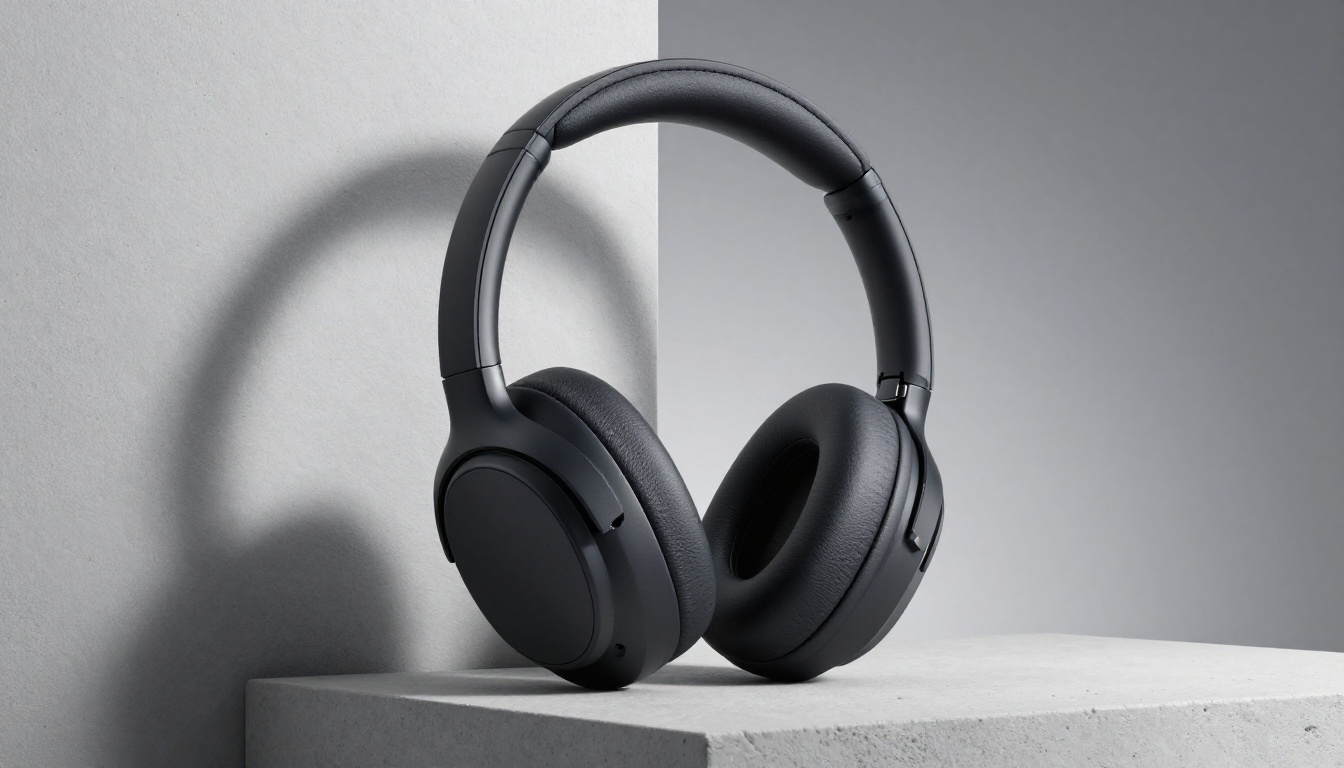
| Consumer Electronics | Flux 1.1 Pro | Accurate metallic and screen surface rendering |
| Jewelry and Luxury | Flux Dev | Fine detail control on precious materials |
| D2C Performance Ads | Seedream 3.0 | Speed for high-throughput creative production |
| Corporate and B2B | Recraft v3 | Brand-consistent outputs without visual drama |
The Real Workflow for Ad Teams
Generating a single strong product image is straightforward. The real operational value comes from building a repeatable production workflow that scales across campaigns.
Phase 1: Brief Translation
Convert the campaign brief into a prompt template. Every image in the campaign shares the same lighting configuration, background treatment, and camera parameters. Only the product subject and contextual props vary. This discipline creates visual consistency across 20 or 30 ad variations without manual post-production alignment.
Phase 2: Model Selection
Choose the model based on the product category criteria above. Do not default to a single model for every brief. Different product types benefit from different model architectures, and the output quality difference is visible.
Phase 3: Batch Generation
Produce 3 to 5 variations per ad placement. The variation quality within a single generation run provides natural A/B test material without additional creative investment. PicassoIA's interface handles batch generation directly.
Phase 4: Quality Review
Discard outputs with geometry errors, surface artifacts, text failures, or lighting inconsistencies. AI generation still produces failed outputs. Build the filtering step into the production timeline rather than treating it as an edge case that will not happen.
Phase 5: Resolution and Delivery
Upscale final selections using PicassoIA's super-resolution tools to hit final delivery specs. Export to your asset management system or ad platform at the required specifications.
💡 Team tip: Maintain a shared prompt library indexed by product category and lighting setup. A well-documented prompt collection is a compounding productivity asset. The tenth campaign benefits from the learning of the first nine.
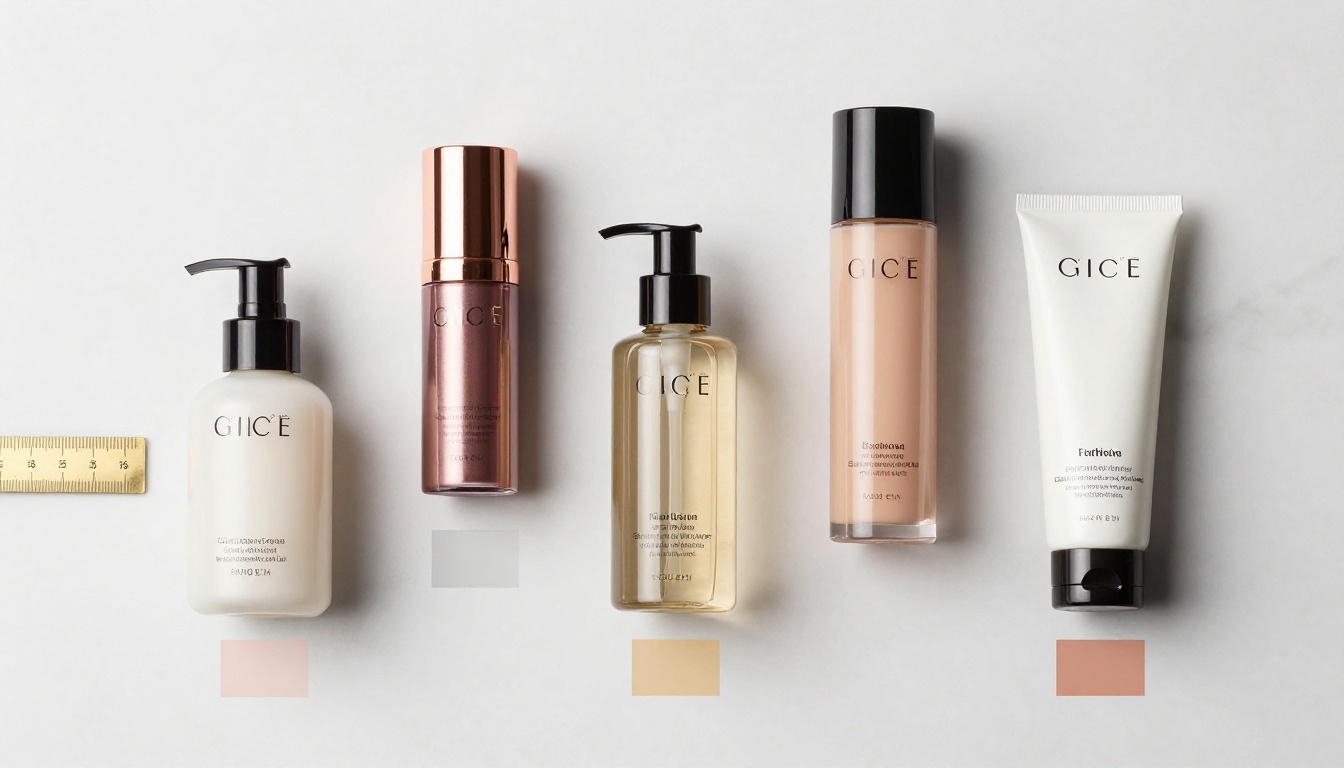
What the Results Actually Show
The brands seeing the best results with AI product advertising share two behaviors. First, they chose models based on product category fit rather than defaulting to a single tool for everything. Second, they invested in prompt quality rather than relying on model defaults and hoping for strong output.
The quality ceiling is high across all six models covered here. Flux 1.1 Pro, Juggernaut XL, Seedream 3.0, Ideogram v2, Recraft v3, and Flux Dev can all produce commercial-grade product images. The difference between a brand using AI well and a brand using it poorly is almost never the tool selection alone. It is the combination of the right tool, the right prompt structure, and the workflow discipline to maintain consistency at scale.
Try It on Your Next Brief
The fastest way to validate any of this is to run your own product brief through the models. Pick one based on the category criteria above, write a structured prompt using the layered template in this article, and generate three to four variations before making a selection.
PicassoIA gives you access to all six models in this breakdown alongside more than 91 additional text-to-image options, background removal tools, super-resolution upscaling, and video generation, all within a single platform without switching between tools or managing separate API subscriptions.
If you want to see what AI-generated product ads can deliver for your specific category, start with PicassoIA's full model collection and run the brief that has been sitting on your desk the longest.