Creating original music for your YouTube videos used to mean one of three things: pay hundreds of dollars for a proper license, dig through generic stock libraries that every other creator already uses, or get hit with a Content ID claim and watch your monetization disappear. AI music generators have quietly changed all of that. In 2027, you can type a short text prompt and get a full, royalty-free track in seconds, one that fits your video's exact tone, tempo, and genre without costing you a subscription to four different platforms.
This article breaks down the best AI music generators for YouTube videos, including everything available right now on PicassoIA, so you can find the right tool without wasting hours testing every option yourself.
Why Copyright Strikes Still Hurt Channels
YouTube's Content ID system is aggressive. It does not care if you paid for a subscription to a stock music platform or if you thought you had permission. If a track belongs to a major label or a collecting society, the claim comes through. Your video gets demonetized, sometimes geo-blocked, and in repeat cases your entire channel absorbs a strike that affects every upload going forward.
The number of channels demonetized over music continues to climb because more creators are uploading more content. The only reliable way to use background music without risking your revenue is to own the generation outright. That is exactly what AI music tools give you.
The Real Cost of One Wrong Track
A single Content ID match does not just kill revenue on that one video. It puts your channel in a probationary state where YouTube's algorithm is less likely to push your new uploads. Creators have reported drops in channel-wide impressions after even one dispute, regardless of how the dispute resolved. The safest position is to never upload music that someone else can claim, and AI-generated audio removes that risk entirely.
What "Royalty-Free" Actually Means in 2027
The term "royalty-free" has been watered down by stock music platforms that still impose licensing restrictions on monetized YouTube content. Many require an "extended license" for channels that run ads, which costs significantly more than the base subscription suggests. With AI-generated music, particularly from tools you access through a platform like PicassoIA, the audio you create belongs to you and your project. No recurring license fees, no commercial use restrictions, no surprises six months after you uploaded the video.
What AI Music Generators Actually Do
AI music generation is not the same as AI completing a playlist or recommending songs. These tools create entirely new audio from scratch based on a text description. You tell the model the genre, mood, tempo, instrumentation, and length. The model outputs a WAV or MP3 file that has never existed before. No samples from existing copyrighted recordings. No interpolated melodies borrowed from another artist's catalog.
The quality has improved dramatically since the first wave of text-to-music tools. Early AI music had obvious artifacts in transitions and unnatural chord progressions that made it usable only as a last resort. The models available in 2027, including Google Lyria 3 Pro and Minimax Music 2.6, produce tracks that hold up in professional video productions without sounding generated.
From Text Prompt to Full Track
The workflow is straightforward. You write a prompt describing what you want. Something like "upbeat indie pop, acoustic guitar lead, 120 BPM, positive summer vibes, no vocals" gives the model enough to work with. The AI generates a track, usually between 30 seconds and 4 minutes depending on the model and your settings. You download it, drop it into your video editor, and sync it to the cut.
Some models, like Minimax Music 01, accept lyrics directly. You write the words, the model composes the song around them. That opens up possibilities for intro jingles, channel themes, and branded audio that other creators cannot replicate because the track literally does not exist anywhere else.
How Good Is the Audio Quality?
The short answer: good enough to not distract from your content, and in many cases genuinely impressive on its own. Tracks from Google Lyria 3 and Stability AI's Stable Audio 2.5 have clear, well-mixed audio with proper separation between instruments and dynamics that feel intentional rather than randomly assembled.
The weak point in longer tracks is still structural coherence. A 4-minute output may have a moment around the 2-minute mark where the arrangement resets in a way that feels slightly abrupt. For YouTube use, where most background music sits low in the mix and the video content commands the viewer's attention, this is rarely noticeable. Generating a 90-second or 2-minute track instead of a full 4-minute one tends to produce tighter, more consistent results regardless of which model you use.
Top AI Music Models on PicassoIA
PicassoIA has assembled a lineup of ten AI music models covering different production styles, use cases, and output types. Here are the ones most relevant for YouTube video creation and what each one actually does best.
Google Lyria 3 Pro
Lyria 3 Pro is Google's most capable music generation model and the strongest overall option for YouTube creators who need emotional impact. It handles complex arrangements with multiple instruments and produces tracks with a natural, live-performance quality. The model excels at orchestral compositions, cinematic scores, and anything that needs to carry emotional weight without sounding synthetic. Documentary-style content, travel videos, and short films on YouTube all benefit from what Lyria 3 Pro produces.
Its sibling, Lyria 3, covers the same range at a slightly lower fidelity. That makes it faster and cheaper to iterate with during the drafting phase before committing to a final version with Pro. A practical workflow is to draft prompts with Lyria 3 and then run the winner through Lyria 3 Pro for the final download.
Minimax Music 2.6
Music 2.6 from Minimax is the workhorse for creators who need vocals in their tracks. It generates full songs with complete vocal arrangements, not just instrumental backgrounds. The voice synthesis has noticeably fewer artifacts than earlier Minimax models, and the model handles a wide range of genres from pop and R&B to hip-hop and electronic with consistent quality.
For YouTube intros, branded jingles, or content where you want a song with actual singing, Music 2.6 is one of the most capable options available. It pairs well with Music 2.5, which uses slightly different vocal processing and may work better for specific genres or vocal registers.
ElevenLabs Music
ElevenLabs Music takes a text-to-music approach built on ElevenLabs' established strength in audio modeling. The model produces clean, professional-sounding tracks and is particularly reliable for ambient, lo-fi, and electronic genres. Creators who make study content, productivity videos, or anything that needs unobtrusive background audio find that ElevenLabs Music produces exactly the kind of loop-friendly tracks they need.
What sets ElevenLabs apart here is output consistency. The tracks have reliable quality across generations without the hit-or-miss variance that some other models still produce on more complex or unconventional prompts.
Stable Audio 2.5
Stable Audio 2.5 from Stability AI is the best option for creators who need control over timing and structure. The model accepts duration parameters, meaning you can specify exactly how long the track should run. This makes it practical for generating music that fits a specific edit point in your timeline, like a 47-second intro segment or a 2-minute B-roll sequence with a precise end point.
The model also handles sound design territory, producing atmospheric audio that sits between music and ambient sound. That flexibility is particularly useful for narrative-style YouTube content where the audio needs to blur the line between score and environment.
The Minimax Song Restyler
Minimax Music Cover operates differently from the other models. Instead of generating from scratch via a text prompt, it takes an existing song and restyles it into a different genre. You could take a classical piano piece and restyle it as lo-fi hip-hop, or take a pop song and reinterpret it as cinematic orchestral music. The output is a new, original audio file that shares the structural feeling of the source material but is produced entirely from scratch in the target style, making it copyright-safe.
This is especially useful for creators who have a specific emotional template in mind, something they heard that had the right mood, and want to recreate that feeling without using the original recording.
💡 Tip: For YouTube Shorts, try Music 1.5 with a 30-second duration setting. Short-form content needs tracks that hit hard in the first few seconds, and Music 1.5 generates energetic openings consistently across genres.
How to Use PicassoIA for Your YouTube Tracks
Getting from zero to a usable track takes about three minutes once you know what you want. The PicassoIA interface works the same across all music models: pick a model, write a prompt, and generate. The output lands directly in your downloads ready for your editor.
Writing Prompts That Work
The quality of your output tracks directly to the specificity of your prompt. Vague prompts produce generic results. Detailed prompts produce usable music.
Weak prompt: "happy background music"
Strong prompt: "upbeat acoustic guitar and light percussion, 110 BPM, major key, warm summer afternoon feeling, no vocals, builds energy slowly over 90 seconds before settling into a calmer loop"
The strongest prompts include four elements: the core instruments, the mood or emotion, the tempo or energy level, and any structural preferences like "builds to a climax" or "stays consistent as a background loop." Adding what you do not want is just as important as what you do. Specifying "no lyrics," "no drums," or "no electric guitar" prevents the model from defaulting to its most common interpretations.
3 Prompt Examples for Real Videos
Gaming montage: "Driving electronic beat with heavy synth bass, 140 BPM, intense focused energy, aggressive hi-hats, no vocals, dark minor key, builds in intensity every 30 seconds"
Travel vlog: "Bright acoustic guitar fingerpicking, light cajon percussion, Mediterranean summer atmosphere, 90 BPM, joyful wandering mood, occasional whistling melody, no lyrics"
Tutorial video: "Clean piano and soft ambient pads, 75 BPM, focused concentration atmosphere, minimal arrangement, loops seamlessly, calm and neutral, no distracting melodic hooks"

💡 Pro tip: Generate 3-4 variations of the same prompt before committing to a final track. AI models have variance between generations and the second or third output often lands better than the first, especially for vocal-based models.
Making Tracks Loop-Ready for Long Videos
If your video runs 15 or 20 minutes, you need audio that repeats without creating an obvious seam. The easiest way to achieve this with AI-generated music is to request tracks with a "gradual fade" or "ambient loop" structure in your prompt. Alternatively, generate two 90-second variations of the same prompt and alternate them in your editor to break up the repetition naturally.
Stable Audio 2.5 handles looping structures particularly well because the duration control lets you hit an exact target length that aligns with your edit's natural cut points. A track that ends on a downbeat at exactly 1 minute and 45 seconds is much easier to work with than one that cuts off mid-phrase.
Best Music Styles by YouTube Niche
Not every track works for every channel. The right AI music for a gaming video would completely undermine a meditation or cooking channel. Here is how to match the model and the prompt to your content type.
Gaming and Action Content
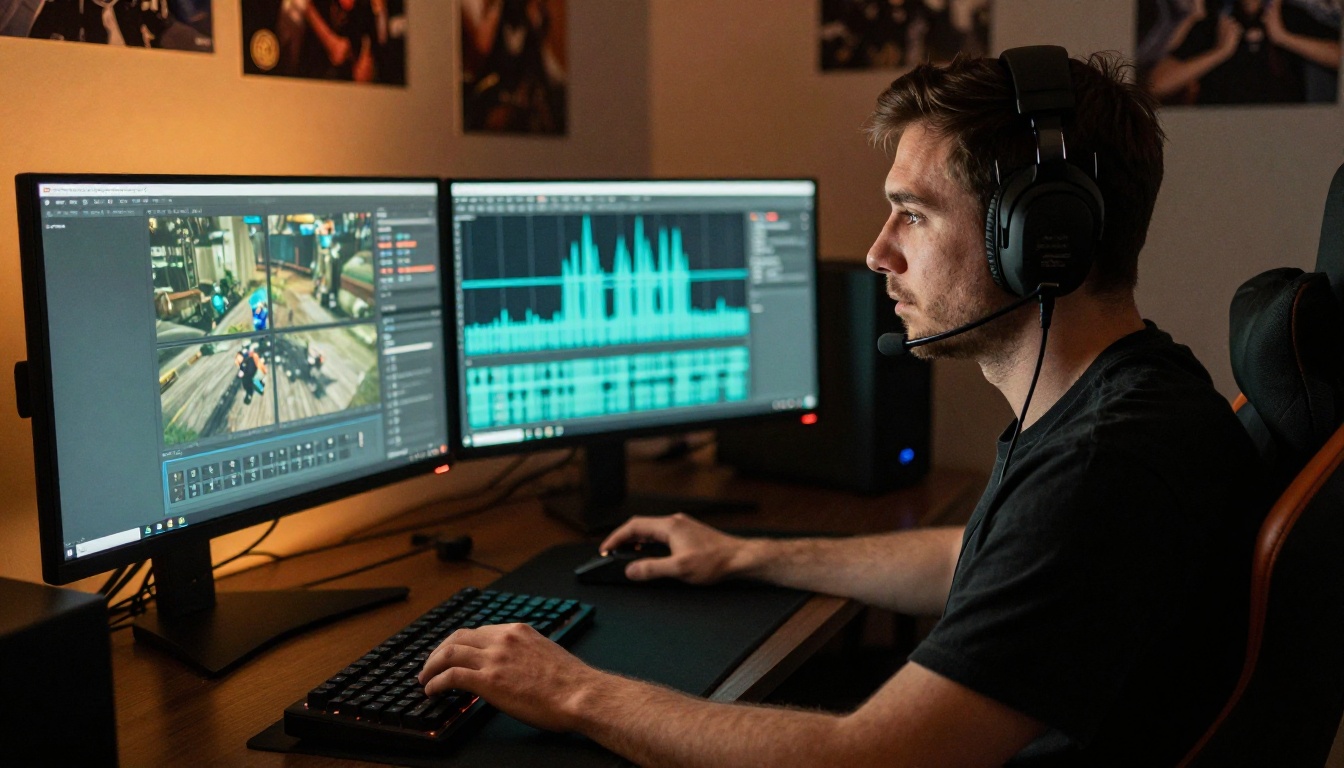
Gaming creators need music that does not fight with in-game audio but still adds energy during montages and highlight reels. The sweet spot is electronic instrumentals with a strong rhythmic backbone and no lyrics that could clash with commentary. Avoid melodic hooks that repeat too frequently because they distract viewers who are already processing gameplay.
Stable Audio 2.5 is particularly effective here because you can specify the exact duration to match your edit cuts. Generate a 45-second high-energy track for your intro montage, then a separate ambient 3-minute loop for the base-building or exploration sections where the pace slows.
Vlog and Lifestyle Videos
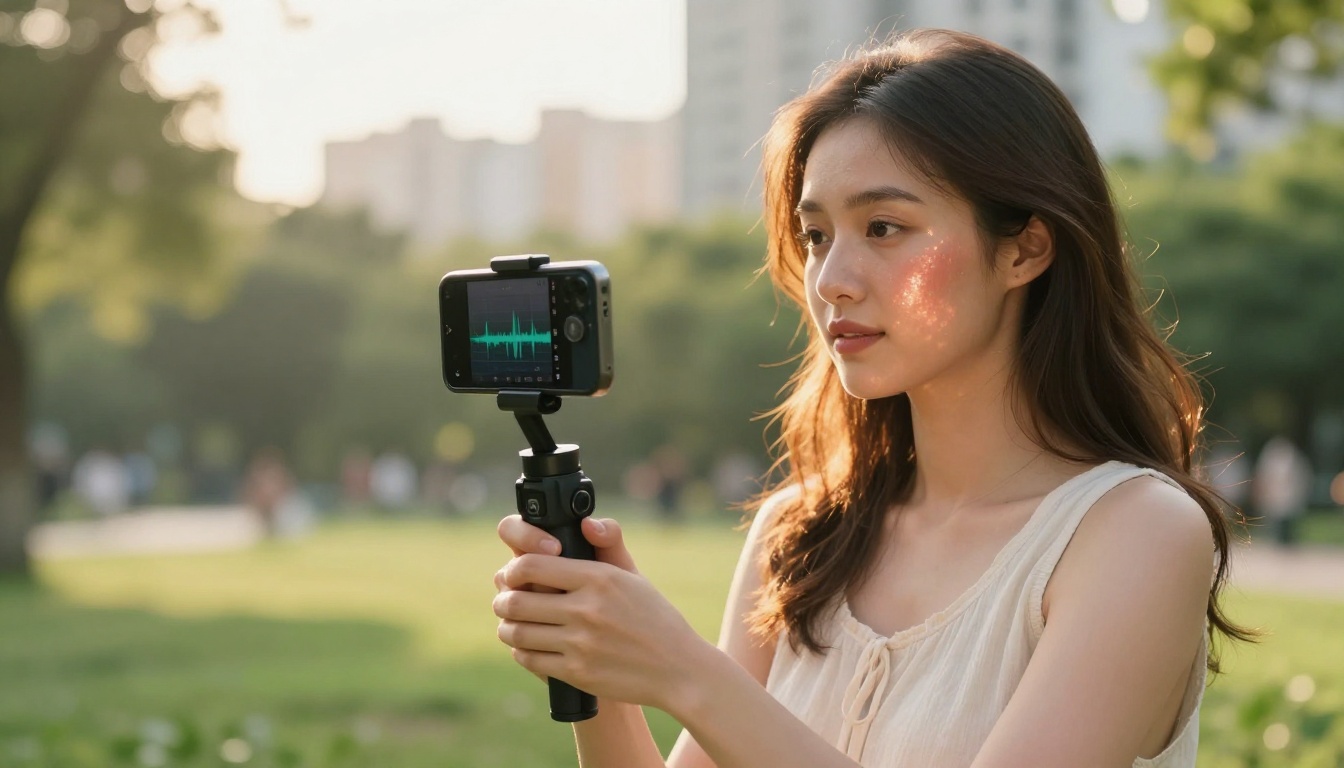
Lifestyle content lives or dies on mood. The music under a travel vlog needs to make the viewer feel the place before the visuals even register consciously. Organic and warm instrumentals consistently outperform electronic or synthetic sounds for this niche. Acoustic instruments, world music influences, and light percussion create the sense of being somewhere real rather than inside a video production.
Google Lyria 3 handles this territory well. Its acoustic instrument synthesis sounds natural enough to sit underneath casual speaking and ambient footage without calling attention to itself or competing with the creator's voice.
Tutorial and Educational Videos
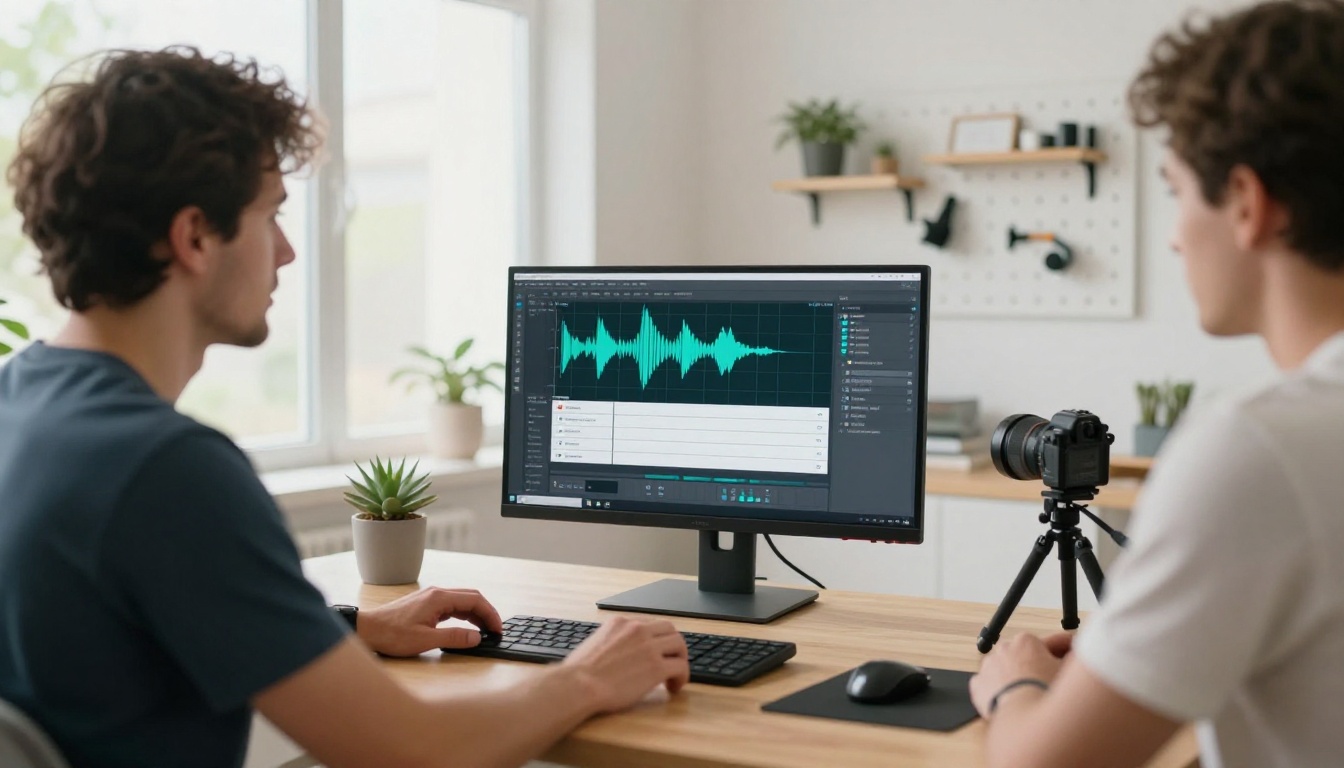
Tutorial content has the most specific audio requirement of any YouTube niche: the music absolutely cannot distract. Viewers are following instructions, and any track with a strong melodic hook, surprising chord changes, or dynamic swells will pull their attention away from the screen at exactly the wrong moment.
The best choice for tutorials is ambient or lo-fi, something that fills the silence without competing for mental bandwidth. ElevenLabs Music generates reliably understated tracks in this category. Prompting it with "neutral ambient piano, gentle consistent energy throughout, no surprises, background focus music, no melodic hooks" produces something that works across edits without needing adjustment.
AI Voice for YouTube Too
Music is one part of the audio equation for YouTube creators. Narration is the other. If you are producing content in a language you do not speak natively, dubbing existing videos for new markets, or building a faceless channel, AI text-to-speech tools handle narration with the same ease that music models handle soundtracks.
Add Narration Without a Microphone
PicassoIA's text-to-speech lineup covers everything from natural, expressive voice generation to ultra-fast synthesis for real-time workflows. ElevenLabs v3 produces the most lifelike output for narration, with emotional range that holds up through longer scripts without sounding robotic in the quieter moments. Minimax Speech 2.8 HD delivers studio-level quality with deep control over tone and pacing, making it a strong option for professional-sounding faceless channels.
For creators who want to reach global audiences, Gemini 3.1 Flash TTS supports 70 languages with 30 distinct voice options. That means you can generate a fully voiced Spanish, French, or Portuguese version of your tutorial without recording a single line.
💡 Workflow idea: Generate your AI music track on PicassoIA, then generate your voiceover narration with one of the TTS models. Layer both in your video editor for a complete audio production without any external tools, subscriptions, or recording sessions.
Free vs. Paid: What You Actually Need
Most creators do not need the most capable option from day one. Here is a realistic breakdown of what each use case actually requires:
The mistake most creators make is spending too long choosing instead of generating. Pick one model, spend 20 minutes running variations on a single prompt, and see how the output fits your editing workflow. That session will teach you more about what works for your channel than any comparison chart, because the variable that matters most is your content and your audience.
Build Your First YouTube Soundtrack Now
The tools are here. The output quality has caught up to what YouTube content actually needs. The only remaining variable is the time it takes to try one prompt and hear what comes back.
PicassoIA puts ten AI music models in one place alongside text-to-speech, video generation, image creation, and everything else a YouTube creator needs to run a fully produced channel without licensing headaches or expensive multi-platform subscriptions.
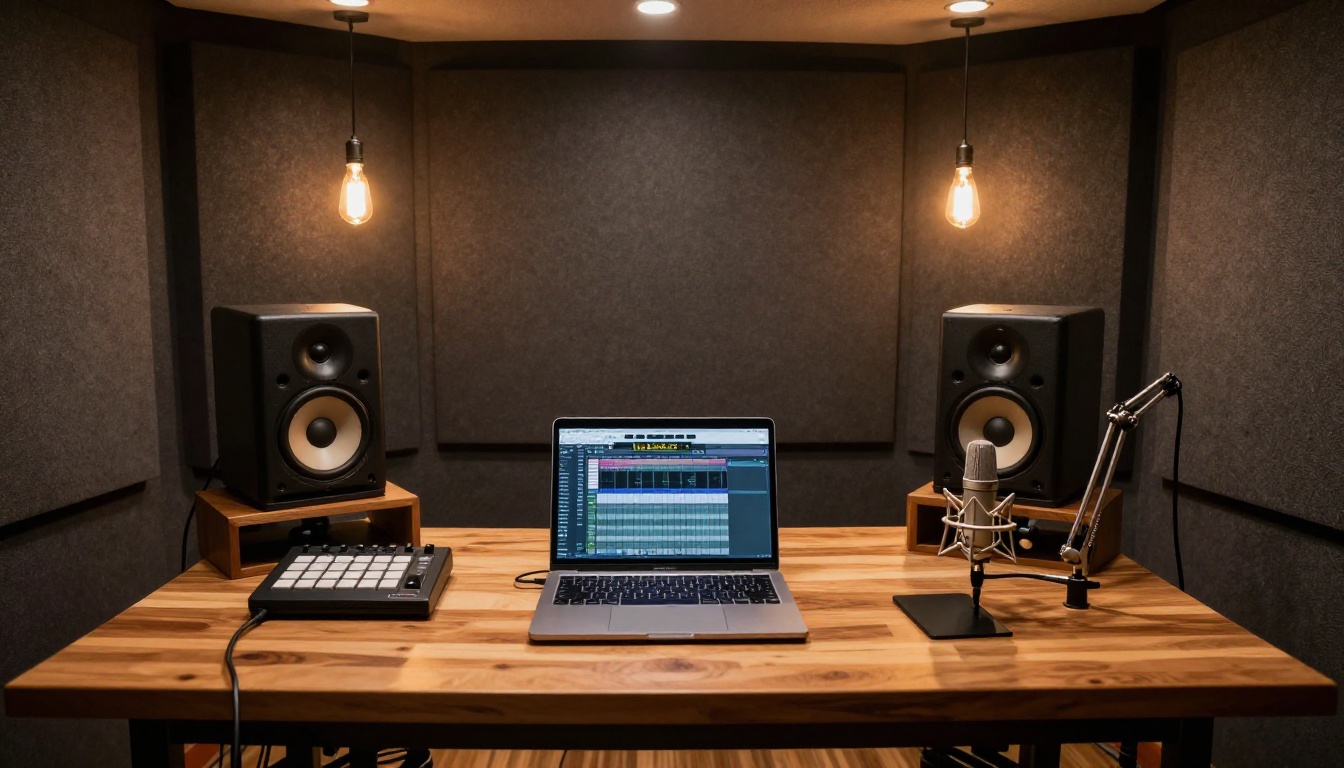
Start with Google Lyria 3 Pro if you want the most capable model from your first generation. Start with ElevenLabs Music if you want the most consistent results for background use. Start with Music 2.6 if you want a full track with vocals that you can use as a channel theme or branded intro.
All of them are available at picassoia.com/en/all-models. Pick one, write a prompt that actually describes your video's mood, and generate a few variations. Your next upload deserves a soundtrack that no one else has used and that no algorithm can ever claim.


