The gap between amateur AI video and actual cinematic motion comes down to one thing: how the model handles physics. Most AI video tools can move pixels around. Very few can make those pixels feel like they were shot through a real lens, with real inertia, on a real set. Choosing the right model for cinematic motion is not about picking the most popular option. It's about matching the tool's specific strengths to the kind of footage you actually need.
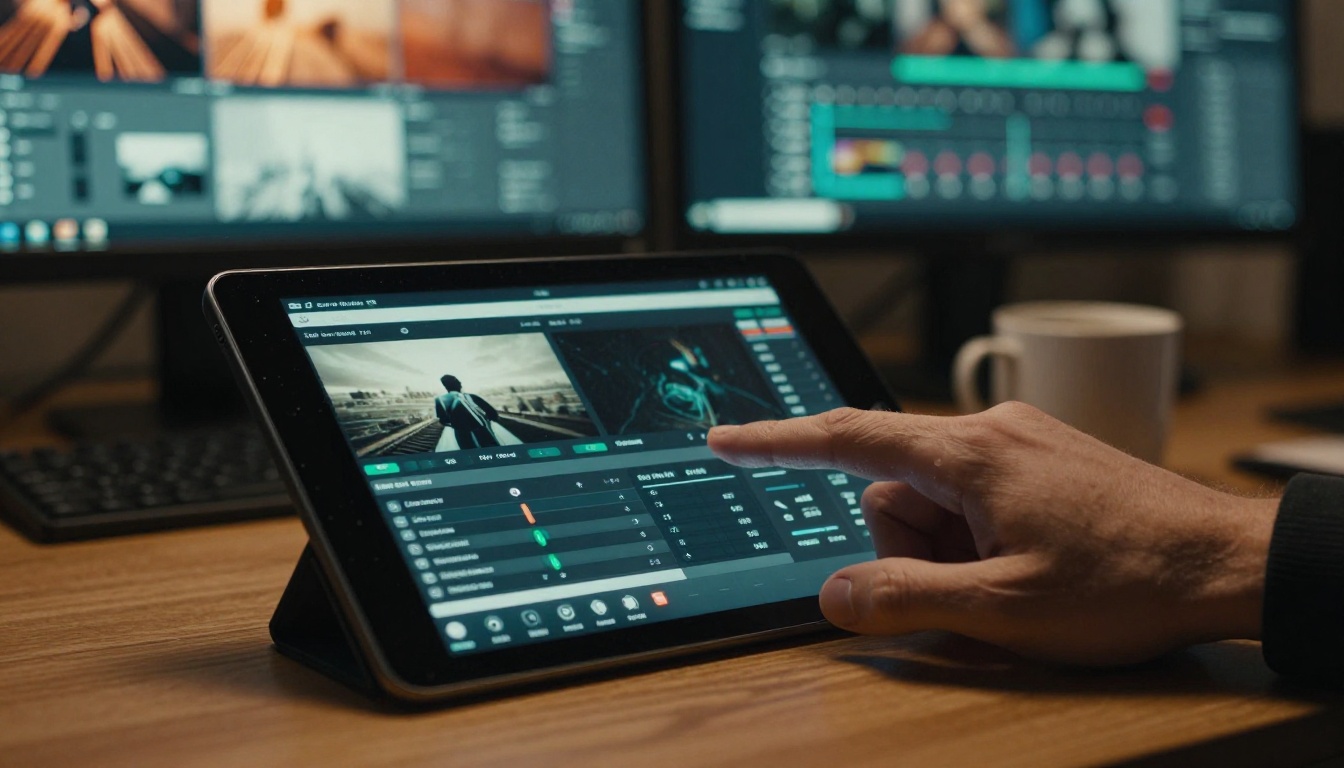
What Makes Motion Feel Cinematic
Cinematic motion is not just "smooth." It's weighted. A camera mounted on a Steadicam has mass. When it starts moving, there's a subtle ramp-up. When it stops, there's a micro-settle. AI models that skip these physical properties produce footage that looks visually correct but feels artificial on a gut level.
The three pillars of believable cinematic motion:
- Camera physics - natural deceleration, micro-shake from operator breathing, organic lens flare timing
- Subject motion - cloth simulation, hair movement, realistic walking cycles with proper weight shift
- Environmental response - how dust, water, leaves, and smoke react to the action around them
The AI models that score highest on all three simultaneously are the ones worth building a workflow around. And in 2027, a handful of models have genuinely crossed the threshold from "impressive demo" to "production-usable."
💡 Quick tip: Always match your motion complexity to your subject. A still portrait needs almost no camera movement to feel cinematic. A chase sequence needs sophisticated physics simulation from the model.
The Models That Actually Deliver
Not every AI video model is built for cinematic output. Many are optimized for short social clips, which means they sacrifice subtle motion fidelity for speed and accessibility. Here are the models on PicassoIA that consistently produce film-grade motion.
Kling v3 for Full Camera Control
Kling v3 Video and its companion Kling v3 Motion Control sit at the top of the motion quality stack for 2027. The base model delivers 1080p output with natural momentum in subject movement. The motion control variant lets you specify the camera path directly, which is rare among accessible AI tools.
What separates Kling v3 from earlier generations is how it handles environmental details during movement. Hair moves with the subject's acceleration. Clothing reacts to implied wind from motion. Background elements blur at the correct rate relative to foreground depth.
Kling v3 Motion Control specifically supports:
- Camera translation (push in, pull back, lateral slide)
- Camera rotation (pan, tilt, roll at defined speeds)
- Subject motion vectors (where the person or object moves within the frame)
The Kling v2.6 model remains a strong option for projects where generation speed matters, producing cinematic footage slightly faster without a dramatic quality drop.
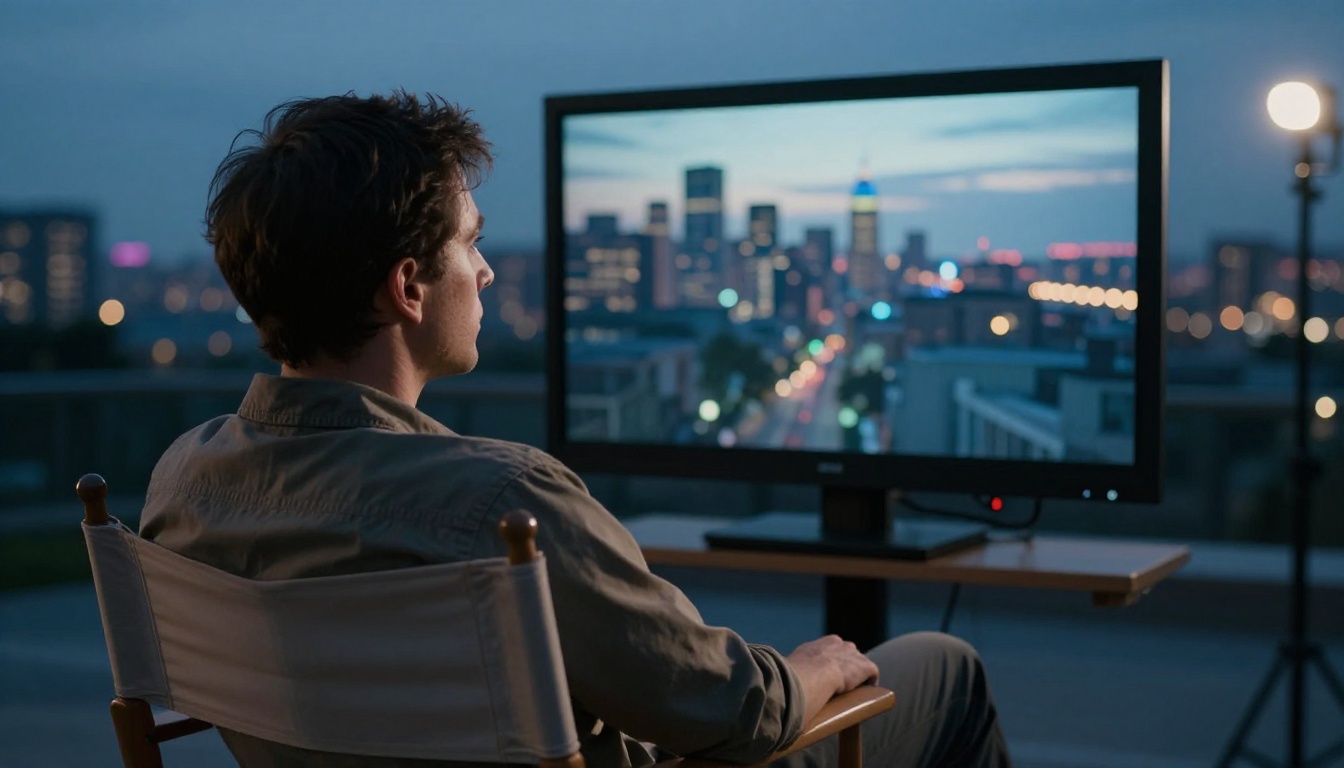
Seedance 2.0 for Audio-Synced Motion
Seedance 2.0 handles a use case the others miss: synchronized motion and audio generated in a single pass. For music videos, product films, or any content where the visual motion should track a beat or spoken word, Seedance 2.0's built-in audio synthesis changes the workflow significantly.
The motion quality in Seedance 2.0 is particularly strong with dance and performance sequences where rhythm matters, talking head footage with natural head movement and mouth sync, and action shots with implied sound effects tied to the physical impact.
Seedance 2.0 Fast offers the same motion quality at roughly 3x the generation speed, which matters when you're iterating through multiple prompt variations. For high-volume content production, Seedance 1 Pro provides reliable 1080p output with the Seedance motion language at a lower cost per generation.
Gen 4.5 for Narrative Motion
Runway's Gen 4.5 takes a different approach. Rather than maximizing raw motion realism, it prioritizes directorial intent. You can describe the mood, pacing, and emotional register of a scene, and the model interprets those into actual camera behavior.
The result is footage that feels more "directed" than other AI outputs. Slow push-ins that build tension. Quick cuts with appropriate visual weight. The model seems to understand that a slow dolly into a subject communicates something different from a fast zoom, even when the final framing is identical. For narrative and storytelling projects, this emotional vocabulary in the motion system is more valuable than technical precision alone.
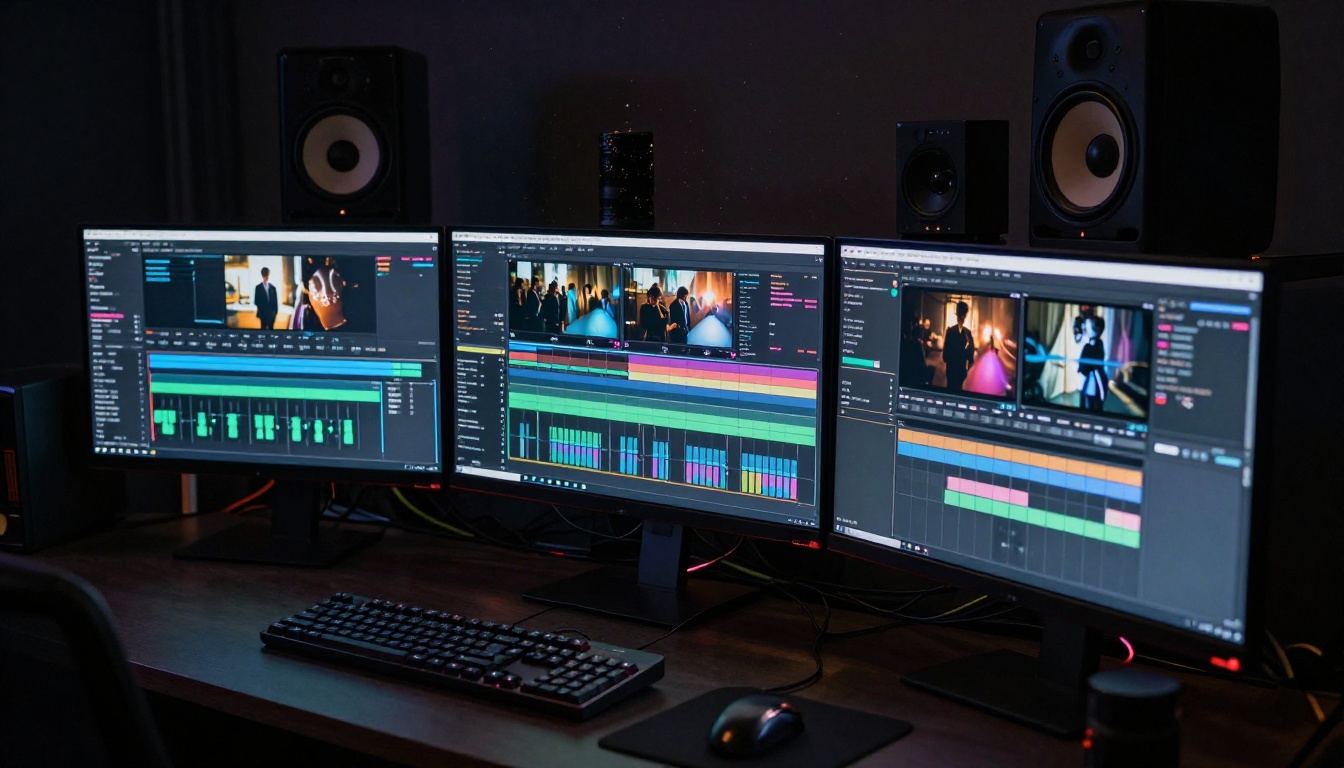
Veo 3 for Environmental Realism
Google's Veo 3 and Veo 3.1 are benchmarks for environmental motion quality. If your cinematic shot involves nature, weather, water, fire, or crowd dynamics, Veo 3's simulation sits above the competition.
Specific strengths include water physics in rainfall, ocean scenes, and rivers; crowd dynamics where individuals move with independence; natural lighting changes from clouds passing or fire flicker; and plant and foliage movement from implied breeze. Veo 3.1 Fast provides a faster variant with 1080p output for projects where iteration speed matters more than maximum fidelity.
LTX 2.3 Pro for 4K Output
LTX 2.3 Pro from Lightricks is the model to reach for when the output destination is a large screen or broadcast context. It generates 4K video with smooth motion that holds up under scrutiny at full resolution. LTX 2 Pro offers the same quality ceiling at slightly lower resolution, with LTX 2.3 Fast available when generation speed is the priority.
The Lightricks motion model is particularly strong with architectural and interior cinematography, where camera movement across static subjects requires consistent depth maintenance throughout the clip.
How to Use Kling v3 Motion Control on PicassoIA
PicassoIA gives you direct access to Kling v3 Motion Control without any technical setup or API keys. Here is the exact workflow for getting cinematic results.
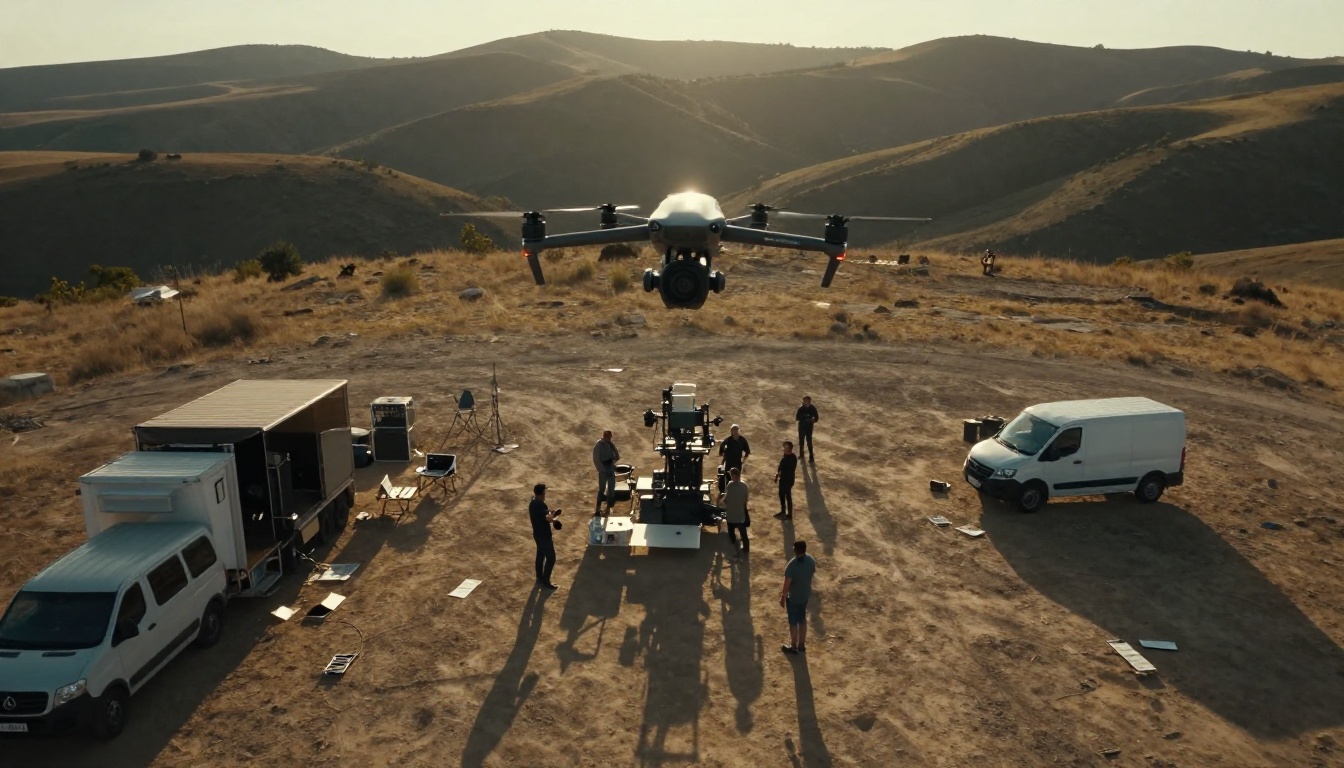
Step 1: Write a Motion Brief First
Before typing anything into the prompt field, write a one-paragraph motion brief for yourself. What is the subject doing? Where is the camera starting? How does the camera move? What happens at the end of the 5 seconds? This forces you to think about motion as a sequence, not just a static frame.
Step 2: Use Cinematographer Language
The model responds to the vocabulary that cinematographers actually use. Write "slow dolly push toward the subject" instead of "camera moves forward." Write "gentle handheld with natural operator breathing" instead of "slight shake." Write "rack focus from foreground to midground" instead of "focus changes."
💡 Prompt format that works: [Subject + starting state] → [subject motion over time] + [camera movement description] + [lighting and atmosphere note]
Step 3: Provide a Reference Image
Kling v3 Motion Control accepts an input image as the first frame of the generated clip. Generate your ideal starting frame with PicassoIA's image generator first, then feed it into the motion model. This gives you far more control over the final output than text-only generation because the model isn't guessing what the subject should look like.
Step 4: Set Motion Intensity Conservatively
Most cinematic prompts work best at moderate motion intensity. High intensity produces dramatic movement that often breaks the physical realism of the scene. For film-grade work, subtle is almost always better than dramatic.
Step 5: Iterate on the Motion Description Alone
If the first output has the right content but wrong motion feel, change only the motion description and regenerate. Keep the subject and environment description identical. Motion prompts are the most sensitive parameter in cinematic AI video production.
Comparing Motion Quality Across Models
Not every project needs the same model. Here is a practical breakdown for matching the right tool to your cinematic motion needs:
Camera Movement Types That Actually Work
Knowing which camera movement to request is as important as which model you're using. Each movement carries narrative weight. Using the wrong one for the scene's emotion undermines the content regardless of technical quality.
Static and Locked Off
A perfectly still camera makes subject motion feel more powerful. Use it for reveals, reactions, and moments where the environment itself is doing the storytelling. AI models produce the most consistent results on static shots because there's no camera motion to simulate.
Dolly and Tracking
Moving the camera toward or away from a subject creates depth change that feels fundamentally different from a zoom. AI models handle this best when the distance change is moderate. Extreme push-ins stress the model's depth consistency and often produce artifacts.
Pan and Tilt
Horizontal and vertical rotations. Video 01 Director from Minimax was specifically built for precise camera direction control, with explicit pan speed and rotation angle parameters that most other models don't expose directly.
Handheld and Steadicam
Organic operator movement with natural imperfection. Models like Kling v3 Video and Pixverse v6 handle this well when you specify the intensity and character of the movement in the prompt. "Tired handheld at end of a long shoot day" produces different motion than "confident Steadicam on a smooth floor."
Aerial and Drone
High-angle motion with downward perspective and implied altitude. Wan 2.7 T2V produces convincing aerial footage from text alone, while Wan 2.7 I2V lets you start from an actual aerial photograph for a more grounded first frame.
Image-to-Video vs Text-to-Video for Cinematic Work
Text-to-video and image-to-video serve different cinematic needs, and choosing the wrong approach often produces technically correct but creatively wrong results.
Use text-to-video when:
- You want the AI to interpret the full scene composition
- You need specific subject generation where appearance is determined by the prompt
- You're in early concept exploration and haven't settled on a visual direction
Strong options: Kling v3 Video, Wan 2.7 T2V, Sora 2 Pro, Veo 3.1
Use image-to-video when:
- You have an exact starting frame in mind and need the clip to match it precisely
- You want consistent subject appearance across multiple clips in a sequence
- You're building a longer piece where visual continuity between shots matters
Strong options: Wan 2.7 I2V, Kling v3 Motion Control, Hailuo 2.3
💡 Pro workflow: Generate your key frames as still images first using PicassoIA's image generator, then animate each one separately with an image-to-video model. This gives you editorial control over every shot in a sequence before you commit to generation credits.
Getting Consistent Results from AI Motion Prompts
The difference between filmmakers who get consistent cinematic results from AI and those who don't is almost never the model choice. It's the prompt construction.
Three prompt patterns that produce reliable cinematic output:
Pattern 1: Scene Setup
Describe the environment first, then the action, then the camera movement. The model interprets this sequence as: here is the world, here is what happens in it, here is how we're watching it. This ordering consistently produces better results than mixing elements.
Pattern 2: Emotional Frame
Start with a mood word that a cinematographer would recognize. "Contemplative," "frenetic," "suspenseful," "intimate." Models trained on broad film knowledge will select appropriate motion characteristics for each emotional register automatically.
Pattern 3: Named Technique
Reference a specific visual approach: "floating Steadicam following the subject from behind," "Kubrick-style symmetrical slow push-in," "Deakins-influenced low light handheld." Models that have internalized broad cinematography references will interpret these into motion that approximates the named approach.
What consistently produces poor results:
- Requesting too many simultaneous camera movements in a single clip
- Using consumer camera language instead of production terminology
- Including resolution or quality requests in the motion description instead of the model settings
When You Need Higher Output Quality
For projects where the generated clip needs to reach broadcast or large-screen specifications, AI video upscaling can take your 1080p output to 4K without regenerating from scratch. Crystal Video Upscaler and Video Upscale by Topaz are both available on PicassoIA and work well with cinematic AI video output. They recover fine detail in faces, textures, and motion blur edges that standard upscaling algorithms miss.
Leonardo's Motion 2.0 fills a specific production slot: polished 5-second cinematic clips optimized for social platforms and short-form channels. The model is faster than the heavy-weight tools above and produces consistently clean motion with minimal prompt engineering overhead.
For high-volume content pipelines where you're producing 10 to 20 clips per day, the speed-to-quality ratio of Motion 2.0 is hard to beat. For longer-form or broadcast work, the Kling v3 and Veo 3 family are worth the extra generation time.
Ray 2 720p from Luma also deserves attention. It generates 720p cinematic clips with a distinctly film-like color interpretation and motion feel that many directors prefer over technically "perfect" outputs. Sometimes a model's aesthetic sensibility aligns better with creative intent than the highest-fidelity option on paper.
For image animation with a focus on character motion specifically, Kling v2.6 Motion Control and the newer Wan 2.6 I2V both offer strong performance on human subjects with realistic bone structure movement and natural weight distribution.
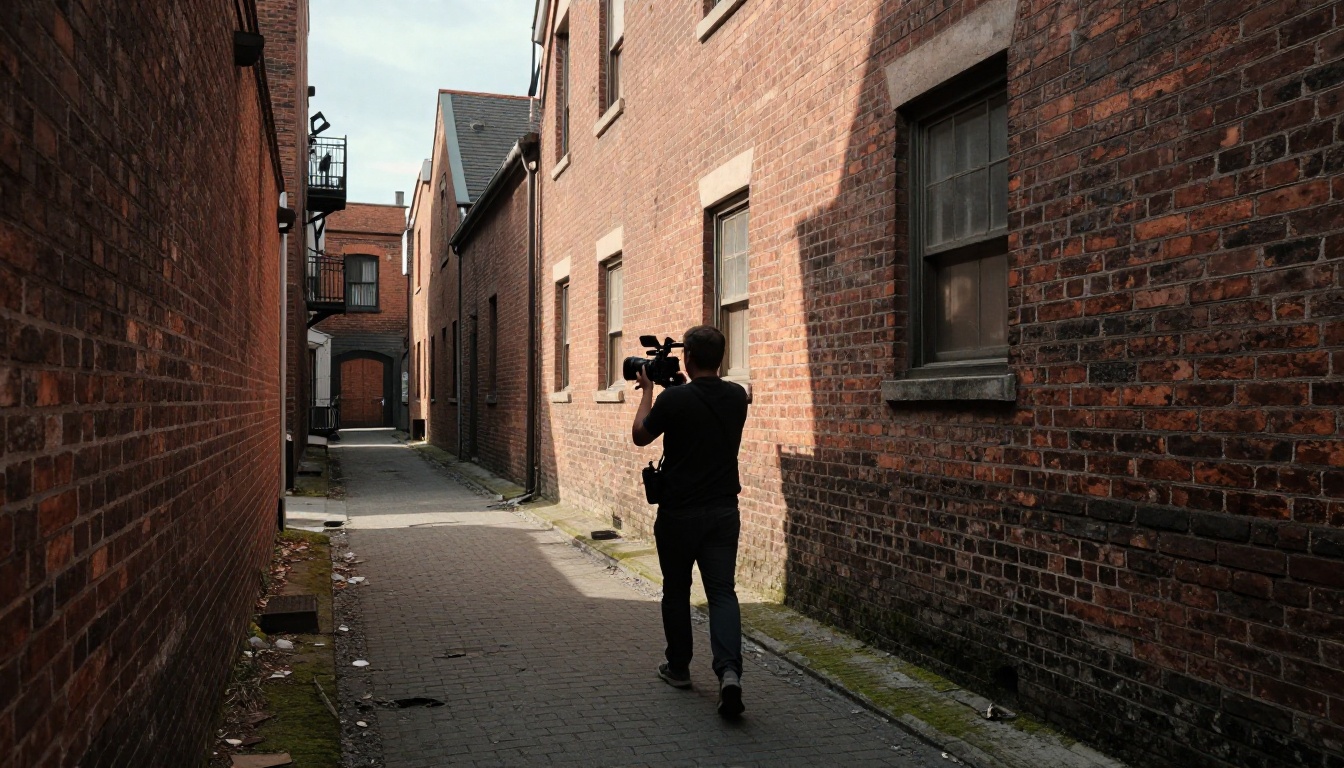
There is no single best AI tool for cinematic motion. There's a best tool for each specific type of cinematic shot. Kling v3 Motion Control for precise camera path work. Veo 3 for environmental simulation. Seedance 2.0 for audio-synced performance. LTX 2.3 Pro when 4K output is the requirement.
The practical answer for most filmmakers and content creators is to start with Kling v3 Video or Kling v3 Motion Control as a default, then reach for a specialist model when the shot requires something specific that Kling doesn't handle as well.
All of these models are available directly on picassoia.com without any technical setup. No API configuration, no local GPU, no subscription commitments before you see results. You open the model page, write your prompt, and generate.
The most effective way to build intuition for cinematic AI motion is iteration with a single model. Pick Kling v3 Motion Control, write ten variations of the same scene description, and observe how each subtle change in the motion description affects the output. The vocabulary you build from that process transfers directly to every other model in this list.
Whether you're building a film pitch reel, creating branded content, or just testing what AI can do for professional video production, the tools on PicassoIA give you access to the same motion models being used in production studios right now. Start with a clear first frame, describe the camera path in the language cinematographers use, and see what comes back.


