Running a small business in 2027 means wearing the marketing hat at 7am, the bookkeeping hat at noon, and the customer-service hat at 9pm. Somewhere in that schedule, a tiny voice keeps whispering: post on Instagram, refresh the website, send the newsletter, shoot a reel. For most owners, that voice is louder than the budget. The best AI tools for small business content close that gap. They produce photo-grade visuals, voiceovers, and short-form video assets in minutes, for the price of a coffee, and they fit into a calendar that already feels too full.
This piece walks through the exact stack that independent shop owners, cafés, freelancers, and service providers are using right now to keep up with the larger brands without hiring a single agency.
Why Small Businesses Hit a Content Wall
Most owners do not have a content problem. They have a bandwidth problem. The product is great, the customers are loyal, and the photos on the phone are decent. The wall shows up when you try to post three to five times a week, every week, on every channel, while still running the actual business.

Stock libraries promised a fix and instead delivered a problem of their own: every competitor in your category is using the same five women laughing with salad. Hiring a photographer for a half-day shoot solves one campaign and creates a billing problem for the next one. Freelance retouchers and motion designers are excellent, but their minimums rarely fit a $1,200 monthly marketing line.
AI tooling rewrites that math. A subscription that costs less than dinner for two replaces stock photos, basic retouching, voiceovers, and music beds for an entire quarter of posts.
💡 Reality check: AI does not replace your taste, your brand voice, or your customer relationships. It replaces the production labor that has always priced small operators out of consistent marketing.
The Real Cost of Stock Photography
Before stacking tools, it helps to put a number on what current content costs you. Most owners are surprised when they add it up.
| Production line item | Typical monthly spend | AI-stack equivalent |
|---|
| 8 premium stock photos | $89 to $120 | $0 (unlimited on flat plan) |
| 2 retouching jobs | $80 to $200 | $0 |
| 1 podcast voiceover (60s) | $60 to $150 | $0 |
| 1 royalty-free music bed | $25 to $49 | $0 |
| Light product photo edits | $40 to $90 | $0 |
| Total | ~$300 to $610 | ~$24 to $49 |
That savings is not theoretical. It is the difference between a business owner who can afford to test new creative every week and one who recycles the same three product shots for a year.
Image Generators That Pay for Themselves
Visuals carry your feed. If a model cannot output a photoreal product shot, an honest lifestyle scene, or a clean banner with crisp typography, it is not worth a paid slot in your stack. These four are doing the heavy lifting in 2027.

PicassoIA Image Editor Pro for Unlimited Edits
PicassoIA Image Editor Pro is the workhorse most owners settle on. The pitch is simple: unlimited generations and unlimited edits on a single flat plan. For a small business that produces dozens of variations of the same product shot, that pricing model alone removes the per-image anxiety. Drop in an existing photo, type the change you want in plain English, and the editor swaps backgrounds, fixes lighting, removes a coffee ring on the counter, or extends a frame to fit a different aspect ratio. No per-credit math, no surprise invoice at the end of the month.
Seedream 4.5 for Lifestyle Product Shots
When you need a hero shot that feels shot on a real camera, Seedream 4.5 is currently the best value on the market. Skin tones land naturally, fabric textures hold up under close inspection, and the model respects multi-subject prompts. A boutique can ask for a model holding their actual sweater against a soft cream backdrop with morning side light, and the output looks like a quiet editorial frame, not an AI render.
Nano Banana Pro for Quick Concepts
Speed matters when you are batching twenty Instagram stories on a Sunday night. Nano Banana Pro from Google is built for that loop. It is fast, follows tight prompt instructions, and handles iterative edits well, which means you can ideate twenty story frames without burning an hour on a single render.
Ideogram V3 Quality for Posters and Banners
Most generators butcher in-image text. Ideogram V3 Quality is the exception. If you sell event tickets, run promo banners, or print A4 posters for a café window, this is the model to keep on speed dial. The typography stays sharp and legible, which removes the manual Photoshop pass that used to eat an afternoon.

Branded Graphics Without a Designer
Generating an image is half the battle. The other half is making it look like your brand and not a random Pinterest scrape. The next three tools turn raw outputs into on-brand assets.
Recraft V4 Pro for Brand Consistency
Recraft V4 Pro is the model designers reach for when consistency matters more than novelty. You can lock a palette, a typographic feel, and an illustration style across a full catalog of posts. For a service business with a strong visual identity (think a wedding planner or a yoga studio), that style lock is the difference between a feed that looks curated and one that looks like a moodboard collage.
Background Removal for Clean Product Catalogs
E-commerce sellers need pristine cutouts. The Remove Background model handles hair, glassware, and translucent edges that older tools used to chew up. Run a batch of product shots through it, drop the cutouts on a brand-colored backdrop in any image editor, and a small Etsy shop produces a catalog that looks like it came from a studio.

Clarity Pro Upscaler for Old Photo Rescue
Owners often have a folder of older photos shot on a previous phone. Throwing them away is wasteful. Clarity Pro Upscaler pushes resolution up to print-grade without making faces look plastic, which is the usual failure mode of cheaper upscalers. A bakery can rescue a 2020 family-day photo and use it as a billboard frame in the same week.
Voice and Music for Reels and Podcasts
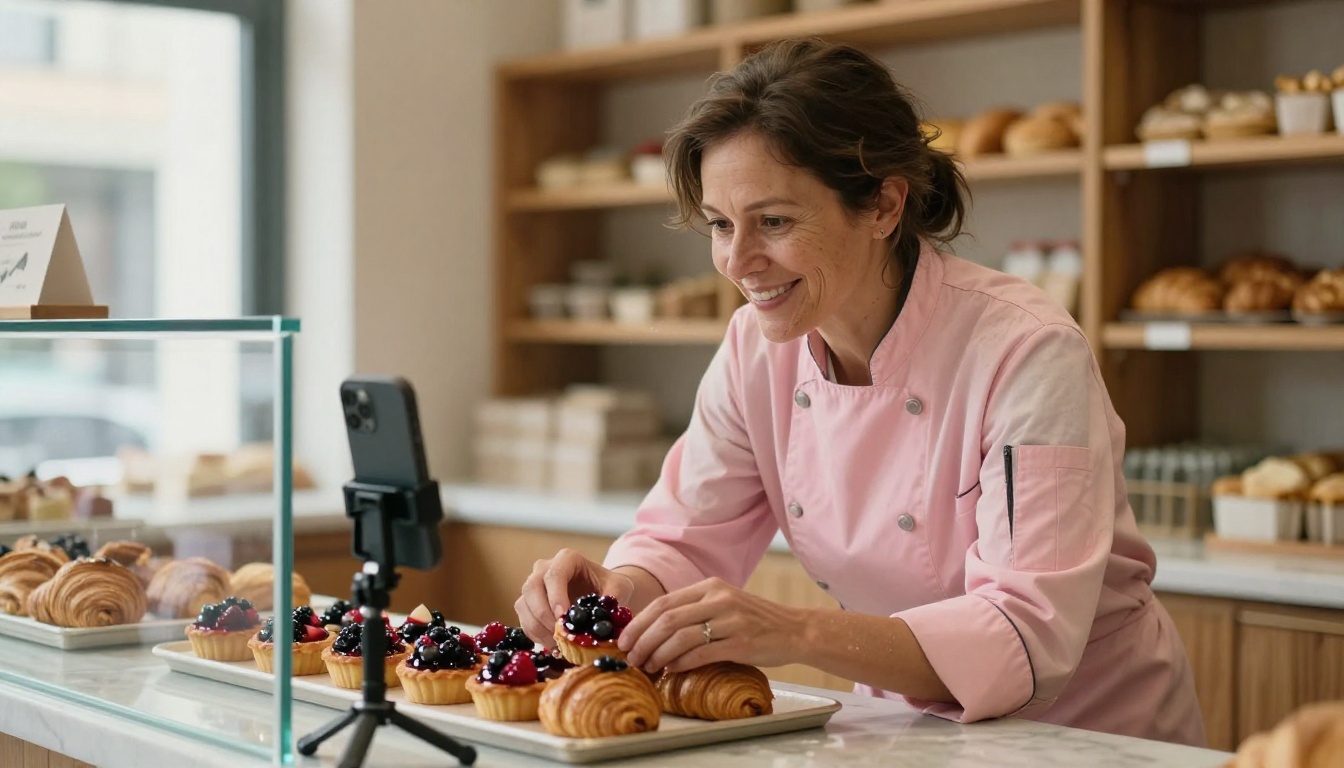
Short-form video is the channel where small brands are growing fastest in 2027, and audio is the part most owners get wrong. Phone microphones pick up the espresso machine, the dog, and the neighbor's leaf blower. AI audio fixes that without a $400 mic.
ElevenLabs V3 for Voiceovers
ElevenLabs V3 produces voiceovers that sound natural, warm, and on-brand. Write the script in your notes app, paste it in, pick a voice that matches your personality, and download a clean MP3 in under a minute. The result reads as a real human, not a robotic reader, which matters when your customer is choosing whether to trust you with their dinner reservation.
Lyria 3 Pro for Royalty-Free Tracks
Stock music libraries make you pay every quarter and force you to share the same five tracks with every competitor on TikTok. Lyria 3 Pro produces full-length original music from a short prompt. A pilates studio asks for "warm slow jazz piano with brushed drums, upbeat ending" and gets a track that nobody else owns. That originality is the new audio competitive edge.
How to Use PicassoIA Image Editor Pro Step by Step
Because PicassoIA Image Editor Pro is the engine most small owners adopt first, here is the exact workflow that produces a polished post in under five minutes.
- Open the PicassoIA Image Editor Pro page on picassoia.com.
- Upload the photo you want to work from, or skip the upload to generate from a blank prompt.
- In the prompt box, write the change in plain language. Example: replace the white wall with a warm beige stucco backdrop, add soft morning light from the left.
- Set the aspect ratio that fits the channel: 1:1 for Instagram grid, 9:16 for Reels and TikTok, 16:9 for YouTube and web banners.
- Generate. Because the plan is unlimited, run two or three variations and pick the one that hits.
- Open the result and use the edit slider for micro-fixes: remove a power outlet, brighten a shadow, fix a smudge.
- Download the high-resolution version and post.
💡 Parameter tip: Keep prompts under 60 words for product shots. Long prompts dilute the focus on the actual subject. Save the long, layered prompts for editorial frames or compositions with two or more subjects.
Three Common Mistakes Small Owners Make
The owners who get the most out of AI content tools are the ones who avoid the same three traps. None of them are obvious until you have shipped a few months of work.
Treating AI Output as Final
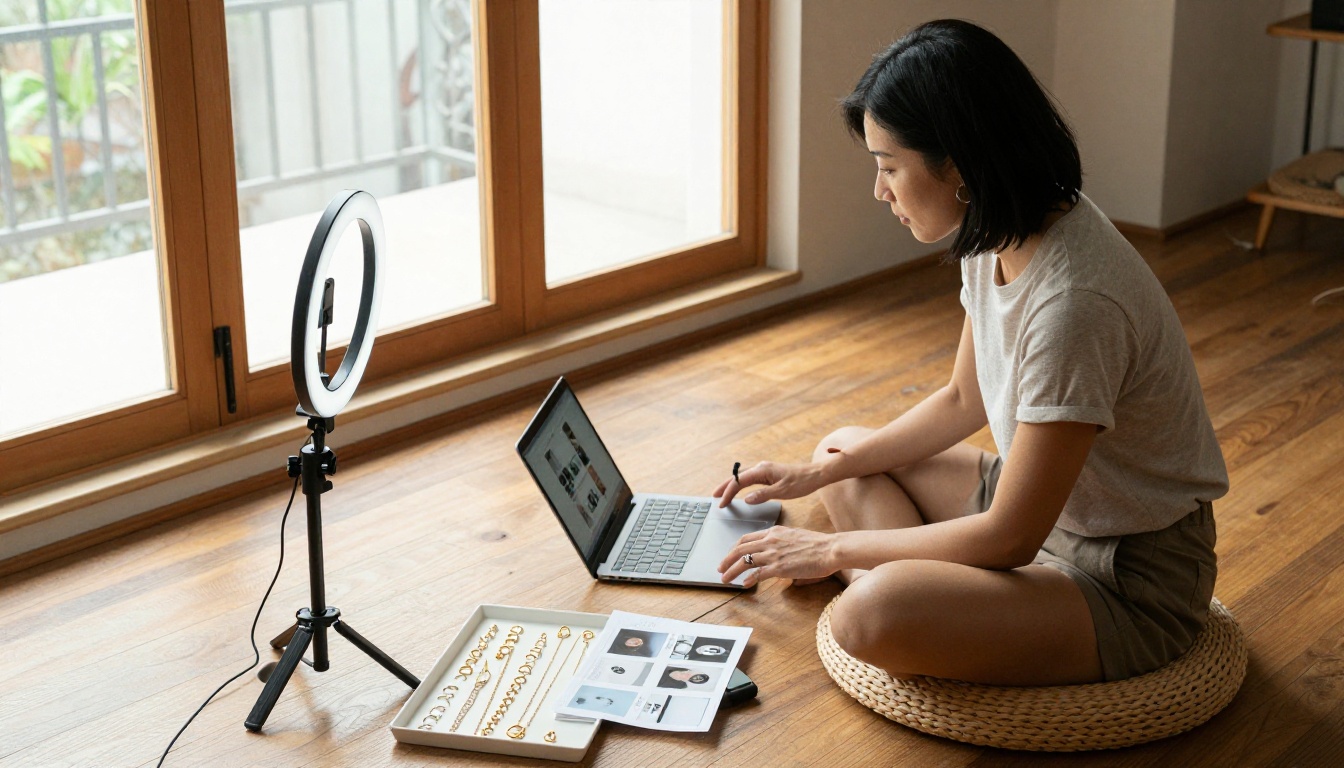
The first draft is rarely the post. Treat every generation as a starting frame and assume you will run at least one edit pass: a crop, a recolor, a logo placement. Owners who skip the edit pass produce flat work that customers smell from a mile away.
Mixing Five Aesthetic Styles in One Feed
Choose two image models and stay with them. A feed that mixes Recraft V4 Pro illustrations, Seedream 4.5 lifestyle shots, Nano Banana Pro storyboards, and a random third generator looks like a portfolio site, not a brand. Two models, one palette, one type system. That is the rule.
Forgetting the Human Touch
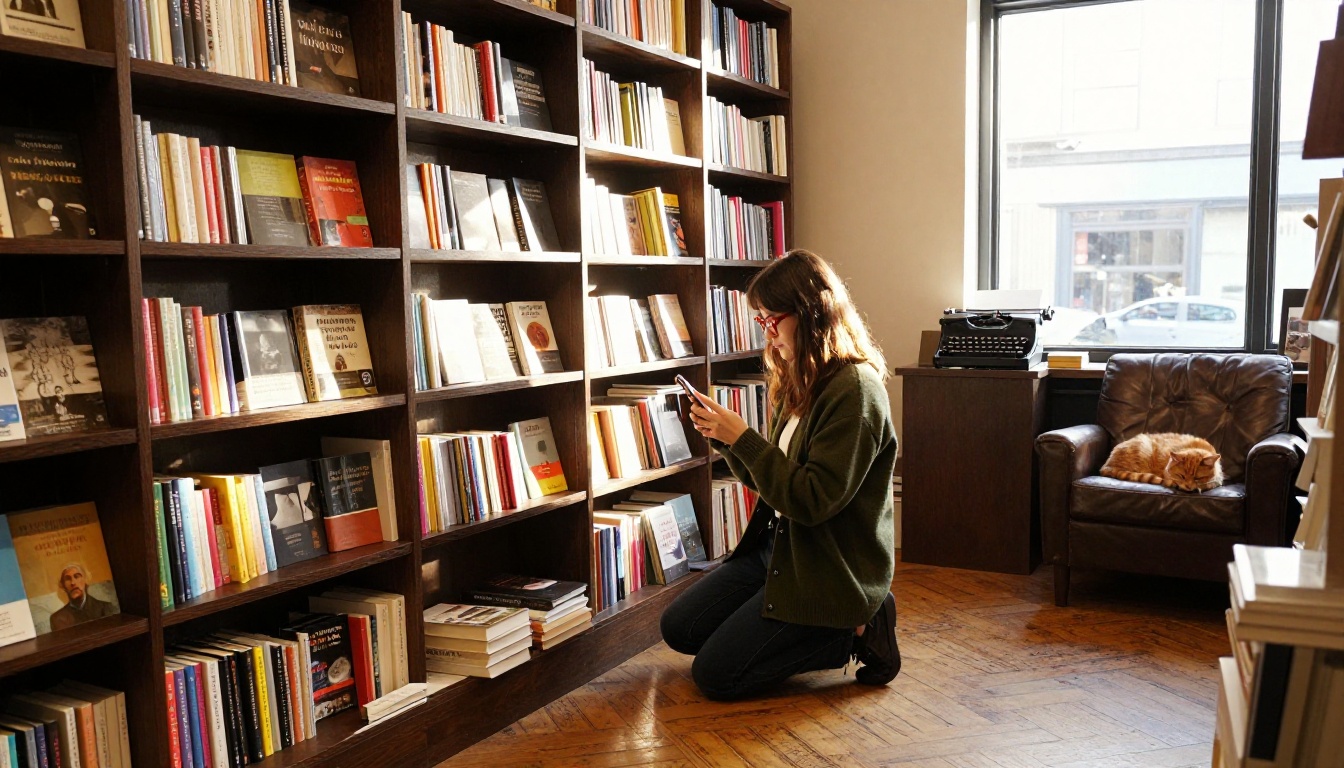
The reason your business won the first customer is you. Pure AI feeds underperform because they remove the texture of the owner. Mix in one photo a week shot on your own phone of the workshop, the cat, the burnt loaf, the rainy front window. The AI photos look better, but the phone photos build trust.
A Realistic Weekly Content Stack
Here is what a sustainable production week looks like for a one-owner business that posts on Instagram, sends a weekly newsletter, and runs occasional TikTok content.
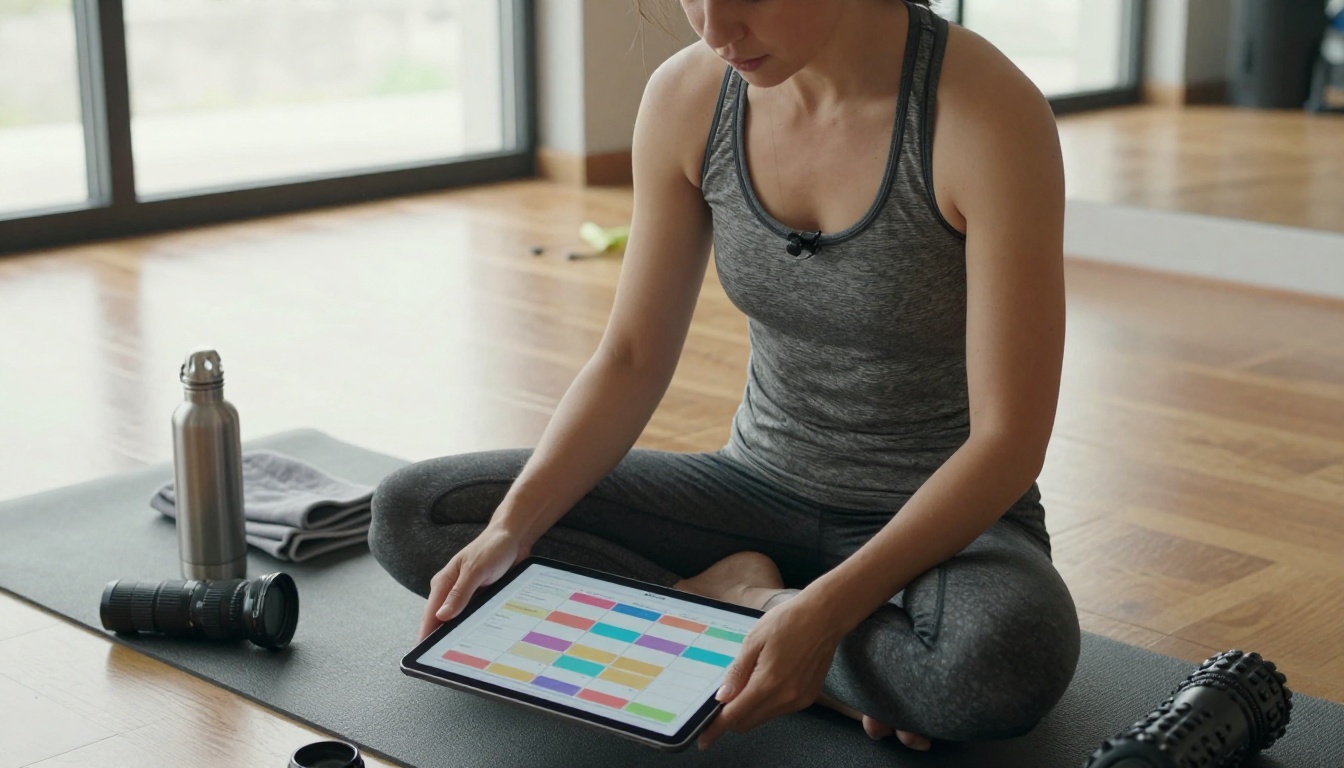
Two principles make this rhythm work. The first is batching. Sit down once on Monday morning, generate every static asset for the week, and put the files in a single folder. The second is single-tool discipline per task. Do not switch models mid-task; you will spend more time fiddling with prompts than producing.
Picking the Right Model for the Job
A quick decision tree helps when staring at 90+ image models on the platform.
How to Sound Like a Real Person, Not a Bot
The fastest way to ruin a beautifully generated photo is to bolt a stiff caption underneath it. Captions are still your job, and they should sound like you talking to a regular customer. Three quick habits keep the writing human.
Write in the Voice of Your Best Customer
Picture the regular who walks in twice a week. Write the caption like you are texting them. Short sentences, one specific detail, no marketing voice.
Open With a Specific Concrete Image
Skip the generic hook. Open on the thing: "The Saturday loaves came out two shades darker than we wanted." That sentence is unfair to AI because no model can replicate the texture of an honest specific.
Close With an Easy Action
End with one small ask. Tap save for the recipe. Reply with your favorite. Come by before 11. Friction-free.
Try It on Your Next Post
Pick one post on your calendar for next week, and produce it entirely with this stack. One hero image from Seedream 4.5, one quick edit pass through PicassoIA Image Editor Pro, one voiceover from ElevenLabs V3, and one background track from Lyria 3 Pro. Time the whole production from start to finish. Most owners come in under 30 minutes.
Then compare two numbers: what that post would have cost you in stock, retouching, and audio licensing last year, versus what it cost you in a single flat subscription this week. The math is what convinces the spreadsheet side of your brain. The visible improvement in your feed is what convinces the customer side.
Head to picassoia.com/en/all-models, pick one model from this article, and ship a single post today. Your future self, the one looking at next quarter's marketing line, will thank you.


