Free AI image generation has come a long way. Three years ago, "free" meant watermarks, tiny resolutions, and that telltale plastic sheen that screamed AI-generated. In 2027, the calculus has completely flipped. Some free-tier tools now produce images indistinguishable from professional photography. The real question is no longer whether free AI image generators are good. It's which ones are worth your time.
This is a direct comparison of the best options available right now, ranked by what actually matters: output quality, generation speed, how generous the free credits really are, and how much creative control you get without touching a payment form.
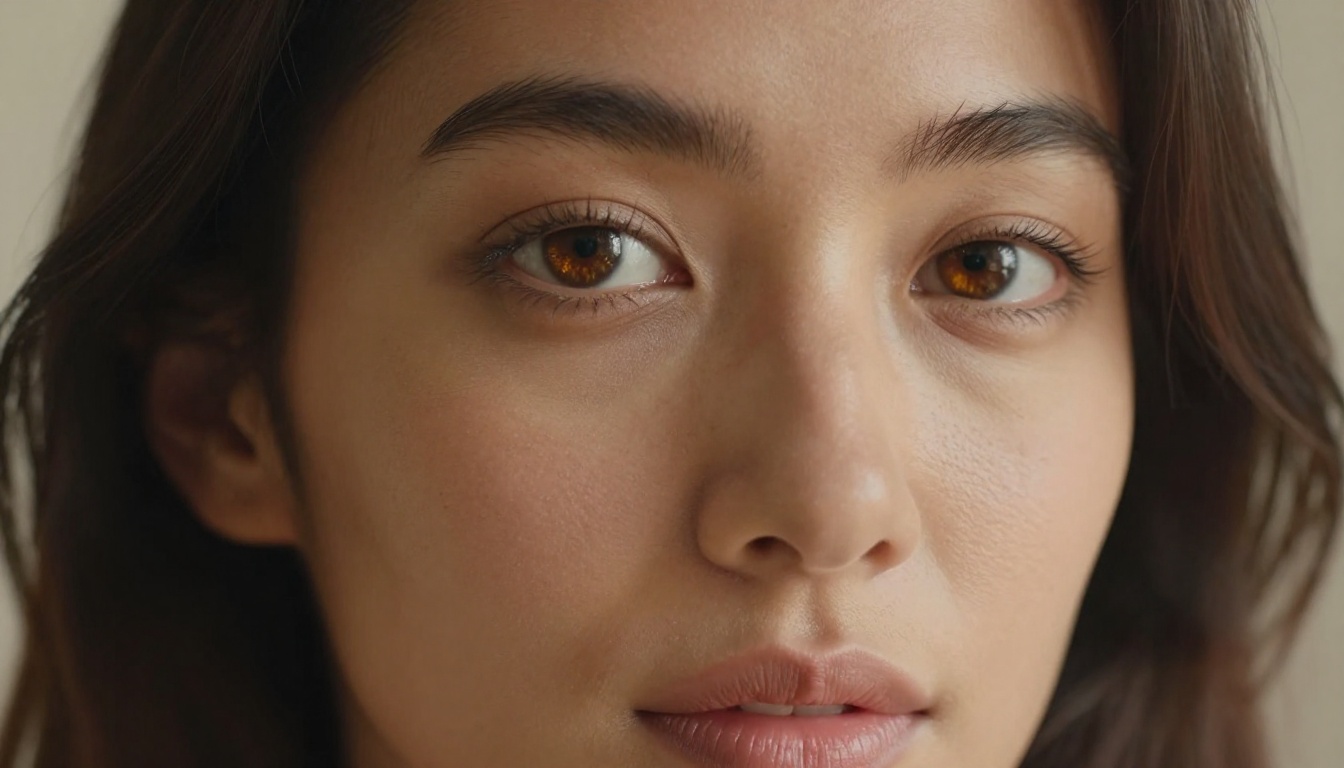
What "Free" Really Means in 2027
The word "free" gets stretched thin in AI platforms. Here is how to read the fine print before you commit to a workflow:
- Free credits: You get X generations and then you pay. Some platforms give 5, some give 500.
- Truly unlimited free: Rare but real. A handful of platforms run open-weight models where you can generate as much as you want with no cap during free hours.
- Free with limits: Resolution capped at 512px, queue times measured in minutes, or watermarks baked into every output.
- Free tier that matters: Full-resolution, no watermark, reasonable queue times, access to multiple models.
💡 The platforms worth your time in 2027 are the ones that offer full-resolution outputs with no watermark on their free tier, even if generation times are slightly slower during peak hours.
The platforms that only give you 5-10 "trial" generations are not really free. They are demos. The ones that give you daily credits, regenerating every 24 hours, are a different category entirely and are the ones you should build your workflow around.
The Models That Defined 2026
Not all AI image generators use the same underlying model. The model is everything. It determines photorealism, how accurately it interprets your prompt, and how well the image holds detail at large scale. Here are the models that matter this year and what each one does best.
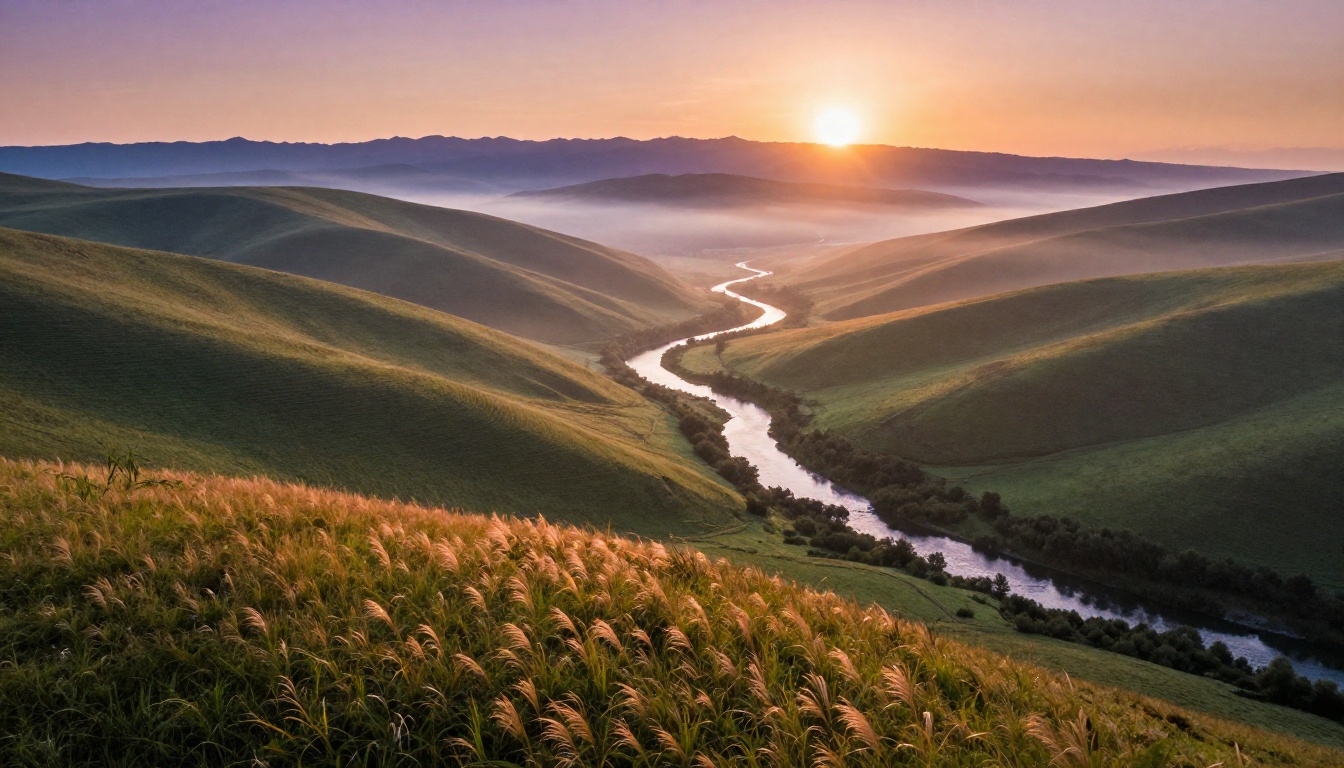
FLUX: The Photorealism Benchmark
FLUX Dev and FLUX Schnell from Black Forest Labs set the bar in late 2024 and have not been dethroned. FLUX handles photorealistic human faces better than any previous open-weight model, with accurate skin textures, consistent eye detail, and prompt adherence that borders on literal.
What FLUX does best:
- Photorealistic portraits with accurate anatomy
- Complex scenes with multiple subjects
- Typography and text within images (still imperfect, but leading the field)
- Consistent lighting direction across the entire frame
FLUX 1.1 Pro is the premium tier, but the free Dev and Schnell variants on platforms like PicassoIA produce results that hold up at full resolution. Schnell is faster (4-8 diffusion steps), Dev takes more steps but delivers sharper fine detail in hair, fabric, and skin.
💡 For portraits, use FLUX Dev at 28+ steps. For landscapes and abstract scenes where generation speed matters, FLUX Schnell at 8 steps is hard to beat on quality-per-second.
Seedream 4.5: Speed Without Compromise
Seedream 4.5 from ByteDance entered the public AI image space as a speed play and surprised everyone with its quality ceiling. Where earlier Seedream versions had real trouble with hands and fine anatomical detail, version 4.5 produces hands correctly in most generations, which remains one of the most meaningful benchmarks for model maturity.
| Attribute | Seedream 4.5 | FLUX Dev |
|---|
| Generation speed | Very fast | Moderate |
| Portrait quality | Excellent | Excellent |
| Landscape realism | Great | Very good |
| Text in image | Good | Better |
| Free access via PicassoIA | Yes | Yes |
Seedream 4.5 is particularly strong for content creators who need volume. When you are generating 20-30 images for a project rather than one or two hero shots, the speed advantage compounds significantly over a session.
Juggernaut XL: Portrait Photography Done Right
If you are generating headshots, model shots, or lifestyle photography, Juggernaut XL is the specialist. Built on SDXL as a base but fine-tuned specifically for photorealistic human subjects, it has a strong bias toward cinematic lighting and natural skin tones that other models simply do not reproduce as consistently.
What makes Juggernaut XL stand out is its natural color grading. Images tend to look like they came from a mid-range mirrorless camera rather than a render engine. The depth of field handling is particularly strong: backgrounds blur in a way that reads as optical rather than algorithmic.
Best use cases for Juggernaut XL:
- Professional headshots and model shots
- Fashion and lifestyle imagery
- Natural light portrait photography
- Editorial-style photography for blogs and magazines
SDXL: The Reliable Workhorse
SDXL from Stability AI remains a solid choice in 2027, not because it is the most impressive model, but because it is the most predictable. If you spend time with SDXL, you can reliably produce specific outputs. Its extensive fine-tune ecosystem means you can combine it with LoRAs and checkpoints to target very specific visual styles.
💡 SDXL responds exceptionally well to negative prompts. Spending 20 seconds on a negative prompt list (blurry, disfigured, watermark, oversaturated, plastic skin, extra fingers) consistently improves output quality significantly.
Stable Diffusion 3.5: Architectural and Scene Composition
Stable Diffusion 3.5 introduced a multi-modal diffusion transformer that handles complex scene composition differently from its predecessors. Where SD 2.x and SDXL struggled with architectural geometry (perspective errors, impossible structures), SD 3.5 produces buildings, interiors, and urban scenes with accurate spatial relationships.
For AI image generation focused on architectural visualization, interior design mockups, abstract compositions with precise geometry, or multi-subject complex scenes, SD 3.5 is often the right call even when FLUX would win on pure photorealism.
How to Use PicassoIA to Access All These Models Free
PicassoIA brings every model mentioned in this article into a single platform, accessible with a free account. No switching tabs, no managing API keys, no comparing pricing structures between five different services.
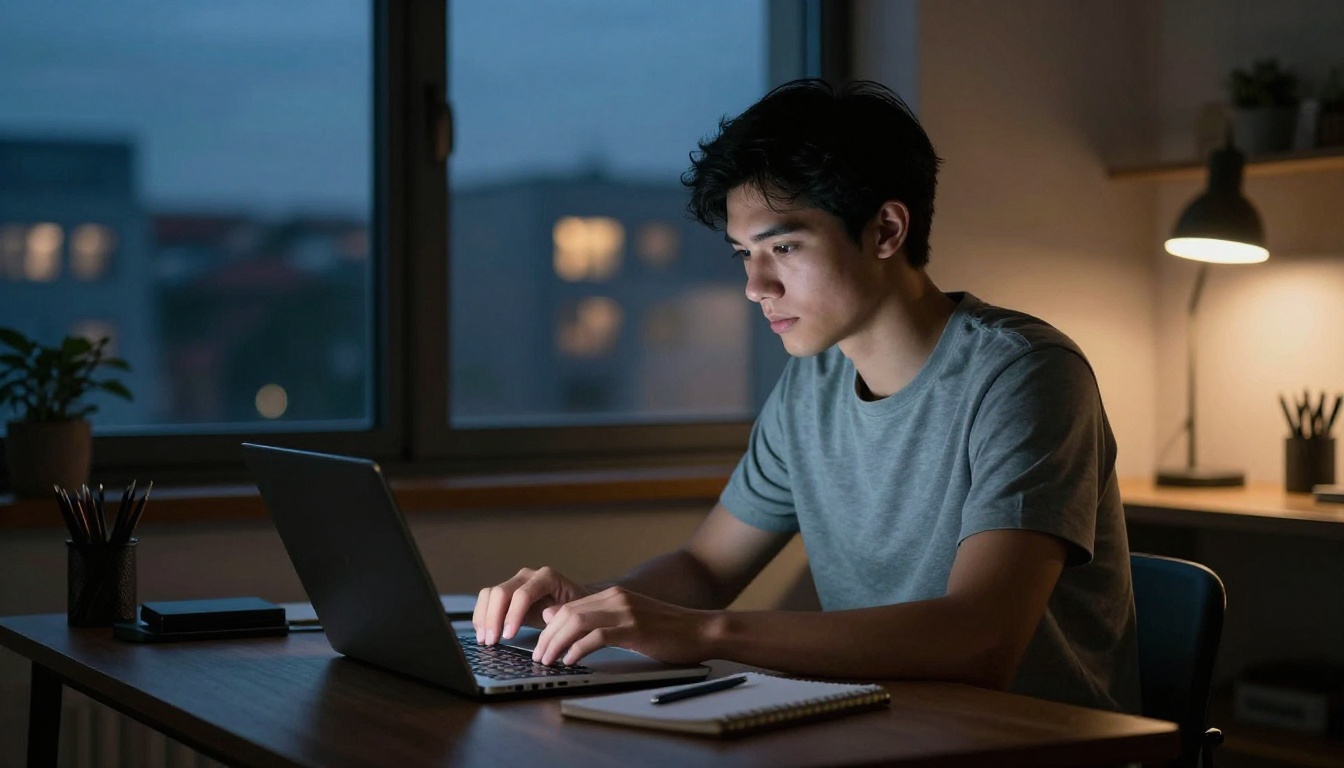
Here is the workflow that produces consistent results:
Step 1: Choose your model intentionally
Go to picassoia.com and browse the text-to-image collection. Each model page shows example outputs so you can judge the visual style before committing a generation. If you need a portrait, go to Juggernaut XL. If you need a landscape, try FLUX Dev or Seedream 4.5 first.
Step 2: Write a structured prompt
Strong prompts follow this pattern: Subject + Environment + Lighting + Camera or Lens + Texture or Atmosphere. Do not just type "a woman in a park." Write "a woman in her 30s sitting on a wooden bench in a sun-dappled city park, autumn leaves on the ground, soft morning backlight from the east, 85mm portrait lens f/1.8, shallow depth of field, Kodak Portra 400 film grain."
Step 3: Set your parameters
Most models on PicassoIA expose the following controls:
- Steps: Higher means more detail but slower. 20-30 is the sweet spot for most photorealistic models.
- CFG Scale: How strictly the model follows your prompt. 7-10 works for most cases. Lower values allow more creative interpretation.
- Seed: Set a specific seed to reproduce a result or iterate on it. Essential for A-B testing prompt changes.
- Aspect Ratio: Always set this before generating, not after.
Step 4: Iterate deliberately
The first generation is rarely your best. Adjust one variable at a time: change the lighting description, shift the camera angle, add a specific texture detail, tighten the negative prompt. Experienced users typically run 3-5 iterations before landing on a final image.
💡 Prompt upsampling is available on FLUX models on PicassoIA. Use it when you want the model to add creative interpretation to a short prompt. Disable it when you need precise, literal outputs where every detail in the prompt matters.
The Upscale Problem Nobody Talks About
Generating a good base image is only half the job. If you need that image at print resolution, for a commercial project, or to crop into a tight detail shot, the base 1024px output from most models will not cut it.
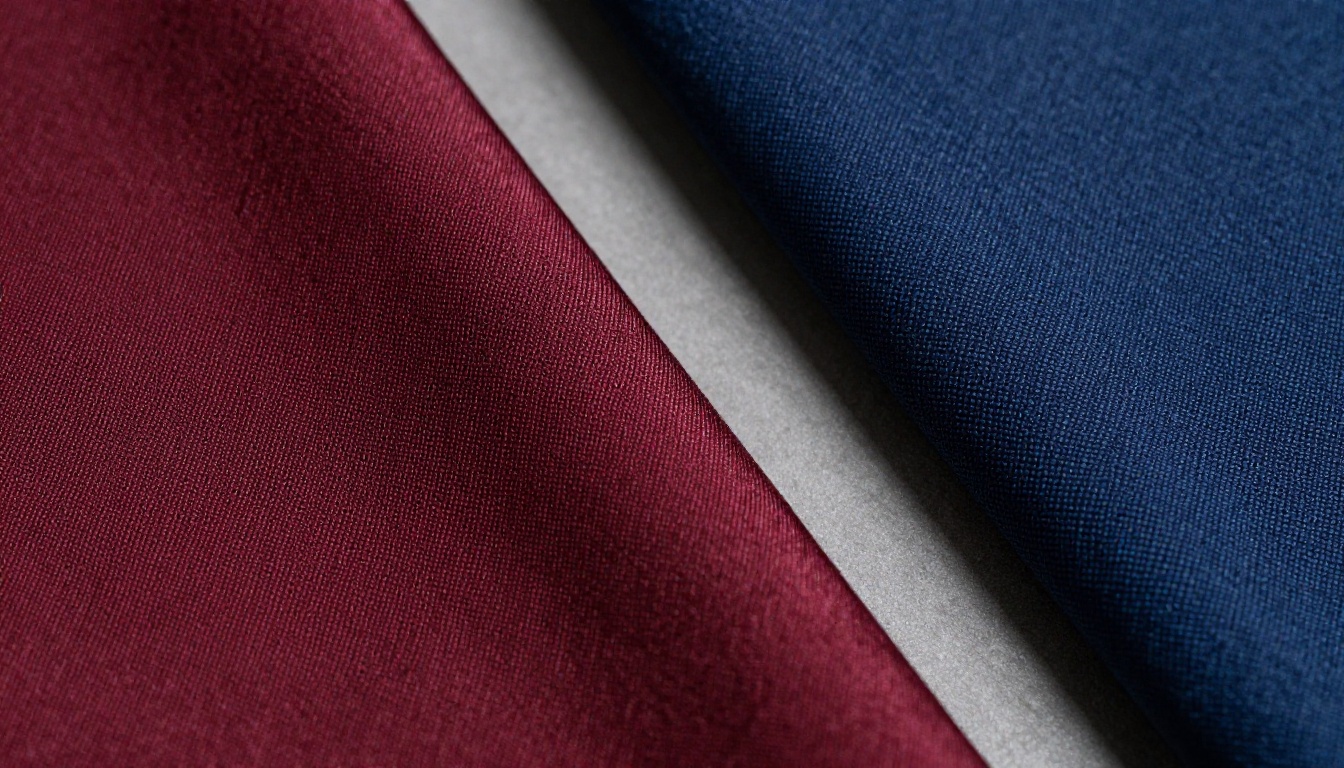
This is where super-resolution tools make a real difference. PicassoIA includes upscaling models directly in its platform. Real-ESRGAN handles photorealistic upscaling particularly well for portraits and natural scenes. It adds micro-detail (skin pores, individual hair strands, fabric fiber texture) rather than simply blowing up pixels.
Upscaling options on PicassoIA:
| Model | Best For | Scale Options |
|---|
| Real-ESRGAN | Photos, portraits, landscapes | 2x, 4x |
| ESRGAN Pro | General purpose upscaling | 2x, 4x |
| SwinIR | Fine line detail, architecture | 2x, 4x |
The workflow adds about 30-60 seconds per image, and the quality jump from 1024px to 4096px with proper super-resolution is significant enough to matter for any professional use case. Run your base generation, then pass it through the upscaler in the same session.
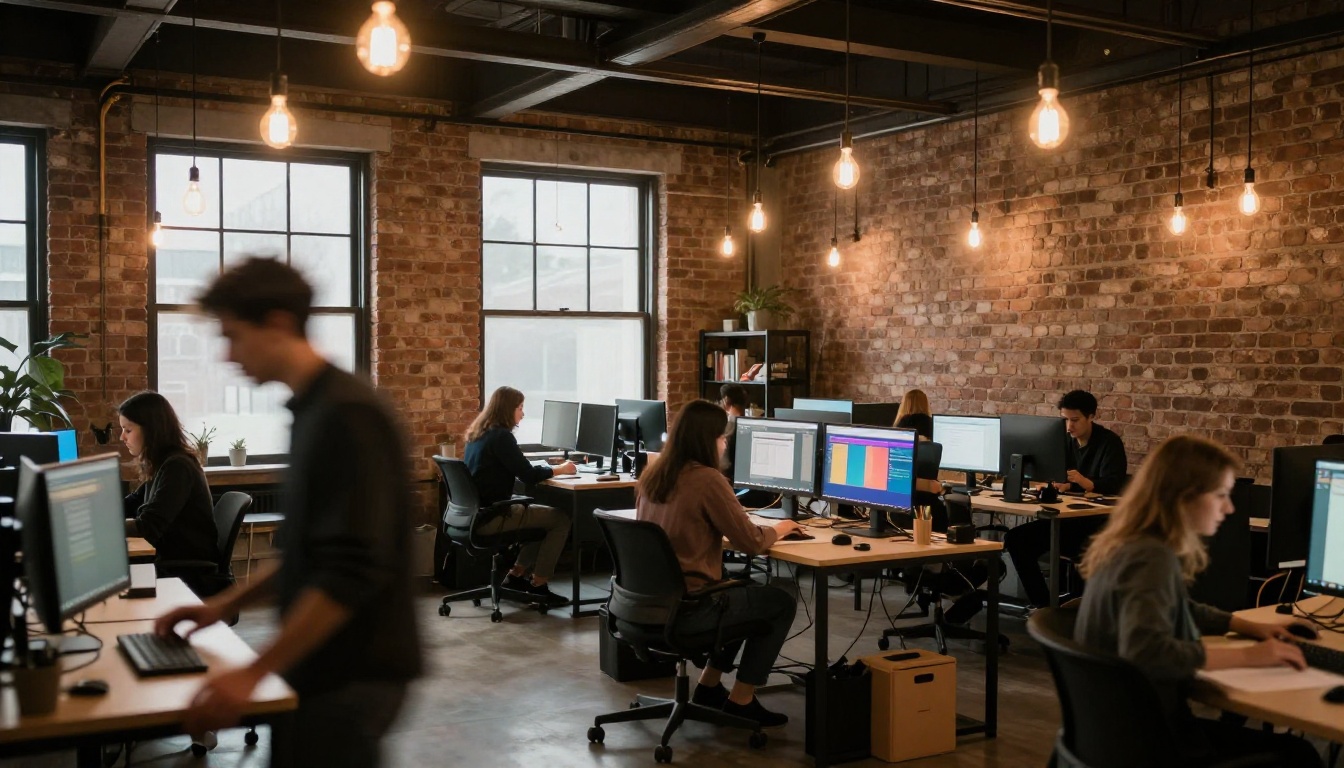
Every major platform adjusted their free tier in 2026. Here is how they actually compare on the metrics that matter for real creative work:
| Platform | Free Credits | Models on Free Tier | Watermark | Resolution |
|---|
| PicassoIA | Generous daily | 91+ text-to-image | No | Full |
| Midjourney | Trial only | 1 (proprietary) | No | Full |
| Adobe Firefly | 25/month | 1 (proprietary) | Credential only | Full |
| Leonardo AI | 150/day | 30+ | No | Full |
| DALL-E 3 (Bing) | Limited daily | 1 (DALL-E 3) | No | Full |
| Ideogram | 10/day | 1 (Ideogram) | No | Full |
The standout advantage of PicassoIA is model variety. While other platforms lock free-tier users into a single proprietary model, PicassoIA gives access to over 91 text-to-image models. That means you can pick the right tool for each specific project rather than forcing every prompt through one model that may not be optimized for your subject matter.
What Actually Determines Image Quality
People obsess over which model is "best" when the real variable is prompt quality. Two users working with the same model can get wildly different results based purely on how they structure their prompts.
The elements that make the biggest difference:
Lighting description is the single most impactful element. "Soft natural window light from the left" produces a completely different image than "direct overhead flash." Describe the direction, quality (hard versus soft), and color temperature. "Volumetric golden hour light from the southwest, casting long diagonal shadows" is a strong lighting cue.
Camera and lens specifics signal to the model what focal length perspective to apply. "35mm wide angle" and "85mm portrait lens" produce measurably different spatial relationships between subject and background. Adding "f/1.8 shallow depth of field" or "f/8 deep focus" shapes how the background renders.
Texture and surface details tell the model how to render materials. "Natural skin texture with visible pores and fine lash detail" is better than "realistic skin." "Weathered oak wood with visible grain and knots in the surface" is better than "wood."
Film stock simulation (Kodak Portra 400, Fujifilm Provia, Ilford HP5) communicates a color science and grain structure that photorealistic models are trained to reproduce. It is one of the fastest ways to shift an AI image from looking "digital" to looking "photographic."
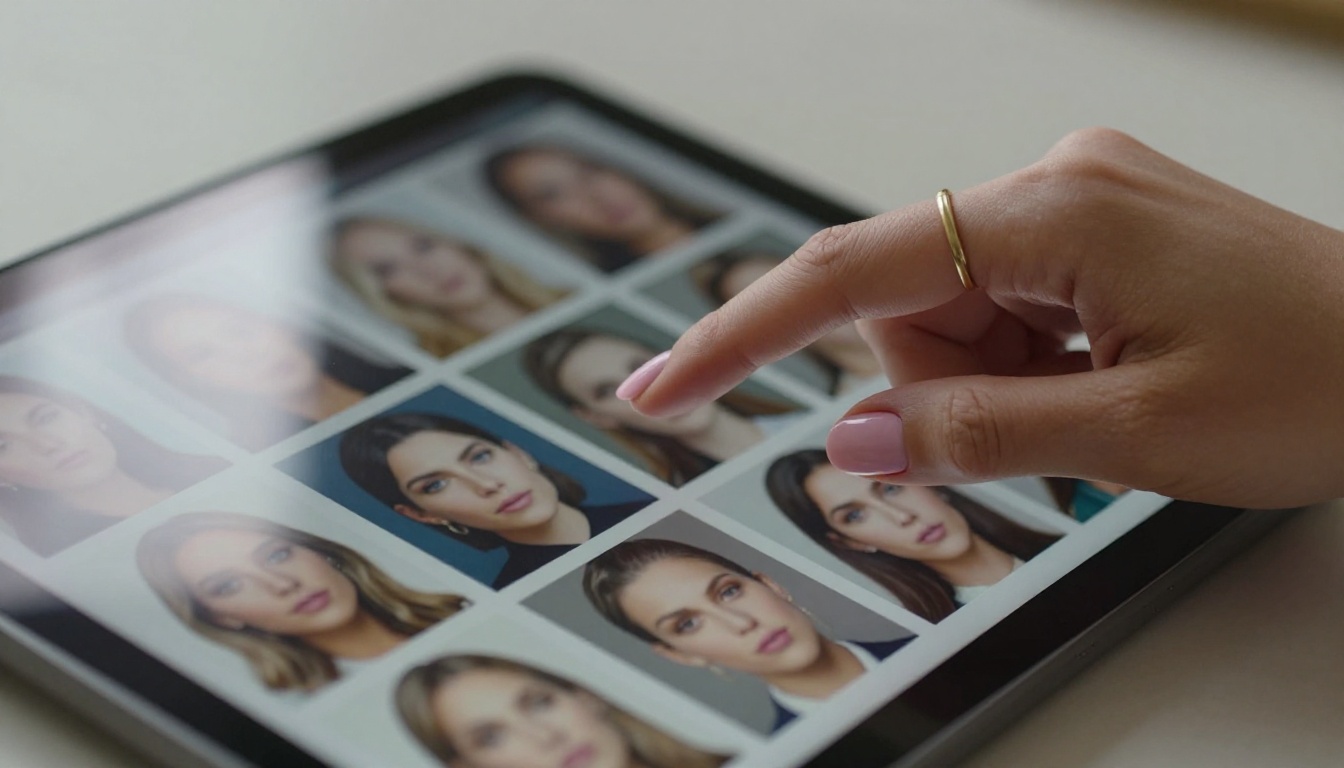
The best free AI image generator in practice is whichever one you have spent the most time with. Prompt craft is a skill that transfers across models. Once you know how FLUX responds to lighting descriptions, that knowledge applies to Seedream, Juggernaut XL, and SDXL as well.
AI Image Generation in Commercial Work
One question that comes up constantly: can free AI image generators produce work usable for commercial projects in 2027?
The short answer is yes, with caveats worth knowing.
Most open-weight models (FLUX Dev, SDXL, SD 3.5) are released under licenses that allow commercial use of generated images. Always check the specific model license before using generated images in paid work. The platform itself may have its own terms that govern commercial rights separate from the underlying model license.
Where AI-generated images work well commercially:
- Blog and editorial illustration
- Social media content and ad creative
- Mockups and client-facing prototypes
- Stock-style photography for internal documents and presentations
- Concept art and mood boards for creative briefs
Where you still need real photography:
- Product shots requiring specific SKUs and physical accuracy
- Brand photography with actual people and named locations
- Legal, medical, or news contexts requiring documentary accuracy
- Any use case requiring signed model releases
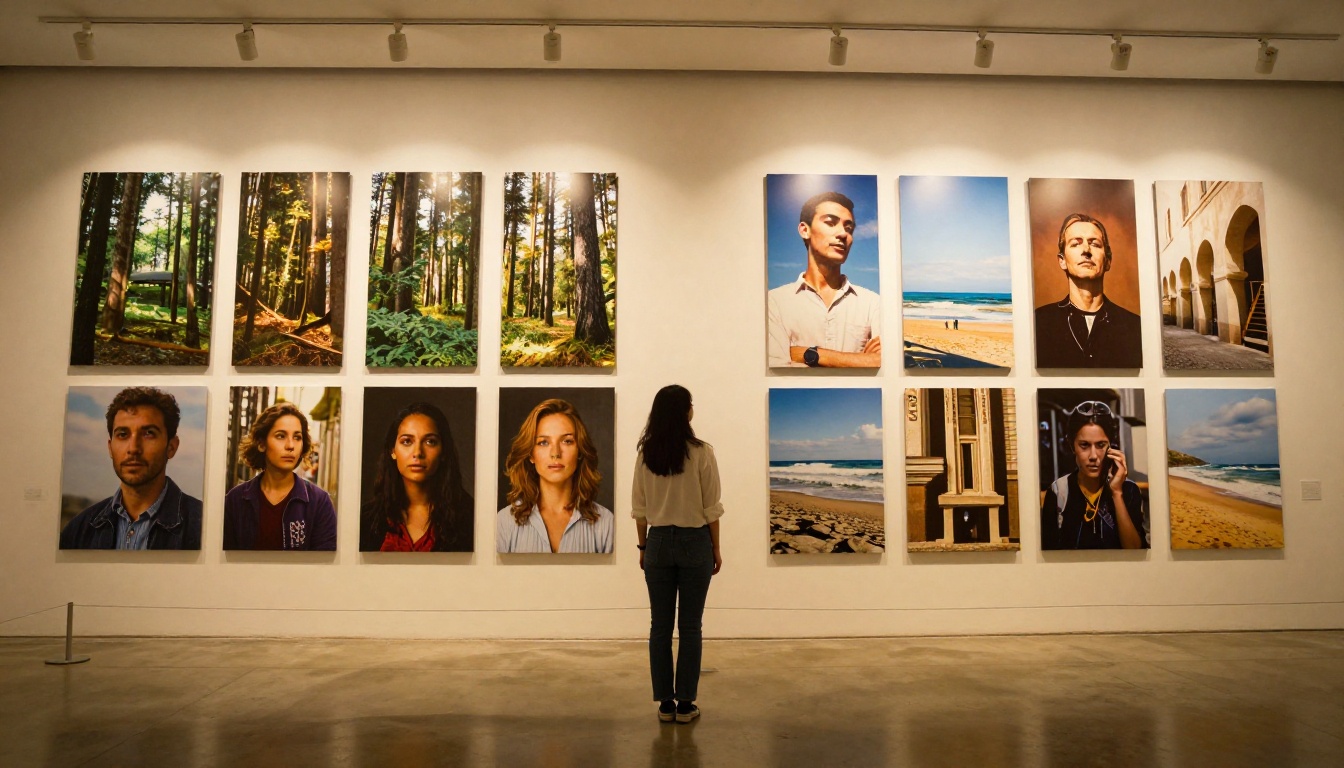
The commercial use case for AI image generation is strongest in content at scale: if you need 30 editorial images for a blog, 50 social media visuals for a campaign, or 100 concept art variations for a pitch deck, the economics of AI generation versus stock photography or custom photography are increasingly clear.
3 Common Mistakes That Kill Image Quality
These are the mistakes that produce mediocre results even with strong models:
1. Vague subject descriptions
"A woman" tells the model almost nothing. "A woman in her mid-30s with dark wavy hair, wearing a cream linen shirt, seated at a marble desk with a ceramic coffee mug nearby" gives the model enough to work with. The more specific the subject description, the more the model can produce what you actually picture.
2. Skipping the negative prompt
Every extra second spent on a negative prompt pays back in output quality. For photorealistic work, a baseline negative prompt of "blurry, low resolution, watermark, artificial lighting, overexposed, disfigured, extra fingers, plastic skin, cartoon, 3D render" covers the most common failure modes across all major models.
3. Wrong model for the task
FLUX Dev for architectural detail and complex scenes. Juggernaut XL for portrait photography and human subjects. Seedream 4.5 when you need fast iteration at volume. SD 3.5 for precise geometric compositions and interior spaces. Matching the model to the subject type matters more than any single prompt optimization.
Why Aerial and Scene Photography is Harder Than It Looks
One area where free AI image generators still show visible limitations is wide aerial photography and highly specific geographic or architectural subjects. The models produce convincing types of places rather than specific places. An aerial shot of "downtown Manhattan" will produce a convincing dense urban grid, but not Manhattan specifically.
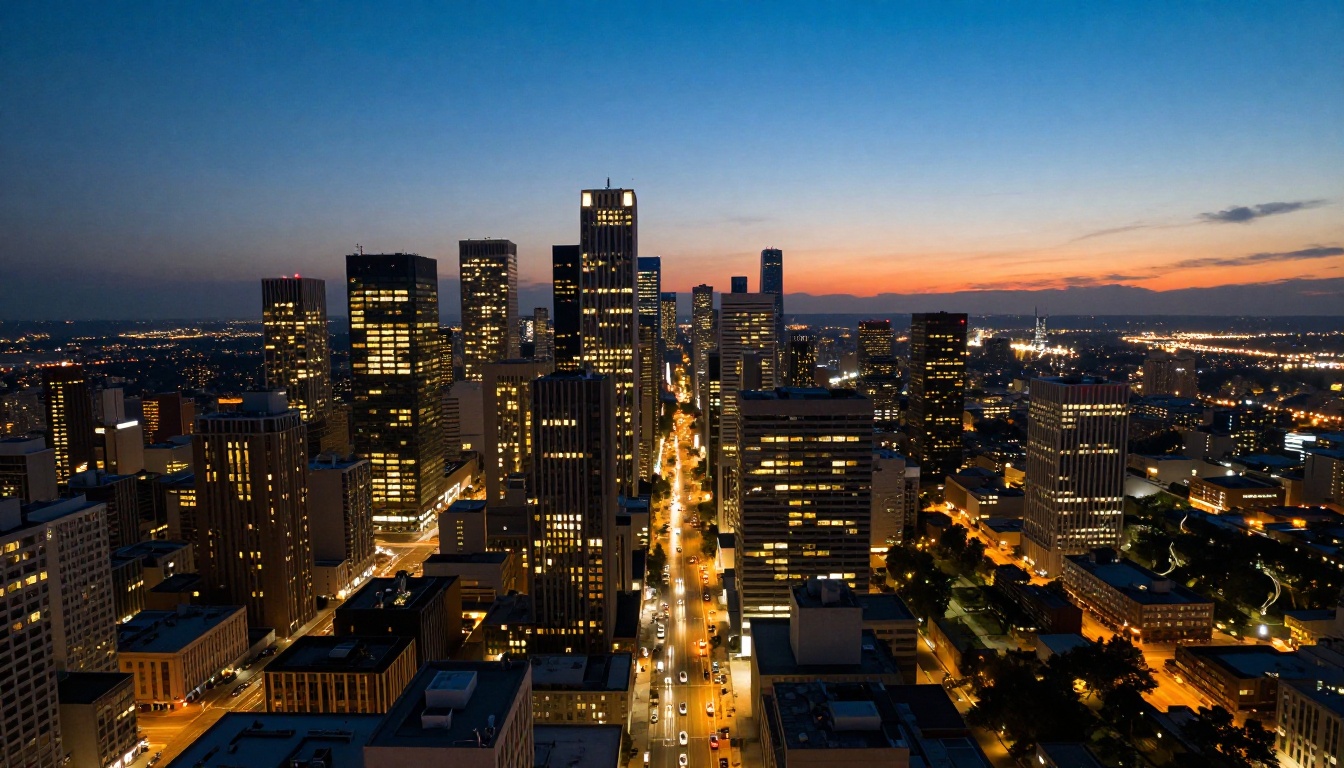
This is not a flaw worth working around for most use cases. For editorial illustration, concept art, and generalized photography, the "type of place" approach works perfectly. For location-specific or identifiable subject matter, you still need real photography.
Where AI aerial imagery shines is in creating atmospheres: a rain-soaked downtown at dusk, a sun-bleached coastal town, a snow-covered mountain village. These atmospheric and typological scenes are exactly what most editorial content needs.
Community, Prompts, and How People Actually Get Good
One underrated aspect of choosing a platform is the community around it. The best platforms have active users who share prompts, discuss model behavior, and post iteration sequences that help everyone improve faster.
PicassoIA's model pages include example images with their source prompts visible. Instead of starting from scratch every session, you can take a prompt that produced an image close to what you want and modify it toward your specific creative direction. This is how most experienced AI image creators actually work: they start from something that works, iterate deliberately toward the target output, and save prompts that produced strong results for future reuse.
The time investment in learning any one platform pays compound returns. An hour spent on PicassoIA understanding how FLUX Dev responds to specific lighting descriptions is an hour that reduces wasted generations and improves output quality across every session afterward.
Start Generating Your Own Images
PicassoIA gives you access to all the models covered in this article, free, in one place. Whether you want to test FLUX Dev for photorealistic portraits, push Juggernaut XL for editorial-style imagery, run Seedream 4.5 for fast creative iteration, or pass your output through Real-ESRGAN to get a print-ready resolution, the workflow lives in one tab with no payment required to start.
The best way to figure out which model suits your creative work is to run the same prompt through three or four models and compare the results directly. PicassoIA makes that comparison frictionless. Browse the full collection of over 91 text-to-image models at picassoia.com/en/all-models and start producing images that match what you are actually picturing.


